
USED IPHONE BUYER GUIDE
iPhone 13 vs iPhone 14: Which Is Better Used?
iPhone 13 and iPhone 14 look close on paper, so a used-device decision is rarely about model year alone. A clean iPhone 13 with stronger battery health can be the smarter buy than a weaker iPhone 14; a well-priced iPhone 14 can justify its premium when newer camera, video, or safety features matter to the buyer.
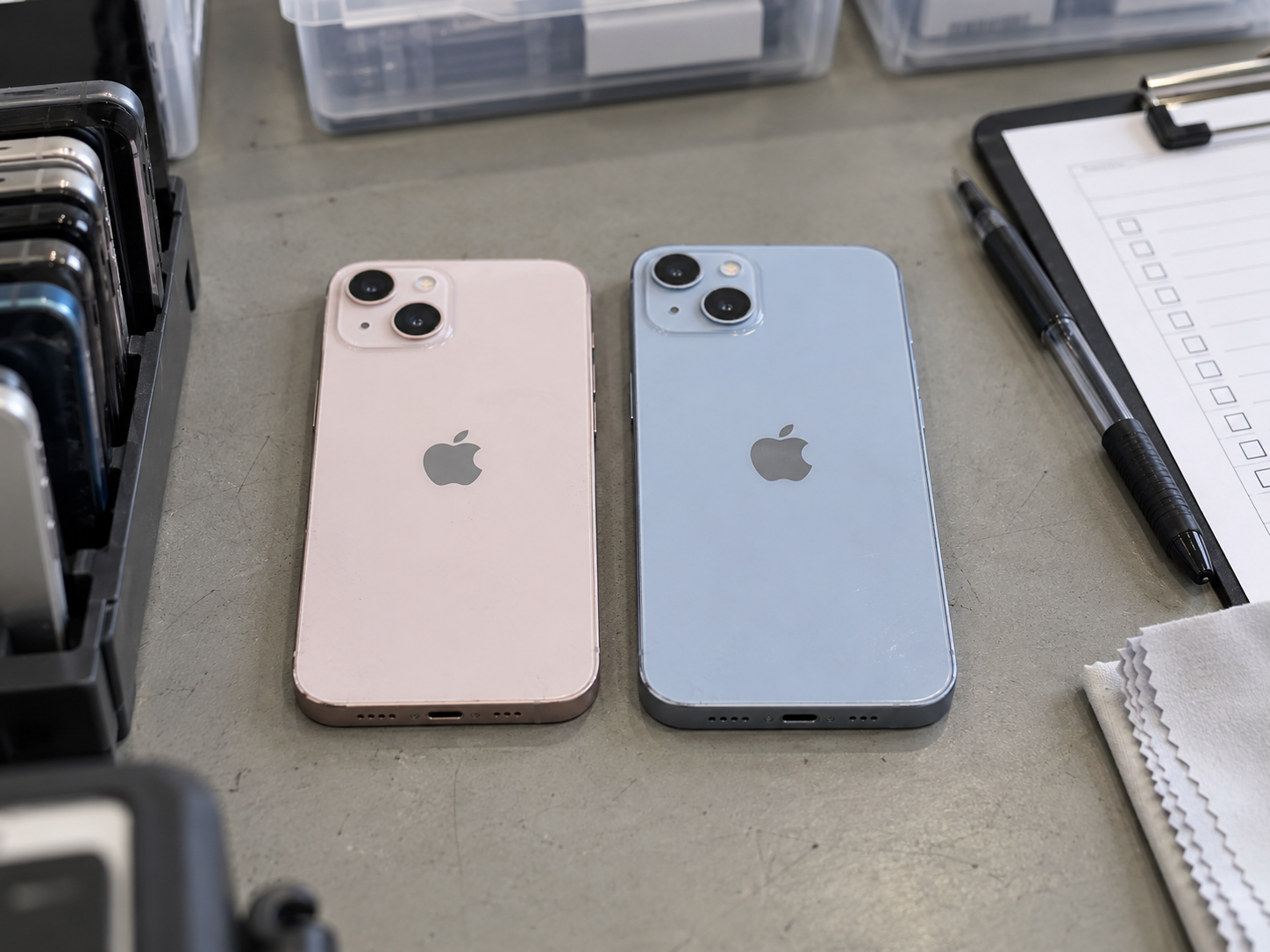
QUICK REFERENCE
The facts to check first
- Both models support iOS 26.
- Neither standard model supports Apple Intelligence.
- Both start at 128GB and offer OLED, 5G, Face ID, MagSafe, and dual rear cameras.
- iPhone 14 has a newer A15 version with an extra GPU core.
- iPhone 14 improves low-light camera hardware and image processing.
- iPhone 14 adds front-camera autofocus, Action mode, and 4K Cinematic mode.
- iPhone 14 includes Crash Detection and satellite emergency features in supported regions.
- iPhone 13 is often stronger value when the price gap is substantial.
- Battery health, repair history, and cosmetic condition can matter more than generation.
- Verify IMEI, Activation Lock, Carrier Lock, SIM or eSIM compatibility, battery health, and core functions.
OVERVIEW
The Short Answer: Which Used iPhone Should You Choose?
Choose a used iPhone 13 when it offers a clear saving over iPhone 14 and has equal or better battery health, cosmetic condition, and repair history. Choose a used iPhone 14 when the price difference is reasonable and the buyer values improved camera features, front-camera autofocus, Action mode, safety tools, or a newer model year.
For a reseller, the question is also commercial: does the feature difference move the unit faster or support a higher, realistic price in the destination market? For an export buyer, a regional configuration or a carrier restriction can matter more than the camera upgrade. Keep the comparison tied to the exact unit and its intended customer.
What Matters More Than the Model Number
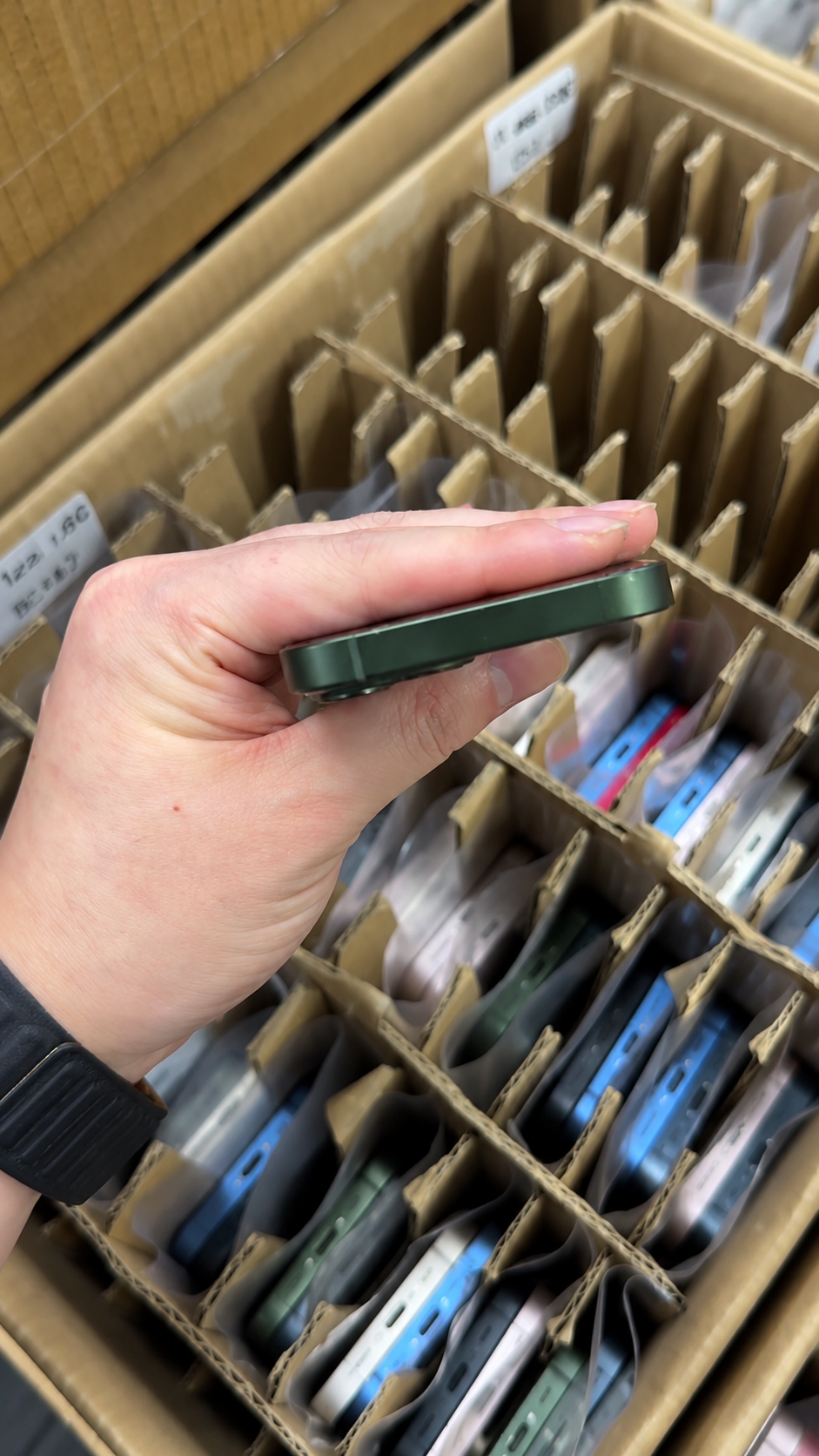
- Battery Health and Charging status.
- Cosmetic grade and real-device photos.
- IMEI, Activation Lock, and Carrier Lock status.
- Parts and Service History and storage capacity.
- Physical SIM or eSIM compatibility.
- Actual cost after shipping, warranty, and possible repair costs.
- Clear seller documentation and claim terms.
| Buyer Priority | Better Choice | Why | What to Verify |
|---|---|---|---|
| Lowest verified purchase cost | iPhone 13 | It commonly creates more room for value. | Same storage, grade, battery, and landed cost. |
| Best everyday value | Usually iPhone 13 | Shared OLED, 5G, Face ID, and A15 remain capable. | Battery and repair history. |
| Better low-light and video features | iPhone 14 | Larger main sensor, Photonic Engine, Action mode. | Test every camera and video mode. |
| Social media and video calls | iPhone 14 | Front-camera autofocus is useful. | Front camera, microphone, and storage. |
| Safety-feature interest | iPhone 14 | Crash Detection and supported satellite features. | Regional service availability. |
| Stronger battery condition | Best individual unit | Current health outweighs original rating. | Capacity, messages, heat, and charging. |
| Physical SIM requirement | Variant-dependent | Configuration varies by market. | Actual tray and destination carrier. |
| eSIM-ready destination market | Either, variant-dependent | Both may support eSIM by region. | Carrier activation rules. |
| B2B resale and mainstream inventory | Stock both | They serve value and newer-feature tiers. | Unit-level condition records. |
| Long-term buyer confidence | Best documented unit | Clear history reduces avoidable disputes. | IMEI, locks, parts, and claim terms. |
DETAILED COMPARISON
iPhone 13 vs iPhone 14 Used Comparison: What Actually Changes?
1. Shared Features: Why the Two Models Feel So Similar
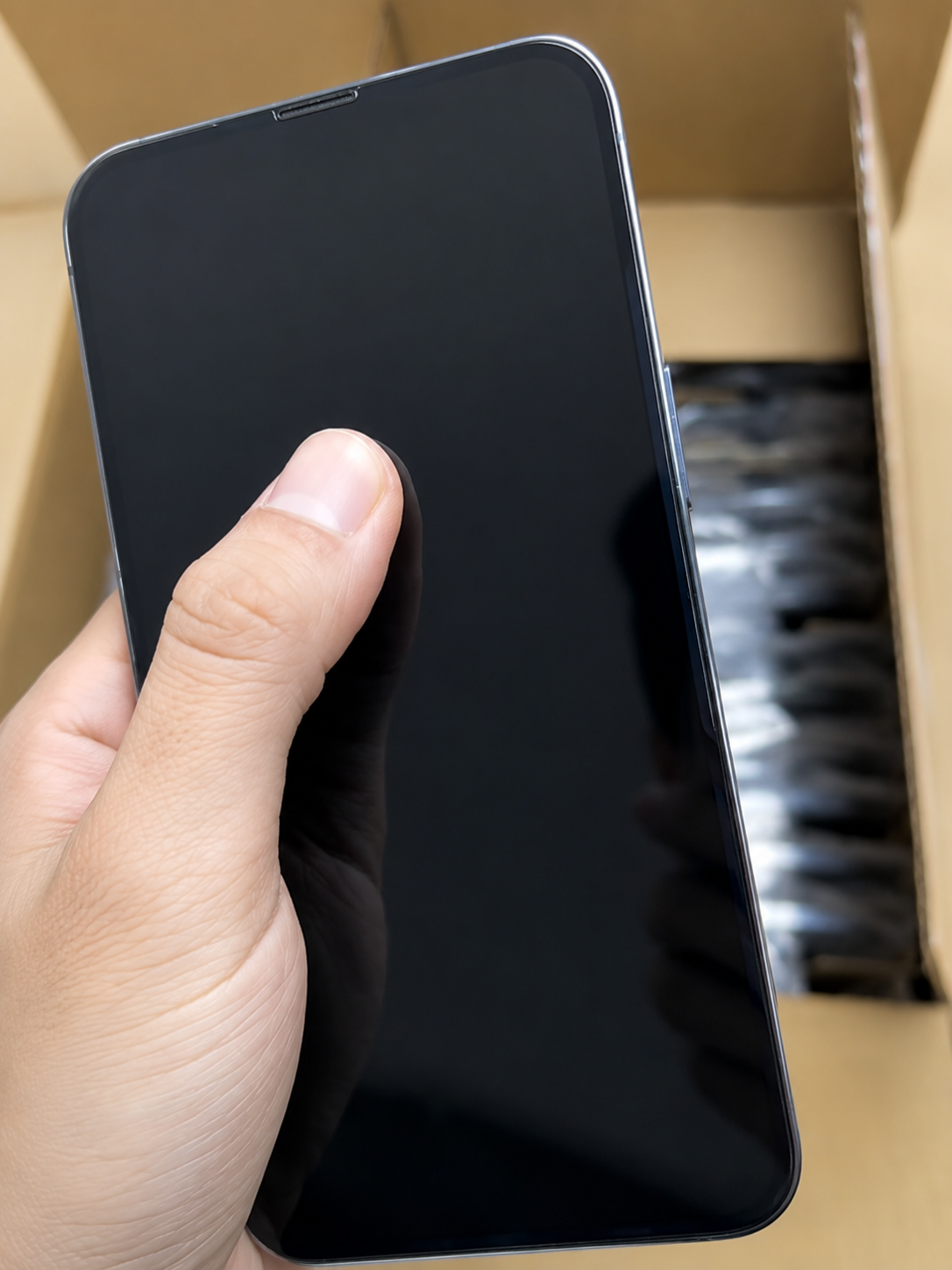
Both models remain capable used phones in 2026. Their matching 6.1-inch Super Retina XDR OLED display, flat-edge design, Face ID, 5G, MagSafe, Lightning port, 60Hz refresh rate, and 128GB, 256GB, or 512GB storage options mean daily use can feel very similar. Each had IP68 water resistance when new, but a used phone should never be assumed water-resistant after wear or repair.
| Shared Feature | iPhone 13 | iPhone 14 | Used-Buyer Meaning |
|---|---|---|---|
| Display | 6.1-inch Super Retina XDR OLED | 6.1-inch Super Retina XDR OLED | Both offer sharp OLED quality. |
| Storage | 128GB, 256GB, 512GB | 128GB, 256GB, 512GB | Both avoid low 64GB base storage. |
| Authentication | Face ID | Face ID | Similar day-to-day security. |
| Connectivity | 5G | 5G | Both meet modern network needs. |
| Wireless charging | MagSafe and Qi | MagSafe and Qi | Compatible accessories work on both. |
| Rear camera format | Dual 12MP Wide and Ultra Wide | Dual 12MP Wide and Ultra Wide | Similar basic flexibility. |
| Apple Intelligence / iOS 26 | Not supported / Compatible | Not supported / Compatible | Neither fits Apple Intelligence demand; both run iOS 26. |
Shared Strengths for Used Buyers
- OLED display, 5G, Face ID, MagSafe, and 128GB starting storage.
- Familiar iPhone design for calls, messaging, social media, browsing, video, and work apps.
- Buyer instruction: compare condition and price before treating iPhone 14 as an automatic upgrade.

2. Performance: A15 Bionic vs. A15 Bionic With an Extra GPU Core
Both use the A15 Bionic family, so ordinary messaging, browsing, navigation, business apps, and streaming are broadly similar. iPhone 13 uses a 4-core GPU; iPhone 14 uses a 5-core GPU version. That gives iPhone 14 modest graphics headroom, not a dramatic everyday leap.
Do not confuse a sluggish individual device with a model-wide performance difference. Limited free storage, degraded battery condition, background setup work, overheating, or a fault can all affect a used phone. Test the functions a downstream customer will actually use.
| Use Case | iPhone 13 | iPhone 14 | Practical Used-Buyer Result |
|---|---|---|---|
| Calls, email, messaging | Capable | Capable | Little meaningful difference. |
| Browsing and social media | Smooth for normal use | Smooth for normal use | Condition matters more. |
| Streaming and video calls | Strong | Strong | Camera features may matter more. |
| Casual and demanding games | Good; older limits remain | Slightly stronger graphics potential | 14 has a modest advantage. |
| On-device AI | Not supported | Not supported | Neither meets Apple Intelligence needs. |
Performance Test Before Purchase
- Open everyday apps and switch between them.
- Test typing, touch response, video playback, and a relevant game.
- Check for heat, restarts, severe lag, and insufficient free storage.
- Confirm battery condition before judging speed.
3. Battery: Original Ratings Matter Less Than Current Health
iPhone 14 has a slightly stronger official battery-life rating, but that is only a model-level reference. A healthy iPhone 13 can provide a better day-to-day experience than an iPhone 14 with a worn battery, unstable charging, or an undisclosed service message.
| Battery Factor | iPhone 13 | iPhone 14 | Buyer Guidance |
|---|---|---|---|
| Original battery-life position | Strong for its generation | Slightly stronger rating | Do not substitute it for unit health. |
| Maximum capacity | Varies by unit | Varies by unit | Record the exact percentage. |
| 90%–100% | Strong used condition | Strong used condition | Supports confidence. |
| 80%–89% | Usually usable | Usually usable | Compare with price and use case. |
| Below 80% | May need service sooner | May need service sooner | Price accordingly or budget service. |
| Heat or unstable charging | Reliability concern | Reliability concern | Stop and investigate. |
Battery Check
- Open Settings > Battery > Battery Health & Charging and record capacity.
- Check messages, Lightning charging, and MagSafe or Qi charging where relevant.
- Watch for heat, screen lifting, or swelling; review Parts and Service History when available.
- Buyer instruction: make battery policy part of every purchase order or unit record.
4. Rear Cameras: Similar Resolution, Better iPhone 14 Hardware and Processing
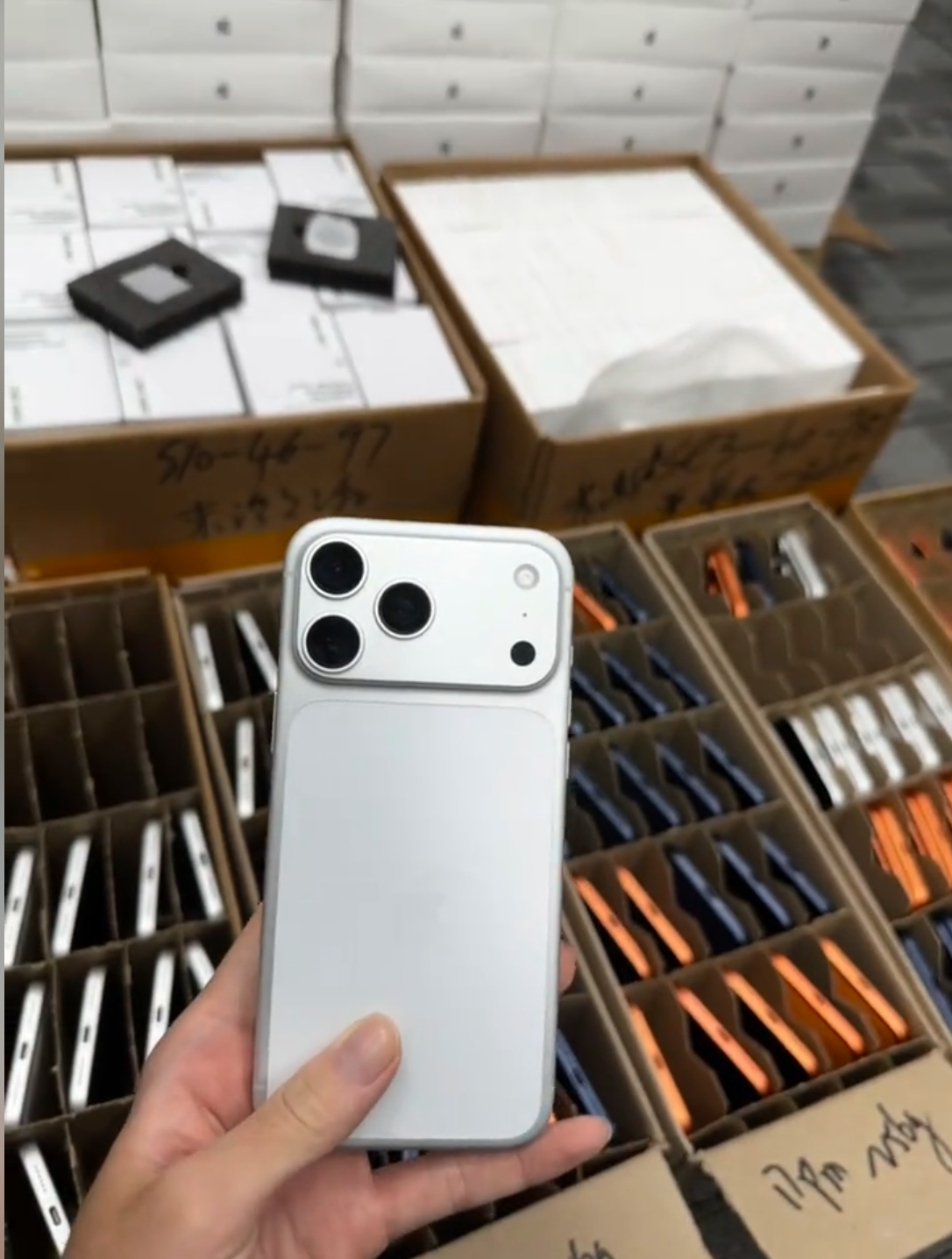
Both models use dual 12MP Wide and Ultra Wide cameras. iPhone 14 adds a larger main-camera sensor, f/1.5 main aperture rather than f/1.6, and Photonic Engine processing. These improvements are most useful in difficult light; in good lighting, the gap may be less obvious.
| Camera Area | iPhone 13 | iPhone 14 | Used-Buyer Impact |
|---|---|---|---|
| Main camera | 12MP Wide, f/1.6 | 12MP Wide, f/1.5, larger sensor | 14 has a low-light advantage. |
| Ultra Wide | 12MP | 12MP | Similar coverage. |
| Processing | Strong standard processing | Photonic Engine | 14 can help in difficult light. |
| Stabilization | Sensor-shift | Sensor-shift | Useful on both. |
| Telephoto zoom | Not available | Not available | Neither suits zoom-first buyers. |
Camera Inspection Checklist
- Test wide and ultra-wide cameras, focus near and far, flash, photo, and short video.
- Inspect lenses for scratches, haze, dust, cracks, or condensation.
- Buyer instruction: take sample photos in normal and lower light before approving stock.
5. Front Camera and Video: Where iPhone 14 Has a Clearer Upgrade
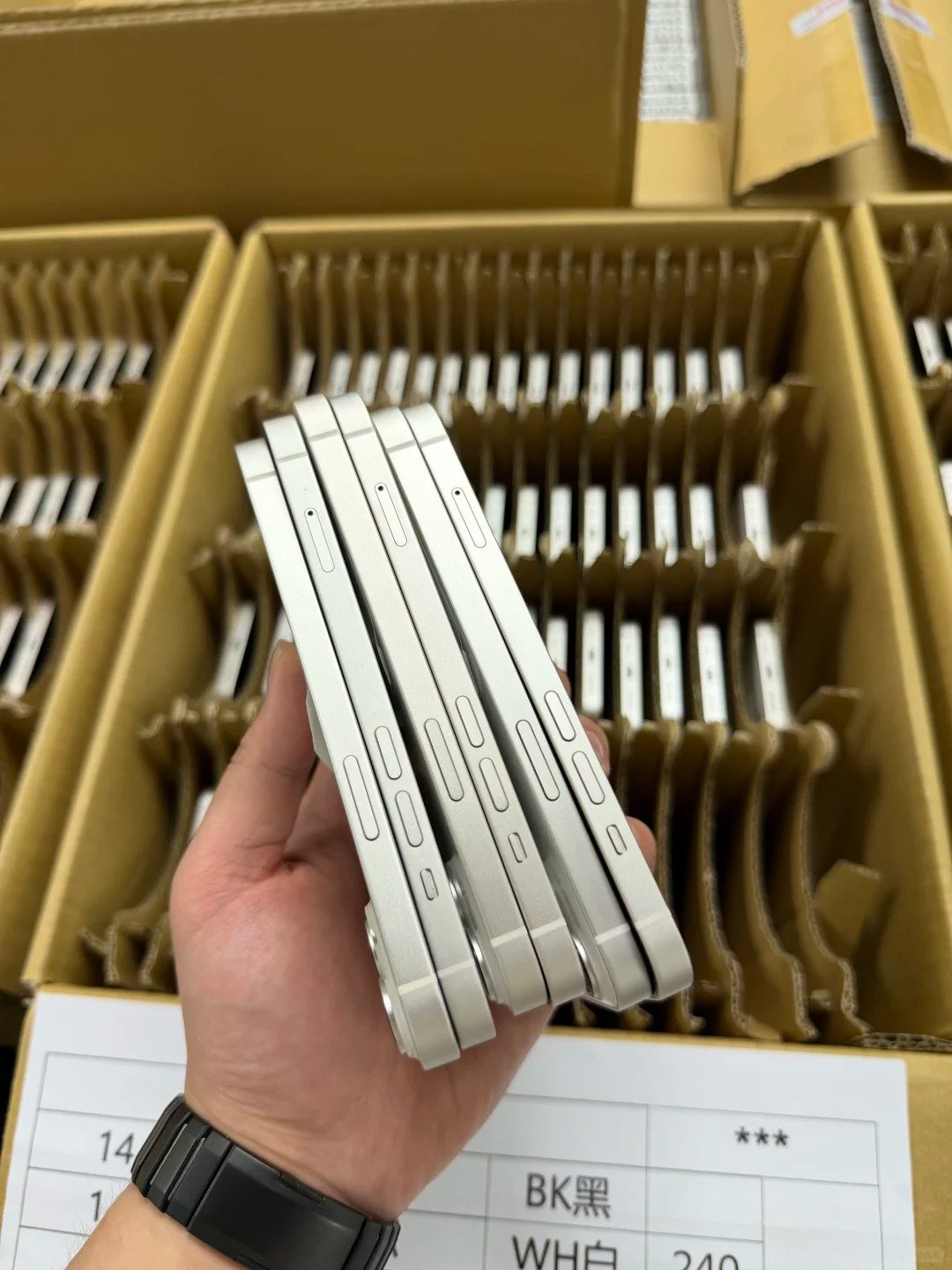
iPhone 14 has a 12MP TrueDepth front camera with autofocus, while iPhone 13 uses fixed focus. It also adds Action mode and 4K Cinematic mode; iPhone 13 Cinematic mode is limited to 1080p. These are practical upgrades for regular video calls and handheld social-video work.
| Video or Front-Camera Feature | iPhone 13 | iPhone 14 | Best Fit |
|---|---|---|---|
| Front-camera focus | Fixed focus | Autofocus | 14 for frequent calls and selfies. |
| Cinematic mode | Up to 1080p | Up to 4K | 14 for creator-focused buyers. |
| Action mode | Not available | Available | 14 for handheld motion video. |
| Standard 4K recording | Available | Available | Both handle normal high-quality video. |
| Professional creator work | Limited versus newer Pro models | Better, still limited | Compare newer models for advanced needs. |
When iPhone 14 Is Worth the Premium
- The buyer records frequent walking, travel, or action video.
- Front-camera autofocus or 4K Cinematic mode supports a real workflow.
- The price gap is modest and the device has clean history and strong battery health.
6. Safety and Emergency Features
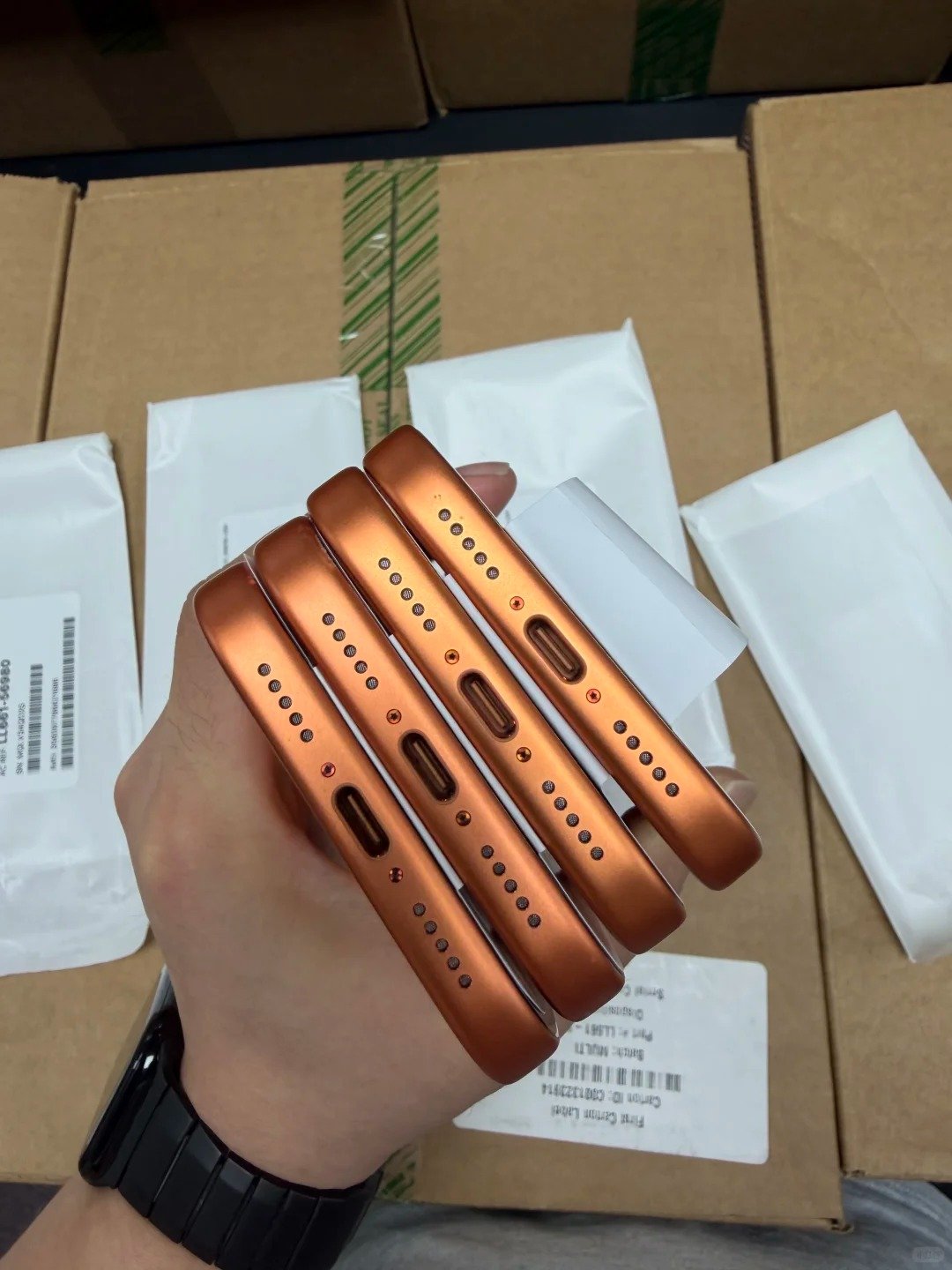
iPhone 14 introduces Crash Detection and supports Emergency SOS via satellite where the service, region, carrier conditions, and account requirements allow. These features are useful distinctions, but availability varies; they should never be promised for every buyer or country.
| Safety Feature | iPhone 13 | iPhone 14 | Important Qualification |
|---|---|---|---|
| Crash Detection | Not available | Available | Designed to help detect severe crashes. |
| Emergency SOS via satellite | Not available | Available in supported regions | Service and circumstances vary. |
| Standard emergency calling | Available with network access | Available with network access | Carrier and local conditions apply. |
| Resale relevance | No feature advantage | Useful for some buyers | Do not overstate availability. |
Accurate Listing Language
Use: “Includes Crash Detection,” “Supports Emergency SOS via satellite where available,” and “Check local availability and requirements before relying on satellite emergency features.” Avoid claims that it works everywhere or guarantees rescue.
7. SIM, eSIM, and Regional Variant Checks
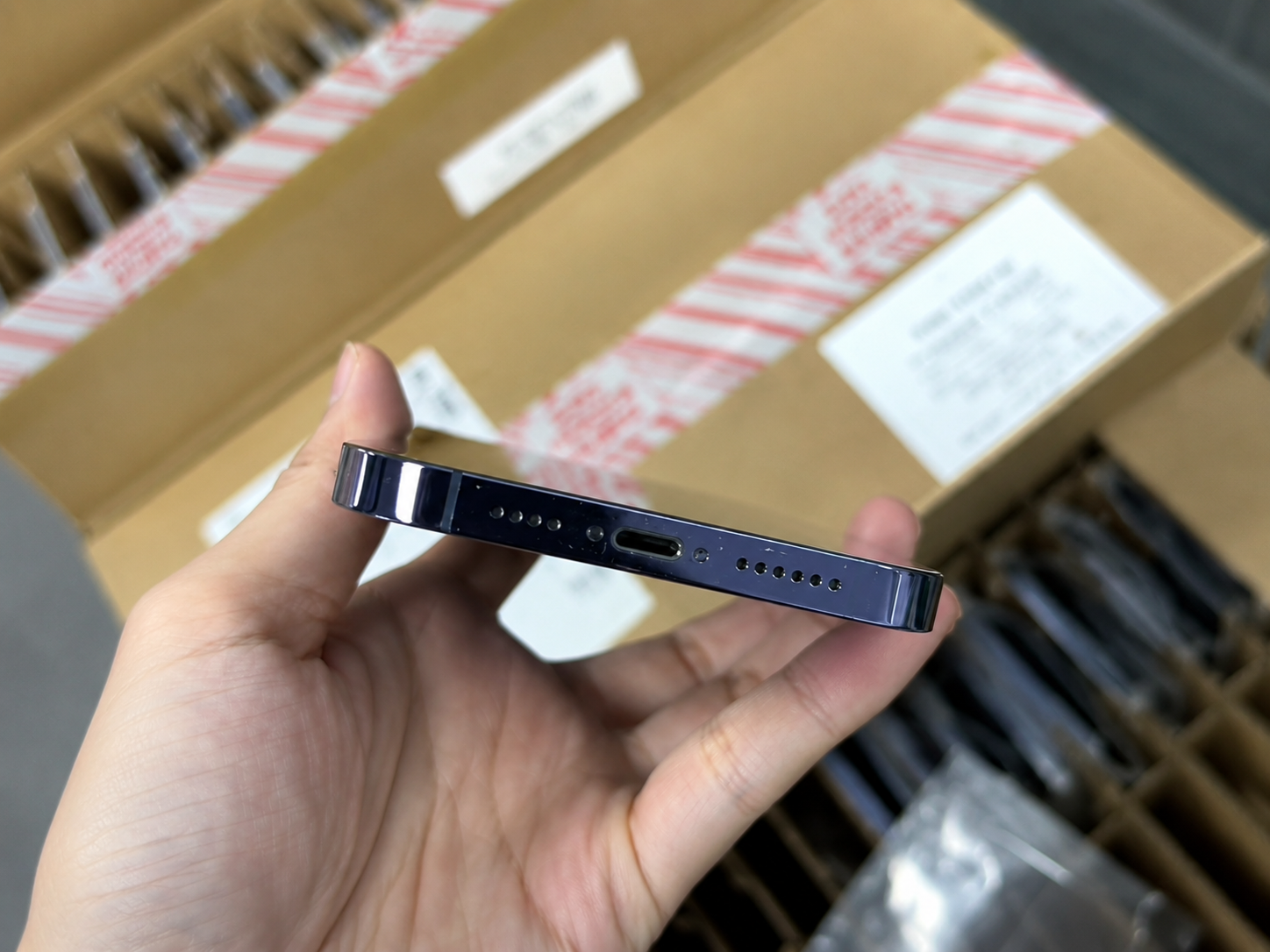
Regional configuration matters in international used-iPhone trade. Some US iPhone 14 models may be eSIM-only, while many iPhone 13 and iPhone 14 variants in other markets use a physical SIM tray plus eSIM support. Never assume that every unit shares the same arrangement.
| Compatibility Check | Why It Matters | Buyer Action |
|---|---|---|
| Physical SIM tray | Some buyers and carriers require it. | Inspect actual model and destination needs. |
| eSIM support | Important in many markets. | Confirm local carrier activation support. |
| US iPhone 14 configuration | May be eSIM-only. | Verify before export or resale. |
| Carrier Lock | Limits resale flexibility. | Check Settings > General > About. |
| Network bands and IMEI | Affect local fit and records. | Match device, sales record, and market. |
Regional Verification Checklist
- Confirm exact model number, physical SIM or eSIM configuration, Carrier Lock, and target-carrier fit.
- Match IMEI with records and include regional model details in wholesale documentation.
- Buyer instruction: verify destination-market compatibility before confirming a batch.
8. Cosmetic Condition, Repair History, and Quality Control
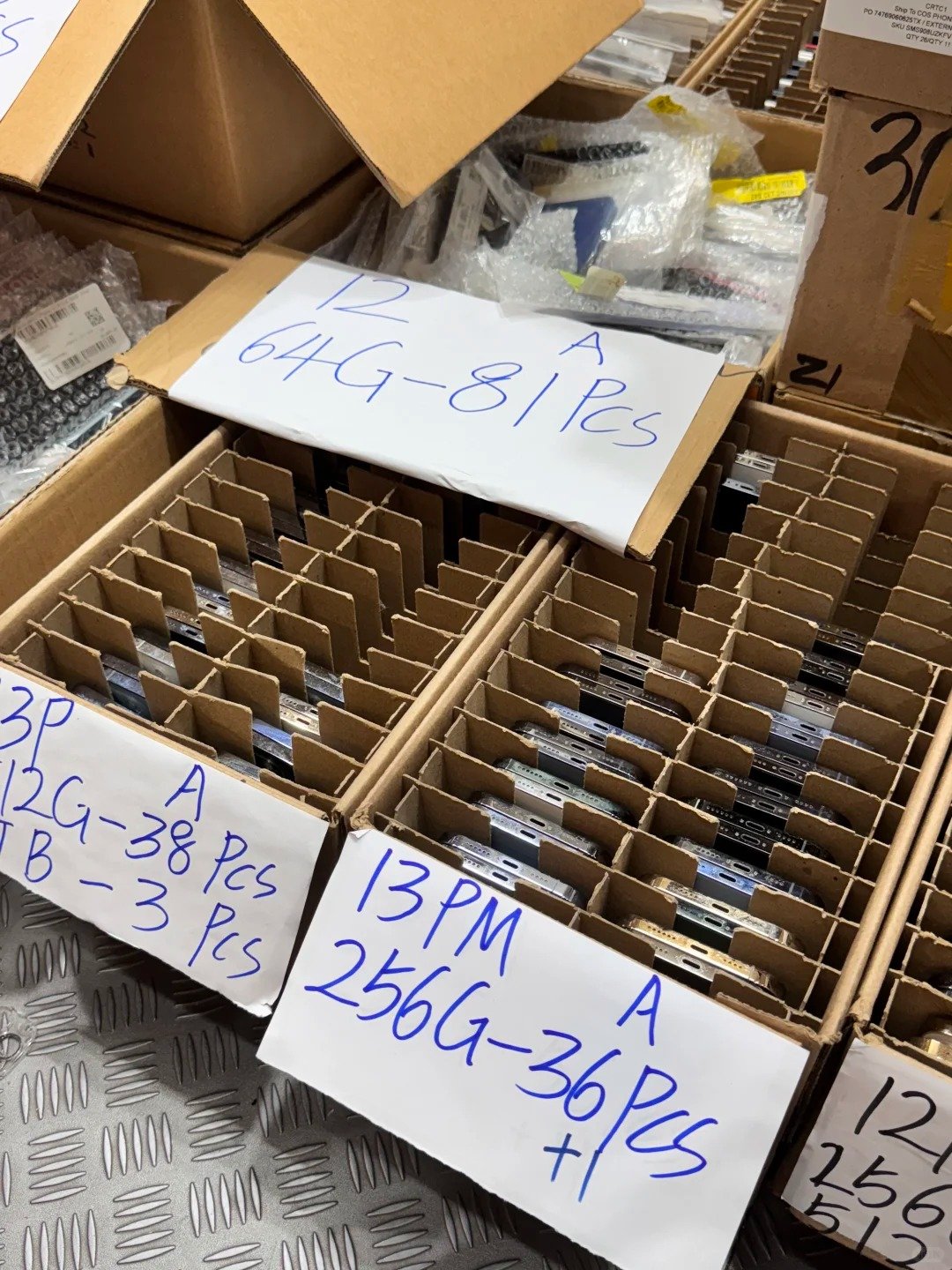
Model generation is secondary to quality control. A clean, original, fully tested iPhone 13 can outperform a poorly repaired or lower-battery iPhone 14 in customer satisfaction and resale value.
For bulk lots, use an agreed grade definition and keep the model, storage, IMEI, battery, test result, and visible exceptions connected to the same inventory record. An “excellent” label without photographs or a test scope is not enough to compare two units fairly.
| Device Scenario | Better Used Choice | Why |
|---|---|---|
| 13: 93% battery, Excellent; 14: 82%, Good | Often iPhone 13 | Better actual condition outweighs a modest upgrade. |
| 13: Unknown Part; 14: clear repair history | Often iPhone 14 | Transparency and verification reduce risk. |
| 13: clean IMEI; 14: IMEI mismatch | iPhone 13 | Identity and resale eligibility come first. |
| 13: poor camera focus; 14: fully tested | iPhone 14 | Function must come before model value. |
Used iPhone Quality-Control Checklist
- Match IMEI, confirm no Activation Lock and check Carrier Lock.
- Inspect display, glass, frame, cameras, buttons, and Lightning port.
- Test Battery Health, Parts and Service History, touch, Face ID, cameras, audio, Wi-Fi, Bluetooth, calls, and charging.
- Buyer instruction: record cosmetic grade and all repair or condition disclosures per unit.
9. Price Gap: When Is iPhone 14 Actually Worth Paying More For?
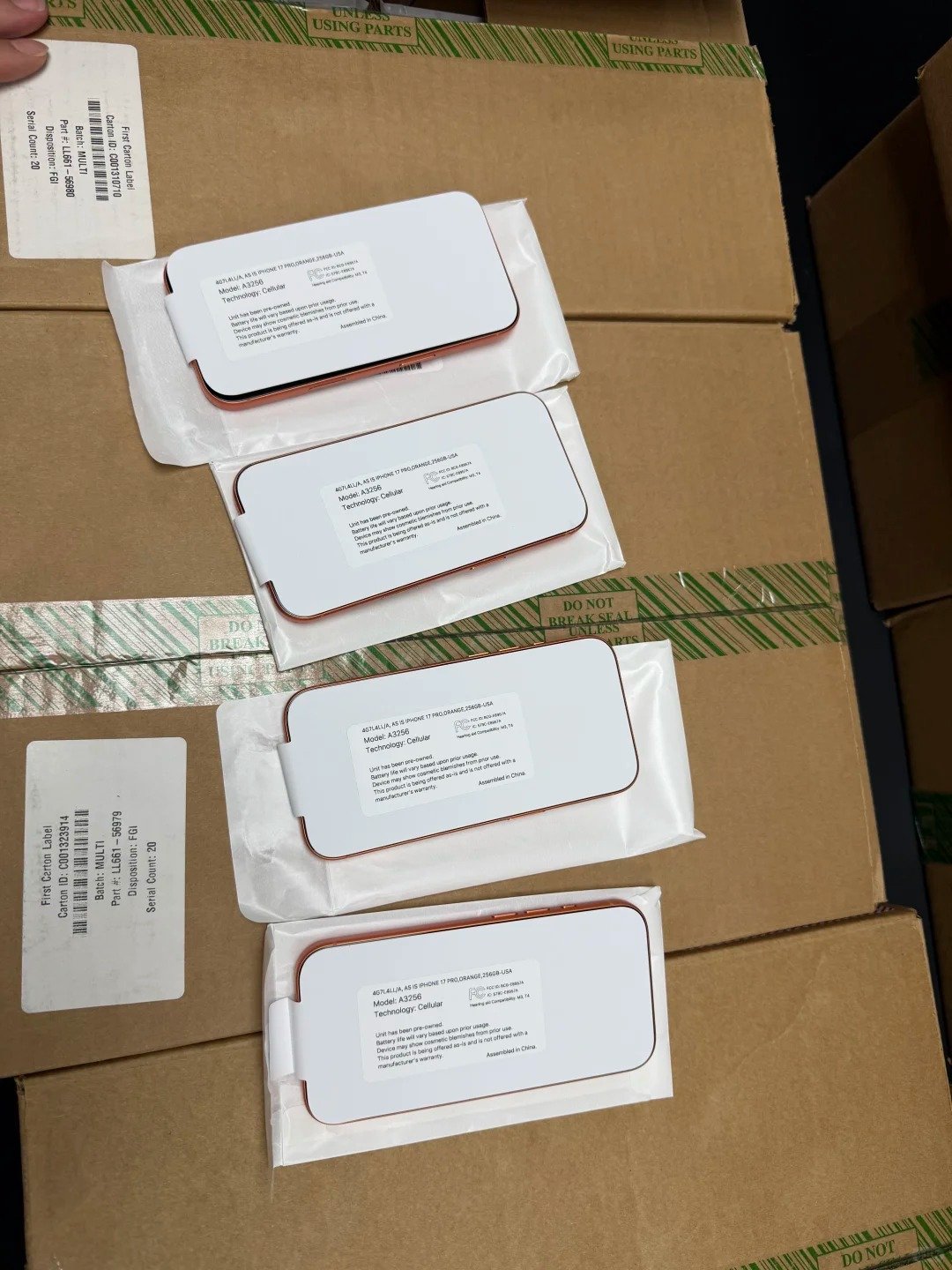
Judge the gap only after matching storage, cosmetic grade, battery health, repair history, seller support, and regional configuration. A lower headline price is not enough if it hides battery work, unsupported SIM configuration, or unclear device status.
| Situation | Recommended Choice | Reason |
|---|---|---|
| 13 is substantially cheaper with similar storage, grade, and battery | iPhone 13 | Better normal-use value. |
| 14 costs modestly more with comparable condition | iPhone 14 | Camera and safety improvements may justify premium. |
| 13 has stronger battery health | Compare total condition | Battery changes daily experience. |
| 14 has repaired display or Unknown Part; 13 has clear history | Often iPhone 13 | Repair transparency matters. |
| Buyer needs Action mode, 4K Cinematic, or front autofocus | iPhone 14 | Specific features support the premium. |
| Buyer needs USB-C or Apple Intelligence | Neither | Compare iPhone 15 Pro, iPhone 16 series, or later options. |
Compare Like for Like
- Match storage and cosmetic grade.
- Record battery, repair, carrier, SIM/eSIM, IMEI, and Activation Lock results.
- Compare return or claim terms and calculate the full landed cost.

10. Recommended Used-Buying Strategy for Resellers
Many B2B buyers benefit from stocking both models. iPhone 13 covers a strong value tier, while iPhone 14 gives sales teams a clearer option for customers who value newer camera, video, or safety features.
| Inventory Goal | Recommended Strategy | Quality Requirement |
|---|---|---|
| Budget-friendly phones | Prioritize iPhone 13 with strong battery and clean condition. | Minimum battery and grade policy. |
| Mainstream resale range | Stock both by storage and grade. | Clear product segmentation. |
| Video and social customers | Give iPhone 14 more visibility. | Test front camera, Action mode, and rear cameras. |
| International export | Check region and SIM/eSIM configuration. | Carrier and destination documents. |
| Mixed-grade batches | Separate by exact condition. | Honest defect and grade records. |
Wholesale Purchase Order Checklist
- Set model mix, storage distribution, grades, and battery-health policy.
- Require clean IMEI, no Activation Lock, SIM/eSIM and Carrier Lock fit, testing standards, and Parts and Service History disclosure.
- Agree unit- or batch-level reporting plus claim, return, and shipping process.
FAQ
Frequently Asked Questions About Used iPhone 13 vs iPhone 14
These compact answers keep a used-device decision tied to verifiable condition and buyer fit.

1. Is iPhone 14 much better than iPhone 13 when buying used?
No. iPhone 14 has practical upgrades, yet a verified iPhone 13 with better condition and a meaningful saving can be the stronger value.
2. Is iPhone 13 or iPhone 14 better value in 2026?
iPhone 13 is often better value when cheaper with equal or better condition. Choose iPhone 14 when a modest premium pays for features the buyer will use.
3. Does iPhone 14 have better battery life than iPhone 13?
Its official rating is slightly stronger, but used-unit battery health, charging behaviour, and service history matter more.
4. Is the iPhone 14 camera better than the iPhone 13 camera?
It has a larger f/1.5 main sensor and Photonic Engine, helping especially in lower light. Test the individual cameras.
5. Does iPhone 14 have a better front camera?
Yes. Its 12MP TrueDepth front camera has autofocus; iPhone 13 uses fixed focus.
6. Does iPhone 13 or iPhone 14 support Apple Intelligence?
Neither standard model supports Apple Intelligence.
7. Do both iPhone 13 and iPhone 14 support iOS 26?
Yes, both are compatible with iOS 26.
8. What is Action mode on iPhone 14?
It is a video feature intended to stabilize handheld motion footage. Check it on the actual device if it matters to the buyer.
9. Are all iPhone 14 models compatible with physical SIM cards?
No. Some US models may be eSIM-only. Verify the exact regional variant and destination carrier before buying or exporting.
10. What should I check before buying used iPhone 13 or iPhone 14 inventory?
Confirm model, storage, IMEI, Activation Lock, Carrier Lock, SIM/eSIM fit, battery, parts history, cosmetic grade, cameras, Face ID, audio, connectivity, and charging.
FINAL VERDICT
Final Verdict: Condition and Price Usually Matter More Than the iPhone 13-to-14 Upgrade
iPhone 13 is often the smarter used-value choice when it is substantially cheaper and in equal or better condition. iPhone 14 earns its premium when camera improvements, front-camera autofocus, Action mode, safety features, regional compatibility, and a newer model year solve a real buyer need.
HQB helps B2B buyers source used iPhone 13 and iPhone 14 inventory with practical quality checks, clear condition grading, transparent device information, and responsive sales support. Contact our team for current stock, storage options, grade requirements, and wholesale quotations.

| Choose Used iPhone 13 If… | Choose Used iPhone 14 If… |
|---|---|
| It is meaningfully cheaper at the same storage and condition. | The price premium is modest. |
| Battery health is equal or better. | Front-camera autofocus matters. |
| You need a capable OLED, 5G, Face ID, and MagSafe phone. | Action mode or 4K Cinematic mode matters. |
| You do not need advanced video or safety features. | Crash Detection and supported satellite features add value. |
| It has clear repair history and strong quality-control results. | Its SIM/eSIM configuration fits the market. |
Final Seven-Point Checklist
- Compare the same storage capacity.
- Check Battery Health and Charging.
- Verify IMEI, Activation Lock, and Carrier Lock.
- Confirm physical SIM or eSIM compatibility.
- Review Parts and Service History.
- Test cameras, Face ID, audio, touch, connectivity, and charging.
- Select the device with the best verified total value, not simply the newer model number.
CONTACT HQB
Request Used iPhone 13 and iPhone 14 Stock
Tell HQB the storage mix, battery-health range, condition grades, and destination market you need. We can help with stock availability, wholesale sourcing, and a specification-based quotation.
E-mail: sales@usedphonehqb.com
Phone / WhatsApp: +8617374267737

RELATED ARTICLES
Continue Your Used iPhone Research


Is the iPhone 13 Still Worth Buying in 2026?
Learn when iPhone 13 remains a strong used or refurbished choice, what it still offers, and which buyers should compare newer models.
Read article →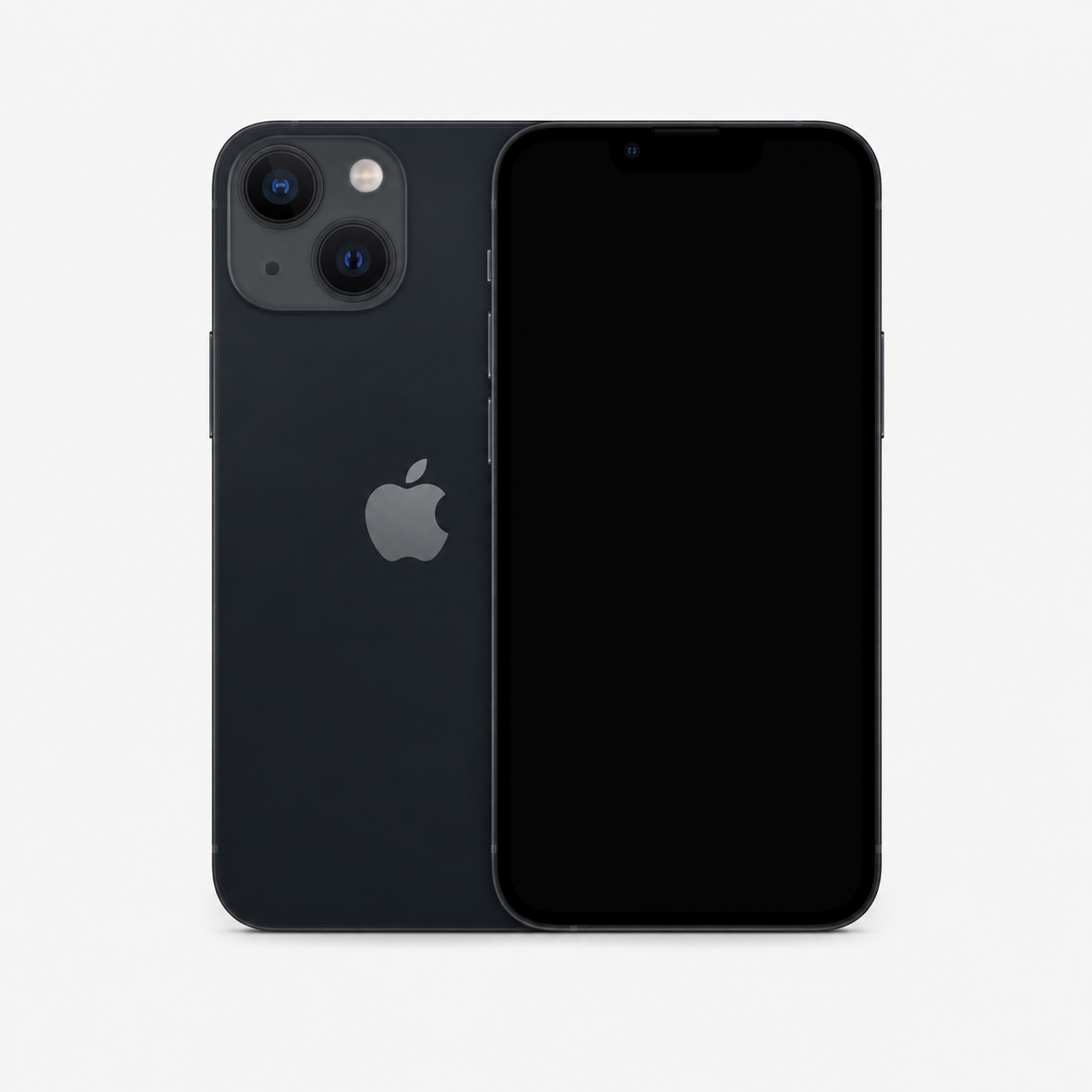
iPhone 12 vs iPhone 13 for Resale
Compare storage, battery potential, cameras, condition control, and buyer demand to decide which model fits your resale strategy.
Read article →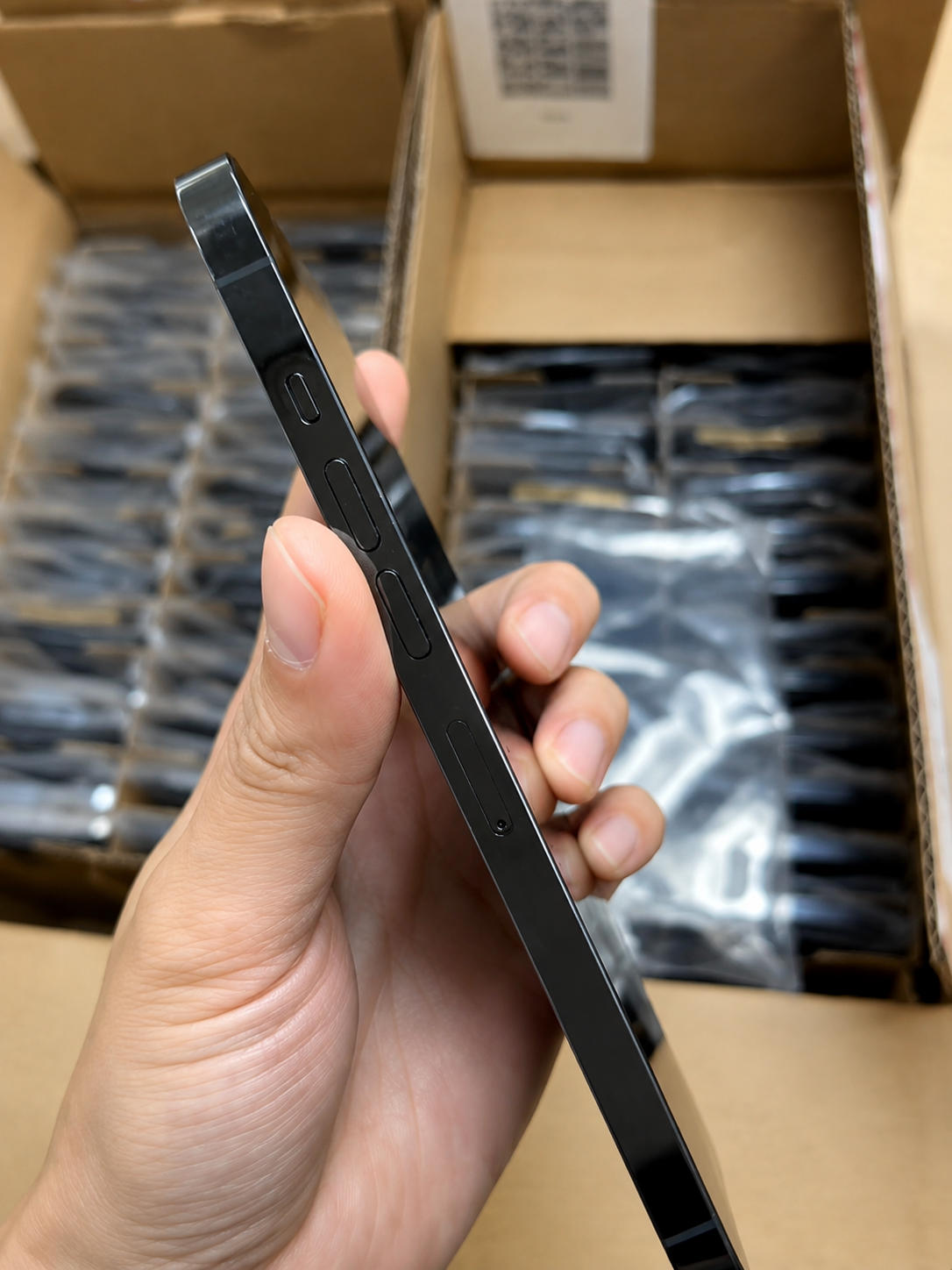
How to Check the Quality of a Used iPhone Before Buying
Use this complete checklist to verify Activation Lock, IMEI, battery health, repair history, physical condition, and essential iPhone functions.
Read article →
ARTICLE DETAILS
Publication details
- Published:
- Last updated:
- Author: HQB Team
- Verify the exact device, condition, and current destination-market requirements before purchasing.