
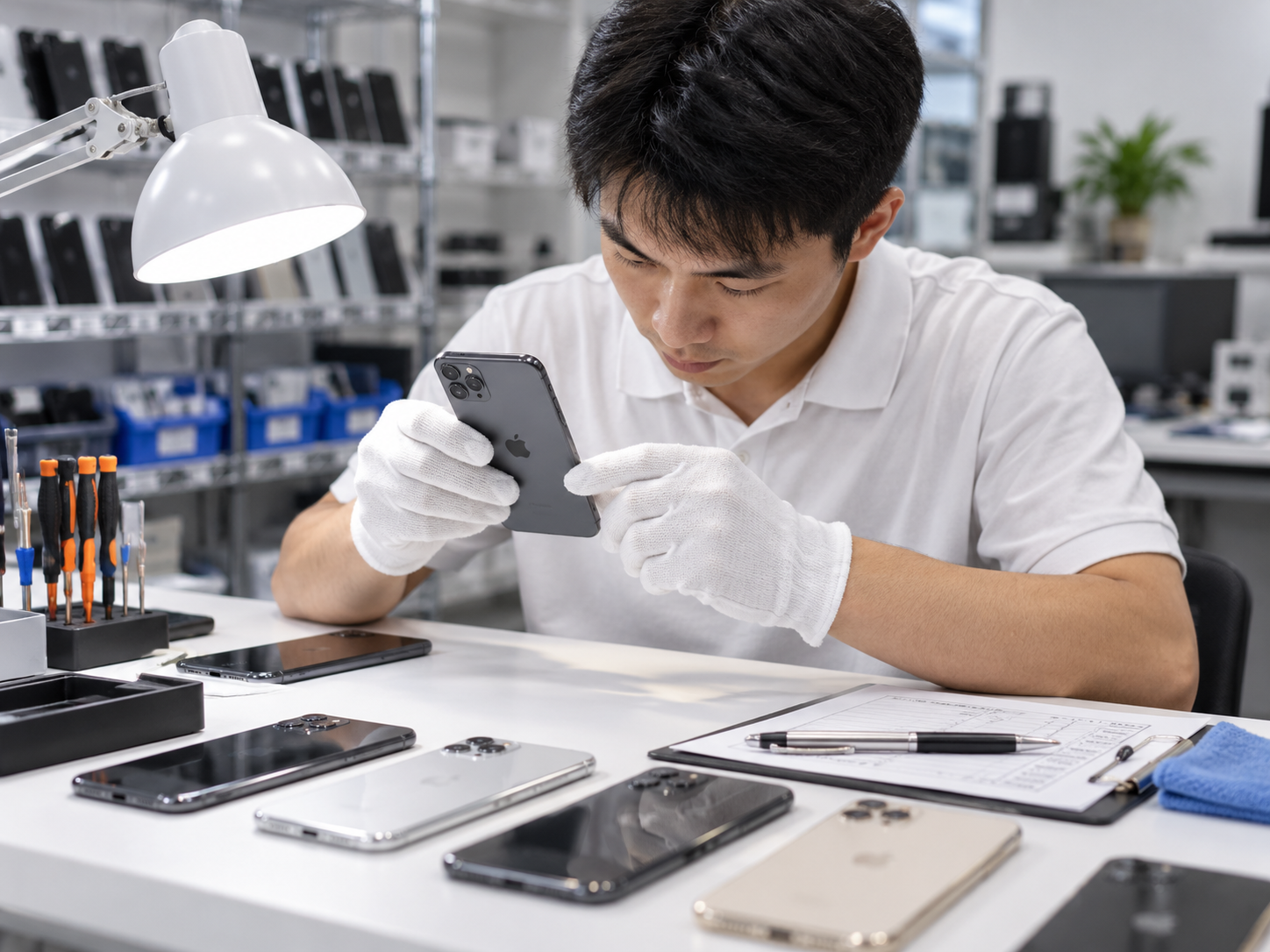
Why a Used iPhone Inspection Matters
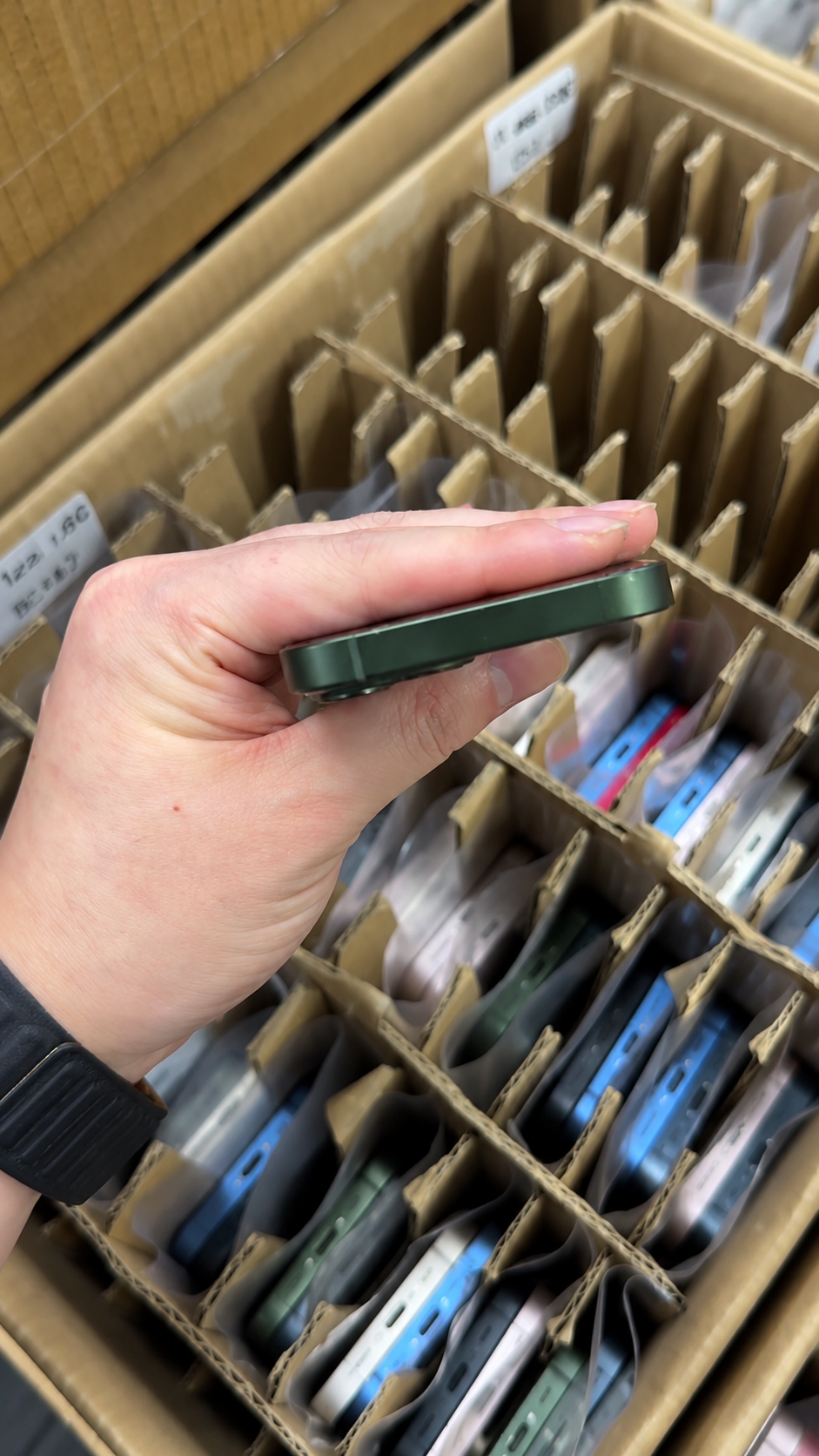
A used iPhone can be excellent value, but price alone does not reveal ownership status, repair history, battery condition, or hidden functional issues. Consumers and wholesale buyers both need more than a fast visual check.
The best process moves from identity and ownership checks to physical inspection, system information, functional tests, and purchase documentation. For wholesale shipments, repeat the same process against a manifest and a structured intake record.
| Buyer Type | Typical Inspection Need | Recommended Control |
|---|---|---|
| Individual buyer | One device before payment | Complete hands-on checklist |
| Online buyer | Device after delivery | Record unboxing and inspect within return window |
| Retail reseller | Small mixed inventory | Log condition and test results per unit |
| Wholesale buyer | Large multi-unit shipment | Reconcile IMEIs, grades, tests, and exceptions against a manifest |
| Repair business | Functional or damaged inventory | Identify faults and parts-history issues before pricing repair work |
Used iPhone Inspection Checklist: Step by Step
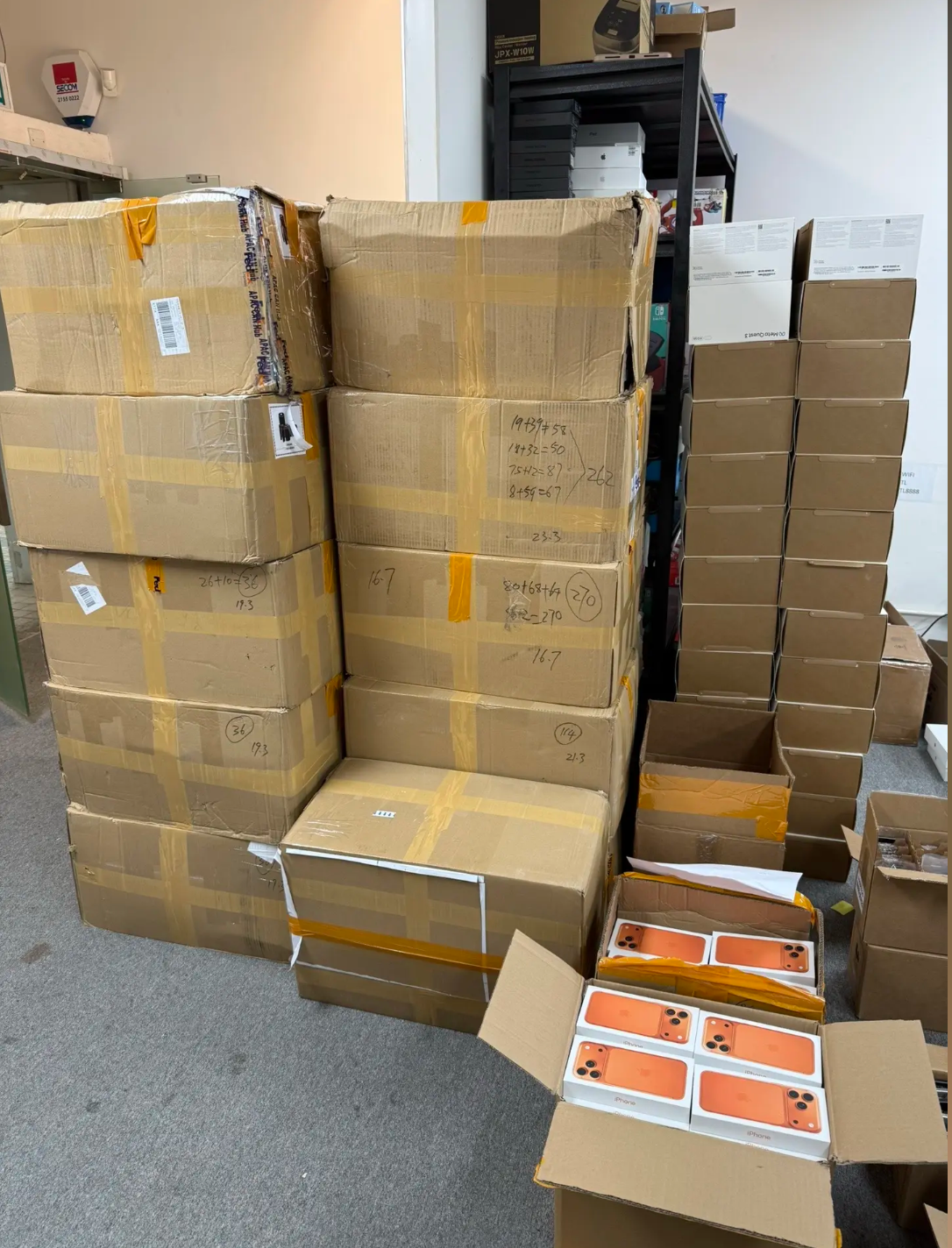
1. Confirm the Exact iPhone Model and Configuration
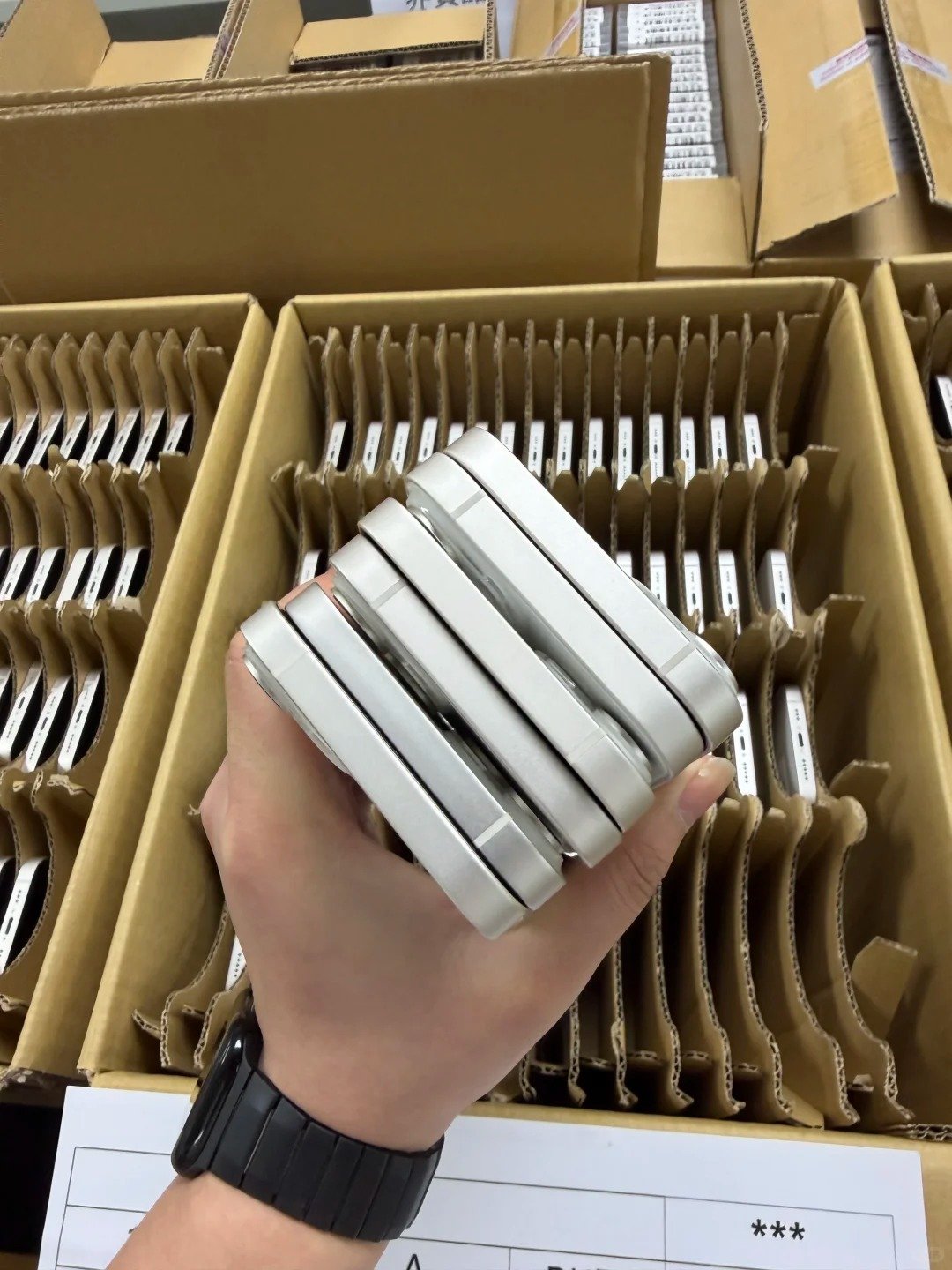
First confirm that the device matches the advertised model, storage capacity, color, and regional variant. This protects the buyer from paying for an offer that differs from the physical device. It also creates the starting point for checking network and SIM suitability.
- Open Settings, then General, then About.
- Confirm the model name and storage capacity.
- Compare color and physical appearance with the listing.
- Record model number and regional variant where relevant.
- Check required physical SIM and eSIM setup.
- Compare device details with invoice, manifest, or product listing.
- For bulk stock, match each device with its manifest line.
Regional variants, physical SIM support, eSIM support, local carrier compatibility, and import rules should be verified for the destination market. HQB can discuss iPhone X, XR, XS, XS Max, iPhone 11 Series through iPhone 17 Series based on the buyer's requirements.
2. Inspect the Physical Condition Carefully
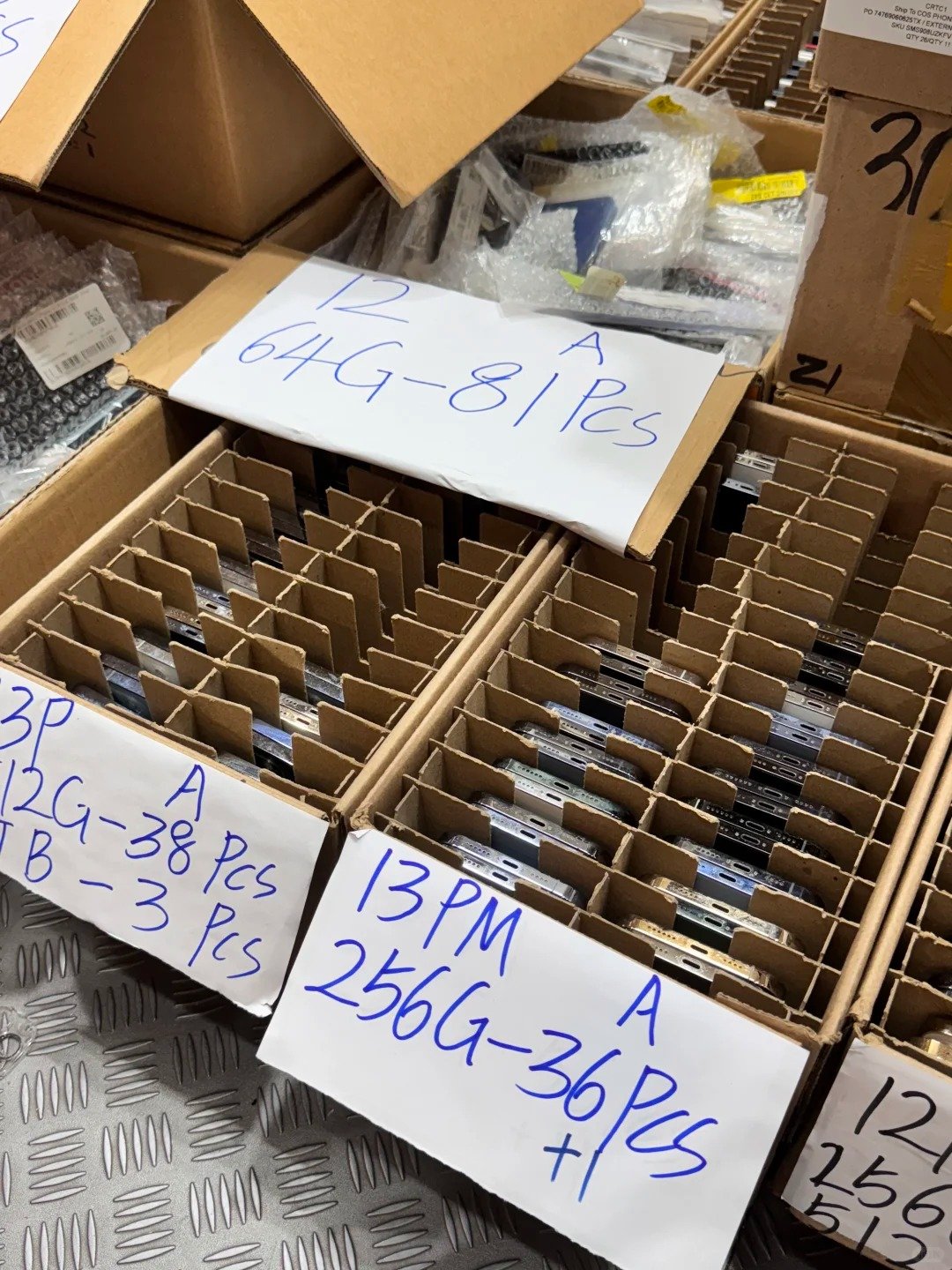
Cosmetic damage affects resale value and can also point to a past drop, impact, poor repair, or water exposure. Remove a case and accessories where possible, then inspect the device under clear, even light.
- Inspect display for scratches, cracks, dead areas, and lifted edges.
- Inspect frame corners for dents, bending, or separation.
- Check back glass for cracks and deep marks.
- Examine lenses for cracks, scratches, fogging, or debris.
- Inspect charging port for damage, corrosion, or debris.
- Check buttons, SIM tray, and speaker grilles.
- Look for swelling, frame separation, or uneven back surface.
- Record visible marks before accepting the device.
| Area | Acceptable Example | Warning Sign |
|---|---|---|
| Display | Light surface marks within agreed grade | Cracks, dark spots, lifting, or touch dead zones |
| Frame | Minor wear | Bending, deep dents, or gaps |
| Back glass | Light scratches | Cracks or loose glass |
| Camera lens | Clean lens with minor wear | Cracks, haze, or poor focus |
| Charging port | Clean and secure connection | Corrosion, looseness, or unreliable charging |
3. Check Activation Lock Before Paying
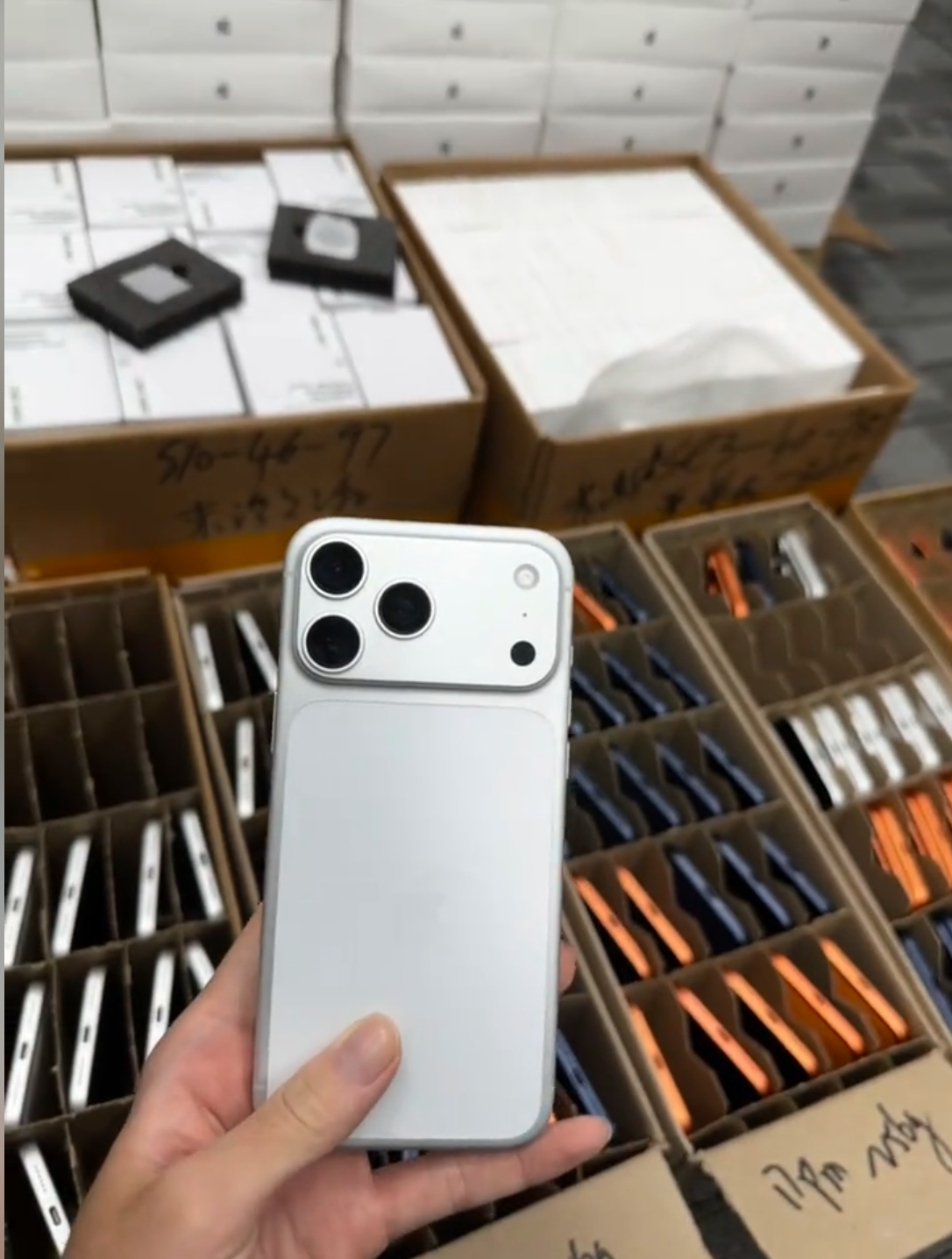
Activation Lock is an ownership-protection feature. A device showing “iPhone Locked to Owner” is not ready for normal resale or use. Do not assume it can be cleared later by a seller who does not control the account.
- Turn on or wake the iPhone.
- Check whether it reaches Lock Screen, Home Screen, or Hello setup screen.
- If “iPhone Locked to Owner” appears, do not purchase it.
- Ask a present seller to remove it through legitimate Apple Account action.
- Confirm setup can continue without another person's credentials.
- For bulk orders, include lock status in written requirements and intake record.
4. Check IMEI, Serial Number, and Device Identity
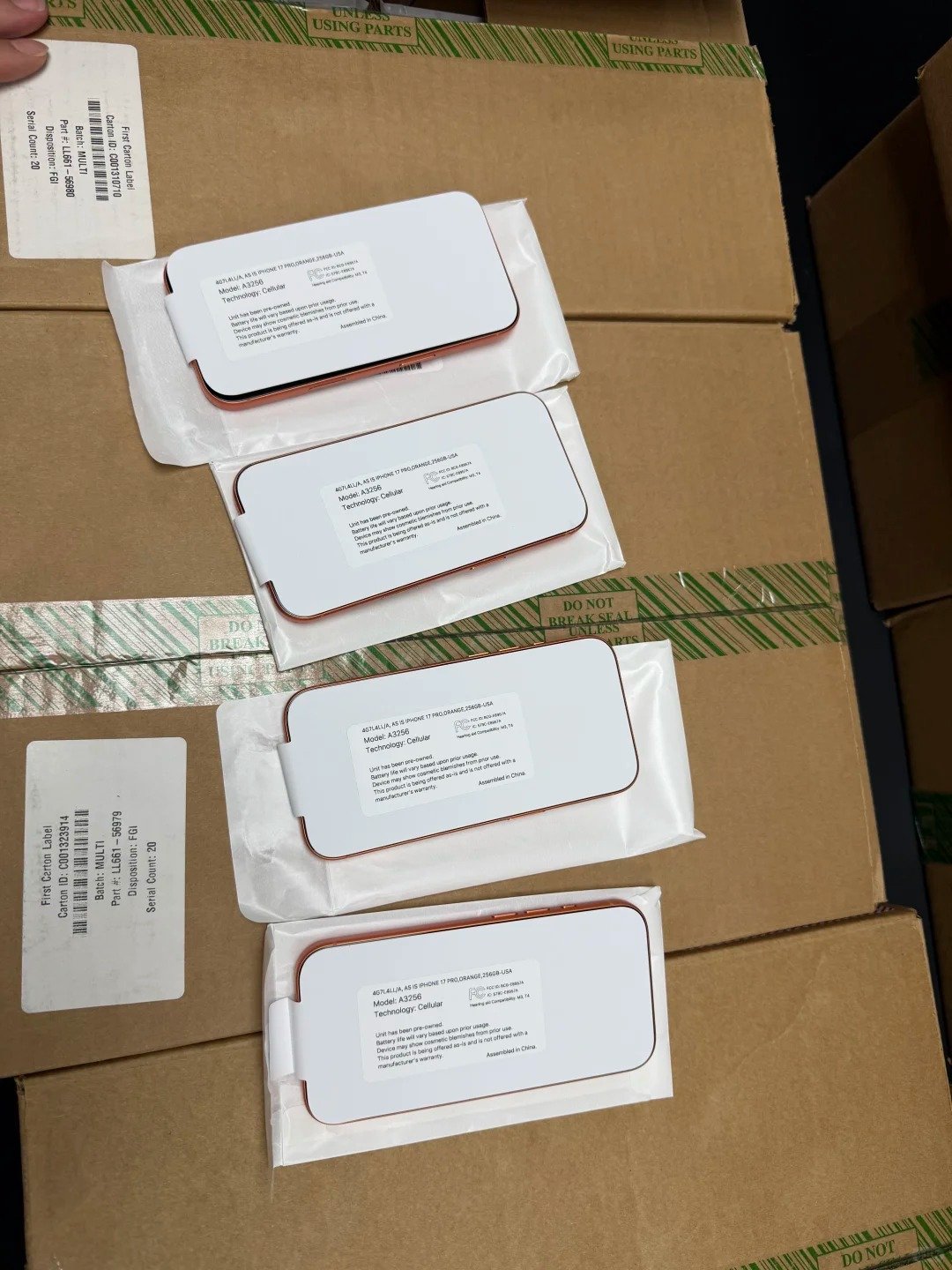
IMEI and serial records help confirm that the physical device, listing, and supporting documentation align. They are not cosmetic checks. They support tracing, receiving, lawful reported-status checks, and accurate claim evidence.
- Locate IMEI and serial information in Settings, General, About.
- Compare IMEI with seller invoice, box, or wholesale manifest.
- Confirm IMEI quantity matches device quantity in a bulk order.
- Use lawful reputable destination-market resources for reported lost or stolen checks where appropriate.
- Verify both identifiers on devices with more than one cellular identifier.
- Record mismatches with supporting photos or logs.
- Treat missing or inconsistent records as an exception requiring resolution.
5. Confirm Carrier Status and SIM/eSIM Compatibility
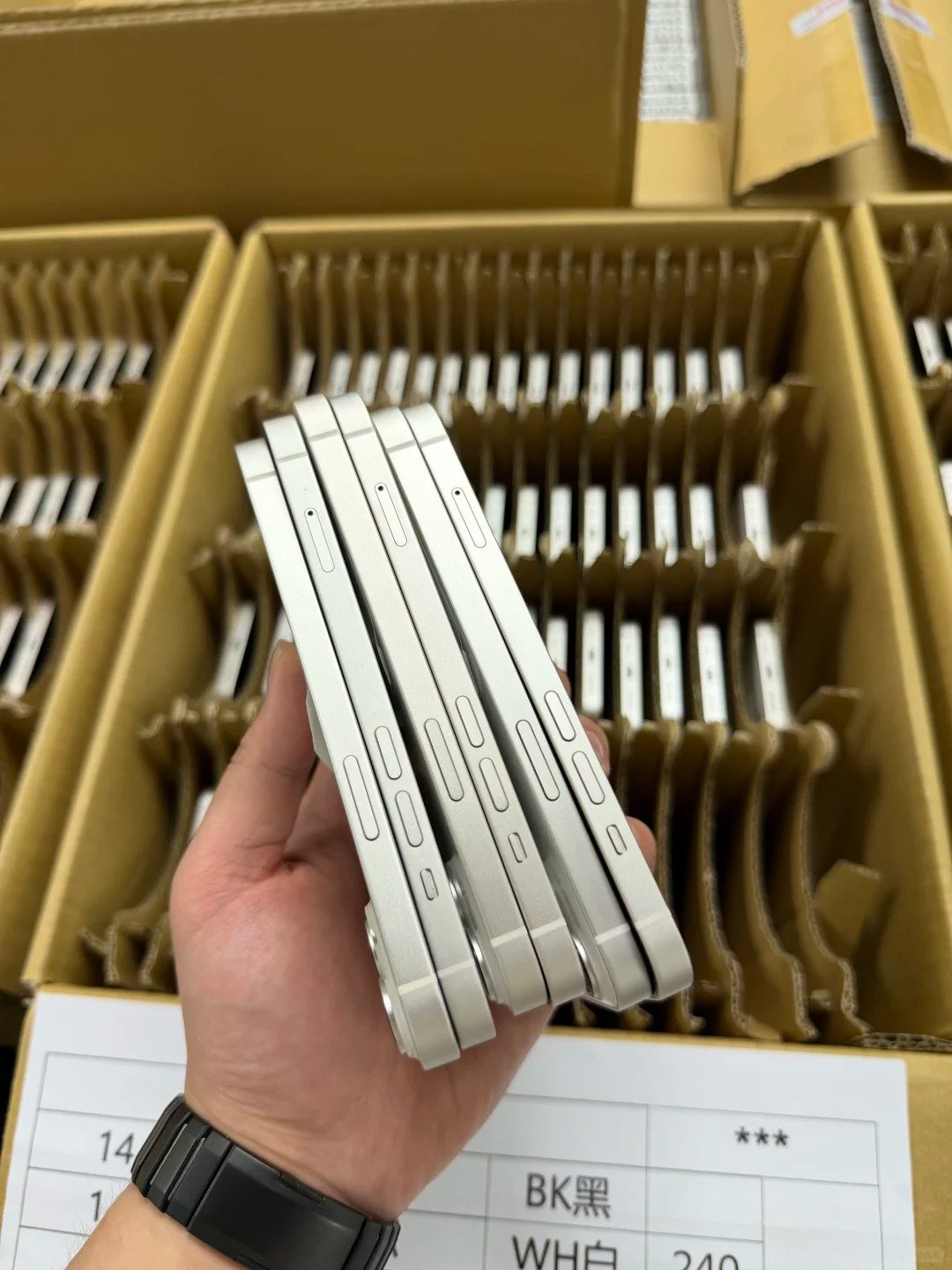
Carrier status is separate from Activation Lock and must suit the intended network. In Settings, General, About, the Carrier Lock field provides useful information. “No SIM restrictions” indicates that the iPhone is unlocked.
- Open Settings, General, and About.
- Find the Carrier Lock field.
- Confirm the actual status, not a vague “factory unlocked” label.
- If carrier-locked, verify lawful use with the intended carrier.
- Check regional model and expected SIM/eSIM configuration.
- Confirm country, carrier, network bands, and eSIM support.
6. Review Battery Health and Charging Behavior
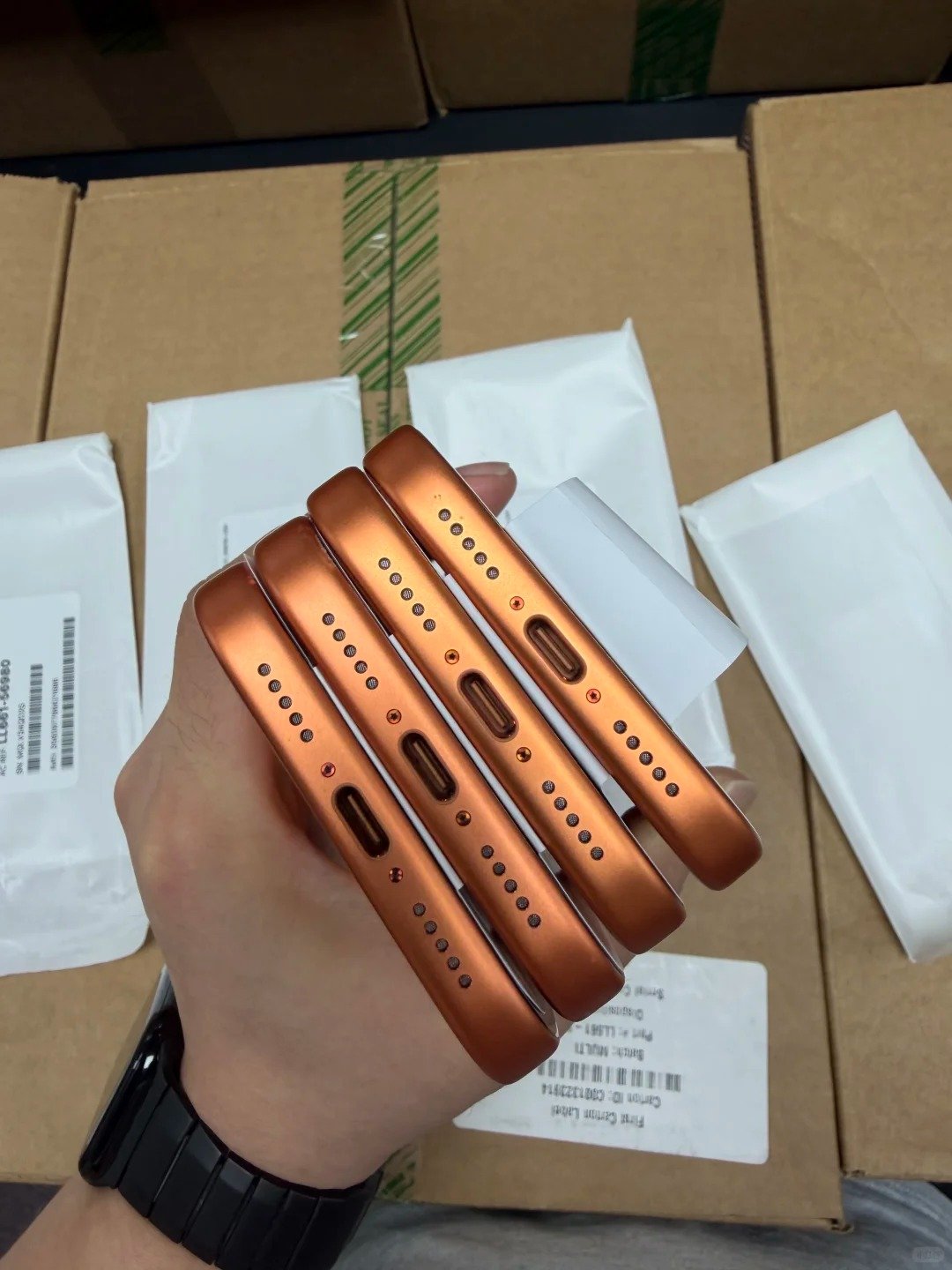
Battery health supports planning but does not replace a full functional check. Record maximum capacity where available, then observe actual charging and temperature behavior. For wholesale buying, agree a battery threshold or disclosed range before payment.
- Open Settings, Battery, then Battery Health and Charging.
- Record maximum capacity and service messages.
- Test reliable charging with a compatible cable.
- Inspect for overheating, unusual drain, swelling, or repeated shutdowns.
- Compare battery condition with intended resale tier.
- Plan replacement cost where the condition requires it.
| Battery Observation | Buyer Interpretation | Next Step |
|---|---|---|
| Strong reading with normal charging | May suit higher-grade resale if other checks pass | Record and continue inspection |
| Moderate reading | May fit value resale depending on price and policy | Compare with agreed threshold |
| Service message or poor behavior | May require repair or price adjustment | Treat as an exception |
| Swelling or safety concern | Unsafe for normal resale | Isolate and do not accept as standard stock |
7. Check Parts and Service History
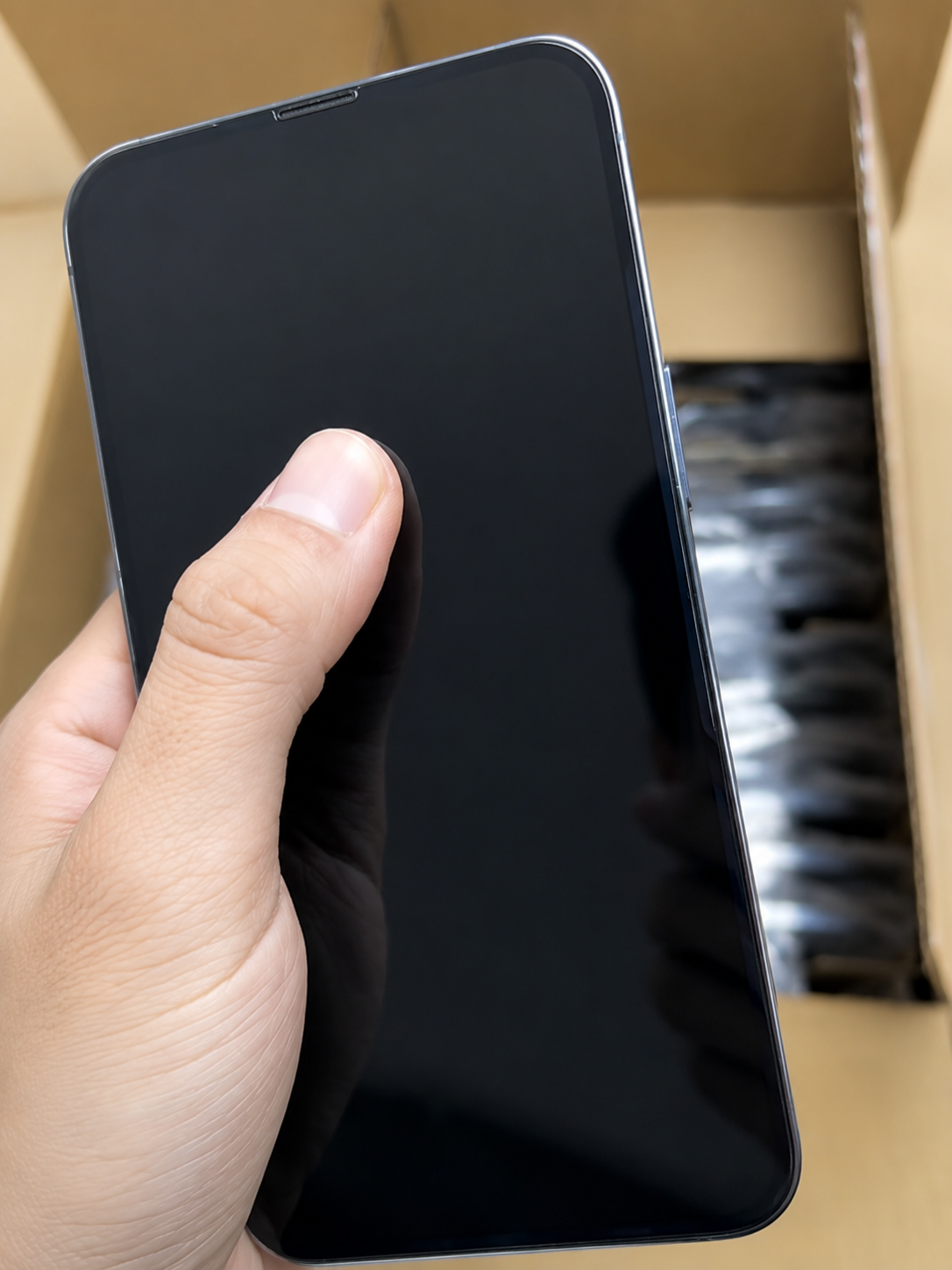
Parts and Service History, where available, can help buyers understand whether a supported battery, display, camera, logic board, or other component was replaced. Treat it as useful context, not a complete record of every repair that may ever have occurred.
- Open Settings, General, then About.
- Look for Parts and Service History where available.
- Record listed battery, display, logic board, or camera history.
- Note Genuine, Used, Unknown, or Unverified messages where applicable.
- Consider disclosure, price, and service expectations.
- Evaluate repaired devices against functional result and agreed standard.
- Do not assume no history shown means no repair ever occurred.
A replaced part does not automatically make an iPhone unacceptable. The buyer should assess working condition, safety, documentation, destination obligations, and the description provided to the next customer.
8. Test the Display, Touch, and Face ID or Touch ID
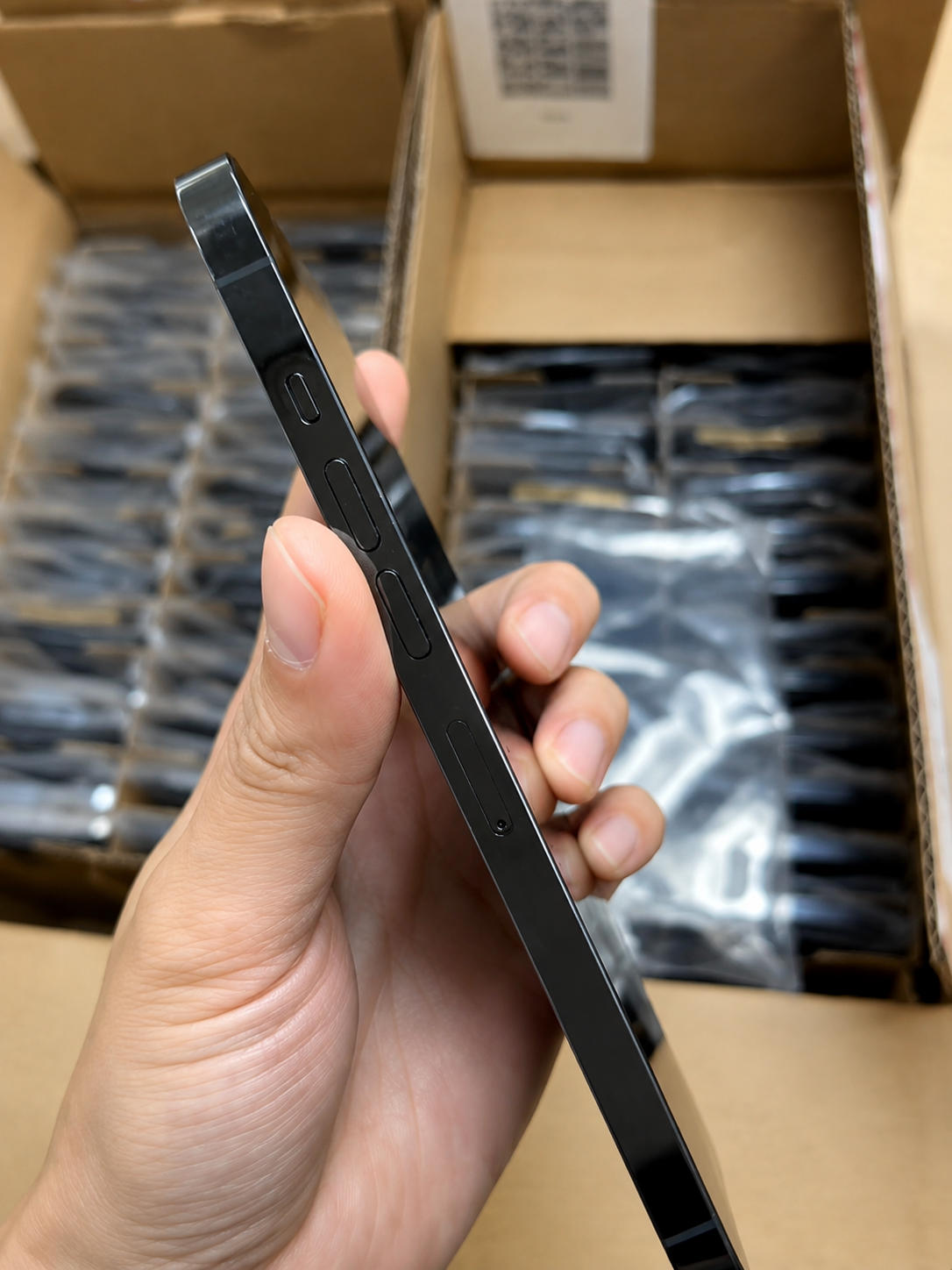
Screen condition and biometrics affect practical use and resale value. Test the device rather than treating a clean glass surface as proof that the display, touch system, sensors, and biometrics all work as expected.
- Use a light background for burn-in, discoloration, and uneven brightness.
- Use a dark background for dead pixels, light bleed, and shadows.
- Test touch response across the entire display.
- Test auto-brightness and screen rotation where appropriate.
- Confirm Face ID or Touch ID can be set up and used where applicable.
- Check proximity behavior during a call test.
- Record warning messages or intermittent behavior.
9. Test Cameras, Audio, Buttons, and Charging
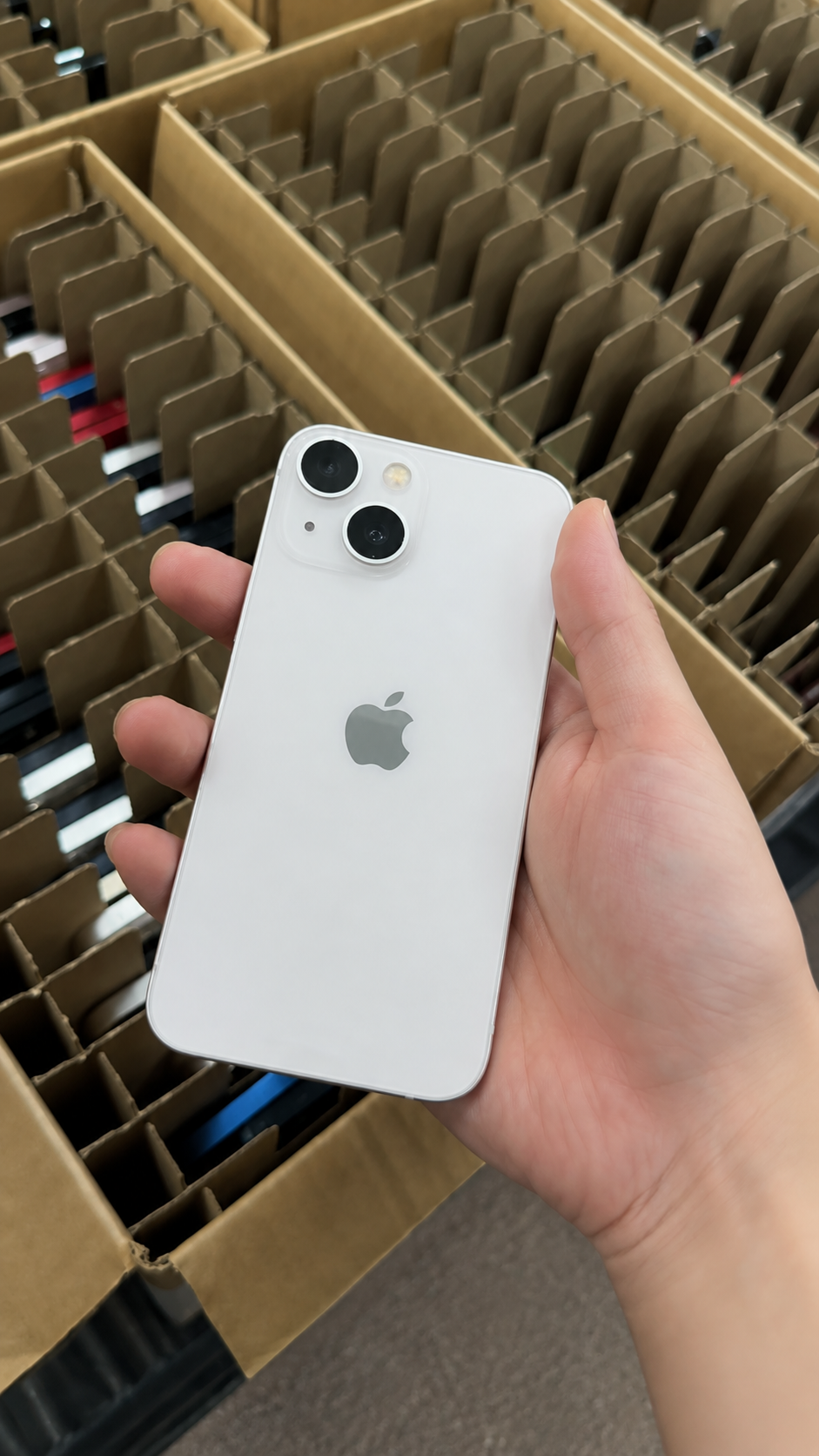
Every core hardware function should be tested, especially in wholesale inventory where a cosmetic grade does not prove functionality. Use the same basic test method across a batch so exceptions can be compared fairly.
- Test front and rear cameras, available lenses, focus, flash, photo, and video.
- Record a short video and play it back.
- Test speaker output and microphone recording.
- Make a call where practical.
- Test volume buttons, side button, mute switch or Action button, and vibration.
- Test charging port with a compatible cable and wireless charging if promised.
- Test Bluetooth and Wi-Fi connection.
| Function group | Practical evidence | Exception action |
|---|---|---|
| Camera and flash | Photo, video, focus, and flash check | Save sample and identifier |
| Audio and buttons | Recording, playback, controls, and vibration | Record pass/fail note |
| Charging | Stable cable or wireless charging | Inspect port and isolate issue |
| Wireless functions | Wi-Fi and Bluetooth connection | Re-test under known conditions |
10. Check Connectivity and Essential Software Functions
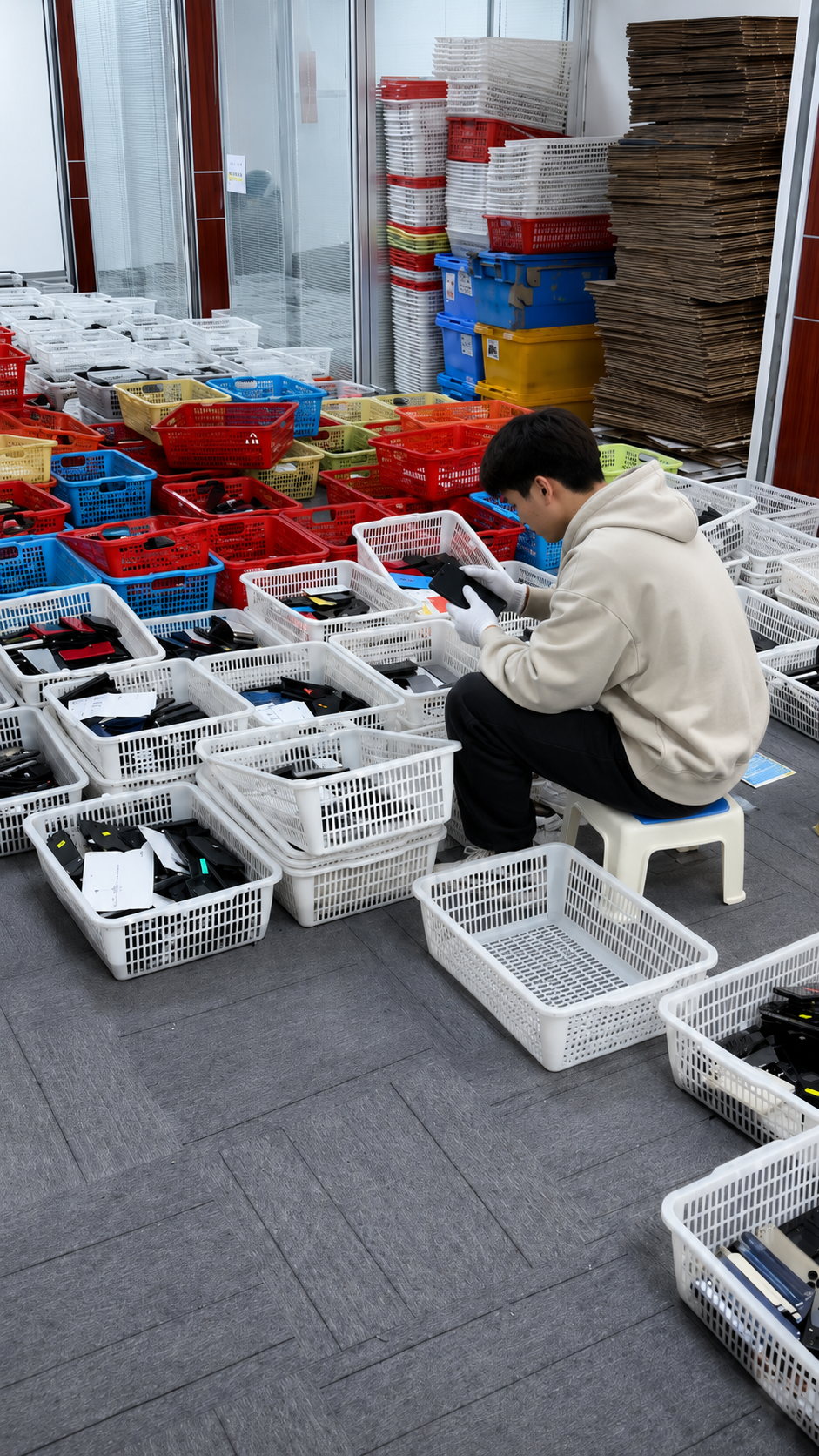
Connectivity testing helps reveal problems not visible during a physical inspection. Confirm normal setup and expected network behavior with compatible local services where appropriate, and record the pass or fail status by IMEI or inventory line for bulk stock.
- Connect to Wi-Fi and a Bluetooth accessory.
- Test mobile-network service with compatible SIM or eSIM where appropriate.
- Confirm normal setup can be completed.
- Check GPS or location services if relevant.
- Check for unexpected management or account restrictions.
- Verify iOS is functioning without unusual errors.
- Record results with the device identifier.
11. Use a Clear Grading Standard for Resale
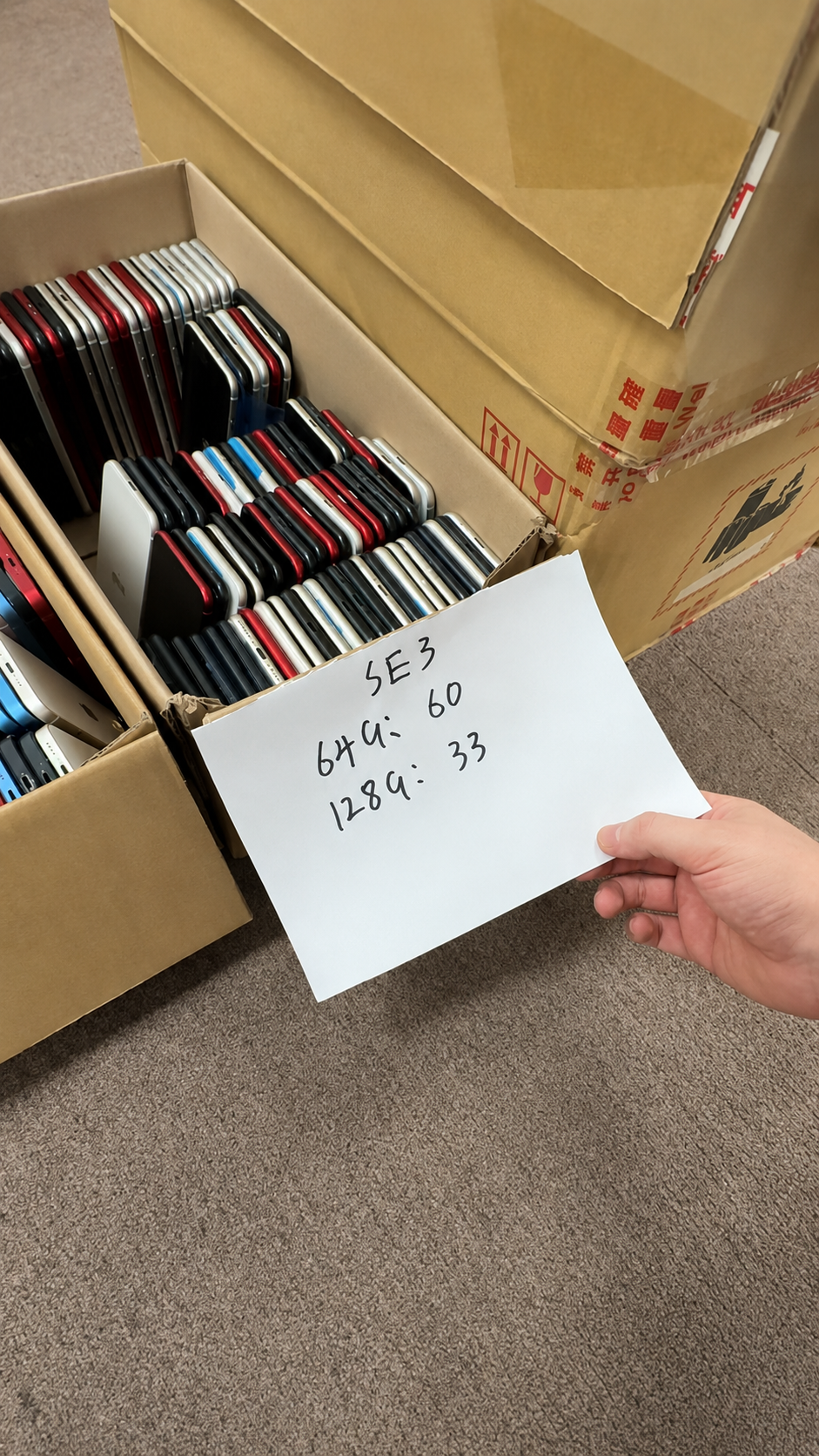
Condition labels should be defined with examples, especially for B2B purchasing and downstream listings. Grade is only a cosmetic and stated-condition language. It does not replace IMEI verification, battery review, functional tests, Parts and Service History, Activation Lock, or carrier checks.
| Grade | Cosmetic Expectation | Functional Expectation |
|---|---|---|
| Like New / Premium | Very limited visible wear | Fully functional and ready for premium resale |
| Grade A / Excellent | Light signs of use | Fully functional with clear condition standard |
| Grade B / Good | Noticeable but acceptable wear | Fully functional unless otherwise stated |
| Grade C / Fair | Heavier visible wear | Functional with disclosed cosmetic limits |
| As-is | Varies by unit | Not guaranteed unless specifically documented |
- Agree grade definitions in writing before a wholesale order.
- Use representative examples under consistent lighting.
- Define allowed marks on display, frame, lenses, and back glass.
- Record lower-grade or functional exceptions separately.
12. Document the Inspection Before Completing the Purchase
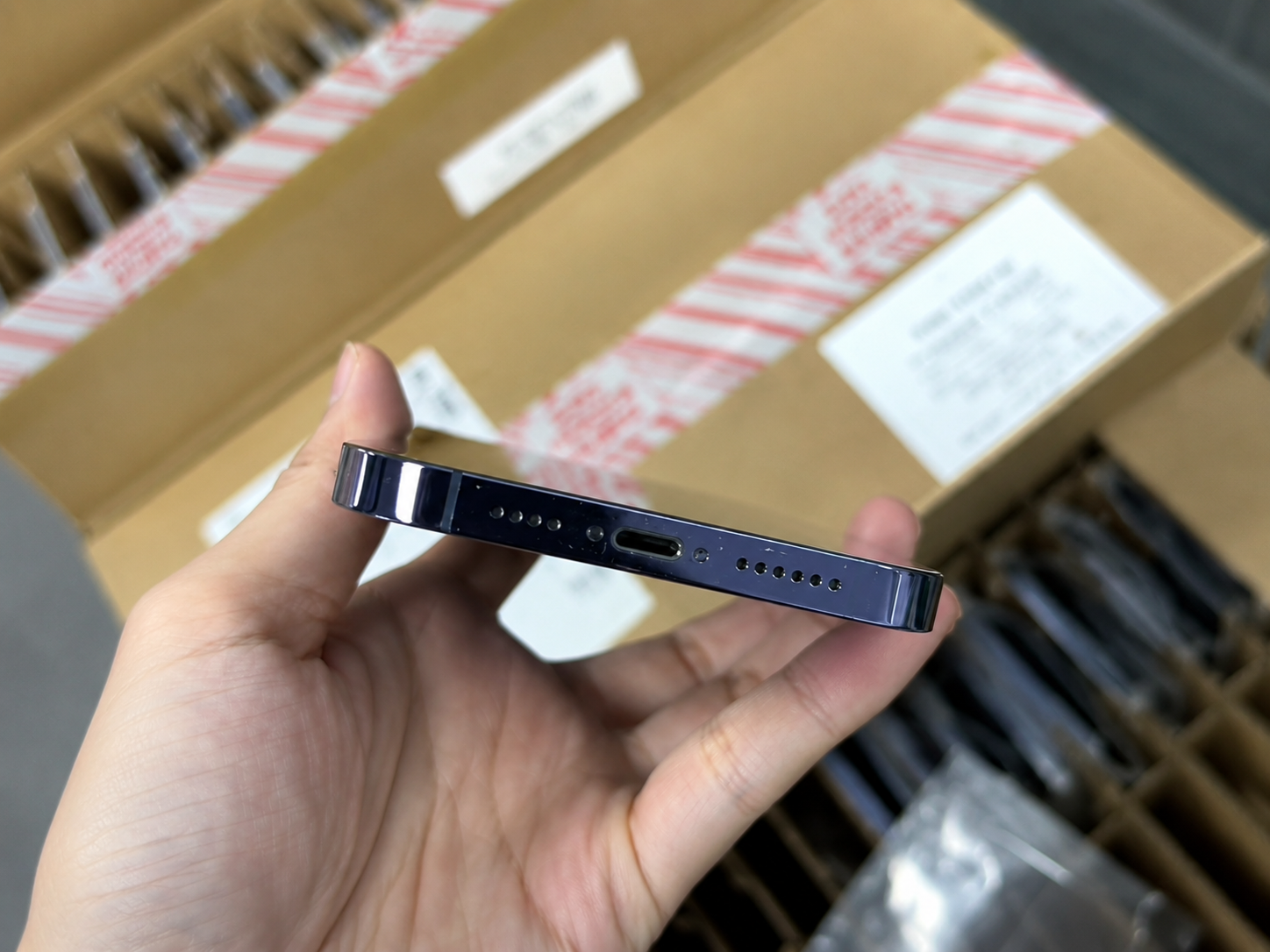
Photos, serial records, and test notes help buyers make decisions and support claims if a device differs from the agreement. Documentation is especially important for online orders and wholesale deliveries, where the purchase and inspection may occur at different times or locations.
- Record model, storage, color, serial number, and IMEI.
- Photograph overall condition and defects.
- Save battery-health and parts-history notes.
- Record Activation Lock and carrier-status checks.
- Keep seller messages, invoice, manifest, and purchase order.
- For online orders, record carton condition and unboxing before testing.
- For wholesale orders, separate approved from exception units.
- Submit claims within the agreed inspection period.
Use the same sequence for every device
An inspection is more reliable when the order does not change from phone to phone. Start with identity and ownership, then move to cosmetic condition, system information, functions, connectivity, and documentation. This reduces the chance that a buyer focuses on a visible scratch but forgets the carrier field, or sees a strong battery reading without completing a charging test.
For individual purchases, a written checklist on a phone or paper is sufficient. For resale and wholesale stock, use a unit record. The record should be simple enough for staff to complete consistently, while retaining the identifier needed to find the original device later.
| Inspection phase | Main question | Record to keep |
|---|---|---|
| Identity | Is this the advertised model and configuration? | Model, storage, color, serial, and IMEI |
| Ownership | Can normal setup continue without another owner? | Setup and lock-status result |
| Condition | What visible wear or damage is present? | Photos and grade note |
| Health | What do battery and parts details show? | Settings notes and policy result |
| Function | Do agreed features pass the test? | Pass/fail notes and exception evidence |
Know which issues need immediate action
Not every observation has the same importance. A minor cosmetic mark may be acceptable under the agreed grade; an Activation Lock prompt, swelling, physical structural separation, or an identifier mismatch needs immediate separation from normal stock. Categorising issues helps buyers protect the device, the evidence, and the next customer.
Usually acceptable only if documented
- Light surface wear within the written grade
- Moderate battery reading within stated policy
- Known replacement part with functional result and disclosure
- Carrier limitation expressly included in the purchase plan
- Missing accessory where the order excludes it
Hold for resolution
- “iPhone Locked to Owner” during setup
- IMEI, model, or storage mismatch
- Swelling, liquid signs, severe bend, or loose display
- Undisclosed test failure or abnormal charging
- Carrier or management restriction outside the agreement
Do not try to solve security restrictions through bypasses. Preserve the facts, contact the seller using the agreed commercial process, and decide only after a legitimate resolution is documented.
Use sampling correctly for wholesale batches
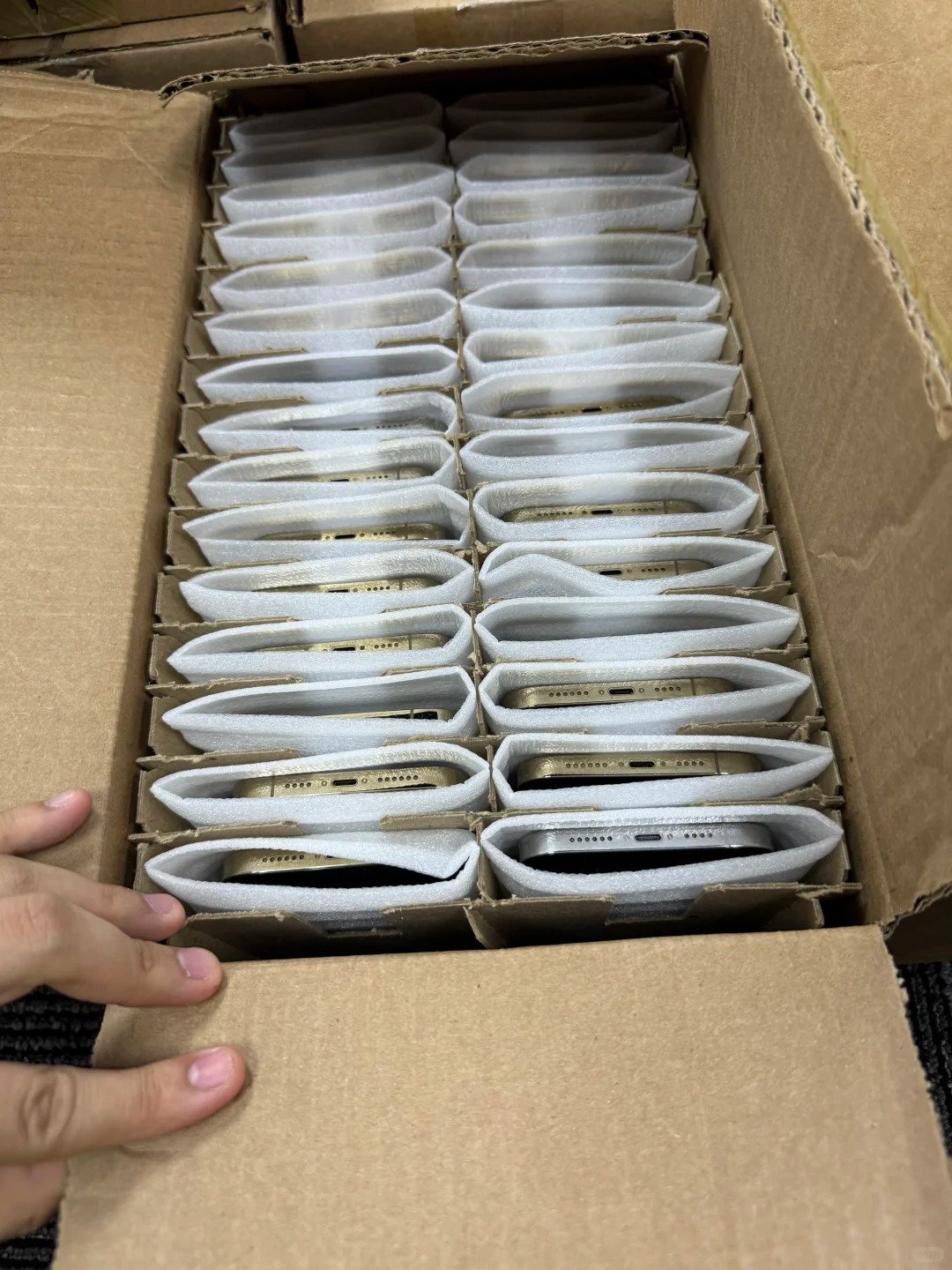
When hundreds of devices arrive, a buyer may not be able to complete every deep test in the first hour. A planned sampling method helps identify whether the batch matches the written promise, while still allowing immediate checks of carton condition, count, model mix, and identifiers. The method should be agreed before delivery for any order where sampling affects acceptance.
- Select devices across models, storage capacities, grades, and cartons.
- Check high-value and lower-grade units rather than only one group.
- Compare each sample with its manifest line.
- Use the same display, battery, lock, and function checks.
- Expand the sample or hold the batch if a repeated pattern appears.
- Record sample size, selection method, date, and operator.
Sampling does not remove the need for a clear claims term. It tells the buyer and supplier how an observed issue is evaluated, whether wider inspection is needed, and what evidence must be supplied if an exception is reported.
Prepare an accurate resale description after inspection
The quality-control record should become the source for a truthful product description. Avoid listing a phone as premium merely because its back glass looks clean when the battery, parts disclosure, or functional test requires a different resale position. Honest information reduces customer misunderstanding and makes a reseller's own returns process easier to manage.
| Inspection result | Resale-record implication | Internal control |
|---|---|---|
| Grade confirmed | Use the defined cosmetic description | Retain photos or example standard |
| Battery policy met | Use approved battery disclosure | Keep recorded reading or range |
| Parts message recorded | Apply required downstream disclosure | Keep settings note with identifier |
| Function passed | List only tested functions | Retain test date and scope |
| Exception unresolved | Do not list as normal approved stock | Keep it quarantined |
Review results before the next purchase
After a small purchase or incoming batch, review which checks revealed the most exceptions. If the same supplier repeatedly delivers a lower battery range, different regional variants, or grade inconsistencies, change the next buying specification rather than assuming the result will improve without a written adjustment.
Also separate supplier performance from market suitability. A device can be accurately described and fully tested but still be the wrong model, storage, or SIM configuration for your customers. Keep market demand, procurement quality, repair cost, and claims performance in the same post-order review.
- Manifest and identifier accuracy
- Grade match rate and cosmetic exceptions
- Battery and parts-history consistency
- Functional pass rate and repair time
- Lock or carrier-status exception rate
- Supplier communication and claims response
- Actual resale fit for the destination market
For a repeatable workflow, assign one person to verify the device record and another to approve any exception. This simple separation reduces accidental acceptance of a unit because the same person is trying to count, test, photograph, and make a commercial decision at the same time. The process can stay lightweight while still being clear.
When a purchase contains different grades or sales channels, label them at inspection rather than after devices have been mixed together. A premium resale channel may require a stricter visual and battery policy than an entry-value channel. The identifier, condition record, and storage location should stay connected until the item is sold, repaired, returned, or otherwise resolved.
| Post-inspection question | Why ask it | Useful next action |
|---|---|---|
| Did the received model mix match demand? | Prevents repeating slow-moving choices | Update model and storage request |
| Which exceptions were most frequent? | Identifies a controllable risk | Strengthen the written standard |
| Was the inspection window practical? | Ensures evidence can be collected on time | Adjust staffing or order terms |
| Did the supplier resolve issues clearly? | Shows commercial reliability | Update supplier scorecard |
Frequently Asked Questions About Checking a Used iPhone
What should I check first when buying a used iPhone?
Start with model, storage, IMEI, and ownership status. Then inspect physical condition, battery, parts information, carrier status, core functions, and supporting documents.
How do I know if an iPhone is Activation Locked?
During setup, a device may display “iPhone Locked to Owner.” Do not purchase it as usable stock. Only the rightful account owner or authorized organization can remove the restriction legitimately.
What does “No SIM restrictions” mean on an iPhone?
It appears beside Carrier Lock in Settings, General, About and indicates an unlocked iPhone. Buyers should still confirm regional and network compatibility for their market.
How can I check battery health on a used iPhone?
Open Settings, Battery, then Battery Health and Charging. Record available capacity and messages, then test real charging behavior rather than relying on the percentage alone.
What does Parts and Service History show?
Where available, it can display information about supported replaced components. It helps with disclosure but does not by itself prove overall device condition or every repair event.
Should I avoid an iPhone with a replaced part?
Not automatically. Review the part information, functional result, safety, agreed standard, customer disclosure needs, and price before deciding.
How do I verify that the IMEI matches the device?
Compare the identifier in Settings, General, About with the seller record, physical documentation, and bulk manifest. Record mismatches immediately.
How can I test a used iPhone screen before buying?
Use light and dark backgrounds, test touch across the screen, observe brightness and color, and check biometrics and sensors where applicable.
What functions should I test before paying?
Test display, touch, cameras, flash, audio, buttons, charging, Wi-Fi, Bluetooth, network service where appropriate, setup status, and account restrictions.
What should wholesale buyers record during incoming inspection?
Record identifiers, model, storage, grade, battery, parts history, tests, status checks, carton evidence, manifest reconciliation, and all exceptions.
Summary
Check Every Used iPhone Before You Commit
Confirm model, storage, and regional compatibility. Inspect physical condition before relying on grade; never accept a device showing “iPhone Locked to Owner”; and check IMEI, carrier status, network fit, battery, charging behavior, and Parts and Service History where available.
- Test display, touch, cameras, audio, buttons, charging, and connectivity.
- Document results before paying or reselling.
- For bulk orders, use the same checklist against an IMEI-level manifest.
Contact HQB to discuss inspected used iPhone inventory, grades, quantities, and sourcing requirements.
Talk to HQB
Ask About Used iPhone Quality Checks
Tell HQB the models, quantities, grades, and inspection requirements you need.
sales@usedphonehqb.com
Related Articles
Used iPhone Wholesale: A Complete Guide
Learn how to source used iPhone inventory with documented grades, testing, IMEI verification, and controlled receiving.
iPhone Battery Health: What You Need to Know
Understand battery-health readings, charging behavior, replacement planning, and battery condition in used iPhone resale.
iPhone Activation Lock Explained
Learn what Activation Lock means, why it matters for used devices, and why buyers should accept only legitimately cleared iPhones.