Ownership and transfer guide
How Activation Lock Works and How to Check It Legally
1. How Activation Lock Works with Find My
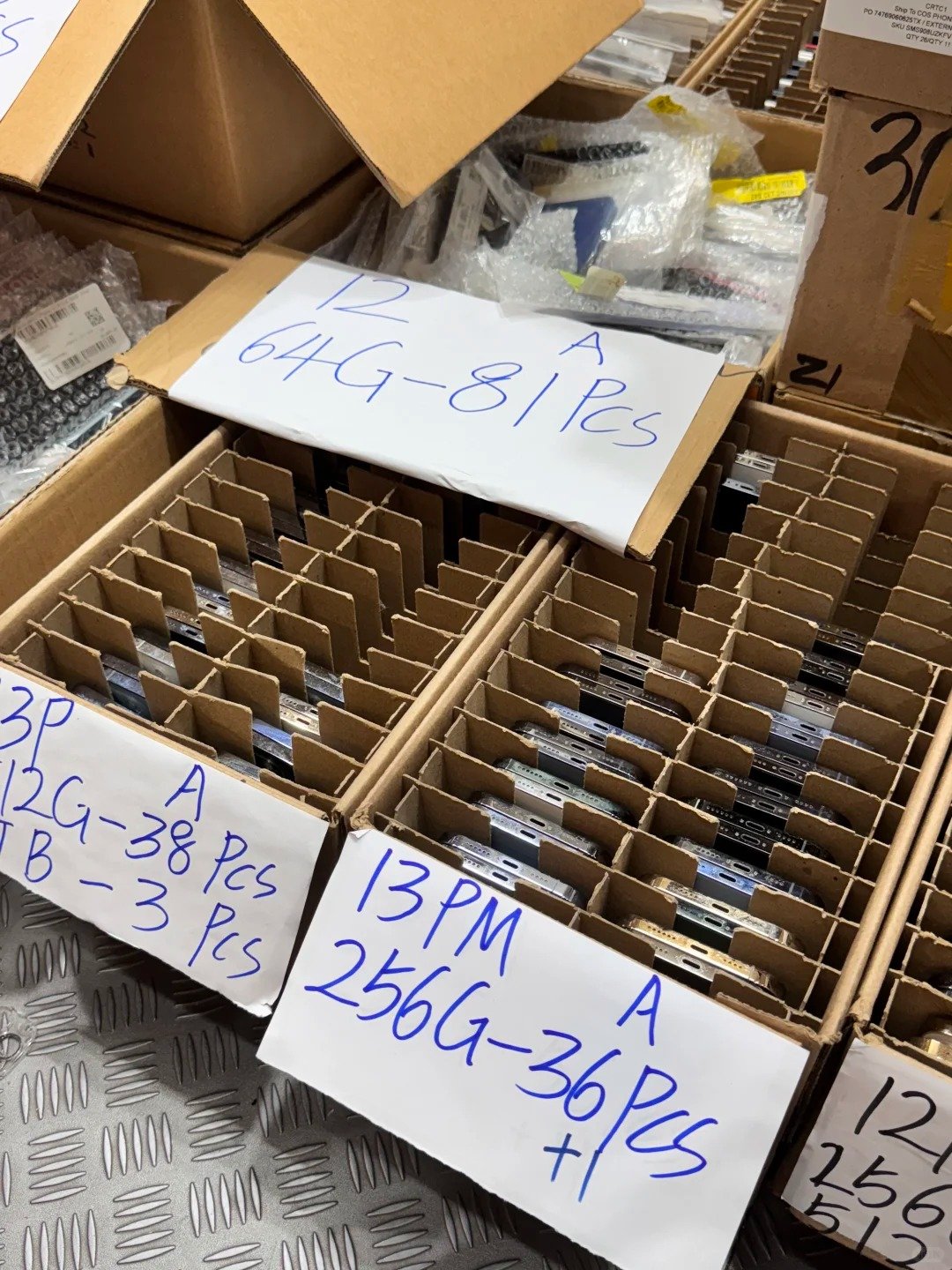
Activation Lock is associated with Find My and the owner’s Apple Account. When an iPhone is activated or recovered, it can contact Apple services to check whether an ownership association remains.
- The owner signs in to their Apple Account.
- Find My is enabled on the iPhone.
- The device becomes associated with that account.
- After erase, restore, or setup, activation checks the link.
- If the link remains, previous owner credentials can be required.
- The device is ready only after authorized removal.
| Device Situation | What It Can Indicate | Buyer or Seller Action |
|---|---|---|
| Still signed in to prior owner | Transfer is incomplete | Ask owner to prepare device properly |
| iPhone Locked to Owner appears | Activation Lock is active | Do not accept as resale-ready |
| Previous account requested | Device remains linked | Return to seller for legitimate removal |
| Normal setup continues | Ownership check appears clear | Continue wider inspection |
| Organization device | Controls may apply | Contact authorized IT team |
2. Activation Lock vs. Other iPhone Locks and Status Checks
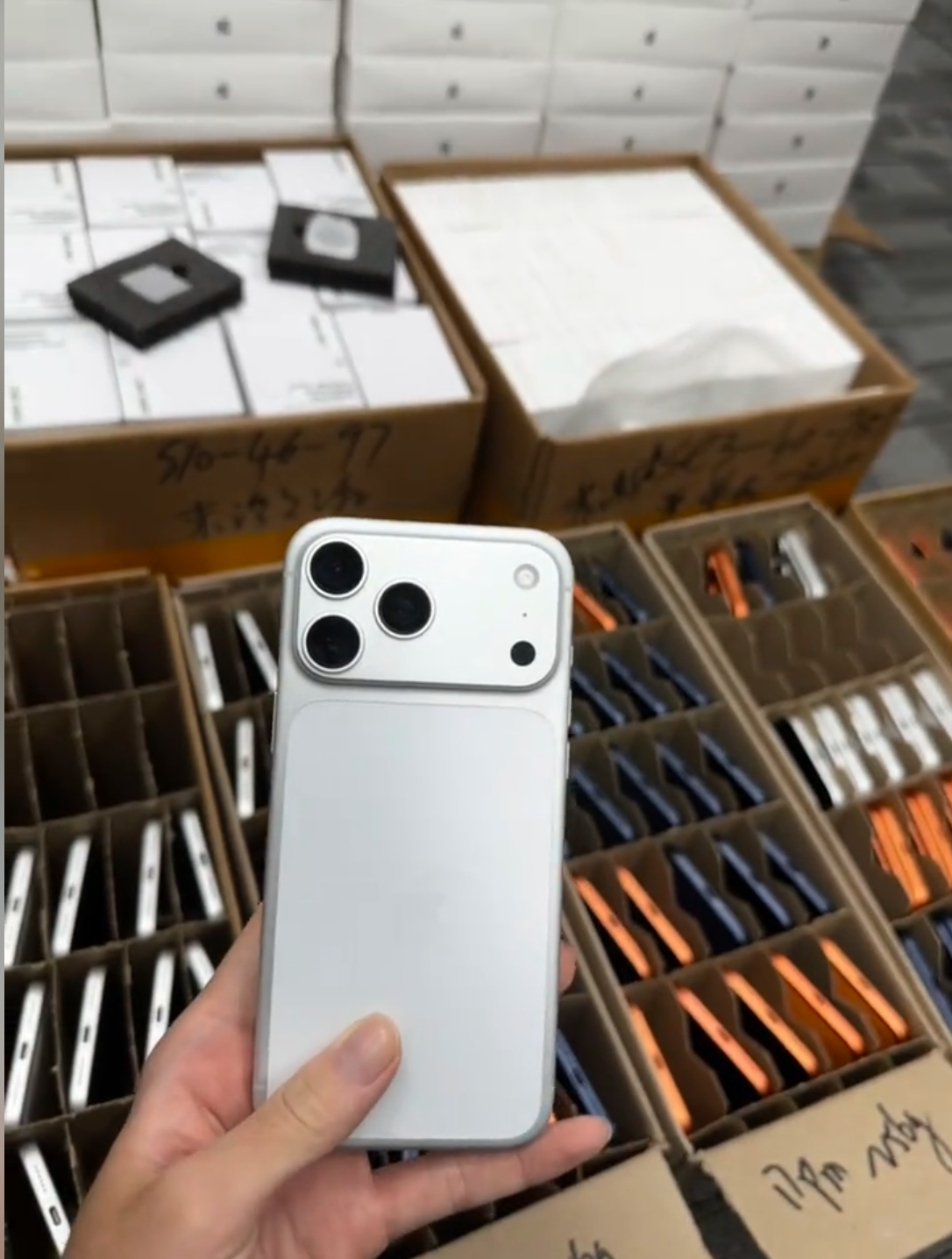
Buyers often combine separate restrictions into one idea of “locked.” Each status controls a different risk, so every used-iPhone workflow needs individual evidence rather than a general seller promise.
| Status or Lock | What It Means | How It Differs from Activation Lock |
|---|---|---|
| Passcode lock | Controls current session access | Does not prove ownership transfer |
| Carrier Lock | Restricts provider use | Unlocked carrier status can coexist with Activation Lock |
| IMEI blacklist | Can affect activation or resale | Clean IMEI does not remove account lock |
| MDM controls | Business or school management | May need organization release |
| Screen Time/profile | Setting or profile restriction | Separate from owner account protection |
| Parts history | Available repair information | Does not determine ownership status |
| Battery service message | Battery condition concern | Does not determine ownership status |
- Unlocked does not mean Activation Lock free.
- Factory reset does not mean Activation Lock free.
- Clean IMEI and good cosmetic grade do not mean Activation Lock free.
- A working Home Screen and verbal promise do not replace setup verification.
3. How to Check Activation Lock Before Buying a Used iPhone
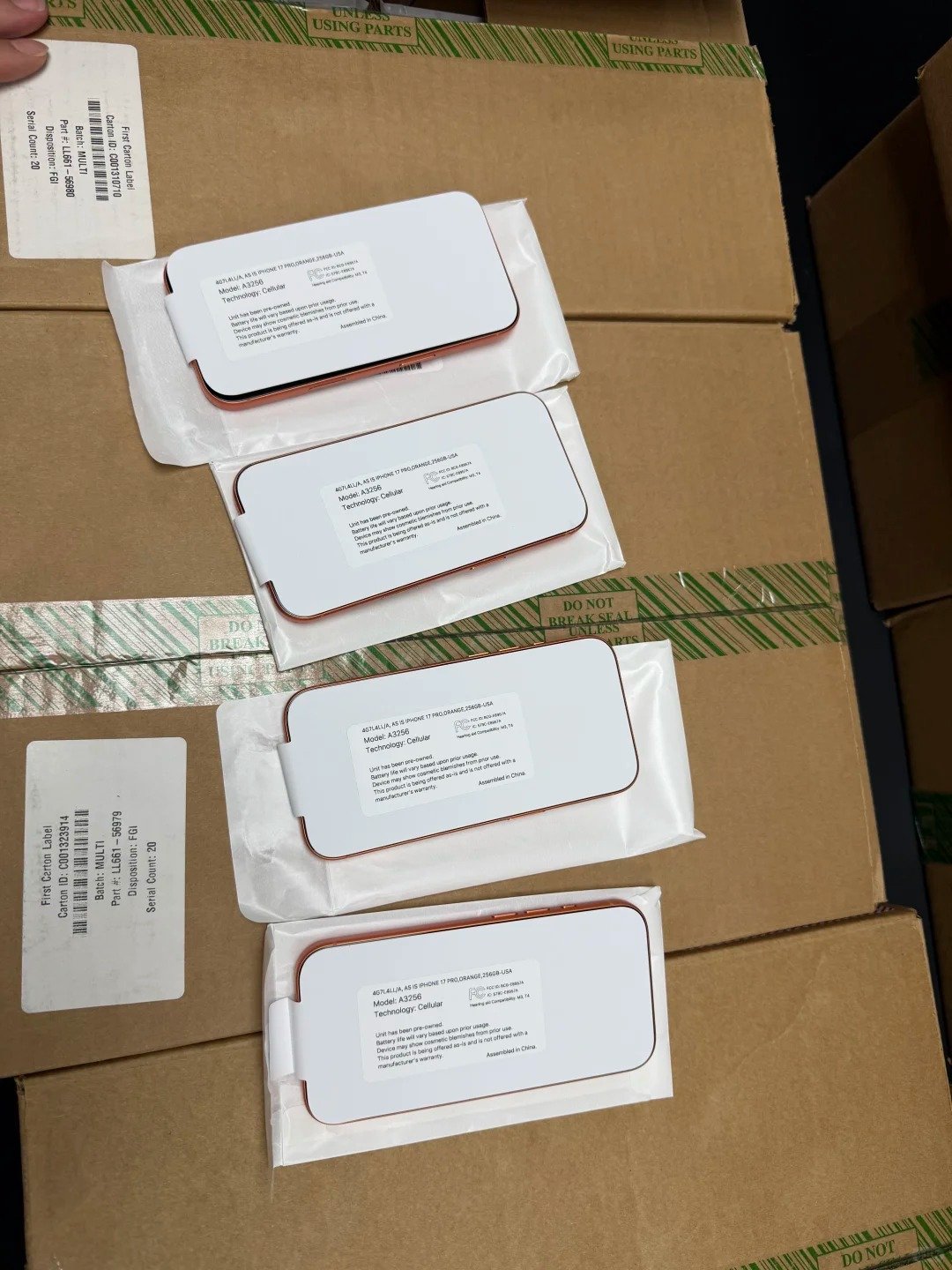
The safest process is to inspect the phone in person or immediately after delivery, ensure it is erased, and begin setup. Do not take ownership until setup proceeds without asking for the previous owner’s Apple Account.
- Turn on the device while the seller is present where possible.
- Ask the seller to prepare and erase it completely.
- Begin normal setup.
- Watch for the iPhone Locked to Owner screen.
- Continue far enough to confirm no prior-owner account is requested.
- Stop purchase or acceptance if credentials are requested.
- Complete other checks only once ownership is clear.
- Record the result in B2B transactions.
| Setup Result | Meaning | Correct Action |
|---|---|---|
| Hello screen and setup continues | May be ready for a new owner | Continue full inspection |
| iPhone Locked to Owner | Activation Lock remains | Do not accept device |
| Previous owner requested | Transfer incomplete | Ask seller for lawful removal |
| Removal promised later | Ownership risk remains | Do not complete payment |
| Cannot set up normally | Status unclear | Hold or reject until verified |
4. How Sellers Should Prepare an iPhone for Transfer
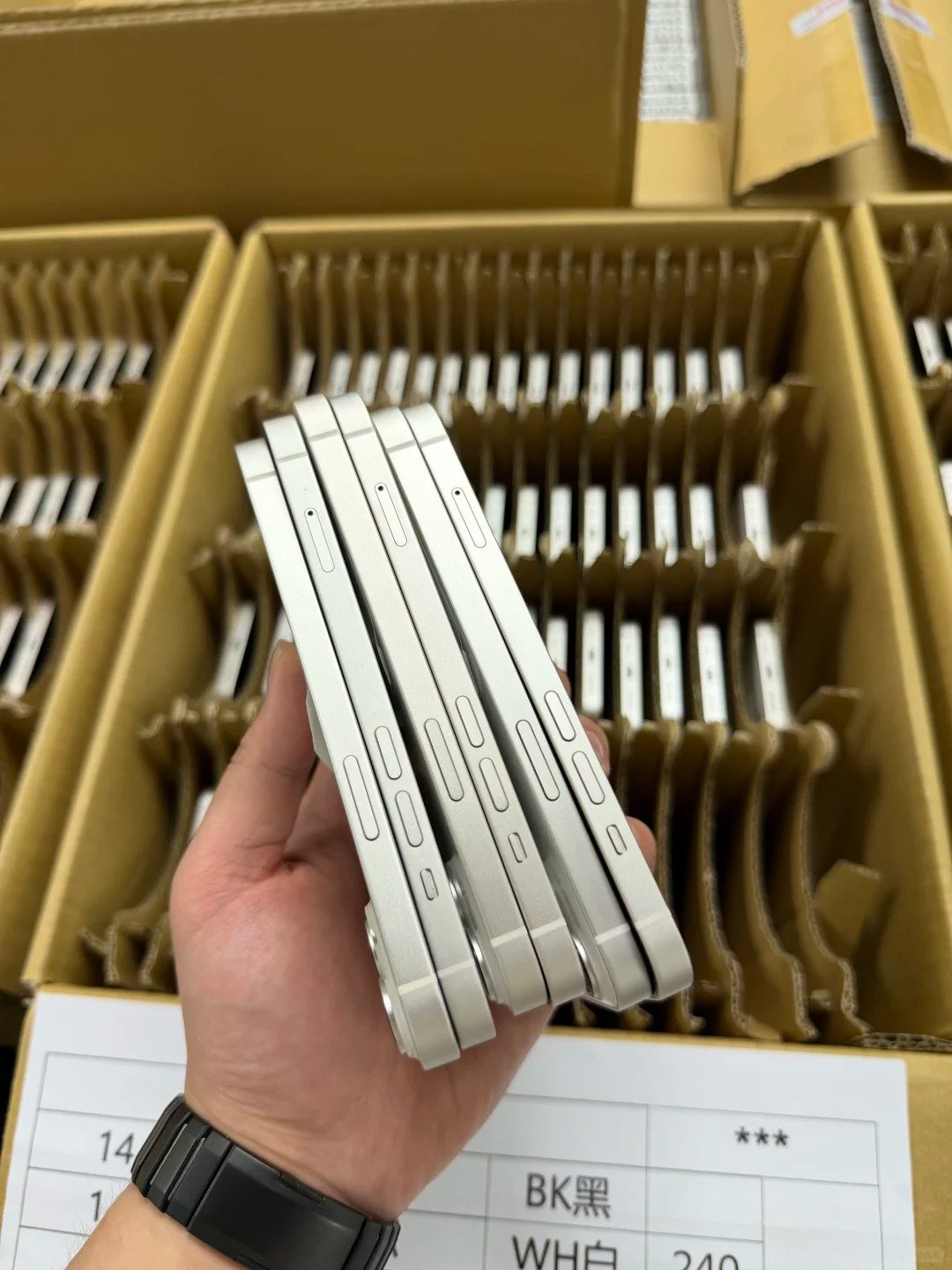
Sellers should remove their personal account connection before selling, trading in, giving away, or shipping to a wholesale buyer. This protects personal data and gives the next owner a legitimate, usable transfer path.
- Back up personal data if needed.
- Sign out of the Apple Account on the device.
- Turn off Find My as part of authorized transfer preparation.
- Erase through the normal device process.
- Confirm the normal Hello setup screen.
- Do not hand over a device still linked to the seller account.
- Provide agreed model, storage, IMEI, and sale records.
- Confirm the buyer can begin setup without prior-owner credentials.
| Seller Action | Why It Matters |
|---|---|
| Sign out of Apple Account | Ends personal account relationship |
| Remove Find My association | Supports lawful transfer |
| Erase device | Protects data and prepares setup |
| Verify setup screen | Confirms transfer readiness |
| Keep sales record | Supports commercial traceability |
| Remove remotely if needed | Corrects incomplete transfer where applicable |
5. What to Do If a Previous Owner Is Not Present
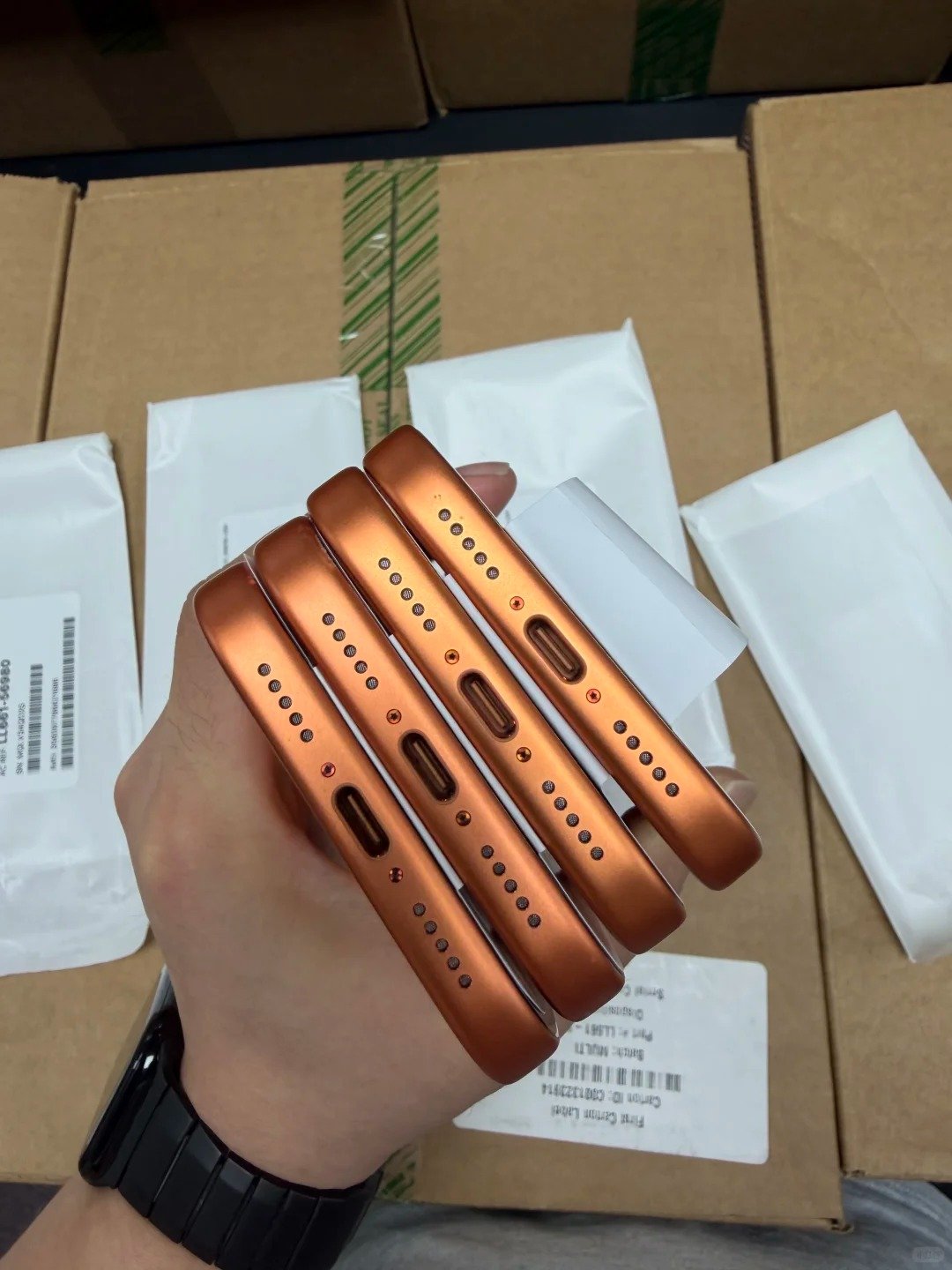
The appropriate path is to contact the previous owner using verified sale information and ask them to remove the device through authorized Apple account tools. Do not use bypasses, unofficial services, or methods intended to evade the ownership check.
- Contact the previous owner using verified records.
- Ask them to sign in to iCloud Find Devices.
- Ask them to select the relevant iPhone.
- Ask them to use the authorized removal option.
- Reconnect the iPhone to the internet if required.
- Restart setup.
- Confirm prior-owner credentials are no longer requested.
- Keep written confirmation in the transaction record.
| Situation | Appropriate Next Step |
|---|---|
| Previous owner reachable | Ask for authorized account removal |
| Owner confirms removal | Re-run setup verification |
| Owner cannot be reached | Do not treat as resale-ready |
| Seller cannot prove ownership | Pause or reject transaction |
| Valid original proof exists | Consider official Apple support request |
| Business or school device | Contact authorized IT or asset team |
6. When an Official Apple Support Request May Be Appropriate
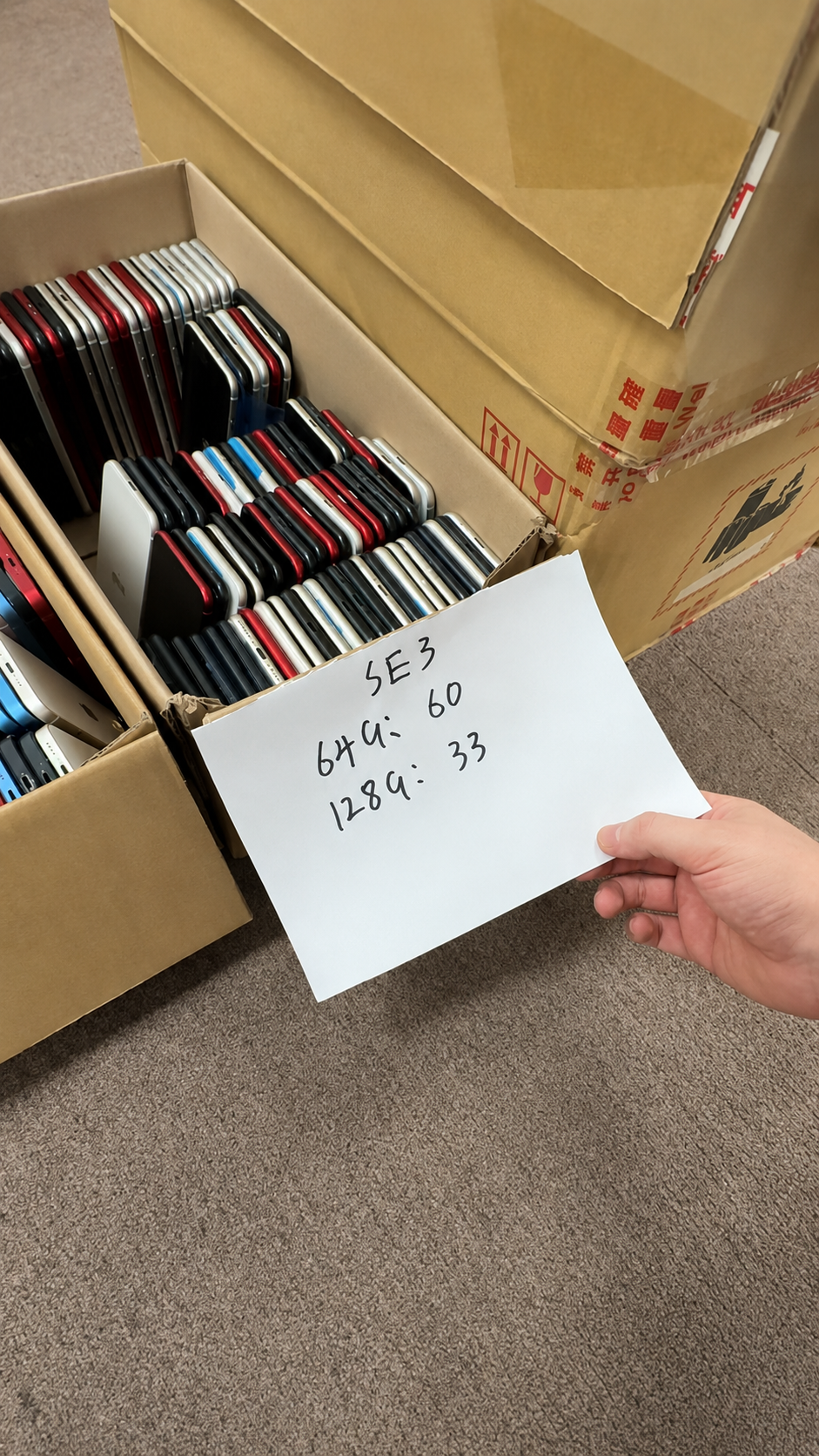
A person with valid proof of purchase may be able to start an official Activation Lock support request with Apple. Approval is not guaranteed: Apple evaluates requests under its own policies, so documentation must be complete and accurate.
| Situation | Appropriate Path |
|---|---|
| Owner knows account credentials | Remove directly through authorized owner access |
| Owner has passcode where supported | Follow on-screen authorized process |
| Owner lacks device but has account access | Use iCloud Find Devices where applicable |
| Buyer has valid proof of purchase | Start official Apple support request |
| No valid ownership evidence | Do not expect removal |
| Organization device | Use authorized organization process |
| Unclear source | Do not accept as normal resale stock |
- Keep original or valid purchase documentation where available.
- Match serial number or IMEI to the documentation.
- Keep seller identity, date, invoice, and ownership-chain records.
- Do not make an approval promise to a buyer or reseller.
7. Activation Lock for Organization-Owned iPhones
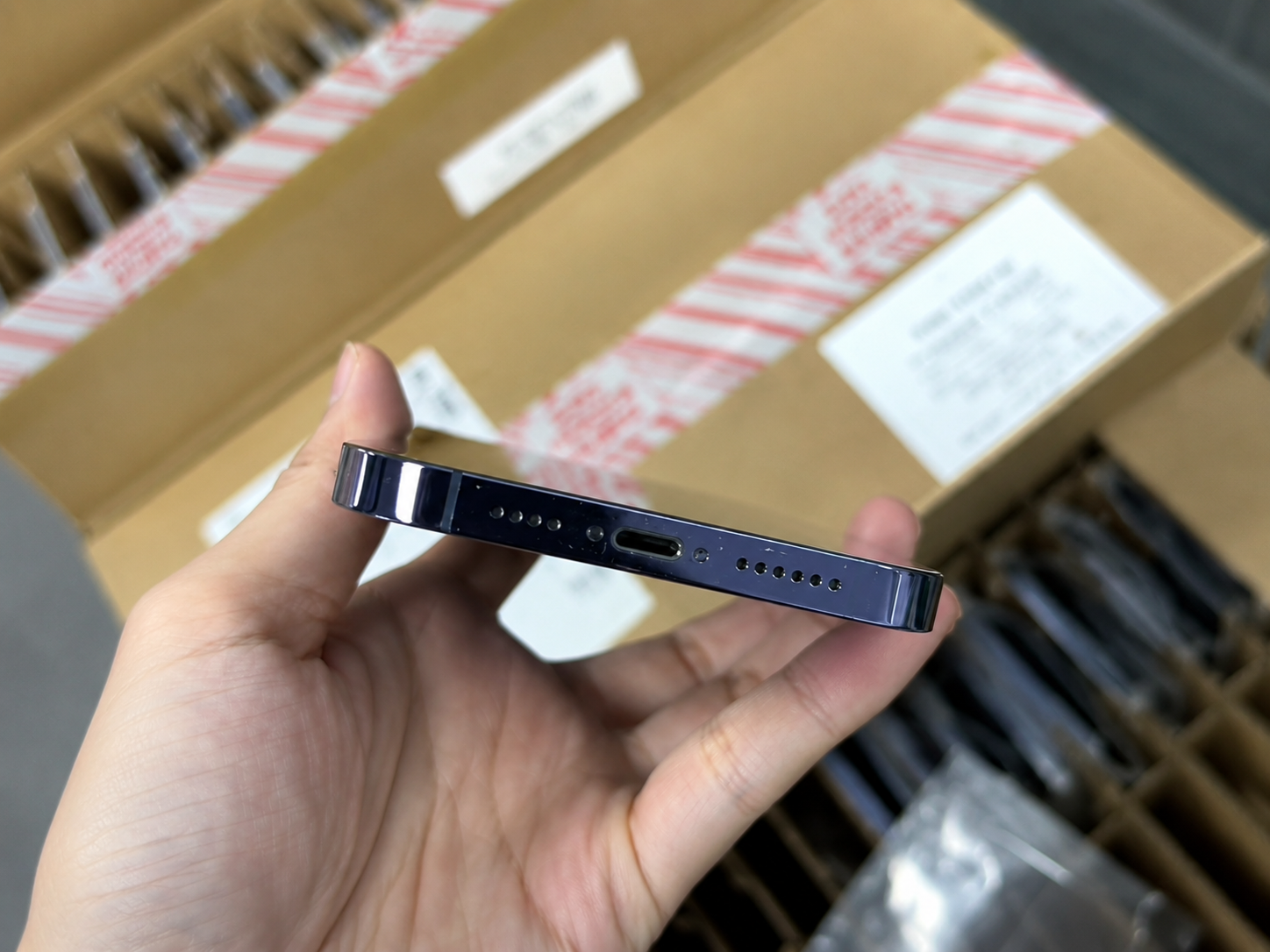
Businesses and educational institutions can have legitimate organization-managed device processes. A buyer should never assume that an organization-owned iPhone is resale-ready without release documentation from an authorized party.
| Organization Scenario | Why It Requires Extra Care | Appropriate Action |
|---|---|---|
| Corporate refresh stock | May remain linked to systems | Request authorized release record |
| School-owned iPhone | Education controls may be active | Contact authorized IT administrator |
| Managed device | MDM or business controls may apply | Confirm approved release |
| Asset-disposition batch | Batch records may exist | Verify data clearing and transfer |
| Auction stock | Prior owner may be inaccessible | Require written status and remedy |
- Confirm the seller is authorized to dispose of devices.
- Request device or batch traceability.
- Confirm setup readiness on samples.
- Separate locked or unclear devices immediately.
8. Activation Lock Controls for Used iPhone Wholesale
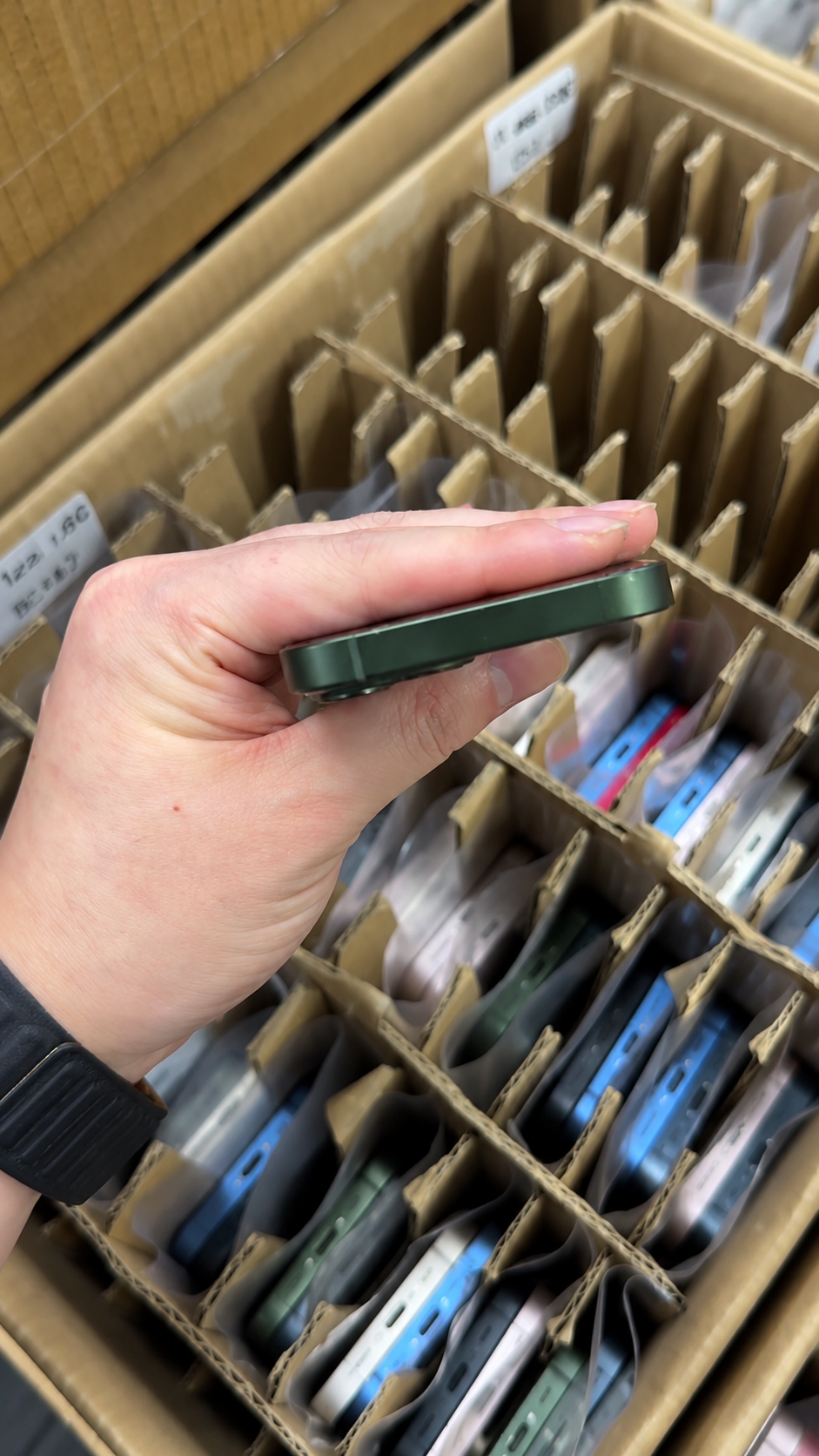
Activation Lock must be a documented pass-or-hold control in wholesale receiving and resale workflows. A locked device is not a lower cosmetic grade; it is an ownership-status exception that needs a separate process.
| Wholesale Control | Required Standard |
|---|---|
| Supplier declaration | States no prior-owner Activation Lock |
| Unit traceability | IMEI or batch record connects to order |
| Incoming inspection | Setup verification per agreement |
| Hold process | Locked or unclear units separated |
| Evidence record | Screenshots, IMEI, photos, notes retained |
| Claim process | Timeframe and remedy agreed |
| Resale release | Not listed before verification |
9. Red Flags That Require an Immediate Stop
Pause the transaction whenever ownership status is unclear. These are not problems to solve with a quick workaround; they are reasons to wait for legitimate proof or reject the device from normal inventory.
- iPhone Locked to Owner appears.
- Setup requests prior-owner Apple Account credentials.
- Seller refuses to erase the device.
- Seller says removal will happen later.
- IMEI does not match listing or batch record.
- Organization link lacks authorized release confirmation.
- Price is suspiciously low and ownership cannot be explained.
- Seller suggests bypass tools or unofficial removal methods.
- Documentation is missing or inconsistent.
- Device cannot complete normal setup.
| Red Flag | Why It Matters | Correct Response |
|---|---|---|
| Previous owner request | Ownership link remains | Do not buy or accept |
| No written record | Traceability is weak | Request proof or reject |
| Status unclear | Risk cannot be priced | Hold pending verified resolution |
| Unreleased organization device | May remain controlled | Require authorized clearance |
| Seller pressure | Can prevent inspection | Pause the transaction |
10. A Complete Used iPhone Ownership and Quality Check
Activation Lock is the first essential ownership check, but resale-ready inventory also needs identity, network, battery, repair, cosmetic, and functional review. An Unknown Part or Parts and Service History result is separate from Activation Lock; it requires investigation and transparent disclosure, not an assumption that every replacement part makes the iPhone unusable.
- Confirm model, storage, colour, and regional variant.
- Match IMEI with device and commercial records.
- Confirm Activation Lock is clear through normal setup.
- Check Carrier Lock or Network Provider Lock.
- Confirm SIM or eSIM fit for the market.
- Check Battery Health and Charging.
- Review Parts and Service History where supported.
- Inspect screen, frame, glass, lenses, buttons, and port.
- Test display, touch, biometrics, cameras, audio, wireless, cellular, and charging.
- Record grade, results, and transaction terms before resale.
| Pass Condition | Hold or Reject Condition |
|---|---|
| Normal setup without prior-owner request | iPhone Locked to Owner appears |
| IMEI matches documentation | IMEI mismatch or unclear status |
| Carrier status matches agreement | Network restriction undisclosed |
| Battery and repairs disclosed | Critical status hidden or unexplained |
| Core tests pass | Charging, biometric, camera, or connectivity failure |
| Grade matches written standard | Significant undisclosed damage |