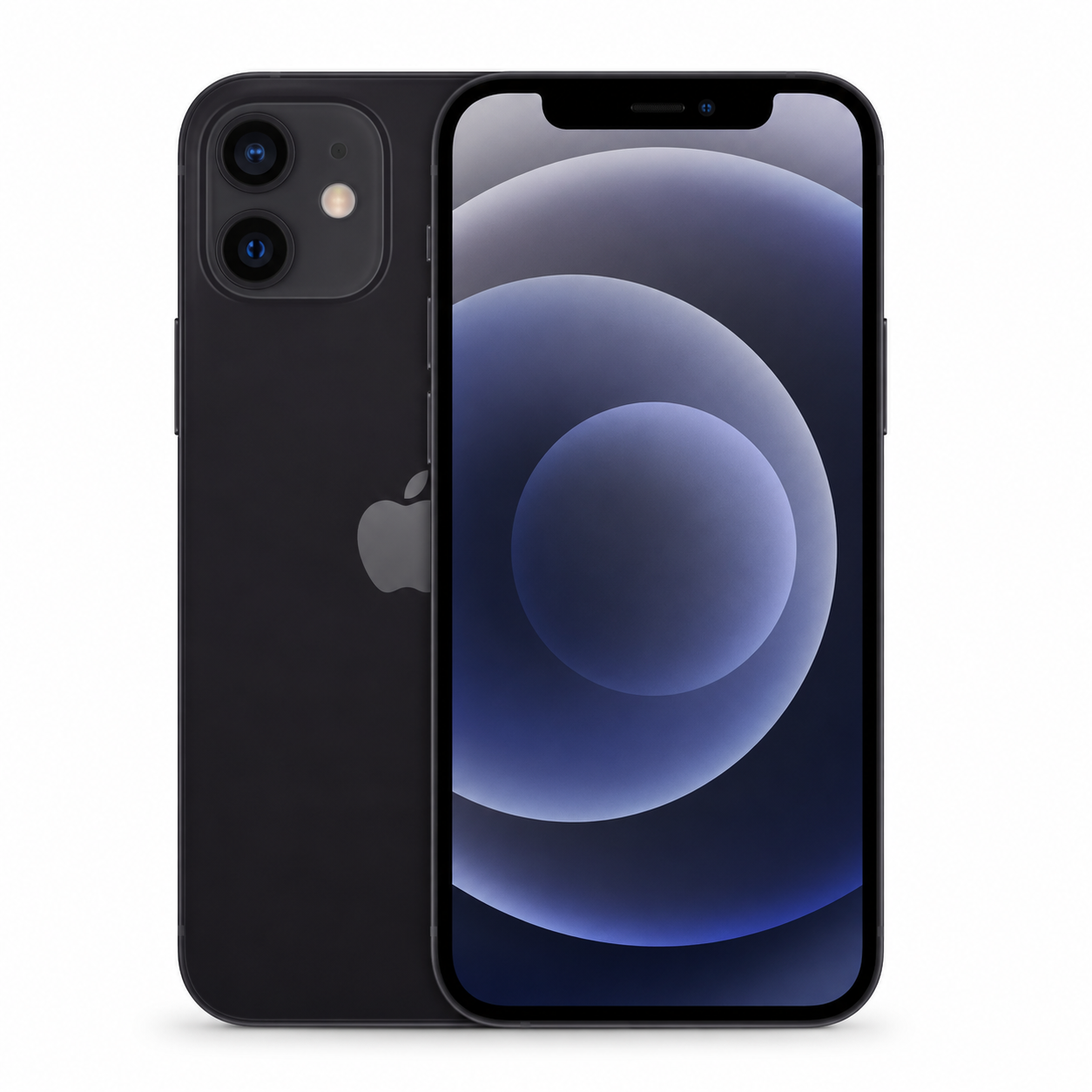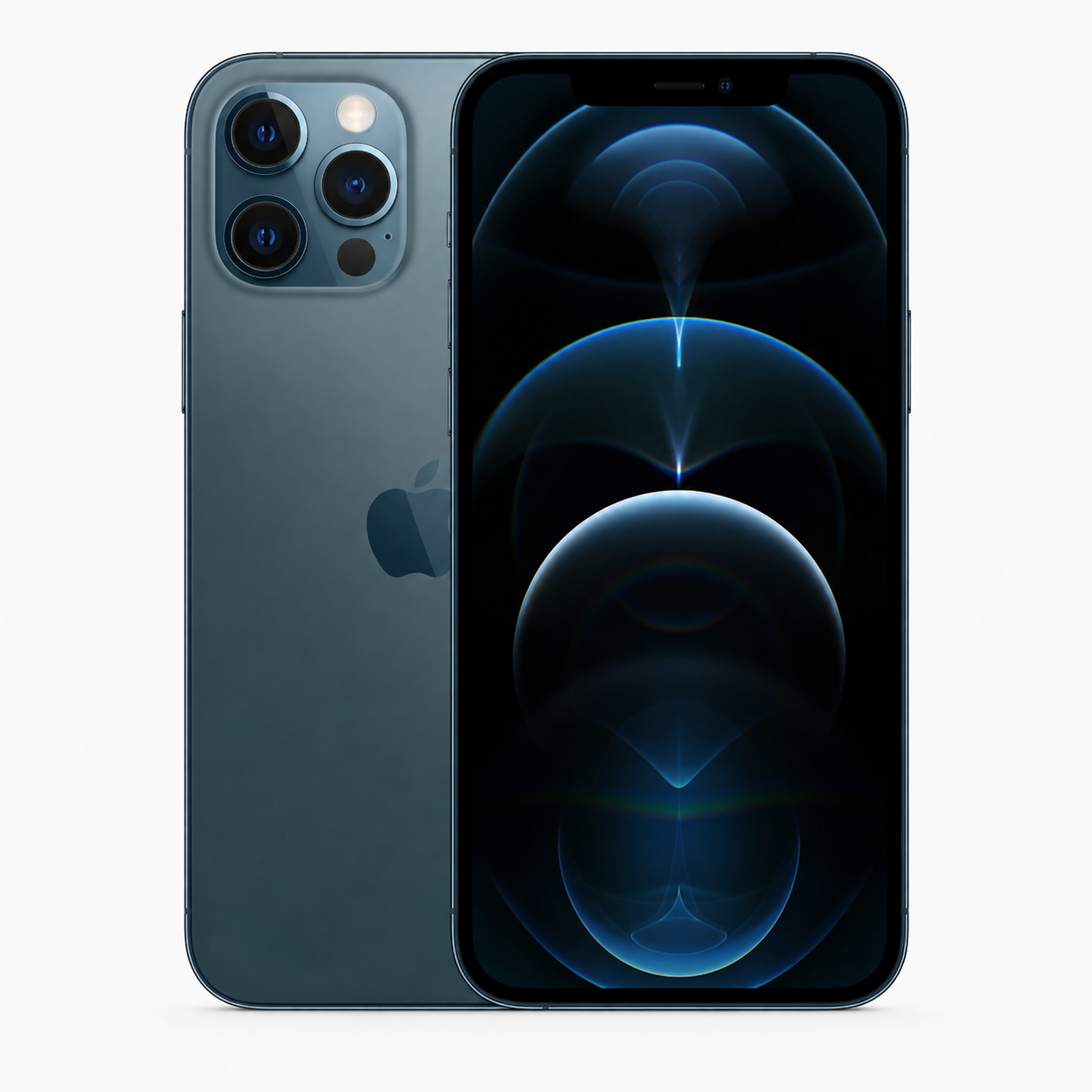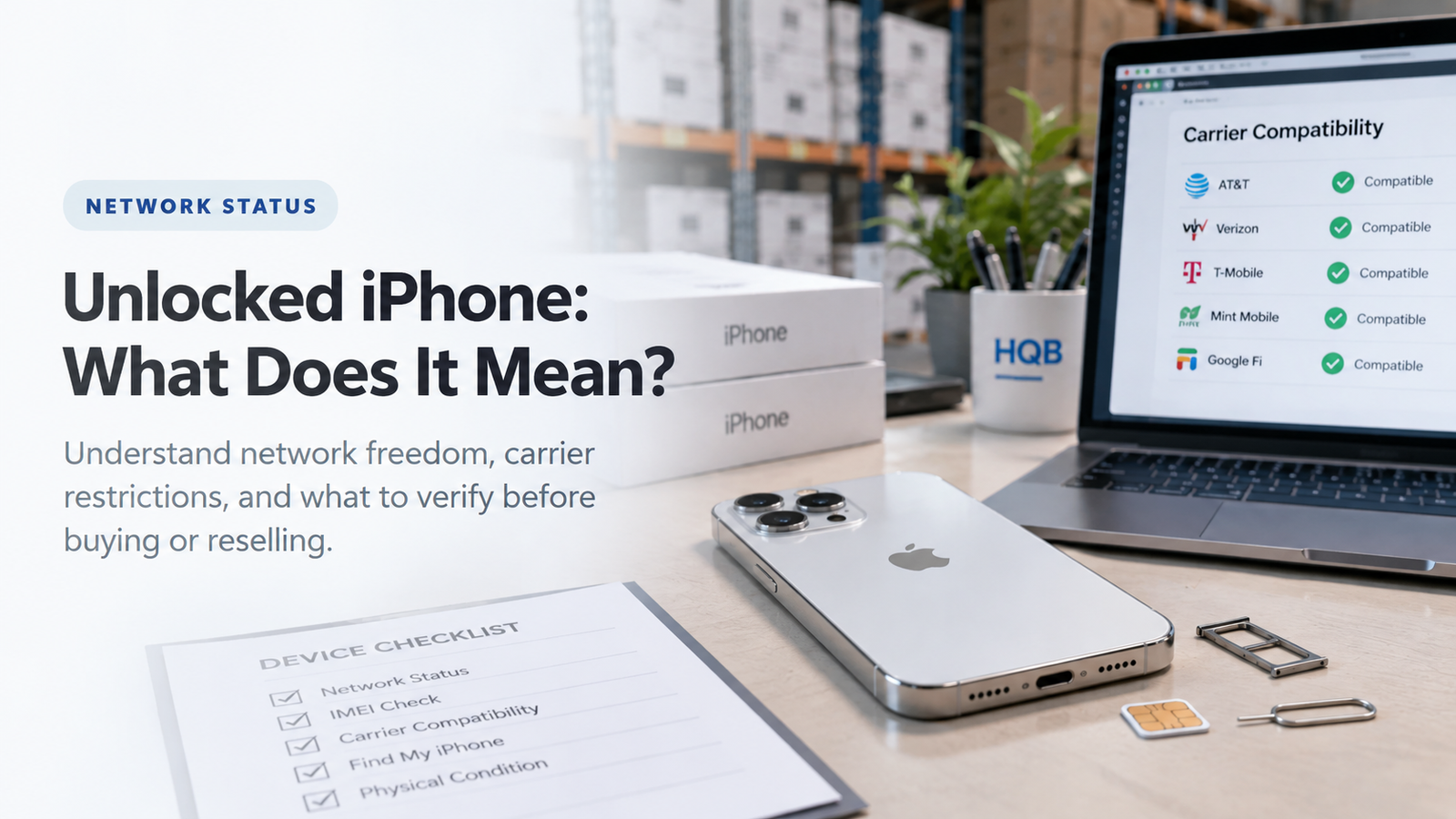
Comparison of unlocked and carrier-locked used iPhones with SIM cards, eSIM setup screens, and network-status information visible.

Overview

What Is an Unlocked iPhone?

Carrier unlocking removes the restriction that ties an iPhone to a single mobile-network provider. An unlocked device can normally be activated with another compatible provider, including a local or travel eSIM where the model and provider support it.

That flexibility is valuable, especially for resale and international sourcing. It is not a complete condition certificate: ownership status, IMEI, battery, parts history, model variant, and function still require their own checks.

TermWhat It MeansWhat It Does Not ConfirmBuyer Check
Carrier unlockedCan use another compatible providerIMEI, owner lock, or global compatibilityLook for No SIM restrictions
Carrier lockedRestricted to a providerOfficial unlock eligibilityIdentify the provider
Activation LockPrevious owner account securityCarrier statusErase and begin setup
Clean IMEIAcceptable status in a market checkCarrier or device conditionMatch unit and record
Physical SIM supportCompatible SIM-tray capabilityeSIM or carrier supportConfirm exact model
eSIM supportDigital-plan capabilityEvery eSIM plan worksCheck carrier policy
Dual SIMRequired SIM combination may workAll regional combinationsMatch market need
Network compatibilityPotential carrier connectionGuaranteed service everywhereCheck bands and provider
Factory resetErases local contentActivation Lock removalComplete setup check
Parts historyAvailable repair informationPerfect function or unlock statusReview and disclose
  • Unlocked means carrier flexibility.
  • Locked means a provider restriction remains.
  • Compatibility depends on model, region, network, SIM type, and carrier support.
  • Used-iPhone quality depends on ownership, IMEI, battery, repair history, condition, and testing.

Complete guide

How Carrier Unlocking Works on iPhone

1. How to Check Whether an iPhone Is Unlocked
Buyer navigating Settings General About on a used iPhone to check Carrier Lock and confirm No SIM restrictions.

The most direct built-in method is to review carrier-lock information in Settings > General > About. The label can appear as Carrier Lock or Network Provider Lock, depending on the region or software presentation.

  1. Open Settings.
  2. Tap General.
  3. Tap About.
  4. Scroll to Carrier Lock or Network Provider Lock.
  5. Look for “No SIM restrictions.”
  6. Record the result before purchase or resale.
  7. Test an intended compatible SIM or eSIM when practical.
  8. Keep screenshots for volume B2B records.
Status ShownMeaningBuyer Action
No SIM restrictionsCarrier-unlocked iPhoneContinue compatibility and used-device checks
Named carrier or restrictionMay be limited to that networkConfirm official unlock possibility
Status cannot be confirmedInformation is incompleteDo not assume unlocked
SIM error with another providerCould be lock, SIM, compatibility, or activationInvestigate before purchase
eSIM activation failsCould involve policy, account, or regionConfirm with intended carrier

2. Unlocked vs. Carrier Locked: The Core Difference
Side-by-side used iPhones showing No SIM restrictions on one device and a named carrier restriction on the other during a wholesale inspection.

A carrier-locked iPhone is restricted to a particular mobile provider until that provider completes an unlock. An unlocked iPhone can normally be activated with another compatible provider, but it still needs the right model, SIM configuration, carrier plan, and network support.

FeatureUnlocked iPhoneCarrier-Locked iPhone
Another compatible providerUsually possibleUsually restricted
Local travel SIMPossible if compatibleUsually unavailable until official unlock
Travel eSIMPossible where supportedUsually unavailable until official unlock
Resale flexibilityGenerally higherLimited buyer pool
Buyer verificationCheck No SIM restrictionsIdentify provider and eligibility
Price impactOften higher flexibility valueMay be lower with restriction risk
  • A locked device can still be useful when the buyer uses its exact carrier.
  • The restriction must be disclosed clearly and reflected in the price.
  • Official unlock eligibility should be confirmed, not assumed.
  • Regional and network compatibility still matter after unlocking.

3. Unlocked Does Not Mean Activation Lock Free
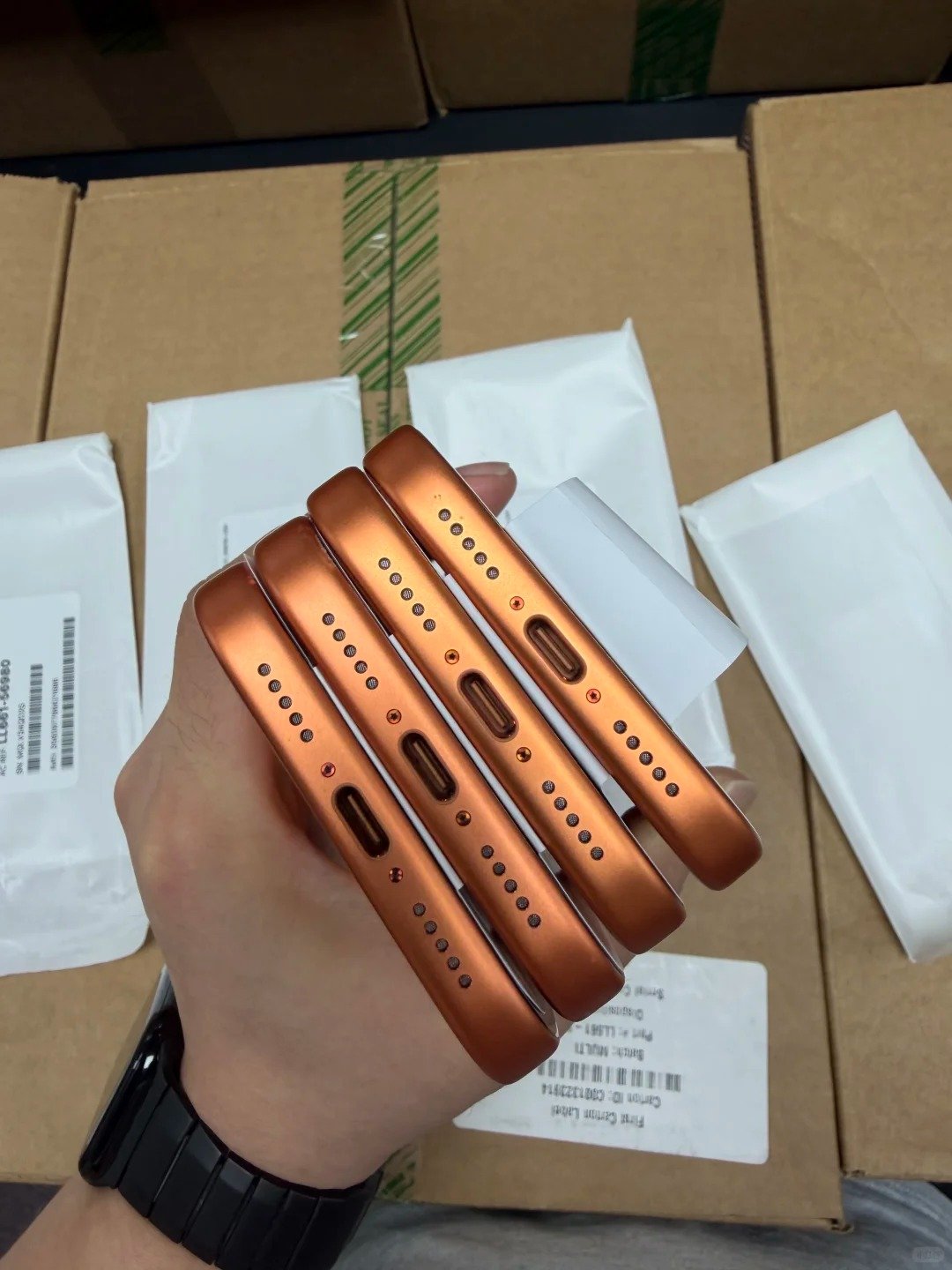
Used iPhone inspection showing separate Carrier Lock, Activation Lock, IMEI, and device-management checks before wholesale approval.

Carrier Lock and Activation Lock are different systems. Carrier Lock controls which mobile network can activate the device; Activation Lock protects the device through the previous owner’s Apple Account and Find My.

CheckWhat It ControlsHow to VerifyCritical Risk
Carrier LockProvider restrictionSettings > General > AboutWrong carrier cannot activate
Activation LockPrevious owner protectionErase and begin setupiPhone Locked to Owner
IMEI statusNetwork or identity statusCompare and check appropriatelyBlocked activation or resale
Passcode lockDevice accessOwner removes before saleInspection is prevented
MDM controlsOrganization managementReview setup and behaviourResale use may be limited

4. Unlocked Does Not Mean Clean IMEI

Wholesale buyer comparing a used iPhone IMEI shown in Settings with an inventory manifest and network-status verification record.

IMEI is a separate identity and network-status check. A phone can appear unlocked while having an IMEI issue that affects activation, service, or resale in the relevant market.

  • Find the IMEI in Settings > General > About or by dialing *#06#.
  • Compare it with the supplier record, invoice, and manifest where relevant.
  • Check appropriate status information for the destination market.
  • Confirm it is not reported lost, stolen, blocked, missing, or duplicated.
  • Keep IMEI evidence for batch traceability and physically sample-check units.
IMEI ResultWhat It Means for an Unlocked iPhone
Matches and status acceptableStronger resale readiness, subject to other checks
Does not match recordIdentity discrepancy needing investigation
Blocked or unclearCarrier unlocking does not solve it
Missing or duplicatedHigh-risk identity concern
Documented but Activation LockedStill not ready for resale

5. Physical SIM, eSIM, and Dual SIM Compatibility
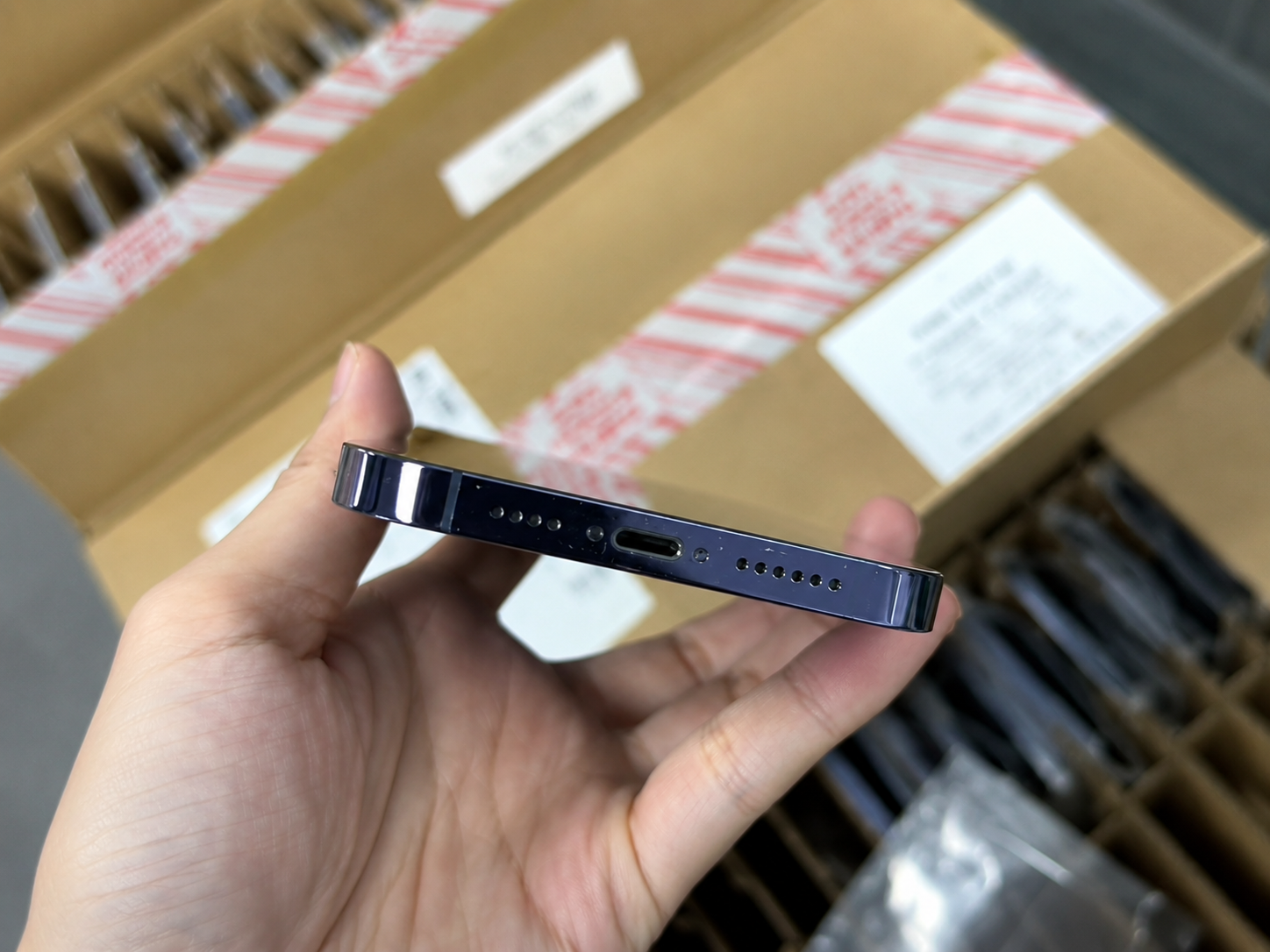
Used iPhone regional model check comparing physical SIM tray, eSIM setup, and dual-SIM compatibility for international B2B resale.

An unlocked iPhone still needs the correct SIM arrangement for the buyer’s market. Regional variants can differ in physical SIM tray availability, eSIM support, and the combination of plans they can use.

SIM ConfigurationWhat to ConfirmBuyer Consideration
Physical SIMCompatible tray is presentImportant in physical-SIM markets
eSIMModel and carrier allow activationImportant for travel and digital plans
Dual SIMRequired combination worksConfirm operational need
eSIM-only modelResale market supports eSIMAvoid unsupported destinations
Regional variantExact model number matches marketCheck before shipment
Replacement SIM trayFit and model match are correctDo not assume any tray works
  • Does the destination rely on physical SIM, eSIM, or both?
  • Does the exact regional variant match the customer requirement?
  • Does the intended carrier support eSIM for this iPhone model?
  • Are cellular bands and service features compatible?

6. Network Compatibility Beyond Unlock Status
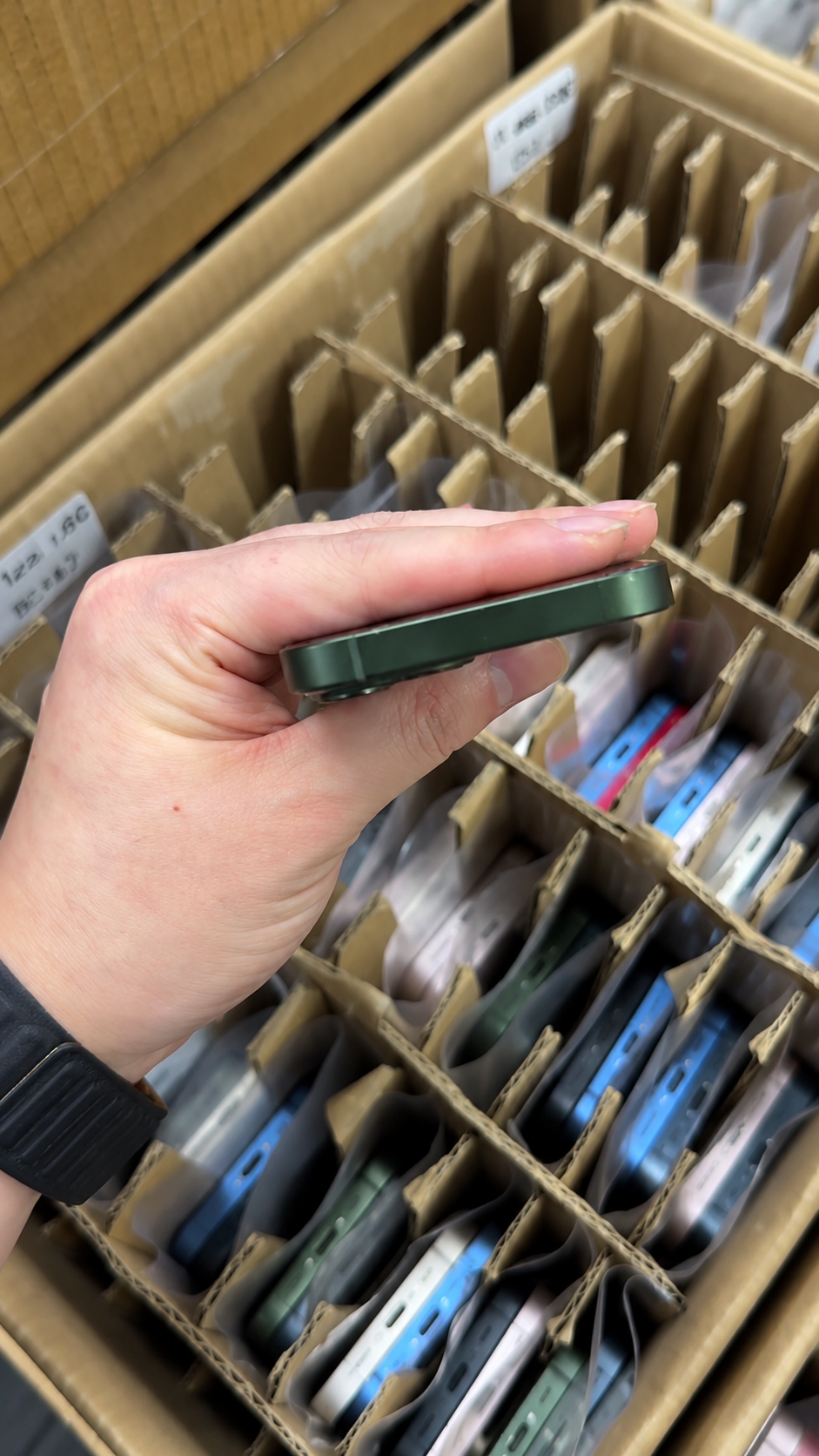
B2B buyer comparing used iPhone regional model data, cellular-network compatibility, eSIM support, and destination-carrier requirements.

Even an unlocked phone needs compatibility verification. Carrier support can depend on the regional model, cellular bands, eSIM policy, account eligibility, roaming arrangements, and local service availability.

Compatibility FactorWhy It MattersBuyer Action
Regional modelHardware and SIM configuration varyConfirm exact model number
Carrier supportNot every model or eSIM arrangement is acceptedCheck provider policy
Cellular bandsPerformance differs by marketMatch destination region
eSIM availabilityPlans vary by countryConfirm before resale
5G serviceDepends on provider and planAvoid blanket promises
RoamingDepends on provider agreementDo not promise without confirmation
Software and activationMay require carrier service accessTest where practical

7. How to Officially Unlock a Carrier-Locked iPhone
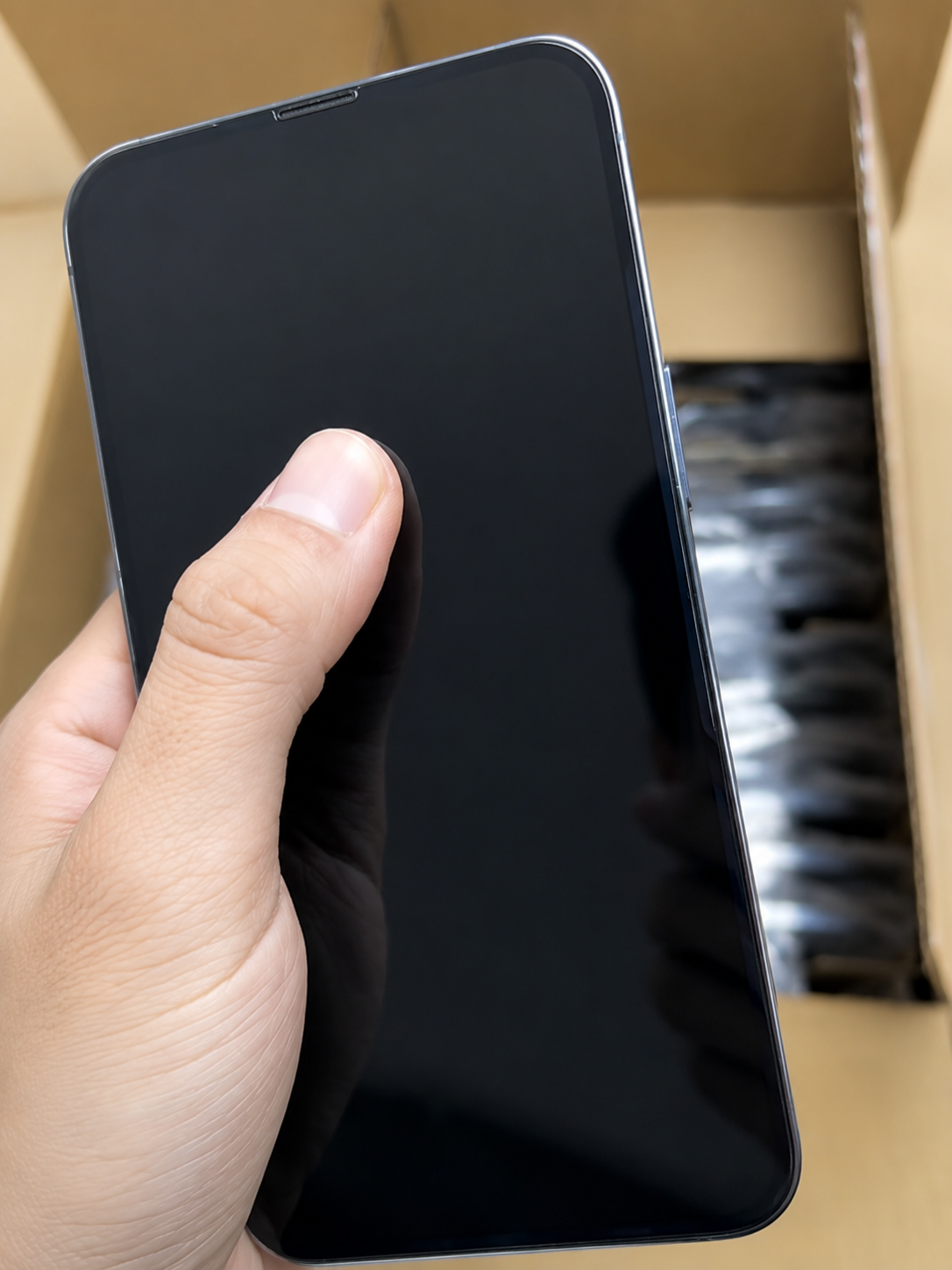
Used iPhone owner checking carrier-unlock eligibility with the original network provider and verifying No SIM restrictions after official completion.

A carrier-locked iPhone should be unlocked only through its current or original network provider. Apple cannot unlock an iPhone for a different provider, because the provider controls carrier-unlock status.

  1. Identify the associated network provider.
  2. Check Carrier Lock in Settings > General > About.
  3. Ask the provider about official eligibility.
  4. Confirm payment, account, and service requirements.
  5. Wait for the provider to complete its process.
  6. Restart or follow its activation instructions.
  7. Recheck for “No SIM restrictions.”
  8. Test another compatible SIM or eSIM where practical.
Unlock MethodAppropriate?Reason
Official provider unlockYesProvider controls the restriction
Apple support requestNoApple does not perform carrier unlocking
Undocumented third-party bypassNoMay be unreliable or unsuitable for resale
Adapter or chip workaroundNot a substituteNot verified carrier-unlocked status
Promise to unlock laterNot sufficientVerify completed status before purchase

8. How to Buy a Used Unlocked iPhone Safely

Buyer completing a full used unlocked iPhone inspection, including Carrier Lock, Activation Lock, IMEI, Battery Health, camera, audio, and charging tests.

Unlocked status is one part of a full used-device inspection. A high cosmetic grade does not prove network readiness, and a good carrier result does not erase concerns about battery, parts, physical damage, or core functions.

  • Confirm No SIM restrictions.
  • Confirm Activation Lock is removed.
  • Match IMEI with the device record.
  • Confirm model, storage, colour, and regional variant.
  • Confirm physical SIM and eSIM compatibility.
  • Review Battery Health and Parts and Service History.
  • Inspect display, cameras, frame, buttons, and charging port.
  • Test calls, Wi-Fi, Bluetooth, cameras, audio, biometrics, and charging.
Strong Buying SignalWalk-Away or Escalation Signal
No SIM restrictions confirmedCarrier status vague or undisclosed
Activation Lock removediPhone Locked to Owner appears
IMEI matches recordIMEI mismatch or unclear status
Model matches market needSIM/eSIM configuration unsuitable
Function test passesCharging, heat, camera, or biometric issue
Battery and repair history disclosedUnknown status hidden or unexplained

9. Unlocked iPhones in Wholesale and Export Purchasing
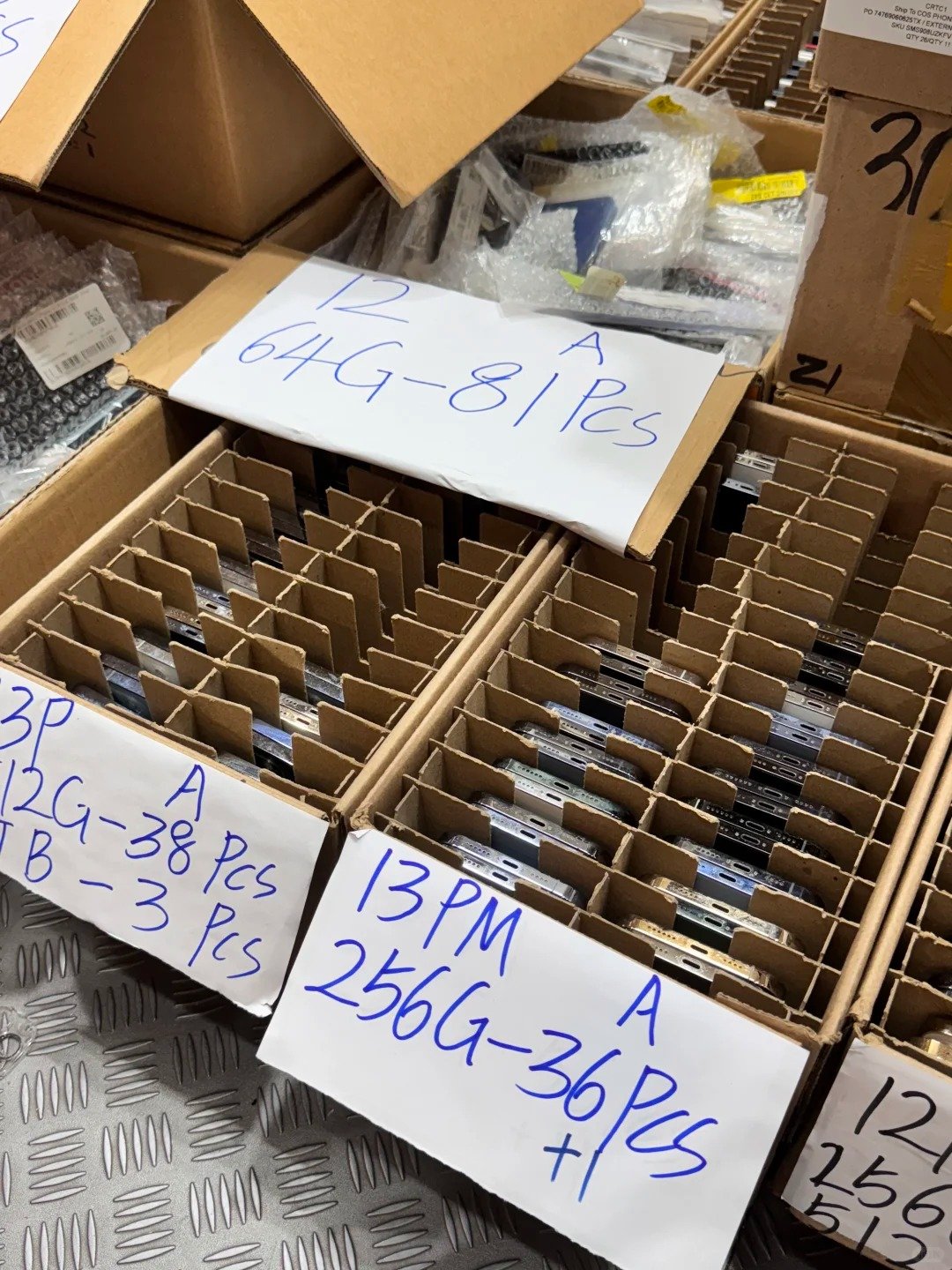
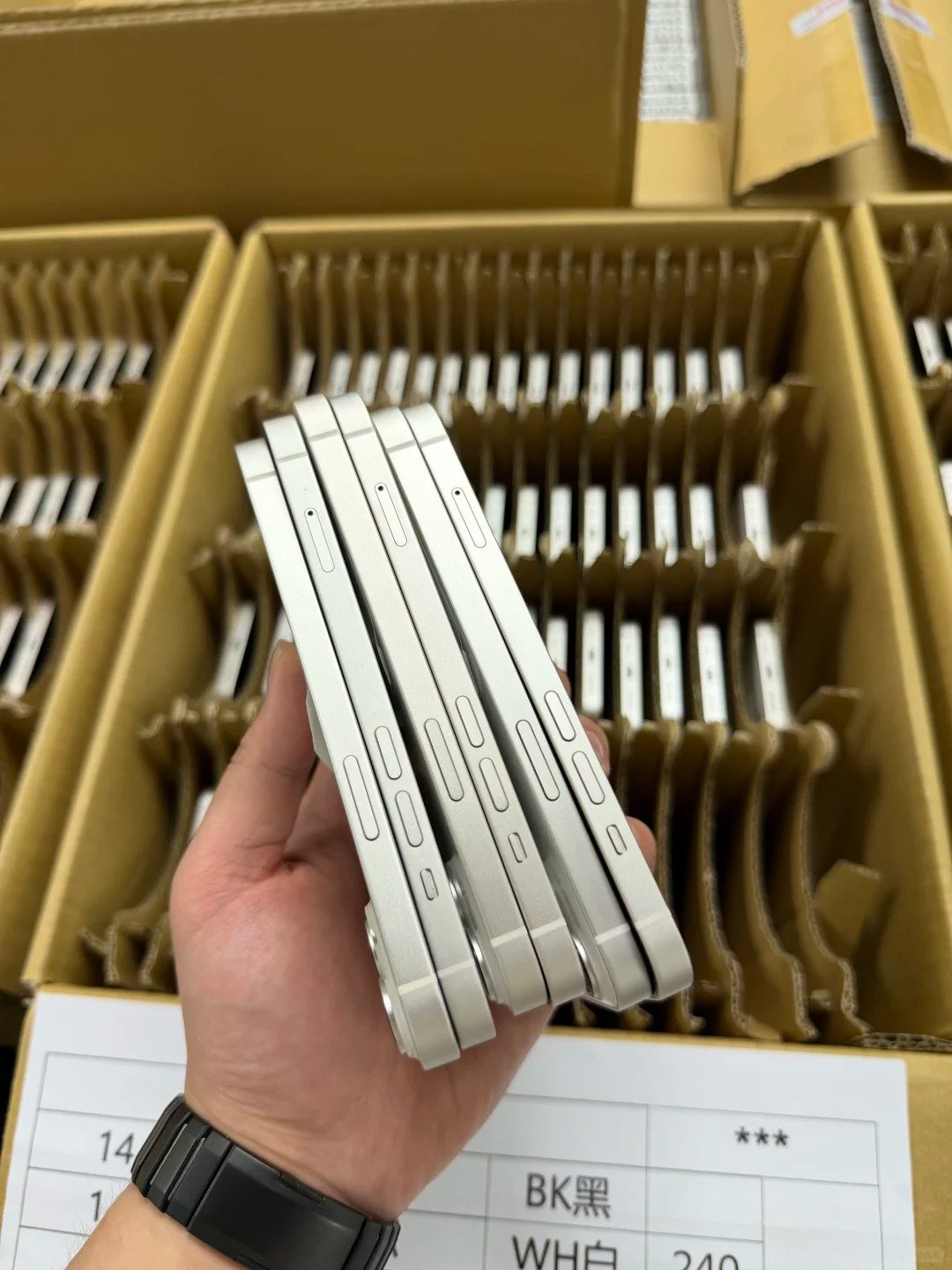
HQB wholesale buyer reviewing an unlocked iPhone batch manifest with carrier status, IMEI records, regional variants, SIM configuration, and quality-control notes.

B2B buyers should define “unlocked” precisely in the purchase order. The useful standard specifies carrier status, regional configuration, IMEI traceability, and destination-market fit rather than relying on one broad word.

Wholesale RequirementExample of a Clear Written Standard
Carrier statusCarrier Lock must show No SIM restrictions
Activation statusNo Activation Lock or previous owner account
IMEI traceabilityIMEI matches unit and batch record
SIM requirementPhysical SIM, eSIM, or dual-SIM specified
Regional variantModels compatible with destination market
Battery policyBattery disclosed separately from unlock status
Parts historyKnown repair or part messages disclosed
Claim processMismatch reported in agreed window
  • Request a written unlock-status policy and traceable batch record.
  • Confirm whether another carrier SIM or eSIM was tested.
  • Sample-check physical units after delivery.
  • Separate locked, blocked, or incompatible units before resale.
  • Record discrepancies with IMEI, screenshots, and test evidence.

10. Common Misunderstandings About Unlocked iPhones
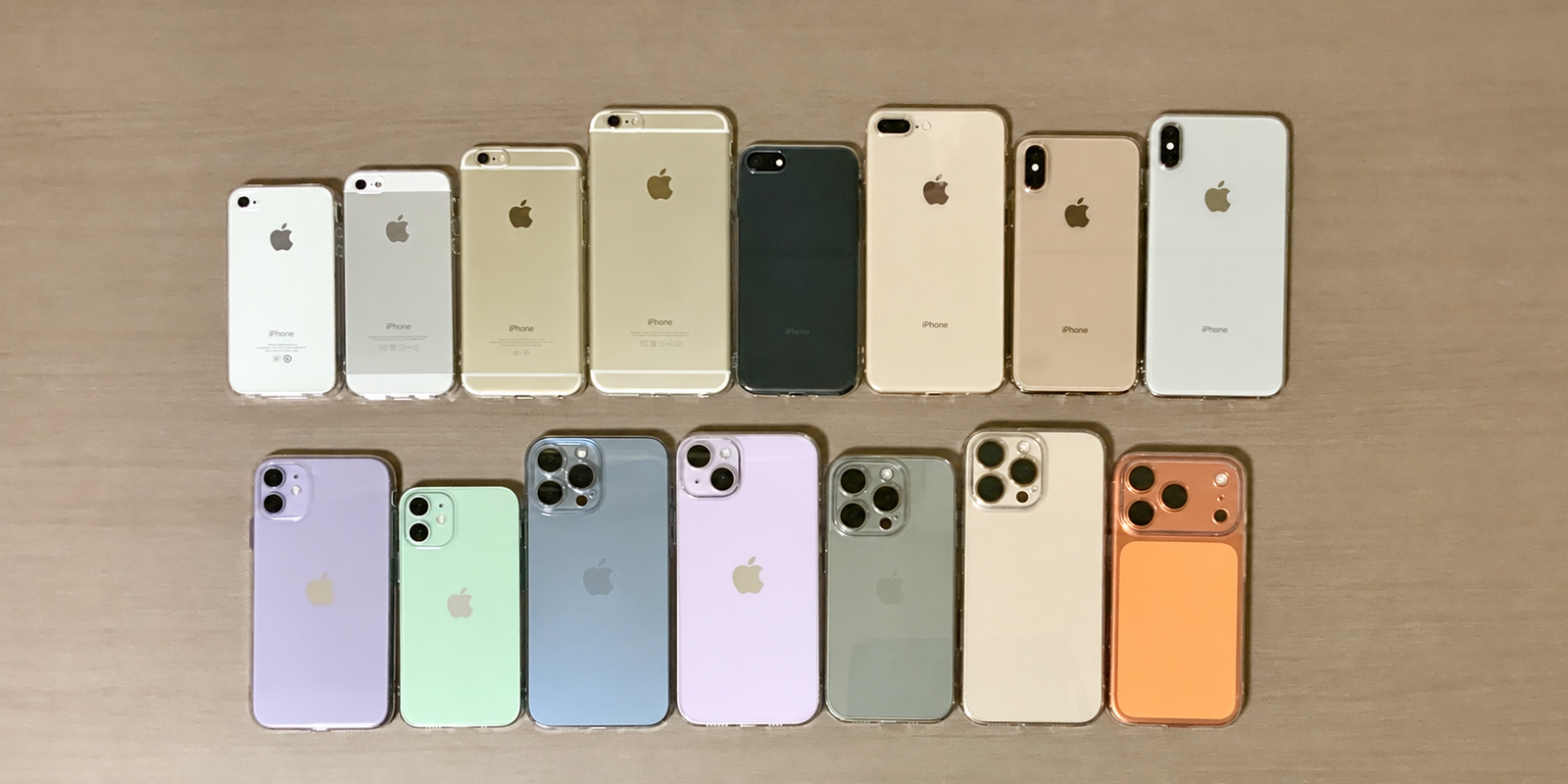
Used iPhone reseller correcting common confusion between carrier unlock, Activation Lock, IMEI status, eSIM compatibility, and cosmetic grading.

Several used-iPhone terms are commonly mixed together. Accurate listings protect buyers and help wholesale teams avoid a costly assumption during receiving or resale.

Common StatementAccurate Explanation
Unlocked means completely cleanNo. It is separate from Activation Lock, IMEI, battery, and functional quality.
No SIM restrictions means every network worksNo. Region, bands, eSIM, and plan compatibility still matter.
An unlocked iPhone cannot be blacklistedIncorrect. IMEI status is separate.
Factory reset removes all locksIncorrect. Activation Lock can remain.
A locked iPhone is worthlessNot necessarily, but use is limited and disclosure is essential.
A SIM tray proves all SIM features workNo. Exact regional model and carrier support must be checked.
High grade guarantees unlocked statusNo. Cosmetic grade and network status are separate.
  • State carrier status exactly.
  • State regional model and SIM/eSIM configuration accurately.
  • Do not confuse carrier-unlocked with Activation Lock free.
  • Disclose known carrier or activation limitations.
  • Keep IMEI and test evidence linked to the unit.
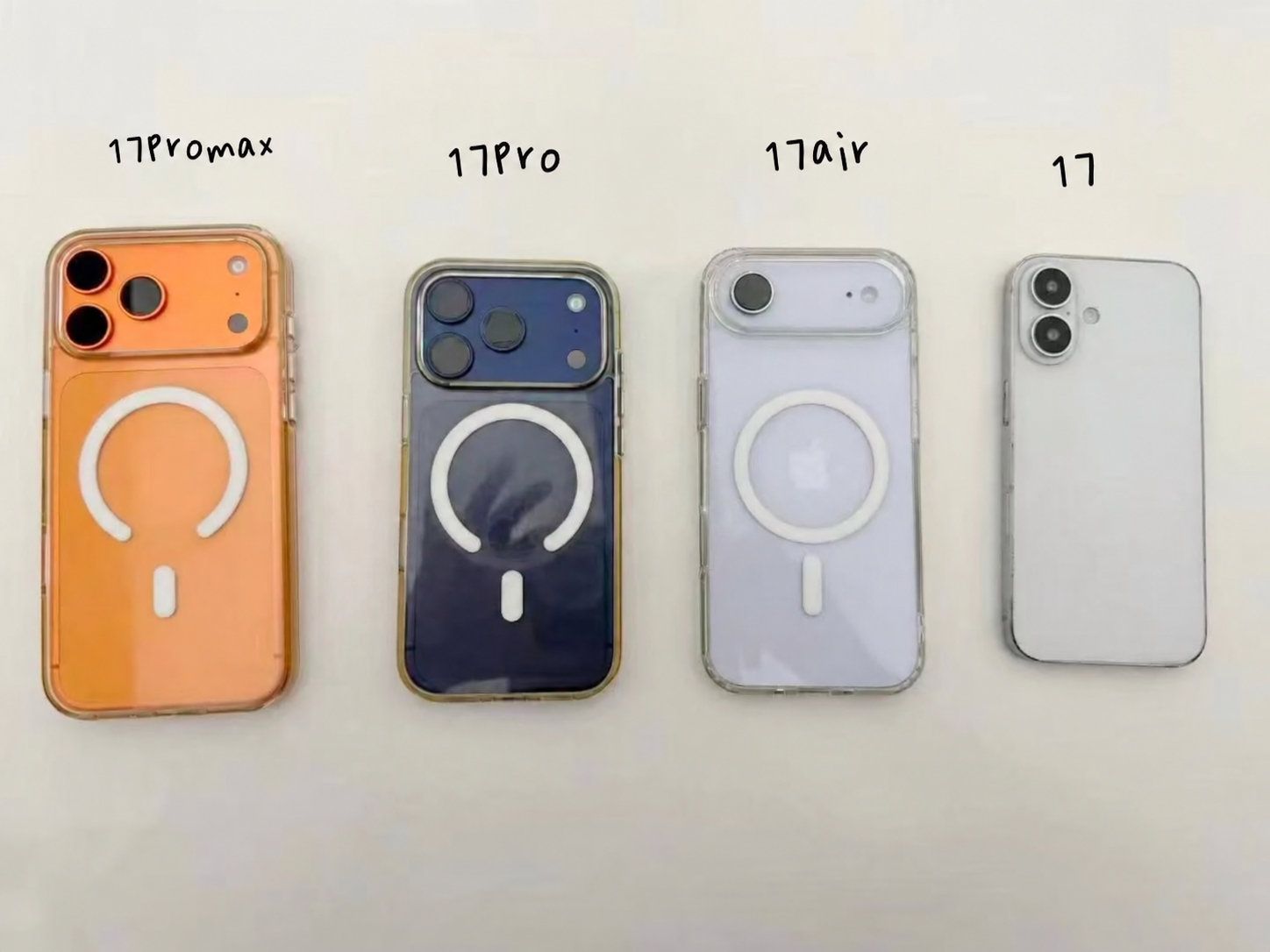
Practical sourcing notes

Turn “Unlocked” Into a Useful Buying Standard

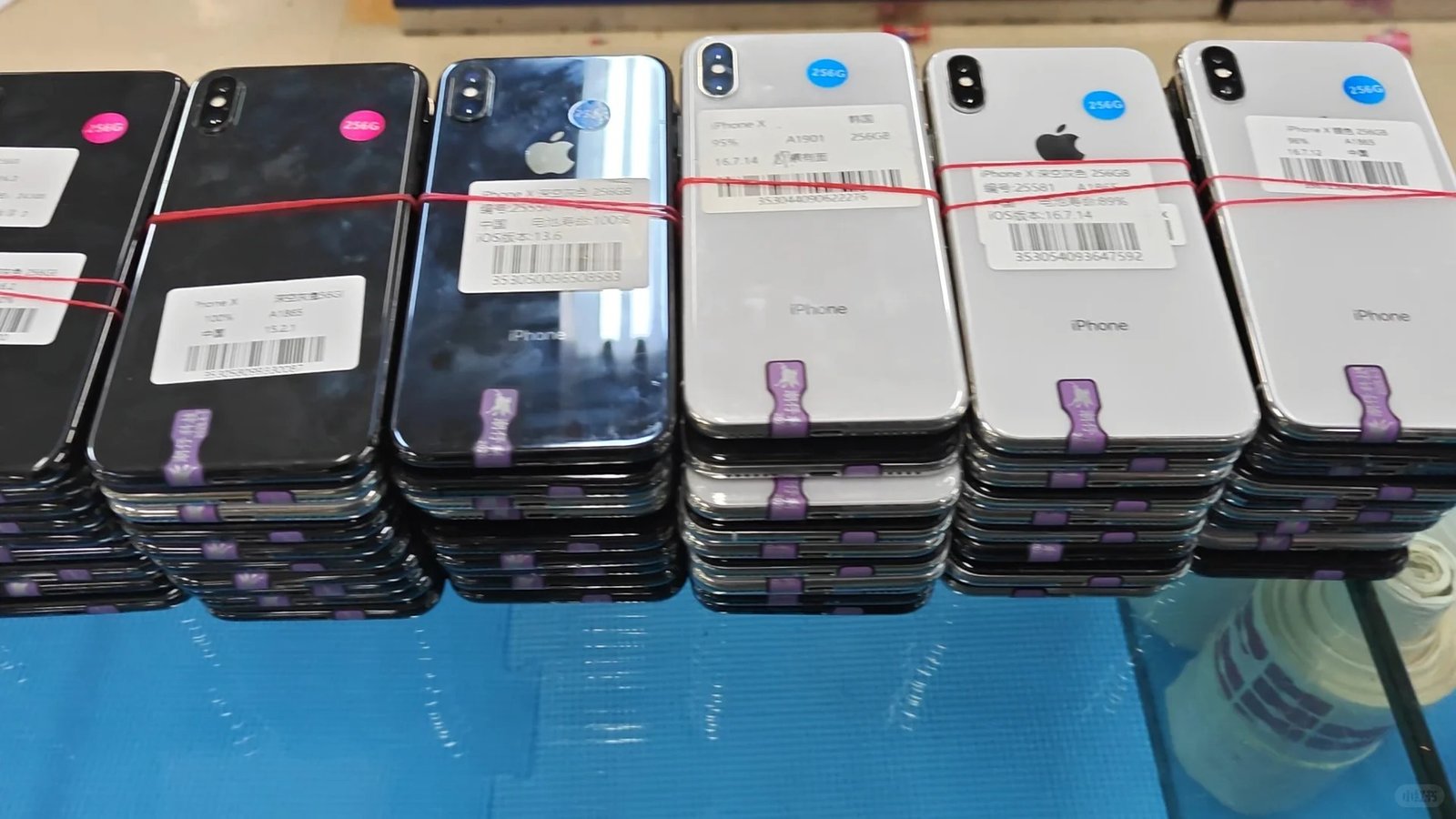
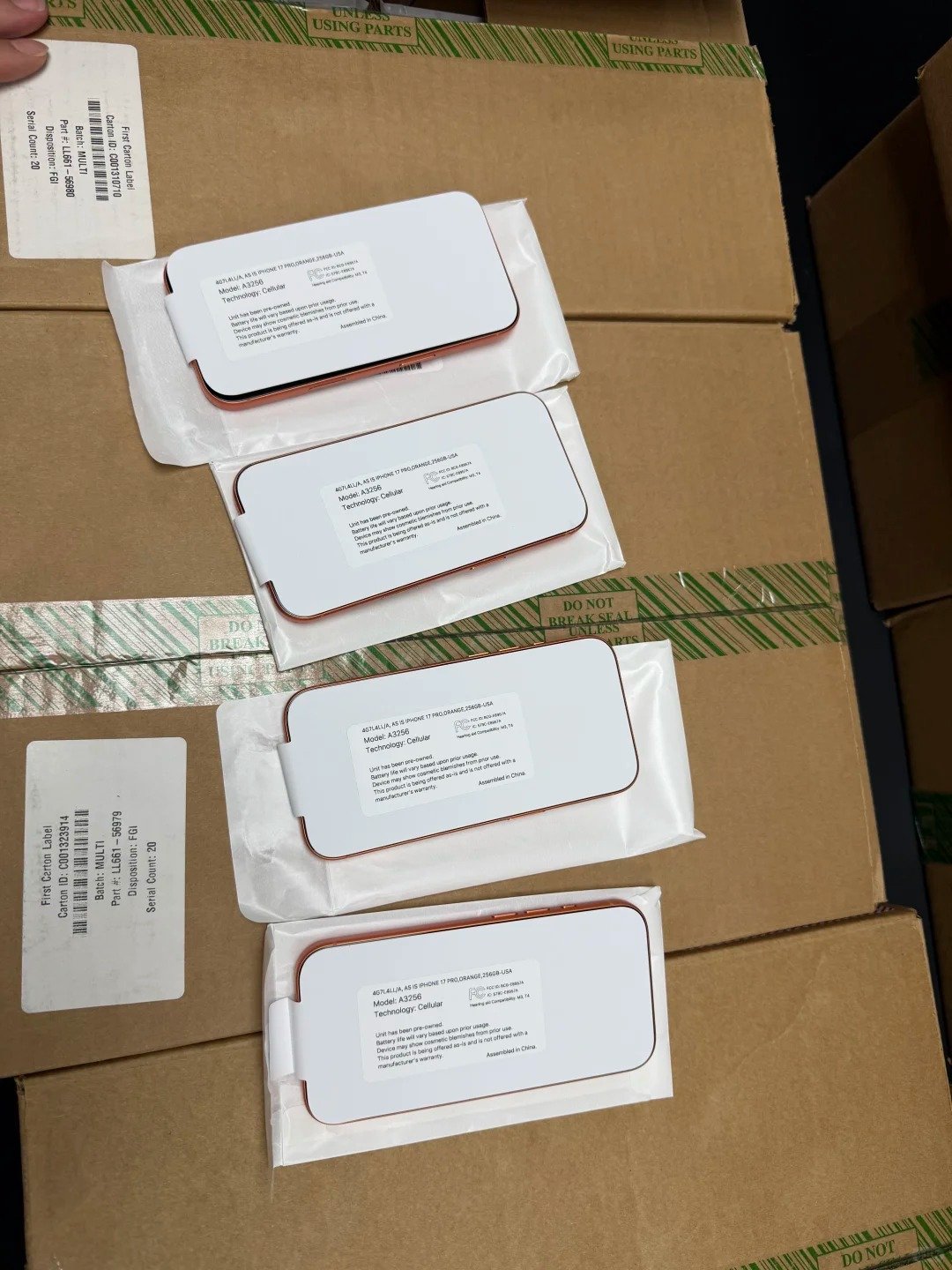
HQB buyer reviewing single-scene used iPhone inventory while comparing carrier status, IMEI records, regional model numbers, and receiving-inspection notes.

For an individual purchase, an on-device Carrier Lock check may be quick. For a wholesale purchase, the same check becomes a process: define what is acceptable, ask for evidence, sample the batch, and keep each exception separate from approved stock.

The objective is not to turn one setting into a universal pass or fail. It is to make the commercial description precise enough that your receiving team, reseller, and end customer understand exactly what the device can and cannot be expected to do.

Before a quote

Give HQB the destination country, intended carrier type, model range, storage, physical-SIM or eSIM need, expected quantity, and whether carrier-unlocked status must be shown unit by unit. This prevents a broad “unlocked” requirement from hiding a regional-model mismatch.

Before payment

Ask how carrier status is checked, whether the supplier retains screenshots or records, how IMEIs are linked to the batch, and what happens if a sample has a lock or identity discrepancy. A written standard makes later comparison much simpler.

At receiving

Sample phones from different cartons, colours, and model groups. Recheck Settings > General > About, compare IMEI information, inspect the SIM arrangement, and complete setup checks before the devices enter resale inventory.

Before resale

Describe the device accurately: carrier status, model variant, SIM arrangement, known parts messages, battery information, and cosmetic grade should not be blended into one claim. Clear facts support fair pricing and fewer avoidable customer disputes.

Decision PointUseful EvidenceCommercial Response
Carrier-unlocked claim“No SIM restrictions” shown on the unitApprove only after compatibility review
Unknown carrier statusMissing screenshot or unclear About pageHold, test, or price as unverified
Regional-model questionExact model identifier and SIM configurationMatch only to suitable markets
eSIM requirementModel support and destination carrier policyTest or avoid unsupported destinations
Identity concernIMEI mismatch, duplicate, or unclear resultEscalate before resale
Parts messageParts and Service History resultInvestigate and disclose; do not assume unusable
Functional concernCharging, calls, cameras, audio, and biometric testsRepair, separate, or reject under policy
  • Keep screenshots and IMEI evidence linked to the exact unit or traceable batch.
  • Do not rely on a carrier-unlocked result to answer ownership, blacklist, or condition questions.
  • Build SIM and eSIM requirements into the quote, not after devices have shipped.
  • Use destination-specific compatibility checks when a customer needs a particular carrier, 5G service, or travel plan.
  • Separate devices with unknown or mismatched results until a trained team resolves them.

Market check

Ask the Right Questions for the Destination Market

Used iPhone buyer comparing a physical SIM tray, eSIM setup screen, regional model number, and destination-carrier requirement in a B2B sourcing review.

A product can be genuinely carrier-unlocked and still be the wrong stock for a buyer’s destination. This is common when a purchase order names only the phone model but omits the physical-SIM, eSIM, carrier, or regional-variant requirement.

Use the questions below early, while a quote can still be adjusted. They are useful for resellers planning a local launch, importers supplying several countries, and users choosing a device for a new carrier or international travel.

QuestionWhy Ask ItUseful Follow-Up
Which carrier will the end customer use?Support policies differConfirm the exact intended provider
Is physical SIM required?Some regional variants differConfirm tray and card format
Is eSIM required?Carrier plans and activation varyCheck provider and plan eligibility
Is dual-SIM use essential?Configurations are model specificDefine the needed combination
Is 5G expected?Coverage and plan support varyAvoid a blanket promise
Will the device travel?Roaming and local eSIM options varyCheck the travel carrier plan
Will it be resold internationally?Market rules differ by destinationList regional variants allowed
B2B buyer reviewing unlocked iPhone questions with Carrier Lock settings, eSIM activation information, IMEI records, and regional model details.

FAQ

Frequently Asked Questions About Unlocked iPhones

Compact answers for users, resellers, importers, and used-iPhone wholesale teams.

What does an unlocked iPhone mean?

It means the iPhone is not restricted to one mobile-network provider and can be used with another compatible provider. It does not confirm Activation Lock, IMEI status, condition, or compatibility in every country.

How do I know if my iPhone is unlocked?

Open Settings, tap General, then About. Check Carrier Lock or Network Provider Lock. “No SIM restrictions” identifies the iPhone as unlocked.

What does “No SIM restrictions” mean on iPhone?

It means the iPhone is carrier-unlocked. You must still confirm the intended carrier, SIM type, eSIM support, regional model, and bands.

Is an unlocked iPhone the same as an iCloud-unlocked iPhone?

No. Carrier unlocking concerns a network-provider restriction. Activation Lock concerns the previous owner’s Apple Account and Find My. Both must be checked separately.

Can an unlocked iPhone still be blacklisted?

Yes. IMEI status is separate from carrier lock status. A blocked, mismatched, or unclear IMEI needs investigation before purchase or resale.

Can I use an unlocked iPhone with eSIM?

Only if the exact model supports eSIM and the intended carrier, plan, region, and activation process support it.

Can I use an unlocked iPhone in another country?

Often, but not automatically. Confirm the regional model, bands, SIM configuration, carrier policy, eSIM availability, roaming, and local service support.

Who can unlock a carrier-locked iPhone?

Only the current or original network provider can complete carrier unlocking. Apple cannot unlock an iPhone for another provider.

Should I buy a used iPhone that is carrier locked?

Only when the restriction is clear, the intended use is compatible, the price reflects it, and official unlock eligibility is confirmed where relevant.

What should wholesale buyers require for unlocked iPhone inventory?

Require “No SIM restrictions,” Activation Lock removal, IMEI traceability, regional and SIM configuration, battery disclosure, repair-status disclosure, testing records, and a clear claim process.

HQB quality-control team approving used unlocked iPhones after checking Carrier Lock status, IMEI records, SIM configuration, battery condition, and functionality.

Summary

Unlocked Means Carrier Flexibility—Verify the Rest

“No SIM restrictions” is an important confirmation of carrier-unlocked status, but it is not a complete used-iPhone quality certificate. Check the carrier result together with ownership, identity, compatibility, condition, and functionality.

  • Check Carrier Lock or Network Provider Lock in Settings.
  • Confirm “No SIM restrictions” for unlocked inventory.
  • Verify Activation Lock is removed separately.
  • Match IMEI with device and commercial records.
  • Confirm regional model, physical SIM, eSIM, and network compatibility.
  • Review battery, Parts and Service History, and core functions.
  • Keep clear device records before resale or wholesale distribution.

HQB helps B2B buyers source used iPhone inventory with transparent carrier-status information, practical quality-control checks, and responsive sales support. Contact our team for current stock, regional requirements, and unlocked iPhone wholesale sourcing.

Talk to HQB

Source Unlocked iPhone Inventory

Tell HQB the models, quantities, destination market, regional variants, physical-SIM or eSIM requirements, and carrier-status standard you need. Our sales team can discuss current stock and practical sourcing options.

HQB: sales@usedphonehqb.com · +8617374267737 · Huaqiangbei, H1091, Manha Commercial Plaza, No. 2022 Huaqiang North Road, Futian District, Shenzhen.

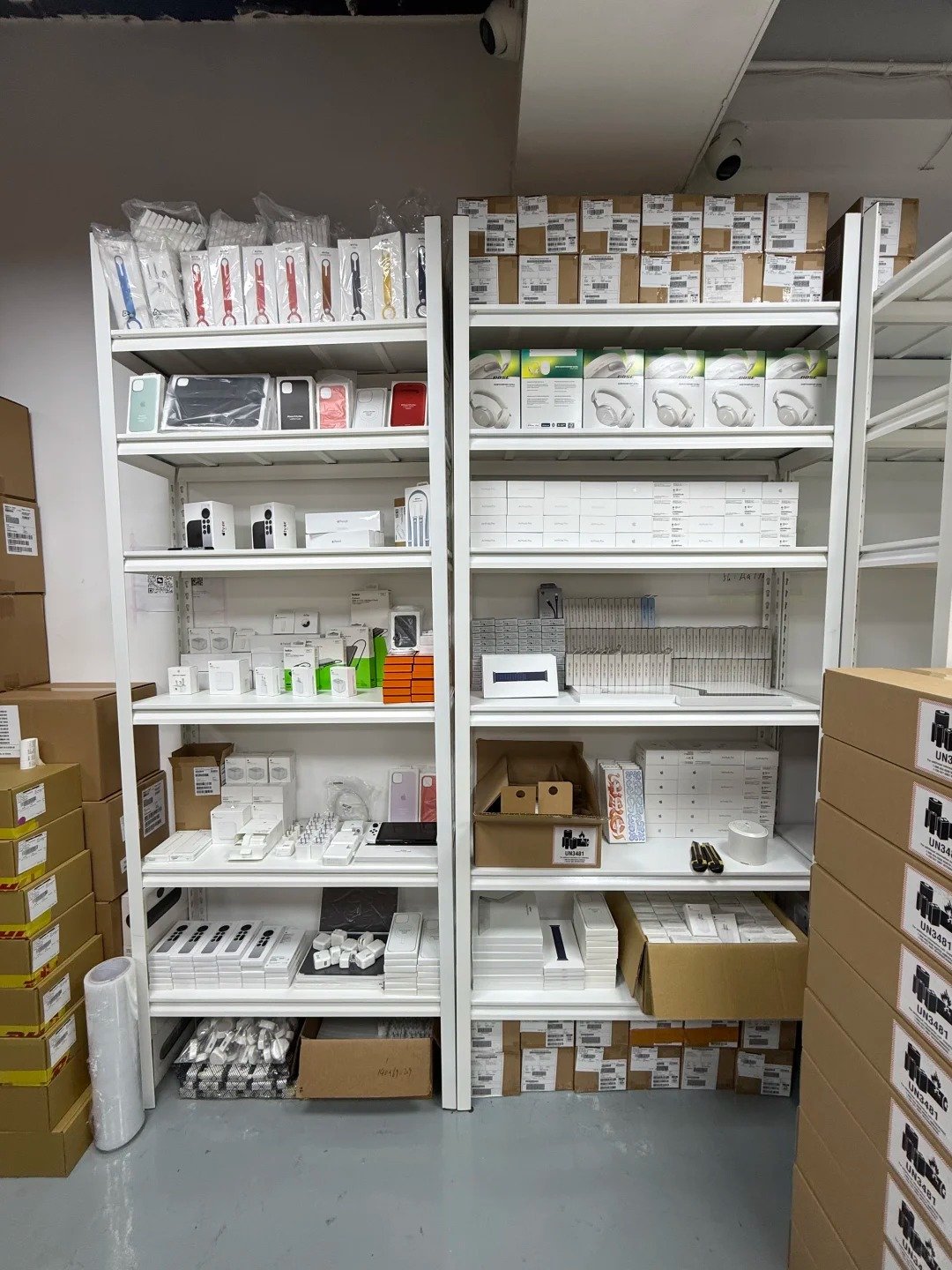
Single warehouse workbench with used iPhones prepared, labelled, and packed for a B2B unlocked-iPhone sourcing inquiry.

Start a conversation

Tell us what you need

Tell us the iPhone models, quantities, and destination market you are considering. Our team will respond to your request.

  • E-mailsales@usedphonehqb.com
  • Phone+8617374267737
  • WhatsApp+8617374267737