Inspection guide
How to Check and Understand iPhone Battery Health
1. Find the Battery Health Screen
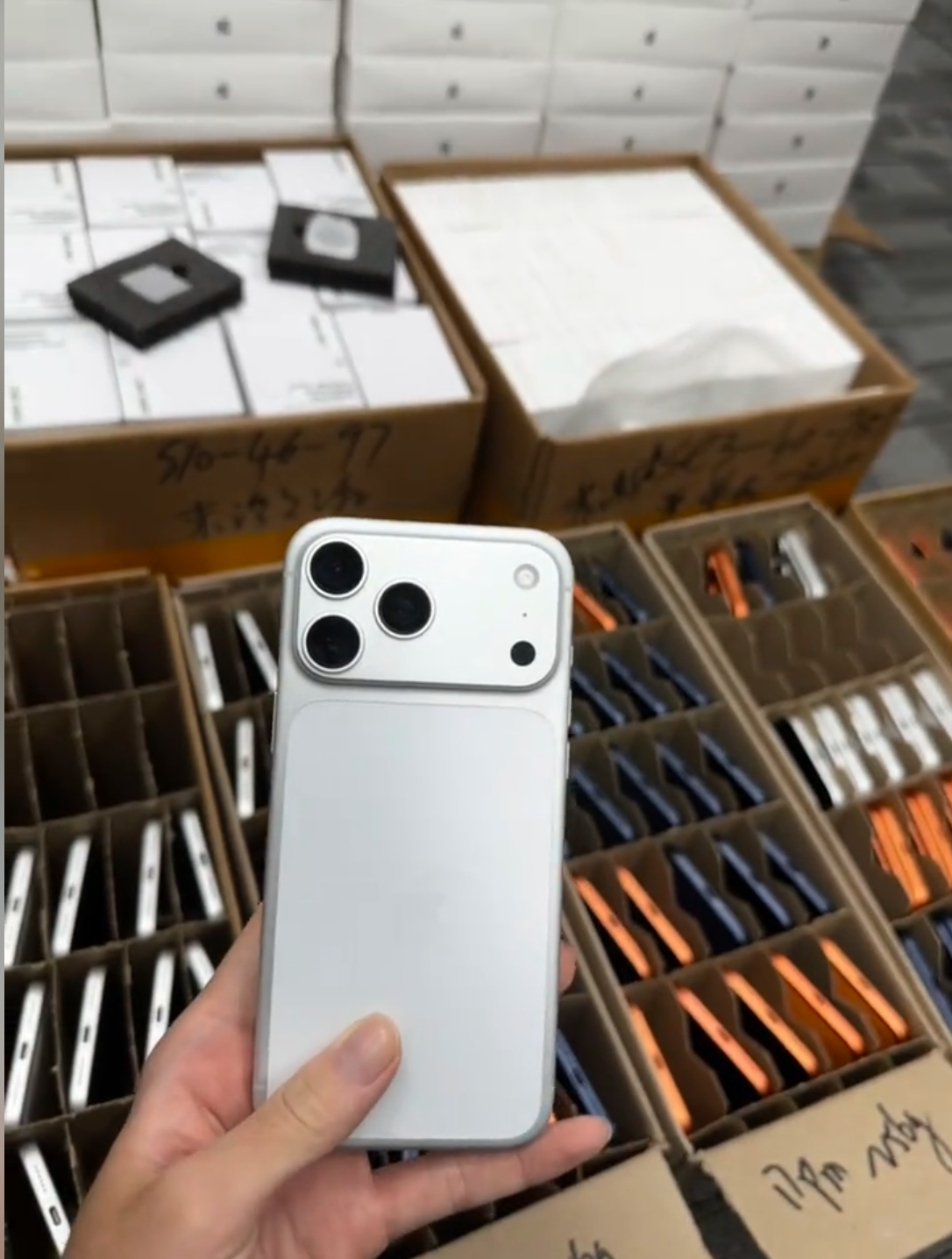
Start on the device itself. Open Settings, choose Battery, then choose Battery Health & Charging when that option is shown. Review Maximum Capacity, Peak Performance Capability, messages, and charging controls; record the results beside the model, storage, and IMEI reference for that unit.
- Open Settings and choose Battery.
- Open Battery Health & Charging.
- Read Maximum Capacity.
- Read Peak Performance Capability or any related message.
- Record service notices and charging settings.
Available battery-health information can vary by iPhone model, battery type, repair history, and iOS version.
2. Understand Maximum Capacity
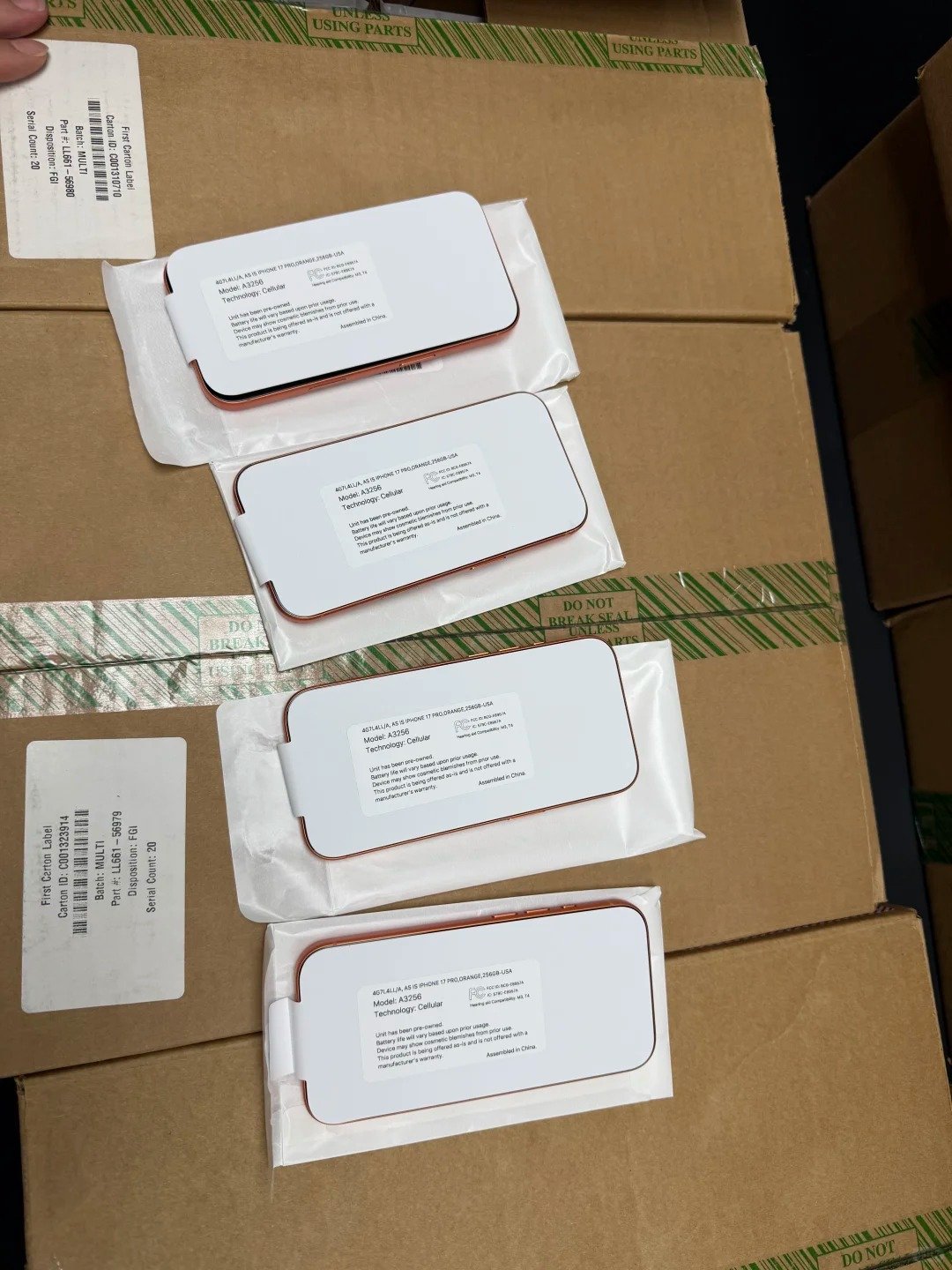
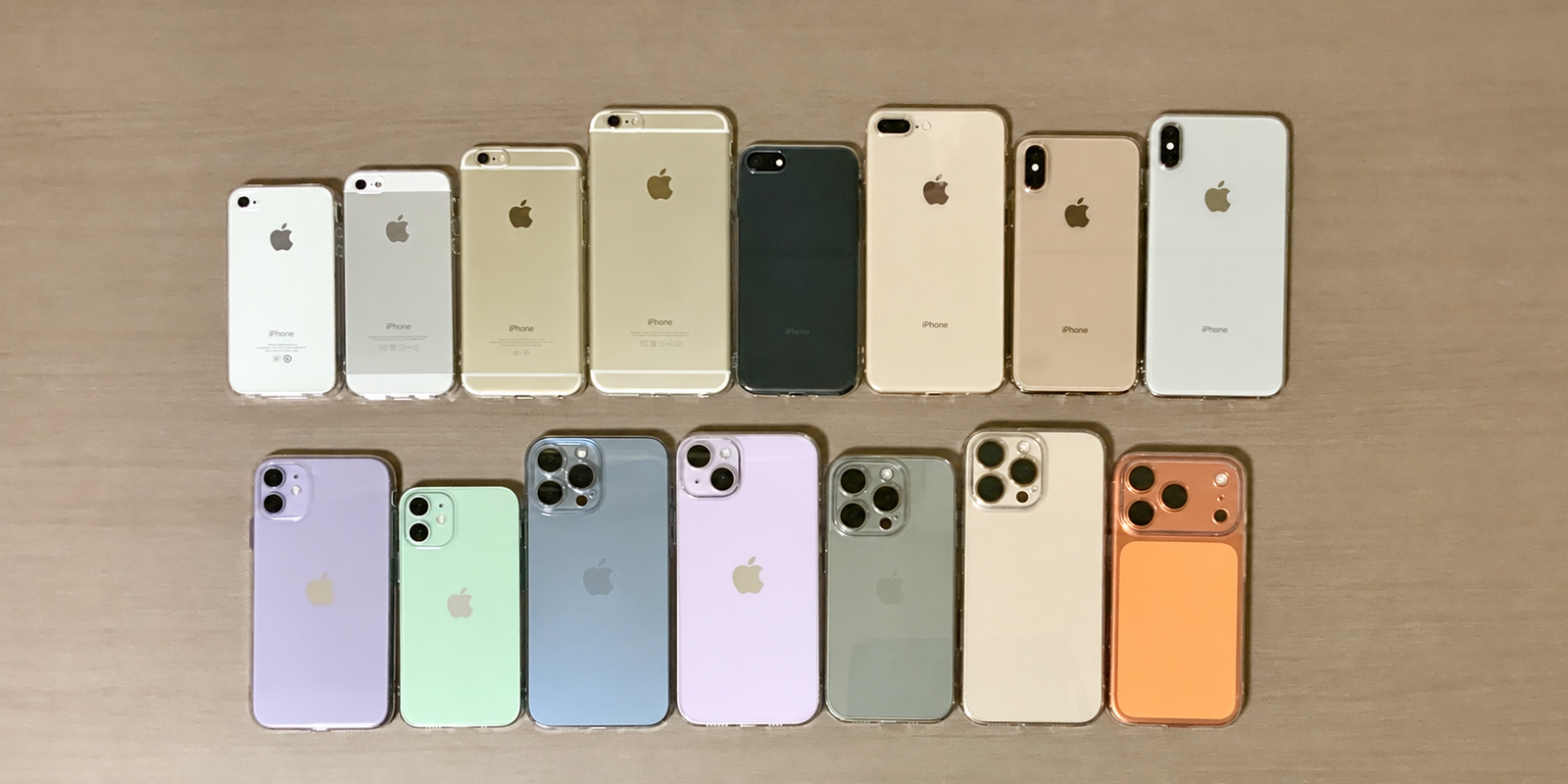
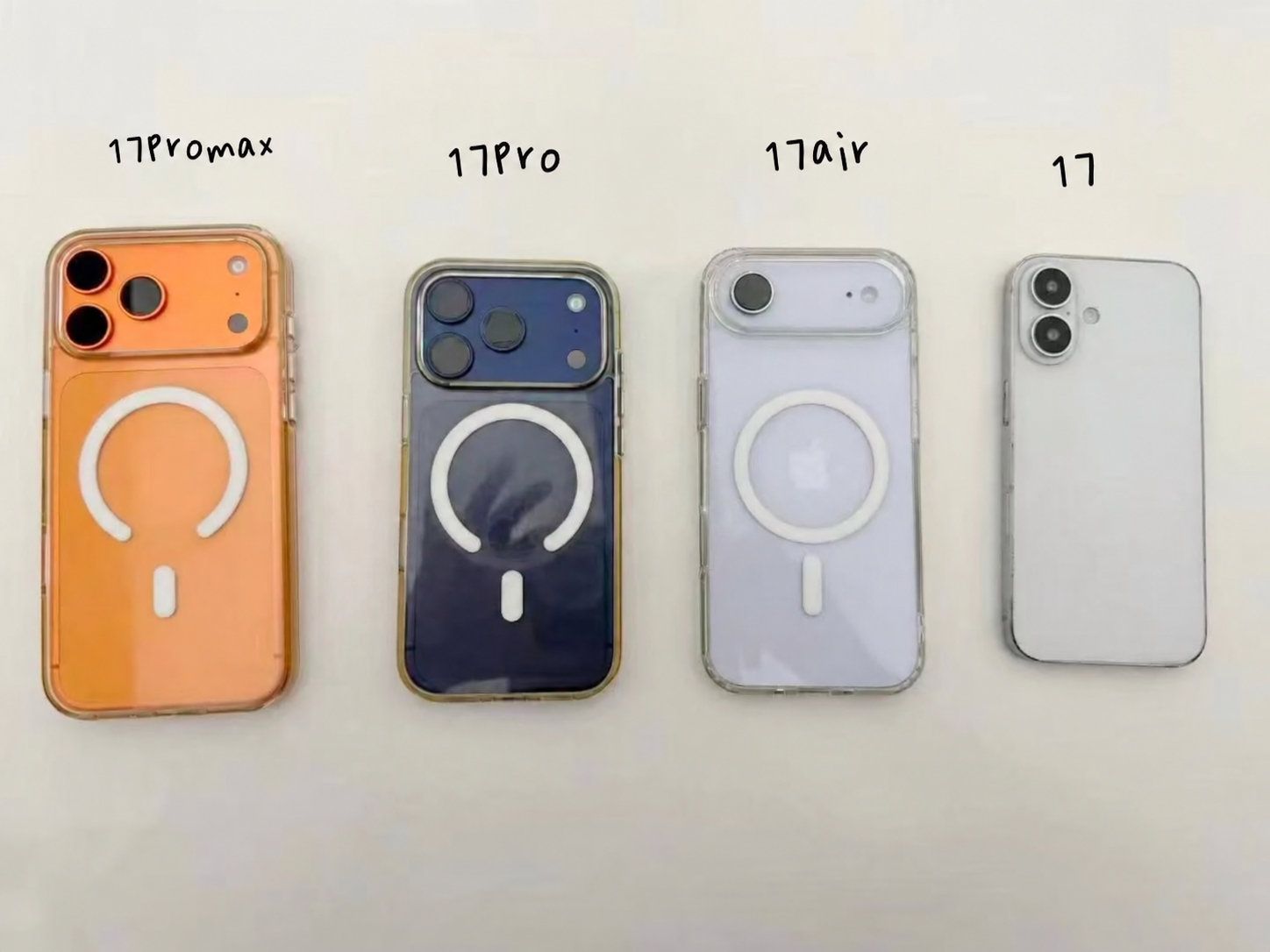
Maximum Capacity compares the battery’s estimated present capacity with its capacity when new. It is a practical comparison point for X, XR, XS, XS Max, 11, 12, 13, 14, 15, 16, and 17 Series stock. It is not a promise of a fixed number of operating hours: screen brightness, signal, apps, temperature, settings, and usage all change daily battery life.
| Reading Pattern | General Interpretation | Commercial Check |
|---|---|---|
| Higher range | More remaining estimated capacity | Still test charging and review parts history |
| Mid-range | Normal used-device wear may be present | Compare price, model, and intended user |
| Near service level | Capacity may be more noticeable in daily use | Disclose it and plan the resale route |
| Service or unstable | Requires closer assessment | Separate it from normal ready-to-use stock |
Do not use a single percentage as a fixed pass-or-fail rule. A business can set its own accepted range, but its policy should also say how it handles exceptions, service warnings, and battery replacements.
For example, two units with the same reading may perform differently in a buyer’s hands. One may have a brighter display, weaker mobile signal, more background activity, or a different user pattern. Record the number accurately, then use it as a sorting signal rather than a claim about an exact number of hours. This keeps listings credible and makes pricing conversations much simpler when buyers inspect the phones after delivery.
3. Check Peak Performance Capability

Read the Peak Performance section where the phone provides it. Look for shutdown or performance-management messages and note whether normal peak performance is indicated. Then test the basics: open apps, use the camera, play audio, charge the device, and observe normal operation.
- Record the Peak Performance result rather than relying on memory.
- Separate unexpected shutdowns, severe heat, and sudden percentage drops from ordinary wear.
- Do not diagnose every slow device as a battery fault; storage, software, signal, and heat can matter.
- Match the result to the correct resale route and quality tier.
A sensible test is short, repeatable, and documented. Wake the display, open settings and the camera, take a photo, play audio, connect a charger, and watch whether the device behaves normally. The aim is not to run an uncontrolled stress test. It is to identify a result that conflicts with the on-screen battery information before the unit reaches a customer or is grouped into an ordinary wholesale batch.
4. Recognize Battery Service Messages and Warning Signs
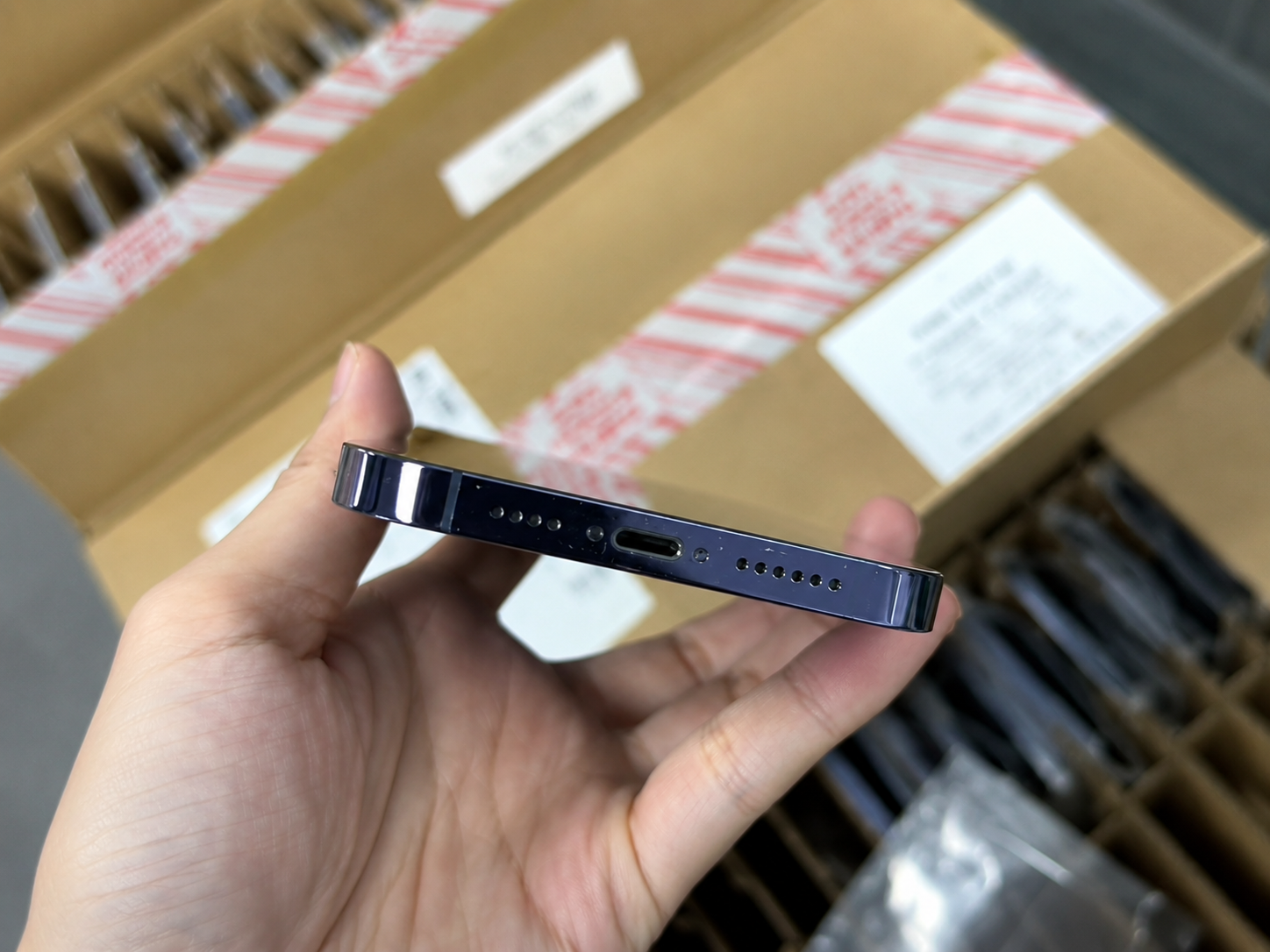
Battery messages need clear recording, but physical safety signs deserve immediate attention. Check for a service message; swelling or back separation; heat while charging; charging that starts and stops; shutdowns; rapid drain; instability; a damaged port or cable; and any odor, corrosion, or liquid indication.
A device can be commercially usable only after the relevant issue is assessed and disclosed. Never describe a battery as normal simply because the percentage looks acceptable.
5. Review Battery Health on a Used iPhone Before Buying

Use a repeatable pre-buying checklist. Check the Battery Health screen, Maximum Capacity, Peak Performance message, service notices, charging behavior, physical fit, parts information, and whether the device matches its stated grade. Then separately verify IMEI identity, Activation Lock, carrier status, and core functions.
Battery
Read the on-device information and record the number or message.
Live charging
Confirm a stable connection with known-good equipment.
History
Review recorded service information when available.
Commercial fit
Compare every finding with price, grade, and buyer policy.
When buying a batch, ask how the seller collected the data. A per-unit manifest gives a buyer more control than a general statement about an average. If sampling is used, agree on the method before payment: which models are included, how exceptions are handled, whether a service message counts as an exception, and what evidence is available if a finding is disputed. Clear receiving rules protect both sides.
6. Check Parts and Service History

On supported iPhones, go to Settings > General > About and look for Parts and Service History. Review the history, identify any battery-related entry, compare it with the seller’s description, and capture a record when your workflow permits. History can provide transparency; it is not a substitute for charging and functional testing.
- Open Settings.
- Choose General.
- Choose About.
- Find Parts and Service History where available.
- Read the battery-related status.
- Record it for disclosure and pricing.
| Possible Status | General Meaning | Buyer / Seller Action |
|---|---|---|
| Genuine | Recognized part information may be displayed | Record it; continue normal checks |
| Used | A previously used part may be reported | Review disclosure and intended market |
| Unknown | Information needs investigation | Do not assume; explain clearly and assess |
| No history | No relevant history appears there | Continue physical and live-device checks |
Use plain language in the record. A parts entry is not a reason to invent a diagnosis, and no entry is not proof that no work was ever done. The useful commercial question is whether the device information is consistent with the offer, whether the unit works normally in the live tests, and whether the resulting description gives the next buyer enough information to make an informed choice.
7. Battery Health Is Not the Same as Cosmetic Grade
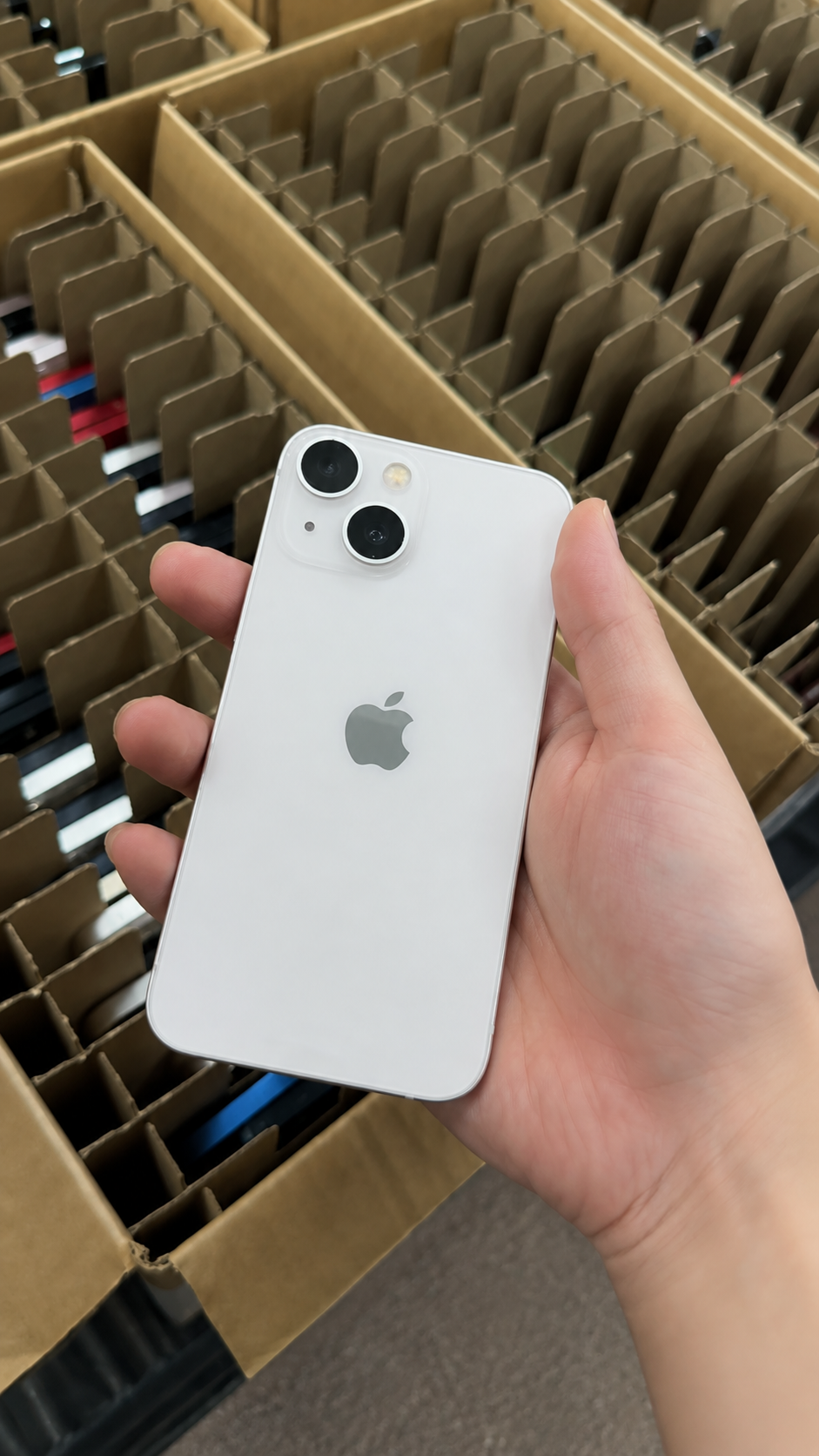
A clean housing can contain a worn battery, and a scratched device can have a high Battery Health reading. Grade descriptions and battery condition should be recorded separately so a buyer can make a transparent decision.
| Check | What It Covers | What It Does Not Cover |
|---|---|---|
| Cosmetic grade | Visible wear | Battery condition |
| Battery health | Current capacity and messages | Cosmetics |
| Function checks | Working functions | Future lifespan |
| Parts history | Recorded repairs | Live charging behavior |
| IMEI / lock review | Identity and ownership status | Battery condition |
Separate records also help prevent misleading labels. A “Like New” cosmetic grade describes appearance; it does not mean the battery is new. A high-capacity result describes one battery metric; it does not mean the housing has no wear or the device has passed every functional check. List each result in its own field, and do not hide an exception inside a broad grade name.
8. Set Battery Standards for Wholesale iPhone Orders

Set the policy before quoting. State the threshold or range, whether the requirement applies per unit or to an average, whether service messages are accepted, how replacements are treated, which data belongs on the manifest, how exceptions are separated, and how timing claims should be described. Match that policy to the right commercial tier.
| Tier | Battery Standard | Disclosure |
|---|---|---|
| Premium | Higher, consistent requirement | Per unit or agreed range |
| Standard | Balance of condition and value | Threshold and exceptions recorded |
| Value | Lower price with wider tolerance | Clear condition disclosure |
| Repair / parts | Battery is secondary to faults and safety | Not sold as normal ready-to-use stock |
Do not make timing promises that cannot be supported by the data. A capacity target can define a receiving condition at inspection; it cannot guarantee the same result after shipping, storage, software changes, or a different customer’s daily use. The stronger commercial statement is specific: identify the inspection point, evidence format, accepted exceptions, and any remedies agreed for verified mismatches.
9. Test Charging Behavior, Not Just the Percentage
Use a compatible charger and known-good cable. Confirm that charging begins and remains stable, the connector fits correctly, and the phone does not become unusually hot. Test while performing a simple task, disconnect and reconnect, watch for warnings, and test wireless charging if it is promised in the offer. Record the result with the battery number.
- Do not use a damaged cable as the only test equipment.
- Look for a stable charging symbol and normal percentage increase.
- Check the port, cable fit, heat, and repeated disconnection.
- Log whether a promised wireless charging check was completed.
Keep the equipment and test time consistent across the batch. A result recorded after a few minutes on a reliable charger is easier to compare than vague notes such as “charges okay.” If a phone disconnects, becomes unusually hot, or shows an inconsistent percentage, retest with another known-good cable and charger. Record both the observed behavior and the equipment used, rather than guessing at the cause.
10. Learn Which Habits Can Help Protect Battery Health
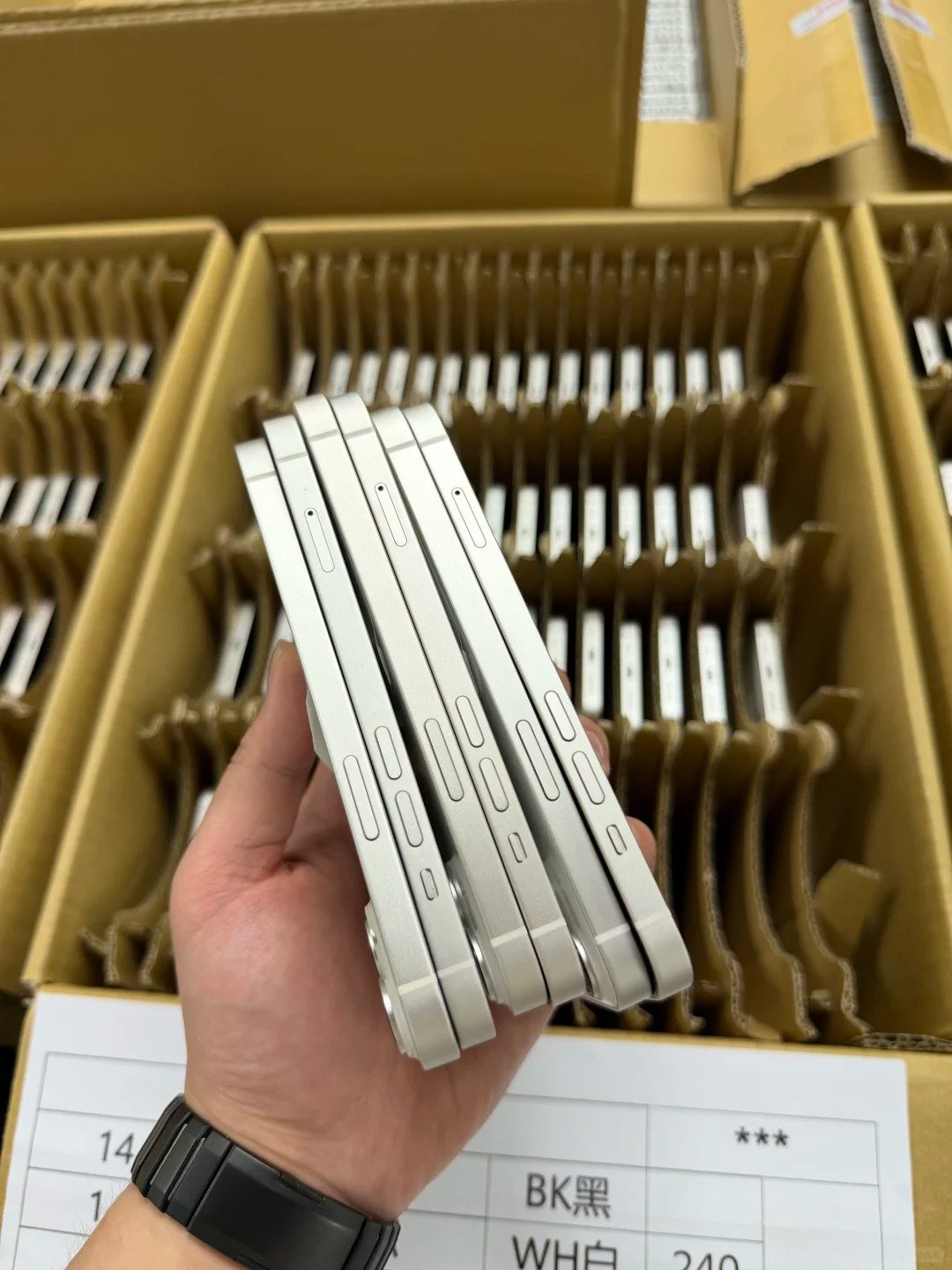
Battery aging cannot be eliminated, but sensible habits can reduce unnecessary stress. Keep the phone away from excessive heat, use suitable undamaged chargers, keep the port clean, enable Optimized Battery Charging, and use Charge Limit on supported iPhone 15 and later models when it fits the user’s routine. Keep iOS current, avoid use or charging that causes excessive heat, and seek service when the device shows damage or unsafe behavior.
These habits are maintenance guidance, not a guarantee of a particular capacity result. It is normal for a battery to age as it is used. The best response to a noticeable change is to compare the Battery Health screen with actual charging behavior and the phone’s temperature, then choose a qualified assessment where the result points to damage, swelling, persistent heat, or unstable operation.
11. Compare Battery Health Across iPhone Generations Carefully
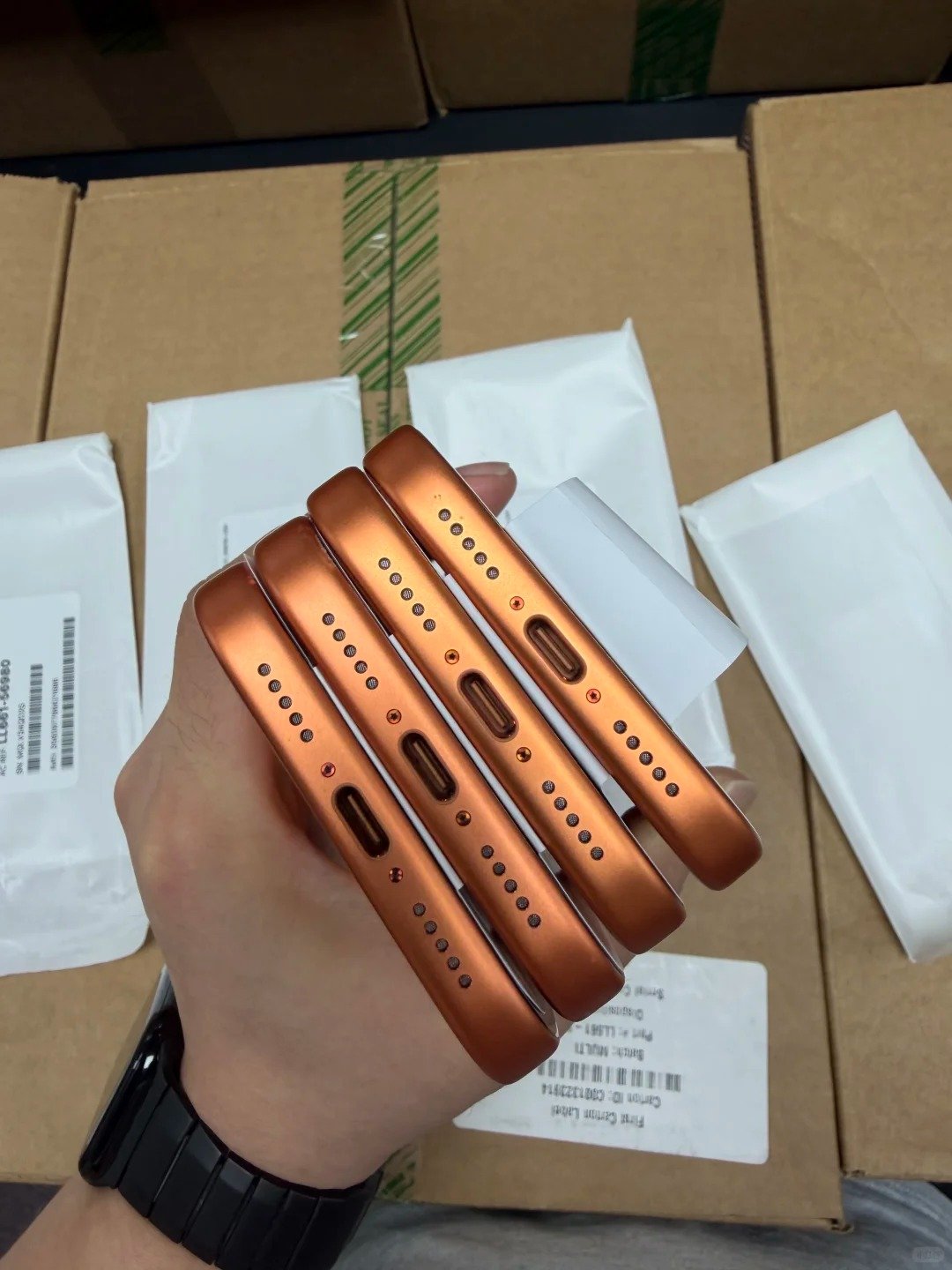
Compare age, model, usage pattern, repair history, price, and available iOS information—not only a percentage. An iPhone X and an iPhone 17 Series device can show similar readings yet have very different values, remaining support, usage expectations, and replacement economics. The correct comparison is between the full device record and the buyer’s intended customer segment.
Model comparisons also need a consistent inspection moment. Record whether the device was recently charged, whether it was warm from testing, and which iOS information was available. This does not turn Battery Health into a laboratory measurement; it prevents teams from treating data gathered under visibly different conditions as if it were an identical commercial claim. Use the same checklist for each model family and disclose where information is unavailable.
12. Record Battery Results During Wholesale Receiving
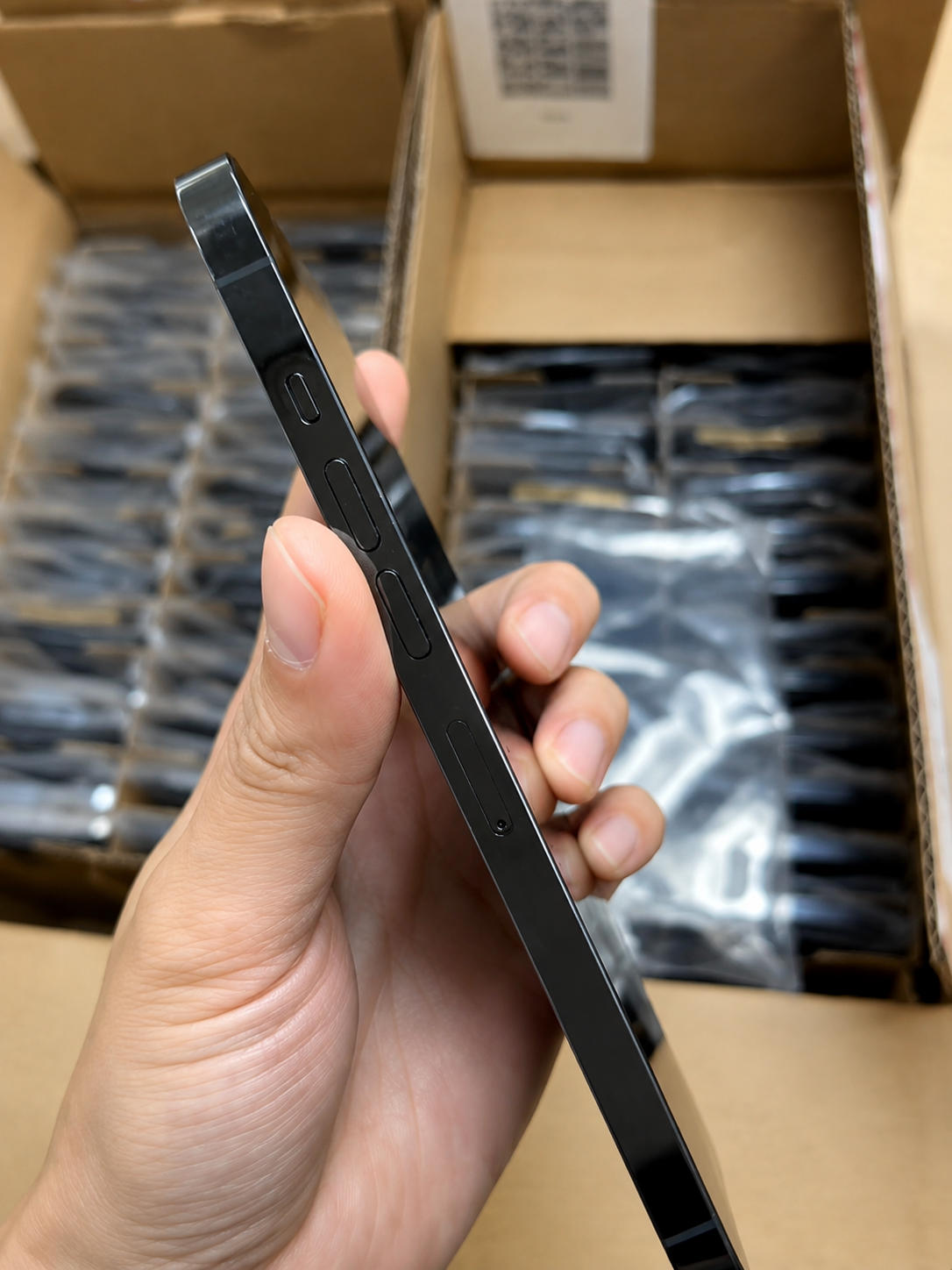
Receiving records make the battery requirement auditable. Enter results unit by unit or by the agreed batch method, then flag exceptions before the stock is allocated or resold.
| Receiving Field | What It Connects |
|---|---|
| IMEI | Connects results to the device |
| Model and storage | Connects condition to price and listing |
| Maximum capacity | Captures the battery metric |
| Peak or service result | Captures condition information |
| Parts note | Supports disclosure |
| Charging test | Records live behavior |
| Cosmetics | Keeps battery separate from grade |
| Exception | Shows repair, claim, or special price route |
Good records support later decisions. A receiving team can compare delivery results with the purchase agreement, determine which units fit premium or value channels, and isolate devices that need review. They also make it easier to resolve a claim because the battery reading, inspection time, unit reference, and charging observation are connected in one place. Do not replace the original observation with a generic batch statement after the fact.