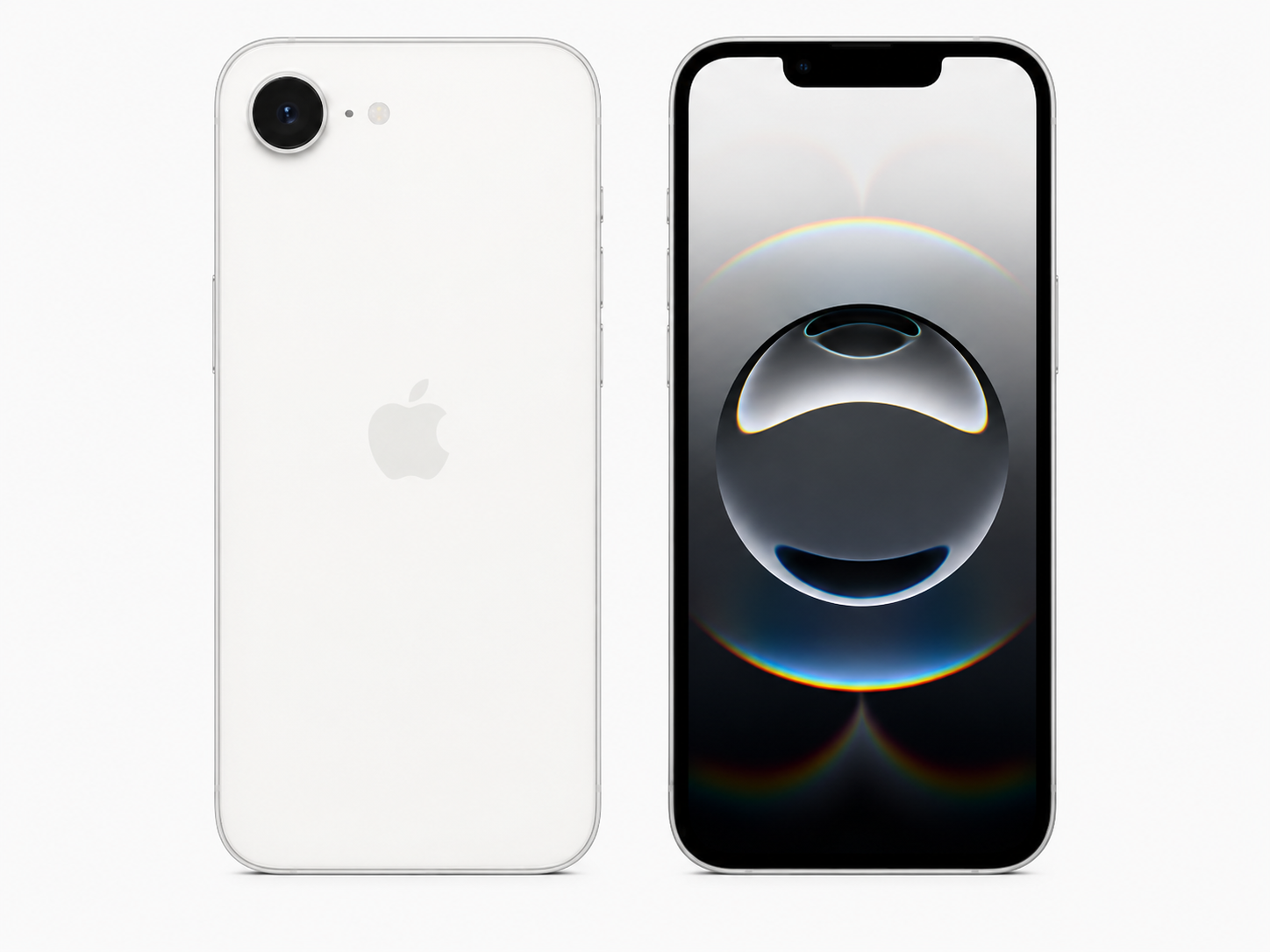
How eSIM Works on iPhone
eSIM is an embedded digital SIM used to activate eligible carrier plans without inserting a removable card for that plan. The carrier provisions the subscription through its authorized activation process.
iPhone 13 models and later support Dual eSIM, but buyers must still verify the exact regional model and intended carrier support. Do not expose QR codes, EID values, full IMEIs, account details, or activation information publicly.
Common eSIM Activation Methods
| Method | Best use case | What is needed | Important caution |
|---|---|---|---|
| Carrier activation | New or existing line setup. | Eligible device and authorized account. | Carrier rules control availability. |
| eSIM Quick Transfer | Moving an eligible line between iPhones. | Supported devices and carrier process. | Not every plan supports transfer. |
| Carrier QR code | Carrier-directed provisioning. | Private authorized QR code. | Never publish or share it publicly. |
| Carrier app | Supported self-service activation. | Carrier account and compatible device. | Use secure account access only. |
| Manual carrier details | Only when instructed by the carrier. | Authorized carrier details. | Do not guess or reuse data. |
Benefits of eSIM
- Digital activation on supported carriers.
- Convenient plan transfer when supported.
- Ability to store multiple plan profiles.
- Useful travel-plan options for unlocked compatible devices.
- No removable SIM card to lose or damage.
eSIM Limitations
- Requires carrier support.
- Depends on exact model and region.
- Does not bypass Carrier Lock.
- May not suit destinations that rely on physical SIM.
- Requires secure handling of activation data.
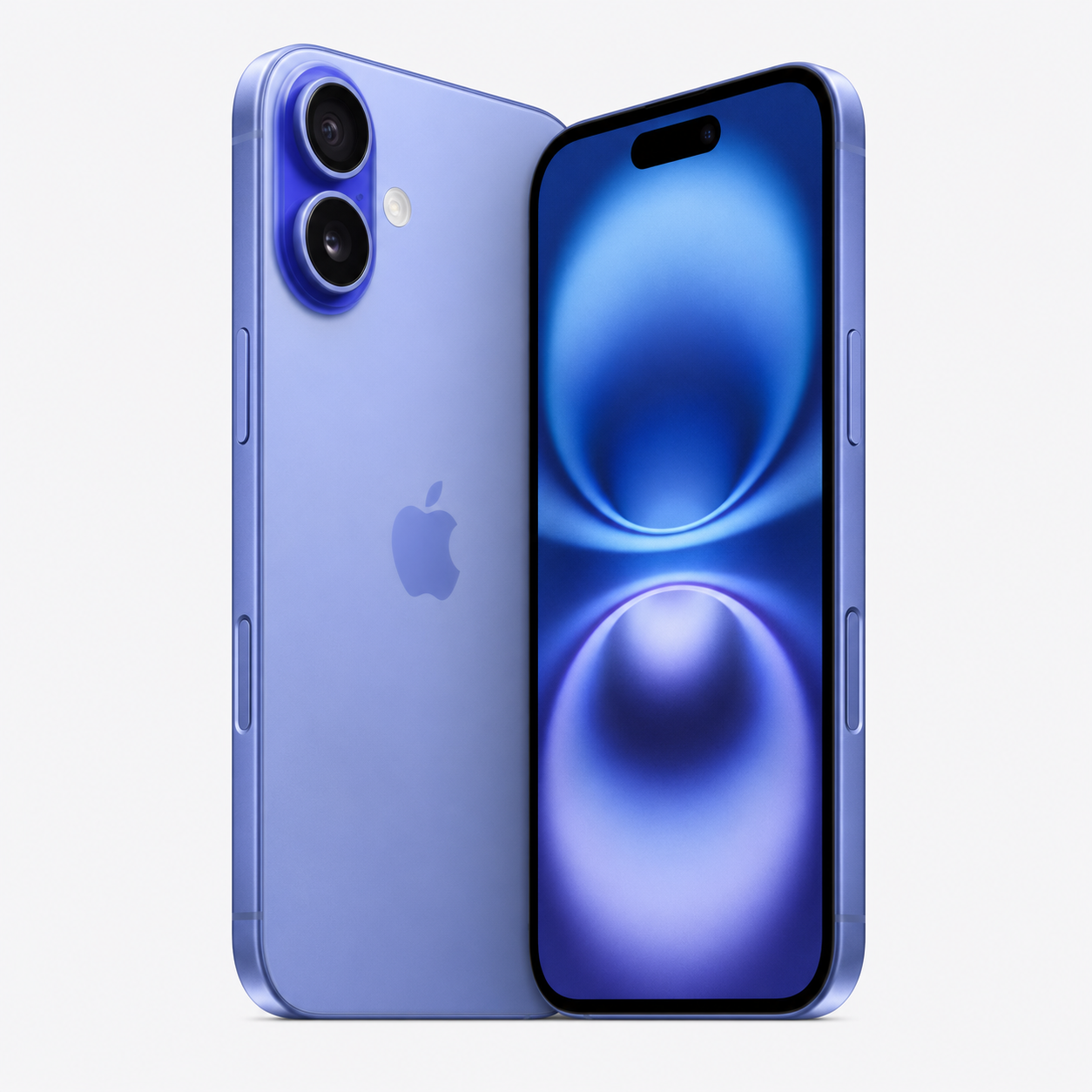
How Physical SIM Works on iPhone
A physical SIM is a removable nano-SIM card supplied by a carrier and inserted into a compatible iPhone SIM tray. It contains plan information that the carrier activates for eligible service.
Physical SIM availability can remain important in markets, organizations, and travel destinations where eSIM service is limited or unavailable. It is still subject to carrier requirements and any lock restriction on the phone.
Benefits of Physical SIM
- Simple physical transfer between compatible devices.
- Familiar workflow for many users and organizations.
- Useful where local physical SIM is widely available.
- Can suit markets with limited eSIM carrier support.
- Convenient for some emergency or replacement-device workflows.
Physical SIM Limitations
- Requires a compatible SIM tray.
- Can be lost, damaged, or swapped incorrectly.
- Requires physical access to the device.
- May be less convenient for rapid digital travel activation.
- Availability depends on the specific iPhone region and model.
Physical SIM Handling Checklist
- Confirm the correct nano-SIM size.
- Confirm carrier plan compatibility.
- Inspect the tray for damage or distortion.
- Check for water or dust damage around the tray.
- Store removed cards securely.
- Use proper removal tools and avoid forcing the tray.
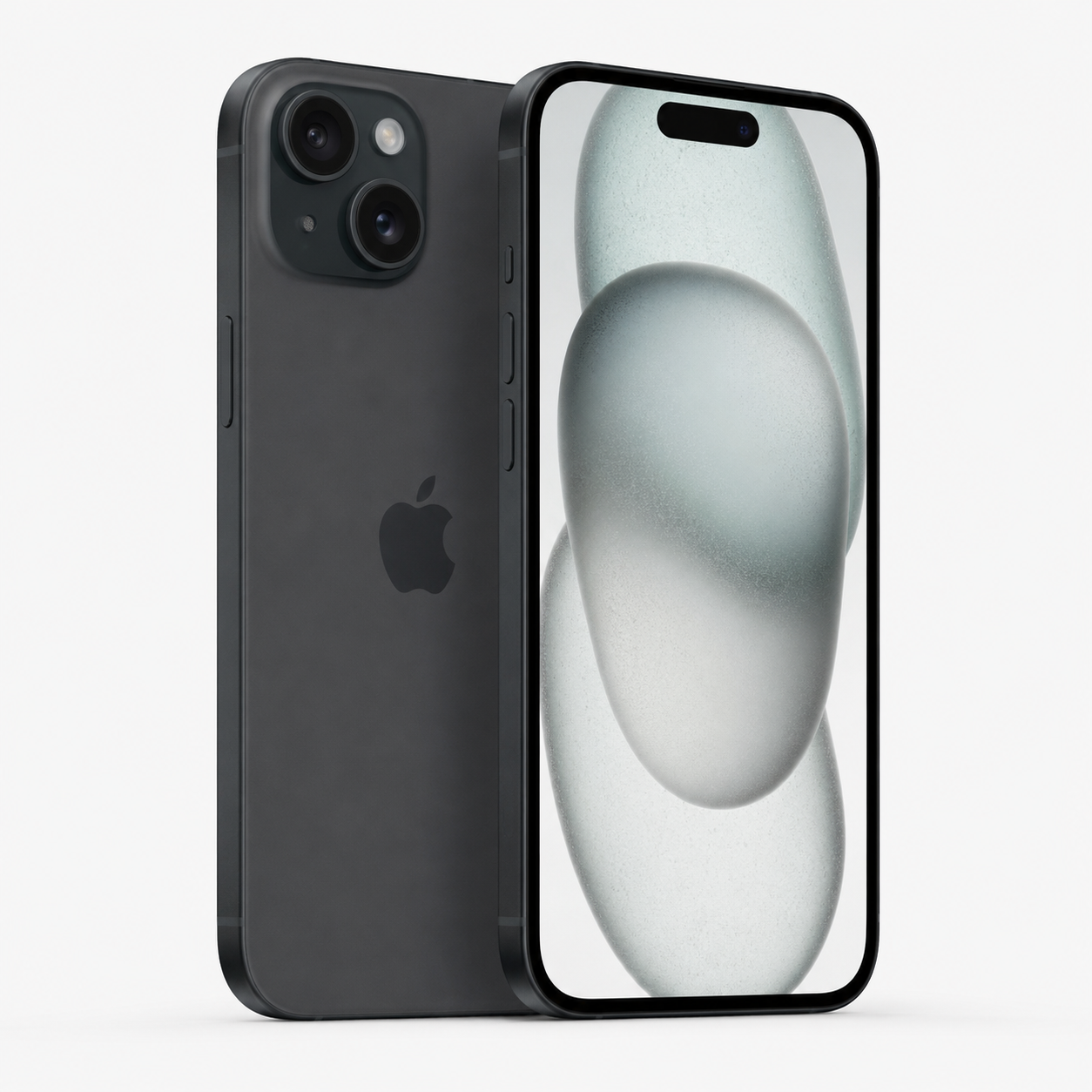
eSIM-Only iPhones vs iPhones with a Physical SIM Tray
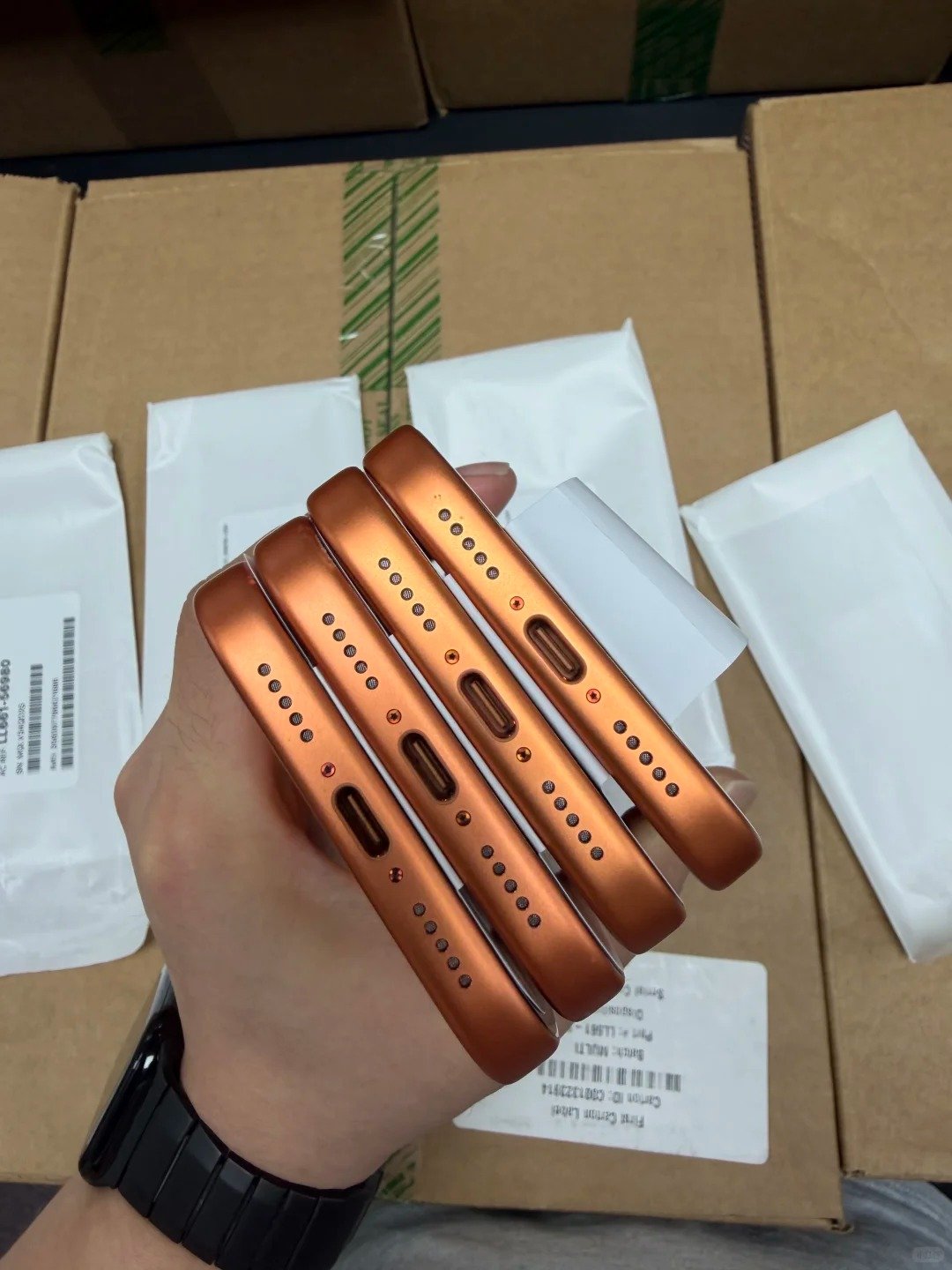
Some newer iPhones sold in selected regions are eSIM-only, while other regional versions may include a physical SIM tray, eSIM support, or different SIM configurations. Do not rely on a fixed universal regional list; verify the exact model and country of sale through Apple and the intended carrier.
An eSIM-only iPhone may not suit every export market or buyer profile. A physical tray can be decisive where customers depend on removable local cards.
eSIM-Only iPhone
| Area | eSIM-only configuration | Buyer consideration |
|---|---|---|
| No physical SIM tray | No removable-card option. | Confirm that eSIM is accepted locally. |
| Digital activation requirement | Eligible digital carrier setup is required. | Confirm provider support before sale. |
| Best buyer profile | Digital-first eSIM market. | Match to local carrier options. |
| Travel considerations | Needs an eSIM-compatible destination plan. | Plan a backup connectivity option. |
| Main resale risk | Buyer expects a physical tray. | Disclose eSIM-only status clearly. |
| Required supplier disclosure | Model, region, tray absence, lock status. | Keep a secure manifest record. |
Physical SIM Plus eSIM iPhone
| Area | Physical SIM plus eSIM configuration | Buyer consideration |
|---|---|---|
| Physical nano-SIM tray | Removable-card access. | Inspect tray condition and availability. |
| eSIM support where applicable | Digital-plan capability may be present. | Verify exact regional model. |
| Dual-SIM flexibility | Can support two lines where allowed. | Confirm carrier and active-line rules. |
| Best buyer profile | Traveller or mixed-workflow customer. | Match to destination use. |
| Main resale advantage | Offers more potential SIM workflows. | Avoid universal compatibility claims. |
| Required supplier disclosure | Model, region, tray and eSIM details. | Separate from Carrier Lock status. |
Why Model Number and Region Matter
- Regional hardware can vary even under the same iPhone marketing name.
- Physical tray presence and eSIM support can differ.
- Network bands can affect destination-market fit.
- Resale demand depends on local carrier infrastructure and buyer expectations.
eSIM vs Physical SIM for Travel
Neither eSIM nor physical SIM is universally best for travel. The useful choice depends on destination support, local pricing, need for a local number, backup options, and the traveler’s exact iPhone model.
Travel eSIM Checklist
- Carrier-unlocked status.
- Exact model and sales region.
- Destination eSIM availability.
- Coverage and network quality.
- Data, voice, and SMS needs.
- Travel-plan validity.
- Secure QR-code or carrier-account handling.
- Backup connectivity plan.
Travel Physical SIM Checklist
- Physical SIM tray availability.
- Local SIM availability.
- SIM size and insertion process.
- Need for a local number.
- Registration requirements.
- Safe storage of home SIM.
- Carrier coverage and data policy.
Travel Comparison Table
| Travel factor | eSIM advantage | Physical SIM advantage | Best verification step |
|---|---|---|---|
| Setup speed | Digital setup can be quick. | Simple card purchase where available. | Check carrier onboarding process. |
| Local number | Available on some destination plans. | Common with local card offers. | Confirm voice and SMS inclusion. |
| Plan availability | Useful in strong eSIM markets. | Useful in physical-card markets. | Compare actual providers. |
| Switching convenience | No tray access needed. | Physical card can be moved. | Check device and plan rules. |
| Backup needs | May keep a second digital profile. | Can carry an extra local card. | Plan before departure. |
| Regional restrictions | May not be supported everywhere. | Tray may not be available on every model. | Confirm model and destination together. |
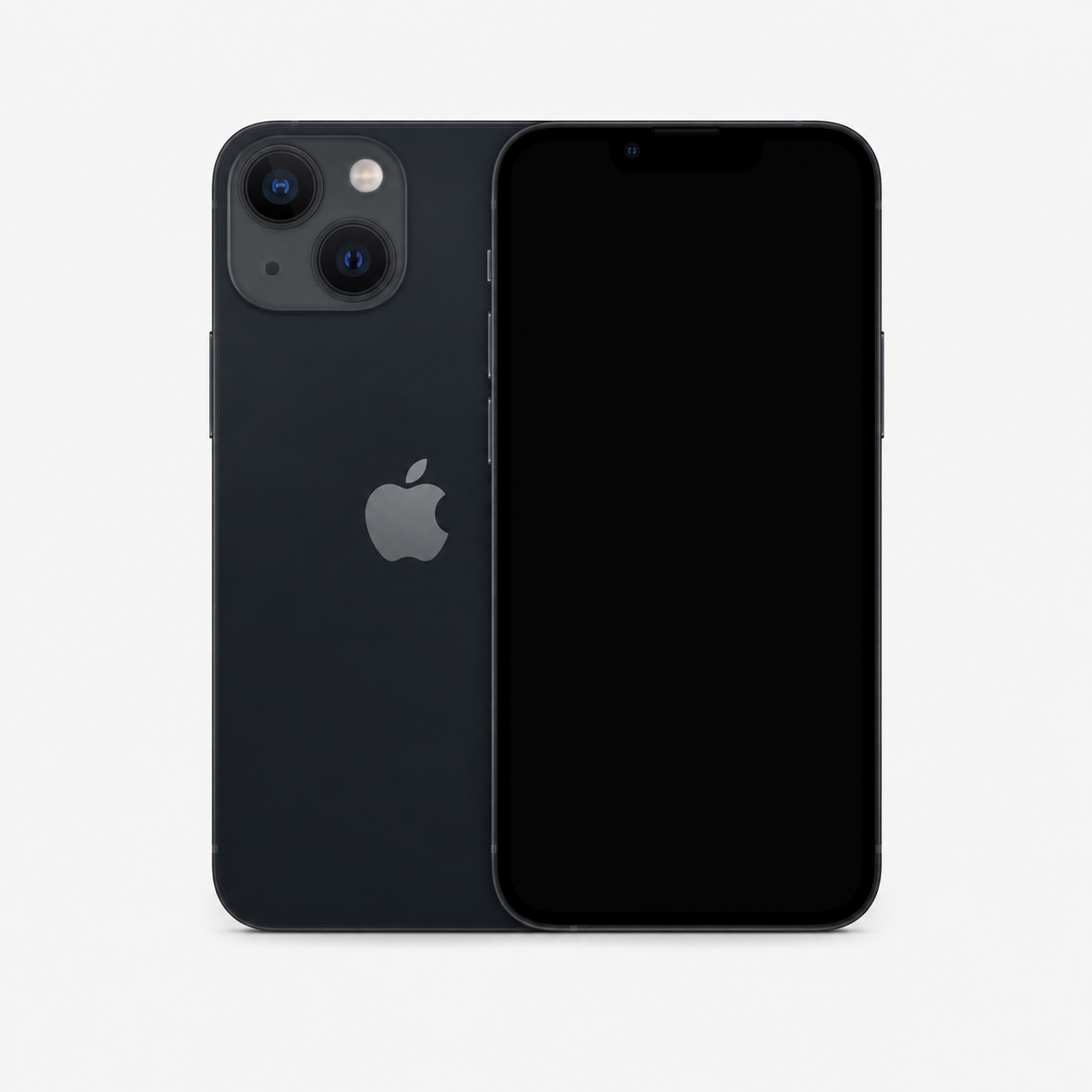
eSIM and Physical SIM Do Not Change Carrier Lock
eSIM is a delivery method for a mobile plan, while Carrier Lock is a network restriction set by a carrier. A carrier restriction can apply to both physical-SIM and eSIM use.
| Check | What it checks | Where buyers may verify it | What it does not prove | Correct lawful action |
|---|---|---|---|---|
| eSIM capability | Digital SIM feature availability. | Settings and model records. | Unlocked status or ownership. | Confirm with intended carrier. |
| Physical SIM tray | Removable-card hardware. | Physical inspection and model record. | Carrier approval. | Disclose tray status accurately. |
| Carrier Lock | Network restriction state. | Settings > General > About where supported. | Activation Lock or IMEI status. | Use the original or current carrier. |
| Activation Lock | Apple Account protection. | Lawful setup and seller handover. | Carrier eligibility. | Require rightful-owner release. |
| Clean or flagged IMEI | Status result within an authorized source scope. | Legitimate status service. | Ownership or condition. | Record source and date. |
| MDM or remote management | Organization controls. | Setup and organization records. | Carrier or IMEI status. | Require authorized organization release. |
Check Carrier Lock
On supported iPhones, Settings > General > About may show Carrier Lock or Network Provider Lock. “No SIM restrictions” indicates an unlocked iPhone.
Why eSIM Cannot Bypass a Carrier Lock
- Carrier restrictions can apply to both physical-SIM and eSIM use.
- Adding an eSIM does not alter a carrier’s eligibility decision.
- A factory reset does not remove a carrier restriction.
- Use the intended carrier’s lawful support process for compatibility questions.
Legitimate Carrier Unlocking
Only the current or original carrier can legitimately unlock a carrier-locked iPhone. Never purchase, sell, or recommend bypassing Activation Lock, Apple Account credentials, carrier restrictions, blacklists, MDM or remote-management locks, or other security controls. They must be resolved only through legitimate action by the rightful owner, organization, carrier, insurer, or authorized authority.
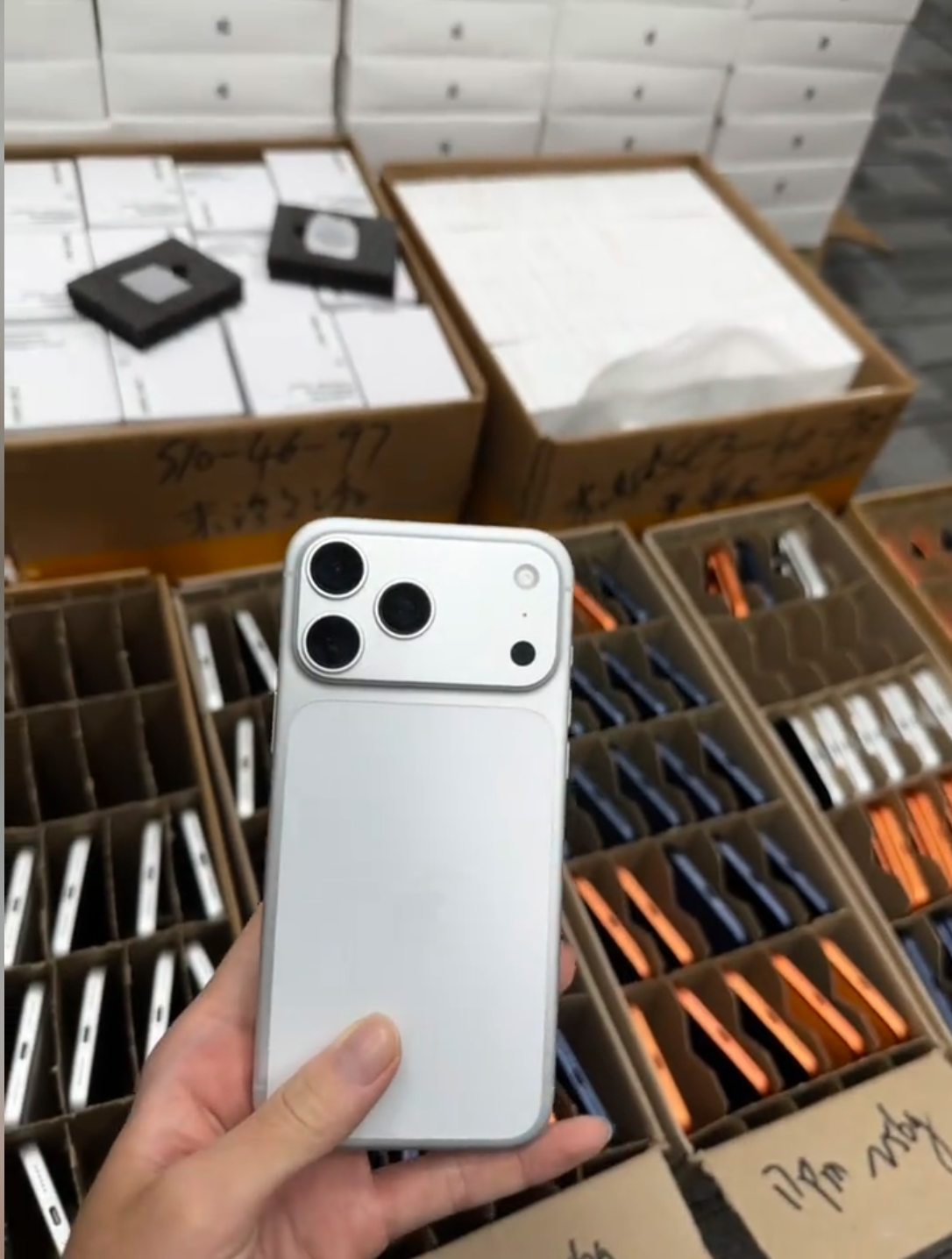
How to Check eSIM and Physical SIM Capability Before Buying
- Confirm the exact iPhone model number.
- Confirm the country or region where the device was originally sold.
- Inspect whether the device has a physical SIM tray.
- Review Settings > General > About for IMEI, IMEI2, EID, and Carrier Lock information.
- Confirm the intended carrier supports the required SIM type.
- Confirm the iPhone is unlocked if multi-carrier use is required.
- Confirm Activation Lock is off.
- Check relevant IMEI status through legitimate sources.
- Test core device functions and obtain documentation.
What EID Can and Cannot Tell You
| Observation | What it may indicate | What it does not guarantee | Buyer action |
|---|---|---|---|
| EID shown | An eSIM-related identifier is available. | Approval by every carrier. | Check model, region, and carrier. |
| EID not shown | The field may be unavailable in the current device context. | Any final SIM conclusion. | Confirm authorized model information. |
| eSIM option available | Cellular settings can present digital setup. | Unlocked status or plan eligibility. | Review Carrier Lock separately. |
| eSIM option unavailable | The device may not expose that option. | That no further verification is needed. | Check exact model and region. |
Used iPhone Functional Checklist
- Display and touch.
- Cameras and Face ID or Touch ID.
- Speakers, microphones, and buttons.
- Charging, Wi-Fi, Bluetooth, cellular connection, and GPS.
- Battery health and Parts and Service History where available.
Evidence to Retain
- Model number and region record.
- SIM tray photos.
- EID and IMEI record where relevant.
- Carrier Lock screenshot.
- Invoice, functional test result, and warranty terms.
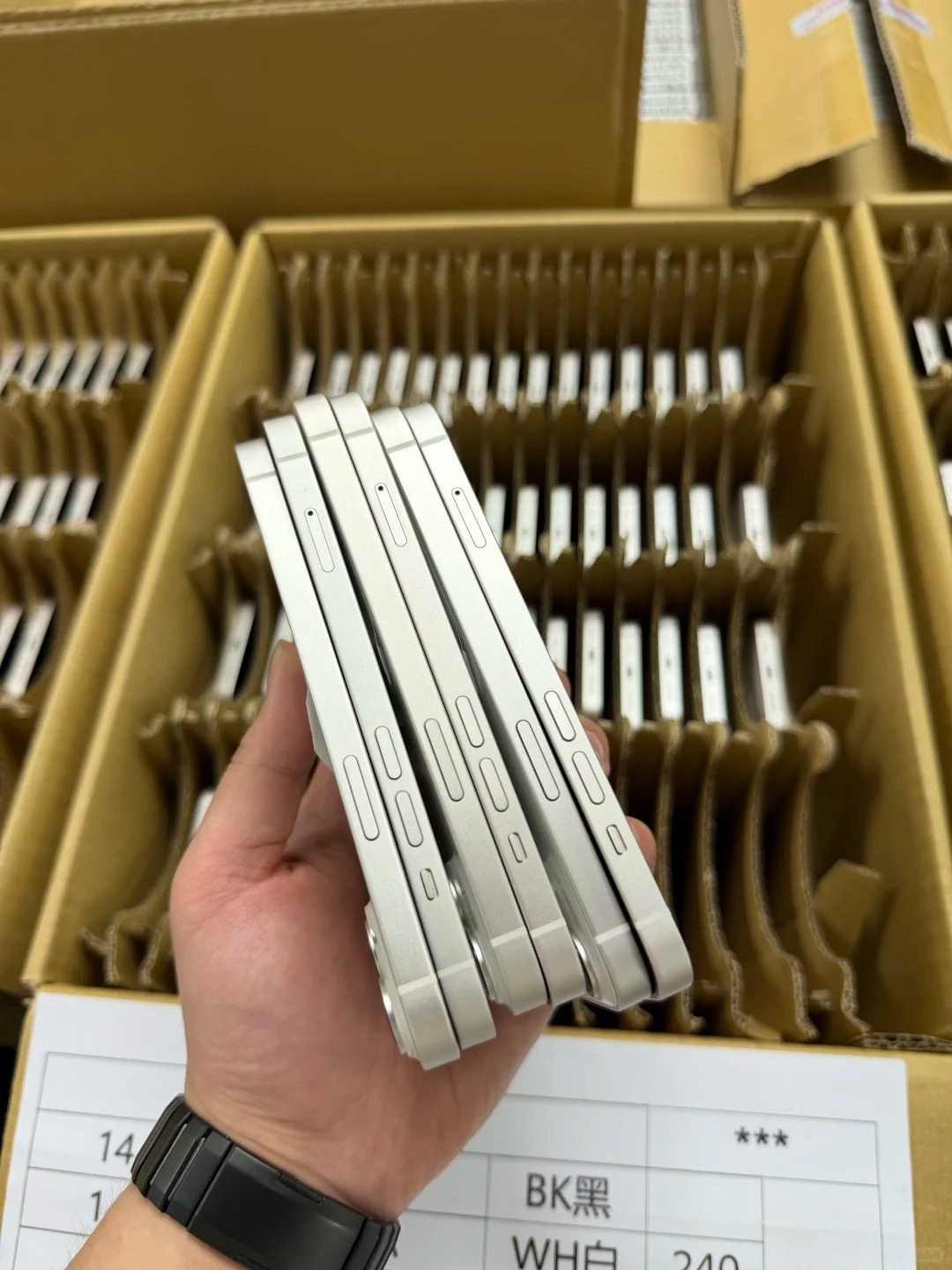
eSIM vs Physical SIM for Used and Refurbished iPhone Resale
Used and refurbished iPhone buyers should match configuration to the sales channel. An eSIM-only iPhone can be excellent stock for one market and a poor fit for another that relies on physical cards.
Best Fit by Sales Channel
| Sales channel | Best SIM configuration | Why | Required disclosure |
|---|---|---|---|
| Domestic retail | Local-market compatible configuration. | Matches local carrier demand. | Model, region, and lock status. |
| International travel retail | Unlocked compatible eSIM or tray option. | Travel needs vary by destination. | Carrier and travel compatibility note. |
| Export distribution | Destination-specific configuration. | Regional demand differs. | Tray and eSIM details. |
| Markets with strong eSIM support | eSIM-capable or eSIM-only stock. | Digital activation is practical. | eSIM-only status if applicable. |
| Markets requiring physical SIM | Physical tray model. | Removable-card workflow matters. | Tray presence and condition. |
| Corporate replacement inventory | Matches organization carrier workflow. | Deployment must be predictable. | Lock and management status. |
| Online marketplace resale | Clearly documented configuration. | Prevents buyer assumptions. | All configuration and status fields. |
Accurate Listing Checklist
- Exact model number.
- Region of sale.
- eSIM capability.
- Physical SIM tray status.
- Carrier-lock status.
- Activation status.
- Network compatibility note.
- Warranty and return terms.
Why Incorrect SIM Claims Cause Returns
- Regional incompatibility can prevent expected plan activation.
- Carrier restrictions can block intended service.
- Travel limits can surprise a buyer after arrival.
- eSIM-only status may conflict with physical-SIM expectations.
- Accurate disclosure protects customer trust and resale margins.

Wholesale Verification for eSIM and Physical-SIM iPhones
Wholesale verification needs separate fields for eSIM capability, physical tray status, Carrier Lock, Activation Lock, and identifiers. One generic “unlocked” label does not describe a complete device configuration.
Required Wholesale Manifest Fields
| Field | Why it matters |
|---|---|
| Model | Confirms hardware family. |
| Model number | Controls region verification. |
| Storage and color | Matches commercial configuration. |
| Grade and battery-health range | Sets condition acceptance. |
| eSIM capability | Records digital-plan support. |
| Physical SIM tray status | Records removable-card access. |
| EID where relevant | Supports eSIM-related reconciliation. |
| IMEI and IMEI2 where applicable | Matches cellular device records. |
| Carrier-lock and activation status | Separates restriction and handover checks. |
| Destination-market compatibility note | Aligns inventory to sales channel. |
| Quantity and warranty | Controls receiving and remedy terms. |
Bulk Acceptance Workflow
- Receive a secure manifest before shipment.
- Verify model and region configuration.
- Confirm agreed eSIM and physical-SIM requirements.
- Check Carrier Lock and Activation Lock status.
- Match identifiers to physical devices.
- Test a representative sample using authorized carrier procedures.
- Record discrepancies and isolate nonconforming units.
- Submit claims within agreed terms.
Acceptance Rules Before Payment
- Incorrect SIM configuration.
- Model mismatch.
- Carrier lock.
- Unresolved Activation Lock.
- MDM restriction.
- Missing identifiers.
- Missing documentation.
Common eSIM and Physical SIM Myths
| Myth | Fact | Correct buyer action |
|---|---|---|
| “eSIM means an iPhone is unlocked.” | eSIM and Carrier Lock are separate. | Check Carrier Lock independently. |
| “Every iPhone with a SIM tray supports eSIM.” | Regional models differ. | Verify exact model and region. |
| “Every eSIM iPhone is eSIM-only.” | Some models can have both options. | Inspect the exact unit. |
| “Physical SIM is always better for travel.” | Destination offers vary. | Compare local options before travel. |
| “eSIM is always better for travel.” | Some destinations rely on physical cards. | Check destination support. |
| “A factory reset removes Carrier Lock.” | Carrier restrictions remain carrier-controlled. | Use only legitimate carrier resolution. |
| “EID proves full carrier compatibility.” | EID is not universal carrier approval. | Confirm the intended carrier. |
| “SIM type replaces IMEI or Activation Lock verification.” | These are separate checks. | Record each status independently. |