How eSIM Works on iPhone
With eSIM, the subscriber profile is stored digitally rather than on a removable card. The iPhone and carrier exchange the information needed to register an eligible line through an authorized activation process.
Depending on the carrier, that process can start in an app, with a carrier-issued QR code, during iPhone-to-iPhone transfer, or through manually entered carrier details. The approved method—not a shortcut—should always guide the setup.
Common eSIM Activation Paths
| Path | Best use case | What buyers need | Important caution |
|---|---|---|---|
| Carrier activation | New line or approved existing-line setup. | Eligible device and account approval. | Availability is set by the carrier. |
| eSIM Quick Transfer | Moving an eligible line between iPhones. | Supported devices, accounts, and carrier process. | Not available for every carrier or plan. |
| Carrier QR code | Carrier-directed provisioning. | A private, authorized QR code. | Never share the QR code publicly. |
| Carrier app | Self-service enrollment where offered. | Carrier account and supported phone. | Follow the carrier's account-security steps. |
| Manual carrier details | Only when the carrier instructs it. | Authorized provisioning details. | Do not guess or reuse activation data. |
What eSIM Does Not Change
- Carrier Lock status.
- Activation Lock status.
- IMEI blacklist status.
- Device ownership.
- Network-band compatibility.
- Carrier plan eligibility.
Why an Internet Connection May Be Needed
- Wi-Fi or existing cellular access can be needed to contact the carrier provisioning system.
- The carrier may need to validate the account, plan, and eligible device before download.
- A transfer may need a confirmation step on the old and new devices.
- Keep account credentials, EID values, QR codes, and activation records in secure channels.
eSIM iPhone vs Physical SIM iPhone
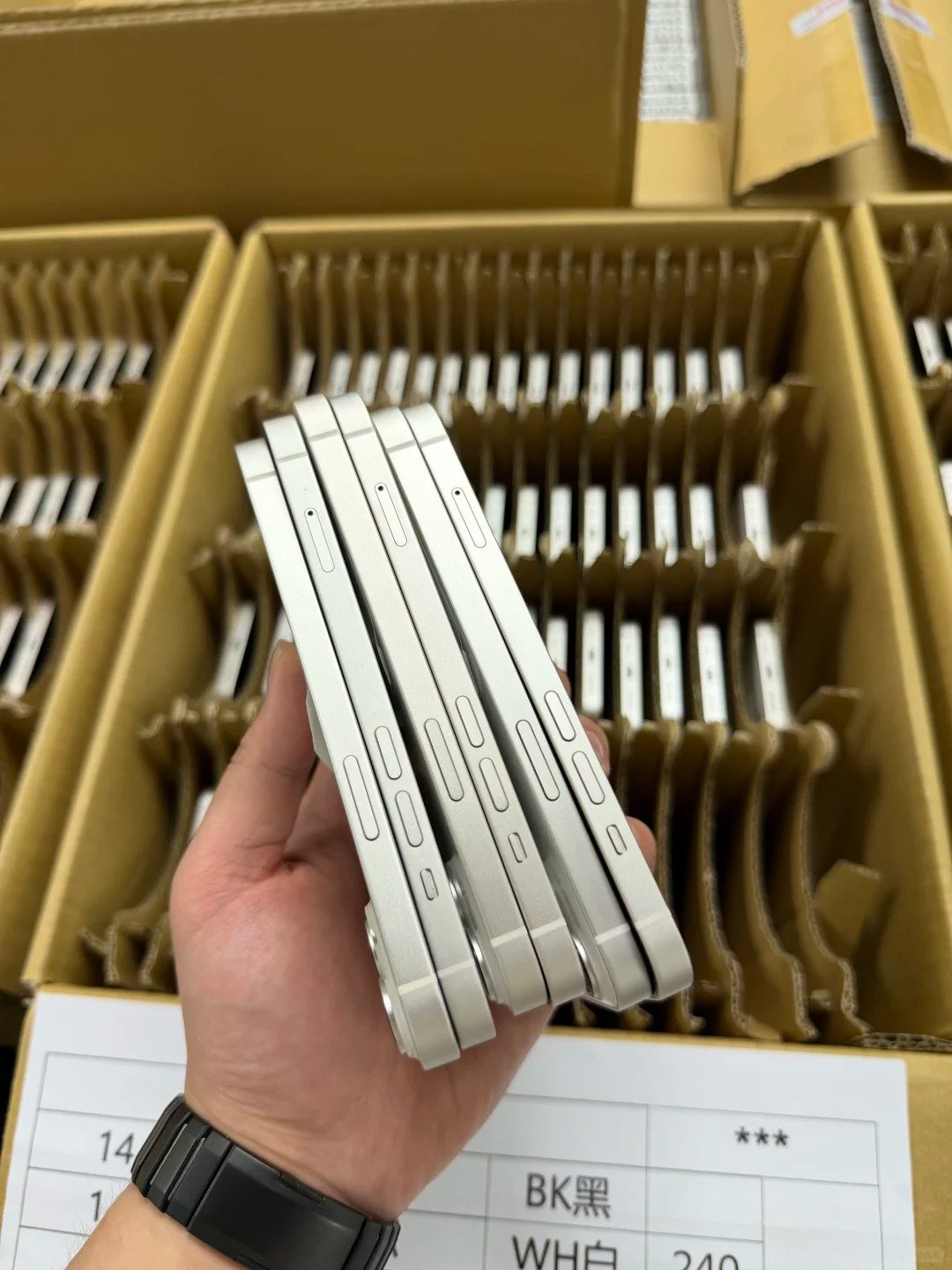
An eSIM-capable iPhone may also have a physical SIM tray, or it may be eSIM-only. Exact capacity, active-line options, and tray availability depend on the specific model number and original sales region.
| Comparison | eSIM-focused option | Physical-SIM option | Buyer decision |
|---|---|---|---|
| SIM format | Digital profile. | Removable nano-SIM. | Match the format to the buyer's carrier workflow. |
| Plan activation | Carrier-authorized digital process. | Insert card and activate as required. | Check local carrier procedures. |
| Changing carriers | Can be digital when supported. | May involve changing a card. | An unlocked status is still important. |
| Travel use | Potential travel-plan flexibility. | Potential local-card flexibility. | Compare actual destination offers. |
| Device-region variation | Not identical across regions. | Not identical across regions. | Verify model number and country of sale. |
| eSIM-only suitability | Works best in strong eSIM markets. | Not applicable. | Avoid where physical cards are required. |
| Dual-SIM options | Can support multiple profiles or lines where allowed. | May pair a card with digital service. | Do not assume a universal configuration. |
| Risk when buying used | Carrier compatibility can be missed. | Tray configuration can be misdescribed. | Inspect and document both. |
| Wholesale documentation | Record eSIM capability and EID where relevant. | Record physical tray status. | Separate these fields from lock status. |
Benefits of eSIM
- Digital plan activation.
- Easier line transfer when supported.
- Space for multiple plan profiles.
- Travel-plan flexibility on unlocked compatible phones.
- No physical SIM card to lose or damage.
Limits of eSIM
- Carrier support is required.
- Regional iPhone variants differ.
- Carrier lock still applies.
- Some users or markets still require physical SIM support.
- Transfer and activation procedures vary by carrier.
Who Should Prefer a Physical SIM Option?
- Buyers in markets where eSIM support is limited.
- Users who need removable SIM cards for operational reasons.
- Export buyers serving destinations with physical-SIM expectations.
- Organizations with established physical-SIM inventory and swap workflows.
Which iPhones Support eSIM?
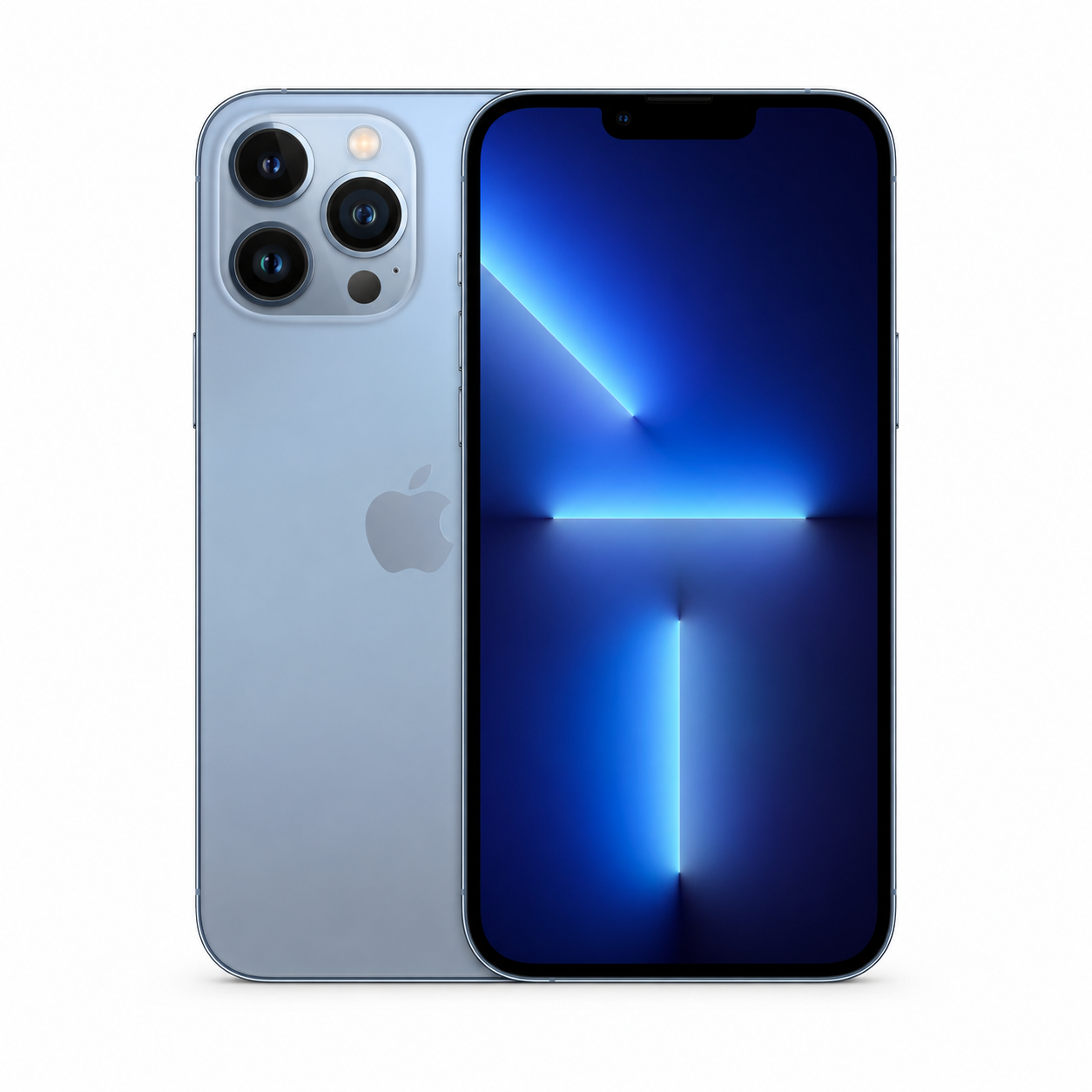
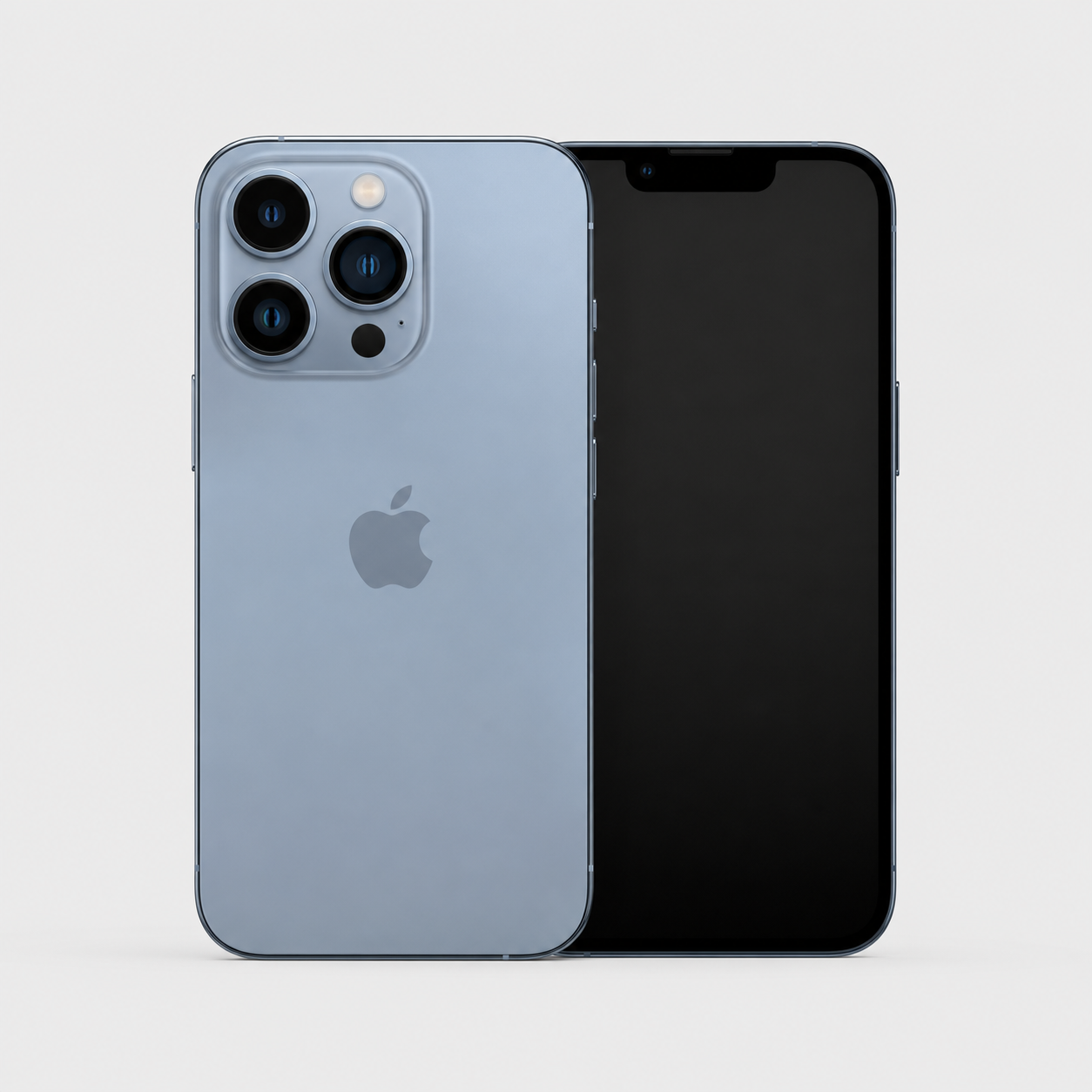
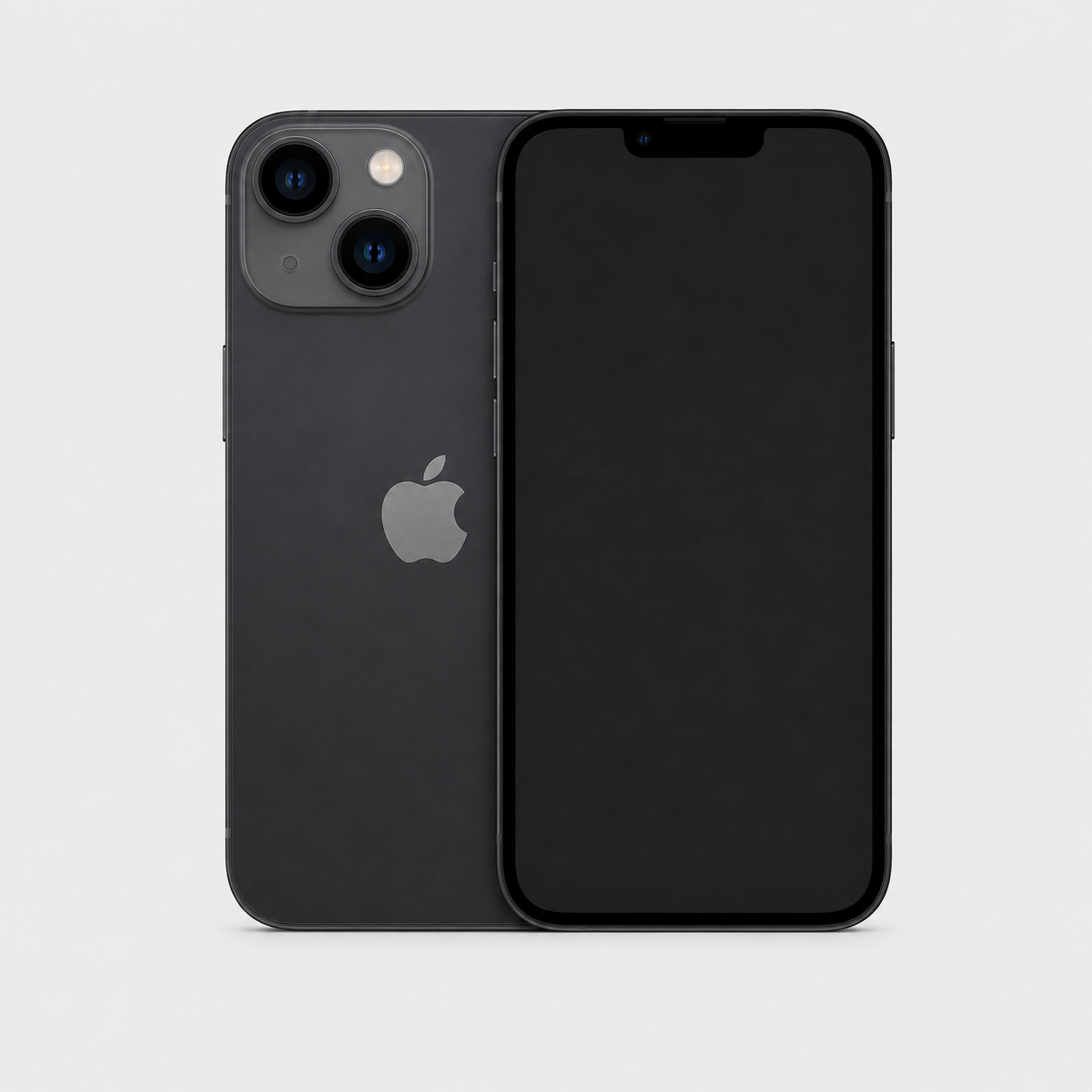
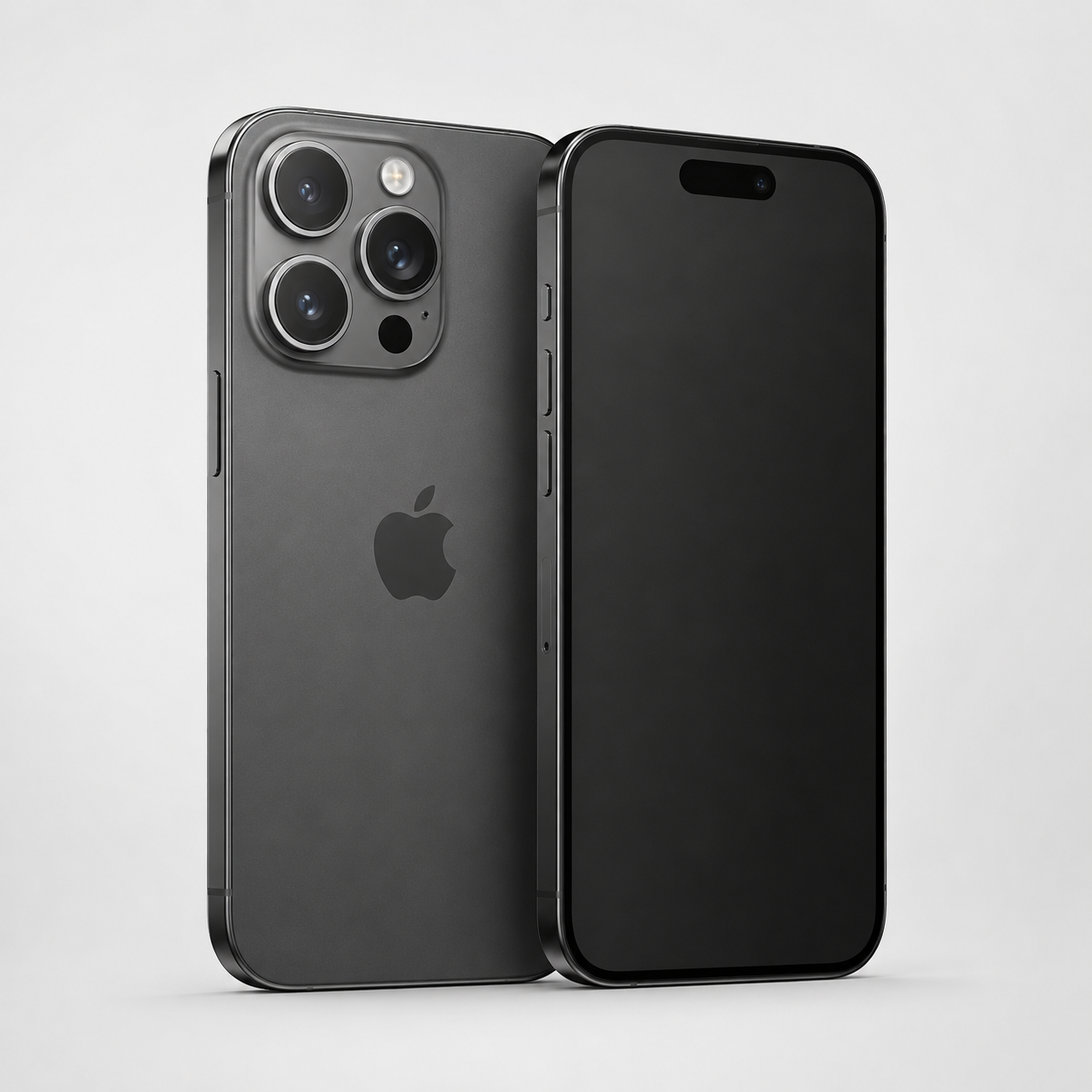
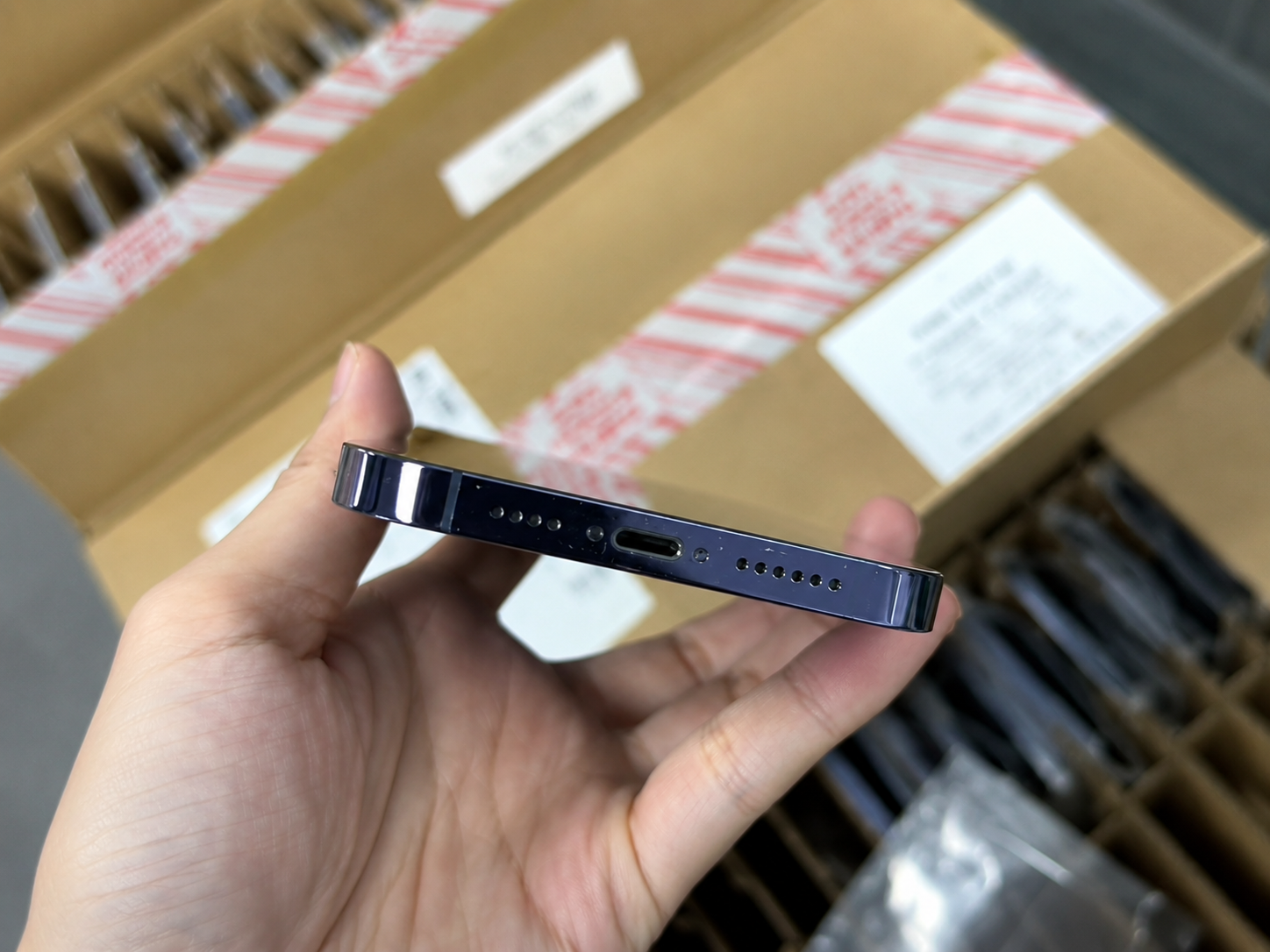
Recent iPhone generations commonly support eSIM, but a model name alone is not enough to make a buying decision. eSIM capability and physical SIM tray availability can differ by exact model, model number, and sales region.
Some newer iPhones sold in the United States and Puerto Rico are eSIM-only and do not have a physical SIM tray. Buyers must verify the exact model and region before purchasing; an eSIM-only unit may be a poor fit where the preferred carrier or destination does not support eSIM.
How to Verify eSIM Capability
- Confirm the exact model number.
- Confirm the country or region where the iPhone was originally sold.
- Check the iPhone’s Settings for available identifiers and cellular options.
- Review EID availability where applicable.
- Confirm the intended carrier supports eSIM on that specific model.
- Confirm the destination market’s network and regulatory compatibility.
eSIM-Only vs Physical SIM Plus eSIM
| Configuration | Typical buyer profile | Main advantage | Main risk | Required verification |
|---|---|---|---|---|
| eSIM-only iPhone | Buyer in a mature eSIM market. | Digital-only plan setup. | No fallback physical tray. | Carrier and destination eSIM support. |
| Physical SIM plus eSIM iPhone | Traveller or flexible retail buyer. | Potentially supports both workflows. | Exact active-line rules vary. | Model number, carrier, and regional configuration. |
| Physical-SIM-focused regional variant | Market with removable-card demand. | Supports established card workflows. | May differ in eSIM capability. | Original region and intended sales market. |
Why Model Number Matters More Than Model Name
- Regional hardware differences can alter supported SIM arrangements.
- Physical SIM tray availability may differ among models with the same marketing name.
- Network bands affect destination-market performance.
- Resale-market compatibility depends on the exact unit, not a broad generation label.

How to Check if an iPhone Supports eSIM
On the device, Settings can help a buyer identify the hardware records and cellular menus that are available. Treat this as the starting point for verification, not a guarantee that a chosen carrier will approve a plan.
Check in iPhone Settings
- Open Settings.
- Tap General.
- Tap About.
- Review available fields such as EID, IMEI, and IMEI2.
- Open Cellular or Mobile Data settings to review plan options.
- Confirm the device model and carrier status.
What EID Can Indicate
| Observation | What it may indicate | What it does not guarantee | Buyer action |
|---|---|---|---|
| EID shown | The device has an eSIM-related identifier. | Any particular carrier's approval. | Check model, region, and carrier support. |
| EID not shown | The field may be unavailable in the current view or model context. | Every conclusion about SIM support. | Confirm exact model and authorized documentation. |
| eSIM option available | A cellular menu can present eSIM setup. | Unlocked status or plan eligibility. | Review Carrier Lock and carrier rules. |
| eSIM option unavailable | The device or configuration may not expose the option. | That no compatible path exists without more checking. | Verify model number and original sales region. |
Do Not Use EID as the Only Check
- EID alone does not confirm carrier support.
- It does not confirm unlocked status.
- It does not confirm destination compatibility.
- It does not establish ownership status or device condition.
eSIM and Carrier Lock Are Different
eSIM describes how a compatible iPhone can hold an eligible plan. Carrier Lock describes a network restriction set by a carrier. A locked phone can restrict both a physical-SIM line and an eSIM line to the permitted carrier.
| Check | What it checks | Where buyers may verify it | What it does not prove | Correct lawful action |
|---|---|---|---|---|
| eSIM capability | Digital SIM feature availability. | Settings, model and region records. | Carrier access or ownership. | Confirm with intended carrier. |
| Carrier Lock | Network restriction state. | Settings > General > About where supported. | IMEI or Activation Lock status. | Use the current or original carrier. |
| Activation Lock | Apple Account protection. | Lawful setup and seller handover. | Carrier compatibility. | Require rightful owner release. |
| Clean or flagged IMEI | A status result within the authorized source scope. | Legitimate authorized service. | Ownership, condition, or lock state. | Record source and resolve through authorized parties. |
| MDM or remote management | Organization management controls. | Setup and organization records. | Carrier or IMEI status. | Require organization-authorized removal. |
Check Carrier Lock
On supported iPhones, Settings > General > About may show Carrier Lock or Network Provider Lock. “No SIM restrictions” indicates an unlocked iPhone.
Why eSIM Does Not Bypass a Locked iPhone
- A carrier lock can restrict both physical-SIM and eSIM use to the permitted carrier.
- Adding a digital plan does not alter a carrier’s eligibility decision.
- A factory reset does not remove a carrier restriction.
- Compatibility must be checked with the intended carrier through legitimate channels.
Legitimate Unlocking Only
Only the current or original carrier can legitimately unlock a carrier-locked iPhone. Never purchase, sell, or recommend bypassing Activation Lock, Apple Account credentials, carrier restrictions, blacklists, MDM or remote-management locks, or other security controls. These restrictions must be resolved only through legitimate action by the rightful owner, organization, carrier, insurer, or authorized authority.

eSIM for Travel and International Use
An unlocked, compatible iPhone may support a travel eSIM, but buyers must confirm the destination carrier, coverage, data policy, and device compatibility. A travel plan is not a universal remedy for a locked phone or an unsupported regional variant.
Travel eSIM Checklist
- Carrier-unlocked status.
- Exact iPhone model and region.
- Destination coverage.
- eSIM provider compatibility.
- Data, voice, and SMS needs.
- Roaming alternative.
- Installation timing.
- Secure QR-code and account handling.
Travel eSIM vs International Roaming
| Point | Travel eSIM | International roaming |
|---|---|---|
| Cost structure | Usually a separate plan or package. | Charges follow the home-carrier offer. |
| Setup process | Authorized digital carrier setup. | Enable a home-carrier roaming feature. |
| Number retention | May use a secondary travel line. | Usually retains the home line. |
| Coverage | Depends on the travel provider and destination. | Depends on home-carrier roaming partners. |
| Data allowance | Defined by the purchased travel plan. | Defined by the roaming allowance. |
| Support path | Travel-plan provider. | Home carrier. |
Export Buyer Considerations
- Confirm destination-country carrier support before shipment.
- Identify whether the channel requires physical SIM use.
- Disclose eSIM-only stock clearly to resellers and end buyers.
- Check model bands and destination network compatibility.
- Follow local compliance requirements and accurate resale descriptions.
Buying a Used or Refurbished eSIM iPhone
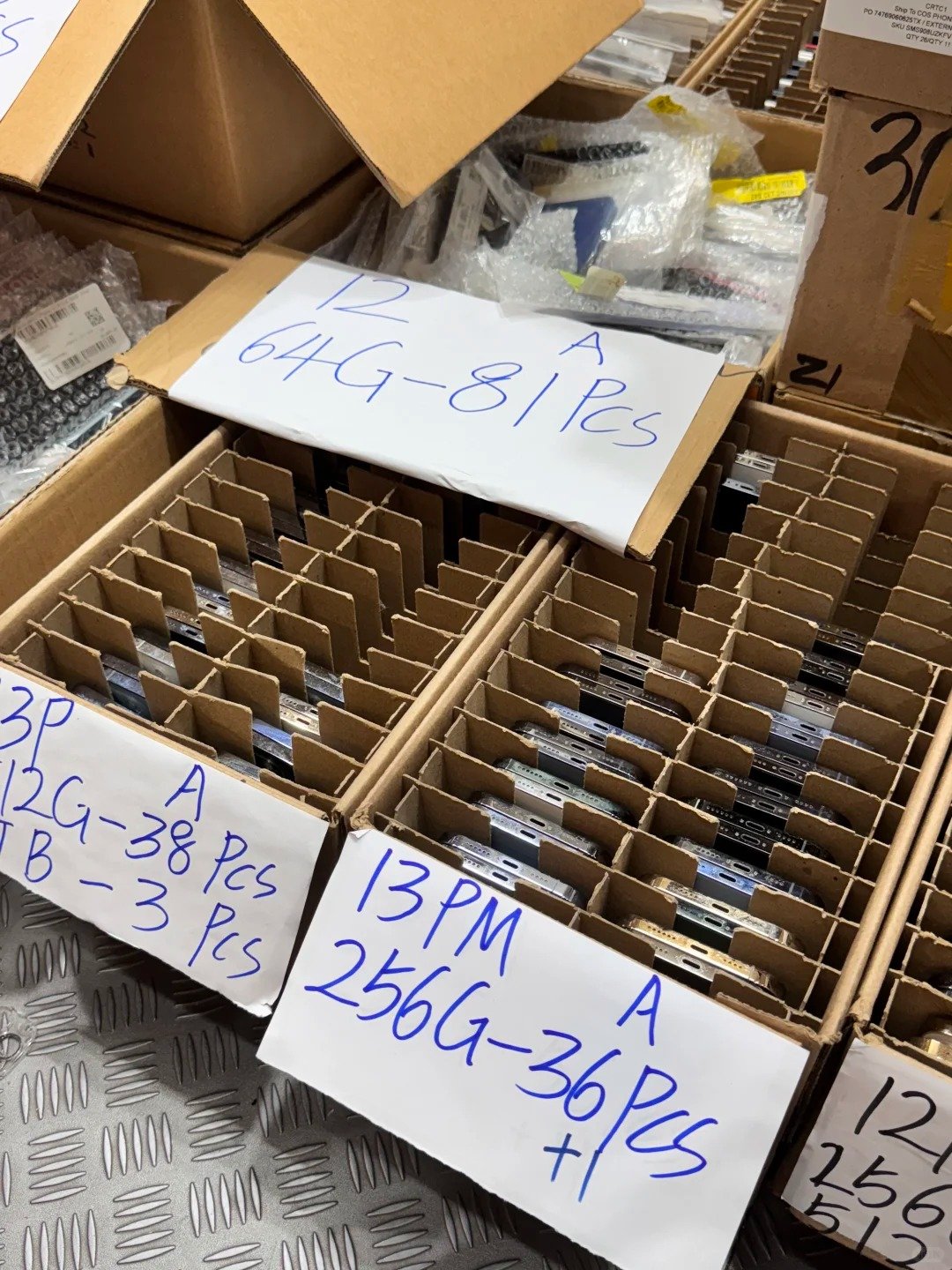
For used and refurbished stock, eSIM capability is only one line in the acceptance record. A responsible buyer verifies the exact configuration alongside legal status, seller handover, function, condition, and commercial terms.
Used eSIM iPhone Pre-Purchase Checklist
- Confirm exact model number and region.
- Check EID availability where relevant.
- Check Carrier Lock status.
- Confirm Activation Lock is off.
- Match IMEI and serial number to the device and invoice.
- Check relevant IMEI status through legitimate sources.
- Confirm intended carrier compatibility.
- Test core functions.
- Confirm warranty and return terms.
Why eSIM-Only Models Need Extra Attention
| Area | Risk | Buyer verification | Supplier documentation |
|---|---|---|---|
| No physical SIM tray | No removable-card fallback. | Confirm carrier eSIM support. | State eSIM-only configuration. |
| Carrier support limitation | Preferred network may not accept it. | Check intended plan directly. | Record Carrier Lock status separately. |
| Travel compatibility | Destination plan may not work. | Check coverage and local rules. | Record model and sales region. |
| Used-device handover | Prior account or management issues. | Confirm lawful clean handover. | Provide status and sale records. |
| Wholesale resale market | Misaligned buyer expectations. | Match stock to channel demand. | Use accurate configuration descriptions. |
Functional and Condition Checklist
- Display and touch response.
- Cameras, Face ID or Touch ID, speakers, and microphones.
- Buttons, charging, Wi-Fi, Bluetooth, and cellular connectivity.
- Battery health and charging behavior.
- Parts and Service History where available.
eSIM iPhone Verification for Wholesale Buyers
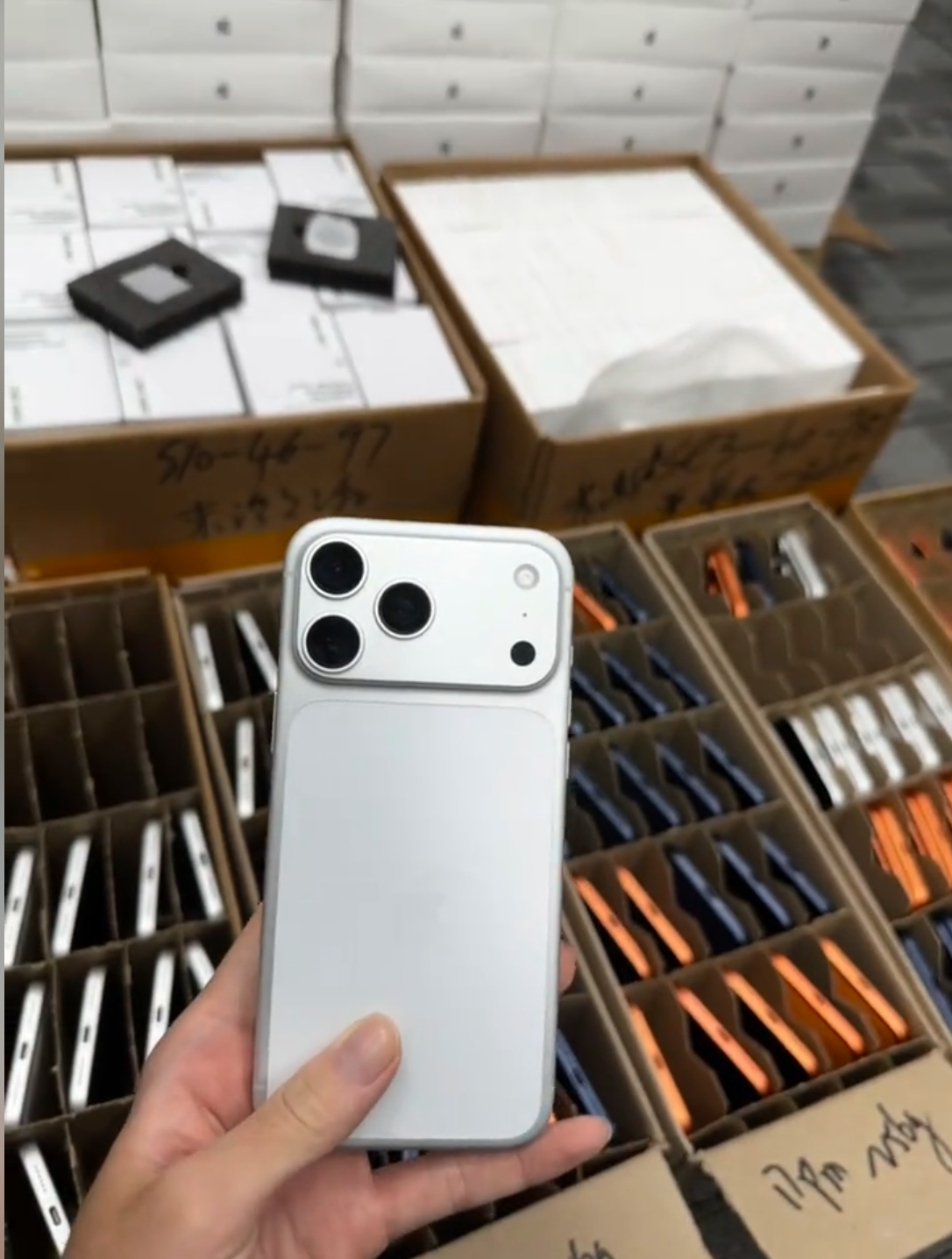
Wholesale buyers need a manifest that lets each unit be matched to its configuration and condition. eSIM capability, physical tray status, EID where relevant, and Carrier Lock are separate fields that should never be collapsed into one generic “unlocked” claim.
Required Wholesale Manifest Fields
| Field | Why it matters |
|---|---|
| Model | Confirms the hardware family. |
| Model number | Controls regional configuration verification. |
| Storage | Sets commercial configuration. |
| Color | Supports device and listing match. |
| Grade | Defines condition standard. |
| Battery-health range | Defines acceptance expectation. |
| eSIM capability | Documents digital SIM support. |
| Physical SIM tray status | Documents removable-card availability. |
| EID where relevant | Supports eSIM-related reconciliation. |
| IMEI and IMEI2 where applicable | Supports cellular device matching. |
| Carrier-lock status | Records restriction separately. |
| Activation status | Flags handover readiness. |
| Destination-market compatibility note | Connects stock to the sales channel. |
| Quantity | Controls receiving accuracy. |
| Warranty | Defines remedy period. |
Bulk Acceptance Workflow
- Receive a secure manifest before shipment.
- Confirm model and regional configuration.
- Verify eSIM capability against the agreed sales-market requirement.
- Check Carrier Lock and Activation Lock status.
- Match IMEI, EID, and device records where applicable.
- Test a representative sample with authorized carrier procedures.
- Record discrepancies and isolate nonconforming devices.
- Submit claims within agreed terms.
Match Inventory to the Sales Channel
- Domestic retail: align with local carrier support and buyer expectations.
- Travel-focused retail: prioritize unlocked compatible stock with clear regional records.
- Export distribution: verify destination bands, regulations, and SIM preferences.
- Markets requiring physical SIM: specify tray availability before payment.
- Premium eSIM-only markets: disclose eSIM-only configuration and support requirements.

Common eSIM iPhone Myths
| Myth | Fact | Correct buyer action |
|---|---|---|
| “eSIM means the iPhone is unlocked.” | eSIM and Carrier Lock are separate. | Check Carrier Lock independently. |
| “Every iPhone with a physical SIM tray supports eSIM.” | Regional variants differ. | Verify exact model and region. |
| “Every eSIM iPhone has no physical SIM tray.” | Some units can support both arrangements. | Inspect the exact configuration. |
| “A travel eSIM works on any iPhone.” | It needs a compatible, eligible phone and plan. | Confirm carrier and destination support. |
| “A factory reset removes Carrier Lock.” | Carrier restrictions remain carrier-controlled. | Use only legitimate carrier resolution. |
| “EID proves the iPhone will work with every carrier.” | EID is not universal carrier approval. | Verify the intended carrier. |
| “eSIM replaces IMEI verification.” | They serve different records and checks. | Record each where relevant. |
| “A used eSIM iPhone needs no Activation Lock check.” | Activation Lock is a separate essential check. | Require lawful owner release before acceptance. |