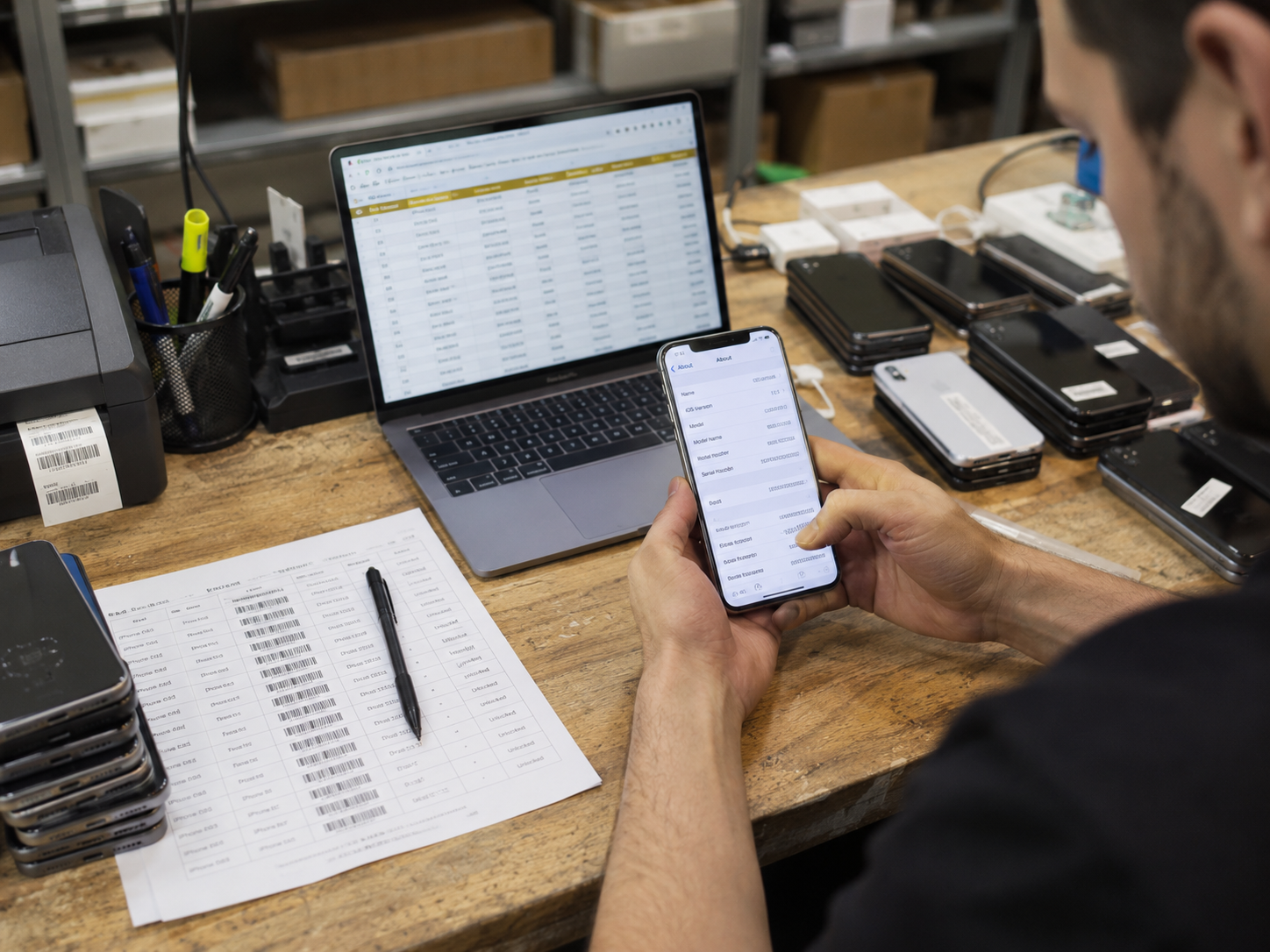
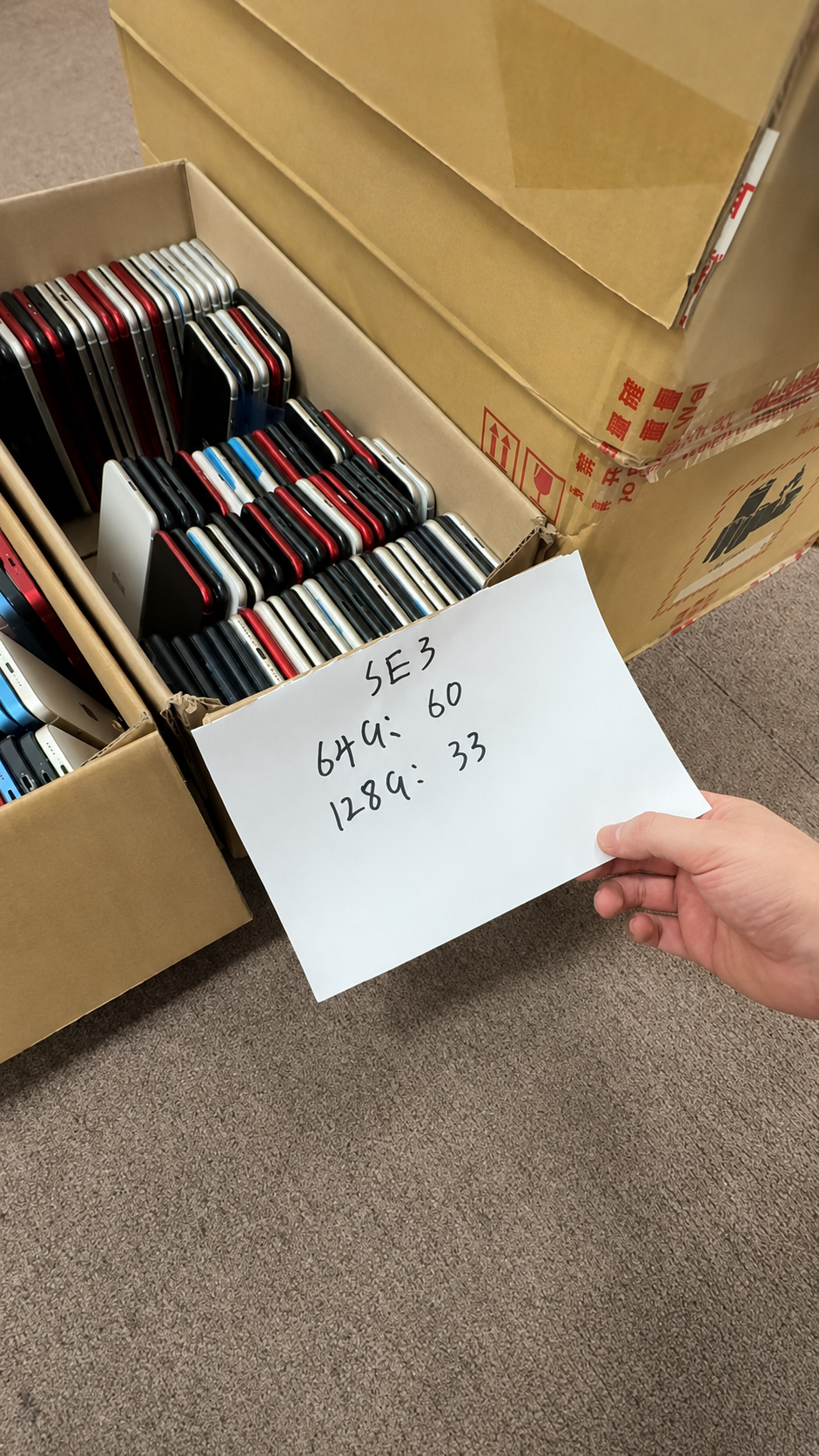
What Is an IMEI?
IMEI stands for International Mobile Equipment Identity. It is commonly a 15-digit identifier used to identify an individual cellular device, especially in GSM-family and modern 3GPP network ecosystems.
It is central to modern iPhone buying, selling, inventory control, and eligible device-status checks. It is valuable because it ties a specific live device to a manifest, carrier record, or legitimate status result—provided that the buyer first matches the identifier to the physical phone.
What IMEI Can Help Verify
- Physical device matching.
- Model and network-variant confirmation.
- Eligible device-status checks.
- Wholesale manifest reconciliation.
- Carrier and trade documentation.
- Insurance or repair records where applicable.
What IMEI Does Not Prove
| Question | Why separate checks are needed |
|---|---|
| Legal ownership | Ownership needs invoice, seller identity, and lawful chain-of-transaction evidence. |
| Activation Lock status | Apple Account protection is checked separately during legitimate setup. |
| Carrier-unlocked status | Carrier Lock is a distinct device setting and policy question. |
| Battery health | Battery capacity and charging behavior need direct inspection. |
| Cosmetic grade | Grade is established by a condition standard and physical review. |
| Original parts | Parts history and functional testing are separate evidence. |
| Full device condition | Hardware, connectivity, camera, display, and authentication must be tested. |
IMEI and IMEI2
- Some modern iPhones show more than one IMEI because of dual-SIM or eSIM capability.
- Do not assume only the first listed IMEI is relevant to a carrier or manifest record.
- Buyers should record every relevant identifier listed for the device.
- Each identifier should be stored securely and matched to the same physical unit.
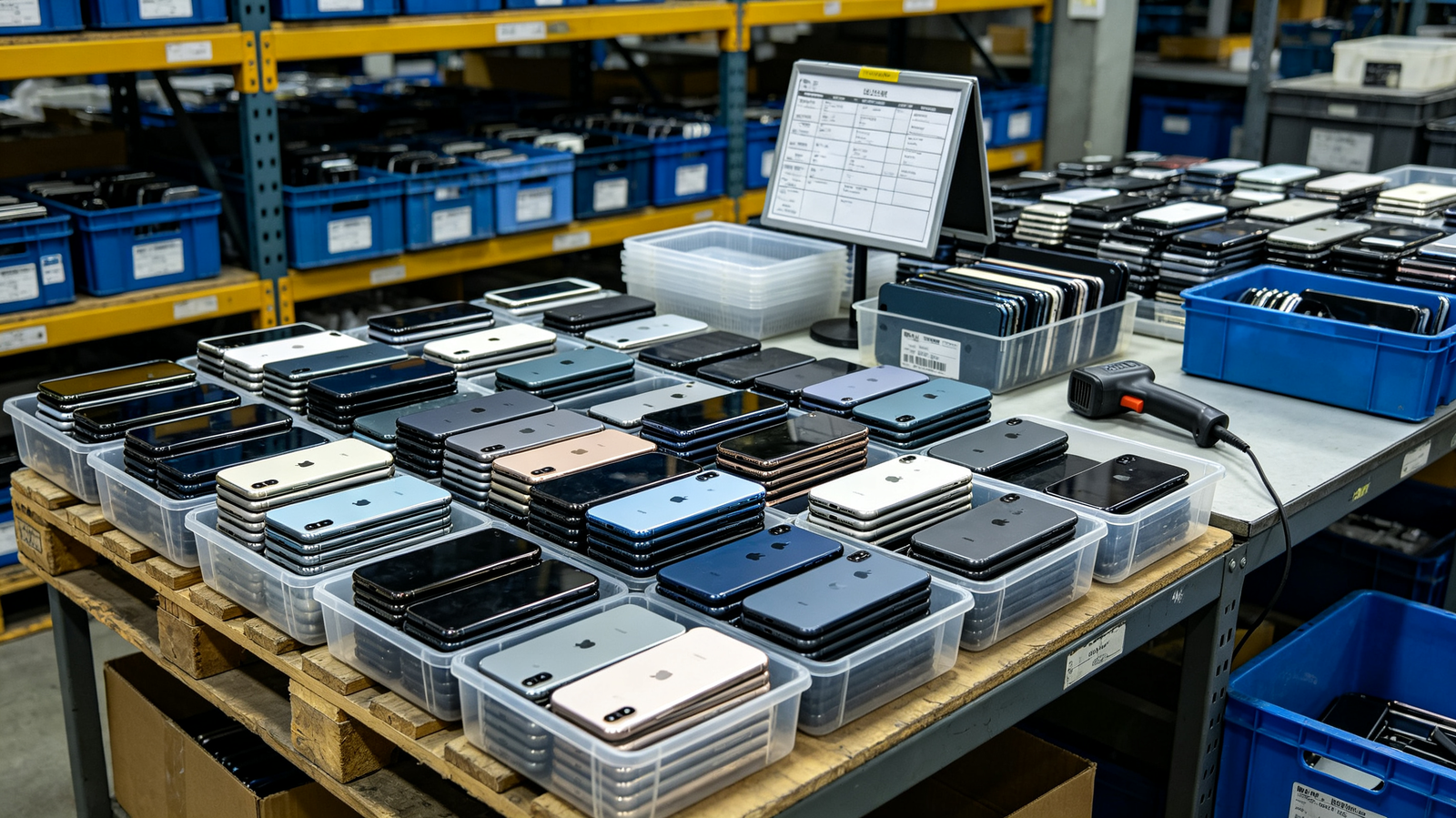
What Is an ESN?
ESN means Electronic Serial Number. It was used with older CDMA-era mobile technology. An ESN can still appear in historical records, older carrier documentation, or discussions about older handsets, but it is generally less relevant to current iPhone wholesale verification.
Modern sourcing should follow what the phone and relevant current records actually show. Do not invent an ESN requirement for a modern iPhone simply because a legacy record or older terminology uses the word.
ESN in Context
| Identifier | Historical role | Typical network context | Current relevance | Buyer action |
|---|---|---|---|---|
| ESN | Older electronic equipment identifier. | Legacy CDMA-era systems. | Mostly historical. | Read only when a relevant record presents it. |
| MEID | Later CDMA-linked equipment identifier. | CDMA technology history. | May appear in certain records. | Match to the specific carrier/device context. |
| IMEI | Cellular equipment identifier. | Modern GSM/3GPP ecosystems. | Central to current iPhone trade. | Reconcile with device and manifest. |
Why ESN Became Legacy
- Mobile technologies evolved beyond older CDMA-era systems.
- Networks and device ecosystems adopted identifiers with broader modern relevance.
- Identifier capacity and record structures changed with technology migration.
- IMEI became more prominent in contemporary cellular-device trade and verification.
Do Not Assume ESN Is an iPhone Requirement
- Follow the identifiers actually shown in Settings.
- Compare them with relevant carrier records and supplier documents.
- Use IMEI and IMEI2 for modern cellular-device reconciliation where shown.
- Treat an ESN reference as context, not a reason to substitute identifiers.
- Escalate mismatches only through legitimate supplier or carrier channels.
What Is a MEID?
MEID means Mobile Equipment Identifier and is linked to CDMA technology. Some iPhones and carrier records may show IMEI or MEID information depending on model history, region, and network context.
MEID is not simply another label for IMEI. Buyers should not substitute one for the other without confirming which identifier the device, carrier, or record requires.
MEID vs ESN
| Comparison point | MEID | ESN |
|---|---|---|
| Identifier type | Mobile equipment identifier. | Electronic serial number. |
| Associated technology history | CDMA-linked technology. | Older CDMA-era technology. |
| General format context | Later identifier framework. | Legacy identifier framework. |
| Modern relevance | May appear in relevant records. | Mostly historical. |
| Where buyers may encounter it | Device information or carrier documentation. | Older records and historic discussions. |
MEID vs IMEI
- IMEI is usually the main identifier for modern iPhone cellular verification.
- MEID may be relevant only in a specific CDMA-related history or carrier record.
- The identifier requested by the legitimate service must match the device and its context.
- Neither identifier answers Activation Lock, ownership, condition, or carrier-lock questions by itself.
Practical Rule for iPhone Buyers
- Start with the identifier displayed in Settings.
- Match it to the device and manifest.
- Verify current carrier and network requirements.
- Keep all identifiers secure.
- Escalate mismatches through legitimate supplier or carrier channels only.
IMEI vs ESN: The Main Differences
| Comparison | IMEI | ESN | Practical implication |
|---|---|---|---|
| Full name | International Mobile Equipment Identity | Electronic Serial Number | They are different identifier systems. |
| General identifier type | Cellular equipment identity | Legacy electronic identity | Use the field required by the relevant record. |
| Network technology history | GSM-family / modern 3GPP | Older CDMA era | IMEI is more common in current iPhone trade. |
| Typical length or format context | Commonly 15 digits | Legacy CDMA-era format | Do not transform or substitute values. |
| Current relevance | High for modern cellular iPhones | Limited and historical | Prioritize current device records. |
| Common device examples | Modern cellular smartphones | Older CDMA-era devices | Model history matters. |
| Use in modern iPhone trade | Manifest and status matching | Occasional legacy context | Record IMEI/IMEI2 where applicable. |
| Buyer verification use | Device reconciliation | Historic-record interpretation | Neither proves ownership or function. |
The Simple Answer
- IMEI is the modern identifier most iPhone buyers and sellers need.
- ESN is mainly relevant to legacy CDMA-era device history.
- MEID is the more relevant CDMA-related identifier when it appears.
Why the Difference Matters for Wholesale
- Record accuracy on manifests.
- Carrier compatibility review.
- Model matching and configuration control.
- Fraud prevention through device-to-record reconciliation.
- Higher manifest quality and cleaner exception handling.
- Better buyer confidence through honest documentation.
IMEI vs Serial Number vs EID vs ICCID
These numbers identify different parts of the device or connectivity arrangement. A good buyer asks which question is being answered before collecting or relying on any identifier.
| Identifier | What it identifies | Typical purpose | Where to find it | What it does not indicate |
|---|---|---|---|---|
| IMEI | Cellular device equipment. | Device and eligible status matching. | Settings and approved records. | Ownership or lock status. |
| Serial number | Apple hardware record. | Support, warranty, repair matching. | Settings, packaging, device records. | Carrier or IMEI status. |
| EID | eSIM identity. | eSIM provisioning context. | Settings on supported devices. | Physical device status or ownership. |
| ICCID | SIM/eSIM profile. | Subscriber-card arrangement. | Settings and carrier records. | Permanent handset identity. |
| MEID | CDMA-linked equipment record. | Relevant carrier/device history. | Applicable device or carrier record. | Universal modern iPhone identifier. |
Serial Number
- Use it for Apple support, warranty, repair, and device-record matching.
- Match it with the phone and manifest when your process requires it.
- Do not use it as a replacement for a carrier or IMEI-status check.
- Keep it with the device’s lawful transaction records.
EID and ICCID
- EID relates to an eSIM-capable device’s eSIM identity context.
- ICCID relates to a SIM or eSIM profile-card context.
- Both can matter for carrier provisioning, but neither replaces IMEI.
- Only collect or share them when a legitimate business purpose requires it.
Avoid Identifier Confusion
- Do not use a serial number as a substitute for IMEI status.
- Do not treat EID as an IMEI.
- Do not assume ICCID identifies the phone itself.
- Always match the requested identifier to the purpose of the check.
How to Find IMEI, MEID, and Related Identifiers on iPhone
- Open Settings.
- Tap General.
- Tap About.
- Scroll to review serial number, IMEI, IMEI2, MEID, EID, ICCID, and other available fields.
- Touch and hold an identifier where available to copy it securely.
- Match the result to approved supplier documentation.
Alternative Identifier Locations
| Location | Best use | Verification caution |
|---|---|---|
| *#06# dial code | Quick on-device identifier display. | Do not publish the result. |
| Finder on Mac | Connected-device record review. | Use only an authorized workstation. |
| Apple Devices app or iTunes on PC | Supported connected-device information. | Confirm the connected physical phone. |
| Original packaging | Supporting comparison record. | Packaging can be mismatched. |
| Supported SIM tray or device markings | Physical cross-check where applicable. | Availability varies by model and market. |
Identifier Matching Checklist
- Confirm device model.
- Confirm storage and color.
- Compare Settings with the physical device.
- Compare Settings with the manifest.
- Check for duplicates.
- Record discrepancies immediately.
Secure Record Handling
- Do not publish full device identifiers publicly.
- Store exports and manifests in access-controlled locations.
- Share records only with legitimate buyers, carriers, insurers, authorized services, or required business partners.
- Retain only the information needed for the lawful transaction.
Device Status Checks: What Identifiers Can and Cannot Tell You
Legitimate status services may use IMEI, MEID, or ESN depending on device and network context. The identifier is an input to a specific check; it is not a complete decision about ownership, condition, activation, network access, or future availability.
Device Status Check Table
| Check | Identifier or screen involved | What it can indicate | What it cannot prove | Correct buyer action |
|---|---|---|---|---|
| IMEI status | IMEI/IMEI2 and authorized source | Reported clean or flagged result in that scope. | Ownership or future status. | Record source and date; pause adverse results. |
| Carrier Lock | Settings > General > About | SIM restriction state. | IMEI blacklist status. | Check separately and use carrier channels. |
| Activation Lock | Lawful setup state | Apple Account protection. | Network or title clearance. | Require proper owner release. |
| MDM or remote management | Setup / organization record | Enrollment and policy controls. | Ownership or IMEI status. | Require authorized organization release. |
| Parts and Service History | Settings on supported models | Repair context. | Full condition or identity. | Inspect and disclose separately. |
Clean or Flagged IMEI Status
- A clean result generally means the IMEI is not currently flagged in the database checked.
- A flagged result may affect cellular service and should be treated as a serious stop signal.
- Status is separate from Activation Lock and carrier status.
- Coverage and outcomes can vary by source, country, carrier, and time.
Strict Legal Boundaries
- Never alter or rewrite device identifiers.
- Never bypass Activation Lock or carrier restrictions.
- Never sell a restricted device as normally usable.
- Use only lawful carrier, supplier, insurer, or authority processes to resolve disputes.
ESN, IMEI, and iPhone Wholesale Verification
Most modern iPhone wholesale operations should prioritize IMEI, IMEI2 where applicable, serial number, model details, and legal status verification. MEID should be recorded only where shown and relevant; ESN belongs primarily to older or historical context.
Required Wholesale Manifest Fields
| Field | Why it matters |
|---|---|
| Model | Confirms the ordered hardware family. |
| Storage | Controls configuration and value. |
| Color | Supports physical and listing match. |
| Grade | Sets condition standard. |
| Battery-health range | Defines acceptance rule. |
| IMEI | Primary cellular device record. |
| IMEI2 where applicable | Captures second relevant cellular record. |
| Serial number | Supports Apple device reconciliation. |
| MEID where shown and relevant | Supports context-specific carrier history. |
| Carrier-lock status | Separates SIM restriction from device status. |
| Activation status | Flags setup-readiness review. |
| Repair disclosure | Sets repair-context expectation. |
| Quantity | Controls receiving accuracy. |
| Warranty | Defines remedy period. |
Bulk Verification Workflow
- Receive a secure manifest before shipment.
- Check identifier completeness and duplicates.
- Match selected devices to the manifest.
- Conduct authorized status checks according to the agreed scope.
- Test a representative sample.
- Record discrepancies.
- Isolate nonconforming devices.
- Submit claims within agreed terms.
Acceptance Rules Before Payment
- Device-identifier mismatch.
- Flagged status.
- Unresolved Activation Lock.
- Carrier restriction.
- MDM status.
- Model mismatch.
- Missing documentation.
Common Mistakes When Comparing ESN and IMEI
| Myth | Fact | Correct action |
|---|---|---|
| ESN and IMEI are the same number. | They belong to different identifier histories. | Use the identifier relevant to the record. |
| Every modern iPhone has an ESN. | ESN is legacy and may not display. | Follow current Settings and documentation. |
| IMEI proves ownership. | Ownership requires lawful commercial evidence. | Keep invoice and seller records. |
| A clean IMEI means the iPhone is unlocked. | Carrier Lock is separate. | Check Carrier Lock independently. |
| A serial number replaces IMEI verification. | It serves a different purpose. | Match both only when the workflow calls for them. |
| Any identifier can be published publicly. | Identifiers should be handled securely. | Share only with legitimate authorized parties. |
| A restricted identifier can be altered legally. | Alteration and bypass are not lawful sourcing solutions. | Use authorized resolution channels only. |
Red-flag checklist
- Device identifiers do not match.
- Supplier records are incomplete.
- The declared model differs from the device.
- The seller refuses secure identifier verification.
- Activation Lock appears.
- Carrier status differs from the sales claim.
- The price is unusually low without documentation.