IMEI verification methods
Method 1: Check iPhone IMEI in Settings
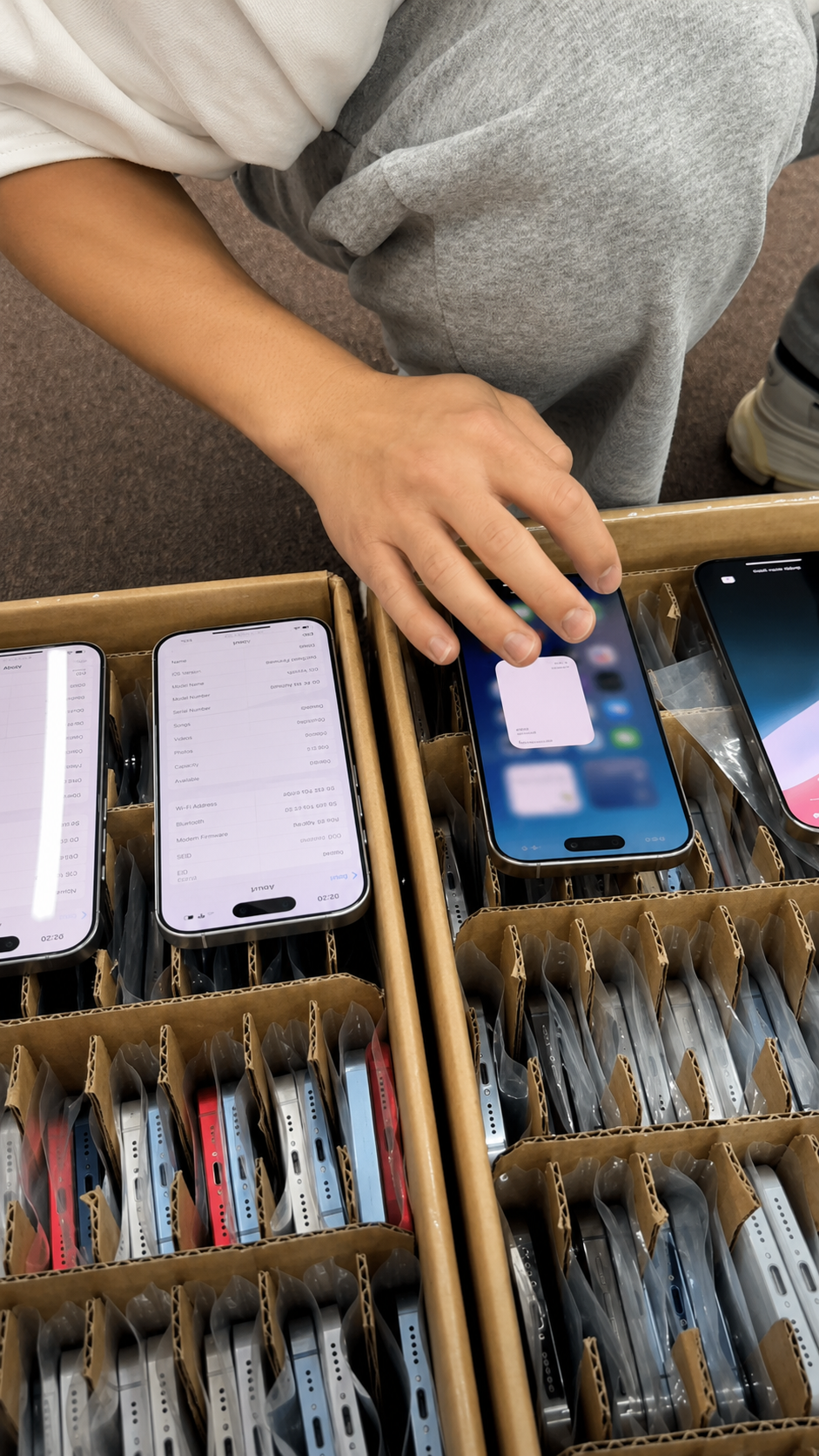
Settings is usually the clearest place to find an IMEI on an accessible, working iPhone. It also lets a buyer compare the number with model, capacity, carrier, and service information in the same view.
- Open Settings.
- Tap General.
- Tap About.
- Scroll to find IMEI and, where applicable, IMEI2 or other device identifiers.
- Touch and hold the identifier when available to copy it securely.
What to Check on the About Screen
- Model name
- Model number
- Capacity
- Serial number
- IMEI
- IMEI2 where applicable
- Carrier Lock
- iOS version
- Parts and Service History where available
Why Settings Is Useful
- It supports easy matching to a live physical iPhone.
- It confirms model and storage before a buyer pays or receives stock.
- It may show Carrier Lock information on supported devices.
- It provides a place to review available repair-history information.
Limitations of the Settings Method
| Situation | Limitation | Correct next step |
|---|---|---|
| Inaccessible phone | Settings cannot be opened | Use permitted physical and document checks |
| Locked device | Seller may not provide access | Do not rely on an unverified claim |
| Unpowered phone | No on-device confirmation | Inspect after power-on before acceptance |
| Remote purchase | Screen evidence may be incomplete | Use secure manifest and acceptance rights |
| Damaged display | About screen may be unreadable | Record condition and use legitimate alternatives |
Method 2: Check iPhone IMEI with the Dial Code
Entering *#06# in the Phone app can display device identifiers on many cellular devices. Use it as a quick cross-check, not as the only record in a purchase decision.
- Open the Phone app.
- Open the keypad.
- Enter *#06#.
- Review the displayed identifiers.
- Compare them with Settings and supplier records.
When the Dial-Code Method Is Helpful
- In-person buying when the seller has an accessible phone.
- Quick receiving inspection during device handover.
- Cross-checking a visible iPhone against a secure manifest.
- Confirming that the identifier display agrees with Settings.
Dial-Code Check Limitations
| Situation | Limitation | Buyer response |
|---|---|---|
| Lack of cellular setup | Result may not be practical to obtain | Use Settings when available |
| Inaccessible device | Cannot complete a live cross-check | Delay acceptance or use agreed records |
| Screen damage | Displayed number may be unreadable | Document condition and inspect carefully |
| Displayed number | Does not replace document matching | Compare with manifest and physical phone |
Secure Handling Reminder
- Do not photograph identifiers unnecessarily.
- Do not post full IMEIs in public listings or social media.
- Share identifiers only through controlled channels with legitimate buyers, carriers, insurers, authorized status services, or required business partners.
- Store business records in controlled systems with appropriate access.
Method 3: Find IMEI on Supported iPhone Hardware
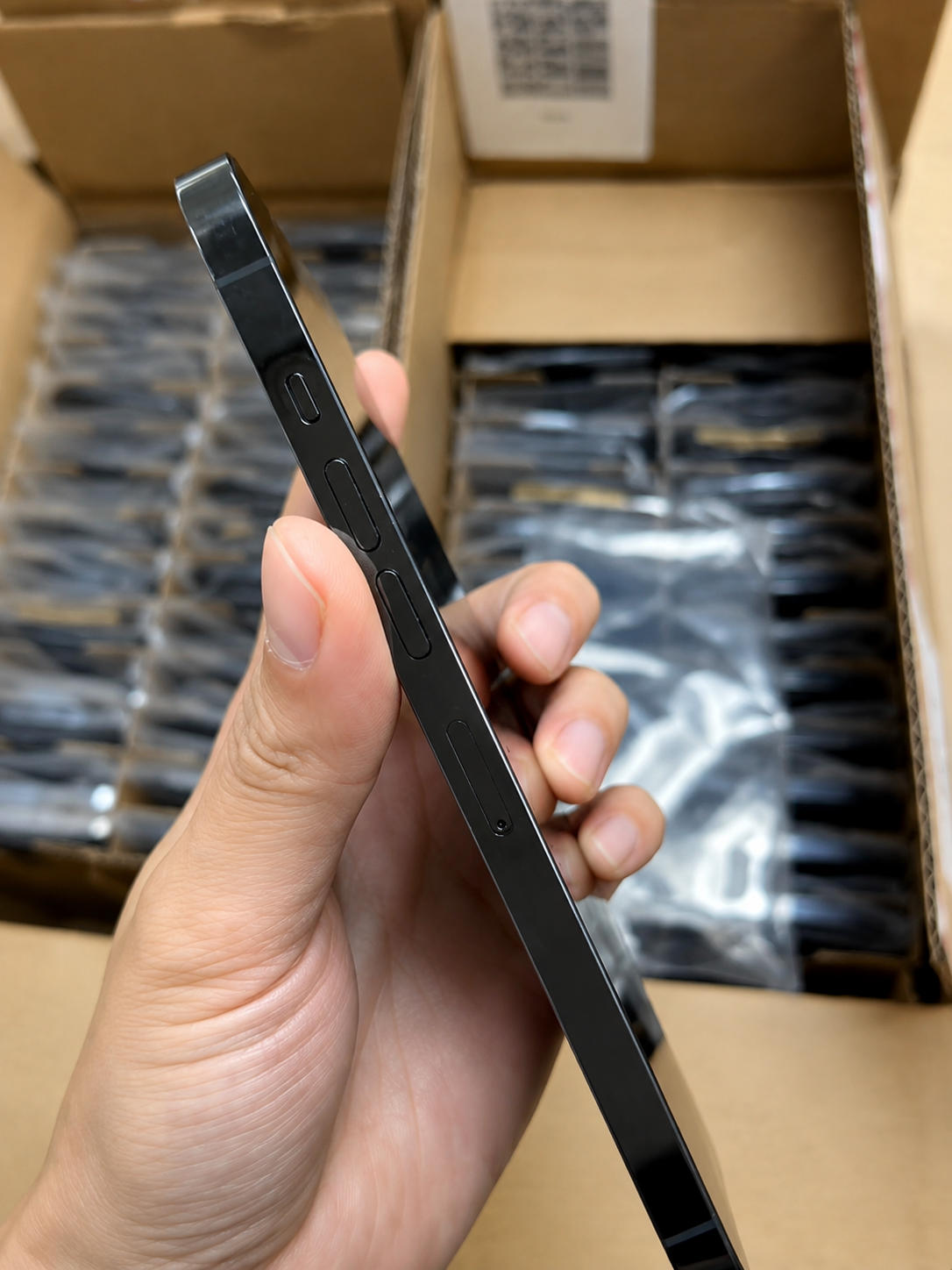
Some iPhone models may show identifiers on a SIM tray or other hardware areas, depending on model and region. Hardware markings are useful evidence, but they should match the live device record and valid documentation.
Hardware Locations That May Contain Identifiers
| Location | When available | Verification caution |
|---|---|---|
| SIM tray | On some models and regions | Check carefully; availability varies |
| Device enclosure | More common on some older models | Wear can affect readability |
| Regulatory label areas | Model-dependent | Not a substitute for Settings |
| Original packaging label | When the original box is present | Packaging can be separated from a device |
Use Hardware Markings as a Cross-Check
- Match hardware identifiers with the Settings record.
- Match them with valid supplier documentation.
- Confirm model, storage, color, and regional variant at the same time.
- Record discrepancies before the unit enters inventory.
When Identifiers Do Not Match
- Stop the transaction or receiving process.
- Record the discrepancy.
- Request a written explanation.
- Verify the declared model and ownership trail.
- Use only lawful supplier, carrier, or manufacturer escalation routes.
Method 4: Check IMEI on Packaging and Purchase Documents
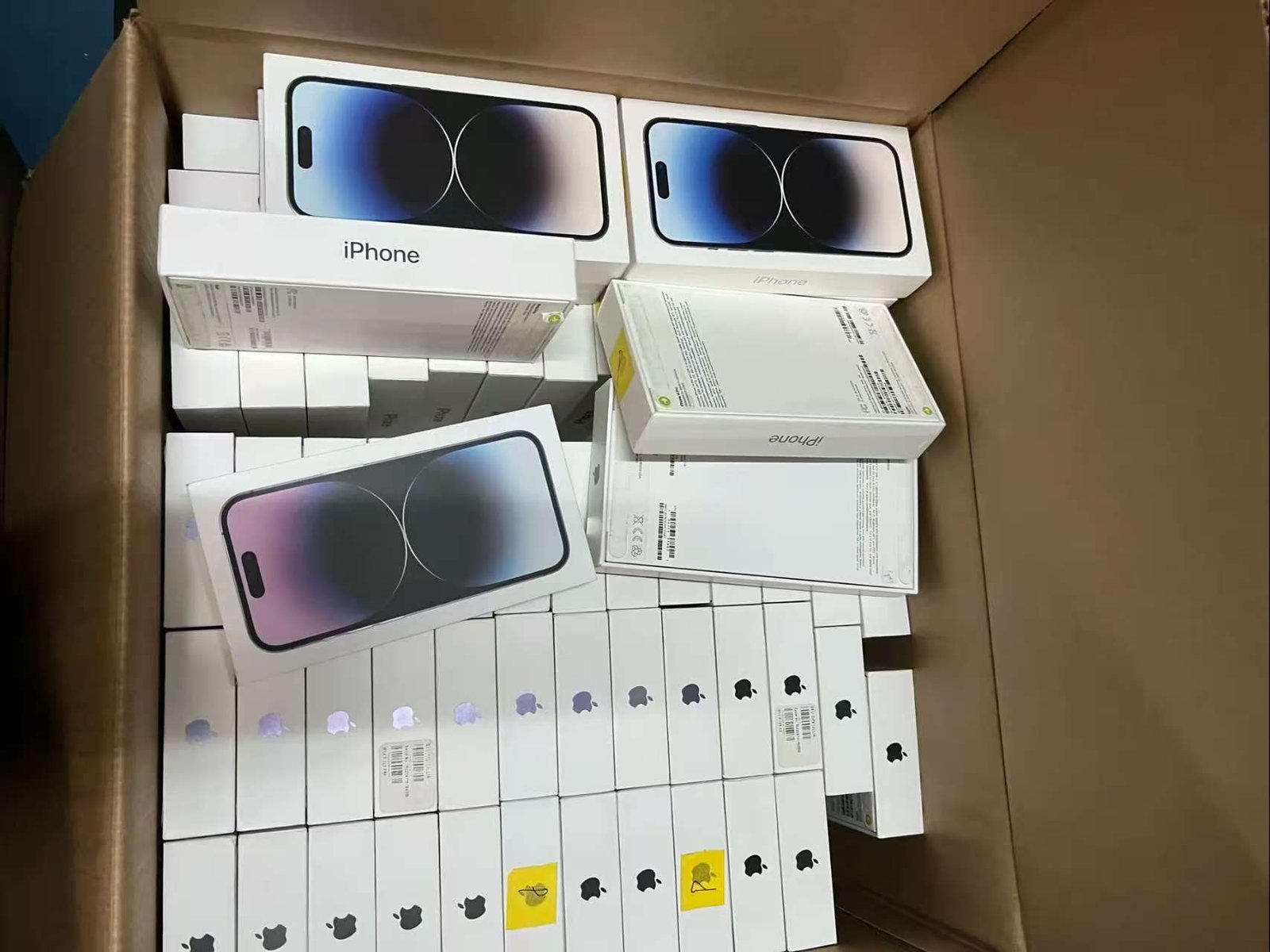
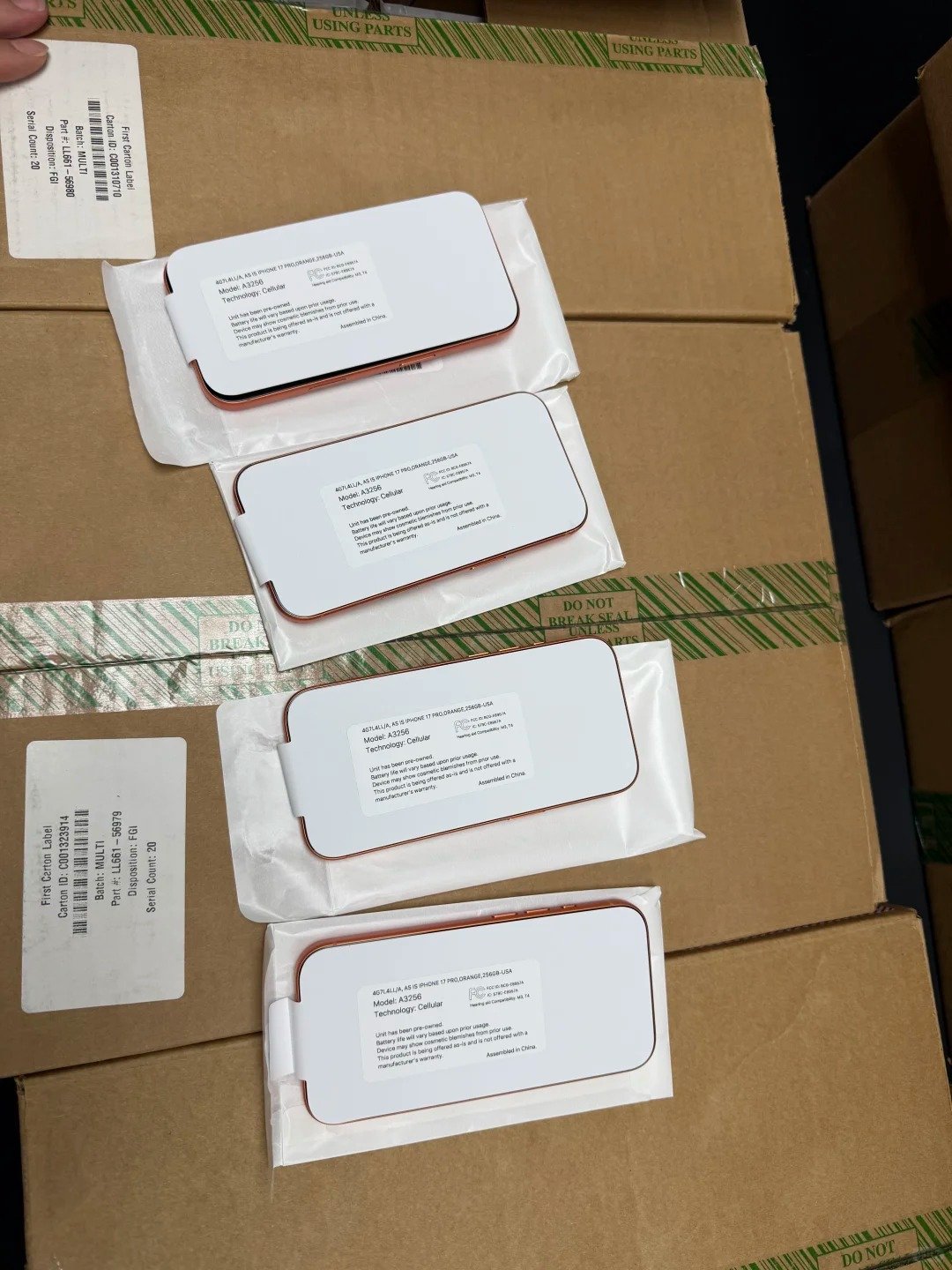
Original packaging and invoices can help with record matching, but should never be accepted as the only evidence of device identity. The physical iPhone and its accessible records remain the essential comparison points.
Documents That Can Help
- Original retail box label
- Purchase invoice
- Supplier manifest
- Warranty documentation
- Repair record
- Trade-in record
Document Matching Table
| Record | What must match | What to do if it differs |
|---|---|---|
| Physical device | Model and accessible identifiers | Stop and document the issue |
| Settings record | IMEI, serial, capacity, model | Compare against live device and manifest |
| Packaging label | Identifier and model details | Never assume box belongs to phone |
| Supplier manifest | All supplied identifiers and specifications | Request corrected records |
| Invoice | Transaction and seller details | Seek written clarification before payment |
Why Box-Only Verification Is Risky
- Packaging can be separated from a device.
- A correct label does not prove it is the box for the phone presented.
- Documents must be matched to the live iPhone and supplier manifest.
How to Check if an iPhone IMEI Is Clean or Flagged
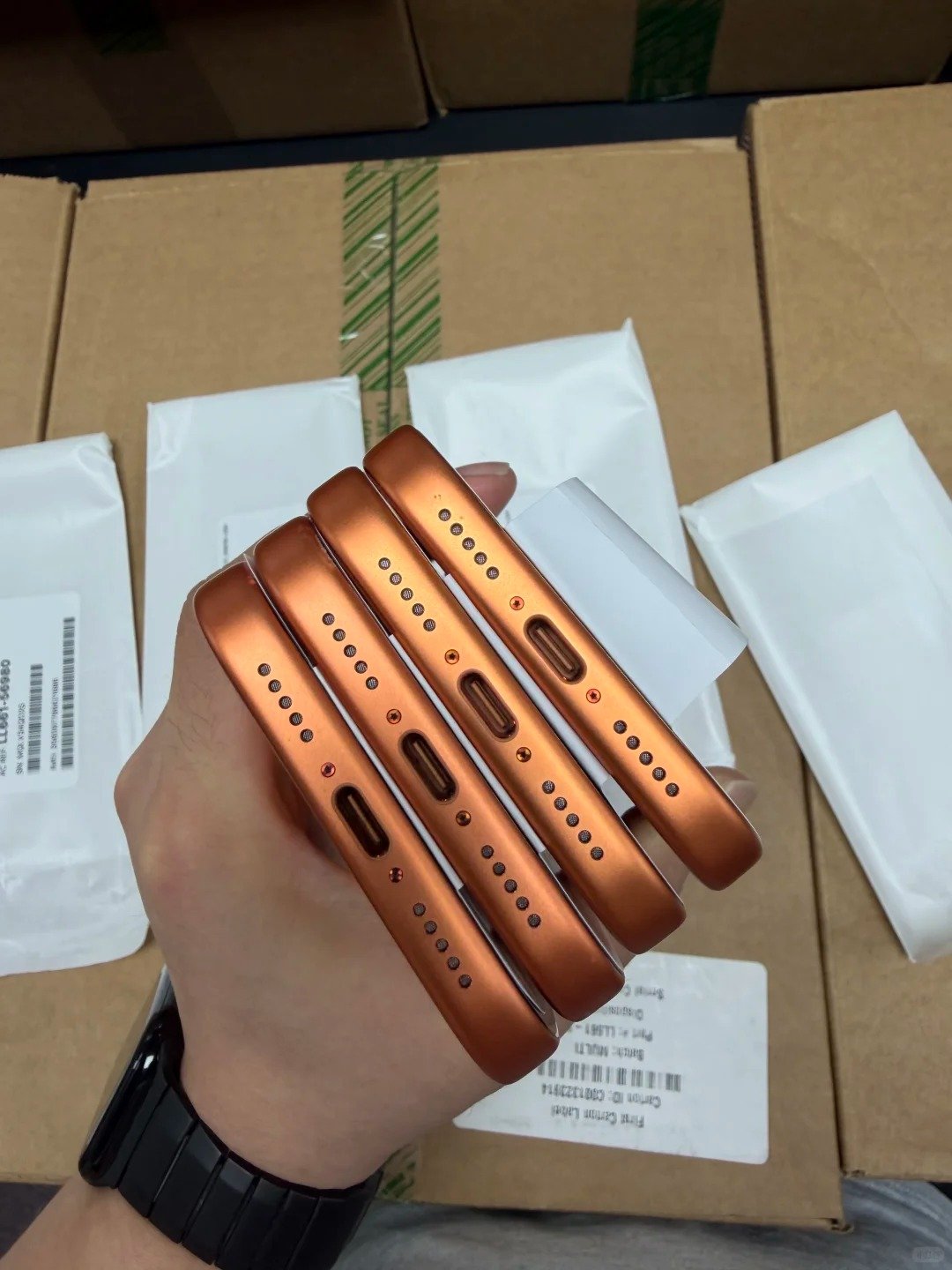
Use legitimate, authorized device-status sources appropriate to the relevant country, carrier ecosystem, or business process. A clean result usually means an IMEI is not currently flagged in that database; a flagged result can reflect lost, stolen, fraud, ownership, financial, or network-use restrictions depending on the system.
Clean, Flagged, and Unknown Status Comparison
| Status | What it may indicate | Buyer risk | Correct next step |
|---|---|---|---|
| Clean or not flagged | No current flag in database checked | Scope may be limited or change later | Continue separate checks |
| Flagged or blacklisted | A restriction or report may exist | Network or ownership concern | Do not buy as normal usable stock |
| Status unavailable | Source cannot return a result | Unknown status | Pause or use an agreed authorized source |
| Model mismatch | Identifier may not fit device claim | Identity discrepancy | Quarantine and investigate lawfully |
Why a Clean Result Is Not a Complete Guarantee
- It is a point-in-time result from the database checked.
- Database scope and carrier participation may differ.
- Regional availability and network rules can differ.
- A later report can change the status.
- A clean result does not prove legal ownership, worldwide compatibility, or that Activation Lock is off.
What to Do If an IMEI Is Flagged
- Do not buy or resell it as normal usable inventory.
- Contact the rightful owner, carrier, organization, insurer, or authorized authority when appropriate.
- Request legitimate correction only from the organization that made the status decision.
- Never attempt a technical bypass, blacklist bypass, unlocking workaround, or identifier alteration.
IMEI Status, Carrier Lock, and Activation Lock Are Different Checks
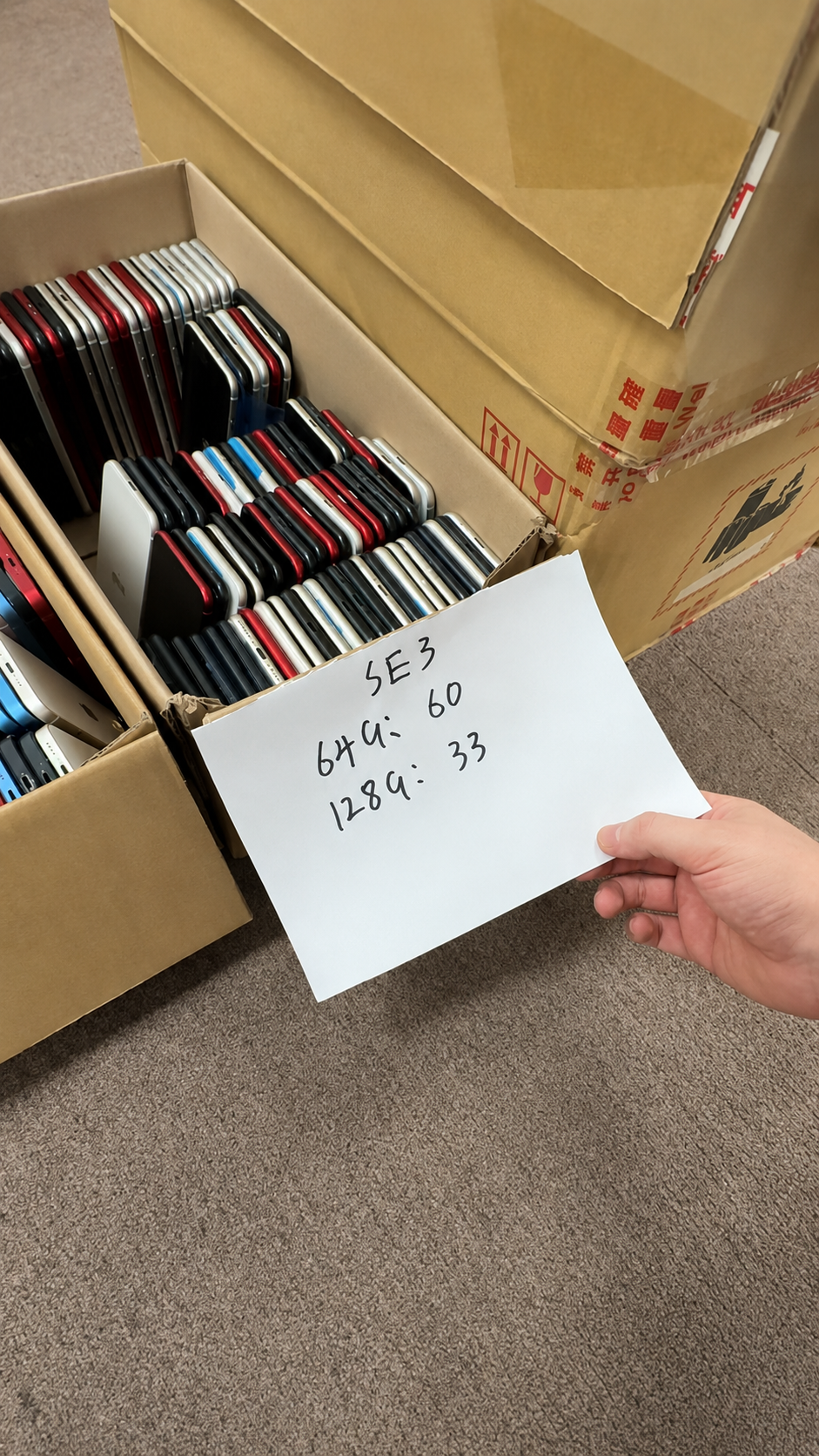
A device can have a clean IMEI result yet remain carrier locked or connected to a prior owner’s Apple Account. Treat each control as a separate verification, documented with its own lawful evidence.
| Check | What it checks | Where to verify | What it does not prove | Correct buyer response |
|---|---|---|---|---|
| IMEI status | Point-in-time status in a checked database | Authorized status source | Ownership, all locks, global compatibility | Record result and continue checks |
| Carrier Lock | Carrier network restriction | Settings and carrier confirmation | IMEI status or ownership | Confirm destination-market fit |
| Activation Lock | Apple Account setup control | Normal setup readiness | Carrier or blacklist status | Require legitimate removal by owner |
| MDM or remote management | Organization device management | Setup and organization records | Personal resale permission | Require official release |
| Parts and Service History | Available parts information | Settings on supported devices | Full ownership or lock status | Record and disclose separately |
Check Carrier Lock
- On supported iPhones, go to Settings > General > About and review Carrier Lock.
- “No SIM restrictions” indicates that the iPhone is unlocked.
- Carrier Lock is separate from IMEI status.
- Only the current carrier can legitimately unlock a carrier-locked iPhone.
Check Activation Lock
- The iPhone must be removed from the prior owner’s Apple Account and ready for normal setup.
- Activation Lock must never be bypassed.
- Only the rightful account owner can legitimately remove the relevant account control.
Check for MDM or Remote Management
- Organization-managed devices may remain restricted unless officially released by the authorized organization.
- Do not treat a clean IMEI result as proof that remote management has been removed.
- Keep written evidence of legitimate release before accepting inventory.
How to Check IMEI When Buying a Used iPhone
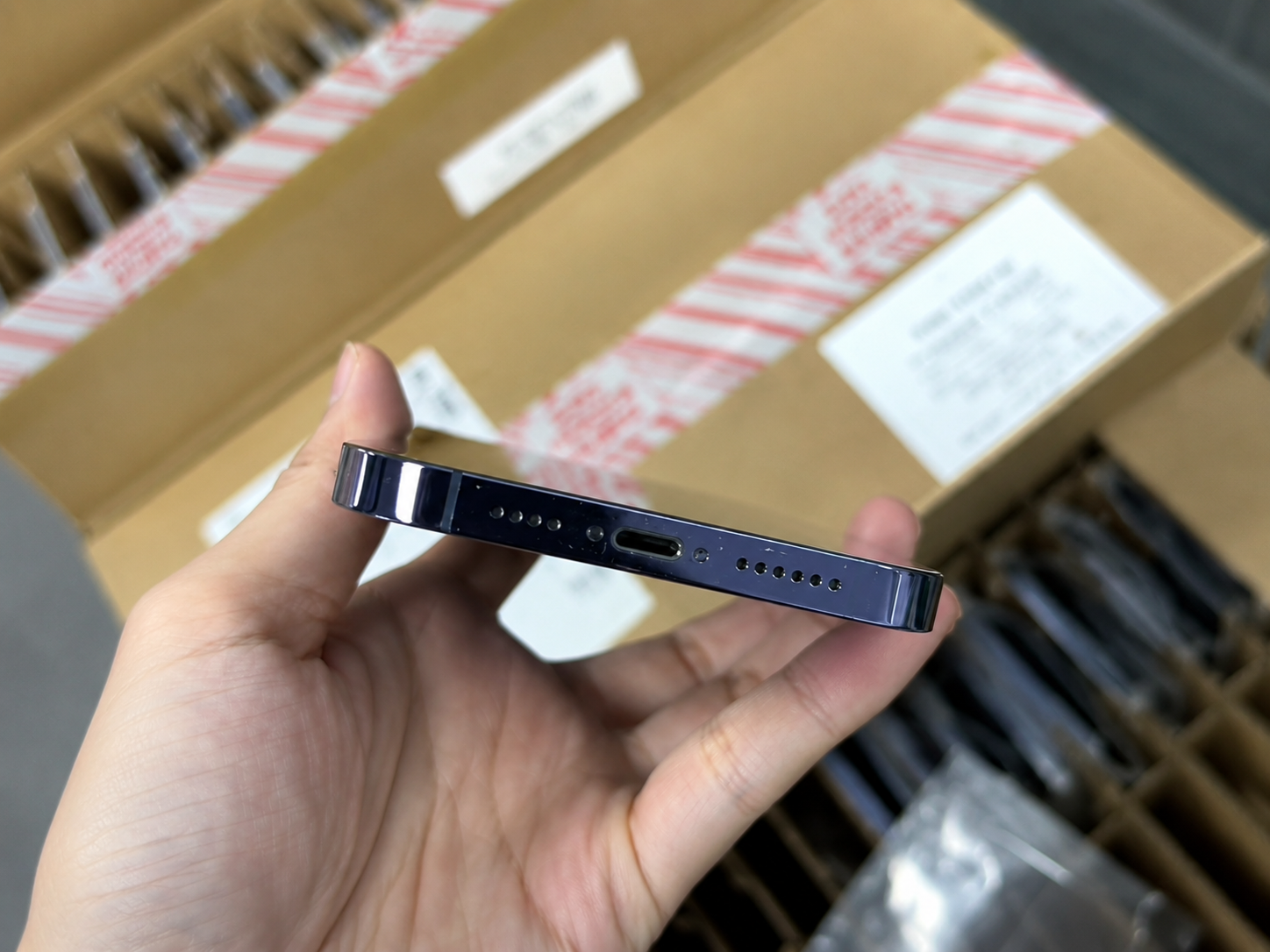
A buyer should combine identifier matching with condition, functional, lock, and seller-document checks. This approach is stronger than relying on a single screenshot, a box label, or an informal verbal claim.
- Request IMEI and serial number through a secure channel.
- Confirm model, storage, color, and network variant.
- Match identifiers to Settings and any physical identifiers.
- Check eligible status information through legitimate sources.
- Confirm Activation Lock is off.
- Check Carrier Lock status.
- Review Parts and Service History where supported.
- Test core functions before payment.
- Obtain an invoice and seller details.
Used iPhone Functional Checklist
- Display and touch
- Cameras
- Face ID or Touch ID
- Speakers and microphones
- Buttons
- Charging
- Wi-Fi and Bluetooth
- Cellular service
- GPS and sensors
Physical Condition Checklist
- Screen cracks
- Deep scratches
- Frame dents
- Camera-lens damage
- Charging-port corrosion
- Back-glass damage
- Signs of swelling or liquid exposure
Evidence to Keep
- Date of inspection
- Device photos
- Secure identifier record
- Status-check record
- Receipt
- Seller identity
- Written condition disclosure
IMEI Checking for Wholesale iPhone Buyers
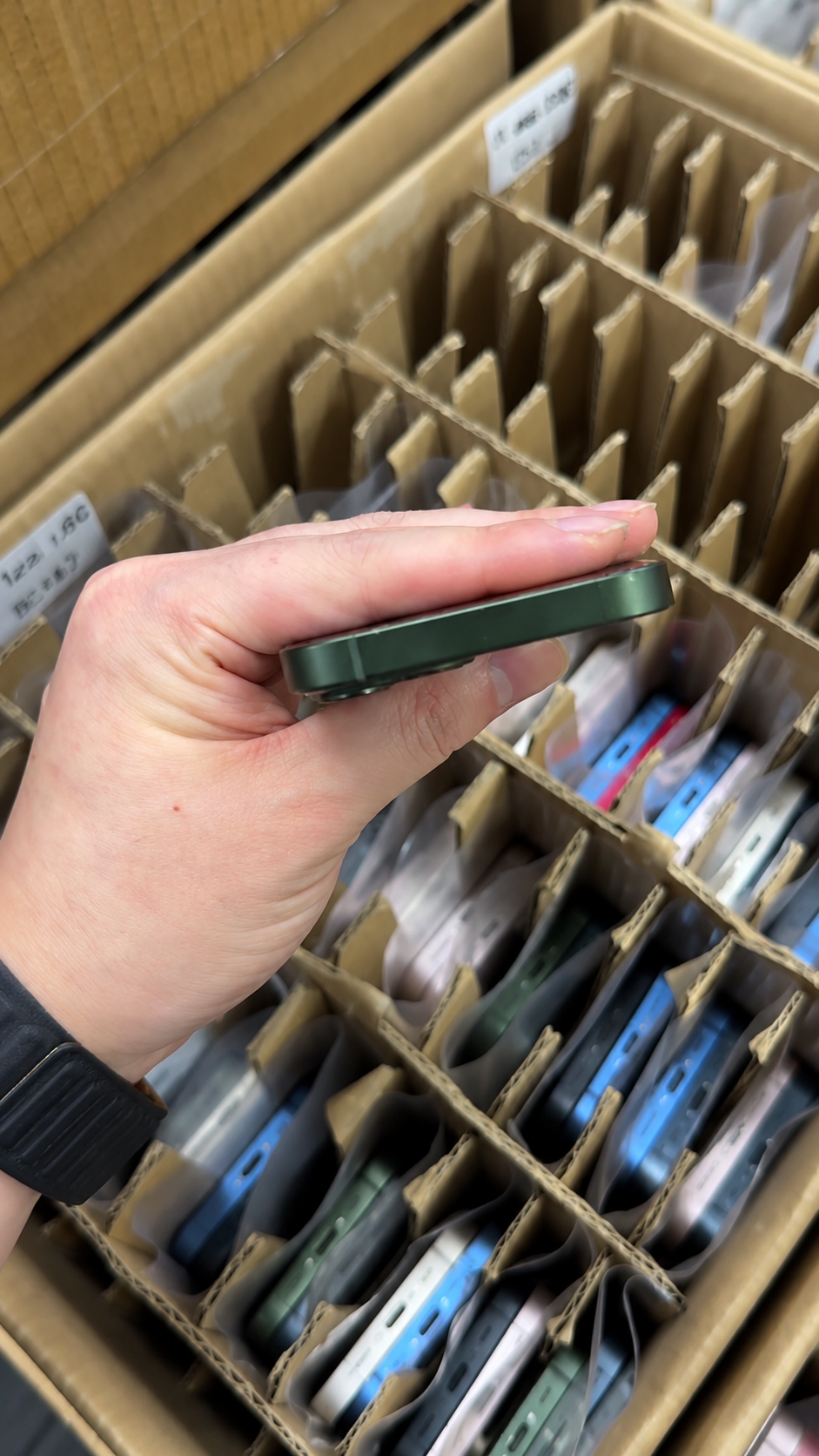
Wholesale buyers need a secure manifest before shipment and a controlled receiving workflow. Identifiers should be treated as sensitive inventory data and shared only with legitimate participants who need them for verification, logistics, insurance, or agreed business operations.
Required Wholesale Manifest Fields
| Field | Why it belongs in the manifest |
|---|---|
| Model | Matches demand and quoted device type |
| Storage | Supports pricing and listing accuracy |
| Color | Supports receiving and retail planning |
| Grade | Connects to written condition criteria |
| Battery-health range | Records separate battery policy |
| IMEI | Primary cellular identity |
| IMEI2 where applicable | Supports compatible dual-SIM records |
| Serial number | Product and service traceability |
| Carrier-lock status | Destination-market planning |
| Activation status | Setup readiness requirement |
| Repair disclosure | Accurate resale information |
| Quantity and warranty | Acceptance and commercial coverage |
Bulk Verification Workflow
- Receive a secure manifest before shipment.
- Check for duplicate or incomplete records.
- Conduct authorized status checks according to the agreed scope.
- Match devices during receiving.
- Test a representative sample.
- Record any discrepancies.
- Isolate nonconforming units.
- Submit claims within agreed terms.
Set Acceptance Rules Before Payment
- Identifier mismatch
- Flagged status
- Unresolved activation status
- Carrier restriction
- MDM status
- Model mismatch
- Missing documentation
Common IMEI Mistakes to Avoid
Most IMEI errors come from treating a single identifier source as final proof. A layered, documented review helps protect end buyers, resellers, repair businesses, and wholesale teams.
| Myth | Fact | Correct action |
|---|---|---|
| The box IMEI is enough. | A box can be separated from the phone. | Match box, Settings, and device. |
| A clean IMEI means the iPhone is unlocked. | Carrier Lock is separate. | Check Carrier Lock and carrier terms. |
| A clean IMEI means Activation Lock is off. | Apple Account status is separate. | Confirm normal setup readiness. |
| A clean result proves ownership. | It is only a database result. | Review lawful seller evidence. |
| I can post an IMEI publicly. | Identifiers need controlled handling. | Share only through secure channels. |
| A flagged IMEI can be legally bypassed. | Security controls must not be bypassed. | Use rightful-owner or carrier resolution. |
| Grade A means IMEI does not need checking. | Cosmetic grade is unrelated. | Check every device identity. |
Red Flags
- IMEI or serial number mismatch
- Seller refuses secure identifier sharing
- Incomplete manifest
- Flagged status
- Activation Lock warning
- Carrier status different from the listing
- MDM or remote-management screen
- Unrealistically low price without documentation