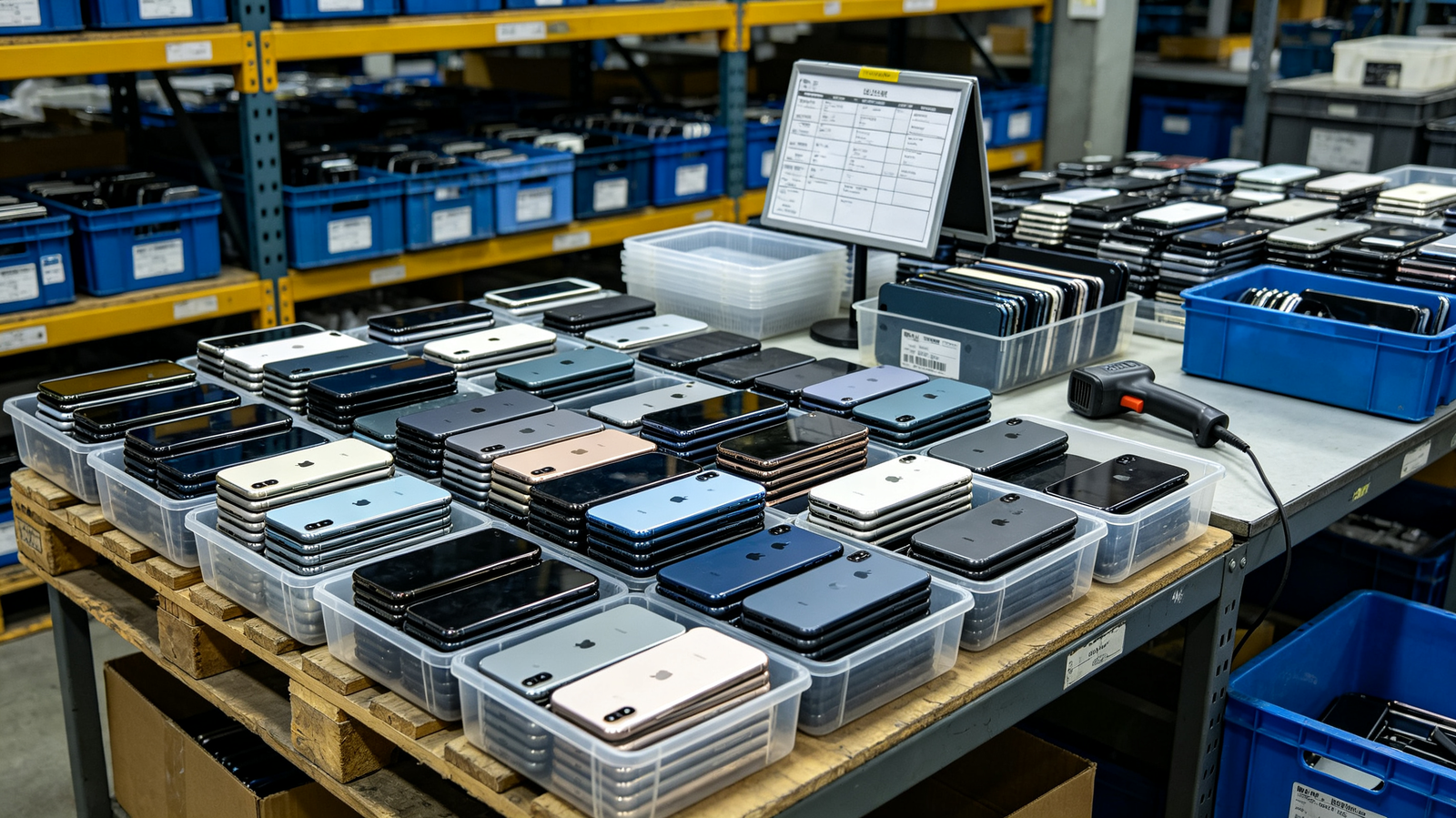
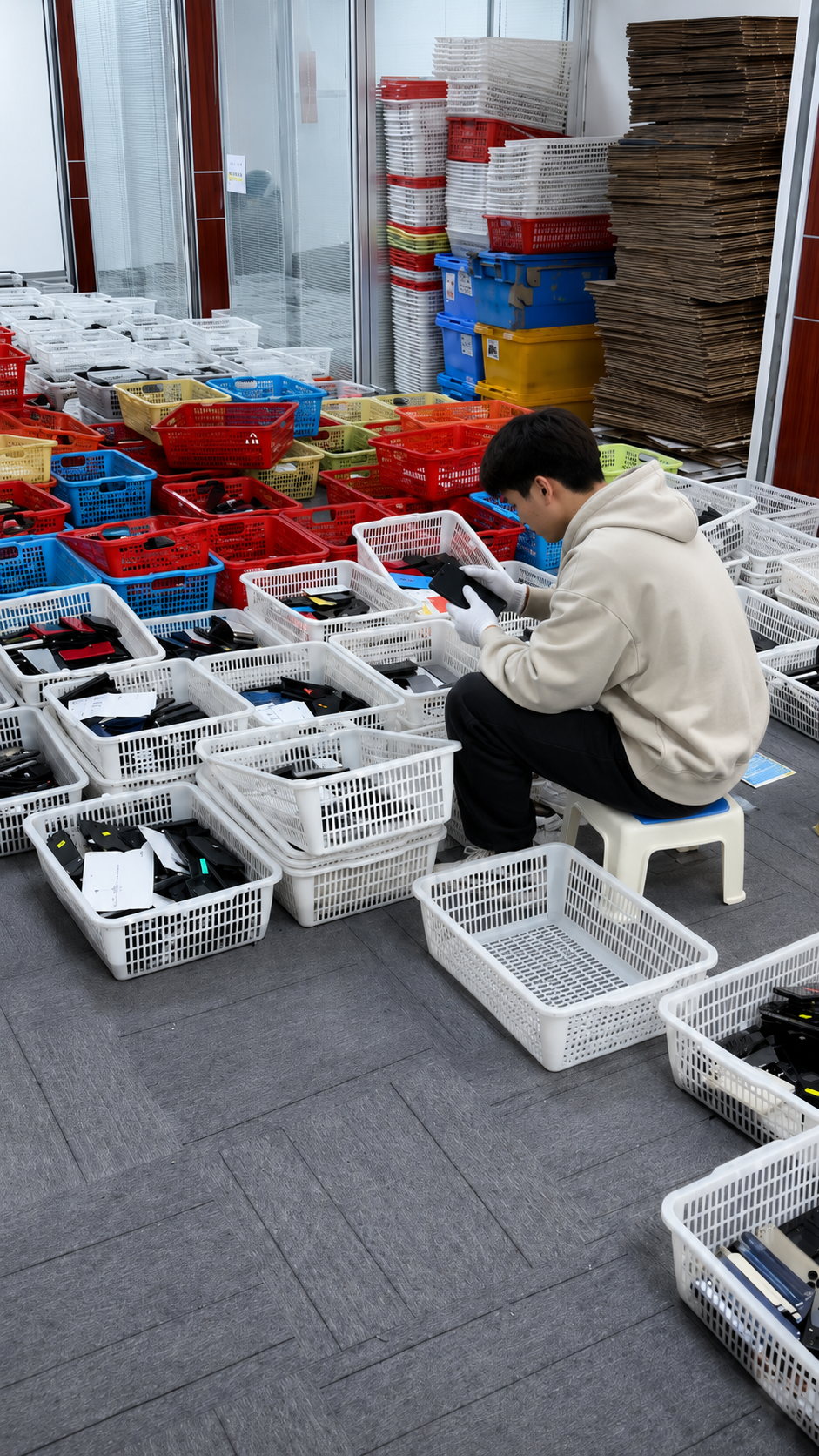
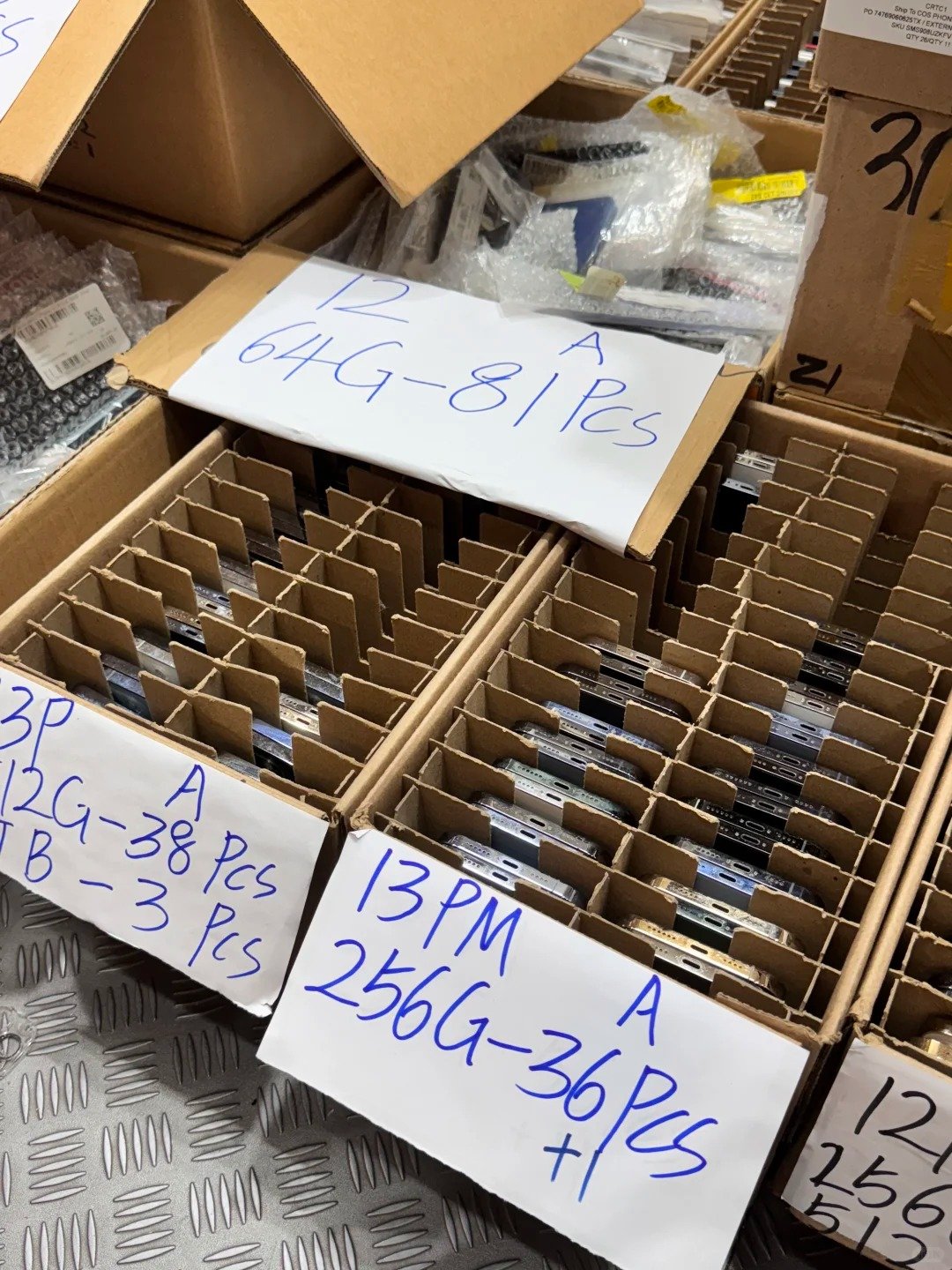
How an iPhone Can Become Blacklisted
IMEIs may be flagged when a device is reported or classified as restricted in an applicable carrier or status database. The source of a report matters: a result can reflect a loss report, theft report, fraud-related concern, ownership or financial claim, identifier mismatch, or another network restriction.
Buyers should not try to determine the “real” history through speculation. The appropriate response is to document the result, stop the affected transaction, and seek clarification only from the rightful owner, carrier, insurer, organization, seller, or another authorized authority.
Common Reasons an IMEI May Be Flagged
| Reason | What it may mean | Buyer risk | Correct lawful response |
|---|---|---|---|
| Reported lost | A loss was reported to a relevant system. | Service and resale may be restricted. | Pause and request documented seller clarification. |
| Reported stolen | A theft-related report may exist. | High legal, reputational, and operational risk. | Do not purchase; preserve evidence and use authorized channels. |
| Fraud-related concern | A carrier or status system reports fraud-related risk. | Network or claim complications. | Stop acceptance and review documented remedies. |
| Ownership or financial claim | A claim may affect rightful disposition. | Title and resale uncertainty. | Require lawful supporting records or decline. |
| Device-status mismatch | Records and device information conflict. | Wrong-unit or altered-record risk. | Quarantine the unit and reconcile documentation. |
| Other network restriction | A participating system reports another restriction. | Market-specific usability risk. | Confirm scope with an authorized source. |
Why Blacklisting Exists
- To deter theft and discourage circulation of improperly obtained devices.
- To help carriers protect their networks and account holders.
- To reduce fraud and improve the traceability of reported equipment.
- To support lawful ownership protection and claims processes.
- To reduce supply-chain risk for legitimate buyers and sellers.
Status Depends on the Relevant System
- Database coverage can differ by country, carrier, and participating source.
- Reports and corrections may reach systems at different times.
- Network outcomes can vary even when two sources describe the same device differently.
- A source should always be read with its scope, date, and market relevance.
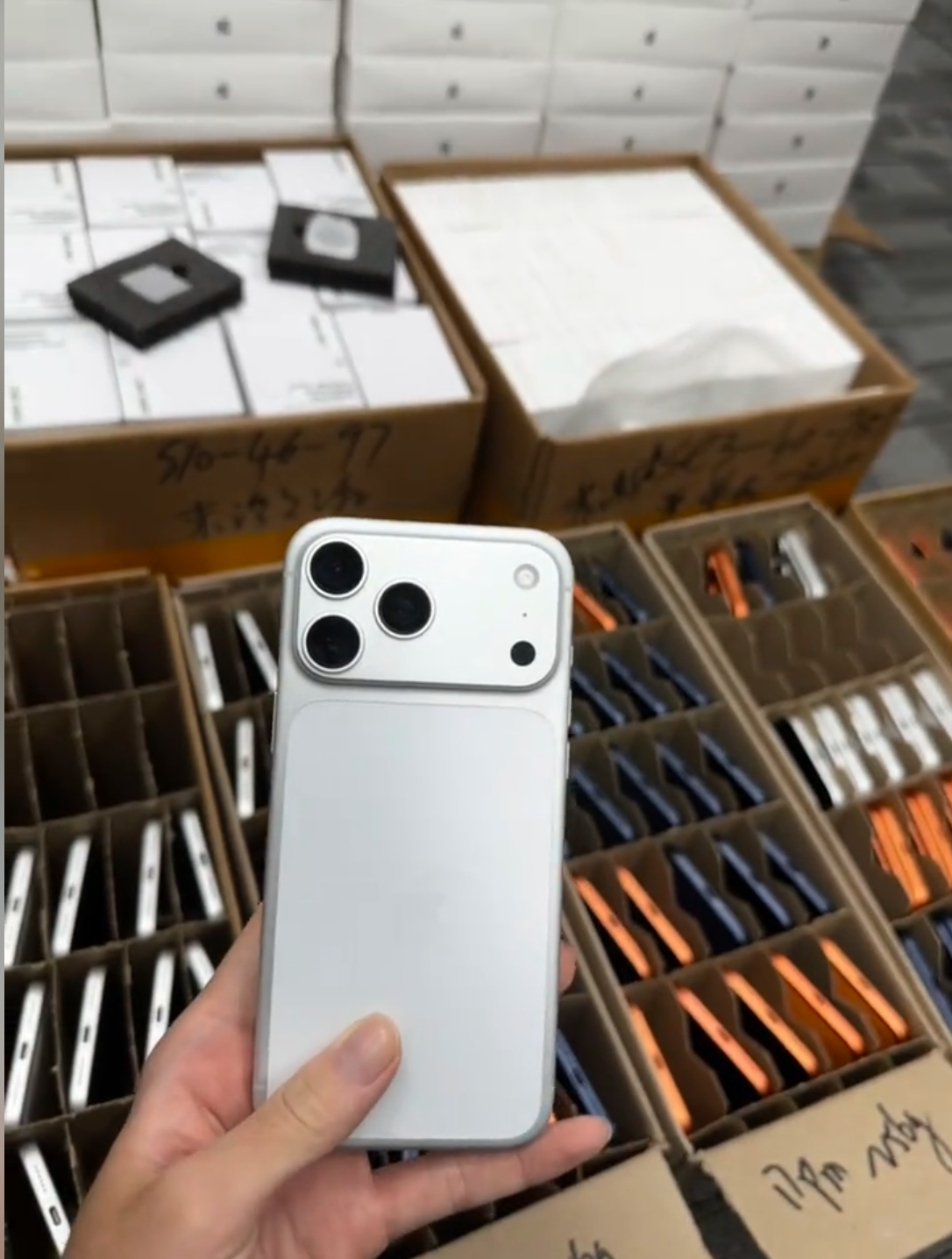
What Happens When an iPhone Is Blacklisted?
A blacklisted iPhone may be unable to register on one or more cellular networks, even when its hardware appears functional. Calls, text messaging, or mobile data can be affected. The outcome can vary by network, country, and device status, so a temporary connection is never proof that a unit is safe for resale.
Possible Buyer Impacts
- Cellular calls may not work.
- Text messaging may not work.
- Mobile data may not work.
- A network may reject the device.
- Resale value can fall sharply.
- Warranty and marketplace claims can become more complicated.
- The device may create legal and reputational risk.
What May Still Work Does Not Make It Safe to Buy
| Feature | May appear functional | Why this is not enough | Correct buyer decision |
|---|---|---|---|
| Wi-Fi | Apps and browsing can work locally. | It does not establish cellular eligibility or lawful status. | Do not treat Wi-Fi as clearance. |
| Cameras | Photos and video may function. | Hardware function does not remove a network restriction. | Inspect separately; keep the status hold. |
| Local apps | Installed apps may open. | They do not prove ownership or resale suitability. | Use documentation and status checks. |
| Bluetooth | Accessories may pair. | Pairing does not prove carrier acceptance. | Do not accept as normal stock. |
| Cellular service | Service may be absent, unstable, or market-dependent. | Temporary behavior can change by system or location. | Use authorized status information and conservative acceptance. |
Why a Blacklisted Device Is a Supply-Chain Risk
- Retailers face returns, dissatisfied customers, and marketplace disputes.
- Wholesalers can contaminate an otherwise saleable lot with unresolved exceptions.
- Exporters may face destination-market incompatibility and documentation issues.
- Repair businesses can invest labor in a device that should not re-enter normal inventory.
- End buyers can lose time, money, connectivity, and confidence in the seller.
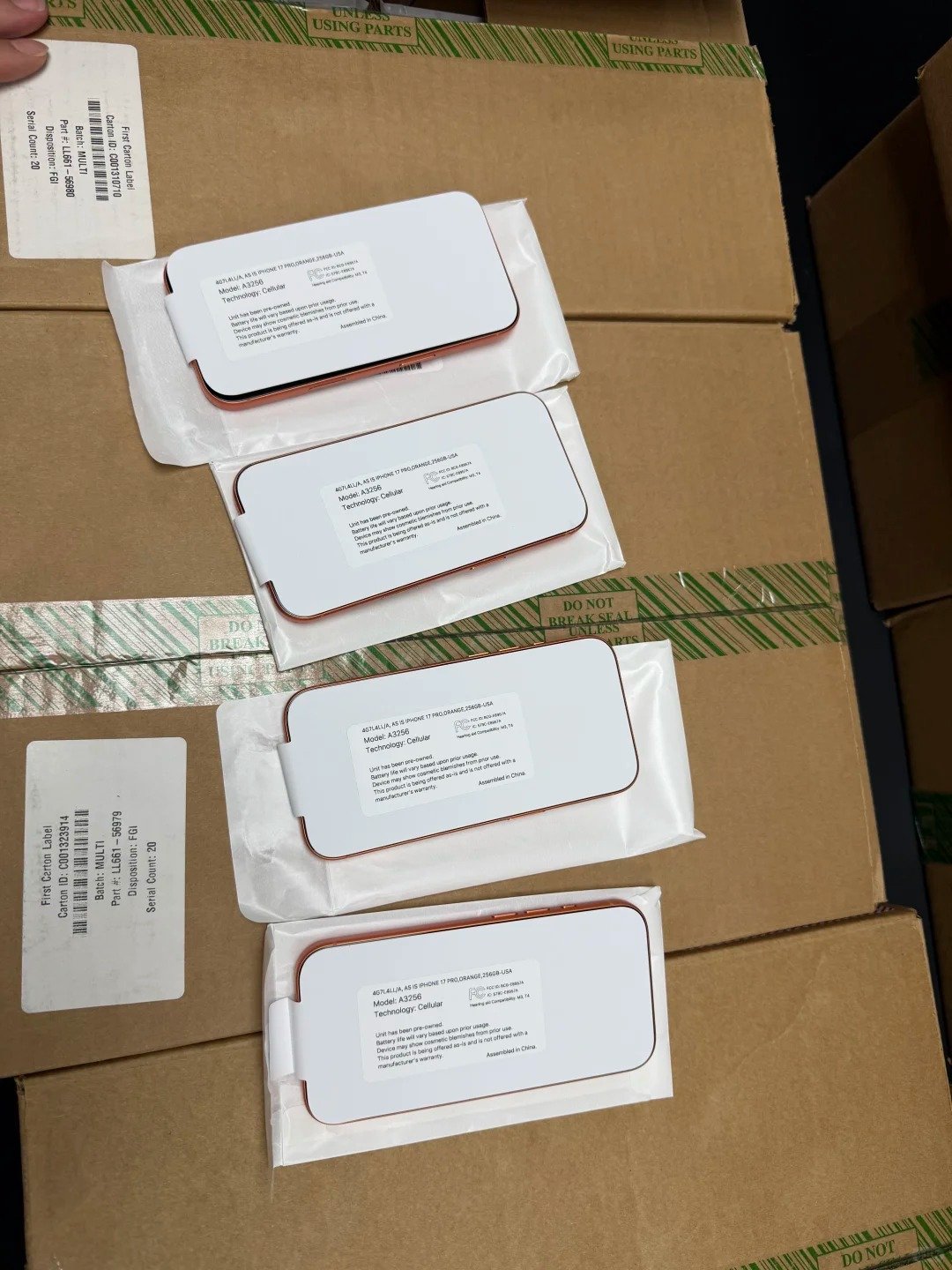
Blacklisted IMEI vs Activation Lock vs Carrier Lock
These issues are separate and must not be confused. A device can have a clean IMEI but be locked to an Apple Account; it can be carrier-locked while not blacklisted; or it can be managed by an organization even when the other checks are clear.
| Topic | What it checks | Main impact | Where buyers may verify it | Correct lawful action |
|---|---|---|---|---|
| Blacklisted IMEI | Flagged status in a relevant system. | Potential cellular and resale restriction. | Authorized, market-appropriate status source. | Pause and seek legitimate resolution only. |
| Activation Lock | Apple Account setup protection. | New setup may be blocked. | Lawful setup process with owner authority. | Require prior owner’s legitimate removal. |
| Carrier Lock | SIM restriction state. | Use may be limited to a carrier. | Settings > General > About. | Only the current carrier can legitimately unlock it. |
| MDM or remote management | Organization enrollment and policy control. | Restrictions or enrollment can reappear. | Setup and organization documentation. | Require authorized organization release. |
| Parts and Service History | Reported repair context. | Condition and value disclosure. | Settings > General > About on supported models. | Inspect and disclose separately. |
Activation Lock
- The device must be removed from the previous owner’s Apple Account and ready for standard setup.
- Activation Lock must never be bypassed, ignored, or represented as a minor condition issue.
- A normal IMEI result does not release this separate protection.
- If the owner cannot complete legitimate removal, do not accept the device as normal inventory.
Carrier Lock
- On supported devices, “No SIM restrictions” beside Carrier Lock in Settings > General > About indicates an unlocked iPhone.
- Carrier lock is not the same as blacklisting.
- Only the current carrier can legitimately unlock a carrier-locked iPhone.
- Even an unlocked phone needs market-appropriate compatibility and status checks.
MDM and Remote Management
- Organization-managed iPhones can carry enrollment prompts, policies, and restrictions.
- Management status may be separate from both IMEI and carrier information.
- Devices must be released only by the authorized organization.
- Buyers should retain the seller’s management-status representation and related evidence.
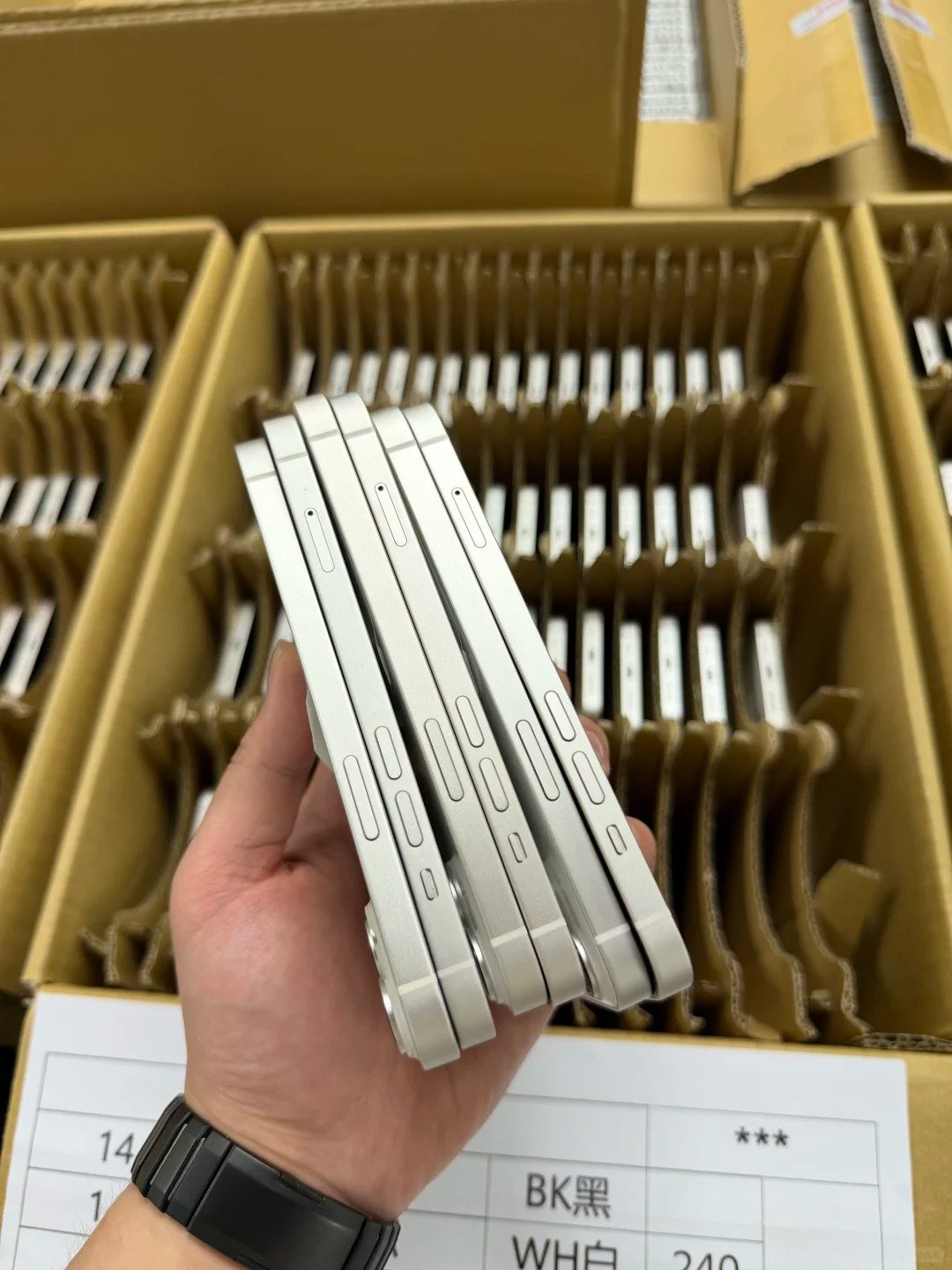
How to Check if an iPhone Is Blacklisted Before Buying
- Obtain the IMEI and serial number through a secure channel.
- Match identifiers to the physical iPhone in Settings and any applicable hardware or documentation records.
- Use legitimate, authorized device-status sources appropriate to the market.
- Review whether the device is currently flagged in the checked system.
- Confirm model details match the device being offered.
- Check Activation Lock separately.
- Check Carrier Lock separately.
- Obtain an invoice and seller identification.
- Retain the verification record.
Where to Find the IMEI
| Location | Best use | Verification caution |
|---|---|---|
| Settings > General > About | Primary comparison with the live device. | Use lawful access and secure handling. |
| *#06# dial code | Additional on-device confirmation where available. | Do not publicly share the result. |
| Supported SIM tray or device markings | Physical cross-check on applicable models. | Markings can be hard to read or non-applicable. |
| Original packaging | Supporting record comparison. | Packaging alone can be mismatched. |
| Supplier manifest | Batch-level reconciliation and evidence. | Match every field to the actual unit before acceptance. |
Use Secure and Legitimate Check Sources
- Use authorized carrier, insurer, manufacturer, or reputable eligible device-status services appropriate to the market.
- Check the source’s scope and date of result.
- Do not publish full IMEIs online.
- Do not rely on a screenshot without matching the physical device.
- Share IMEIs securely only with legitimate buyers, carriers, insurers, authorized status services, or required business partners.
When the Result Is Flagged or Unclear
- Stop the purchase or isolate the affected unit.
- Preserve the device, manifest, date, source, and result.
- Request seller clarification through the documented channel.
- Use buyer-protection, payment, marketplace, or contractual claim channels as appropriate.
- Contact the rightful organization only when you have a lawful basis and supporting proof.
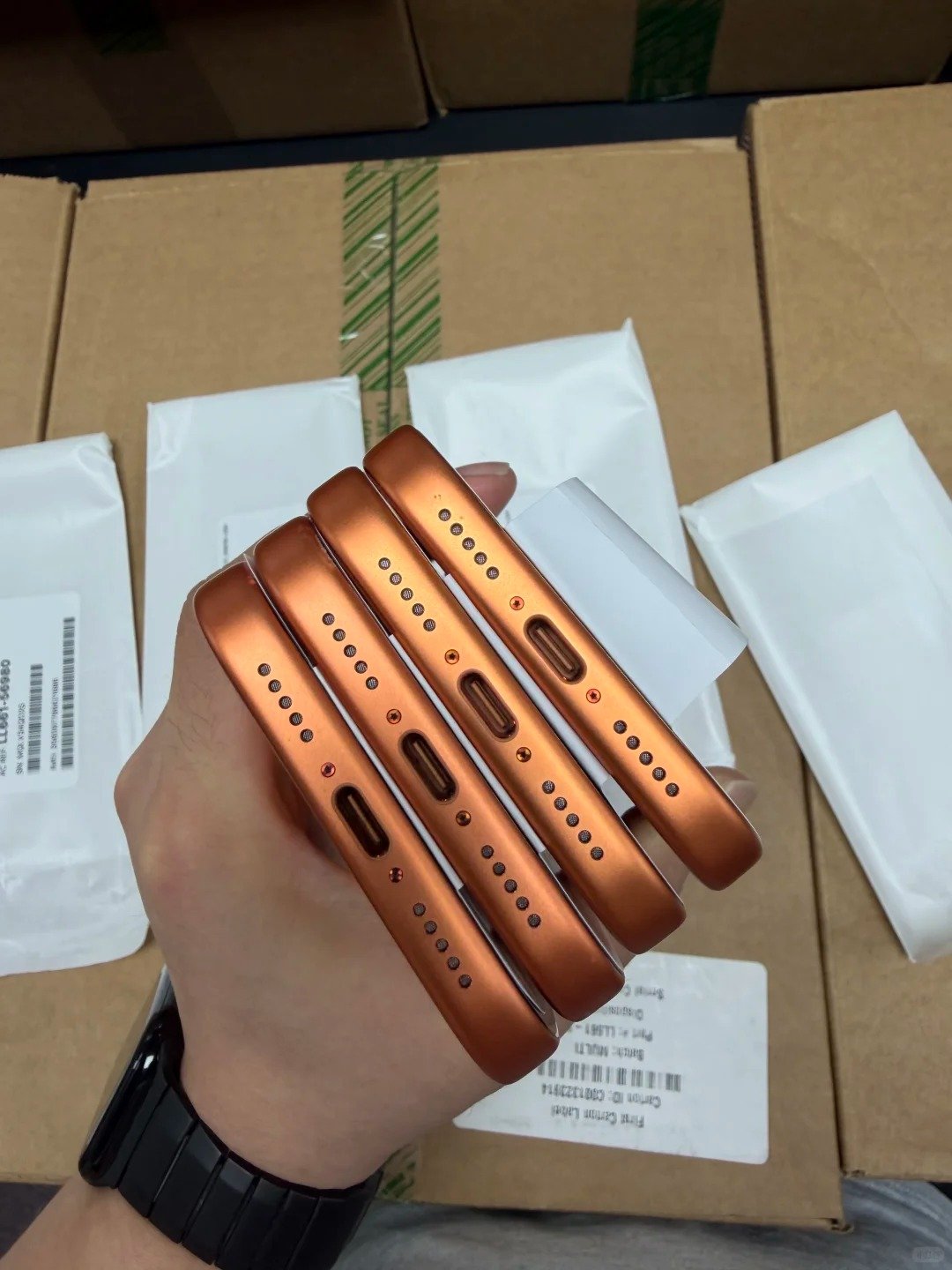
How to Check a Used iPhone Beyond IMEI Status
A non-flagged IMEI does not establish grade, battery quality, repair quality, Activation Lock state, management status, or reliable functionality. Test the device and compare it with every promised configuration and condition field before it becomes normal inventory.
Functional Test Checklist
- Display and touch response.
- Cameras and autofocus.
- Face ID or Touch ID.
- Speakers and microphones.
- Buttons and vibration.
- Charging port.
- Wireless charging where applicable.
- Wi-Fi and Bluetooth.
- Cellular connection.
- GPS and sensors.
Battery and Physical Condition Checklist
- Battery health and charging stability.
- Unexpected heat behavior.
- Screen damage or display inconsistency.
- Frame dents and back-glass damage.
- Camera-lens condition and focus quality.
- Signs of liquid exposure or corrosion.
- Grade alignment with the seller’s stated standard.
Parts and Service History
On supported iPhone models, buyers may review Parts and Service History in Settings > General > About. It adds repair context but does not authenticate the device, prove ownership, or decide IMEI status.
| Reported status | What it may indicate | Recommended buyer response |
|---|---|---|
| Genuine Apple Part | Reported component context. | Test function and retain disclosure. |
| Used Part | A previously used component may be reported. | Assess value, disclosure, and performance. |
| Unknown Part | Limited component verification or repair context. | Inspect closely and price only with clear disclosure. |
| Unverified Part | Verification information may be incomplete. | Pause for clarification or treat as an exception. |
| No visible history | No displayed record in that context. | Do not infer an original-parts guarantee. |
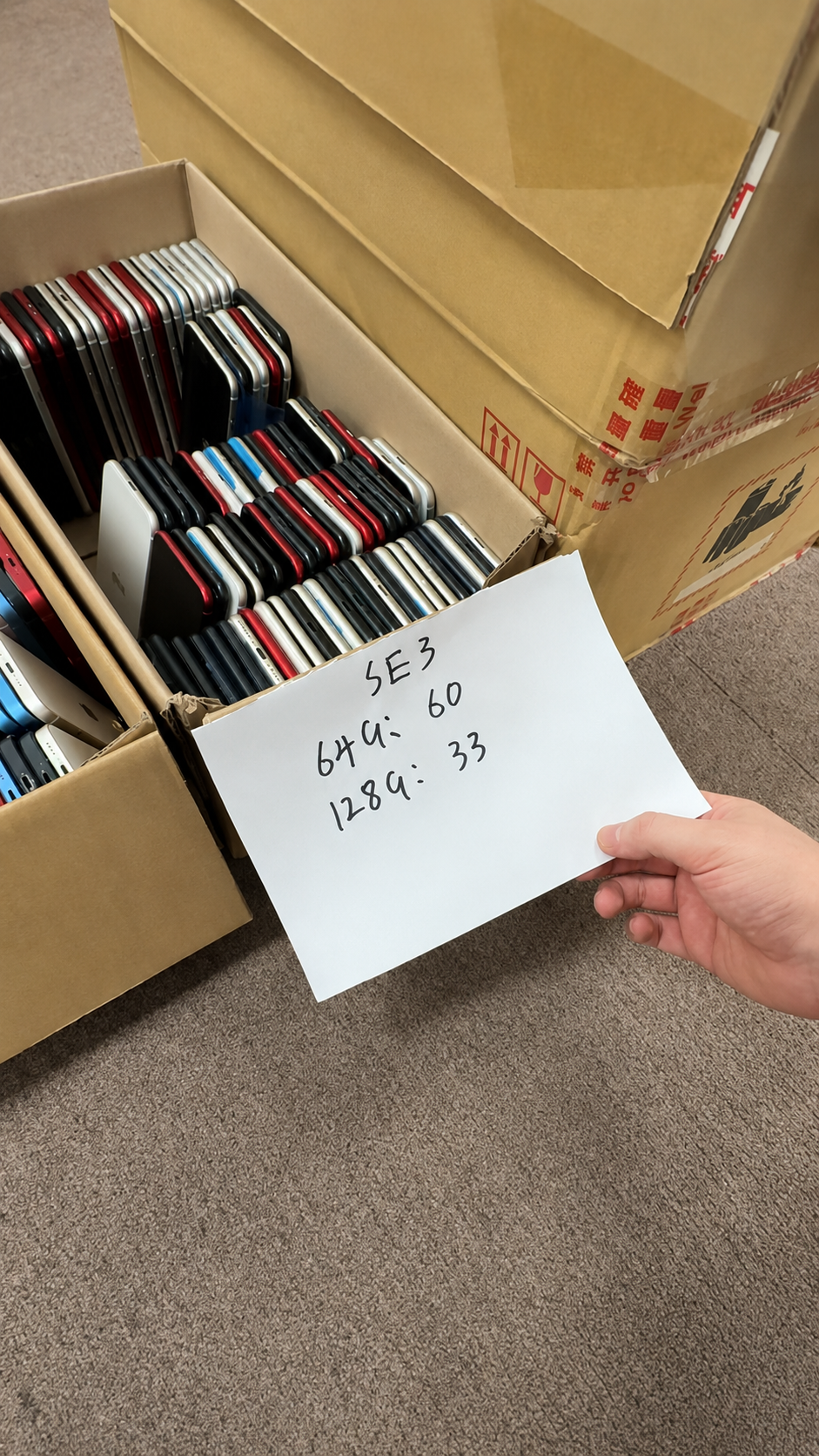
What to Do If You Bought a Blacklisted iPhone
Keep this response strictly lawful and protective. A valid blacklist status is not something a buyer should try to work around; it is a transaction and device-status problem that should be handled through the seller, platform, carrier, insurer, organization, or authorized authority.
- Stop using or reselling the device as normal inventory.
- Preserve the device, packaging, invoice, messages, and IMEI-check evidence.
- Contact the seller immediately through the transaction platform or documented channel.
- Request a return, refund, replacement, or formal claim according to the written terms.
- Use applicable payment, marketplace, carrier, insurer, or consumer-protection channels.
- Contact the legitimate reporting organization only if you have a lawful basis and supporting proof.
What Not to Do
- Do not alter or rewrite the IMEI.
- Do not use bypass services.
- Do not attempt to defeat Activation Lock or carrier restrictions.
- Do not market the device as normally usable.
- Do not hide the status from buyers.
Evidence That Supports a Legitimate Claim
| Evidence | Why retain it |
|---|---|
| Purchase invoice | Links the unit to seller and commercial terms. |
| Seller communication | Shows representations and response timeline. |
| Payment confirmation | Supports transaction traceability. |
| Original listing | Preserves the advertised status and condition. |
| IMEI record | Connects the evidence to the specific device. |
| Status-check result | Documents source, scope, and date. |
| Photos | Records unit condition, labels, and packaging. |
| Delivery proof | Confirms receipt and carrier handoff. |
Blacklisted iPhone Risk Management for Wholesale Buyers
Wholesale buyers need batch controls that prevent one problematic device from becoming an undiscovered downstream return. Secure manifests, source-appropriate checks, receiving reconciliation, and written acceptance rules protect both the buyer and legitimate supplier.
Required Lot Manifest Fields
| Field | Why it matters |
|---|---|
| Model | Confirms requested hardware family. |
| Storage | Controls configuration and pricing. |
| Color | Supports listing and physical match. |
| Grade | Sets condition expectations. |
| Battery-health range | Defines accepted battery standard. |
| IMEI | Supports lawful unit reconciliation. |
| IMEI2 where applicable | Captures second cellular identifier where relevant. |
| Serial number | Provides additional device matching. |
| Carrier-lock status | Separates SIM restriction from blacklist checks. |
| Activation status | Flags setup-readiness review. |
| Repair disclosure | Documents parts and condition context. |
| Quantity | Supports receiving control. |
| Warranty | Defines remedies and claim window. |
Wholesale Receiving Workflow
- Receive a secure manifest before shipment.
- Validate completeness and check for duplicate records.
- Run authorized status checks according to the agreed scope.
- Match devices to records during receiving.
- Test a representative sample.
- Isolate any device with a mismatch or restricted status.
- Submit claims within agreed time limits.
Acceptance Rules to Set Before Payment
- Blacklisted status and its required remedy.
- Identifier mismatch and quarantine procedure.
- Unresolved Activation Lock.
- Carrier restriction inconsistent with the listing.
- MDM status or remote-management enrollment.
- Repair-history discrepancy.
- Missing invoice, manifest, or supporting documentation.
Common Myths About Blacklisted iPhones
| Myth | Fact | Correct buyer action |
|---|---|---|
| A blacklisted iPhone always looks damaged. | It can look and function normally in many local respects. | Check status and documentation, not appearance. |
| A blacklisted iPhone can safely be resold if Wi-Fi works. | Wi-Fi does not solve cellular, legal, or disclosure risk. | Do not sell it as normal usable inventory. |
| A blacklisted IMEI is the same as Activation Lock. | They are separate systems with separate impacts. | Verify both independently. |
| A clean IMEI means the device will stay clean forever. | Status can be source-, market-, and time-dependent. | Record the result and use transaction controls. |
| Carrier lock and blacklisting are the same thing. | Carrier lock controls SIM use; blacklist status concerns device restriction. | Review each field separately. |
| A blacklisted IMEI can be legally bypassed. | Bypass or alteration is not a legitimate buyer solution. | Use lawful owner, carrier, insurer, or authority channels. |
| A low price makes the risk acceptable. | A discount does not remove network, financial, or reputational exposure. | Decline unresolved units. |
What reliable sourcing looks like
- Device identifiers and physical units reconcile.
- Status sources are appropriate to the sale market and recorded with dates.
- Activation, carrier, and management states are disclosed separately.
- Condition and repair information is tested rather than assumed.
- Contracts provide a clear remedy for exceptions.
Red Flags Before Buying a Used iPhone
- Seller refuses secure IMEI sharing before purchase.
- IMEI, serial number, model, or color details do not match.
- Device status is flagged or unavailable without explanation.
- Activation Lock or “iPhone Locked to Owner” appears.
- Carrier status differs from the listing.
- MDM or remote-management screen appears.
- No invoice or traceable payment trail is available.
- Wholesale supplier cannot provide an IMEI manifest.
- Price is unrealistically low without documentation.
Pause the Transaction When…
- The seller cannot explain an inconsistency with credible records.
- Any status is flagged, unsupported, or contradictory for the intended market.
- The device cannot complete a lawful, ordinary setup review.
- Documents, payment trail, or right-to-sell evidence are missing.
- The proposed solution involves an alteration, bypass, or concealment.