Step-by-step guide
How to Check Whether an iPhone Is Unlocked
1. Use the Carrier Lock Field in Settings

The fastest on-device check is the Carrier Lock field in the About screen. It is more reliable than a seller’s broad “unlocked” description because it reports the status shown by that specific iPhone at the time of inspection.
- Open Settings.
- Tap General.
- Tap About.
- Scroll to Carrier Lock.
- Read the status shown beside Carrier Lock.
- If it says “No SIM restrictions,” the iPhone is unlocked.
- Record the result before purchase or resale.
Field names can vary slightly by software version or region, but buyers should look for the carrier or network-lock status in the device information screen.
2. Understand the Difference Between Carrier Lock and Activation Lock
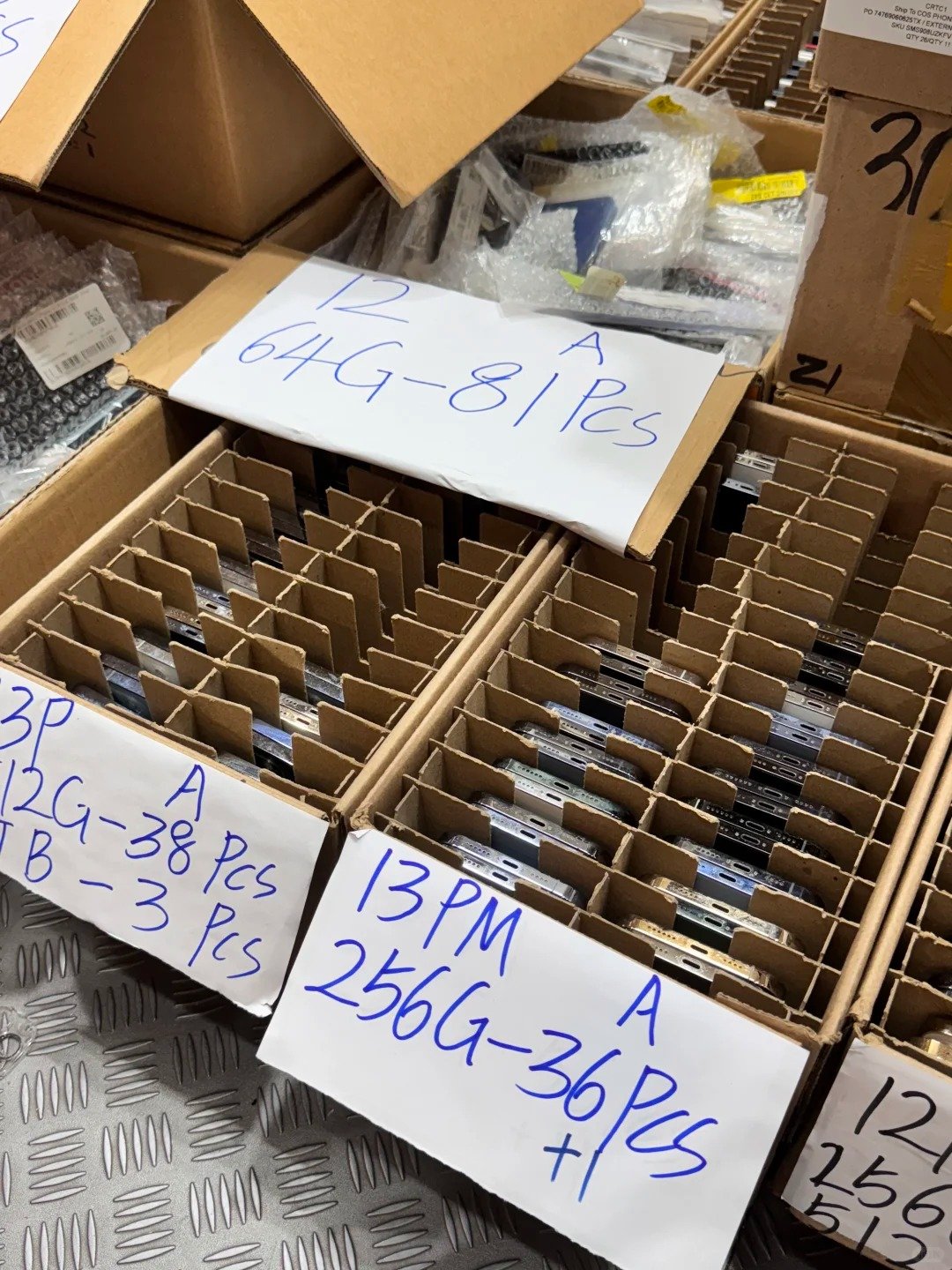
These restrictions have different purposes and different legitimate resolution paths. Carrier Lock concerns network use. Activation Lock protects the owner’s Apple Account. Neither result answers every question about a used phone.
| Restriction | What It Controls | Typical Screen or Location | Buyer Action |
|---|---|---|---|
| Carrier Lock | Which mobile network the iPhone can use | Settings > General > About | Confirm status or contact the current carrier |
| Activation Lock | Whether linked to an Apple Account | Setup screen may show “iPhone Locked to Owner” | Do not buy until removed legitimately by the rightful owner |
| IMEI blacklist or report | Whether identifier may be restricted in a market | Appropriate lawful verification resource | Treat as an exception and seek written resolution |
| Device management restriction | Whether an organization controls the device | Setup and management information | Confirm release through the responsible organization |
3. Confirm the iPhone’s Exact Model and Regional Variant
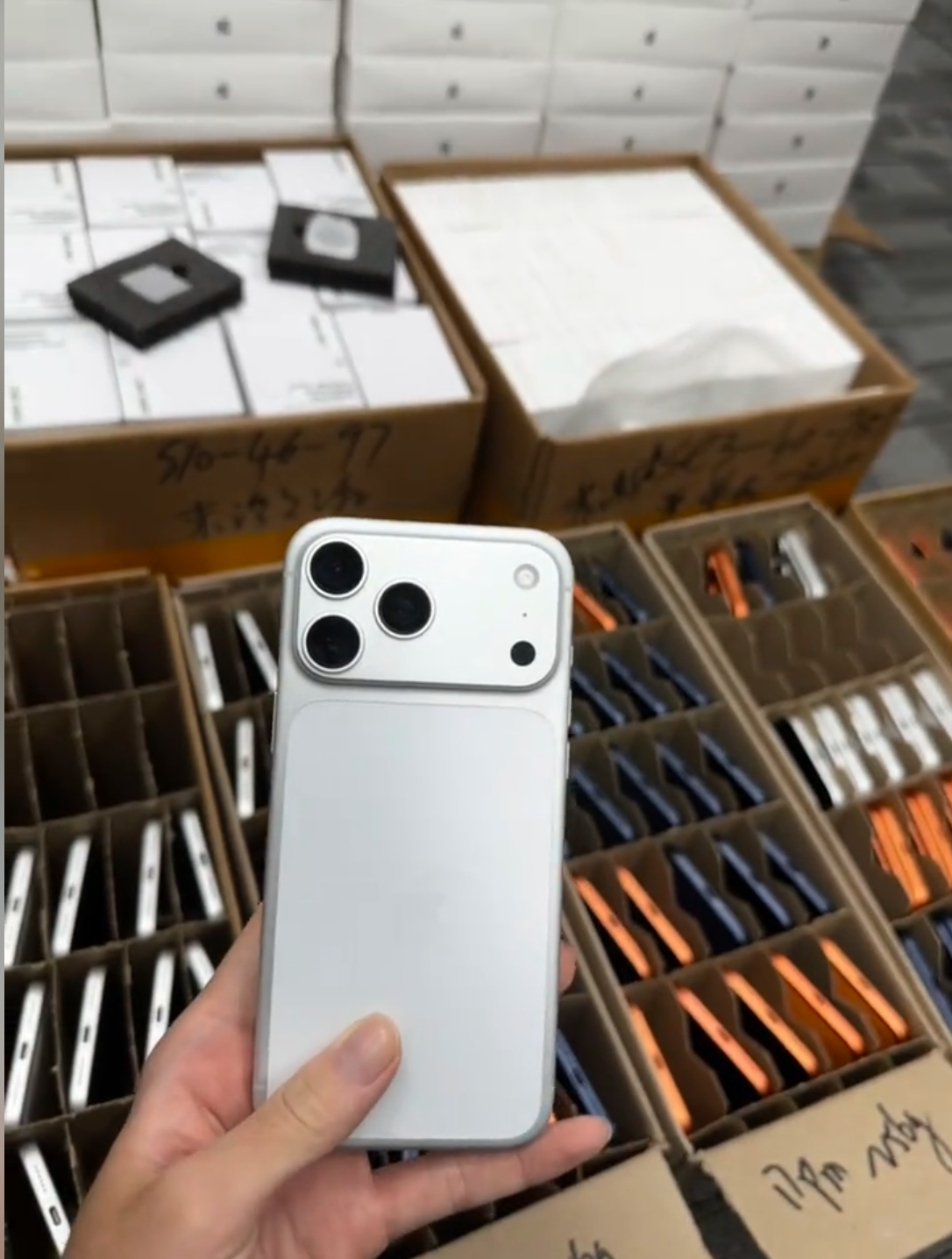
Unlocked status does not remove the need to check regional compatibility. iPhone X, XR, XS, XS Max, iPhone 11 Series through iPhone 17 Series can have different regional configurations and availability. Confirm the physical device against the destination market, not just the family name.
- Open Settings, General, then About.
- Confirm the iPhone model and model number.
- Confirm storage capacity and color.
- Identify the intended destination market.
- Check required local network bands.
- Confirm physical SIM and eSIM needs.
- Consider regional differences in SIM configuration.
- Record the model information with the IMEI in a wholesale manifest.
4. Test With a Compatible SIM or eSIM Where Practical
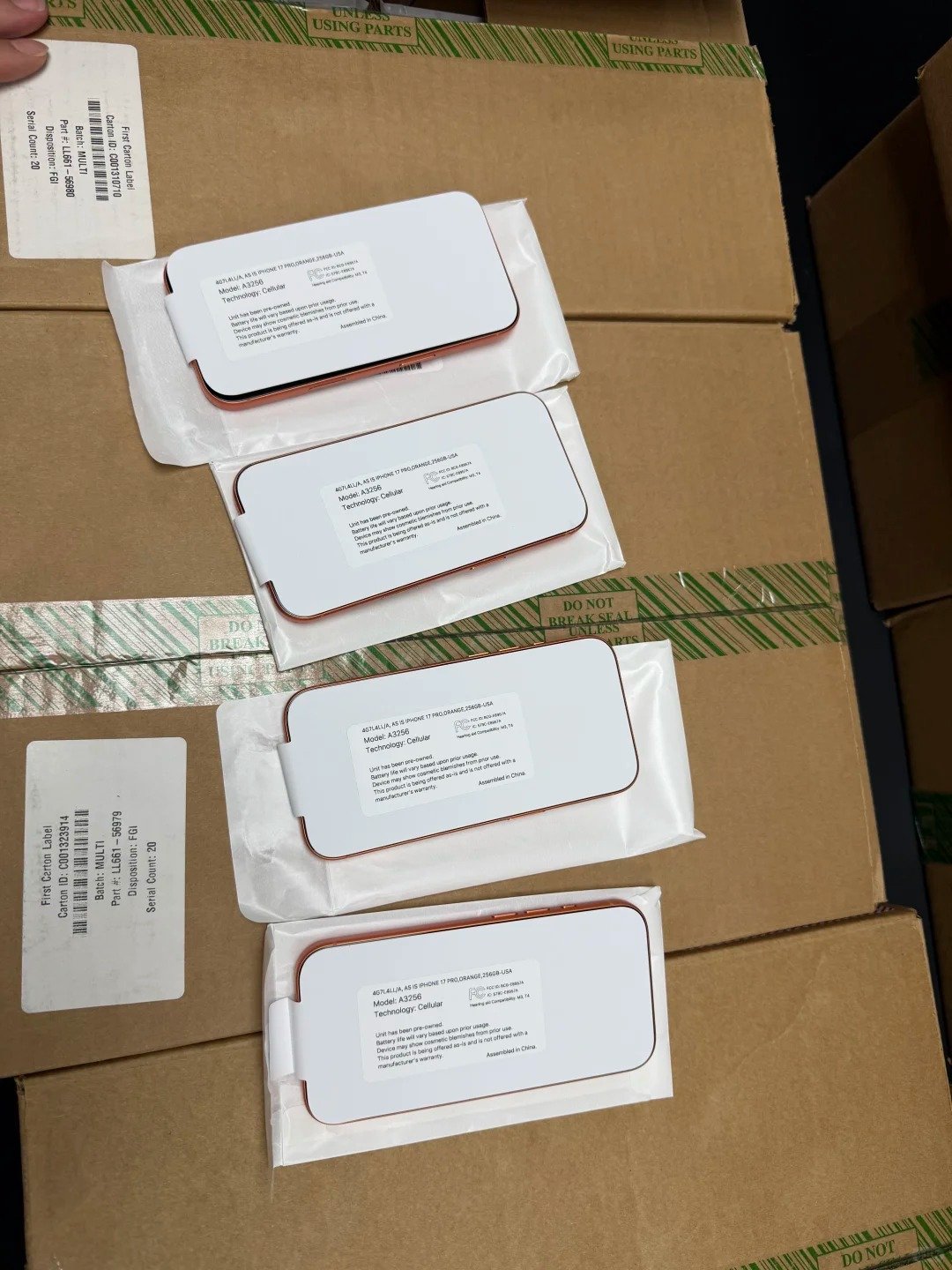
A practical network test can support the Settings check, but compatibility, plan setup, carrier policy, and regional model can still affect the result. Use it as evidence of a live test, not as a guarantee of all future network service.
- Confirm “No SIM restrictions” first.
- Use a compatible SIM or eSIM from the intended carrier where practical.
- Check that the device detects the plan and connects to the network.
- Test a call, text, or mobile-data connection where permitted.
- Confirm the carrier supports the exact regional model.
- Record the result as a practical test.
- For wholesale orders, test a representative sample across model and region variants.
5. Check SIM and eSIM Requirements Before Buying
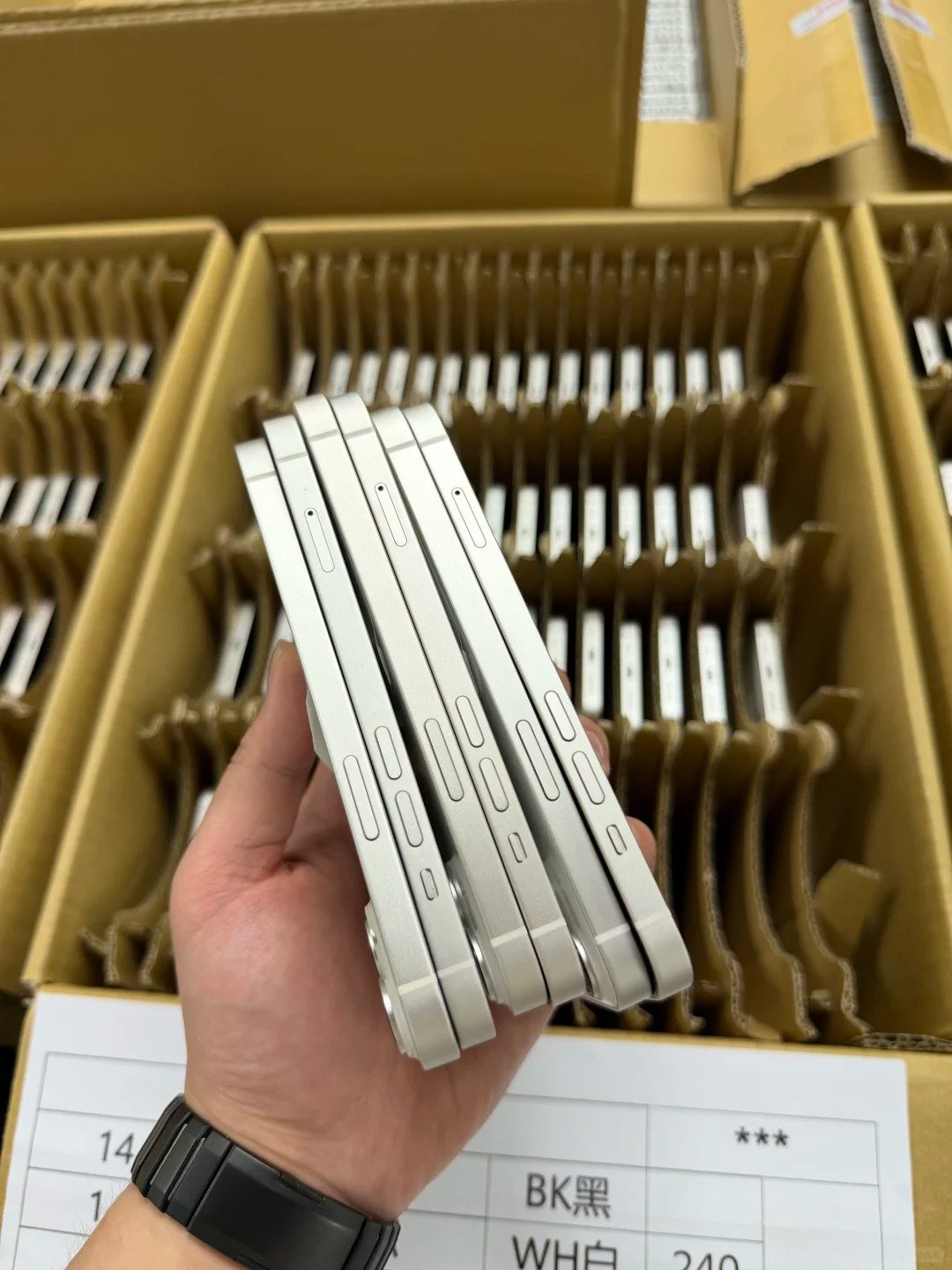
eSIM capability and carrier-unlocked status are related but separate considerations. A device can be unlocked yet still be unsuitable for a buyer that requires a particular tray configuration, digital-plan service, or dual-line setup.
| Feature | What It Means | Buyer Check |
|---|---|---|
| Physical SIM | Device accepts a physical SIM card | Confirm tray configuration and target-carrier support |
| eSIM | Device can use a digital mobile plan | Confirm regional hardware, carrier support, and activation requirements |
| Dual SIM | Device can use two lines under supported configurations | Confirm the intended combination works in the target market |
| Carrier unlocked | Device can use different compatible carriers | Check “No SIM restrictions” |
| Network compatibility | Supports necessary carrier technology and bands | Verify with destination-carrier or market information |
6. Check IMEI Records and Device Identity
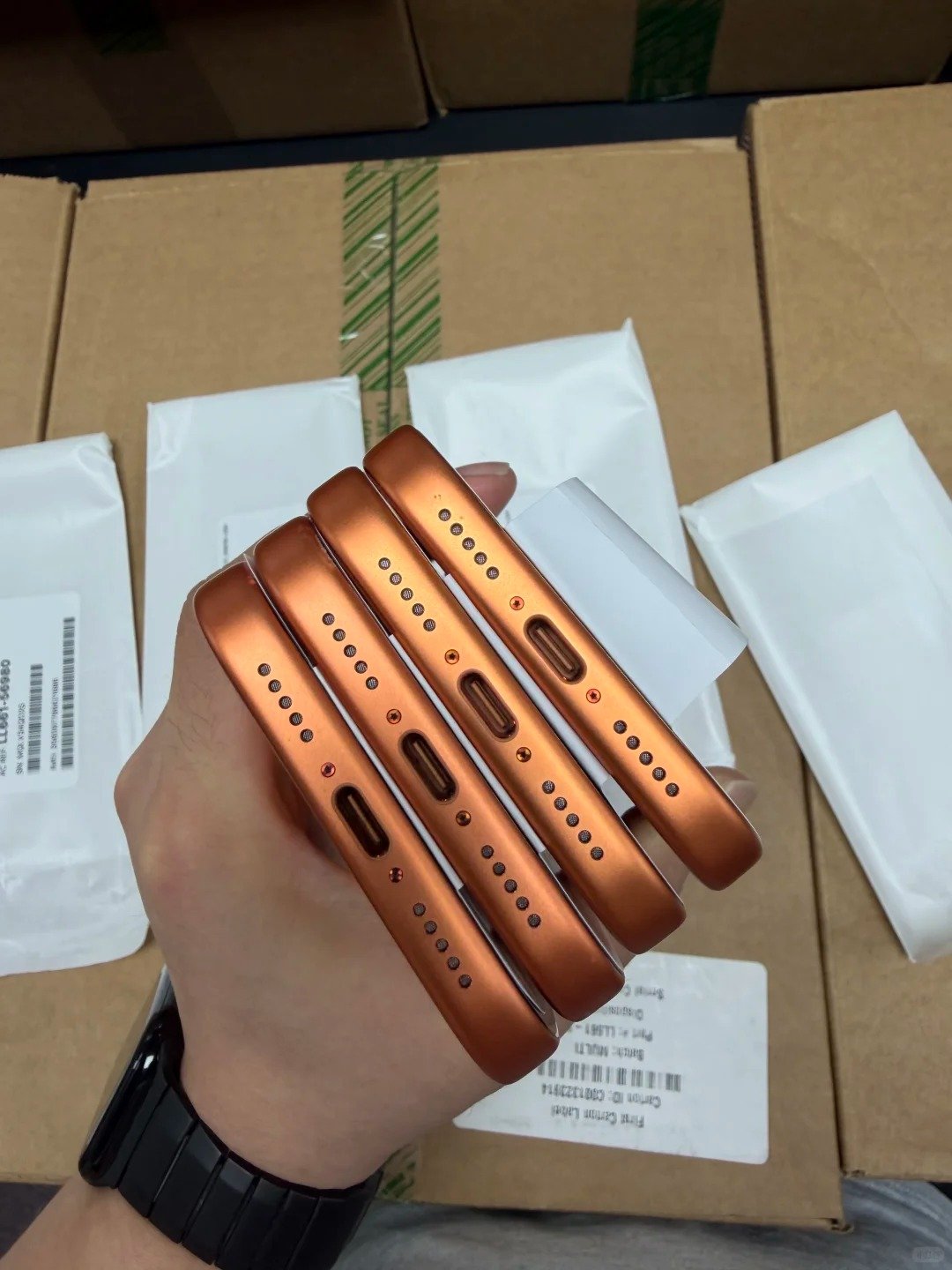
IMEI verification helps buyers match a physical device to its documents and apply lawful market-specific checks. An IMEI is an identity record; it is not a substitute for the Carrier Lock check or a bypass method.
- Find IMEI information in Settings, General, and About.
- Compare the IMEI with the seller’s invoice, manifest, or box where applicable.
- Confirm listed IMEI count matches the bulk order.
- Check both cellular identifiers where the device has more than one.
- Use appropriate lawful market resources to investigate reported lost or stolen status.
- Record model, storage, IMEI, carrier status, and test results together.
- Treat any mismatch as an exception requiring written resolution.
7. Ask the Current Carrier About Legitimate Unlock Status
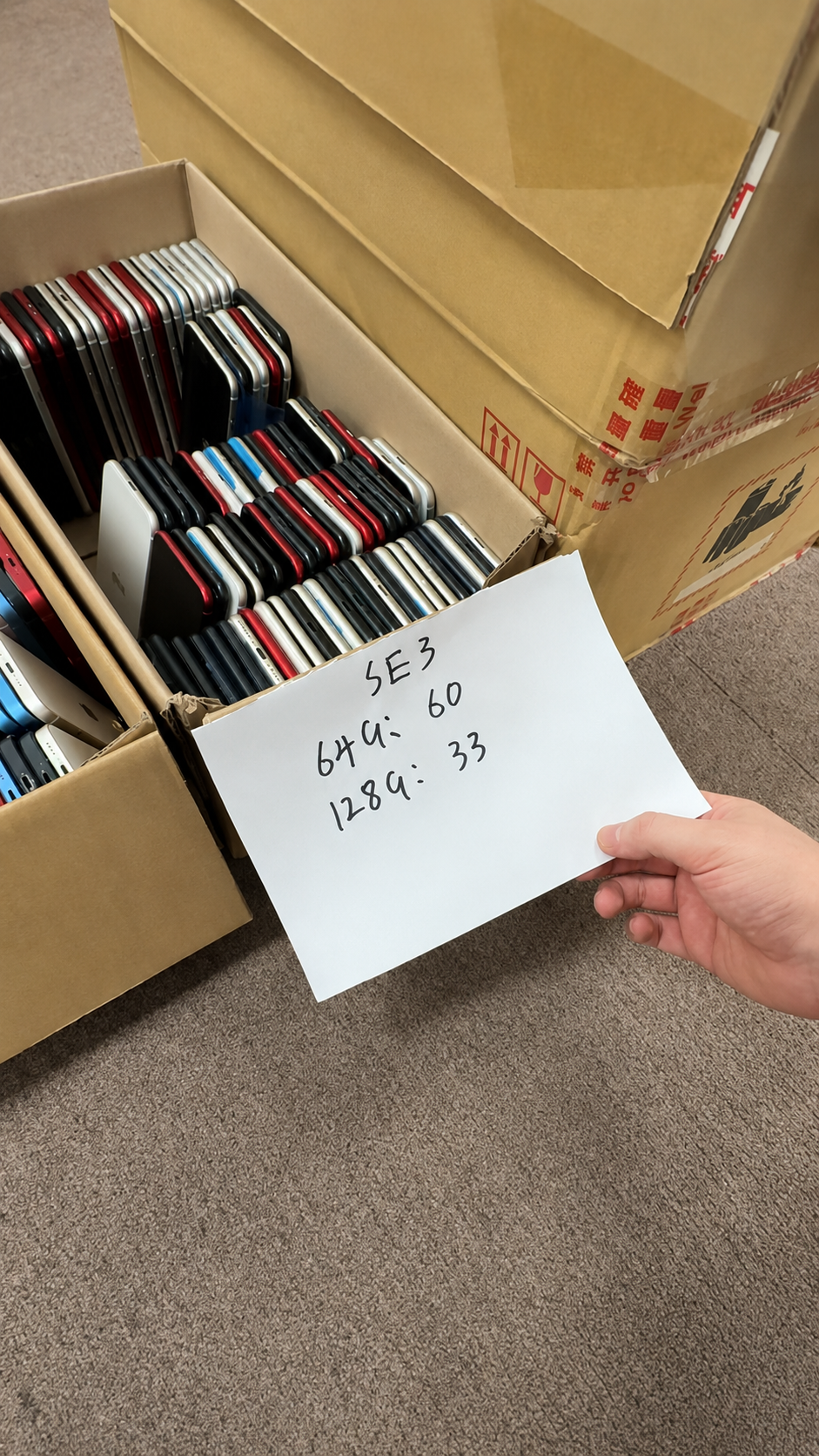
Only the current or original carrier can perform or confirm its own legitimate unlock process. Apple cannot unlock an iPhone for a different carrier. The appropriate carrier may have account, payment, or policy requirements, and the buyer should retain written confirmation where it matters commercially.
- Identify the carrier shown on the device or supplier records where available.
- Ask whether the device is eligible for unlock.
- Confirm whether account, payment, or policy requirements apply.
- Keep written confirmation for wholesale inventory.
- Allow time for a carrier-completed unlock if advised.
- Recheck Carrier Lock status after confirmation.
- Do not treat unauthorized third-party claims as carrier confirmation.
8. Inspect a Used iPhone Beyond Its Unlock Status
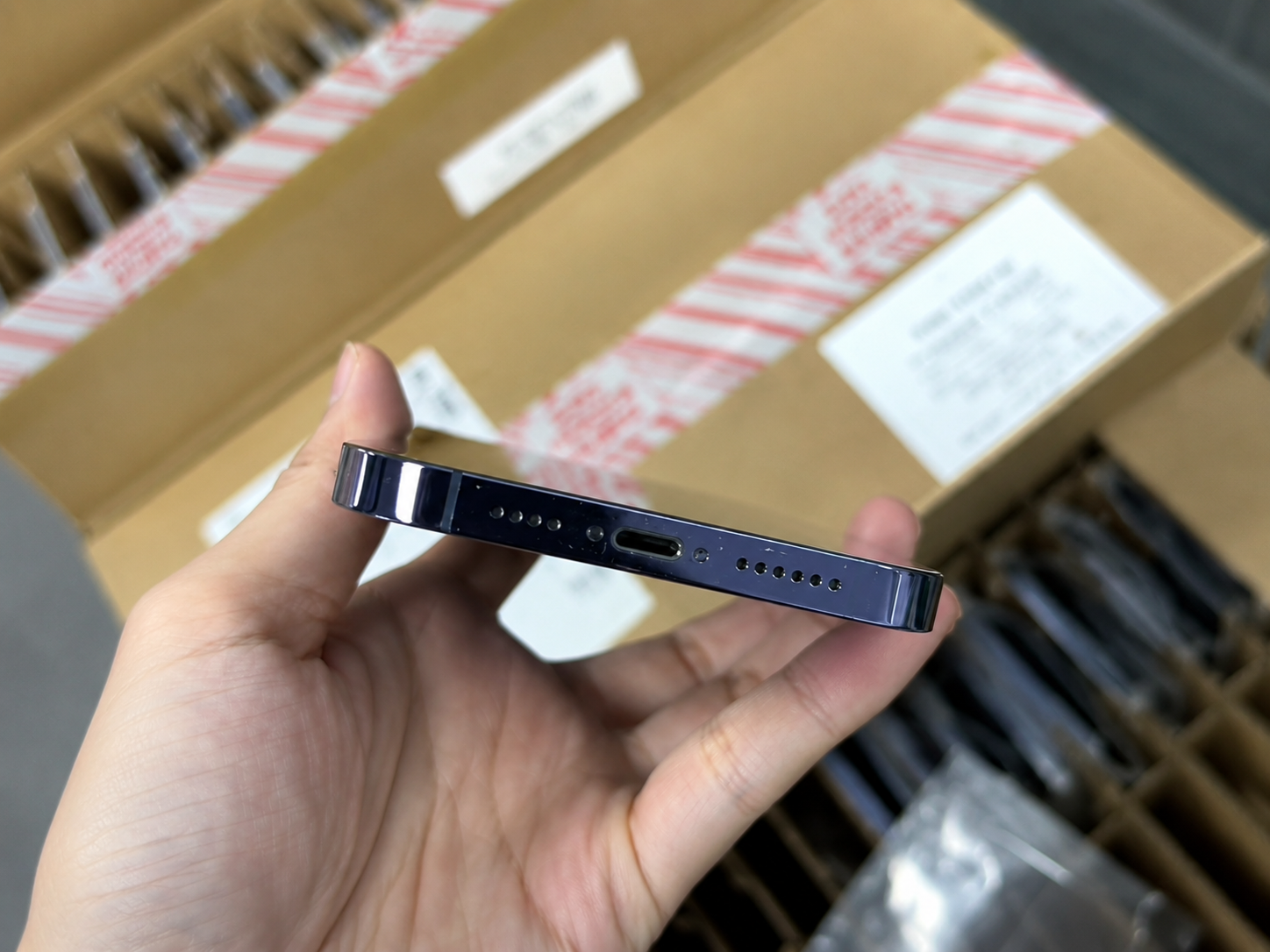
A carrier-unlocked phone may still have damage, weak battery health, parts issues, ownership restrictions, or function faults. A complete inspection protects the buyer from treating one positive result as a complete quality certificate.
- Check for “iPhone Locked to Owner” during setup.
- Inspect display, frame, back glass, and camera lenses.
- Check battery health and charging behavior.
- Review Parts and Service History where available.
- Test cameras, speakers, microphones, buttons, and charging.
- Test Wi-Fi, Bluetooth, and mobile connectivity.
- Review IMEI records and carrier status.
- Confirm the advertised model, storage, and color.
- Record every exception before completing the purchase.
9. Set Clear Carrier-Status Rules for Wholesale Orders
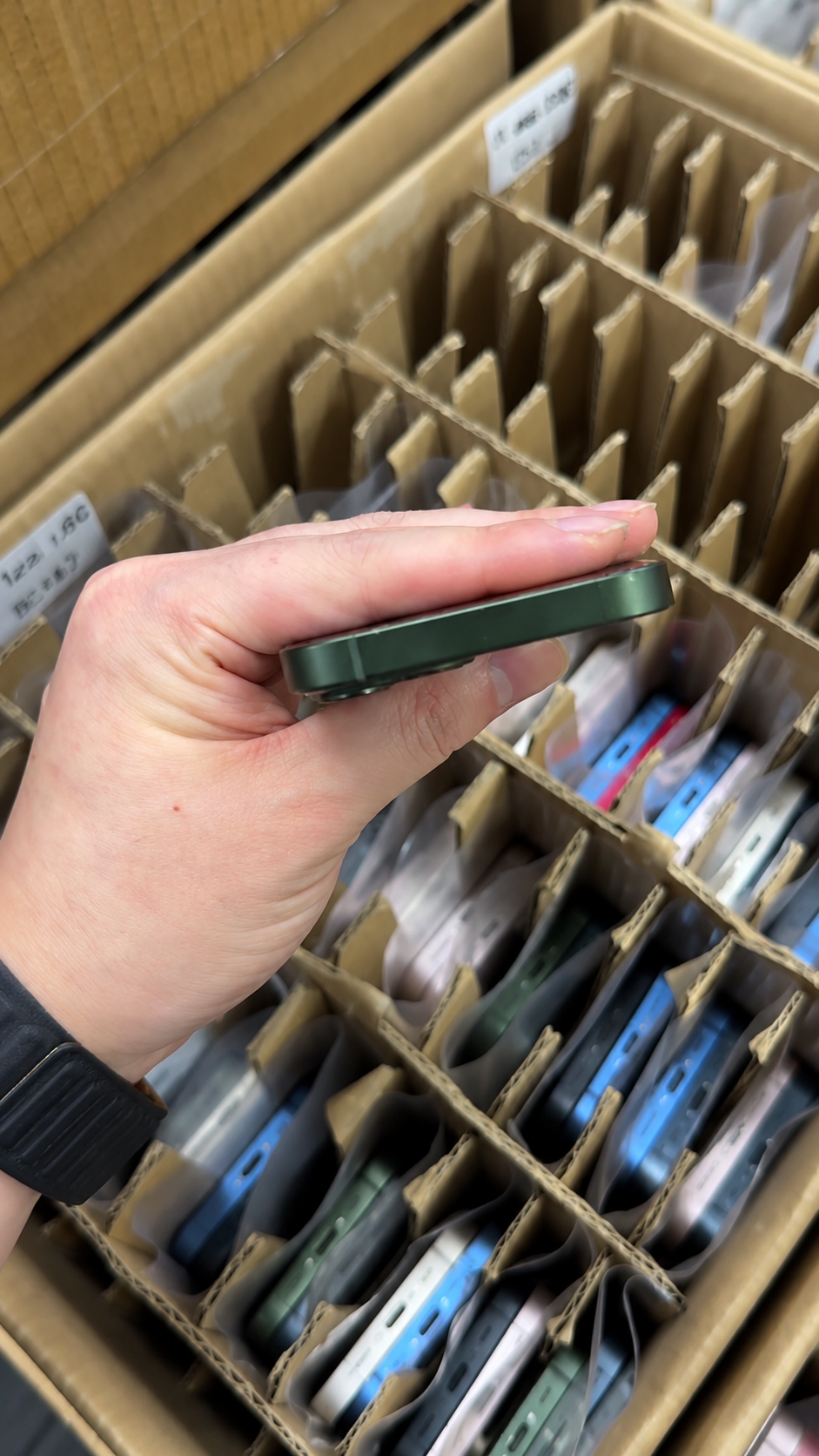
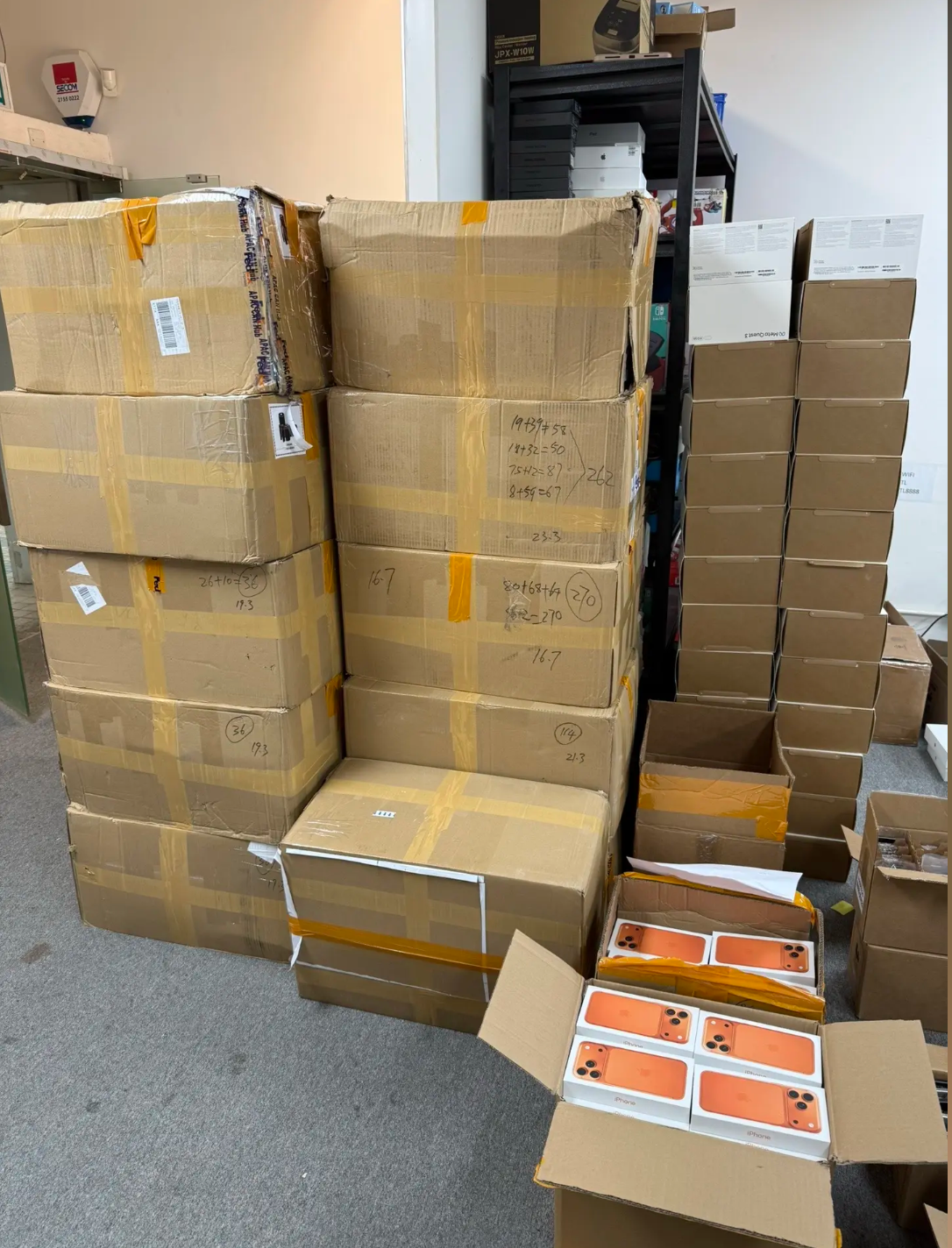
Wholesale buyers should define carrier requirements in writing before paying for inventory. This turns a vague unlocked claim into a checkable purchase condition and separates carrier status from cosmetic grade and battery condition.
- Specify whether all devices must show “No SIM restrictions.”
- Define whether any locked devices are accepted for a separate repair or domestic channel.
- Require carrier status in the unit-level manifest where needed.
- State the destination market and regional variant.
- Specify SIM/eSIM compatibility requirements.
- Define the inspection period after delivery.
- Define how undisclosed locked units are handled.
| Inventory Plan | Carrier-Status Requirement | Documentation Needed |
|---|---|---|
| International resale | Unlocked and compatible with target market | Carrier-status record and model details |
| Domestic carrier channel | May be carrier-specific if disclosed | Carrier identity and resale limitation |
| Repair or parts inventory | Lock status may affect value and route | Clear fault or restriction disclosure |
| Premium resale | Unlocked status plus full inspection | Manifest, test record, and condition disclosure |
10. Document Carrier Status During Receiving Inspection
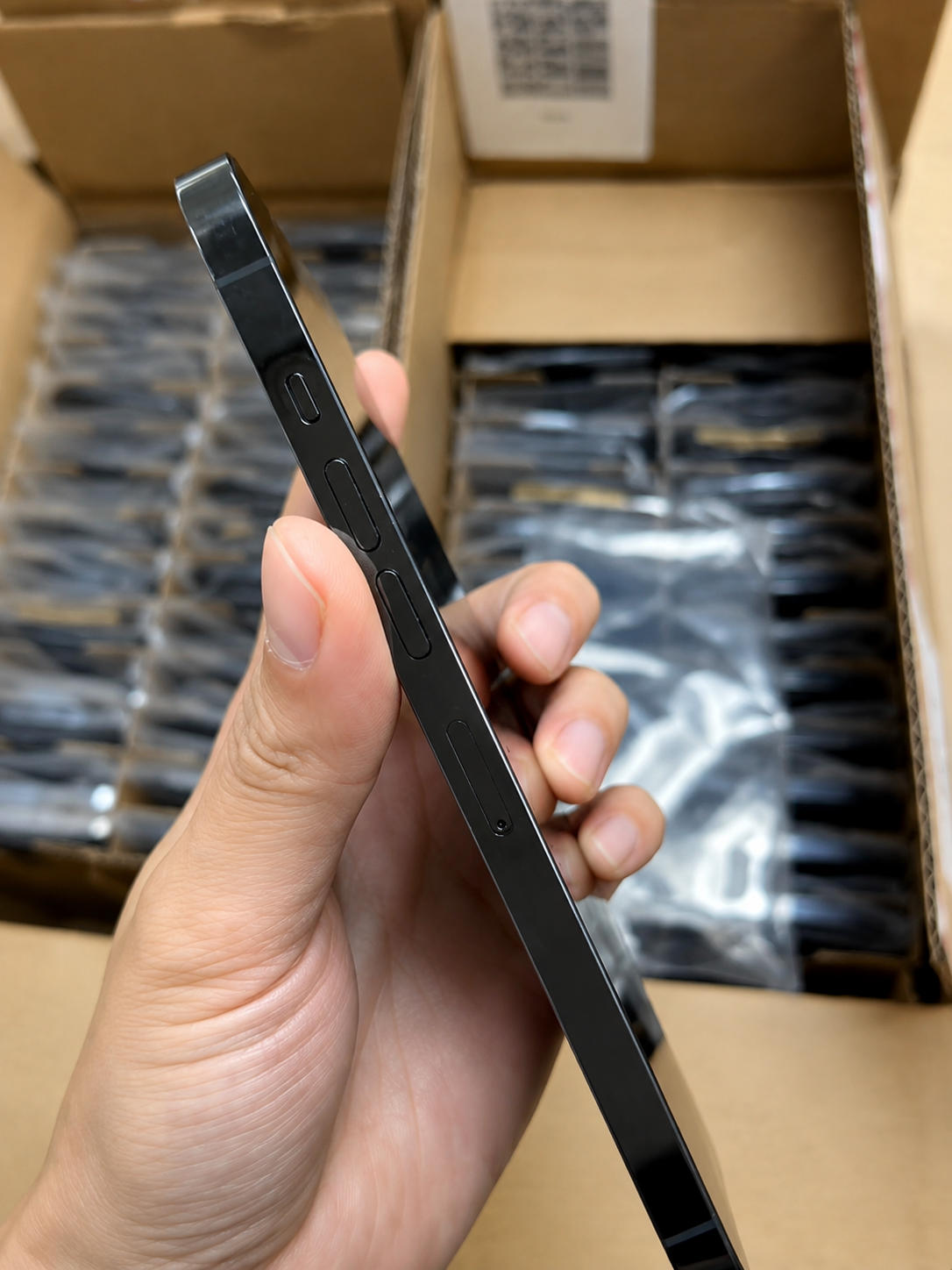
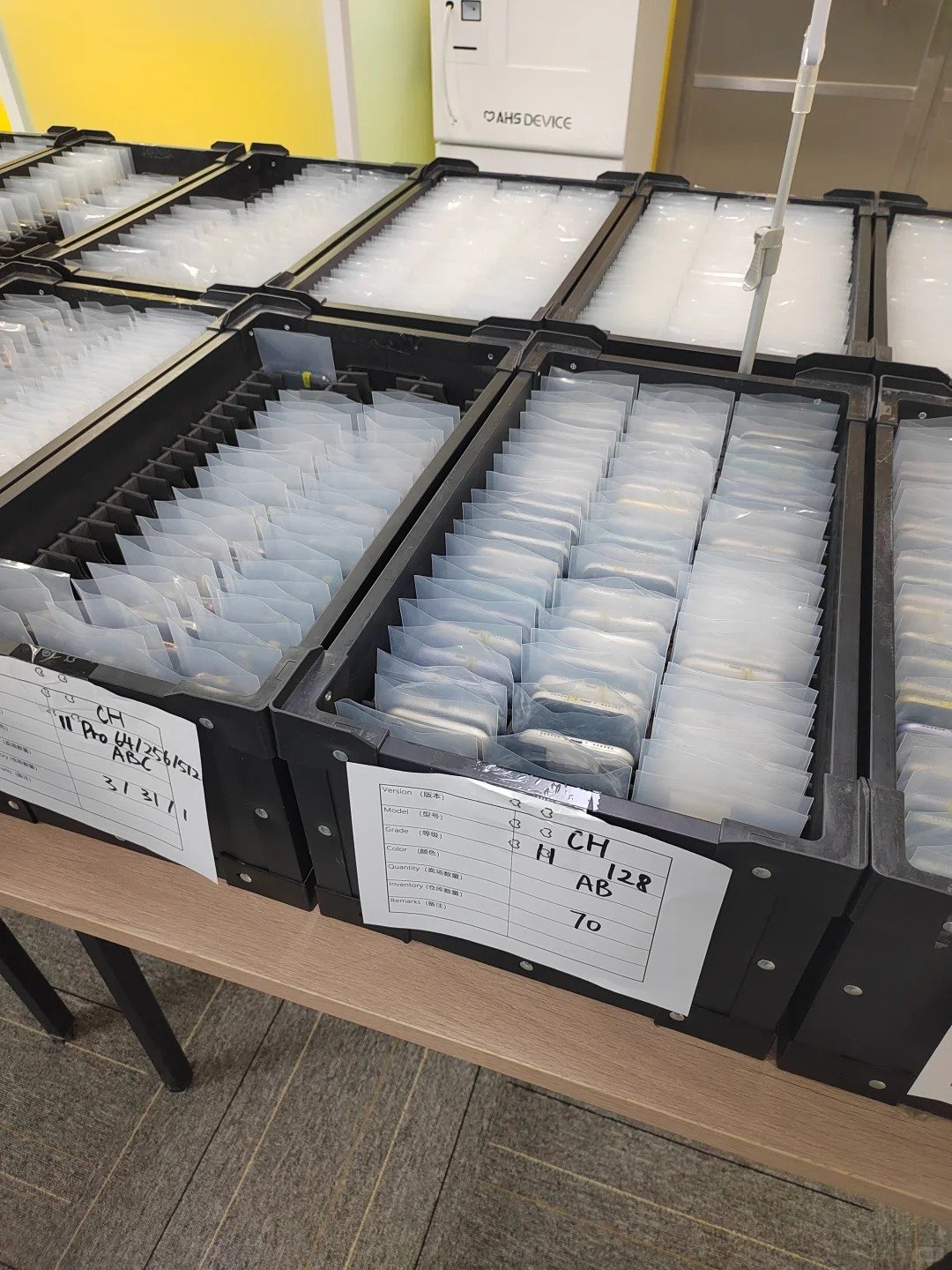
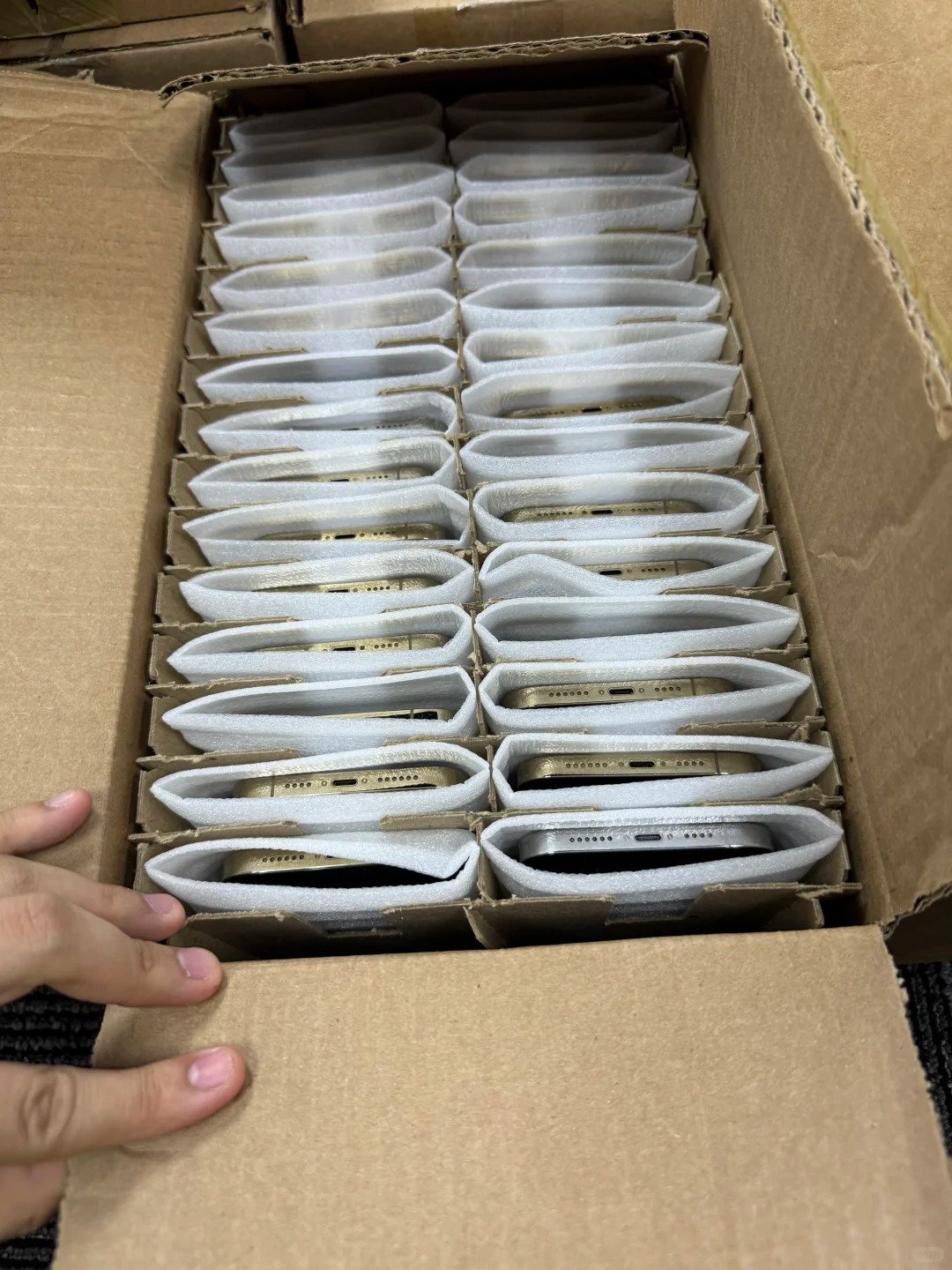
Inbound quality control should reconcile carrier status against supplier documents. Prompt records help a team allocate good stock, isolate disputed units, and make claims within the agreed time window.
| Step | Action | Record to Keep |
|---|---|---|
| 1 | Scan or log the IMEI | Unit-level identifier |
| 2 | Confirm model and regional variant | Device configuration record |
| 3 | Open Carrier Lock in Settings | Carrier-status screenshot or note |
| 4 | Test compatible SIM or eSIM where practical | Connectivity pass/fail result |
| 5 | Check Activation Lock status | Setup result |
| 6 | Separate disputed units | Exception or quarantine list |
| 7 | Submit claim in the agreed window | Written report with evidence |
11. Know the Most Common Buyer Mistakes
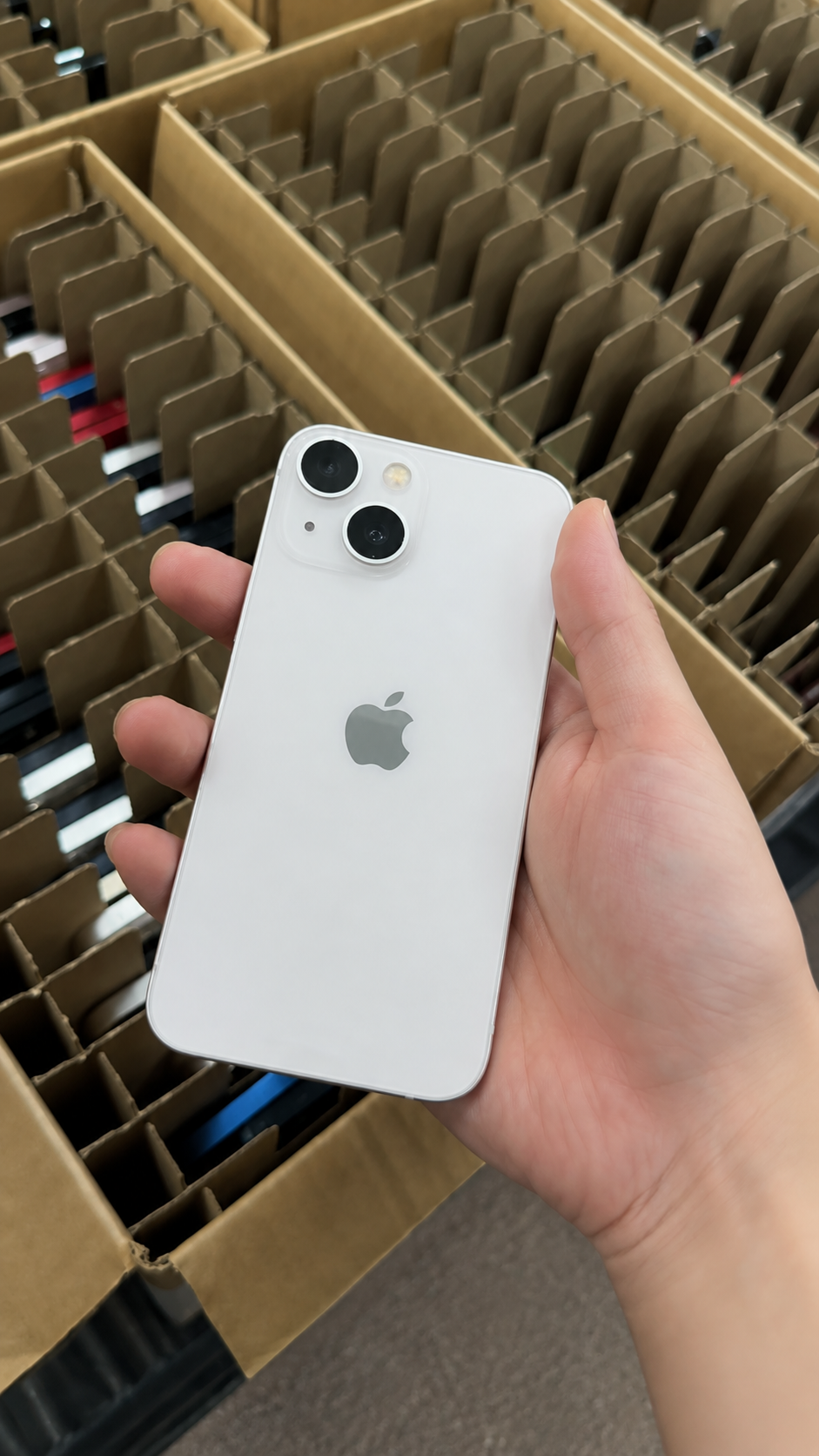
Many problems occur when buyers confuse different device restrictions. A simple checklist keeps carrier status, ownership, identity, compatibility, and condition in their correct lanes.
| Common Mistake | Why It Is a Problem | Better Approach |
|---|---|---|
| Assuming unlocked means no ownership issue | Carrier unlock does not remove Activation Lock | Check Carrier Lock and setup status |
| Relying only on a seller message | Marketing language may be incomplete | Check Settings and supporting records |
| Ignoring regional variant | eSIM and network requirements can differ | Confirm model and destination compatibility |
| Treating IMEI as a carrier-unlock test | Identity and carrier lock are different checks | Record both status types |
| Buying locked stock for broad resale without a plan | Limits buyers and resale channels | Define permitted lock status before ordering |
| Ignoring incoming checks | Exceptions can appear after the claim deadline | Inspect and document promptly |