
Ownership-readiness guide
How to Check for MDM Lock on iPhone
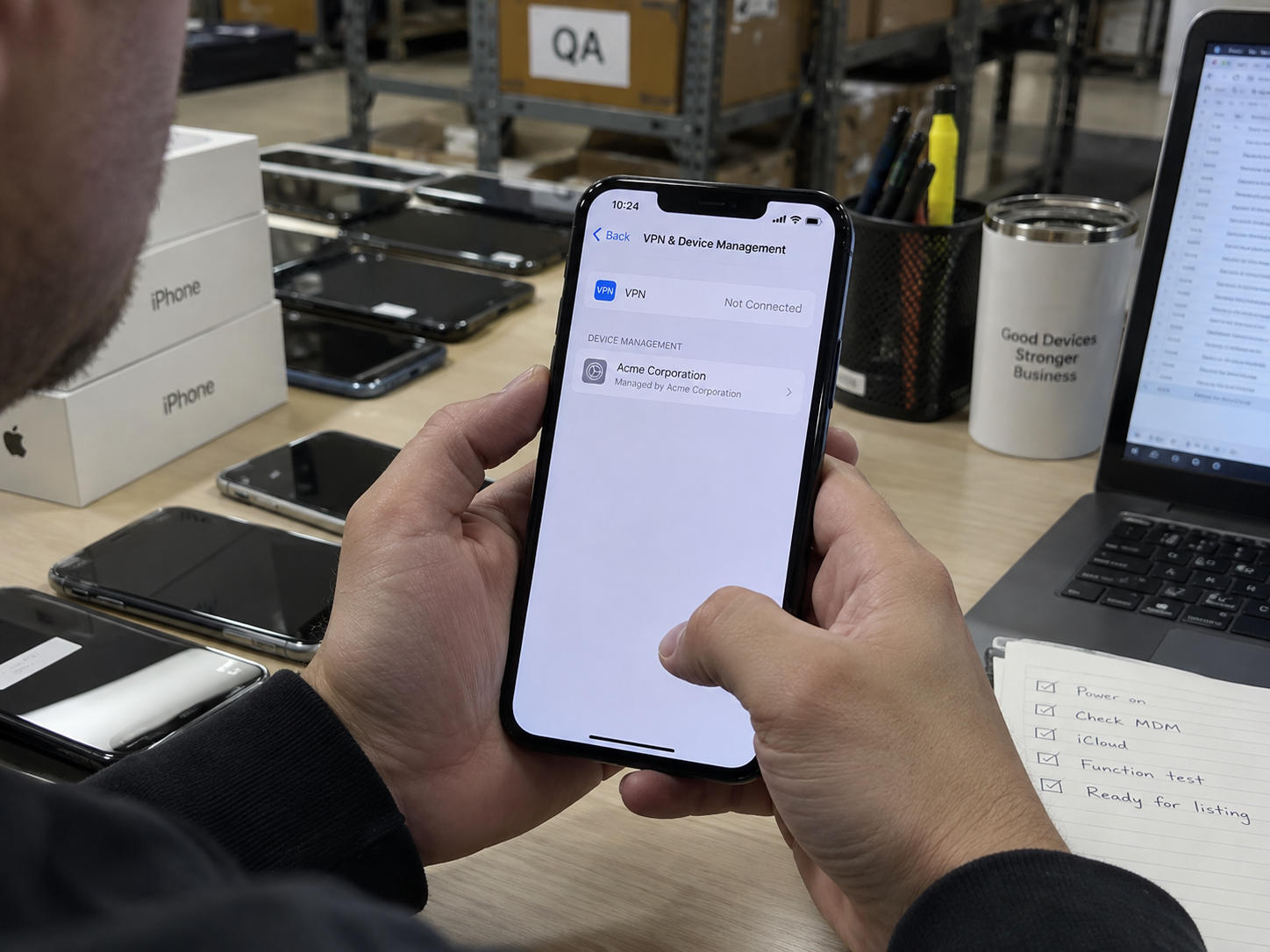
A used iPhone can appear clean, unlocked and functional yet still be enrolled in an organisation’s device-management programme. For a B2B buyer, Remote Management is an ownership and resale-release risk—not a cosmetic issue.
Screen every device through a documented setup-state check, then hold any uncertain unit for the seller or enrolling organisation to resolve.
Overview
MDM Is Different From Carrier Lock and Activation Lock
Remote Management is normally tied to an organisation’s enrolment service. Carrier Lock concerns a network restriction; Activation Lock concerns an Apple Account. Test and document each separately. A device can pass one check and still fail another.
For an incoming lot, the commercial question is simple: can the device complete the intended setup flow without an organisation demanding credentials or configuration? If not, do not classify it as resale-ready.
Receiving SOP
How to Check a Used iPhone for Remote Management
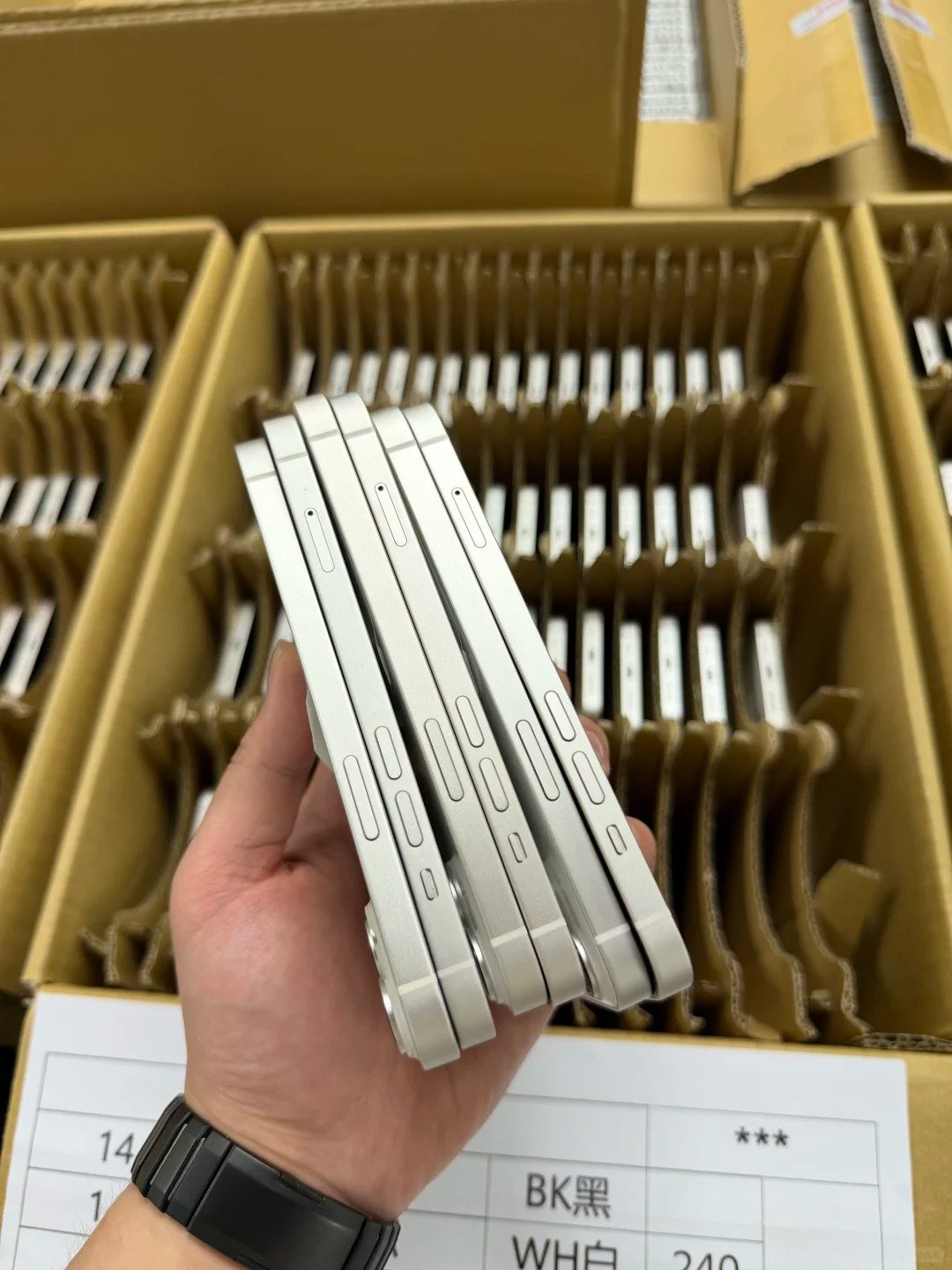
- Match the device’s IMEI and serial number to the lot record.
- Confirm the supplier has represented the unit as clear for resale.
- Use the normal setup process on a legally obtained, erased device; do not use bypass tools.
- Connect to a network only as required to complete the normal setup check.
- Watch for a Remote Management or organisation-enrolment screen.
- Record the exact on-screen wording, date, IMEI and tester result.
- Separate pass, hold and unresolved units before grading or shipping.
| Result | Meaning for procurement | Required action |
|---|---|---|
| Normal setup completes | No management prompt observed in this check | Continue with lock, function and grade checks. |
| Remote Management appears | Organisation enrolment may still control setup | Hold; request authorised release evidence. |
| Setup cannot be completed | Cause is not yet proven | Record condition and investigate through the supplier. |
| Supplier statement only | Commercial claim, not a test result | Keep it separate from your own result. |
Exception handling
What to Do When a Remote Management Screen Appears
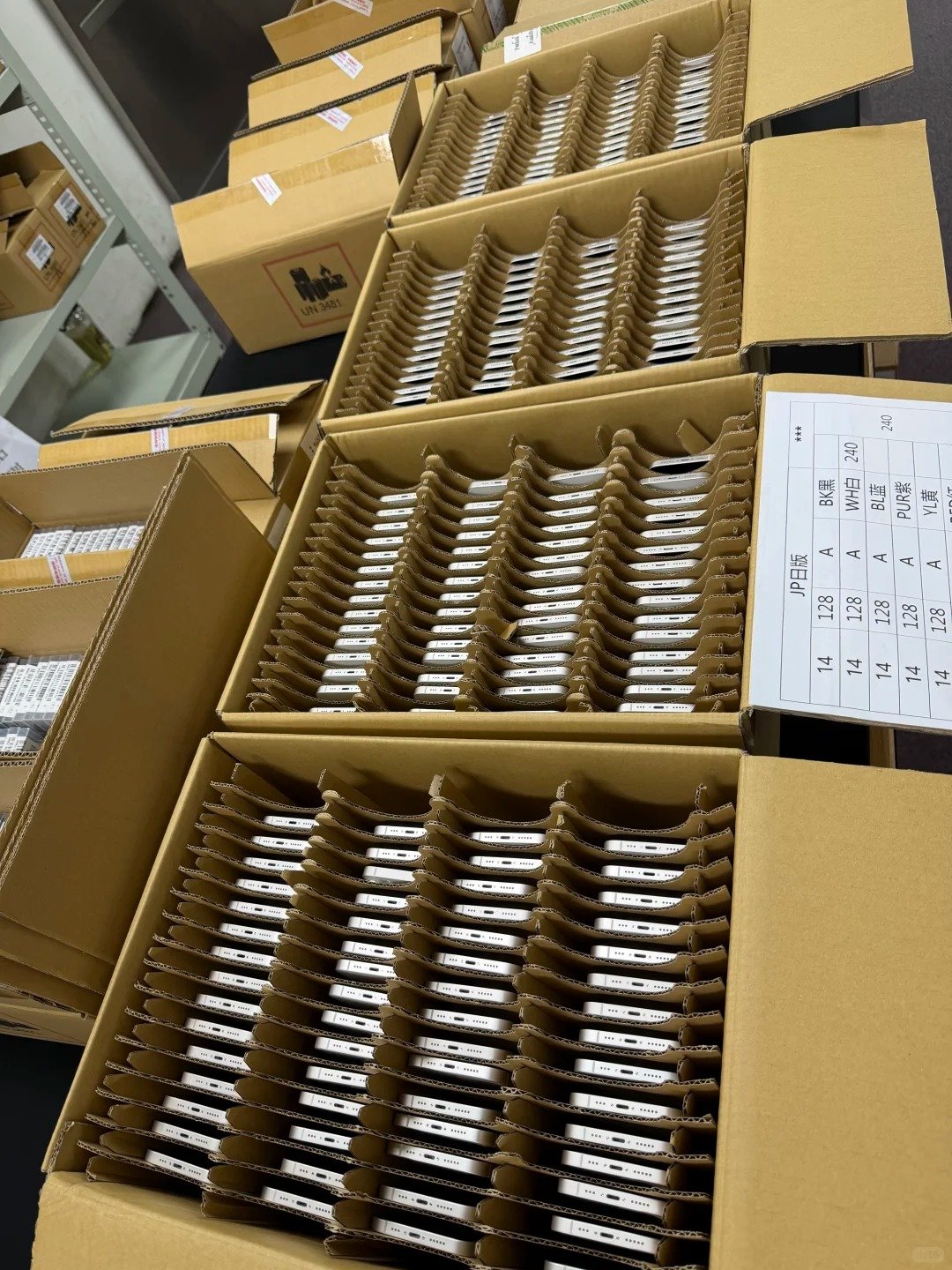
Quarantine the unit from resale inventory. Give the supplier a concise exception record: IMEI or serial, purchase reference, date, setup-stage screenshot where permitted, and the requested remedy. The appropriate remedy is authorised removal by the organisation or a supplier-approved return or credit process—not a workaround.
Do not assume that a factory reset resolves management enrolment. Re-check a device after an authorised resolution before it returns to sellable stock.
- Keep a separate hold status in the lot sheet.
- Do not mix held units into graded inventory.
- Agree ownership and lock remedies in purchase terms before payment release.
- Retain final resolution evidence against the device identifier.
Purchase controls
Build MDM Screening Into the Purchase Order
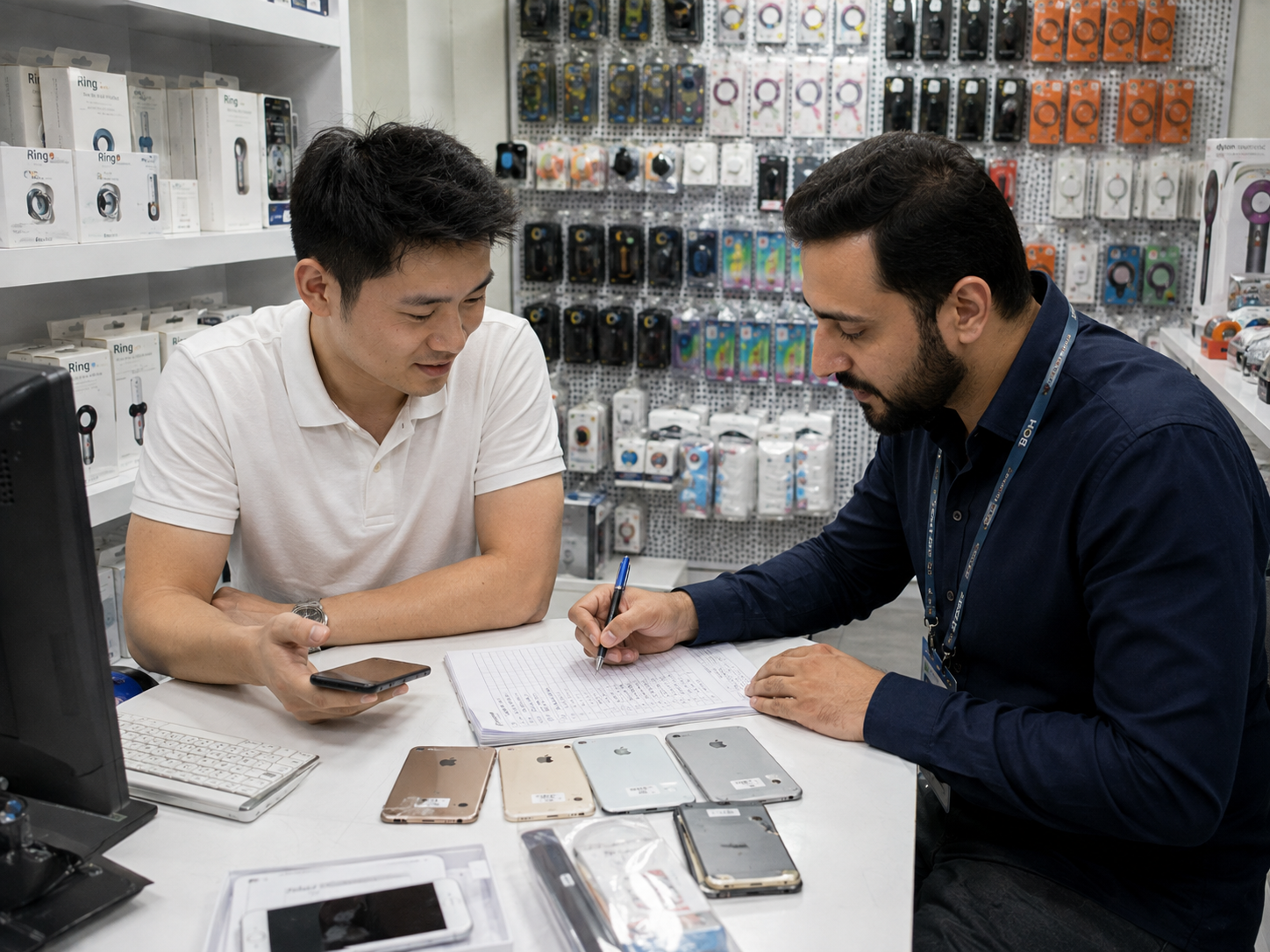
Ask suppliers to provide a device-level identifier list and a clear definition of “resale-ready.” Include the treatment of managed, Activation Locked, financed, blacklisted or otherwise restricted units in inspection and claims terms. A sample test may be appropriate, but it should not replace an agreed lot-level remedy.
Pair this control with the bulk iPhone testing SOP, the used iPhone condition checklist, and the current product range when planning a source list.
FAQ
MDM Lock Questions for Wholesale Buyers
Can an iPhone be unlocked but still show Remote Management?
Yes. Carrier status and organisation management are separate checks. Record both results before accepting a unit for resale.
Can a factory reset remove MDM?
Do not assume so. A reset can lead back to management enrolment during setup. Only an authorised organisation can remove its enrolment.
What evidence should a supplier provide?
Request a device-level identifier list, a clear warranty or remedy for managed units, and resolution evidence for any unit that failed your setup test.
Should a buyer test every device?
Your sampling and testing plan should match the transaction risk, lot size and agreement. Define pass, hold and remedy processes in advance.
Summary
Screen Early, Document Clearly, Escalate Properly
Remote Management should be treated as an ownership-readiness exception. Test the normal setup path, record the result against the device identifier, quarantine uncertain units and use an authorised supplier remedy.
- Check management, carrier and Activation Lock separately.
- Do not use or request bypass methods.
- Make device-level remedy terms part of the purchase agreement.
Talk to HQB
Discuss documented used iPhone sourcing
Tell us the models, quantity, destination and acceptance controls you need. We can discuss current sourcing requirements without requesting device-owner data.

Updated:
Related guides