Understand What Maximum Capacity Means
Maximum Capacity is the battery-health reading visible in iPhone settings on supported devices. It is a reported indicator of capacity relative to the battery when new. It is not a complete prediction of future runtime, charging behaviour or customer satisfaction.
Battery ageing is affected by use, charging, temperature and device history. Devices with similar reported capacity can still produce different user experiences. The reading belongs in the unit record; it should not replace a functional test or be copied across a batch.
| Battery Health Item | Plain-Language Meaning | Bulk Buyer Action |
|---|---|---|
| Maximum Capacity | Reported capacity relative to new | Record it against the exact device |
| Peak Performance Capability | Displayed performance-related information | Record the message and review with tests |
| Battery Service Recommendation | A displayed service-related message | Route for internal review |
| Battery Health Screen Availability | Whether the screen can be reviewed | Record access or missing information |
| Battery Information Not Available | Information cannot be confirmed | Use exception workflow, not assumptions |
| Inconsistent Reading | Information needs clarification | Recheck and document the result |
| Unexpected Service Message | A potential battery-related exception | Review repair history and function |
- Similar readings can still produce different user experiences.
- Battery information should be linked to the exact device record.
- A reported percentage should not replace charging and functional tests.
Check Battery Health in iPhone Settings
Menu labels and available details can differ by iPhone model and iOS version. The review is simple, but the recordkeeping around it matters just as much in a used iPhone wholesale inspection.
On-device review process
- Power on the iPhone.
- Confirm the device identifier matches the inspection record.
- Open Settings, then select Battery.
- Open Battery Health or Battery Health & Charging.
- Record displayed maximum capacity.
- Record peak-performance or service messages where shown.
- Capture the result in the device-level quality-control record.
- Continue with charging and functional tests.
| iPhone Group | Battery Information to Review |
|---|---|
| iPhone 11, iPhone 12, iPhone 13, and iPhone 14 Models | Battery Health screen, maximum capacity, peak-performance and service information where shown |
| iPhone 15 Models and Later | Battery Health information plus additional battery data where supported |
| Older Supported Devices | Available Battery Health screen and functional charging results |
| Devices That Cannot Complete Review | Record the reason, then follow verification or exception procedures |
Review Cycle Count Where Available
Certain newer iPhone models and supported software versions can display battery cycle count. Cycle information adds useful context, but it should not be treated as a single condition grade or resale decision. A cycle count should be reviewed together with maximum capacity, device age, charging behaviour and the intended customer segment.
| Data Point | What It Adds | Buyer Limitation |
|---|---|---|
| Cycle Count | Additional use context | Does not define the whole condition |
| Maximum Capacity | Reported current capacity indicator | Does not predict every user experience |
| Manufacture Date | Battery-age context where available | Does not prove present function |
| First-Use Date | Device-history context where available | Does not reveal every use pattern |
| Battery Service Recommendation | Potential exception signal | Does not replace assessment |
| Functional Charging Test | Observed device behaviour | Does not promise future performance |
| Device Repair History | Known service context | May not show every historic event |
Separate Battery Health from Cosmetic Grade

Cosmetic grade describes visible appearance. Battery health relates to internal battery information and performance indicators. A clean-looking device can have battery concerns, while a device with visible wear can still meet a buyer’s battery acceptance criteria. Keeping these facts separate makes later regrading and customer descriptions more accurate.
| Assessment Area | What It Reviews | Record Separately? |
|---|---|---|
| Cosmetic Grade | Overall visible appearance | Yes |
| Screen Condition | Display wear and defects | Yes |
| Housing Condition | Frame and back condition | Yes |
| Battery Health | Reported battery information | Yes |
| Charging Function | Observed charging behaviour | Yes |
| Peak Performance Message | Displayed battery-related status | Yes |
| Repair History | Available service information | Yes |
| Overall Functional Status | Core test outcome | Yes |
- Record cosmetic grade, battery data and functional results separately.
- Do not use one label to replace all condition information.
- Describe the device accurately in the intended sales channel.
Verify Battery Information by Device
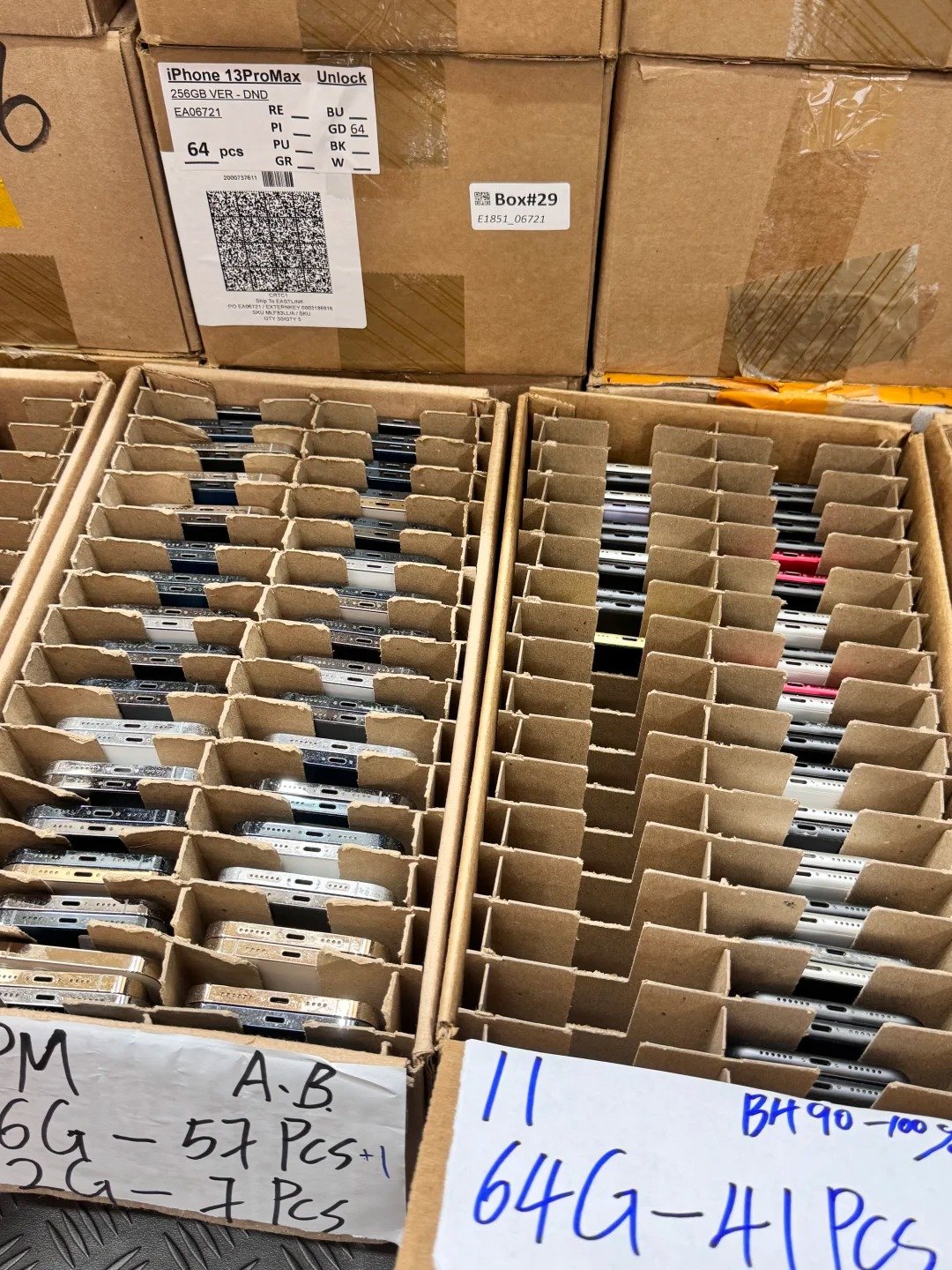
Bulk buyers should avoid relying only on a lot-level battery statement when individual records are available or commercially necessary. Device-level records make receiving inspection, regrading, repair decisions and resale descriptions more traceable.
Battery Record Fields for Each Device
| Field | Purpose |
|---|---|
| Lot Number | Connects the unit to its receiving batch |
| Device Line Number | Creates a unique manifest position |
| IMEI or Serial Number | Links evidence to the exact unit |
| Exact Model | Confirms device specification |
| Storage Capacity | Confirms inventory detail |
| Claimed Battery Information | Preserves supplier statement |
| Observed Battery Information | Records inspection evidence |
| Cycle Count Where Available | Adds supported context |
| Service Message | Captures exception evidence |
| Charging Test Result | Records functional result |
| Battery Repair Note | Captures available history |
| Inspector | Creates accountability |
| Inspection Date | Shows when the review occurred |
| Final Disposition | Sets next inventory action |
Do not attach a battery-health screenshot to the wrong device record. Keep every result tied to the specific unit reviewed.
Test Charging and Real Device Behavior
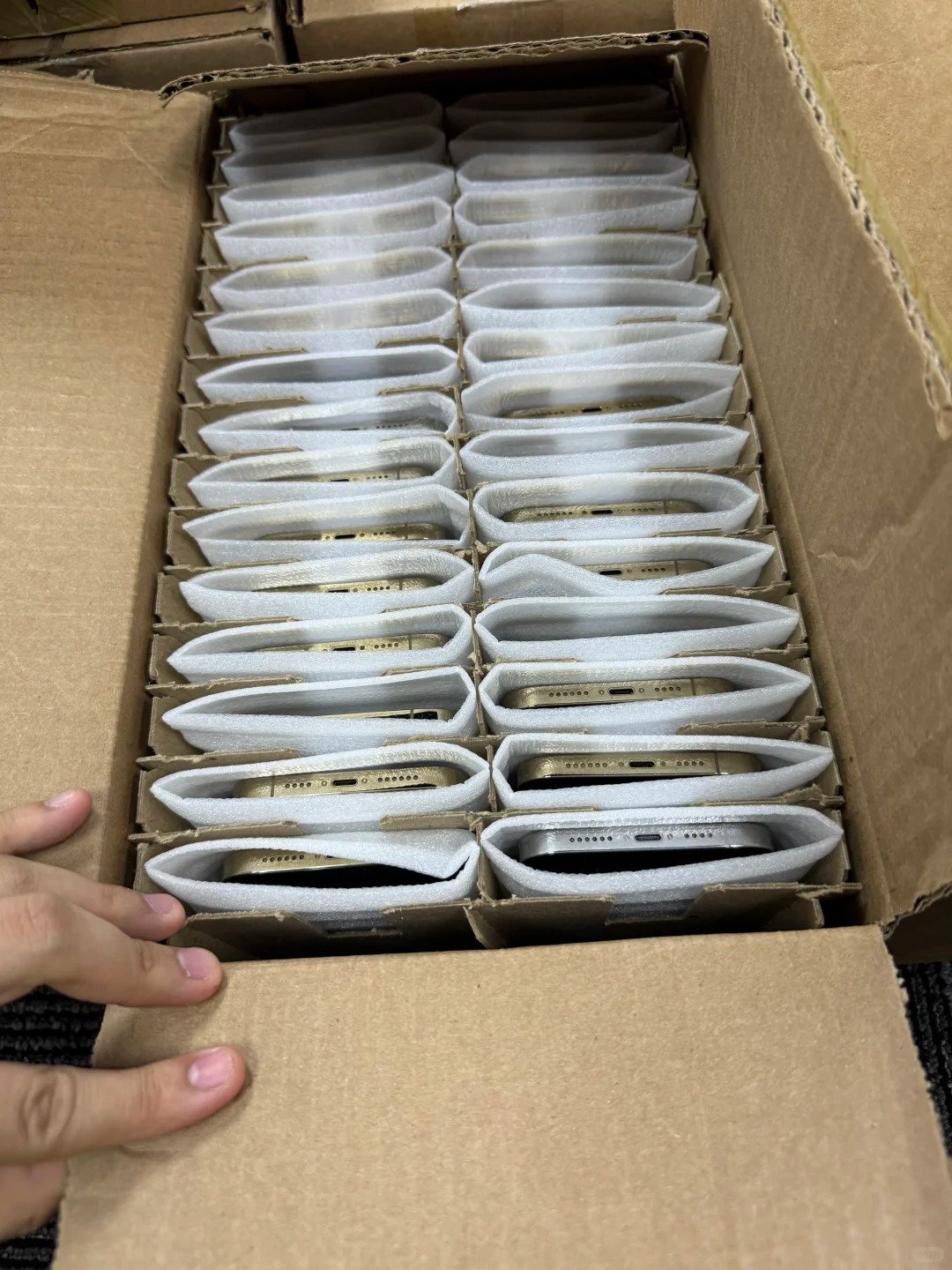
A battery-health reading should be supported by practical functional checks. These checks do not require unsafe disassembly, repair, bypass or battery-modification work. They document the device’s observed behaviour at receiving.
| Test Area | What to Observe | Record Outcome |
|---|---|---|
| Device Power-On | Normal startup behaviour | Normal, exception or further review |
| Charging Port Connection | Secure normal connection | Observed result |
| Cable Connection | Recognition with approved equipment | Observed result |
| Charging Recognition | Normal charging indication | Observed result |
| Wireless Charging Where Applicable | Normal response where relevant | Observed result |
| Unexpected Heat | Unusual heat during handling or charging | Safety exception |
| Physical Swelling or Housing Separation | Visible separation or deformation | Safety exception |
| Battery Percentage Behavior | Unexpected movement or instability | Observed result |
| Restart or Shutdown Behavior | Unexpected restart or shutdown | Observed result |
| Battery-Service Message | Message shown during review | Exact message |
| General Device Stability | Basic stable operation | Observed result |
Check Repair and Parts History
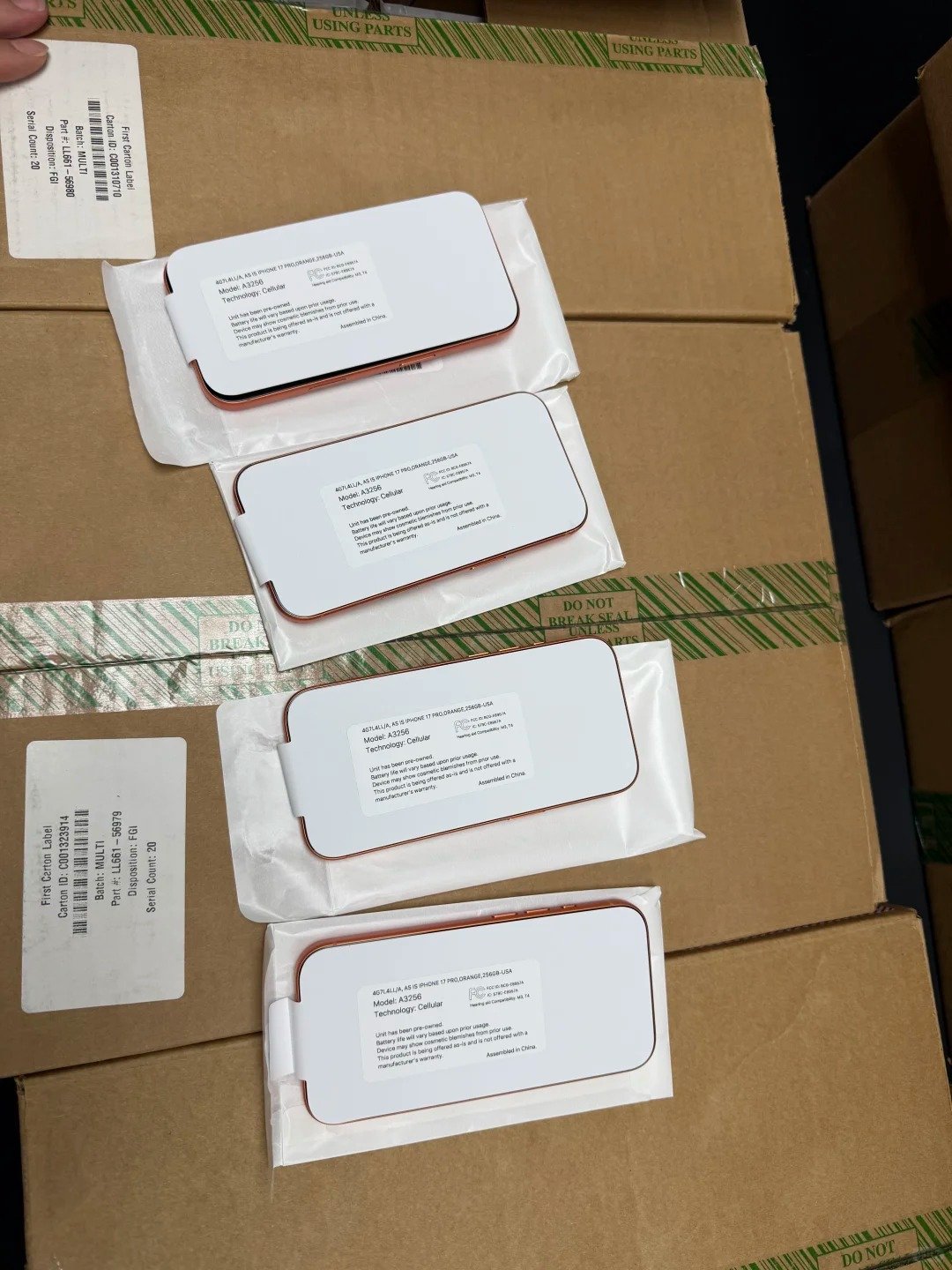
Battery replacement history can be relevant to condition, customer disclosure and channel requirements. Record what can be verified through legitimate device inspection and documented supplier information. Treat an available record as evidence to review, not a basis for unverified assumptions.
| Review Point | Buyer Question | Documentation Needed |
|---|---|---|
| Battery Replacement History | Was battery work reported? | Available supplier record |
| Parts and Service Information Where Available | What does the device show? | Device-level observation |
| Battery-Related Service Message | Is a message displayed? | Exact recorded message |
| Repair Invoice or Supplier Record | What service is documented? | Legitimate available record |
| Post-Repair Functional Test | Does the device operate normally? | QC result |
| Warranty or Channel Requirement | What does the intended channel require? | Buyer’s own criteria |
| Customer Disclosure Requirement | What must be accurately described? | Channel and local requirement review |
- Ask whether battery work was performed and record available repair information.
- Re-test the device after any repair.
- Use accurate condition descriptions and confirm the intended channel accepts the device profile.
- Do not misrepresent battery or parts status.
Set Internal Battery Acceptance Criteria

HQB does not claim a universal battery threshold. Each buyer should define acceptance criteria based on target model, channel, customer expectation, repair capacity, local rules and fully loaded cost. A clear criteria sheet helps purchasing teams handle exceptions consistently without overstating what a battery reading means.
| Internal Criteria Area | Question to Define |
|---|---|
| Minimum Reported Battery Information | Which device-level information must be recorded? |
| Required Functional Charging Test | Which observed checks are mandatory? |
| Treatment of Service Messages | Which messages require exception review? |
| Treatment of Missing Battery Data | How will unavailable information be handled? |
| Repair-versus-Resale Decision | Who decides the next route? |
| Required Device Documentation | Which evidence stays with the unit? |
| Customer Disclosure Standard | What must be communicated accurately? |
| Exception Approval Process | Who can release an exception? |
Short internal process
- Define the target sales channel and required device records.
- Define battery-related acceptance criteria.
- Inspect each device.
- Sort devices by resale, repair, verification or exception status.
- Recalculate cost after any repair decision.
- Review the outcome after completed sales.
Sort Bulk Inventory by Battery Outcome
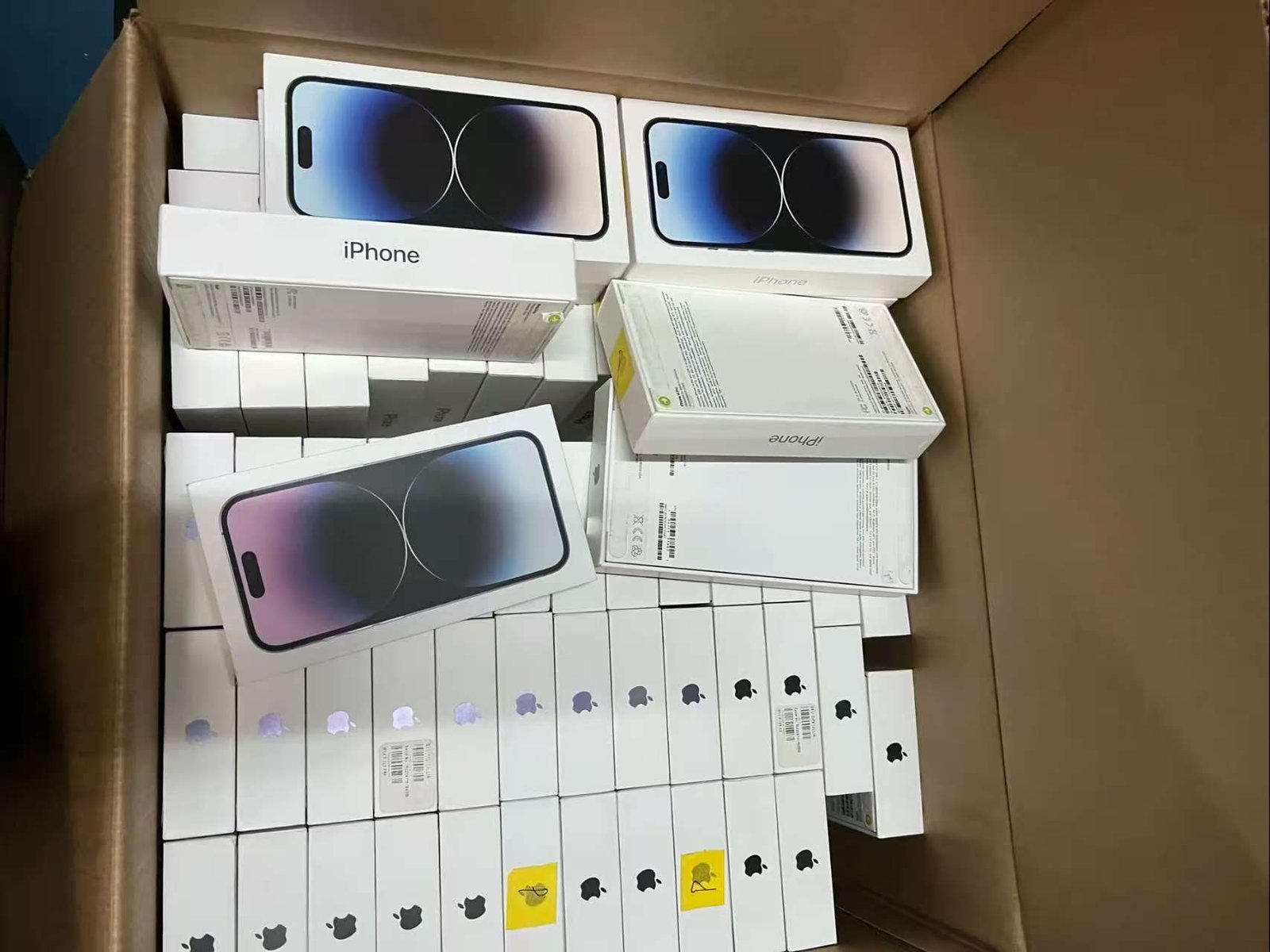
Every device does not need the same disposition. Sorting creates clearer inventory data and prevents battery-related exceptions from being mixed with ready-to-sell units. The names below are operational examples; buyers should adapt them to their own procedures.
| Battery Review Outcome | Inventory Status | Next Step |
|---|---|---|
| Meets Internal Criteria | Ready for normal next review | Complete remaining QC |
| Needs Further Functional Test | Verification | Repeat documented checks |
| Needs Battery-Service Review | Exception review | Check message and available history |
| Requires Repair Assessment | Repair review | Assess under internal process |
| Has Safety Concern | Isolated | Follow safety procedures |
| Has Missing Device Information | Verification | Resolve record gap |
| Ready for Resale | Released under criteria | Use accurate records |
| Parts or Recovery Review | Non-standard route | Follow internal handling process |
Use a clearly documented status for every unit. Do not label an entire batch “battery approved” if unresolved exceptions remain.
Calculate the Battery Impact on Cost
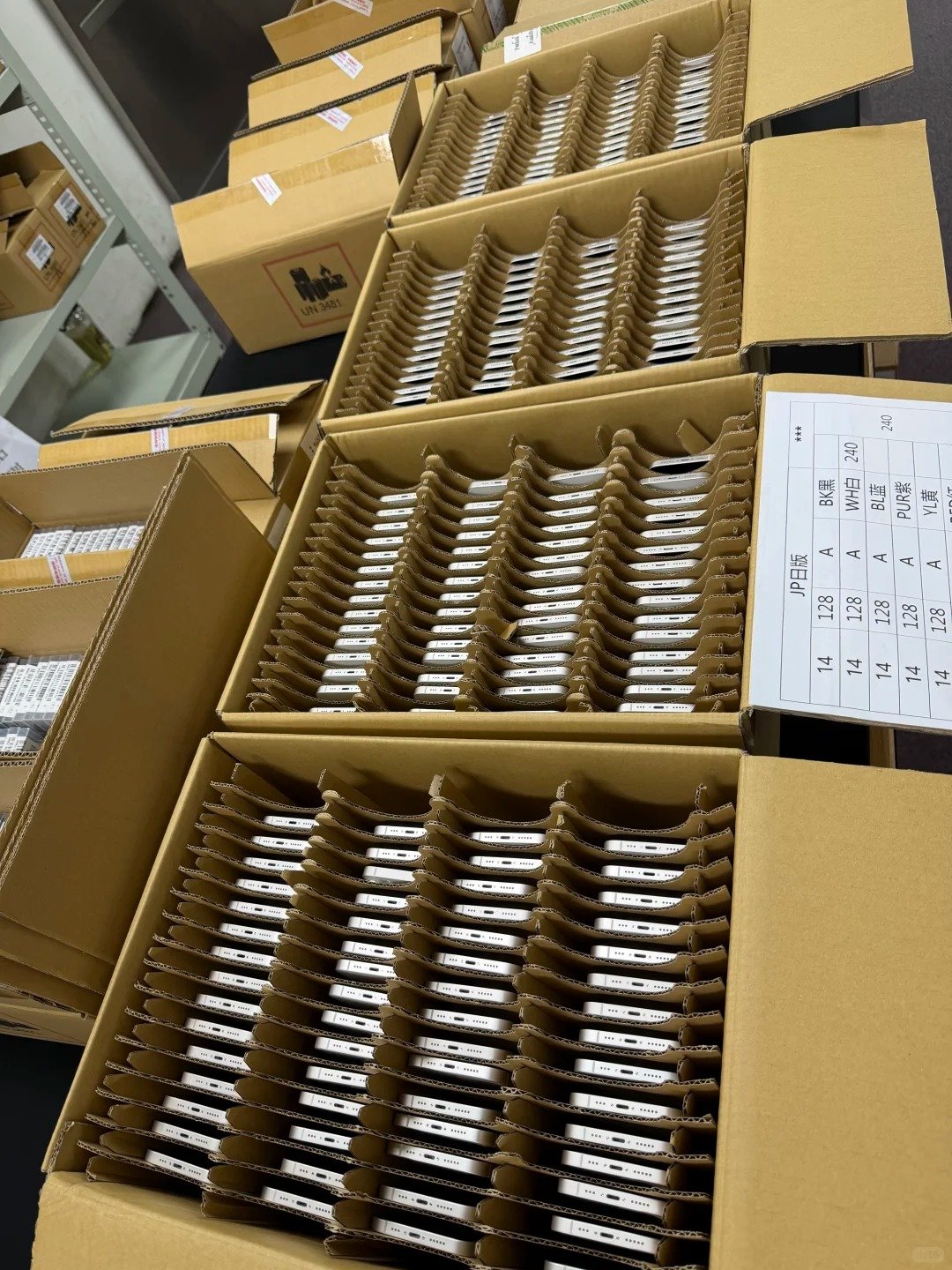
Battery-related review, repair and exception handling can affect the fully loaded cost of a device. Buyers should account for these costs before setting a resale price, without assuming a particular outcome for any device or market.
Fully Loaded Cost
Acquisition Cost + Inspection Cost + Repair Cost + Parts Cost + Logistics Cost + Channel Cost + Applicable Allocated Costs
| Cost Consideration | Why It May Matter |
|---|---|
| Battery Inspection Time | Device-level review uses receiving resources |
| Diagnostic Testing | Supports evidence-based sorting |
| Battery Repair Assessment | May be needed for exceptions |
| Replacement Parts | Relevant only after an approved repair decision |
| Re-testing | Confirms post-review condition |
| Packaging and Handling | Part of inventory preparation |
| Return or Claim Exposure | Can affect internal planning |
| Inventory Holding Time | Can affect operational cost |
| Channel Fees | Can vary by sales route |
| Customer-Service Work | Can follow unclear records |
Cost treatment, tax treatment, customs, repair requirements and customer obligations vary by location and business model. Use verified internal records and qualified advisers for commercial decisions.
Use Battery Data in Resale Descriptions

Clear, device-specific records support accurate resale descriptions and help prevent mismatched customer expectations. They do not justify future battery-life promises or a universal performance claim. The device record should travel with the decision to offer, regrade, repair or hold a unit.
| Resale Description Element | Accurate Approach | Avoid |
|---|---|---|
| Battery Information | Use the recorded result for that device | Copying one reading across units |
| Cosmetic Grade | Describe visible condition separately | Using grade as battery evidence |
| Functional Test Status | State documented current result | Promising future performance |
| Repair Disclosure | Use verified available information | Making unsupported history claims |
| Device Status | Confirm it before release | Skipping network or status review |
| Accessories | Describe what is actually included | Assuming standard inclusion |
| Condition Language | Use consistent internal terminology | Overstating uniformity |
- Use the recorded result for that specific device.
- Avoid future-runtime promises.
- Separate cosmetic and functional information.
- Follow the intended sales channel’s requirements and retain linked evidence.
Build a Bulk Battery Inspection Workflow

A repeatable workflow supports consistency as volume increases. It also makes it easier to find an exception before the unit reaches a resale or export process.
Receiving-to-release workflow
- Receive and count devices.
- Match each device to its manifest line.
- Confirm model and storage.
- Check device status.
- Review battery information in settings.
- Record capacity, messages and additional data where available.
- Test charging and core functions.
- Note repair or parts information.
- Assign a disposition.
- Update fully loaded cost where required.
- Perform a final record review before resale or shipment.
| Stage | Required Evidence | Responsible Internal Role |
|---|---|---|
| Receiving | Count and lot record | Receiving team |
| Identification | IMEI or serial matched to manifest | QC or receiving team |
| Battery Review | Recorded available battery information | QC team |
| Functional Test | Charging and core-function result | QC team |
| Repair Review | Available history and assessment record | Assigned review role |
| Inventory Sorting | Documented disposition | Inventory team |
| Pricing Review | Verified fully loaded cost inputs | Commercial team |
| Final Release | Complete device record | Release approver |
Before purchase or resale, buyers must verify device status, battery information, repair history, network compatibility, destination-market requirements and their own internal acceptance criteria.