Screen inspection workflow
Check Parts and Service History
Parts and Service History may appear in Settings > General > About on supported iPhones with relevant repair information. Availability and labels can vary by model, iOS version, and repair circumstances. It should be treated as a useful record, not as a complete lifetime history for every device.
When the section is present, read the Display entry exactly as it appears. When it is unavailable or incomplete, continue the inspection rather than filling the gap with an assumption. A missing display entry does not prove a phone was never opened, never repaired, or still has its first display.
- Open Settings.
- Select General.
- Select About.
- Look for Parts and Service History.
- Check whether Display is listed.
- Record the exact status and message.
- Compare the result with supplier disclosure.
- Do not draw conclusions if the section is unavailable or incomplete.
| Display status or message | What it may indicate | Correct buyer response |
|---|---|---|
| Genuine | Apple identifies a genuine part and repair process. | Record it; do not assume the display is original to the device. |
| Used | A display may have been previously installed in another iPhone where supported. | Request clear supplier disclosure. |
| Unknown Part | Several possible causes can apply. | Investigate further; do not assume one cause. |
| No display entry | May reflect model, software, repair, or history limitations. | Continue functional and visual inspection. |
| Updated device information message | Apple updated device information related to the part. | Record the message and request supporting details. |
For a receiving team, capture the status in a unit record and preserve the wording. Avoid replacing a device message with a shorthand such as “good screen” or “original screen.” Those phrases mix an observation, a parts claim, and a condition decision into a label that cannot be audited later.
Where a record and supplier disclosure agree, the buyer still needs to test the display. Agreement improves traceability; it does not confirm that touch, brightness, color, and related functions currently meet the purchase requirement. Where they do not agree, pause acceptance and classify the unit as requiring review rather than selecting the explanation that best suits the listing.
Understand Unknown Part Messages
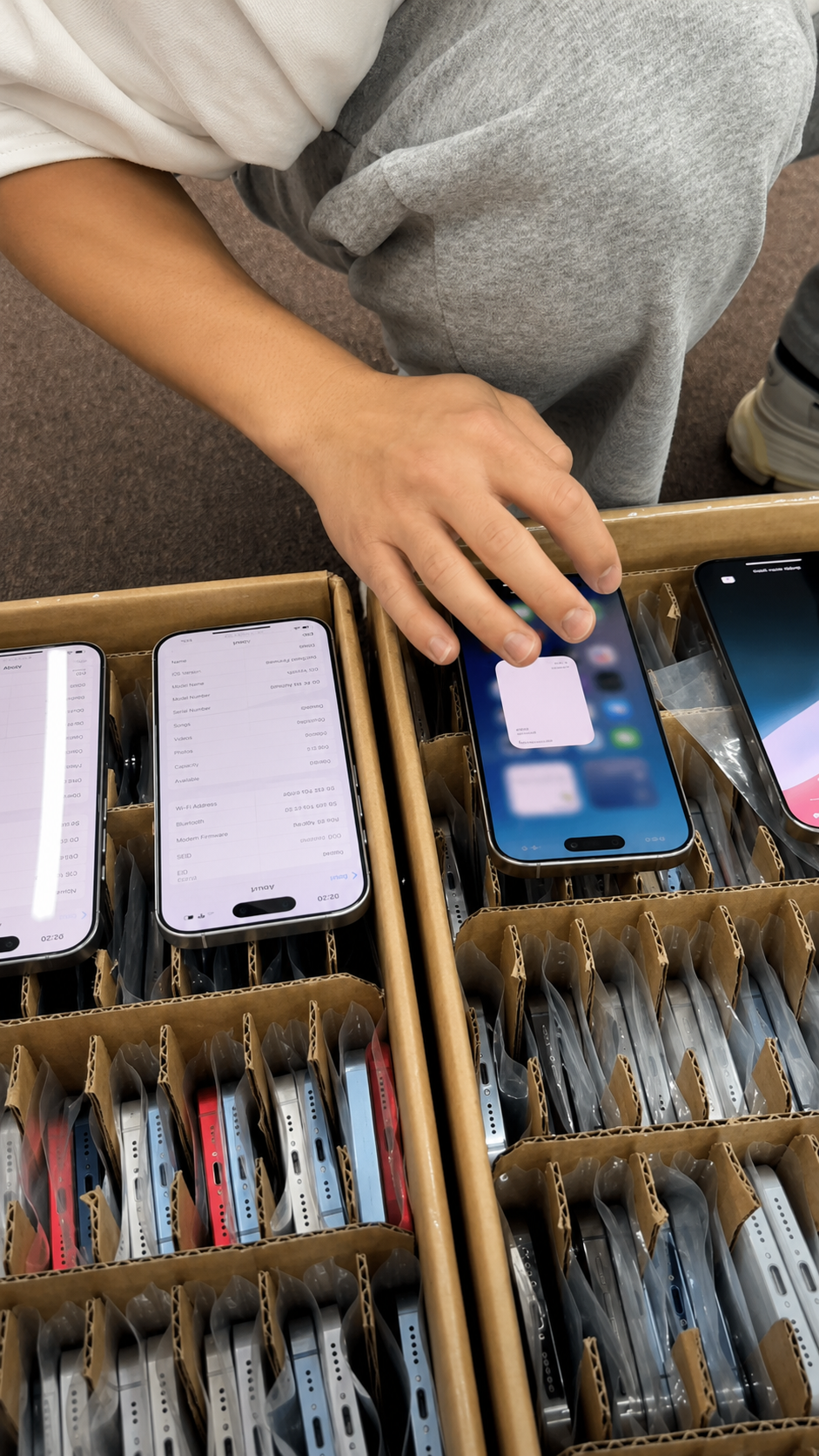
An Unknown Part message is a signal for further verification, not a complete diagnosis. It may be associated with incomplete installation, a non-genuine part, a previously used part, or a part that is not functioning as expected. A buyer cannot reliably select one explanation from the message alone.
That uncertainty matters in sourcing because different resale channels have different tolerance for disclosed repair history. A device may pass a basic visual check yet remain unsuitable for a buyer whose written requirement excludes an unresolved display message. Conversely, an Unknown Part message should not be transformed into an unsupported claim that the screen is fake or unusable.
| Observation | Do not assume | Recommended next step |
|---|---|---|
| Unknown Part for Display | That the screen is fake. | Request repair and part disclosure. |
| Unknown Part after a repair | That all display functions will fail. | Test the display and related functions. |
| Unknown Part with good visual quality | That the repair is acceptable for every buyer. | Match the result to buyer requirements. |
| Unknown Part with functional issues | That screen replacement is the only cause. | Request professional inspection. |
| Supplier does not explain the message | That the lot is fully documented. | Escalate before purchase approval. |
Inspect the Display Physically
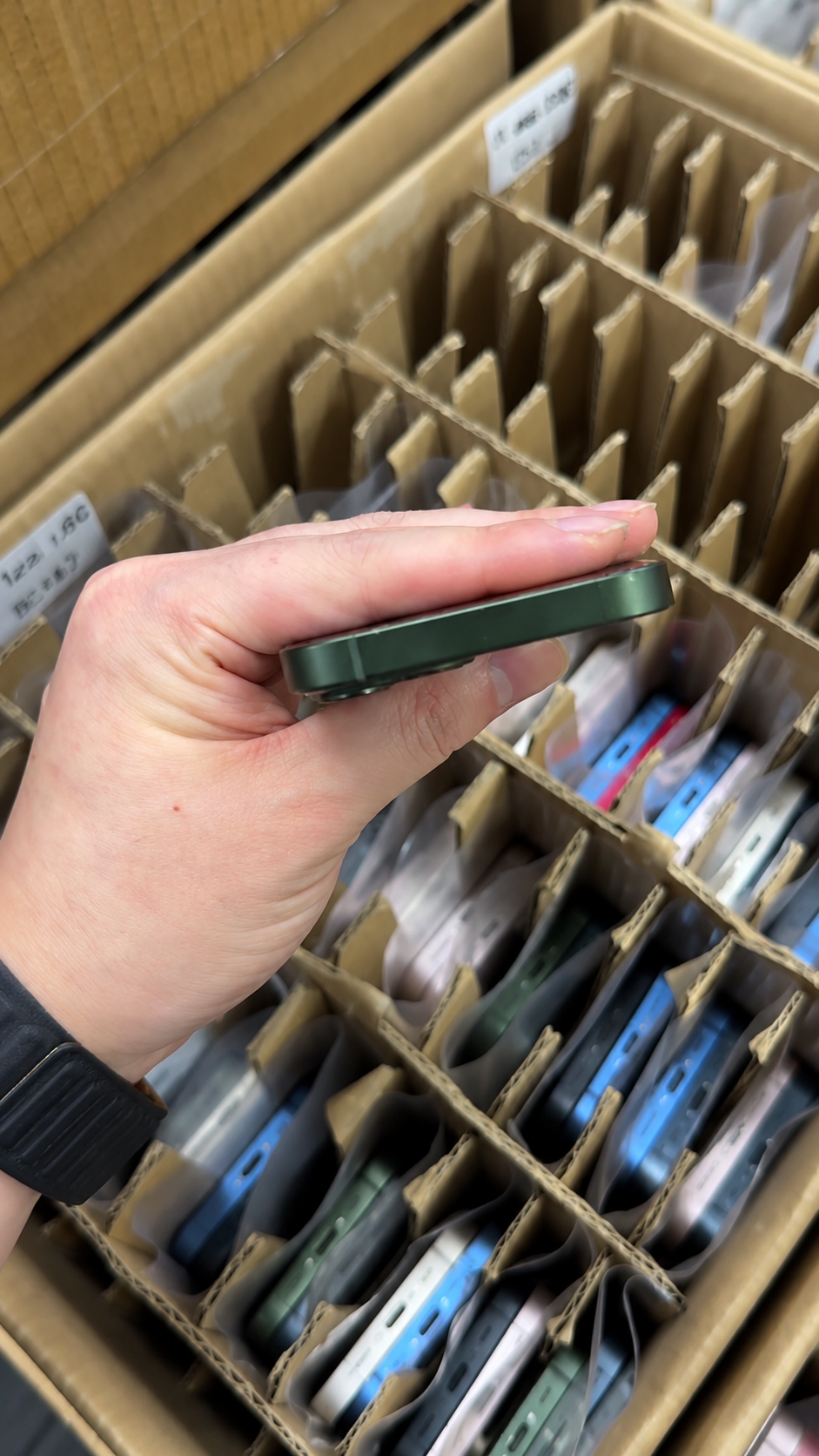
Physical inspection can reveal clues, but it cannot confirm every repair outcome. A careful visual review is still useful because loose fit, damage, uneven seating, or contamination can affect condition and resale presentation even when the device record does not identify their cause.
Inspect under even lighting and compare all edges rather than focusing on one corner. Use a consistent routine across a lot so that one receiver does not call a minor reflection a defect while another receiver misses a raised edge. Photograph findings where the inspection procedure permits it.
| Visual area | What to inspect | Evidence level |
|---|---|---|
| Display edges | Uneven gaps, lifted corners, irregular fit | Supporting clue |
| Bezel appearance | Uneven border width or mismatch | Supporting clue |
| Frame seam | Adhesive residue, opening marks, loose fit | Supporting clue |
| Front glass | Scratches, cracks, chips, or inconsistent finish | Condition evidence |
| Display surface | Delamination, bubbles, pressure marks, uneven reflections | Functional or cosmetic concern |
| Camera and sensor area | Alignment and cleanliness | Supporting clue |
| Side profile | Raised display or inconsistent seating | Supporting clue |
- Inspect the device under even lighting.
- Compare all four display edges.
- Check the front camera and sensor area.
- Look for adhesive residue or separation.
- Check whether the display sits flush with the frame.
- Record observations with photos where permitted.
- Do not describe visual clues as conclusive proof.
Test Touch and Display Response
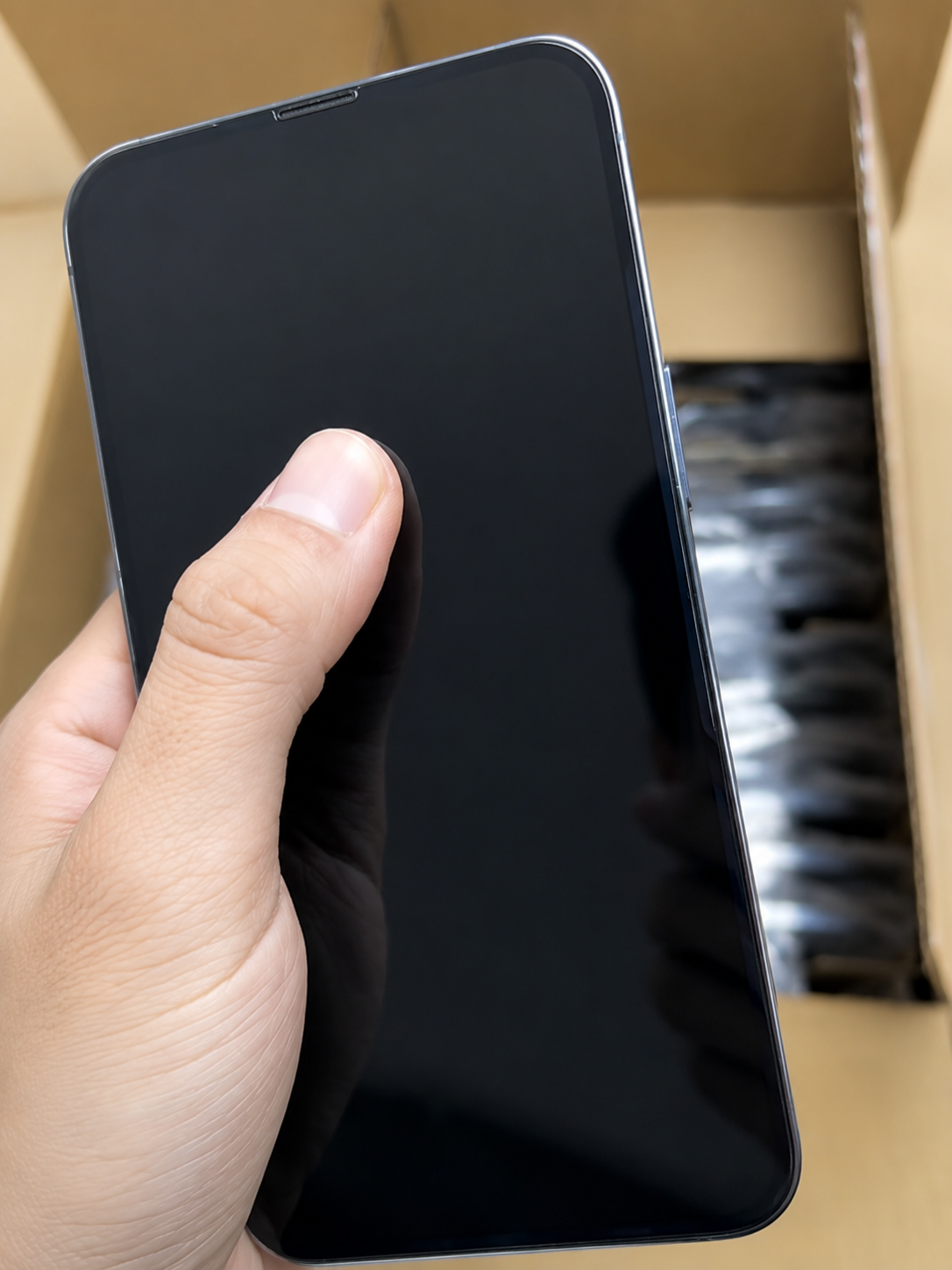
A replacement screen may function well, and an original screen may also develop faults. Functional testing assesses the display’s current condition; it does not establish parts origin by itself. This distinction helps a purchasing team report what it actually tested rather than claiming an explanation it cannot support.
Use a repeatable test screen or sequence, and apply it to every accepted unit. A single brief swipe can miss edge-touch issues, delayed response, uneven illumination, or color irregularity. Record pass, fail, or requires review rather than forcing a binary quality claim when the finding is uncertain.
| Test | What to check | Why it matters |
|---|---|---|
| Touch grid test | Response across the full screen | Detects touch dead zones. |
| Multi-touch test | Pinch, zoom, and simultaneous touches | Checks touch consistency. |
| Brightness test | Low-to-high brightness adjustment | Reveals uneven output or flicker. |
| White-screen test | Color balance and uniformity | Reveals tint or uneven areas. |
| Black-screen test | Light leakage or OLED irregularities where relevant | Identifies display concerns. |
| Solid-color test | Red, green, blue, and gray consistency | Helps identify dead pixels or burn-in. |
| Rotation test | Orientation response | Checks sensor-linked display behavior. |
| Typing test | Keyboard accuracy near edges | Tests edge touch response. |
Check Display Features Carefully
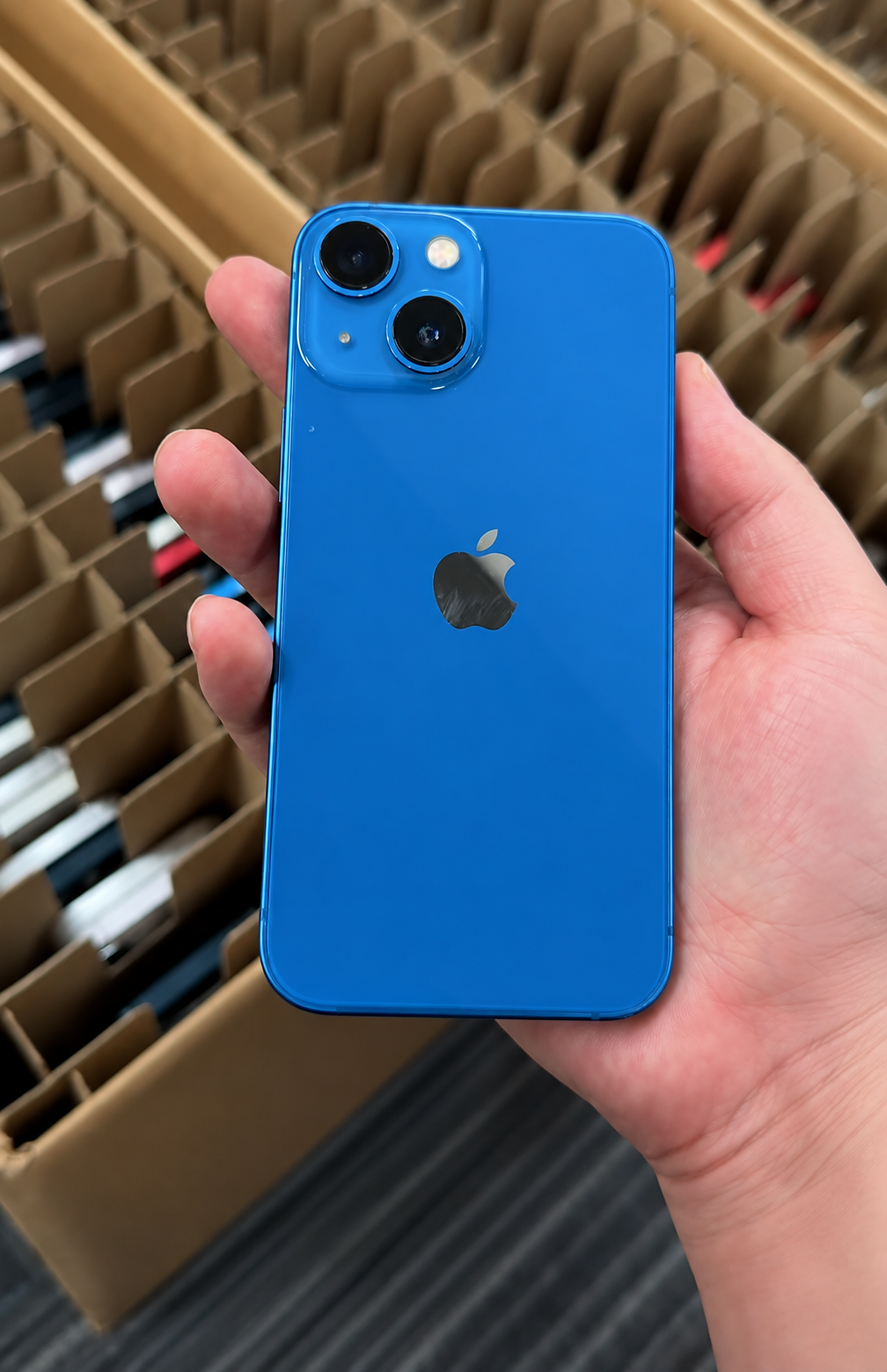
Feature checks add useful operational context. They should be matched to the model in hand and recorded separately from a parts-origin conclusion. A buyer who sees a feature behave unexpectedly should investigate configuration, model support, repair history, and related functions before attaching a reason to the result.
Repeat any abnormal result before recording a failure. A temporary software state, low battery, screen protector, case, lighting condition, or incomplete setup can affect an observation. Repetition does not diagnose the cause, but it helps the inspection team distinguish a consistent issue from a result that needs controlled retesting.
Test evidence is most useful when the scope is stated. “Screen passed” does not explain whether edge touch, brightness range, color uniformity, and multi-touch were included. A short test checklist linked to each unit or sample is more transparent for procurement, quality control, and downstream resale teams.
True Tone
True Tone can be a useful observation, but its availability or absence is not conclusive proof of whether a display was replaced. Settings, repair history, model differences, configuration, and calibration can affect what a buyer sees. Record the observation and compare it with the wider evidence record.
Auto-Brightness and Proximity Response
Test adaptive brightness behavior and proximity response during a call simulation. These observations can help identify a functional concern, but any issue requires further diagnosis. Do not state that a display repair caused the result unless the evidence supports that specific conclusion.
ProMotion on Supported Models
Assess ProMotion only on models that originally support it. On an eligible device, look for normal responsiveness during ordinary scrolling and interaction. Do not expect the feature on every iPhone, and do not interpret a buyer’s visual impression as a substitute for model identification and repeatable testing.
| Feature | What to observe | Correct conclusion |
|---|---|---|
| True Tone | Whether the setting is available and behaves normally | Supporting clue only. |
| Auto-Brightness | Whether brightness responds reasonably to lighting changes | Functional observation. |
| Proximity response | Whether the screen reacts during a call simulation | Functional observation. |
| ProMotion | Whether supported models appear responsive | Model-specific functional check. |
| Display brightness | Whether output is consistent | Functional observation. |
| Color balance | Whether colors look consistent | Supporting clue and quality check. |
Test Related Functions
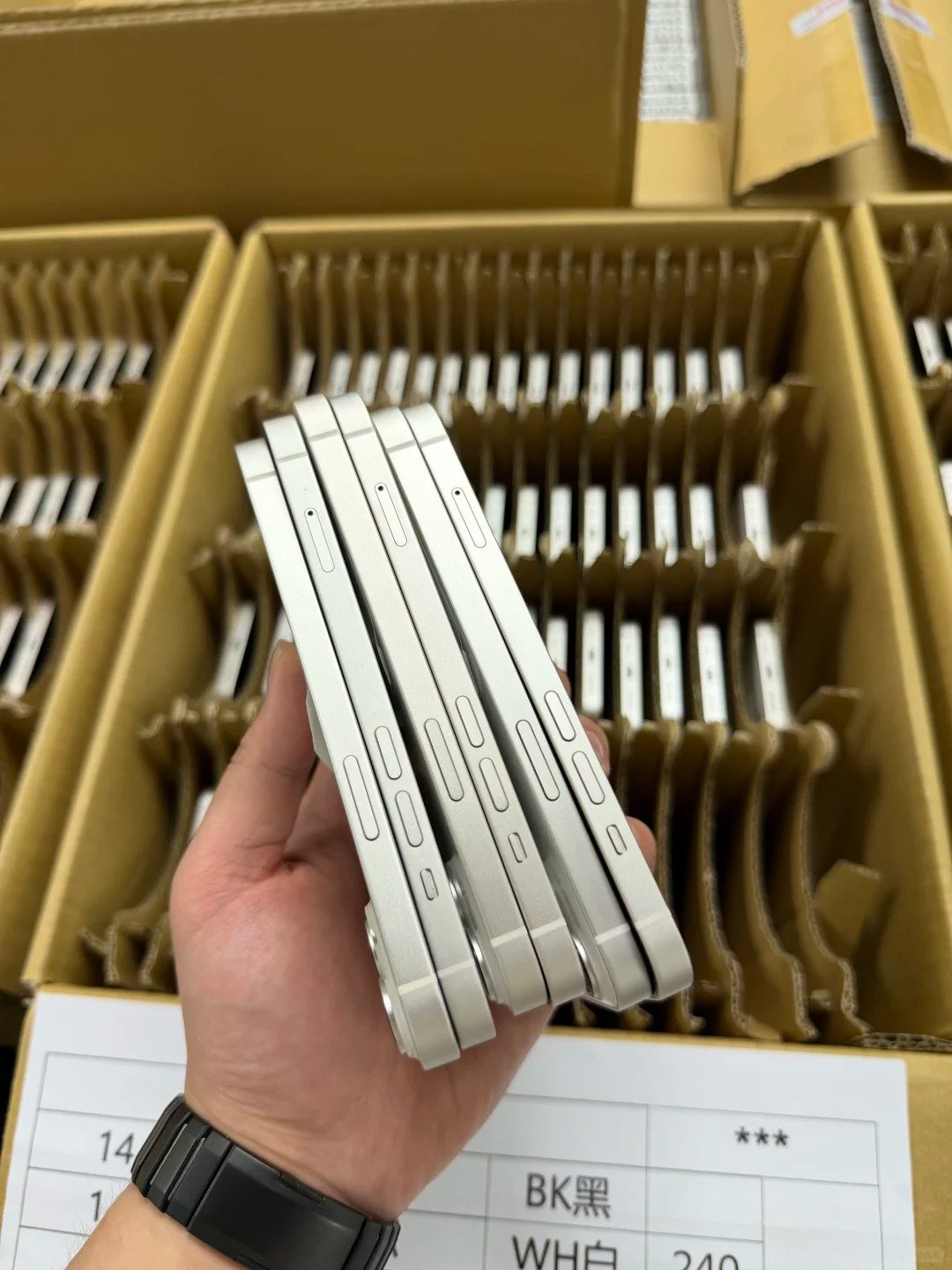
Display repair can involve nearby assemblies or connectors, but a failed related function does not identify the repair cause by itself. The correct process is to document the live result, compare it with available device information and disclosure, then send conflicting findings for professional review when the commercial risk justifies it.
- Test Face ID where applicable.
- Test front camera quality.
- Test earpiece speaker.
- Test microphone during a call recording.
- Test proximity behavior.
- Test ambient-light behavior where applicable.
- Test front sensor area for cleanliness and alignment.
- Test screen wake and sleep behavior.
- Test volume and side buttons.
- Test vibration and haptic response.
| Related function | Why it is checked | How to report it |
|---|---|---|
| Face ID | Important device authentication function | Pass, fail, or requires review. |
| Front camera | Located near display assembly | Pass, fail, or requires review. |
| Earpiece speaker | Nearby component area | Pass, fail, or requires review. |
| Proximity sensor | Supports call-screen behavior | Pass, fail, or requires review. |
| Ambient-light response | Supports display behavior | Pass, fail, or requires review. |
| Haptics | Supports normal interaction | Pass, fail, or requires review. |
Compare Original, Replaced, and Unknown Status
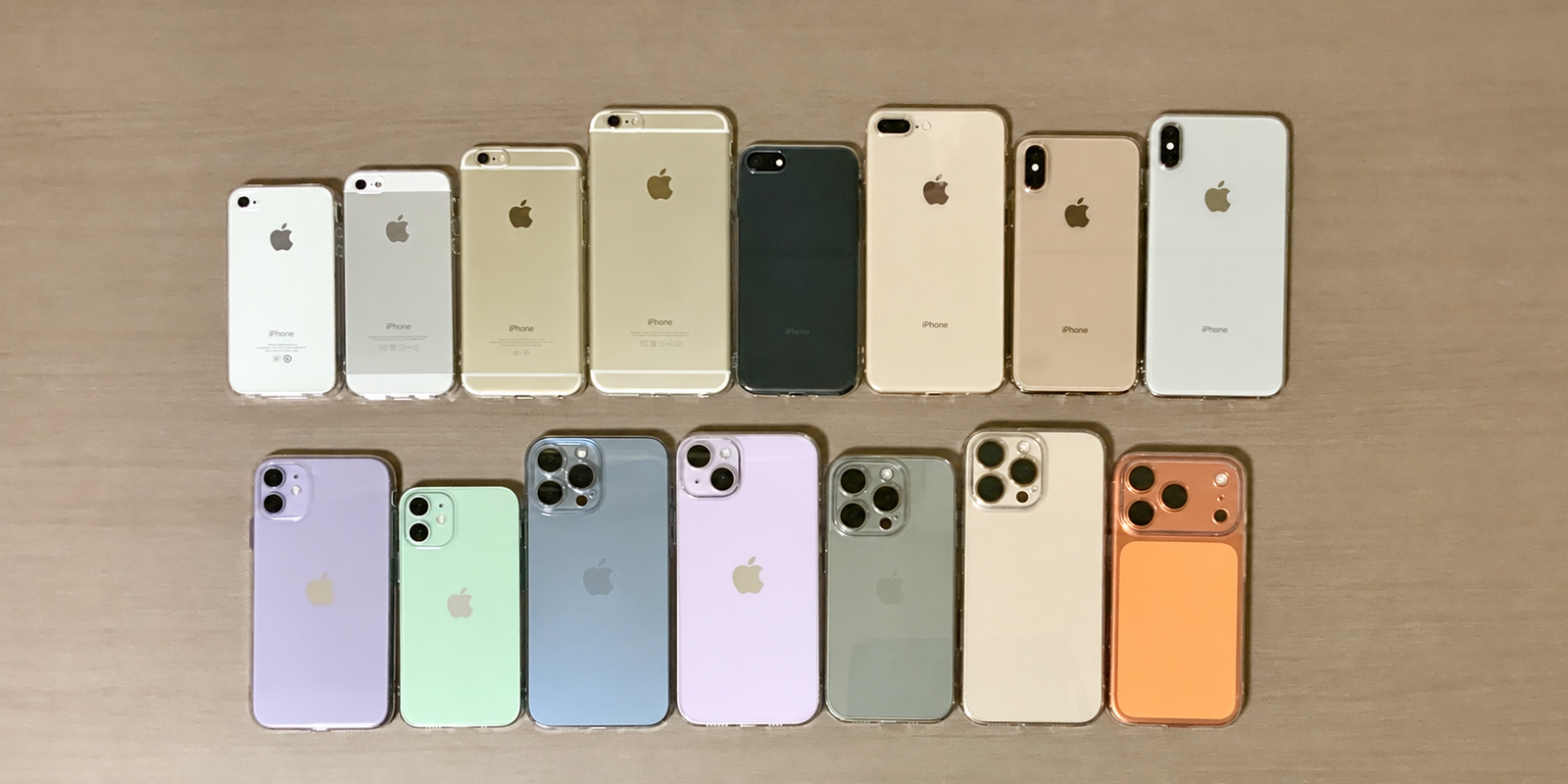
“Original,” “replaced,” “genuine,” “used,” and “unknown” are not interchangeable terms. Procurement notes and resale descriptions should use the narrowest accurate wording supported by the device record, functional test, and supplier disclosure. This reduces avoidable disputes caused by broad claims such as “all original.”
| Term | Accurate use | Avoid saying |
|---|---|---|
| Original display | The display installed when the device was first sold, only when verified. | “Original” based on appearance alone. |
| Replaced display | A display changed after original assembly. | That every replacement is defective. |
| Genuine part | A part recognized as genuine by Apple under applicable conditions. | That it must be the original display. |
| Used part | A part previously installed in another device where reported. | That it automatically fails. |
| Unknown Part | A status requiring further verification. | That it always means counterfeit. |
| Aftermarket display | A non-original replacement category where verified. | That every visual difference proves aftermarket origin. |
Information that requires professional inspection should be marked accordingly. Examples include a conflict between a supplier’s documents and the device screen, a display that fails repeat testing, an unresolved Unknown Part message, or related functions that do not pass. A buyer gains little by guessing when a technician can assess the exact unit.
Build a B2B Screen Inspection Record
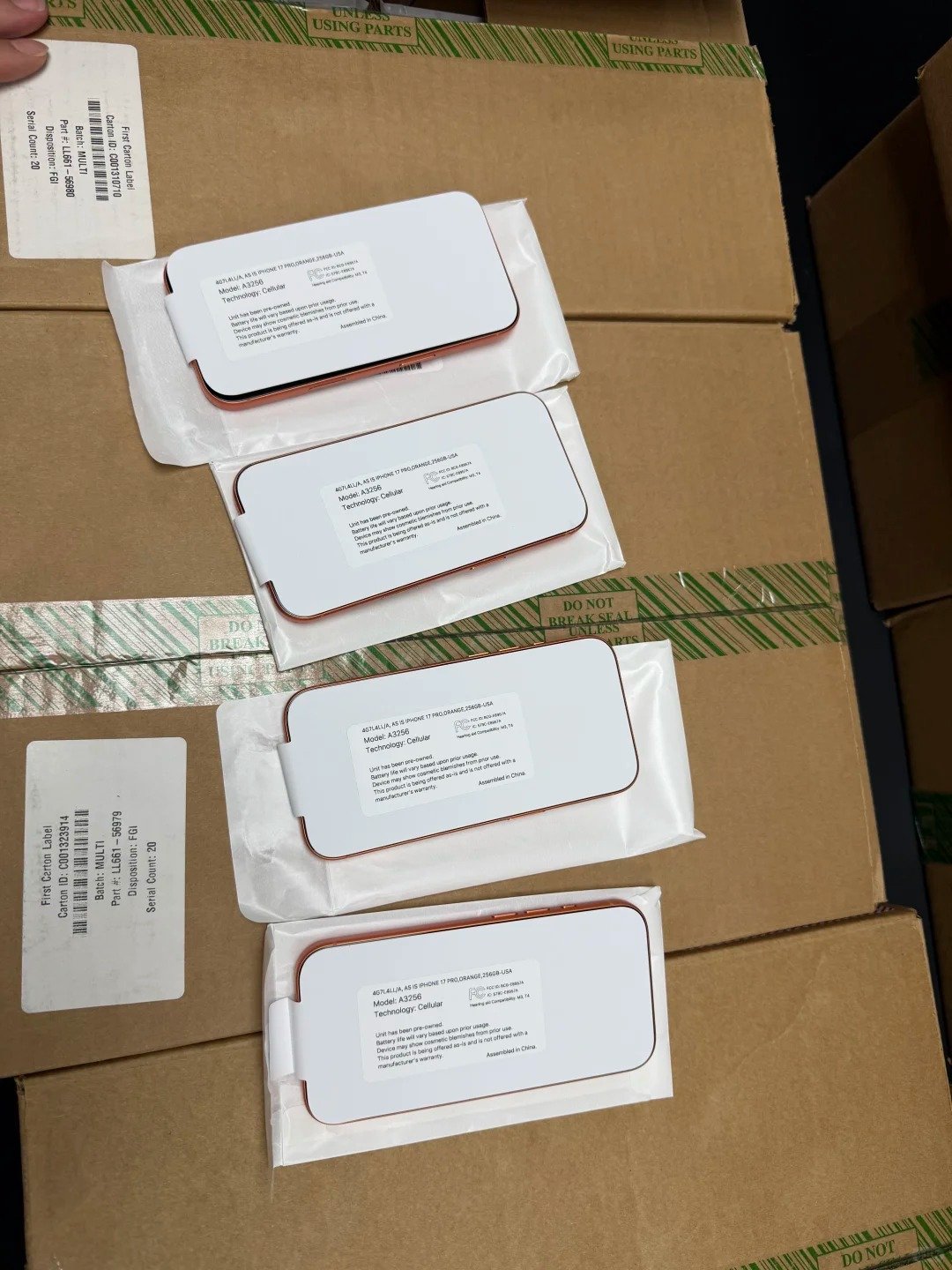
Wholesale buyers need a repeatable inspection record for every lot. A useful record separates system status, functional testing, visual condition, and supplier disclosure. It lets the commercial team see an exception without rewriting the technical finding into marketing language.
For mixed inventory, document whether the result applies to a unit, a sample, or an entire lot. Model, storage, device identifiers, grading rules, test scope, and commercial terms remain subject to HQB verification. Do not extend a limited observation into a claim about stock that has not been inspected.
| Record field | What to capture |
|---|---|
| Device identifier | IMEI or serial record according to privacy procedures. |
| Model and storage | Exact configuration. |
| Parts and Service History | Exact wording shown. |
| Display grade | Cosmetic condition description. |
| Touch test | Pass, fail, or requires review. |
| Color and brightness test | Pass, fail, or requires review. |
| Related function tests | Face ID, front camera, sensors, earpiece. |
| Repair disclosure | Supplier-provided information. |
| Final disposition | Accept, quarantine, rework, or escalate. |
- Check available device history.
- Capture the exact message.
- Perform functional tests.
- Complete visual inspection.
- Compare results with supplier disclosures.
- Isolate conflicting devices.
- Escalate unresolved units before purchase or resale.
What Buyers Should Ask a Supplier
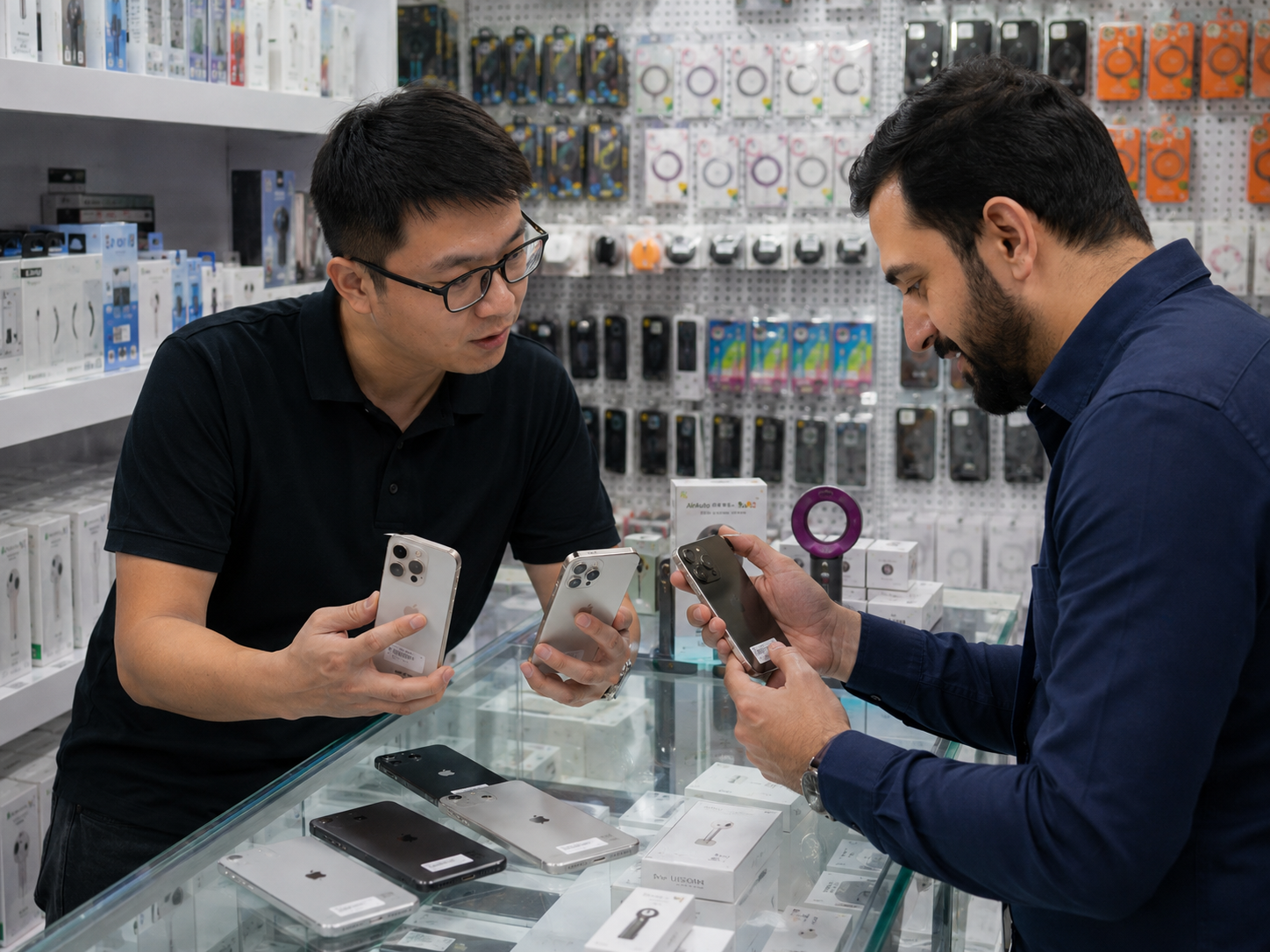
A used iPhone supplier should be able to explain what its condition label covers and what it does not cover. Cosmetic grade is not a substitute for a functional test or repair disclosure. Similarly, a statement that a display works should be linked to a stated testing scope, not treated as a broad claim about parts origin.
- Is there a display repair disclosure for this unit or lot?
- What does the displayed Parts and Service History status show?
- Is the grade cosmetic only, or does it include functional criteria?
- What display tests were performed?
- Are touch, brightness, color, Face ID, front camera, and sensors included in testing?
- Is battery information disclosed separately?
- Are relevant repair details available?
- Can HQB provide model, storage, and condition consistency by lot?
- What happens when a device record conflicts with the stated condition?
| Supplier statement | Required supporting evidence |
|---|---|
| Display is functional | Functional test scope. |
| Cosmetic grade | Written grade definition. |
| Repair history disclosed | Matching device or lot record. |
| Display status checked | Exact Parts and Service History wording where available. |
| Battery condition provided | Clear method and scope. |
| Device ready for resale | Verified functional and status checks. |
HQB can discuss target models, condition requirements, display-history requirements, battery expectations, quantities, and destination markets. All lot-level and commercial details are subject to HQB verification. The inspection record and buyer requirement should be agreed before a quoted lot is treated as acceptable.