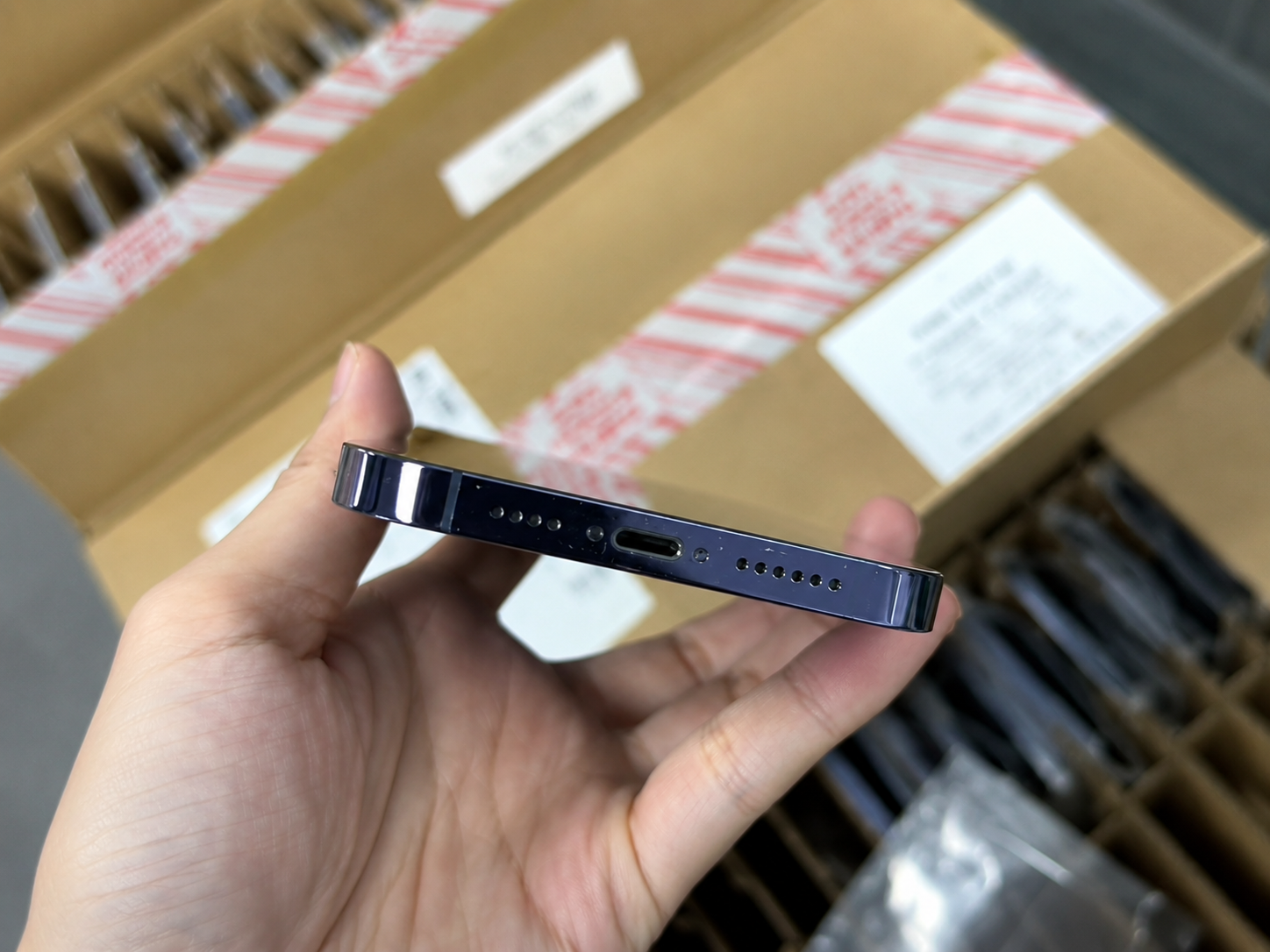
Used iPhone grading guide
How to read a condition label before you compare prices
Two phones can share a model, storage capacity, and grade name yet still be very different commercial offers. One supplier may inspect a screen under bright angled light; another may only apply a normal-viewing-distance rule. One may include battery policy or functional testing; another may record these items separately.
| Question | Why it matters | Evidence to request |
|---|---|---|
| What does this grade permit? | Cosmetic thresholds vary between sellers. | Written criteria with allowed and excluded defects. |
| Is the grade cosmetic only? | Appearance does not prove battery or function. | Separate functional and battery test standard. |
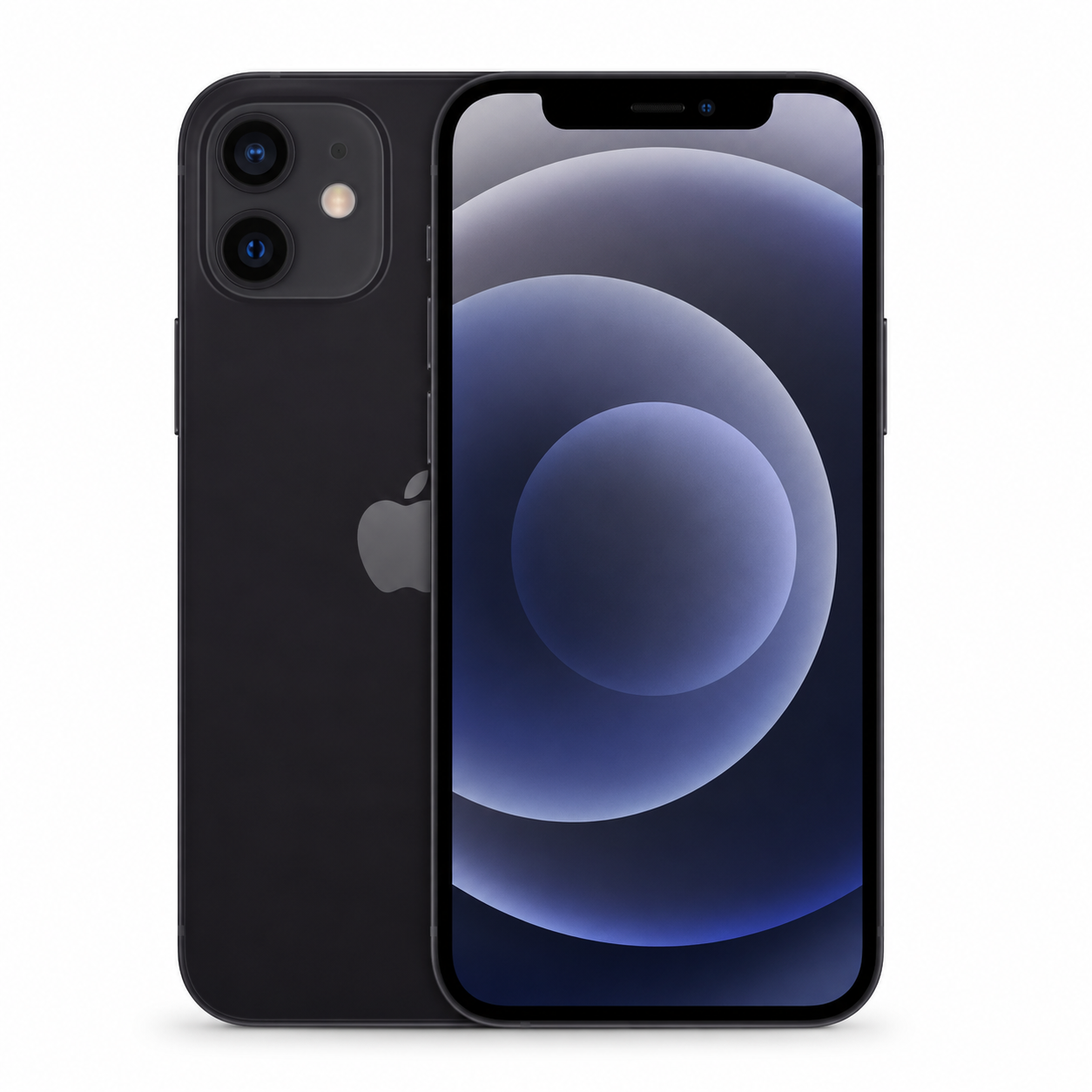
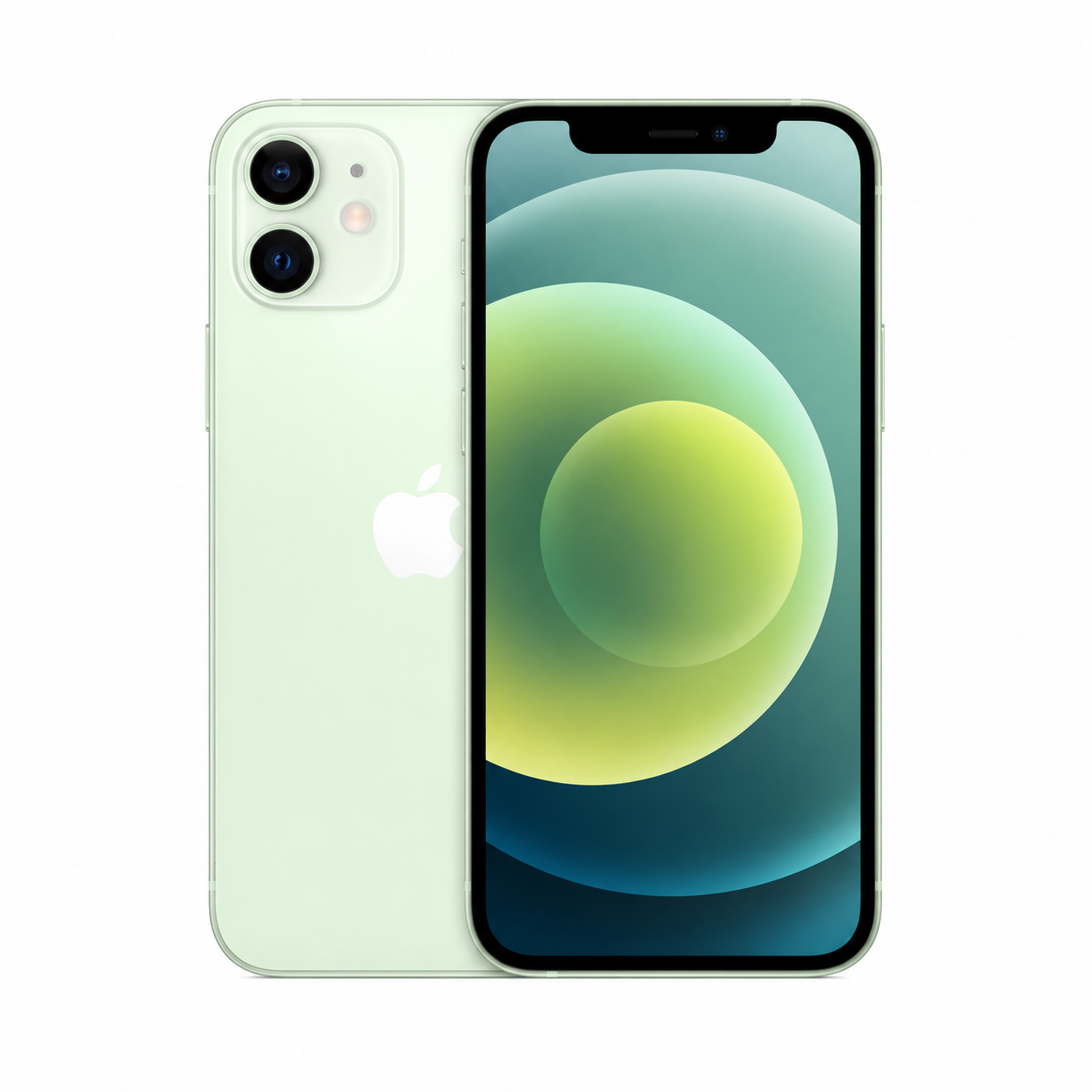
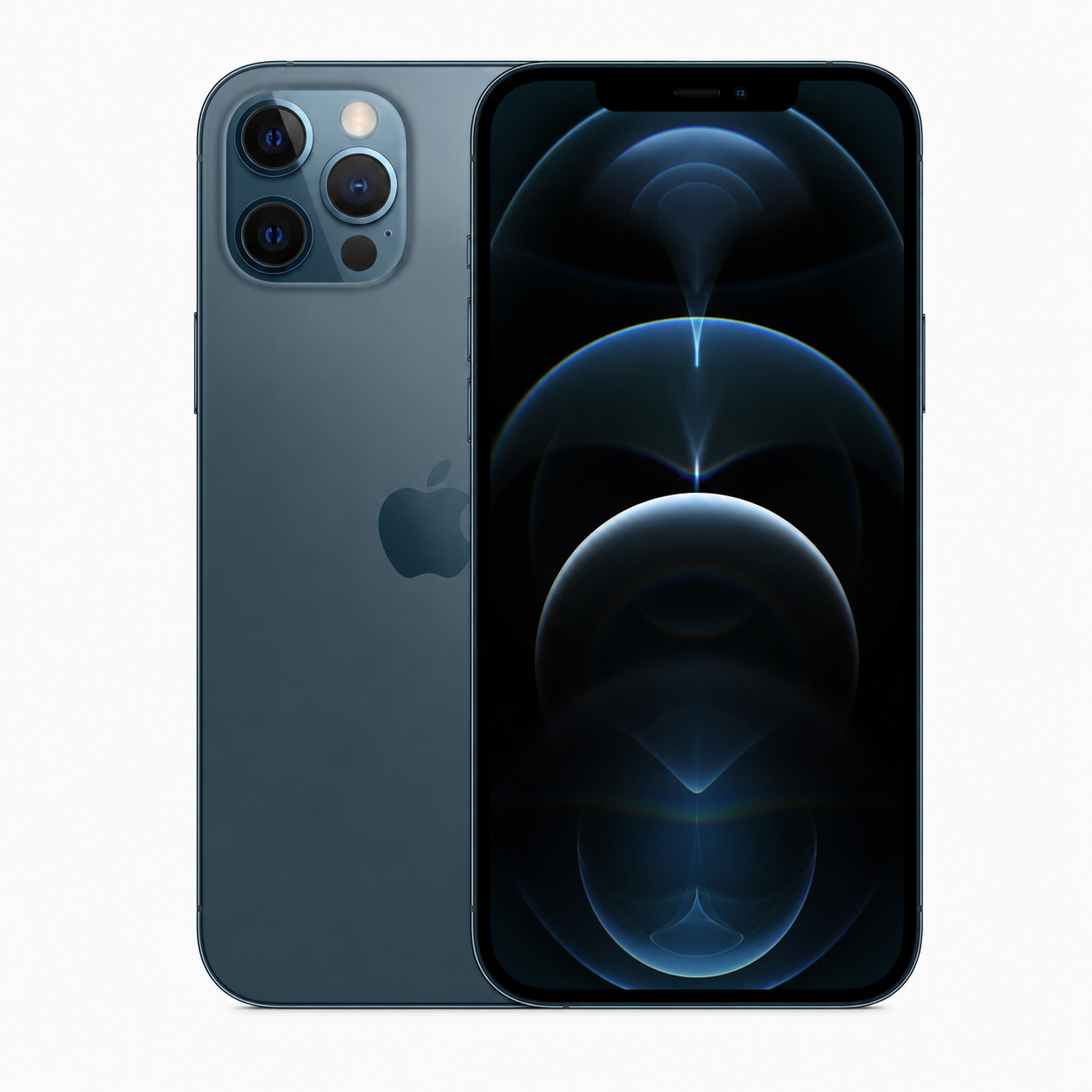
| Are the photos representative? | Stock images cannot prove unit condition. | Recent unit or batch sample photographs. |
| What happens to exceptions? | Mixed stock needs a clear process. | Exception notes, pricing policy, and acceptance terms. |
1. Cosmetic grade versus functional grade
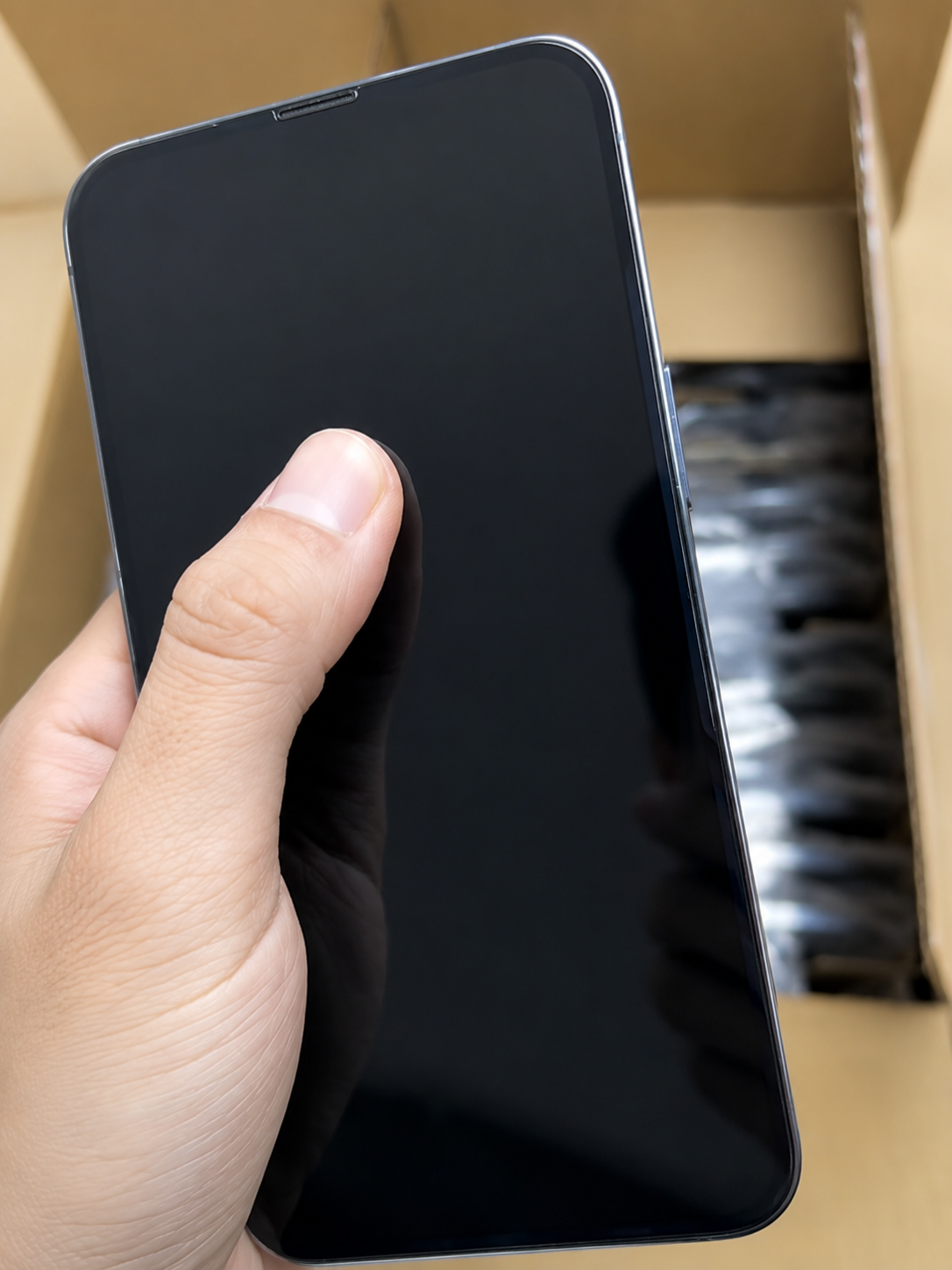
A clean-looking phone can still have poor battery capacity, failed Face ID, a charging issue, an account lock, or a camera defect. In the same way, a phone with a few scratches can perform reliably if it passes a complete functional review. A grade should therefore explain what the eye can see, while the test record explains what the phone can do.
| Assessment area | Cosmetic grade measures | Separate quality check required |
|---|---|---|
| Screen | Scratches, marks, cracks, display appearance | Touch accuracy, dead pixels, brightness, flicker |
| Frame and back | Scuffs, dents, finish wear | Bending, gaps, swelling, repair quality |
| Cameras | Lens scratches and housing wear | Focus, stabilization, photo and video quality |
| Battery | Usually not visible externally | Maximum capacity, heat, charging stability |
| Ownership | Not visible externally | Activation Lock, carrier status, IMEI status |
| Repairs | May not be visible | Parts and Service History, written disclosure |
2. Like New grade explained
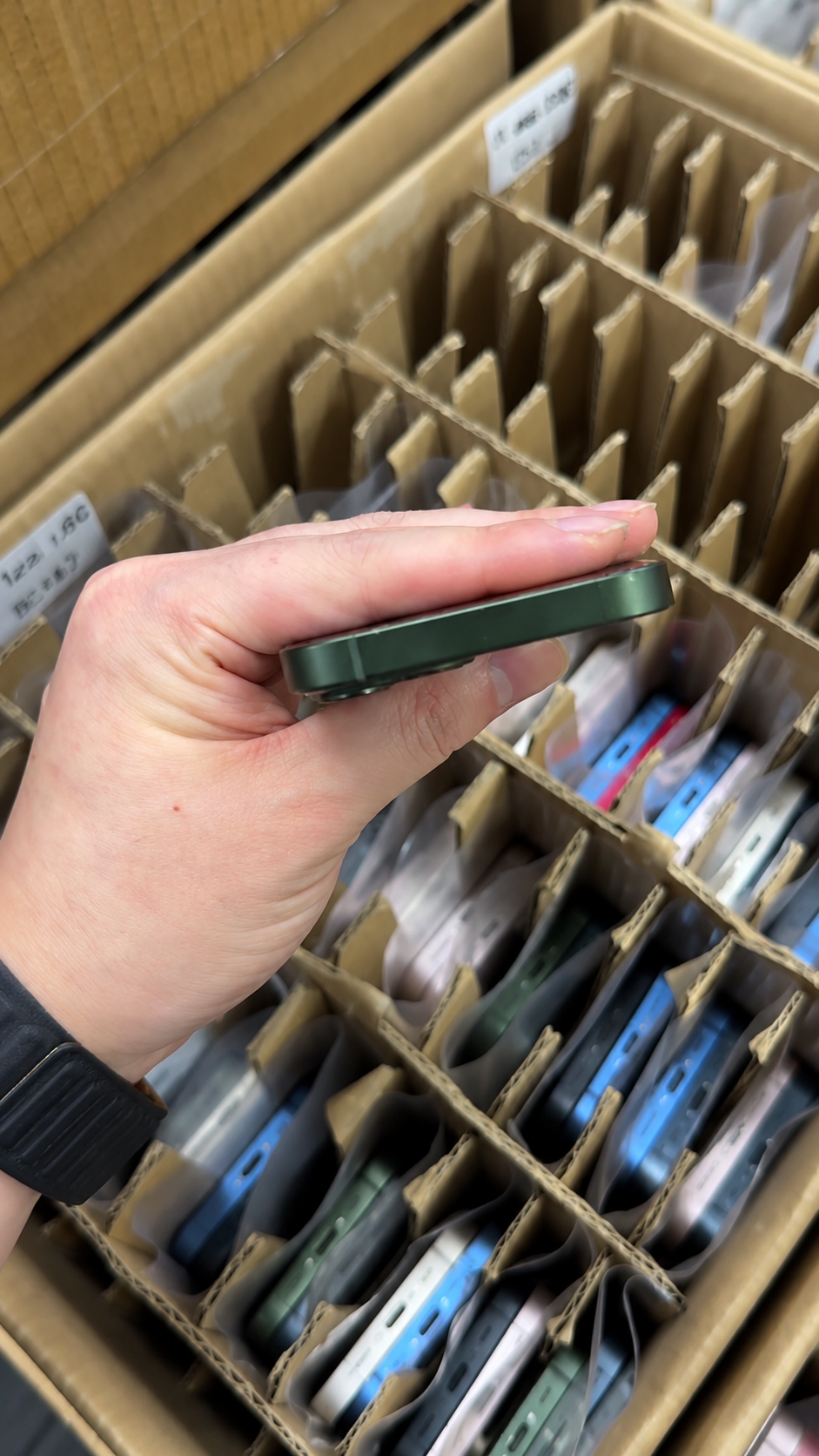
Like New is usually the highest common used-device condition label. It should suggest a device that appears close to new under normal viewing, with little or no obvious cosmetic wear. It does not automatically mean factory-sealed, never activated, or supplied with the original box and accessories.
| Area | Typical Like New expectation | Question to ask |
|---|---|---|
| Screen | No obvious scratches, cracks, chips, or distracting marks | Are micro-marks visible under direct inspection light? |
| Frame | Clean edges without significant dents or finish loss | Are there corner impacts or repair seams? |
| Back glass | Clean and free from major marks | Are hairline scratches visible around the cameras? |
| Camera lenses | Clear and undamaged | Have photo and video focus been tested? |
| Battery and parts | Not defined by appearance alone | What are the battery and repair-history details? |
Best suited for
- Premium retail and image-sensitive resale.
- Gift, corporate, or display-focused purchases.
- Buyers willing to pay more for lower visible wear.
Do not assume
- A 100% battery-health reading.
- No previous repair or component replacement.
- Original box, cable, or accessories.
- Carrier unlock without a direct status check.
3. Excellent grade explained
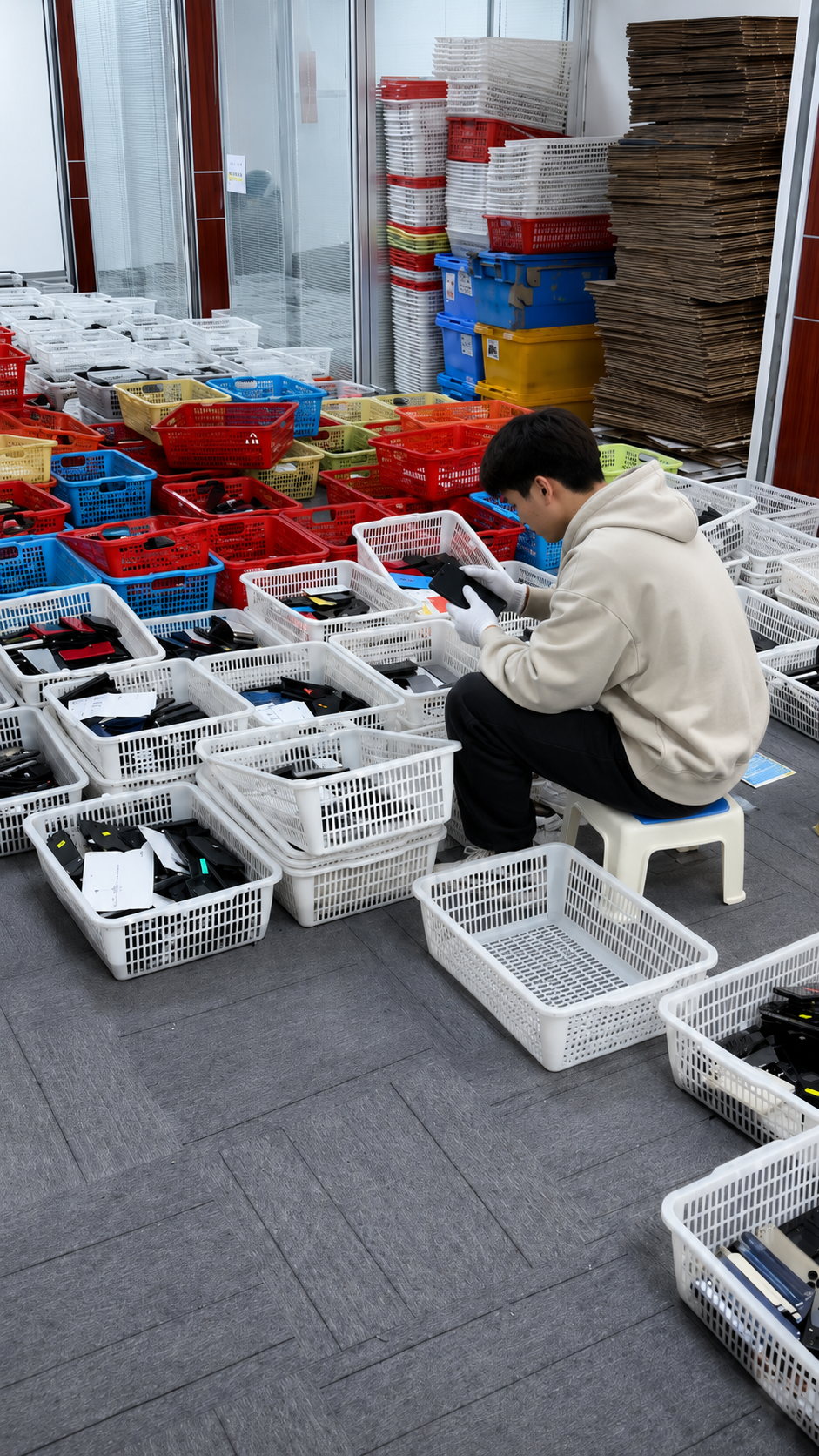
Excellent normally describes a device that remains highly presentable and clean, with very light evidence of previous use. Tiny hairline marks may be visible only at close range or under bright lighting, depending on the seller’s written definition. The phone should still look attractive to a normal buyer, but “Excellent” is not a promise of flawless surfaces.
| Area | Typical Excellent expectation | Usually not acceptable |
|---|---|---|
| Screen | Very light hairline marks may be allowed | Deep scratches, cracks, chips, touch defects |
| Frame | Minor light scuffs may be allowed | Major dents, bent chassis, sharp impacts |
| Back glass | Light wear may be acceptable | Cracked glass or damaged camera area |
| Camera housing | Minor handling marks may be acceptable | Cracked lens, haze, focus problems |
| Functionality | Core functions should work normally | Failures in cameras, Face ID, charging, calls, or connectivity |
- Choose Excellent for mid-to-premium inventory that needs strong shelf appeal without the highest cosmetic premium.
- Inspect practically: view the display both on and off, inspect all four frame edges, and photograph visible marks before onward resale.
- Disclose accurately: light marks are easier to manage when your customer sees them described honestly.
4. Good grade explained
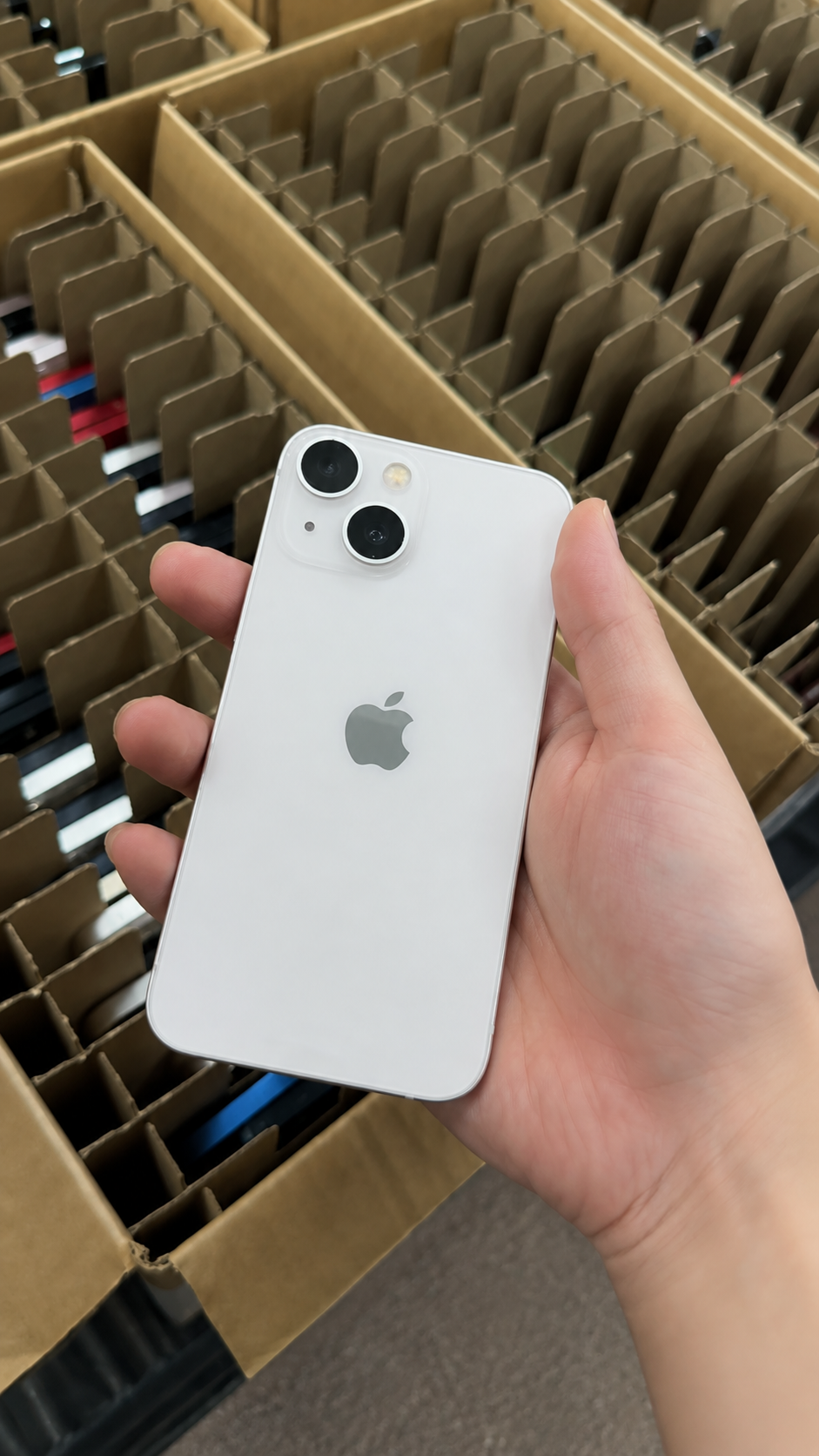
Good typically means clear but acceptable cosmetic signs of use. The device can show visible scratches, scuffs, small nicks, or finish wear that does not prevent normal use. It should remain structurally sound and fully functional unless an issue is specifically disclosed and commercially agreed.
| Condition area | Typical Good appearance | Must be disclosed or rejected |
|---|---|---|
| Screen | Visible light-to-moderate scratches may be present | Cracks, chips, deep gouges, touch dead zones |
| Frame | Scuffs, nicks, small dents, finish wear | Bent frame, sharp damage, loose parts |
| Back glass | Regular-use marks may be visible | Cracks, separation, unstable housing |
| Camera area | Minor housing wear may be present | Cracked lens, blur, focus or stabilization failure |
| Ports | Normal signs of use may exist | Corrosion, loose charging, intermittent connection |
Good Grade value checklist
- Price reflects visible wear.
- Screen is usable and readable.
- Core features pass testing.
- Battery and replaced parts are disclosed.
Case-use note
Good grade can be strong value for customers who will use a case and prioritize performance, storage, or price over cosmetic perfection. Close-up photos and written condition notes keep this value proposition honest.
5. How descriptive grades often map to letter grades
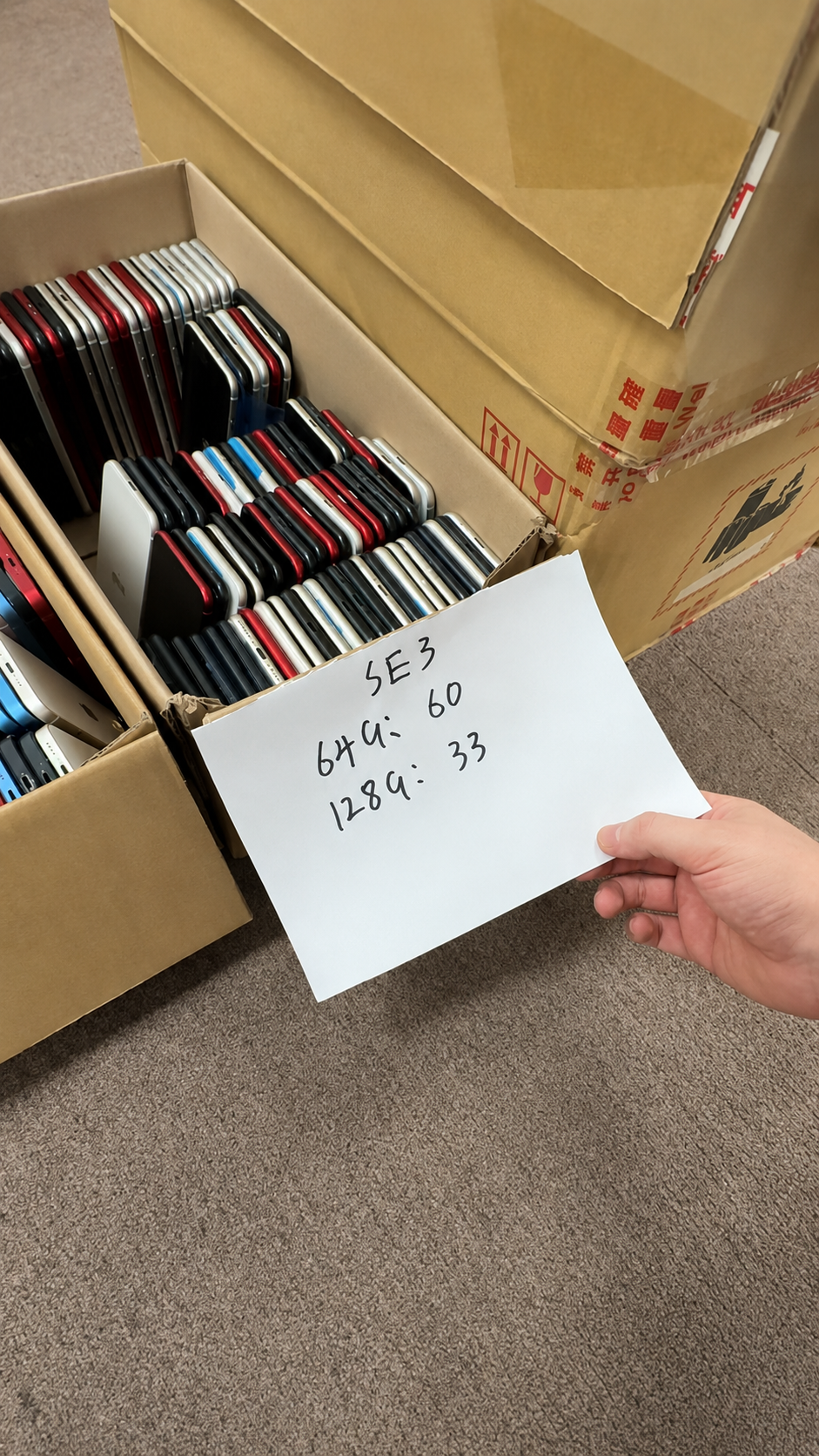
Grade A, Grade B, and Grade C are also not universal. Many suppliers broadly use Grade A for near-pristine or excellent stock, Grade B for light-to-moderate visible use, and Grade C for more noticeable wear. That pattern is only a starting point: some suppliers separate Like New from Grade A, while others use their own commercial labels.
| Common label | Possible letter-grade equivalent | Important qualification |
|---|---|---|
| Like New / Pristine / Premium | Often Grade A | Some suppliers separate Like New from Grade A. |
| Excellent / Very Good | Often Grade A or Grade B | Thresholds vary widely. |
| Good | Often Grade B or Grade C | Can still be fully functional. |
| Fair / Acceptable | Often Grade C or below | Needs clear written disclosure. |
- Does Grade A mean Like New or Excellent in this inventory?
- Are screen scratches assessed with the display off?
- Are dents permitted in Grade B?
- Is cracked back glass ever permitted in Good grade?
- Are all cosmetic grades tested to the same functional standard?
6. Build a written standard for B2B purchasing
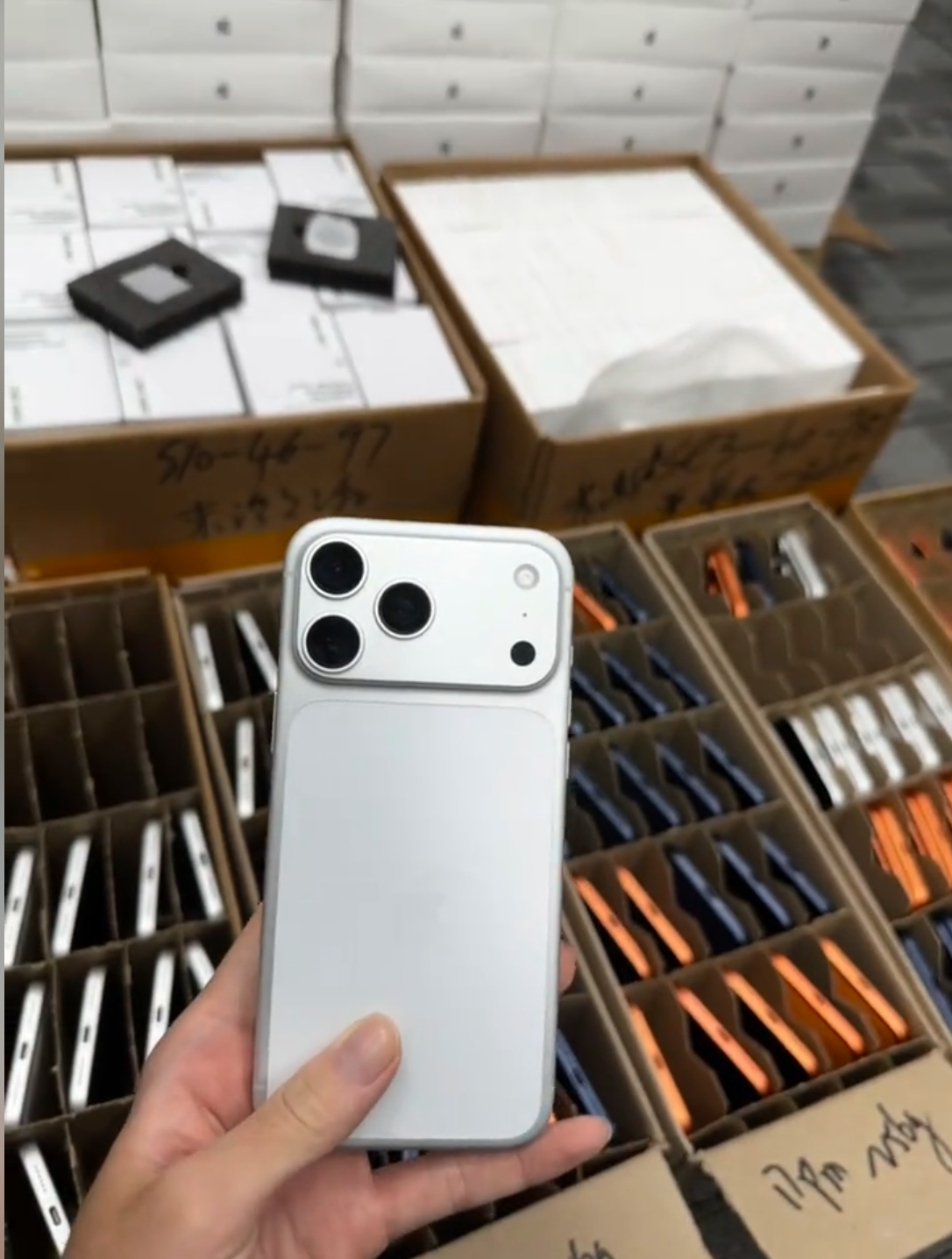
For a wholesale order, verbal labels are not enough. A written acceptance standard creates consistency between supplier discussions, incoming checks, inventory records, and downstream product listings. It also makes exceptions easier to identify before they become a customer-service problem.
| Checkpoint | Like New | Excellent | Good |
|---|---|---|---|
| Screen | No obvious wear | Very light marks only | Visible light-to-moderate wear if usable |
| Frame and back | Near-pristine | Minor marks allowed | Visible scuffs or small nicks allowed |
| Cracks | Not acceptable | Not acceptable | Not acceptable unless sold as damaged stock |
| Core functions | Fully functional | Fully functional | Fully functional |
| Battery and parts | Disclose clearly | Disclose clearly | Disclose clearly |
| Documentation | Required | Required | Required |
7. Battery health and repair history are separate checks
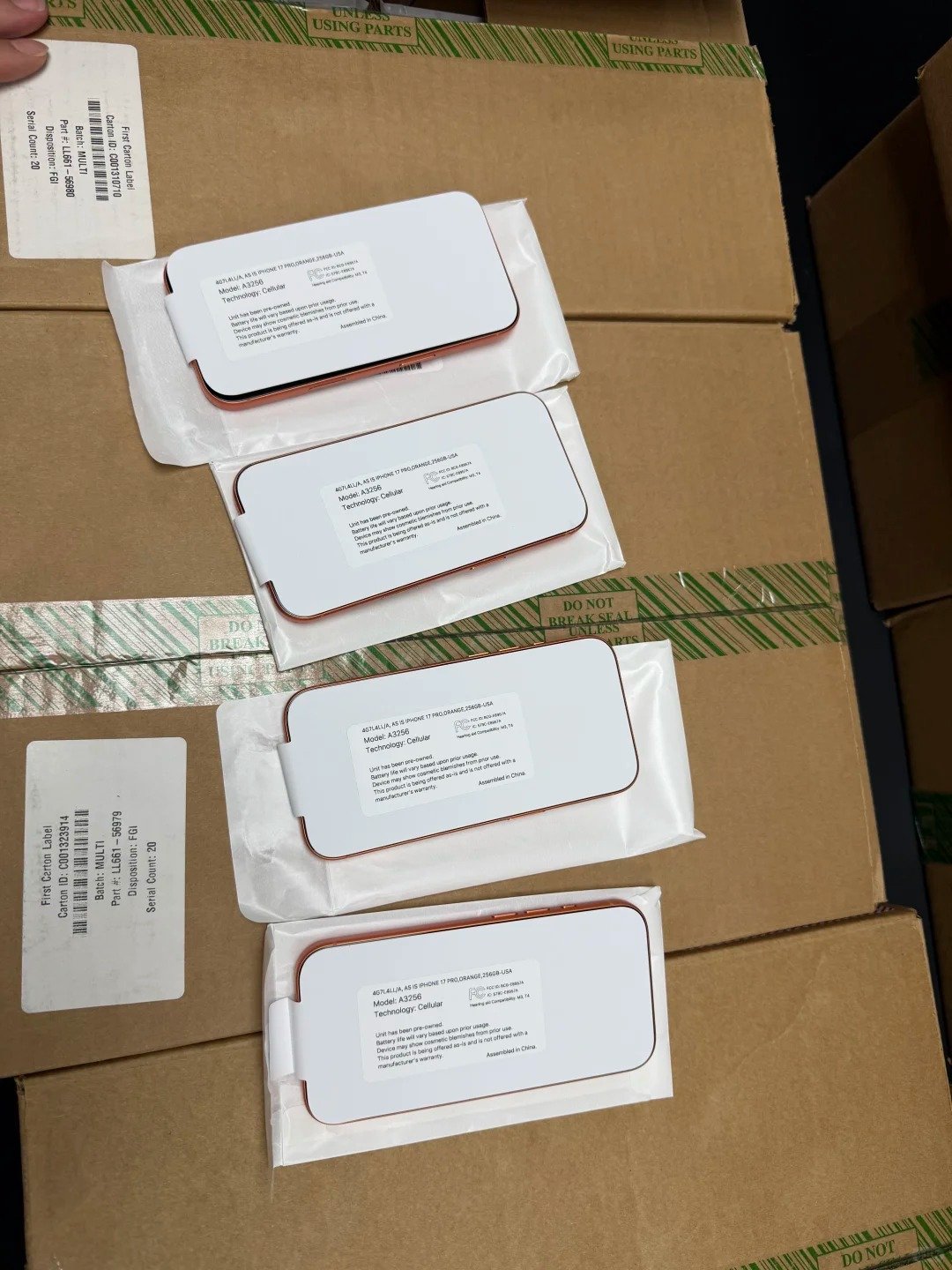
Cosmetic grade should not hide battery age or component replacement history. Where supported, review Settings > Battery > Battery Health or Battery Health & Charging, then check Settings > General > About > Parts and Service History. Apple states that Parts and Service History can show information about certain repaired components on supported models.
| Check | Why it matters | Buyer response |
|---|---|---|
| Battery maximum capacity | Helps estimate remaining capacity | Review alongside age, price, and usage need |
| Capacity below 80% | May indicate service planning is needed | Budget for replacement or negotiate price |
| Genuine / Used / Unknown messages | Provides repair-history context where available | Ask what was replaced and why |
| Charging heat or instability | Can indicate a reliability or safety concern | Stop and inspect before purchase |
A high cosmetic grade does not guarantee a high battery percentage. A Good-grade iPhone with a strong battery and transparent history may be a better purchase than a Like New device with an undisclosed service need.
8. Verify grades with photos and inspection evidence
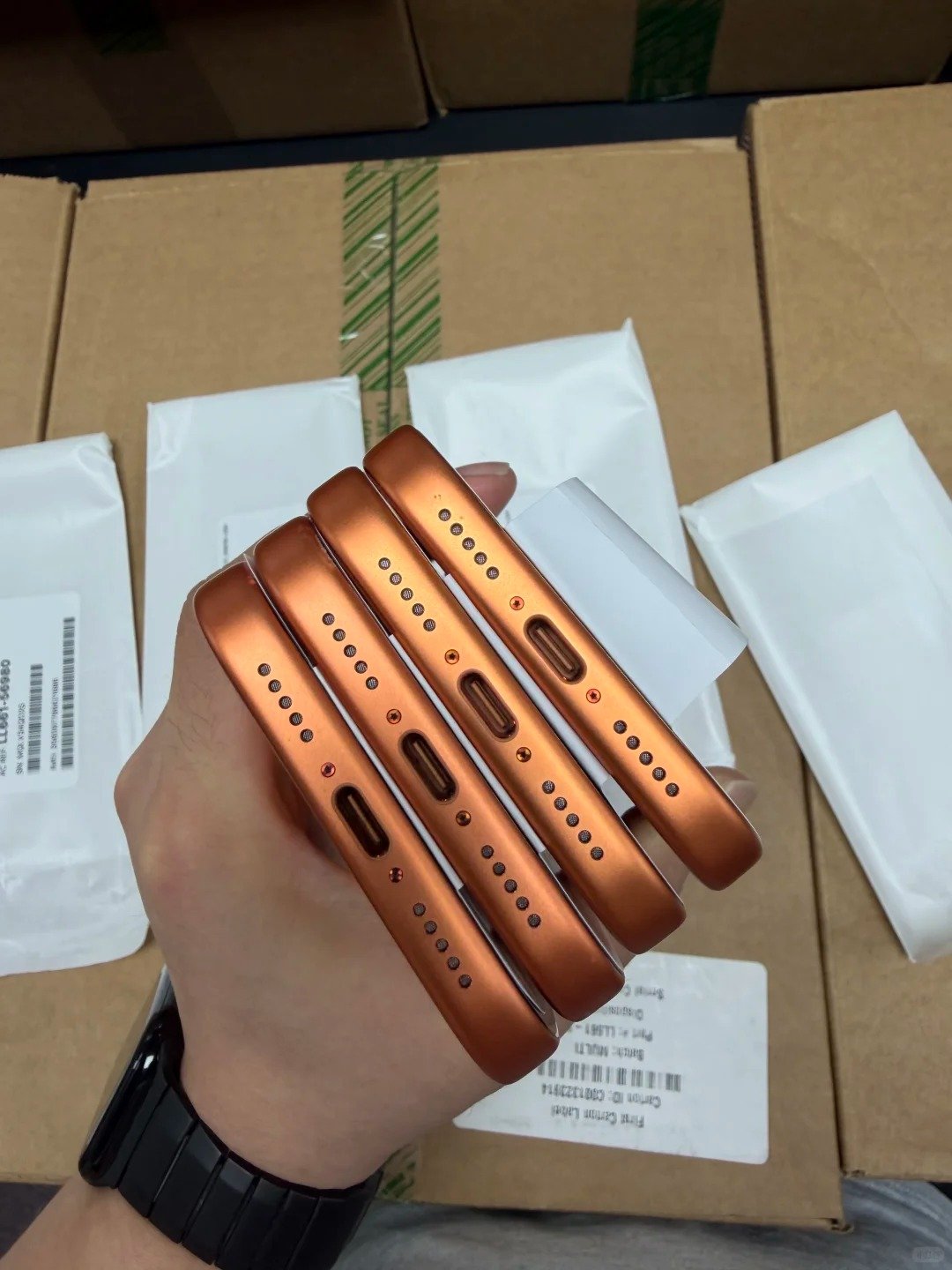
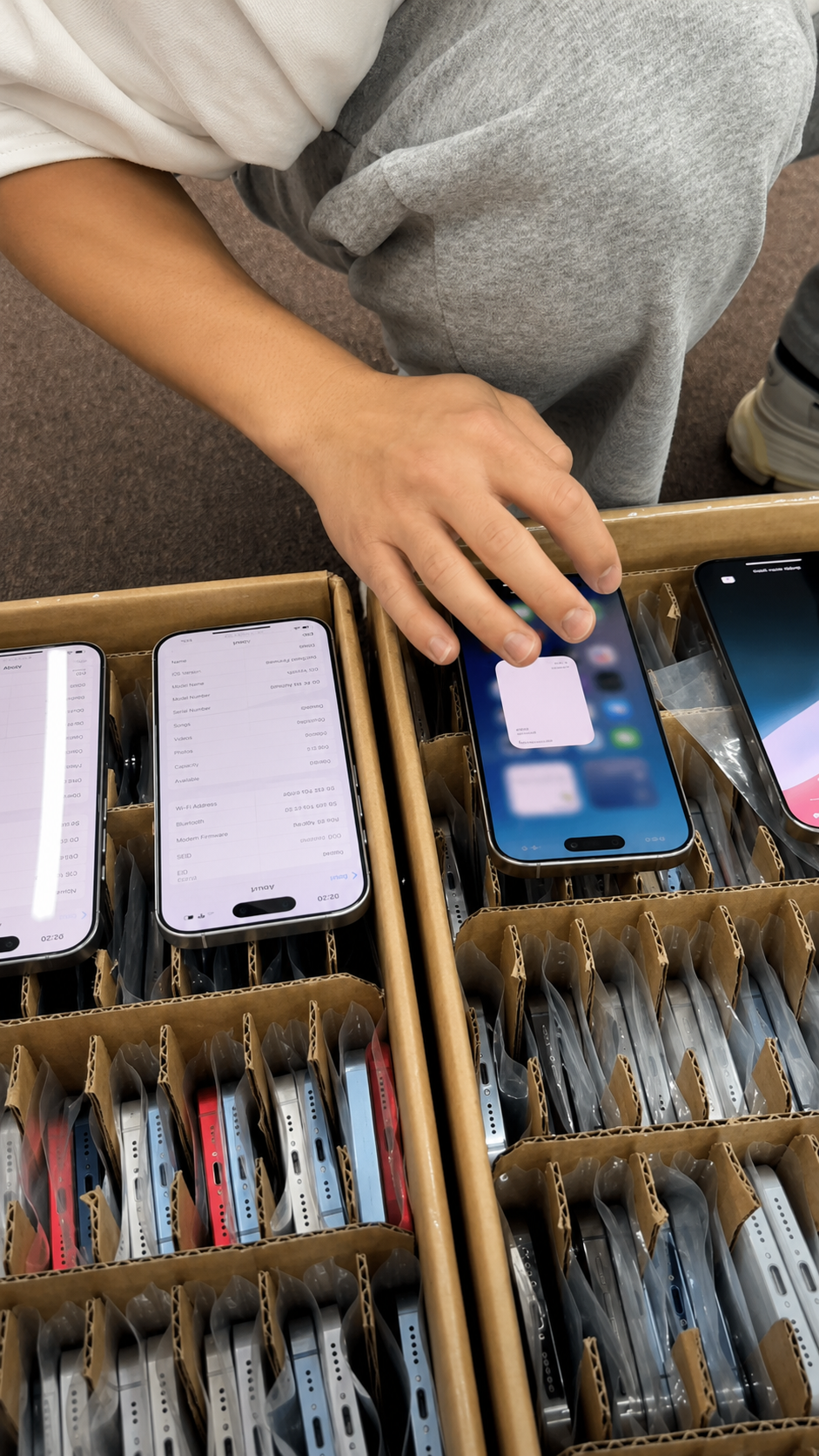
Real-device evidence matters in remote, wholesale, and cross-border transactions. Stock images help describe a model, but they do not prove the exact item condition. Good evidence allows you to compare the supplier’s written grade with what a buyer will actually receive.
Photo evidence checklist
- Front screen shown on and off.
- All four frame edges photographed.
- Back glass and camera lenses shown closely.
- Port and SIM tray shown where relevant.
- Every visible defect disclosed in close-up.
When photos are weak
- Ask for high-resolution close-ups under neutral light.
- Request sides, back, corners, cameras, and port.
- Request a screen-off image to reveal scratches.
- Ask whether samples or exact units are shown.
9. What a cosmetic grade cannot prove
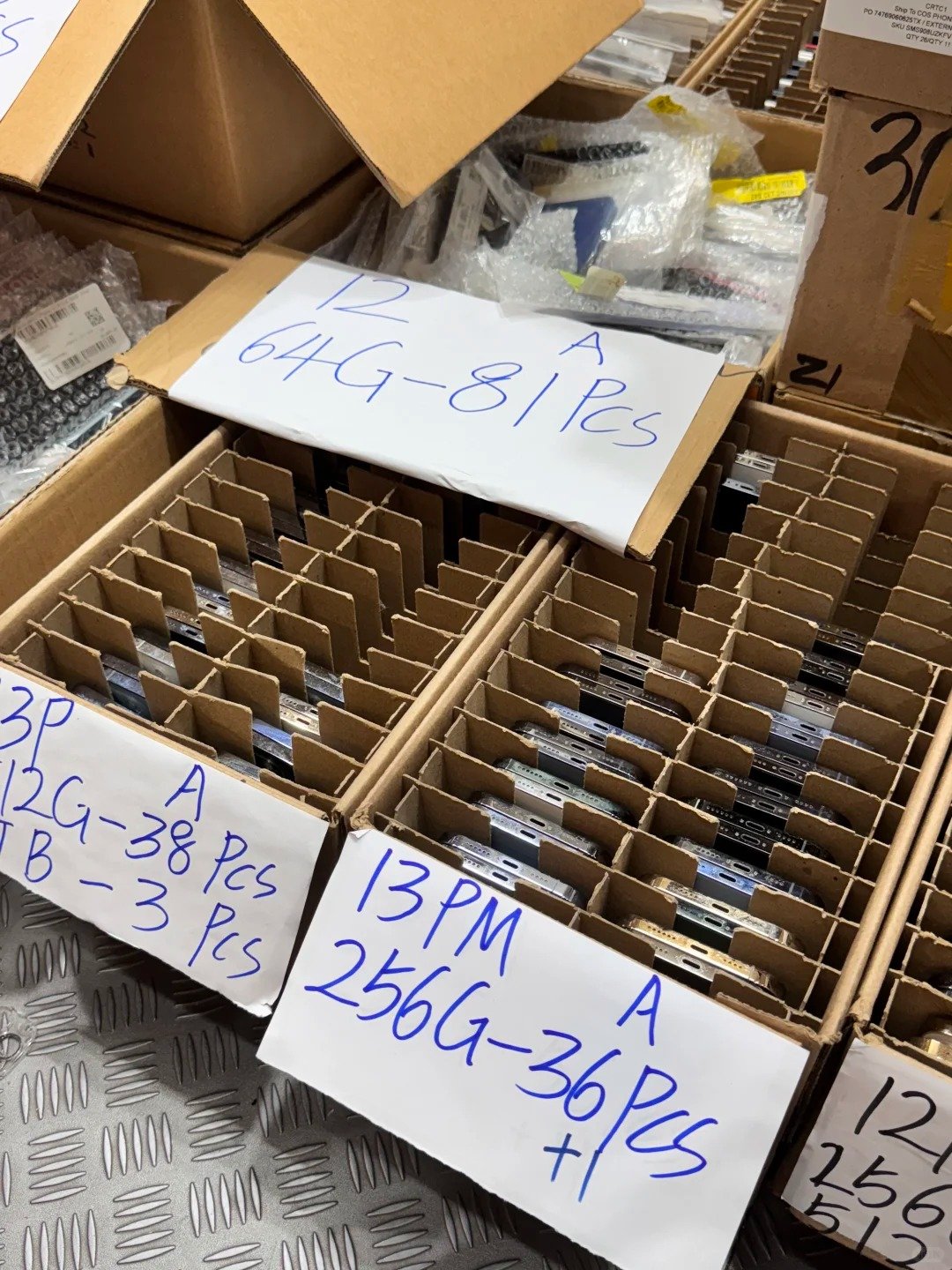
A condition label does not identify the phone’s commercial or technical history. It cannot by itself confirm whether the handset is activation-ready, compatible with the destination carrier, clear on relevant IMEI checks, free from water exposure, or appropriate for a particular market. These checks deserve their own evidence because none can be reliably judged from the glass and frame alone.
| Not proven by grade | Why it can change the decision | Practical buyer action |
|---|---|---|
| Activation Lock status | An account-locked device cannot simply be treated as normal resale stock. | Confirm the device is ready for the intended transfer process. |
| IMEI and device identity | The unit needs to match the commercial record and local acceptance requirements. | Compare the identifier with the agreed inventory or invoice record. |
| Carrier lock and regional variant | SIM, eSIM, bands, and carrier conditions can affect resale suitability. | Confirm the destination-market requirement before purchasing. |
| Liquid exposure or internal damage | External appearance may not reveal a past incident. | Use an agreed inspection and diagnostic process. |
| Included items and warranty scope | Accessories and after-sales support affect delivered value. | Put the exact commercial scope in writing. |
The same caution applies to terms such as “refurbished,” “tested,” and “unlocked.” They can be useful descriptions, but the buyer should ask what process, result, or market qualification the supplier means by them. A clean grade and a clear specification are complementary, not interchangeable.
10. Make batch grading consistent before the goods arrive
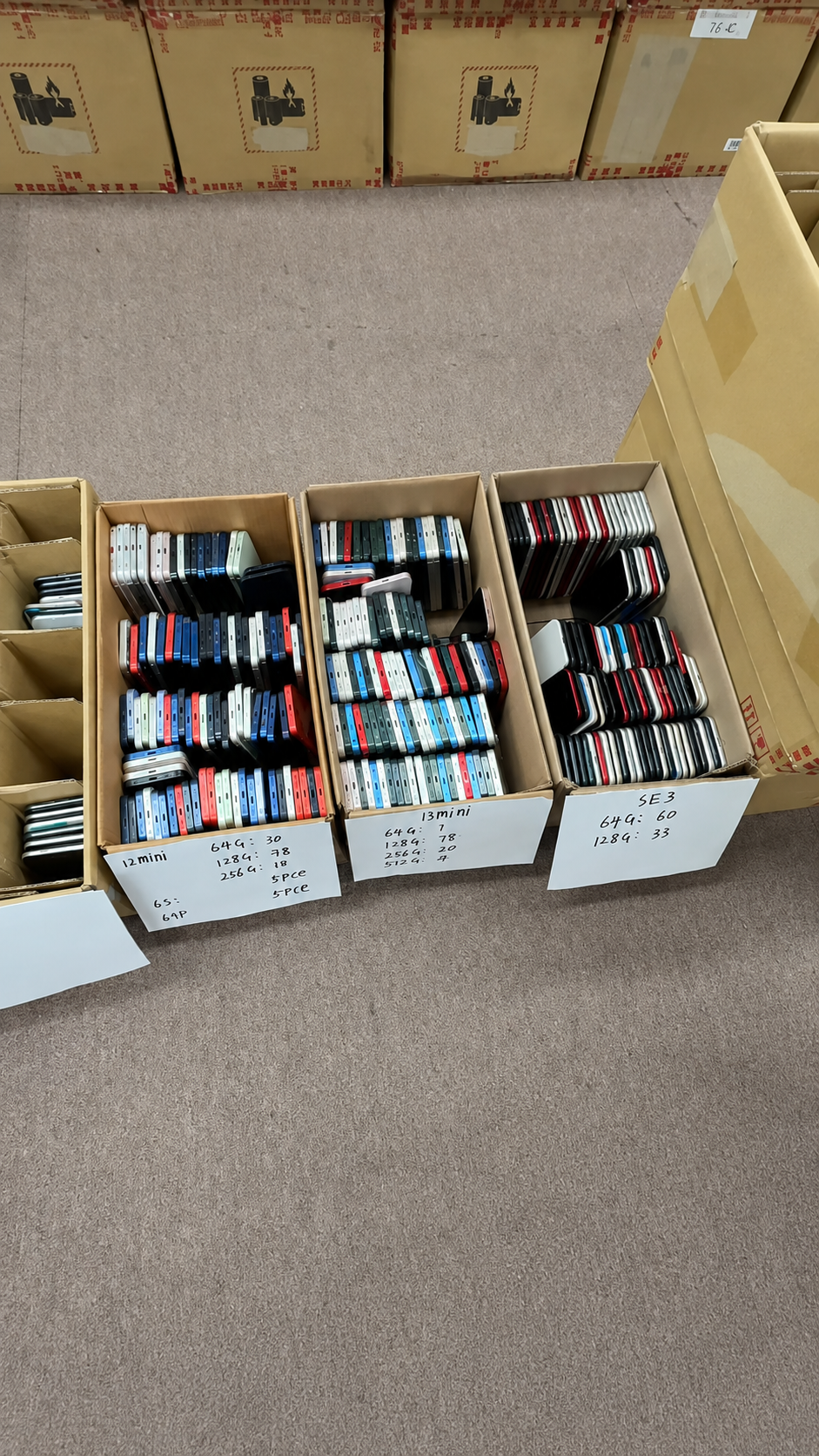
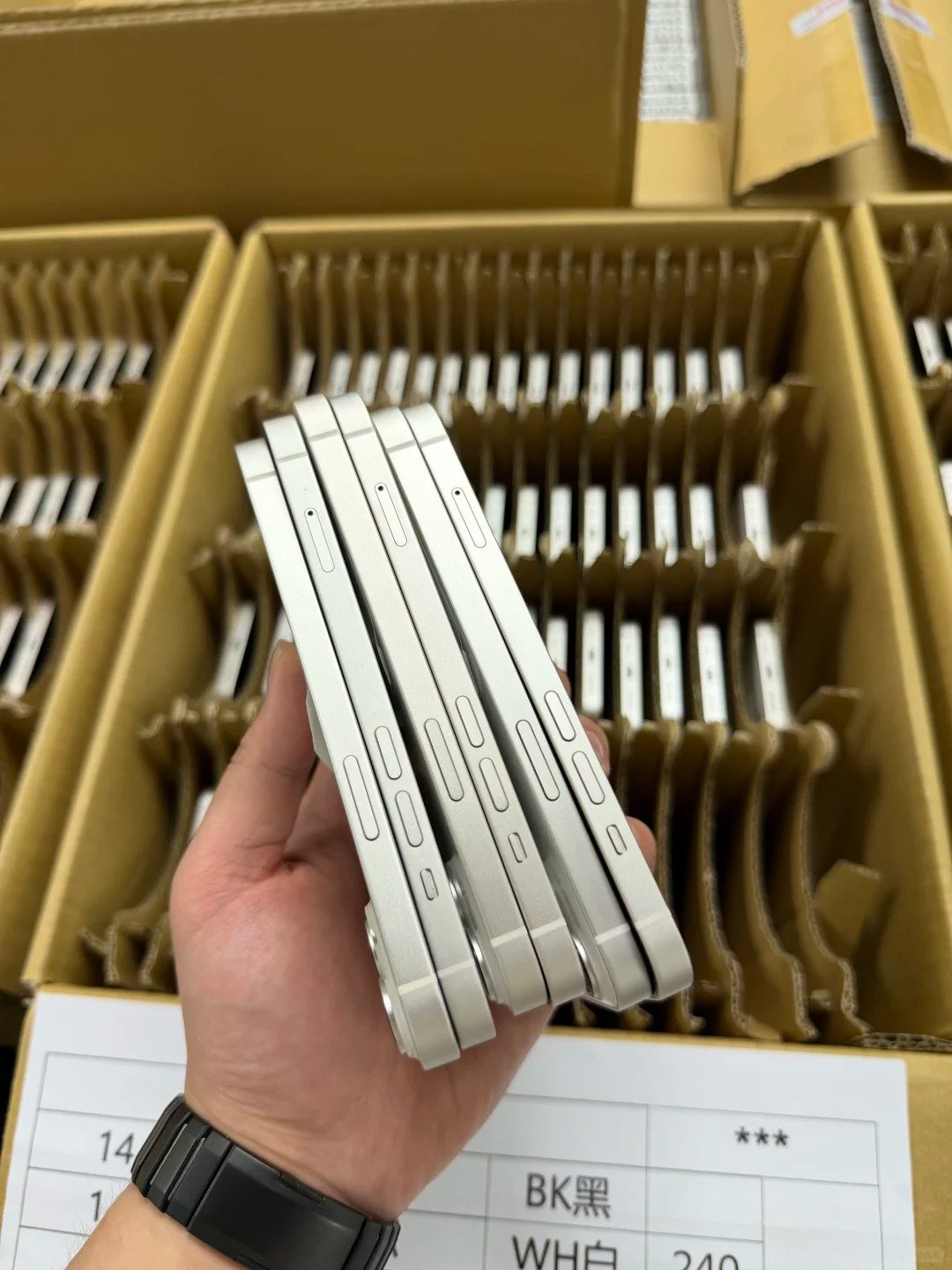
In a single-unit purchase, a close-up photo may be enough to resolve a small mark. In a wholesale order, consistency matters more than any one device. The goal is to make every party use the same criteria at quotation, packing, receiving, and onward resale.
Before placing the order
- Define the permitted wear for each grade.
- Confirm whether the screen is reviewed with the display off.
- Agree how cracks, deep dents, corrosion, and bends are handled.
- Set the battery-health disclosure rule.
- Clarify what repair-history information is recorded.
At receiving and resale
- Sample-check against the approved standard.
- Record grade exceptions immediately.
- Separate devices that need further testing.
- Keep condition notes with the inventory record.
- Use the same words in your customer-facing listing.
For mixed-grade orders, a grade distribution is more useful than a single average description. Ask how many units are expected in each grade, what tolerance applies to the mix, and whether price adjustments or exception handling have been agreed. This reduces the risk of buying an “Excellent” batch that is actually a mixture of several visible-condition levels.
11. Match the grade to your resale channel and price strategy
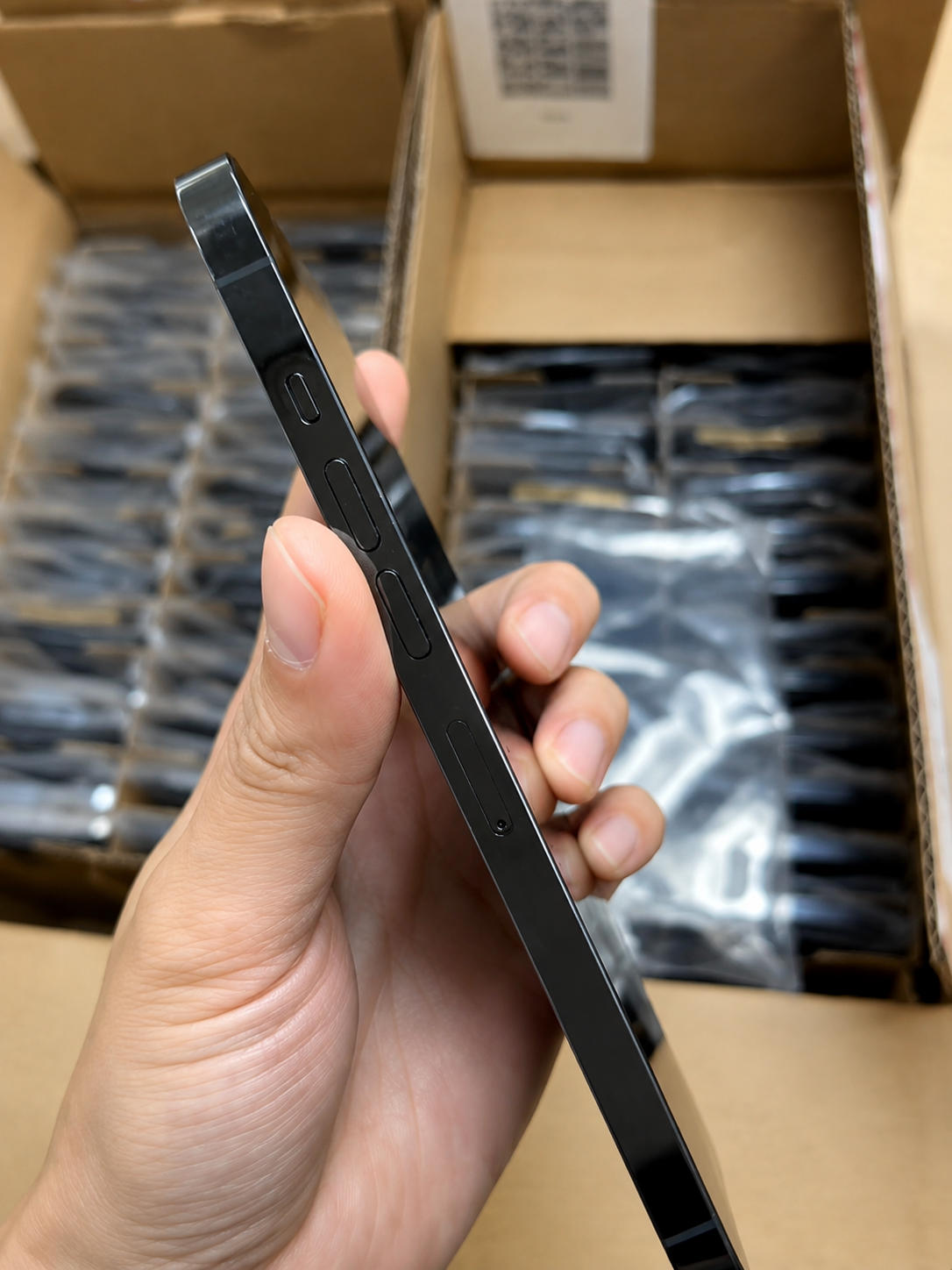
The best grade is not always the highest grade. A retailer selling gift-ready phones may need Like New stock because first impressions directly affect conversion and return risk. A value reseller may gain more from Good-grade phones with strong function, transparent photos, and a clear price advantage.
| Resale objective | Often suitable grade | Key operating focus |
|---|---|---|
| Premium in-store or online presentation | Like New | Low visible wear, strong photography, detail-oriented disclosure |
| Balanced mid-market inventory | Excellent | Presentable appearance and disciplined margin control |
| Case-use or price-led retail | Good | Honest marks, complete functional test, value-led pricing |
| Corporate or project procurement | Any documented grade | Consistent standard, data record, and repeatable acceptance process |
Price should reflect the complete offer: model, storage, color, cosmetic grade, battery condition, repair disclosure, device status, accessories, shipping, and commercial support. Avoid treating a lower cosmetic grade as an automatic discount if it also brings stronger battery condition or more complete documentation. Equally, do not pay a premium only for a label that is unsupported by images and a written standard.
12. A fast inspection workflow for any grade
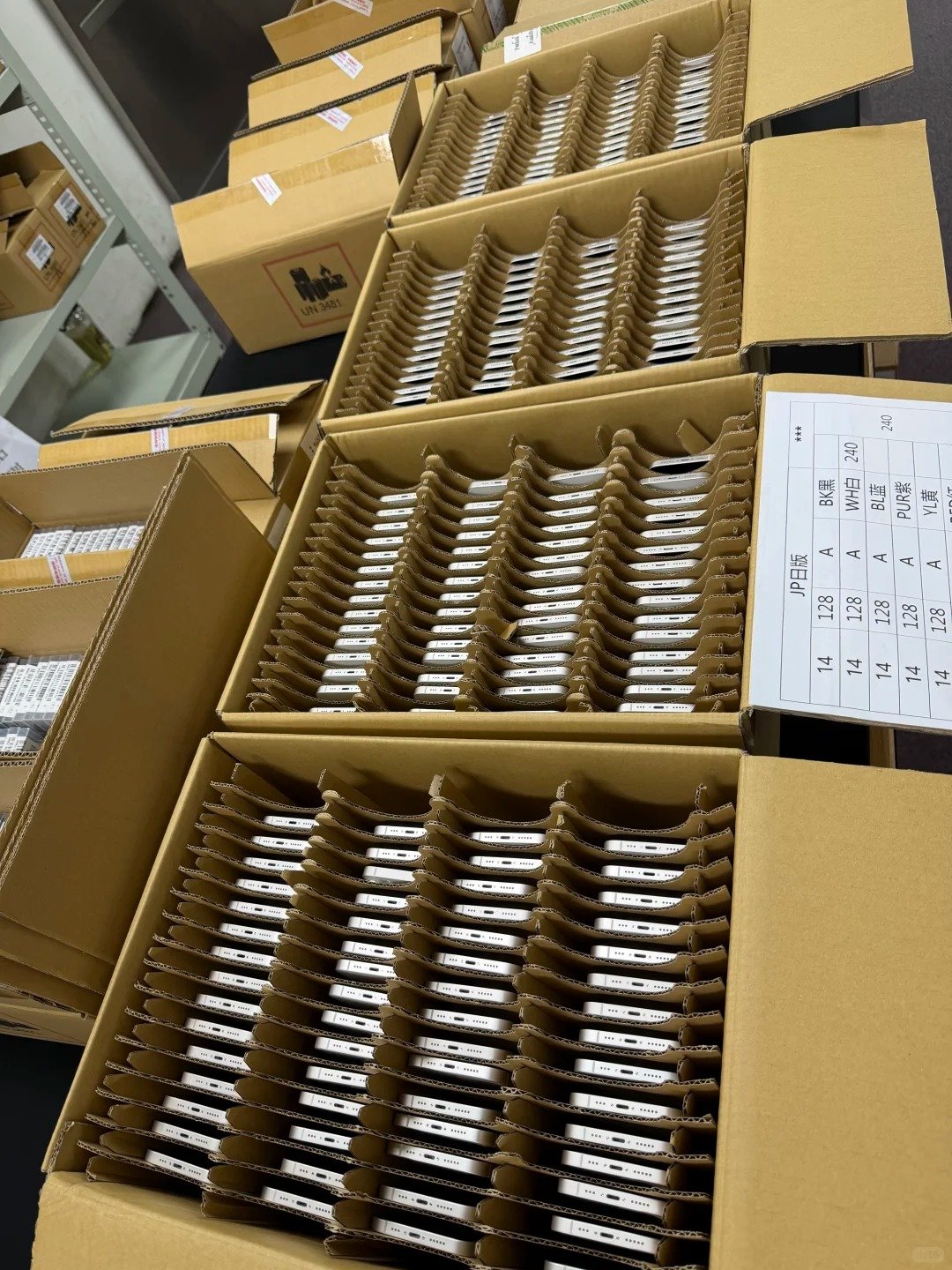
Use the same inspection discipline for Like New, Excellent, and Good stock. The cosmetic tolerance changes by grade; the need for clear identification, status checks, and core-function testing does not.
- Confirm exact model, storage, color, and region.
- Compare the IMEI with the listing, invoice, or inventory record.
- Confirm the phone is free from Activation Lock.
- Check carrier-lock status and required SIM or eSIM compatibility.
- Inspect screen, frame, back glass, cameras, buttons, and port.
- Review Battery Health and Charging.
- Review Parts and Service History where available.
- Test display, touch, cameras, speakers, microphones, Face ID or Touch ID, Wi-Fi, Bluetooth, calls, and charging.
- Compare actual wear with the supplier’s written definition.
- Keep written evidence of grade, notes, IMEI, payment, and commercial terms.