Complete comparison
Used vs Refurbished iPhone: A Complete Buyer Comparison
1. What Is a Used iPhone?
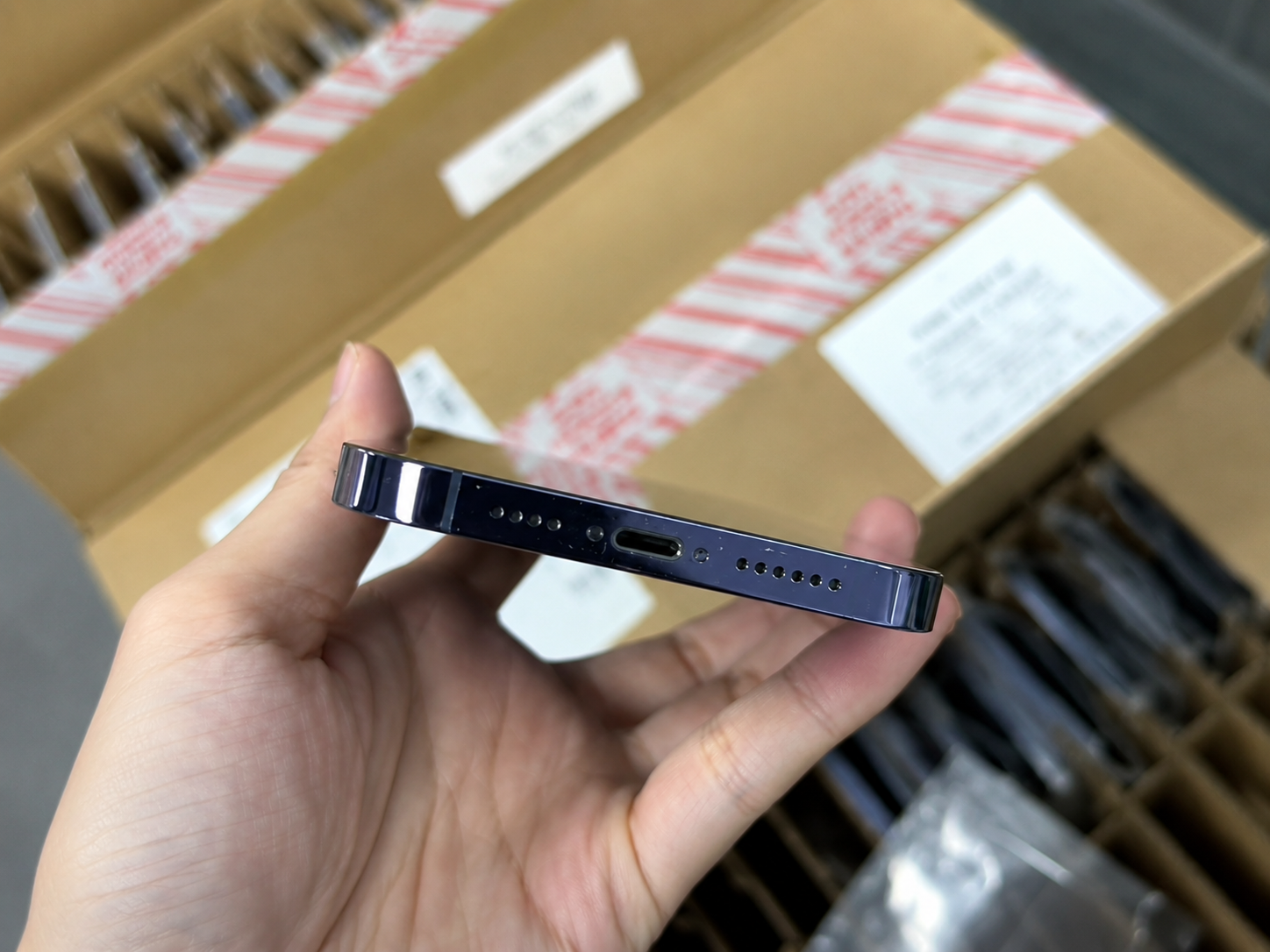
A used iPhone has been previously owned and is sold in its current condition. That condition may range from nearly new to heavily worn, which is why a used device should be inspected as an individual unit rather than judged only by its model name or price.
- Confirm model, storage, color, and regional variant.
- Inspect cosmetic condition through direct or reliable evidence.
- Check battery health and charging behavior.
- Review Parts and Service History where available.
- Check IMEI against relevant documents.
- Confirm Activation Lock is removed.
- Check carrier status and SIM/eSIM suitability.
- Test display, cameras, audio, buttons, charging, Wi-Fi, Bluetooth, and cellular functions.
- Understand return, warranty, or claims terms.
2. What Is a Refurbished iPhone?
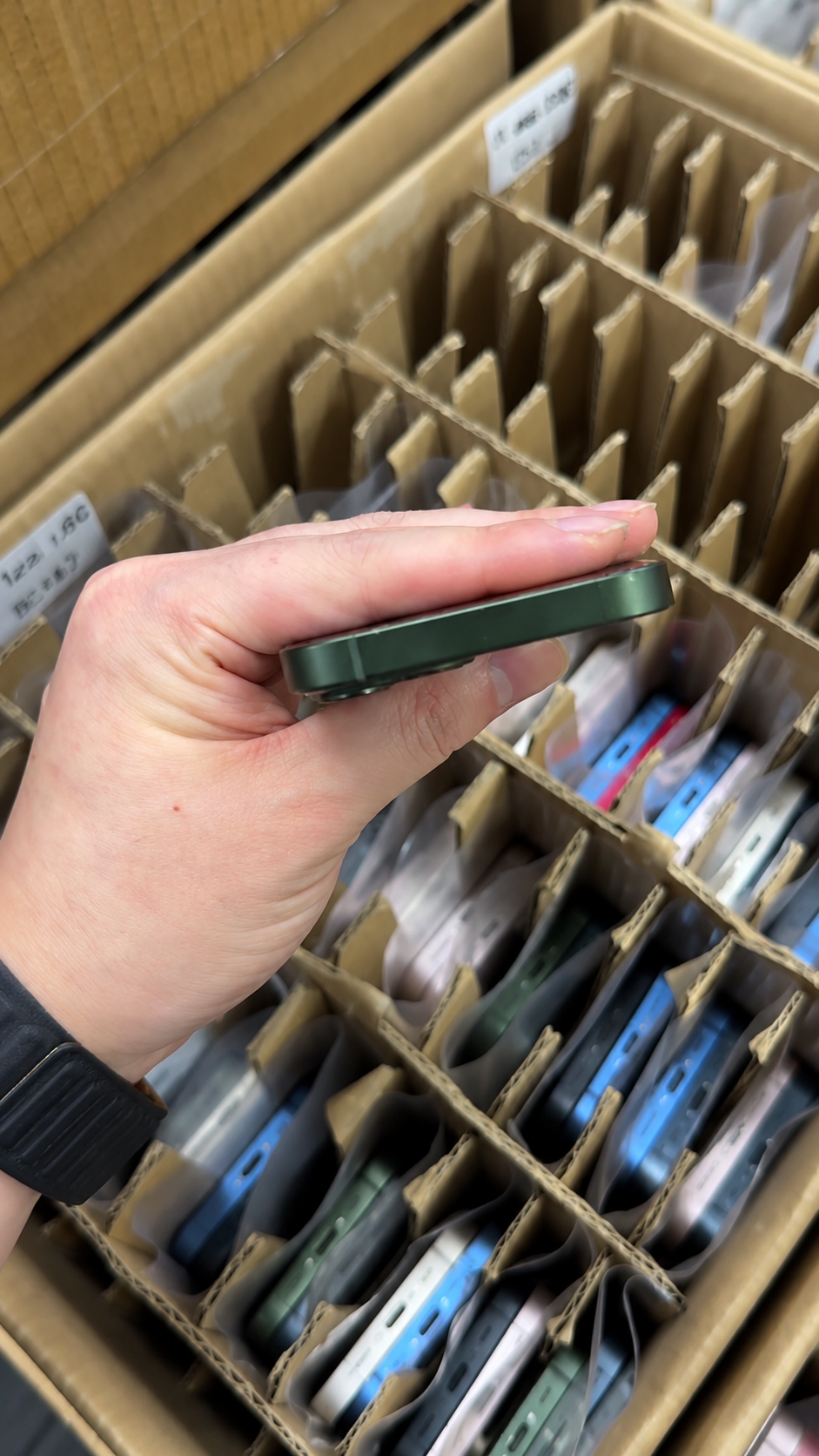
Refurbished devices are generally inspected and tested, with repairs or replacements completed when the refurbisher decides they are needed. That can create a more consistent ready-to-sell product, but the meaning depends entirely on the provider’s stated standard.
| Typical Refurbishment Step | Purpose |
|---|---|
| Intake inspection | Identifies visible damage and functional defects |
| Data clearing | Removes previous user data through legitimate processes |
| Functional testing | Checks display, camera, charging, connectivity, audio, sensors, and buttons |
| Repair or replacement | Addresses failed or worn components where required |
| Battery evaluation | Records condition or replaces battery under provider policy |
| Cleaning and grading | Prepares device for a stated resale condition |
| Final test and packing | Confirms the provider’s stated standard |
Not every refurbisher performs the same steps, uses the same parts, or offers the same warranty. Buyers should request the specific policy.
3. Apple Certified Refurbished vs Third-Party Refurbished
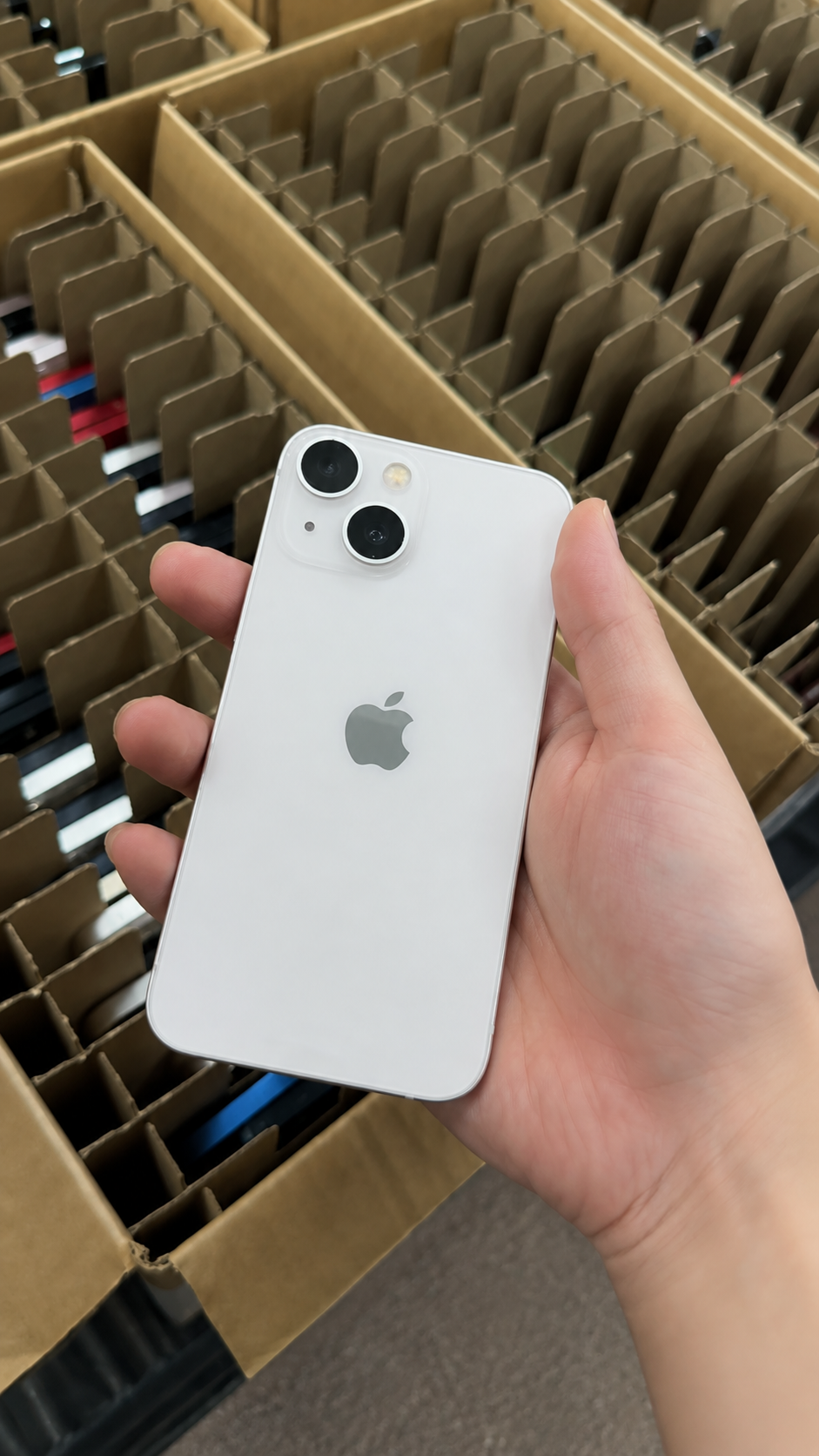
Apple Certified Refurbished follows Apple’s defined program. Third-party refurbished devices follow the individual seller’s process, which may be strong and transparent but must be verified on its own terms. The labels describe different sourcing paths, not interchangeable guarantees.
| Topic | Apple Certified Refurbished | Third-Party Refurbished |
|---|---|---|
| Process | Defined by Apple | Defined by the seller or refurbisher |
| Parts | Apple states genuine replacement parts are used as needed | Parts quality and source must be verified |
| Battery and outer shell | Apple states refurbished iOS devices include a new battery and outer shell | Depends on provider policy |
| Warranty | Apple states its standard one-year limited warranty applies | Varies by provider and market |
| Packaging | Apple provides stated package contents | Varies by seller |
| Availability | Depends on current Apple stock | Often broader, but consistency varies |
4. Compare Condition, Testing, and Repair Disclosure
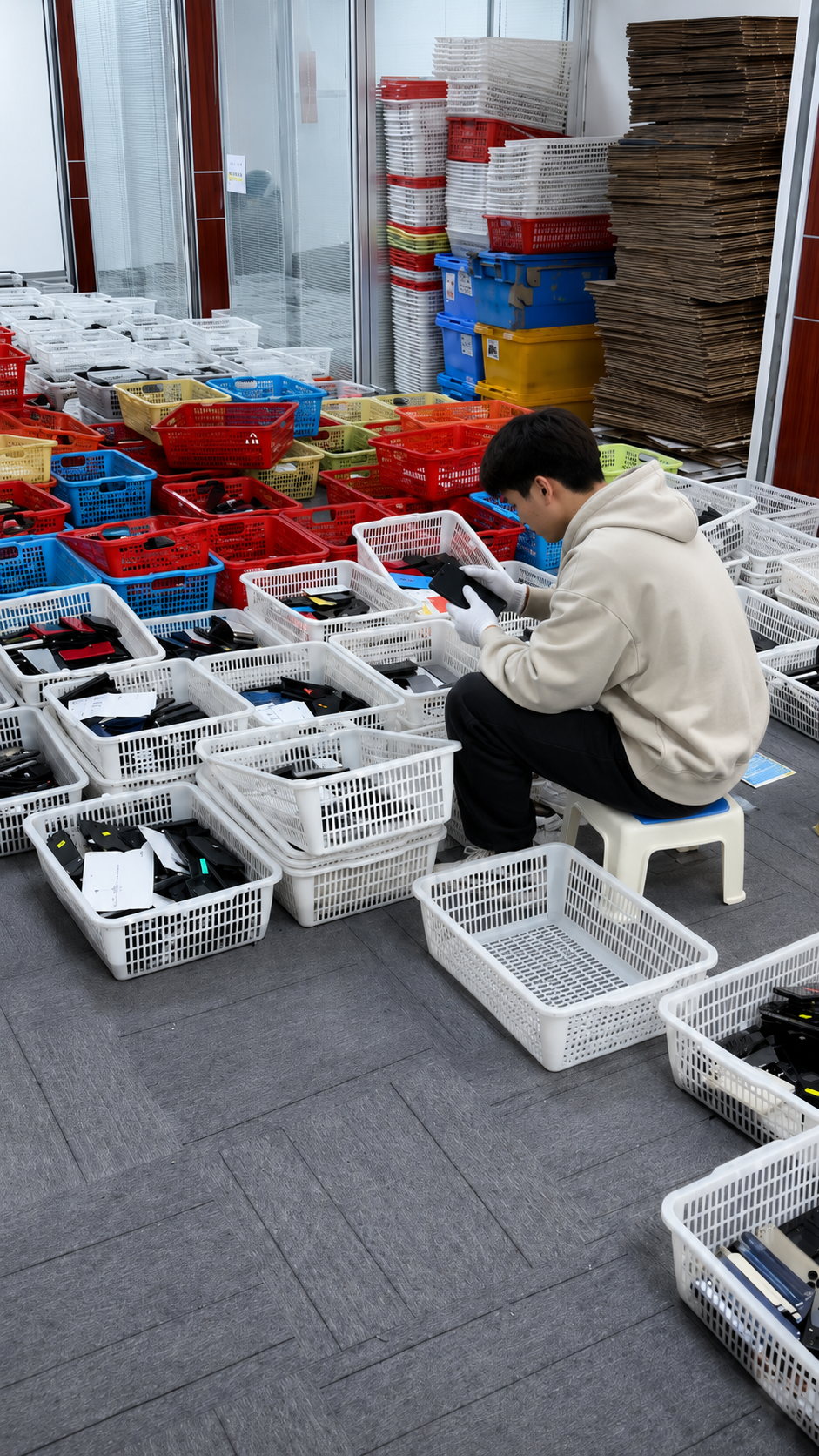
Condition labels should never substitute for a written test or repair standard. Ask what cosmetic marks are acceptable, which functions were tested, and whether repair or replacement information is available before a unit is assigned to a premium, standard, value, or repair channel.
| Quality Area | Used iPhone | Refurbished iPhone | Buyer Question |
|---|---|---|---|
| Cosmetics | May vary widely | Usually assigned a grade | What marks are allowed? |
| Functional testing | May be seller-dependent | Usually included to a stated standard | Which functions were tested? |
| Battery | May be original and aged | May be original, tested, or replaced | What battery policy applies? |
| Parts history | May not be known | Should be documented where available | Were major parts replaced? |
| Cleaning | May be minimal | Usually included | What preparation process is used? |
| Warranty | May be absent or limited | Often included, but varies | What is covered and for how long? |
5. Check Battery Health in Both Categories
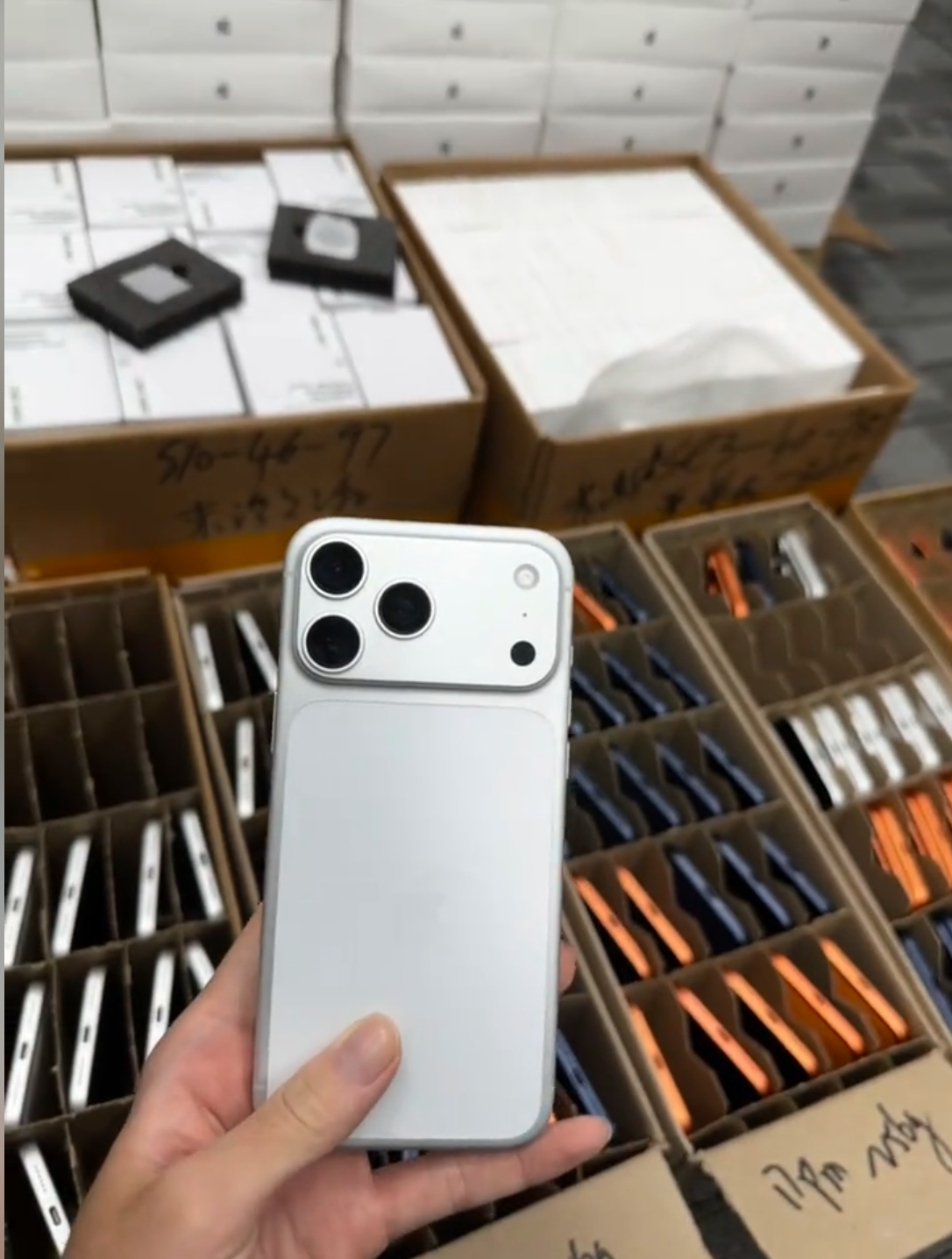
A refurbished label does not automatically mean a new battery unless the provider specifically states that policy. Maximum Capacity, service messages, charging behavior, physical safety signs, and replacement information are separate facts to document.
- Open Settings, Battery, then Battery Health & Charging.
- Record Maximum Capacity and any service message.
- Test charging and watch for unusual heat or instability.
- Review Parts and Service History where available.
- Confirm replacement information and documentation.
- Compare the result with the intended price and resale tier.
- For wholesale, define a threshold or disclosed range before payment.
- Keep battery standards separate from cosmetic grade.
6. Review Parts and Service History
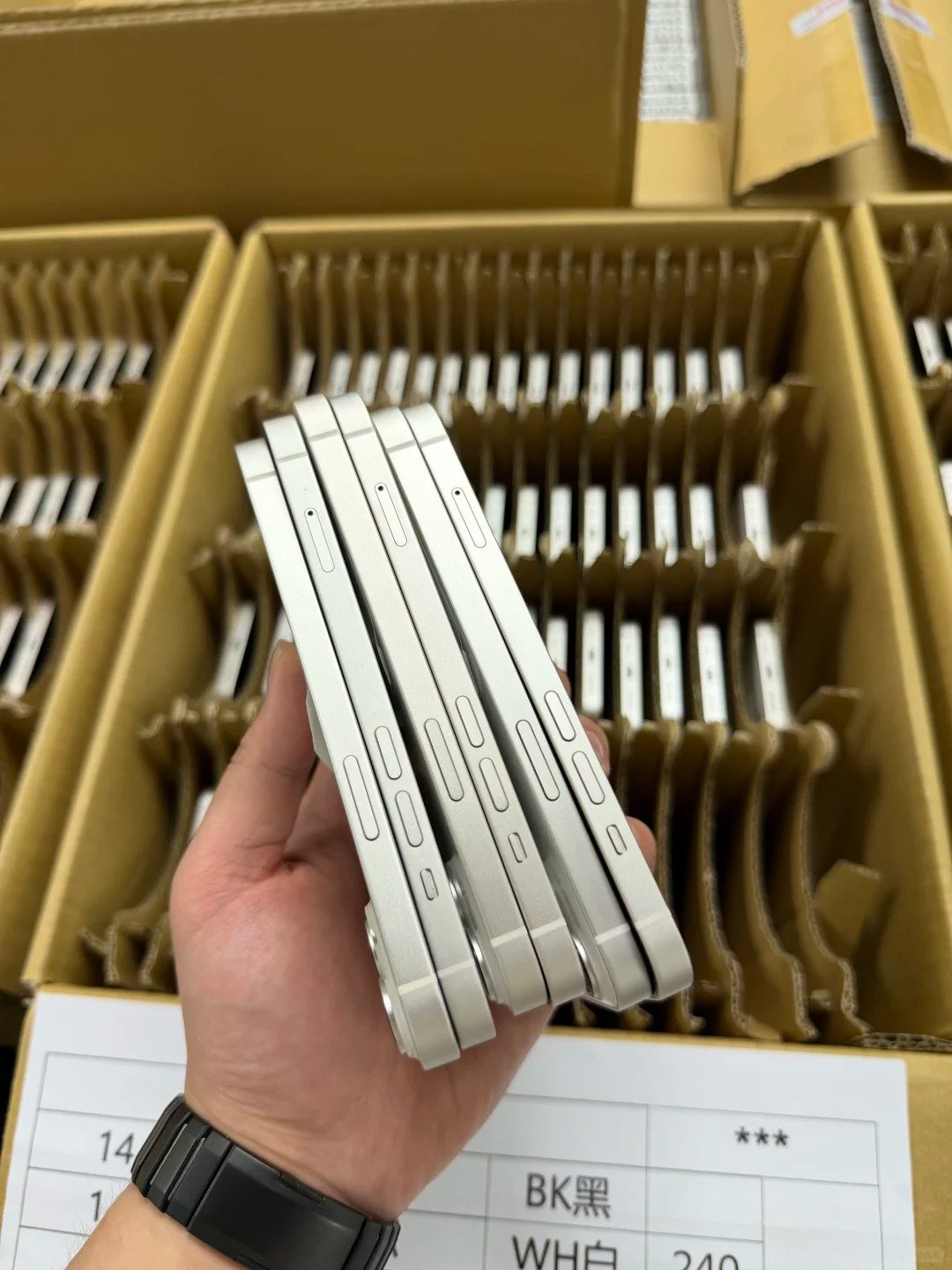
Available Parts and Service History can help buyers understand certain recorded repairs on supported devices. It is evidence to add to the unit record; it does not replace live functional testing or a clear seller disclosure.
- Open Settings.
- Tap General.
- Tap About.
- Look for Parts and Service History where available.
- Review battery, display, camera, logic-board, or other listed information.
- Record statuses relevant to buying or resale.
| Possible Status | General Meaning | Buyer Action |
|---|---|---|
| Genuine | A genuine Apple part and process may be recorded | Keep record for transparent resale |
| Used | Part may have been installed in another iPhone | Evaluate against inventory standard |
| Unknown | Part may be unverified, non-genuine, incomplete, or not working as expected | Inspect carefully and disclose or isolate |
| No history shown | Information may not be available | Use functional testing and other evidence |
7. Compare Price, Risk, and Buyer Expectations
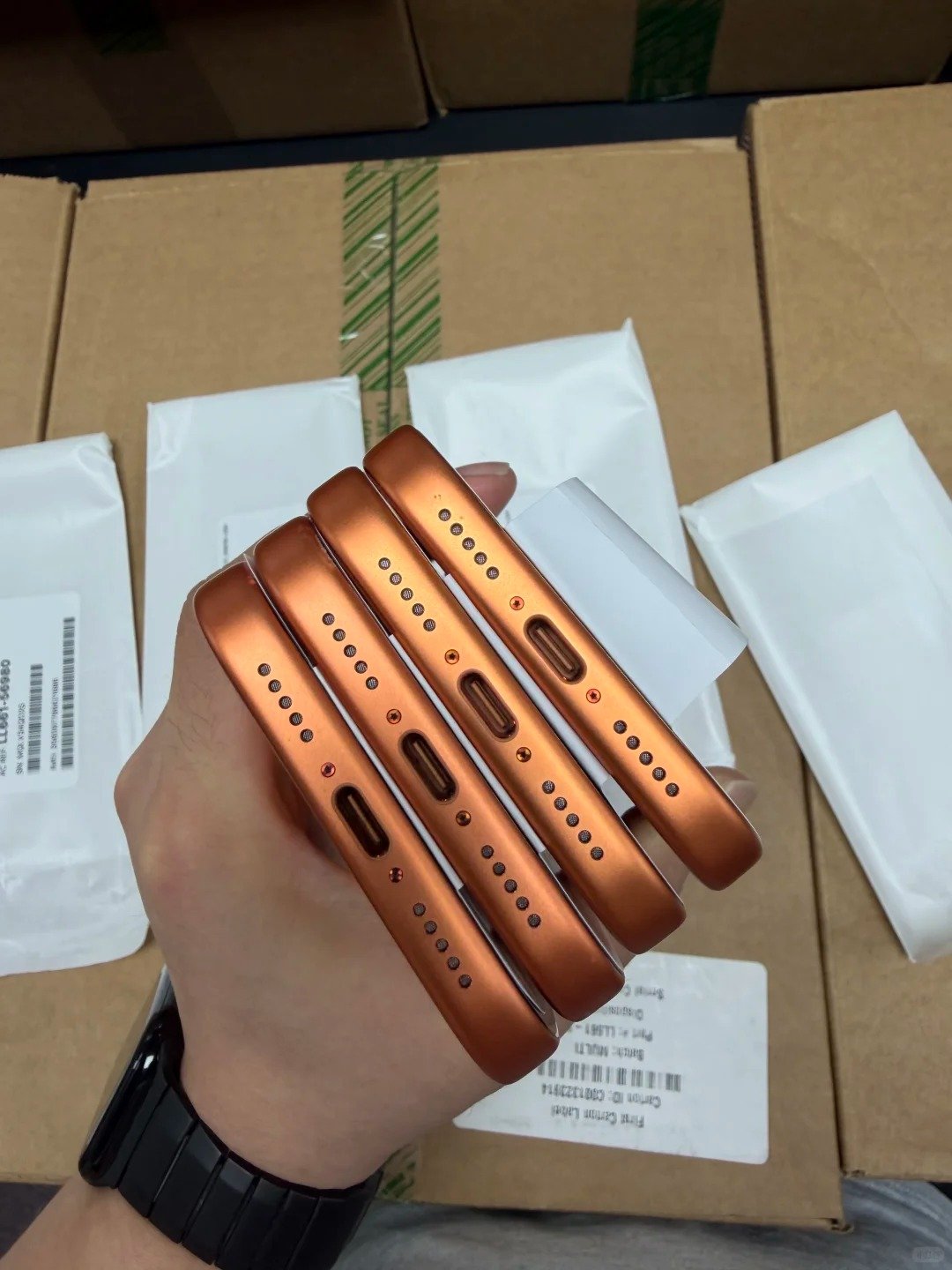
Used devices may cost less but can require more inspection and risk allowance. Refurbished devices can include processing, parts, testing, and support costs in the price. Neither category guarantees savings, stock availability, resale profit, delivery timing, or warranty coverage.
| Buyer Priority | Used iPhone May Fit Best When | Refurbished iPhone May Fit Best When |
|---|---|---|
| Lowest acquisition cost | Buyer can inspect and manage variation | Not the primary priority |
| Consistent presentation | Buyer has own testing and grading | Supplier has documented standard |
| Repair business | Buyer needs donor devices or repair stock | Buyer needs ready-to-sell repaired devices |
| Consumer confidence | Seller provides strong evidence and return options | Testing and support documents matter |
| Large wholesale orders | Buyer performs incoming quality control | Supplier provides consistent tests and records |
8. Know What “Refurbished” Does Not Guarantee
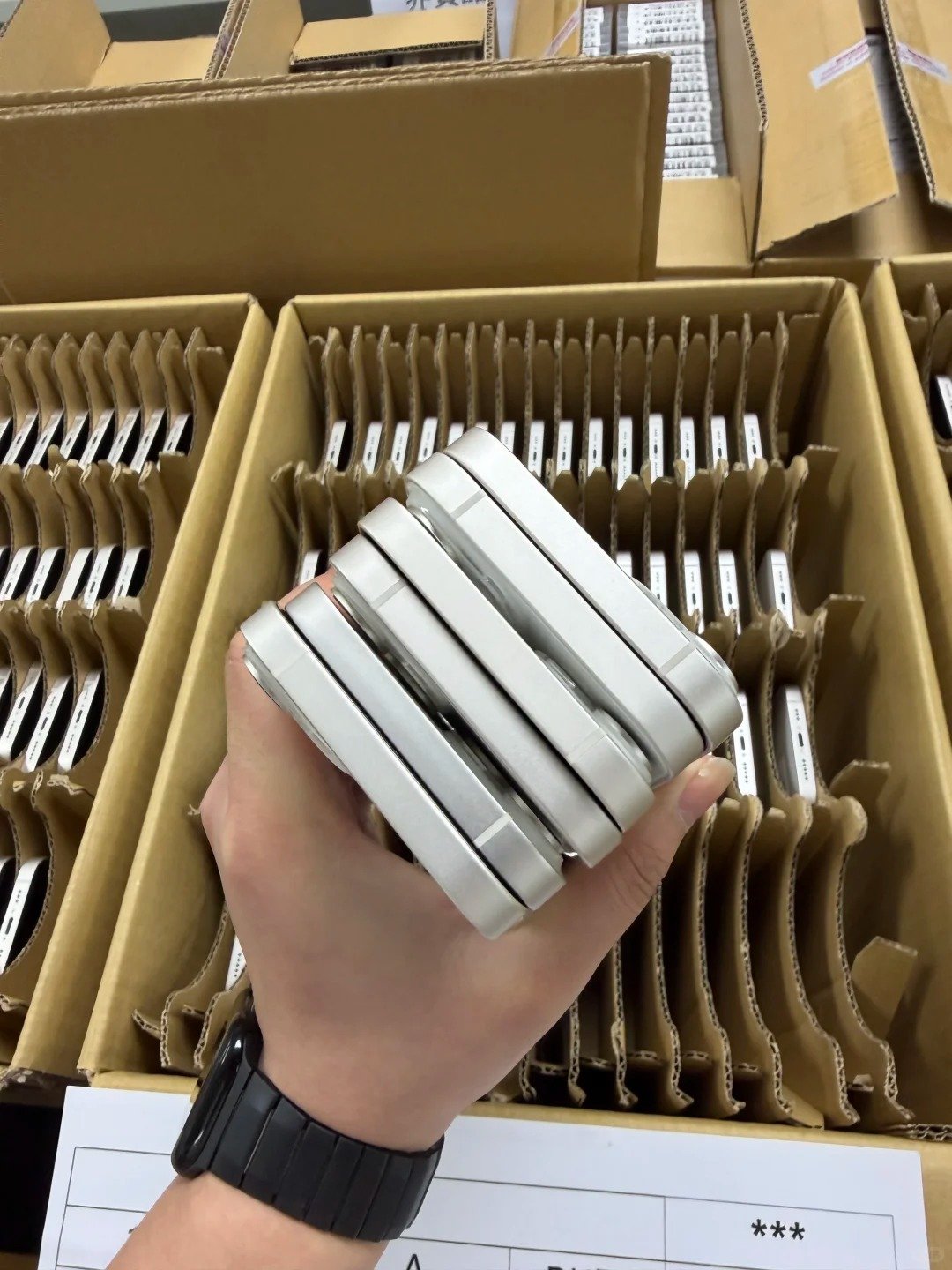
The term alone does not guarantee original parts, a new battery, perfect appearance, a universal warranty, or worldwide carrier compatibility. Read the supplier’s specification, documents, and exceptions list before treating stock as ready for a particular market.
| Common Assumption | Better Understanding |
|---|---|
| Refurbished always means like new | Condition grades and cosmetic standards vary |
| Refurbished always means a new battery | Battery policy depends on provider |
| Refurbished always uses original parts | Parts source and repair quality must be confirmed |
| Refurbished always includes a long warranty | Coverage depends on seller and market |
| Refurbished means unlocked | Carrier status must be checked separately |
| Refurbished means no account lock | Activation Lock must be checked separately |
9. Check Ownership, IMEI, and Carrier Status for Both
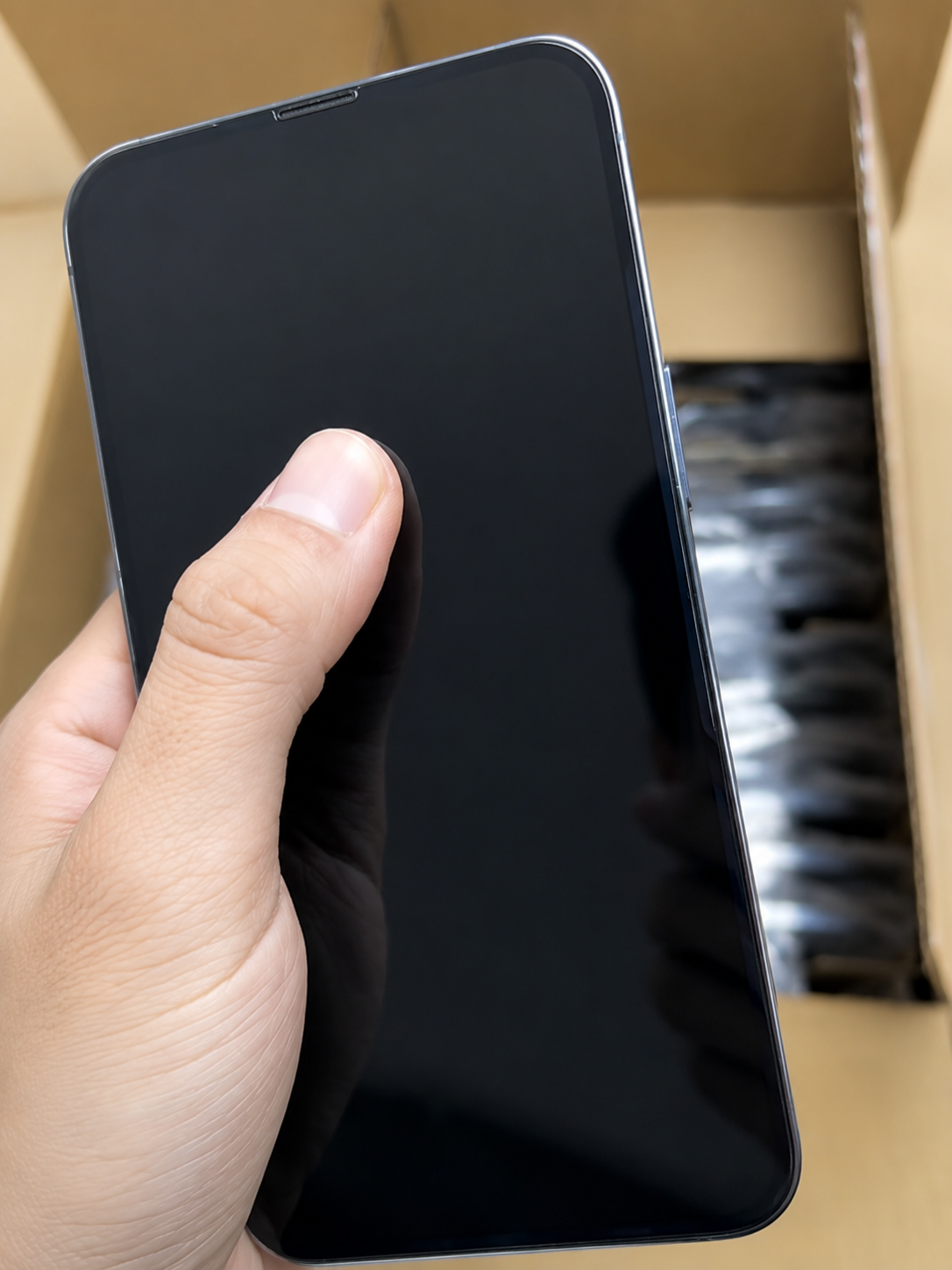
Used and refurbished iPhones need the same ownership and network checks. Record the IMEI, verify the exact device against documents, check setup ownership status, and check Carrier Lock. “No SIM restrictions” indicates that the iPhone is unlocked.
- Confirm the device does not show “iPhone Locked to Owner” during setup.
- Do not buy devices requiring another person’s Apple Account credentials.
- Record the IMEI and match it to the invoice or manifest.
- Use lawful market-appropriate resources for reported lost or stolen checks.
- Open Settings, General, About, and check Carrier Lock.
- Confirm destination physical-SIM, eSIM, and network compatibility.
- Treat any mismatch as an exception requiring resolution.
10. Choose the Right Type for Wholesale Buying
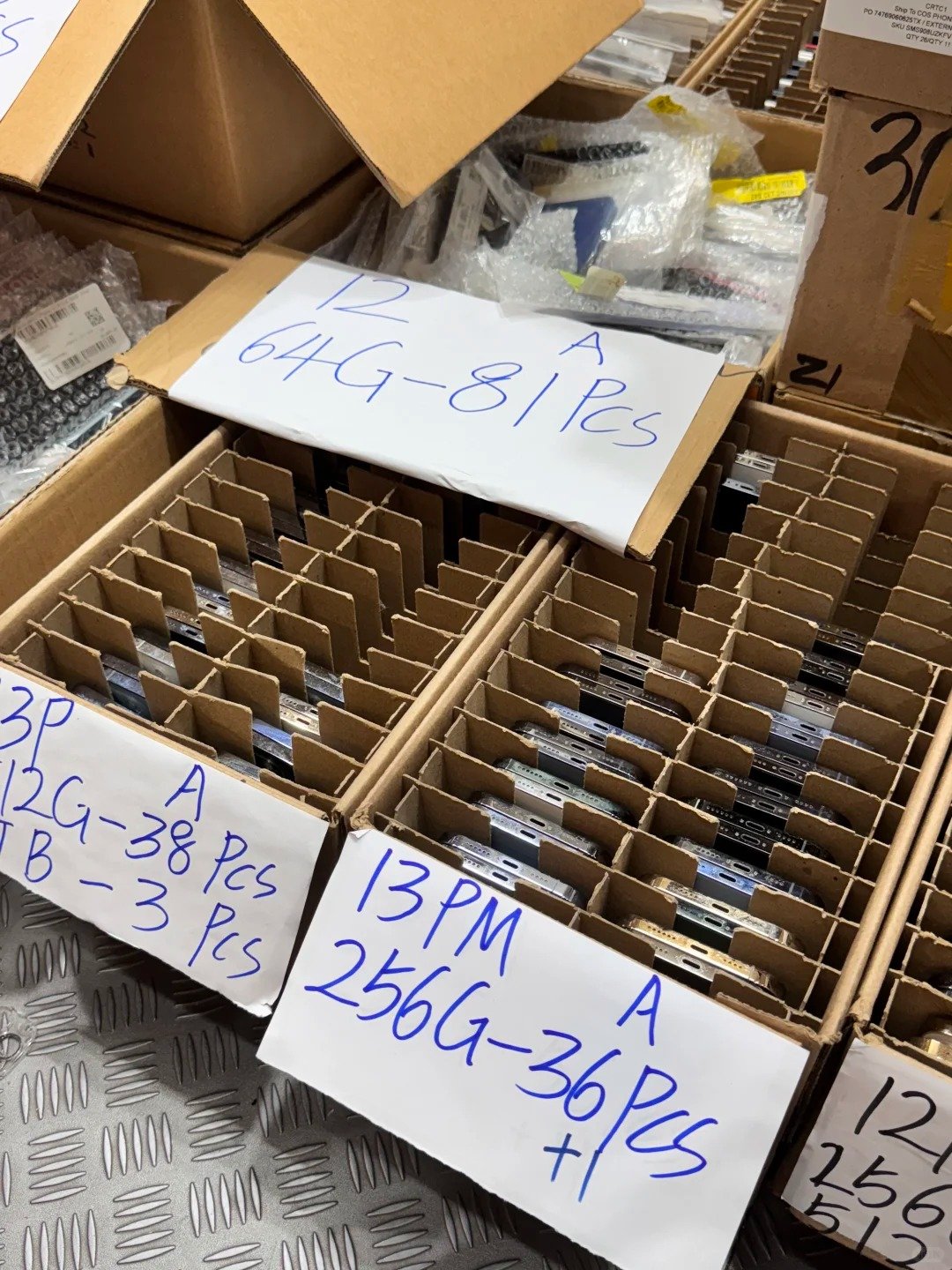
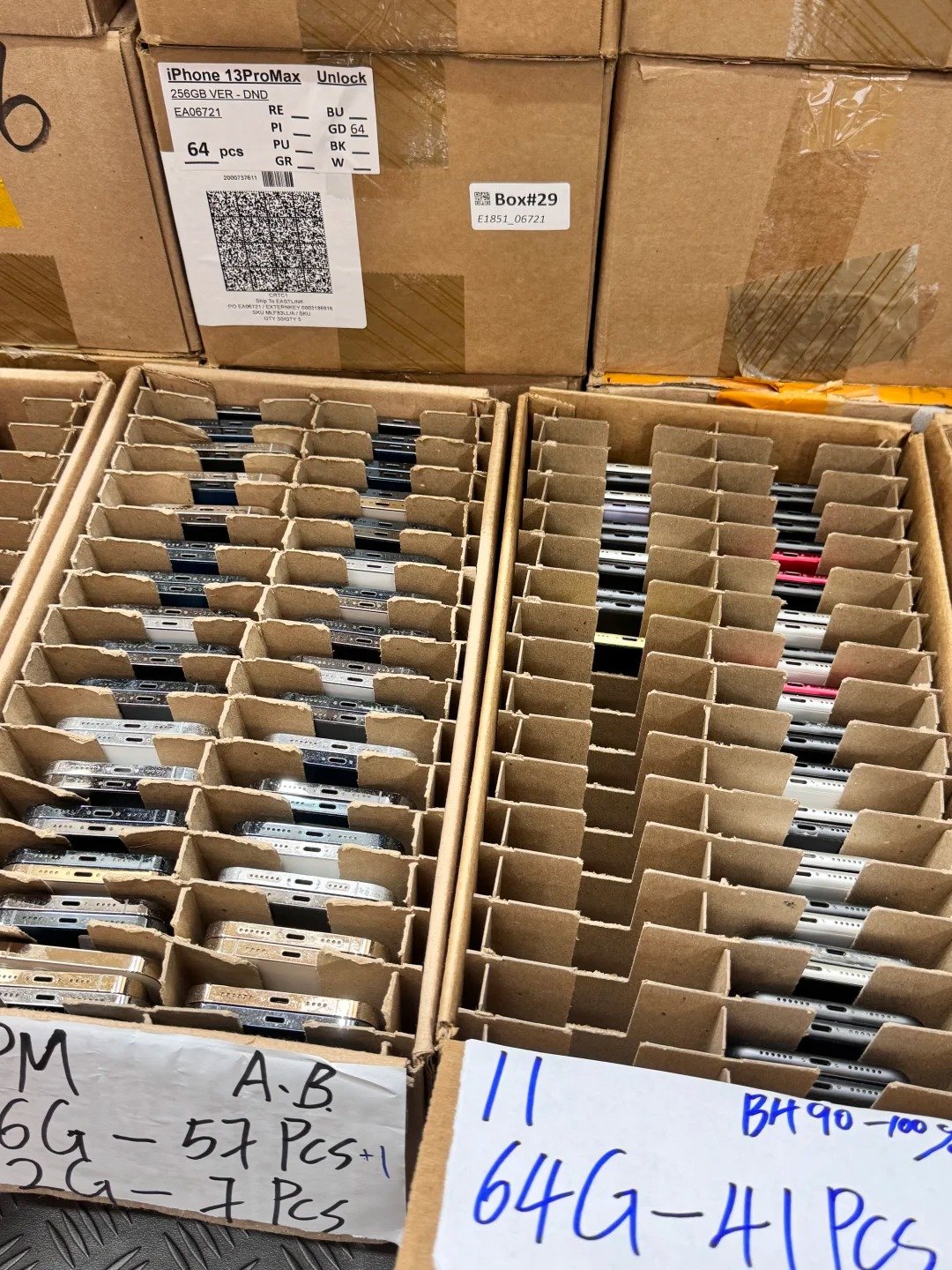
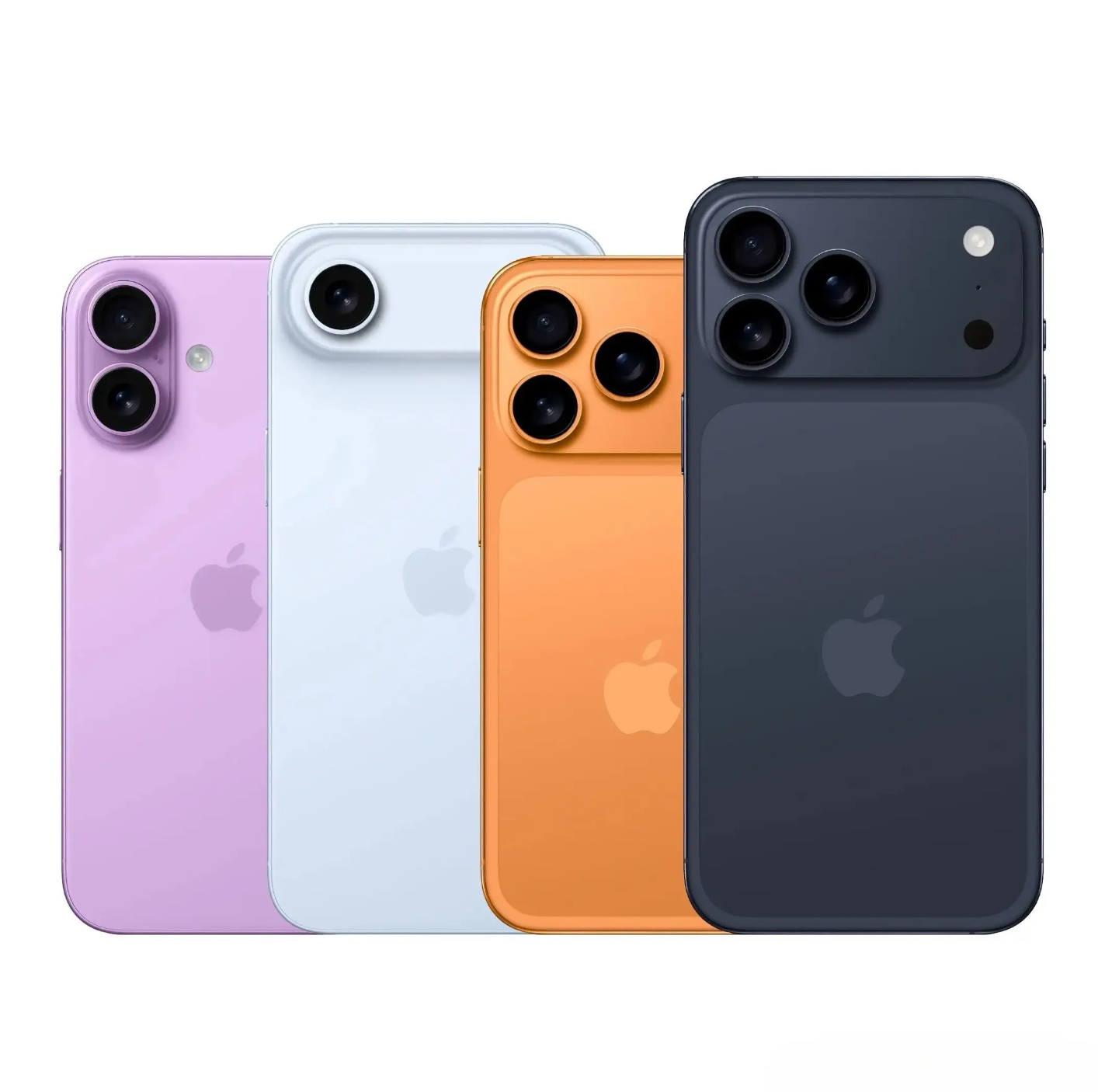
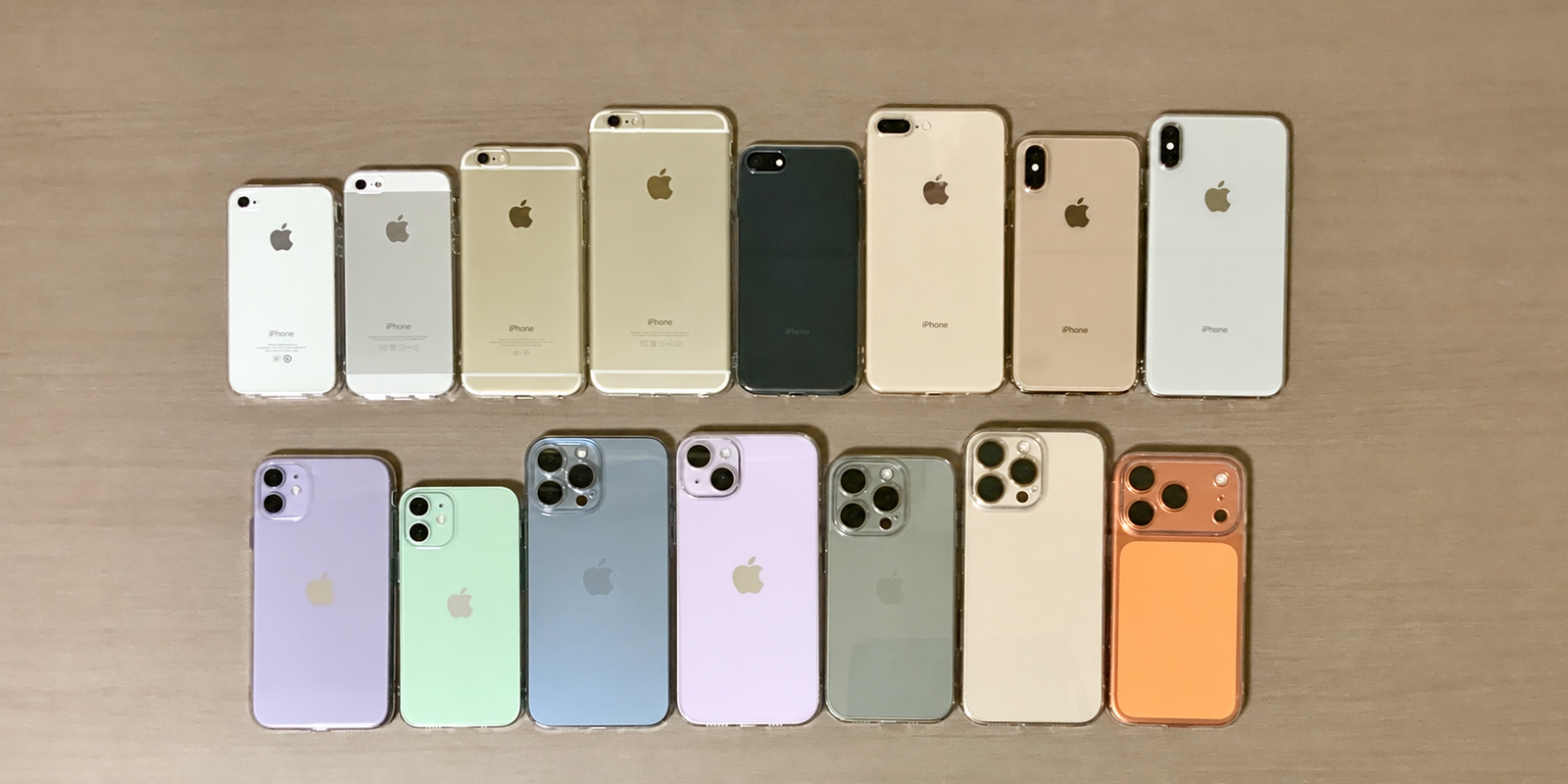
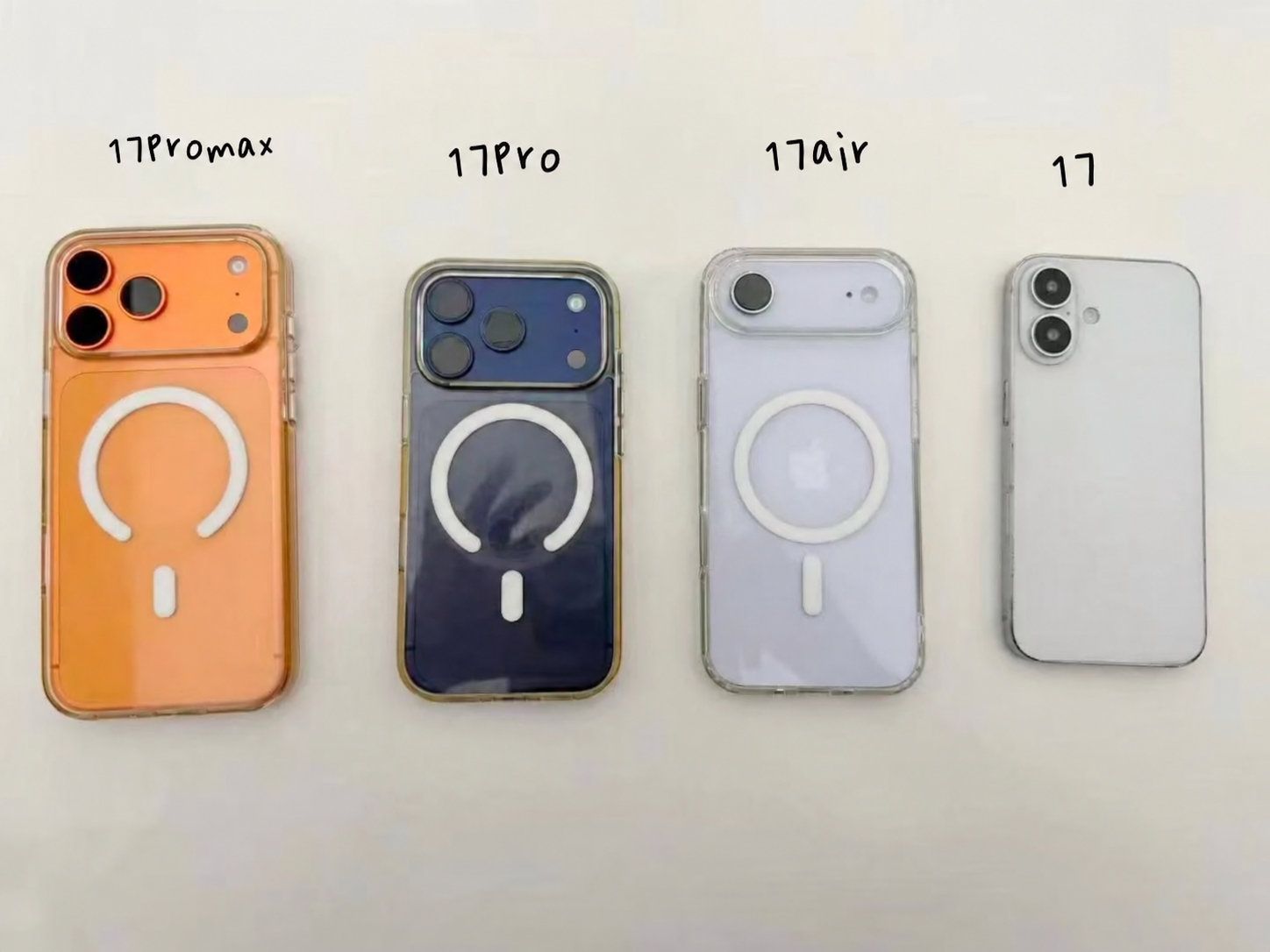
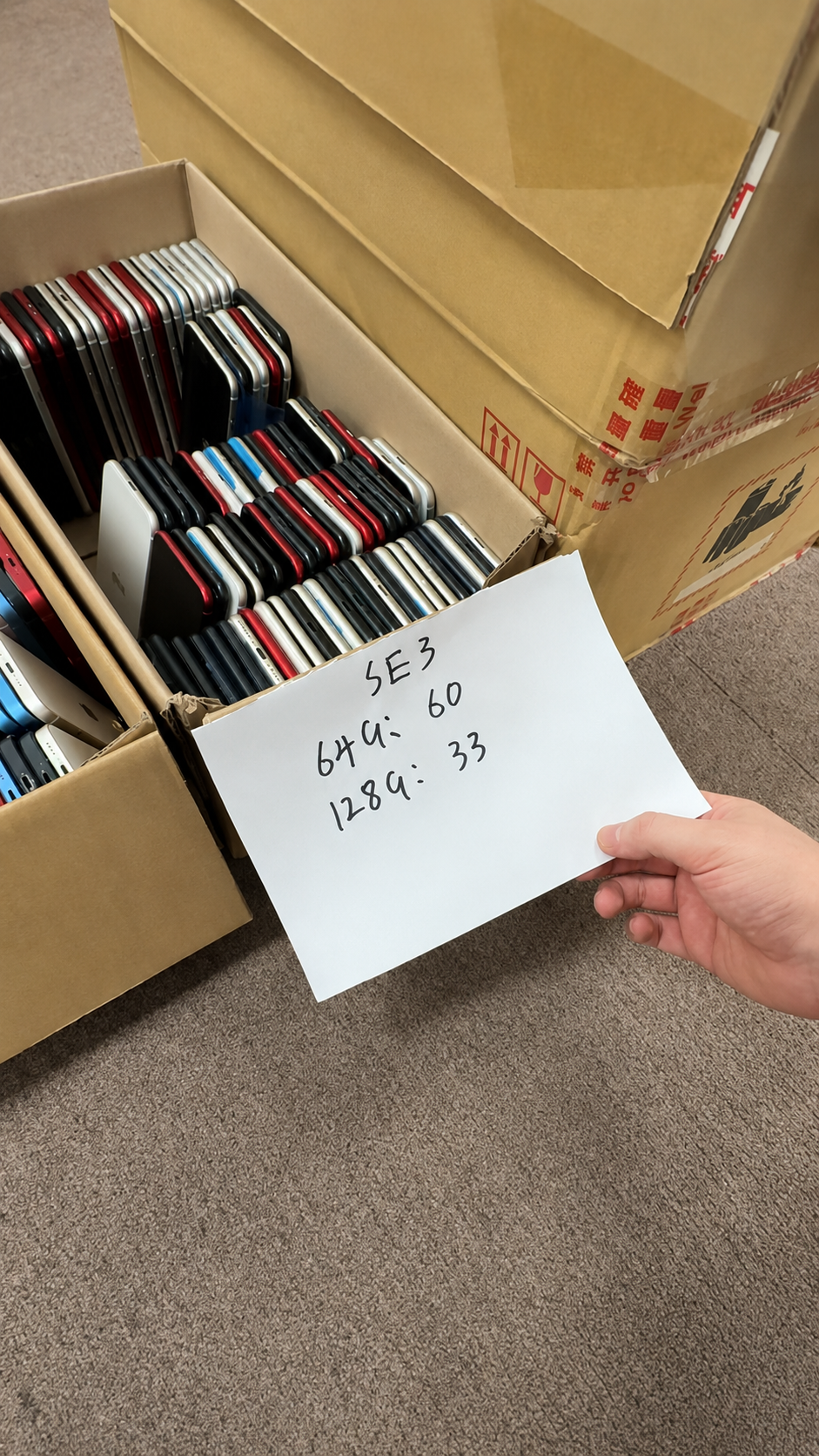
Select inventory according to resale channel, technical capacity, customer expectation, and claims support. HQB’s range—from iPhone X, XR, XS, XS Max to iPhone 11, 12, 13, 14, 15, 16, and 17 Series—should be specified by exact model, storage, condition, and destination need.
| Business Situation | Better Starting Point | Reason |
|---|---|---|
| Value-focused retail | Tested used iPhones with clear grades | Flexible model and pricing options |
| Premium online resale | Refurbished units with documented condition | Consistent customer presentation |
| Repair shop | Used or as-is stock with clear fault categories | Supports repair and parts recovery |
| Export distribution | Tested used or refurbished stock with manifests | Needs repeatable documents and compatibility checks |
| Corporate supply | Standardized refurbished inventory | Supports consistency and recordkeeping |
11. Create a Wholesale Acceptance Standard
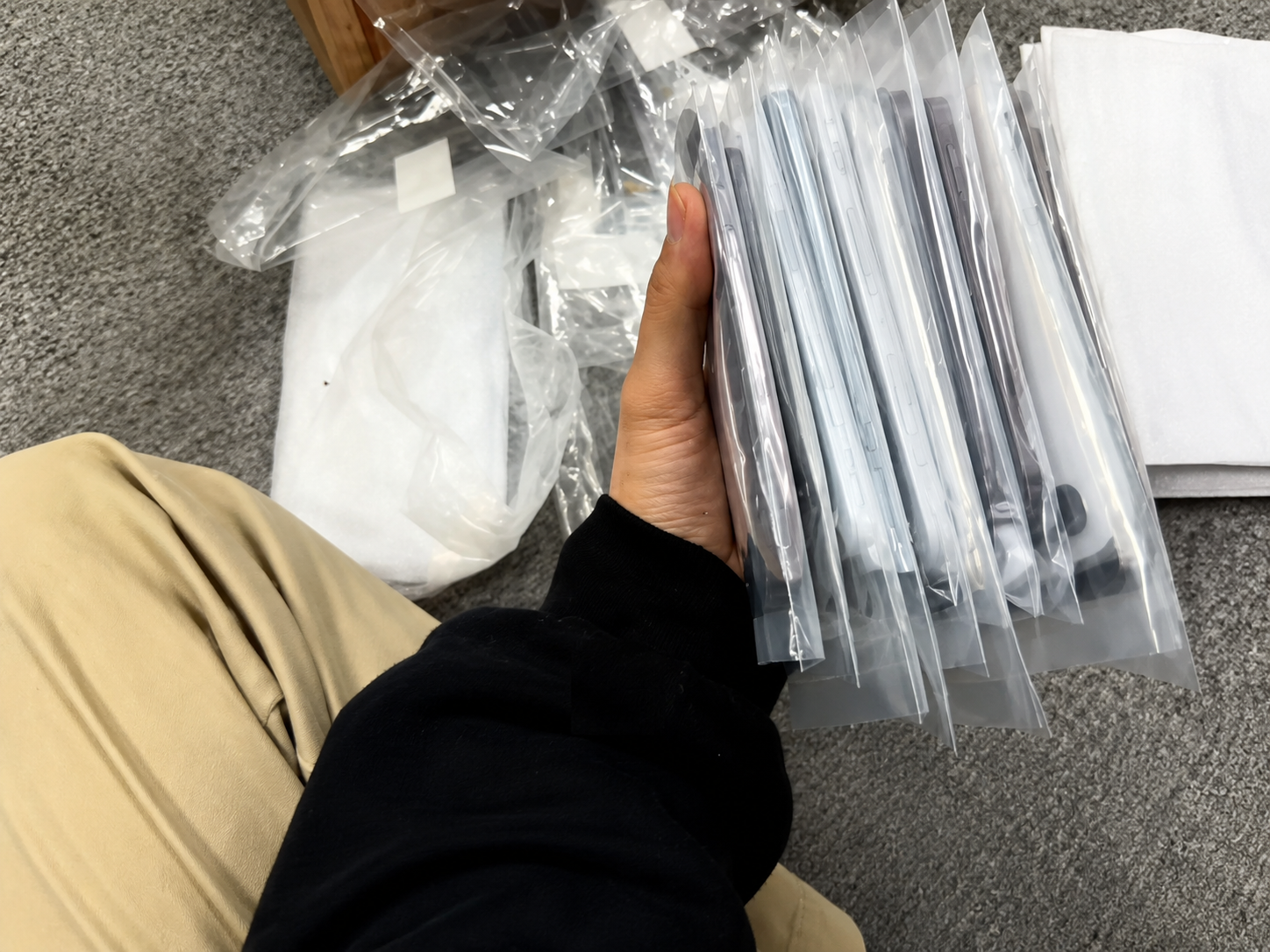
A purchase order should define what the buyer will accept before inventory ships. This makes grade, battery, repair, identity, and exception decisions measurable instead of relying on broad commercial labels.
- Model, storage, color, and quantity.
- Used or refurbished inventory designation.
- Cosmetic grading standard and functional-test requirement.
- Battery-health policy and parts-history disclosure policy.
- IMEI manifest requirement.
- Activation Lock and carrier-status conditions.
- Packaging requirement and inspection period.
- Defect allowance, exception handling, claim, replacement, return, or credit procedure.
12. Inspect the Shipment When It Arrives
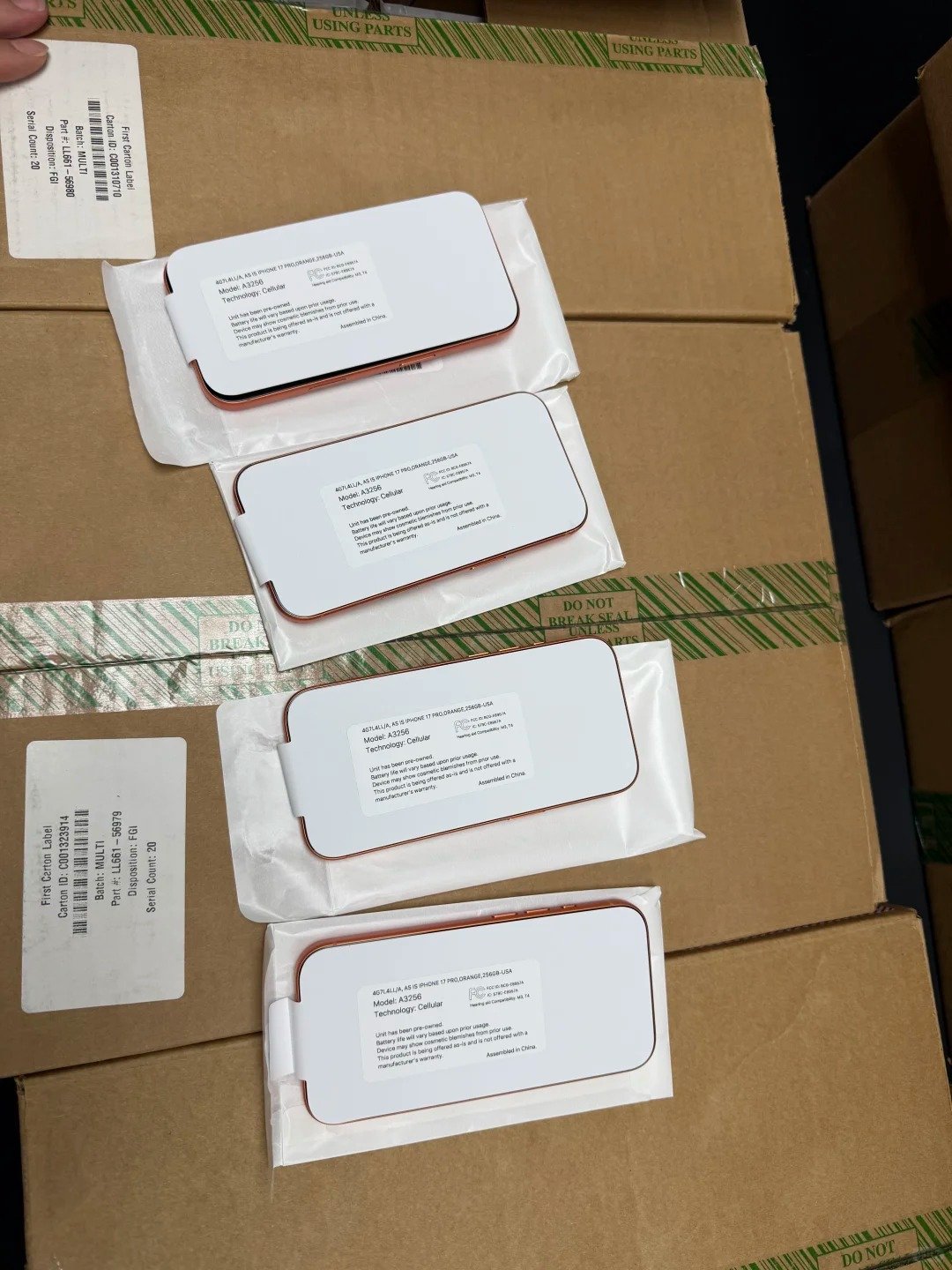
Incoming inspection confirms whether delivered inventory matches the promised category and documentation. Maintain evidence by unit or agreed batch method, then separate exceptions before the devices enter normal resale stock.
| Step | Action | Evidence to Keep |
|---|---|---|
| 1 | Count cartons and devices | Arrival photos and carton count |
| 2 | Reconcile IMEIs with manifest | Unit-level inventory record |
| 3 | Confirm model, storage, and color | Product-match report |
| 4 | Check cosmetic grade | Photos and grade notes |
| 5 | Test battery, charging, and core functions | Test record |
| 6 | Review parts history where available | Repair-disclosure note |
| 7 | Check Activation Lock and carrier status | Setup and Settings record |
| 8 | Separate exceptions and submit claims promptly | Quarantine list and written evidence |