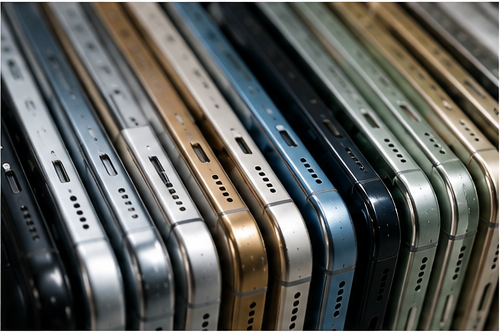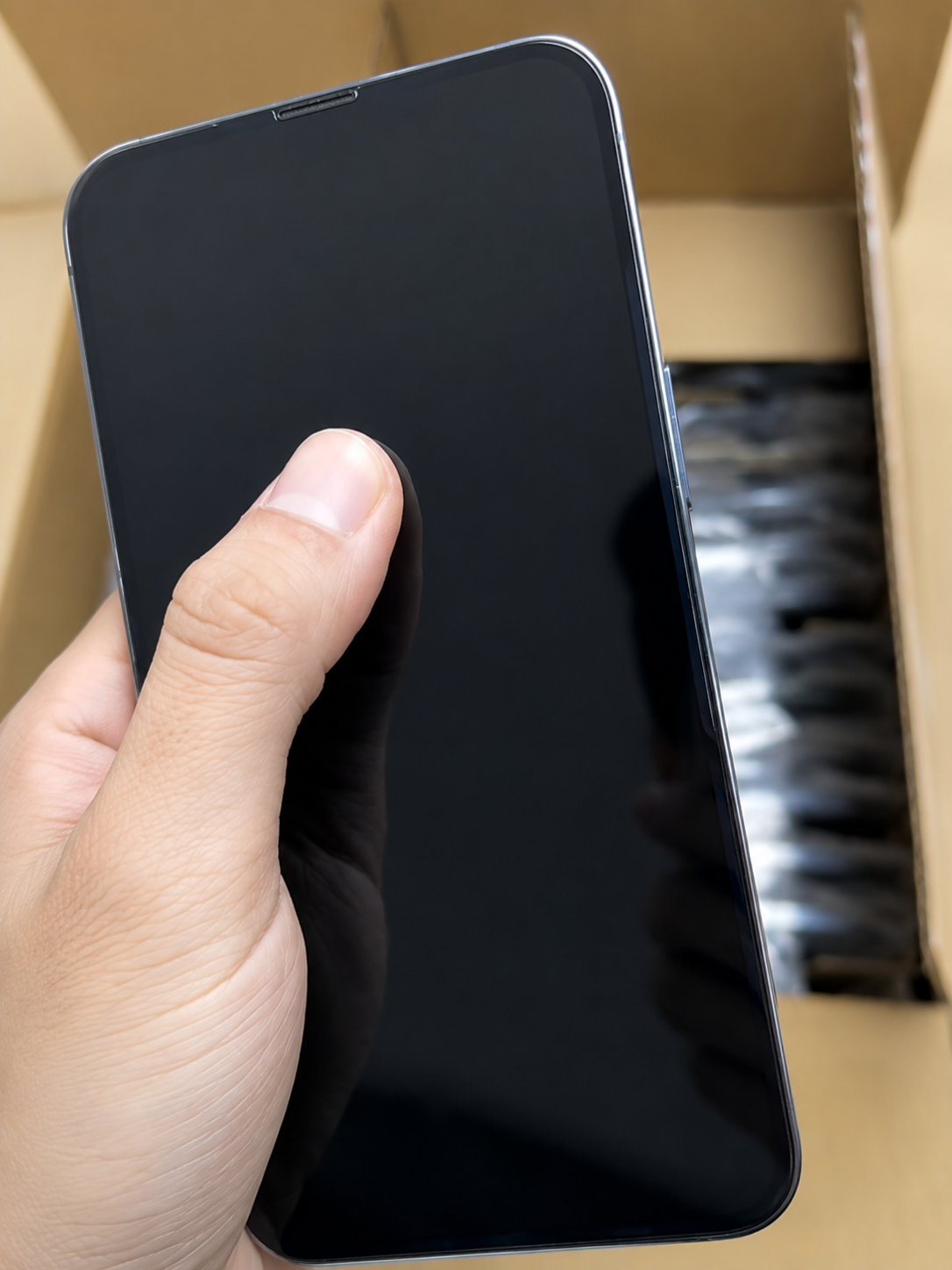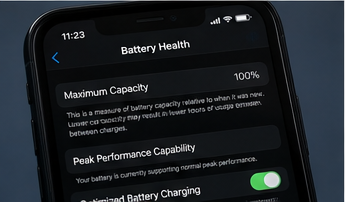
Comparison chart of Factory Unlocked, Carrier Unlocked, Carrier Locked, SIM-Free, Activation Lock, and IMEI status for a used iPhone buyer.

Overview

What Does Factory Unlocked Mean on an iPhone?

Factory Unlocked commonly means the iPhone was not tied to one carrier when first sold, often through a direct manufacturer or retailer channel. For a used buyer, the practical question is whether it is currently carrier-unlocked and compatible with the intended network.

A used buyer normally cannot prove original factory-unlocked history from a listing alone. A phone officially unlocked later by its original provider can be just as usable when its current setting shows No SIM restrictions.

TermTypical MeaningWhat It Does Not ProveHow to Verify
Factory UnlockedOriginally sold without carrier lockCurrent condition or origin claimEvidence plus current status
Carrier UnlockedOfficially unlocked laterGlobal compatibilityCarrier Lock setting
Carrier LockedRestricted to a providerUnlock eligibilityIdentify provider
SIM-FreeMarketing descriptionAll networks workCheck current status
No SIM restrictionsCurrently carrier-unlockedOwnership or IMEISettings > General > About
Activation Lock freeOwner association removedCarrier statusNormal setup
Clean IMEIAcceptable identity statusCarrier or owner resultMatch unit and records
Physical SIMTray supporteSIM supportExact model check
eSIMDigital-plan hardware supportEvery carrier planCarrier policy
Regional modelMarket-specific variantWorldwide fitModel and band review
  1. Verify current carrier status.
  2. Verify Activation Lock is removed.
  3. Match IMEI with device records.
  4. Verify regional model, SIM, eSIM, and network fit.
  5. Verify battery, repairs, condition, and functions.
  6. Confirm supplier support terms.

Complete guide

Everything You Need to Know Before Buying a Factory Unlocked iPhone

1. Factory Unlocked vs. Carrier Unlocked
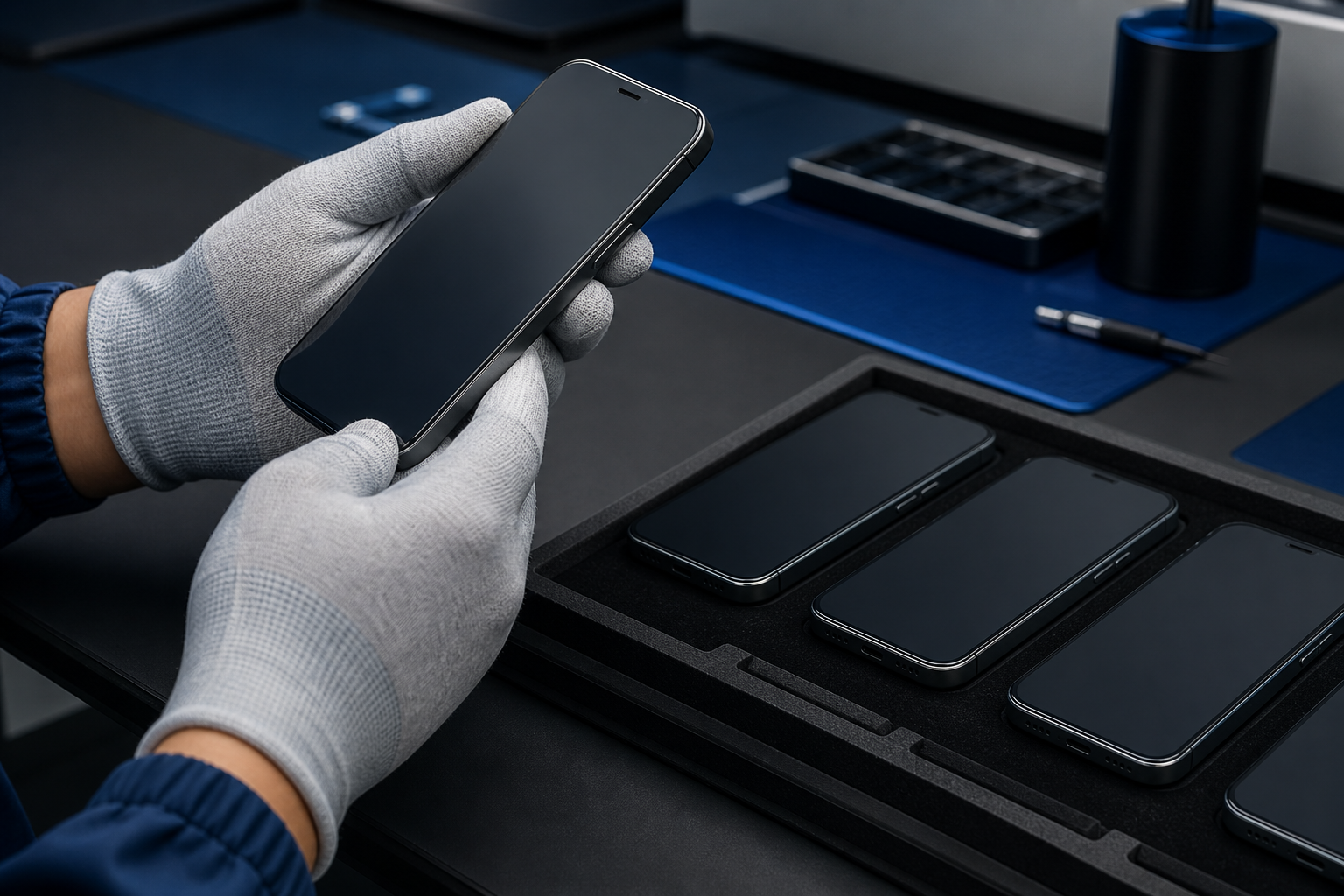
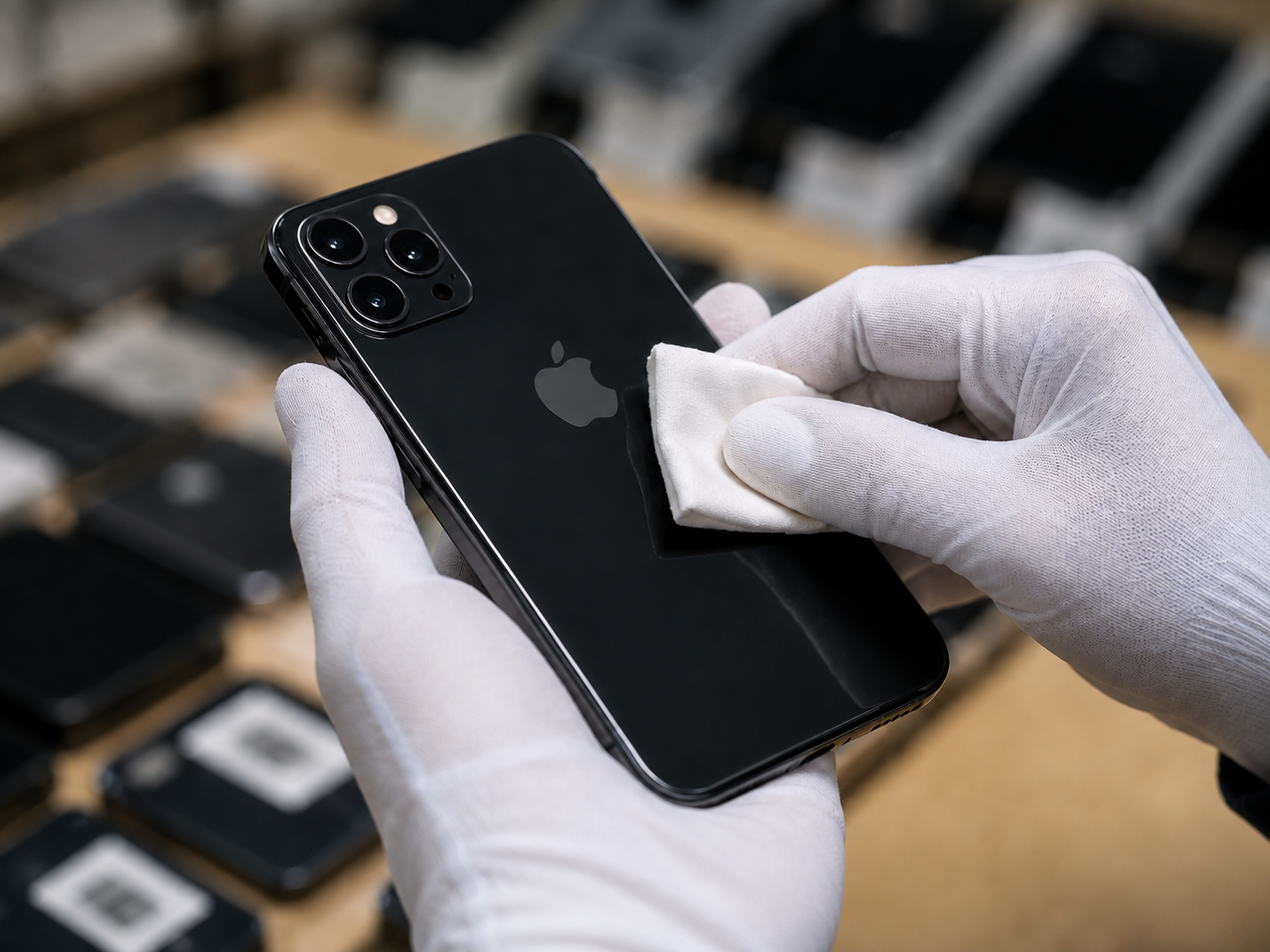
Two used iPhones compared during quality control: one described as Factory Unlocked and one officially Carrier Unlocked, both showing No SIM restrictions in Settings.

Both descriptions can lead to the same useful current result: No SIM restrictions. The difference is mainly claimed sales history, not necessarily the current ability to use another compatible carrier.

FeatureFactory UnlockedCarrier Unlocked
Original conditionSold without carrier lockMay have started locked
TimingUnlocked from initial saleOfficially unlocked later
Current resultShould show unrestricted statusShould show it once completed
Used verificationOrigin may be difficult to proveCompletion may be documented
Buyer priorityVerify current statusVerify current status

2. How to Verify Current Unlock Status
Buyer checking Carrier Lock status in Settings General About on a used iPhone and confirming No SIM restrictions.

The safest check is the built-in carrier-status field. The wording can appear as Carrier Lock or Network Provider Lock depending on region or iOS presentation.

  1. Open Settings.
  2. Tap General, then About.
  3. Scroll to Carrier Lock or Network Provider Lock.
  4. Confirm whether No SIM restrictions appears.
  5. Record the result for purchase documentation.
  6. Test an intended compatible SIM or eSIM when practical.
  7. Confirm destination-carrier compatibility separately.
Status ResultMeaningBuyer Action
No SIM restrictionsCarrier-unlockedContinue full inspection
Named providerMay be tied to carrierConfirm official eligibility
Not visible or unclearIncomplete verificationDo not assume Factory Unlocked
Another SIM failsCould be lock, account, or fitInvestigate
eSIM failsCould be carrier, model, or regionConfirm provider policy

3. Why “Factory Unlocked” Is Not Enough for Used iPhone Buying
Factory-unlocked used iPhone undergoing full inspection for Activation Lock, IMEI, battery health, repair history, screen condition, camera function, and charging stability.

An original sales status does not certify current condition or resale readiness. A used iPhone can still have account locks, blocked IMEI status, battery wear, repair concerns, device-management controls, or hardware defects.

Check Beyond Factory UnlockedWhy It Matters
Activation LockCan prevent normal ownership transfer
IMEI match and statusSupports identity and network readiness
Battery HealthHelps plan capacity and service
Parts historyShows available repair information
Display and bodyFinds structural and cosmetic damage
Cameras, audio, chargingConfirms resale-critical functions
Regional compatibilityConfirms fit for destination
MDM statusMay limit normal setup or resale

4. Factory Unlocked vs. Activation Lock
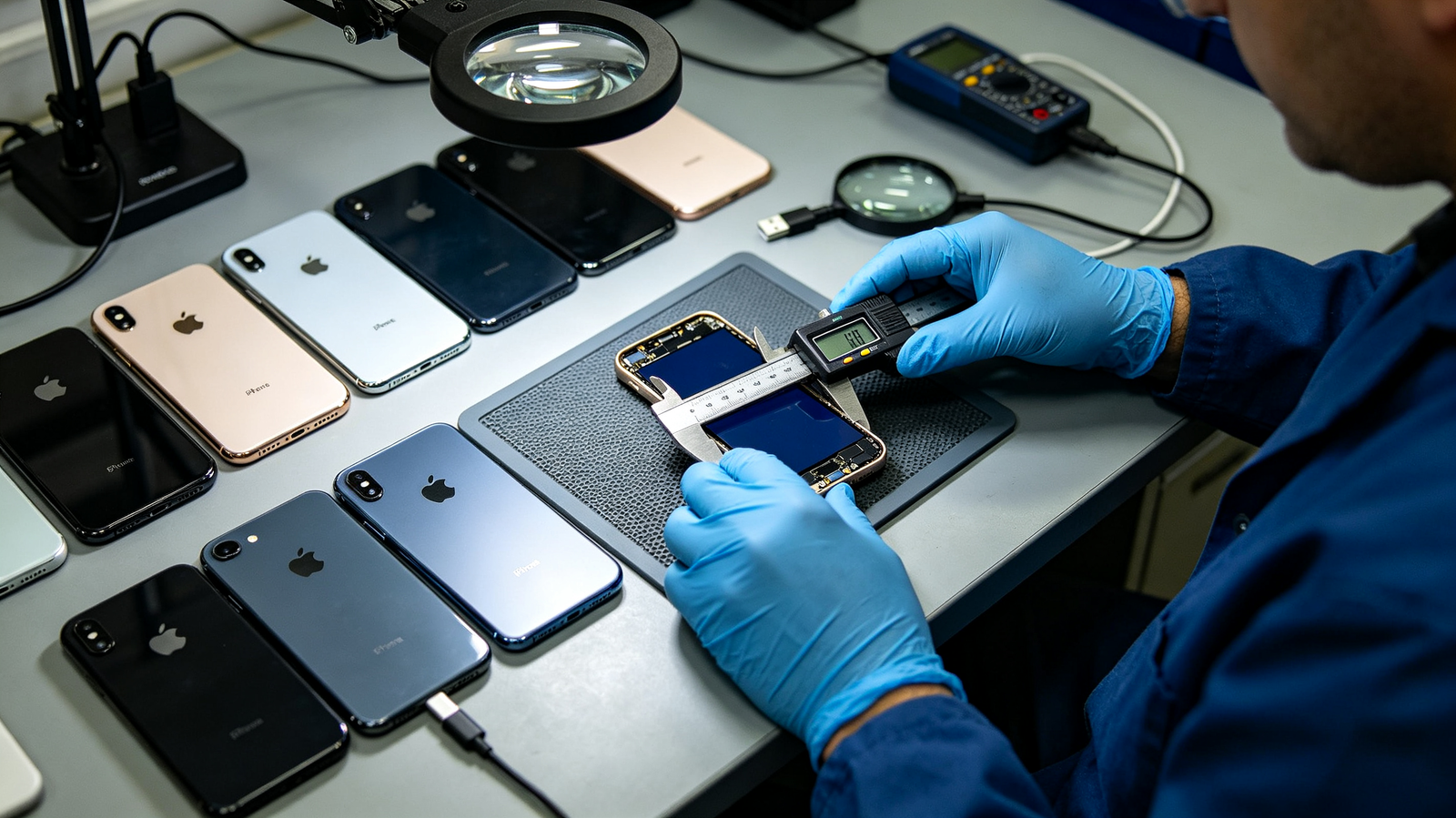
Used iPhone comparison showing carrier-unlocked status, Activation Lock setup check, IMEI record, and previous-owner account verification.

Factory Unlocked concerns a carrier restriction; Activation Lock is ownership protection associated with Find My and the previous owner’s Apple Account. A factory reset does not automatically remove Activation Lock.

CheckWhat It ControlsHow to VerifyCritical Risk
Factory Unlocked claimOriginal sales statusDocumentation if availableMay not prove current status
Carrier LockCompatible carrier useSettings > General > AboutRestriction to network
Activation LockOwner-account protectionErase and begin setupiPhone Locked to Owner
IMEIIdentity/network statusCompare recordsMay be blocked
PasscodeCurrent session accessSeller removes itDoes not prove transfer
MDMOrganization controlSetup reviewCan restrict use
  • Do not buy if iPhone Locked to Owner appears.
  • Do not accept previous-owner account credentials at setup.
  • Do not assume carrier-unlocked status removes an ownership restriction.

5. Factory Unlocked vs. Clean IMEI Status
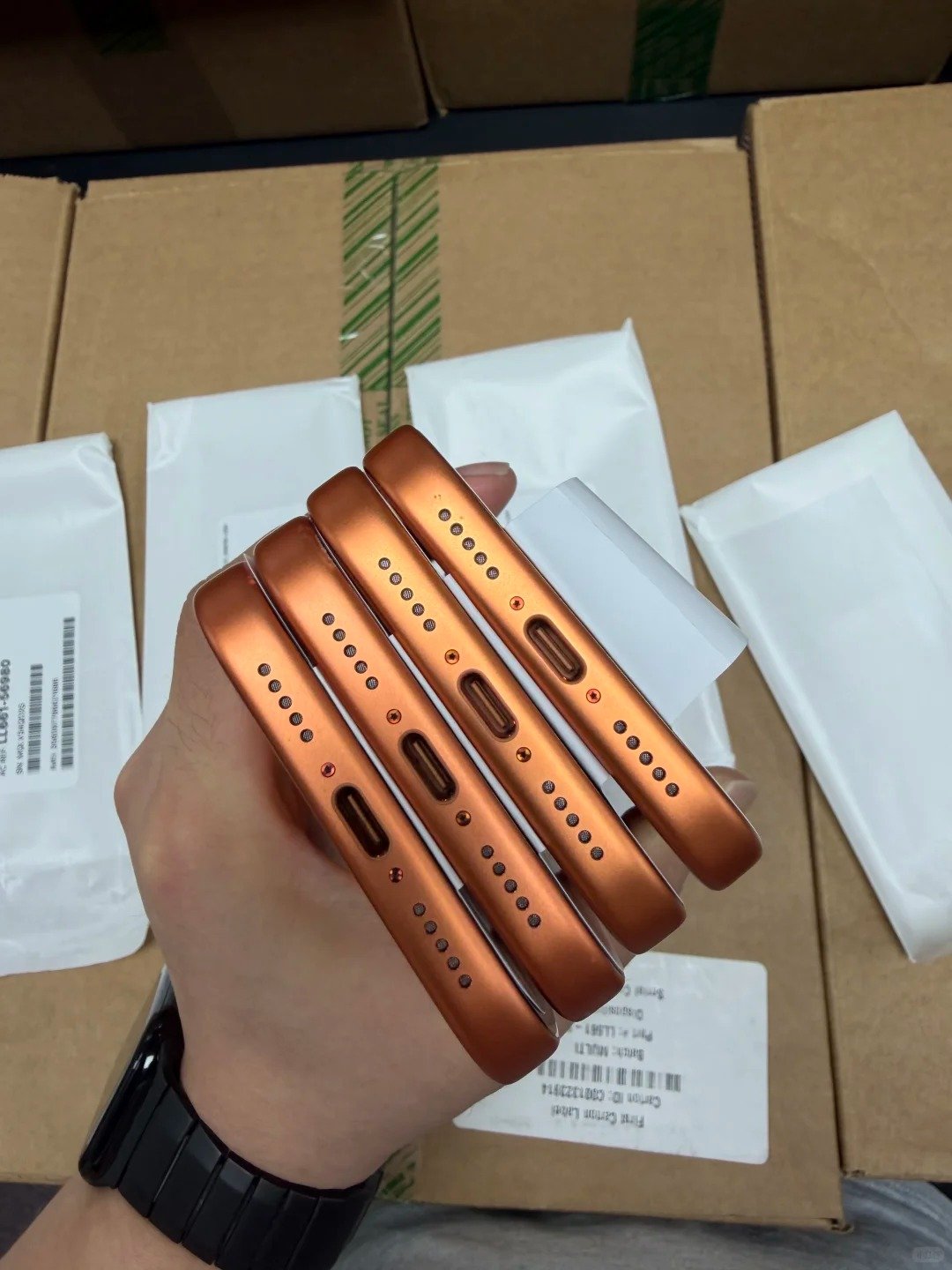
Wholesale buyer matching a factory-unlocked used iPhone IMEI in Settings with a stock manifest, invoice, and destination-market verification record.

IMEI status is separate from carrier unlock. A device can be currently unlocked yet have a mismatch, blacklist issue, financing concern, or unclear history in a relevant market.

  • Find IMEI in Settings > General > About or by dialing *#06#.
  • Compare it to supplier manifest, invoice, and device label.
  • Check suitable blocked, lost, or stolen-status information.
  • Confirm model, storage, and colour match the record.
  • Keep IMEI evidence and sample-check bulk deliveries.
IMEI ResultMeaning for Factory Unlocked Claim
Matches recordsStronger identity confirmation
Does not matchDevice or document discrepancy
Blocked or unclearUnlock status does not solve it
Missing or duplicatedHigh-risk identity concern
Clean but Activation LockedStill not resale-ready
Clean but wrong regional modelMay not fit destination

6. Physical SIM, eSIM, and Regional Model Differences
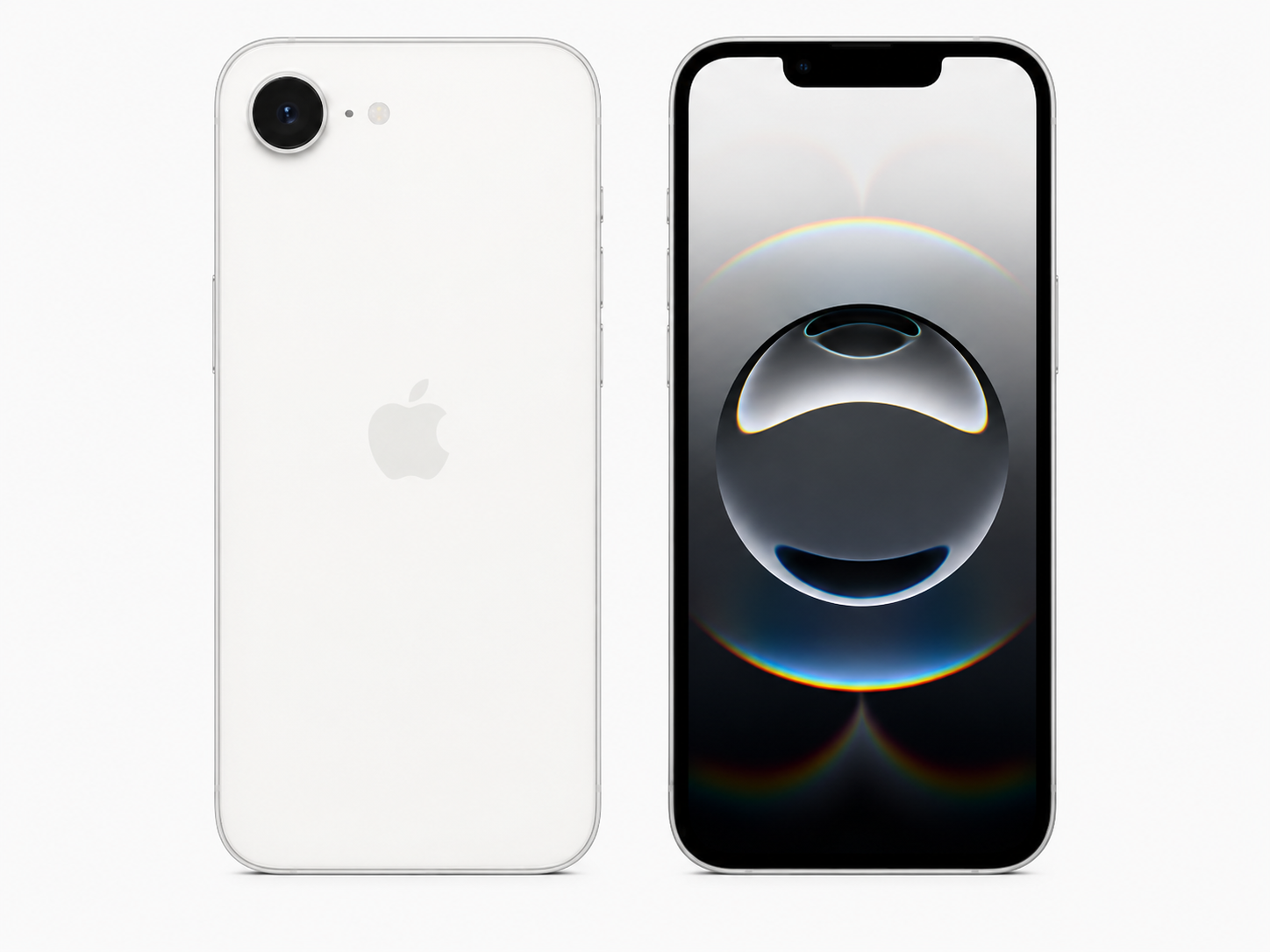
Factory-unlocked iPhone regional model verification showing physical SIM tray, eSIM settings, dual-SIM options, and destination-market compatibility notes.

A factory-unlocked iPhone still needs the right connectivity configuration for the resale market. SIM configuration and eSIM availability can vary by iPhone model and regional variant.

Compatibility AreaWhat to ConfirmWhy It Matters
Physical SIM trayRequired format supportedPhysical-SIM markets
eSIM hardwareModel supports eSIMDigital cellular plans
eSIM carrier supportDestination provider activates itHardware alone is insufficient
Dual SIMRequired combination worksWork, travel, resale
eSIM-only modelLocal buyers support eSIMPrevents market mismatch
Regional number and bandsExact intended market fitSupports local service
  • Confirm model number and physical SIM, eSIM, or dual-SIM need.
  • Confirm No SIM restrictions and destination provider support.
  • Avoid a worldwide compatibility promise without verification.

7. Factory Unlocked iPhones for Travel and International Use
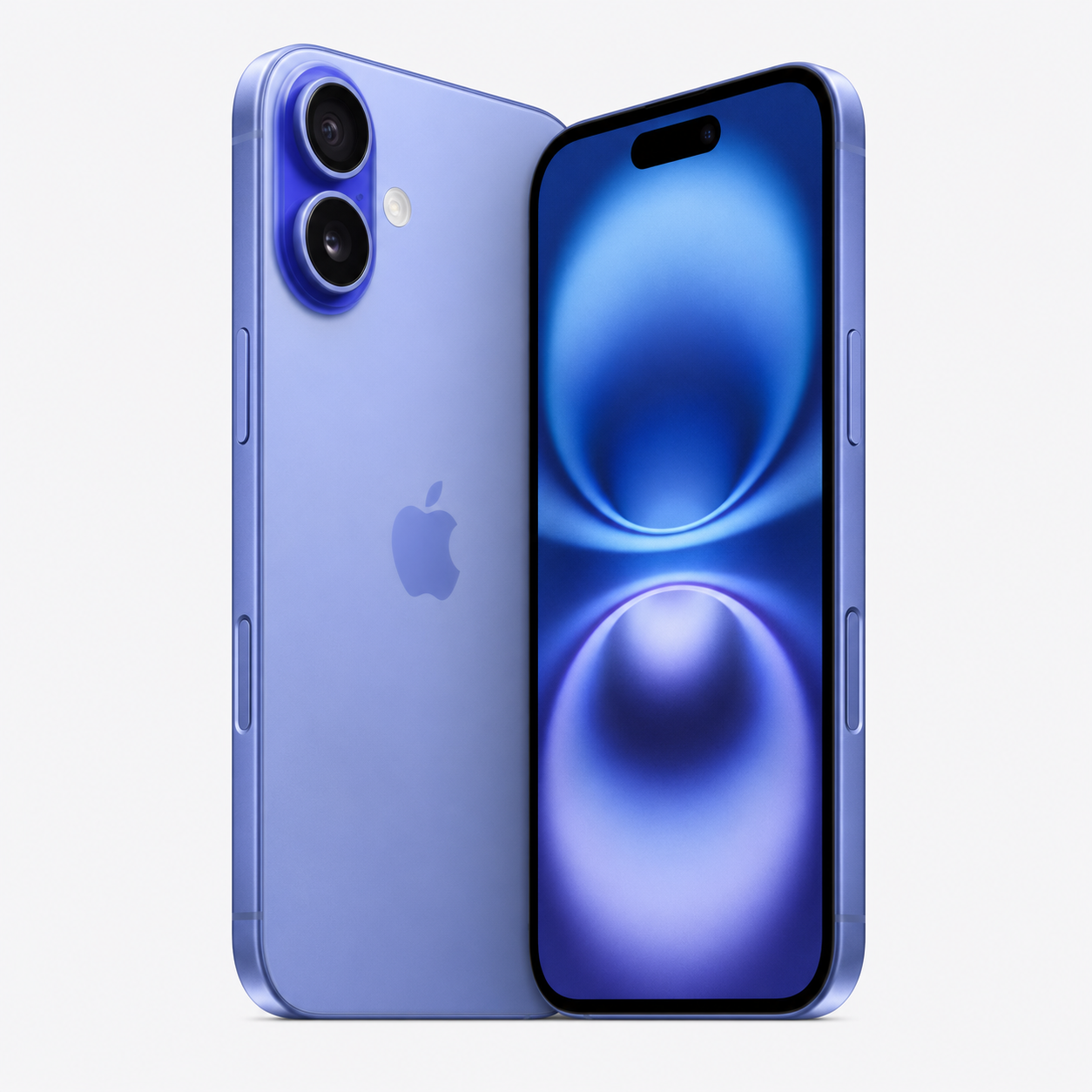
Traveler using a factory-unlocked iPhone with a local SIM and travel eSIM while confirming regional model compatibility and carrier status.

Carrier flexibility can be useful for travel and export, but no unlocked device automatically works on every travel network. Check the regional model, plan type, local carrier policy, bands, and roaming arrangement before purchase.

Travel or Cross-Border NeedWhat to Check
Local physical SIMSIM tray and carrier compatibility
Travel eSIMNo SIM restrictions, eSIM support, provider availability
Dual-line useRequired SIM/eSIM arrangement
Destination networkRelevant bands and carrier support
RoamingConfirm through the provider
Bulk exportMatch regional variants to market
  • Check No SIM restrictions and exact variant.
  • Test a target carrier plan where practical.
  • Keep an alternative travel connectivity plan.

8. How to Evaluate a Used Factory Unlocked iPhone
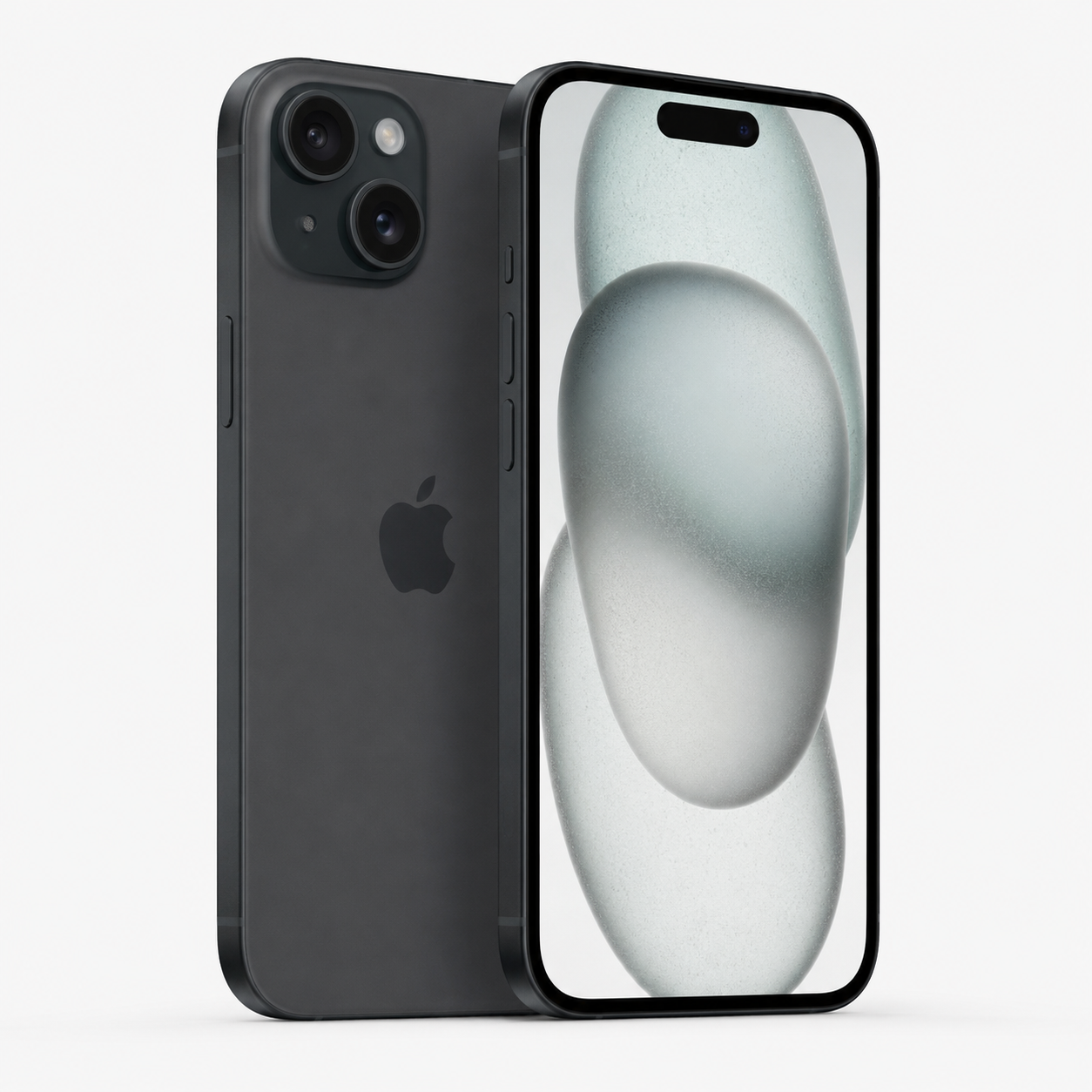
Buyer performing a complete used factory-unlocked iPhone inspection with carrier status, setup verification, IMEI, Battery Health, parts history, and functional tests.

Full inspection includes current carrier status, ownership, identity, battery, repair information, condition, and functions. The sales label should not replace a practical setup and device test.

  • Confirm model, storage, colour, and regional variant.
  • Check Carrier Lock and No SIM restrictions.
  • Verify Activation Lock is removed through normal setup.
  • Compare IMEI with documentation and confirm SIM/eSIM need.
  • Review Battery Health and Parts and Service History.
  • Inspect display, cameras, frame, glass, buttons, and port.
  • Test touch, biometrics, cameras, audio, wireless, cellular, and charging.
  • Confirm supplier support terms in writing.
Strong Buying SignalHold or Reject Signal
No SIM restrictions confirmedCarrier status unclear or restrictive
Setup clears ownershipiPhone Locked to Owner
IMEI matchesMismatch or unclear result
Model fits marketSIM/eSIM mismatch
Battery/repair disclosedMaterial facts hidden
Core tests passCharging, biometric, camera, or connection failure

9. Factory Unlocked iPhones in Wholesale Purchasing
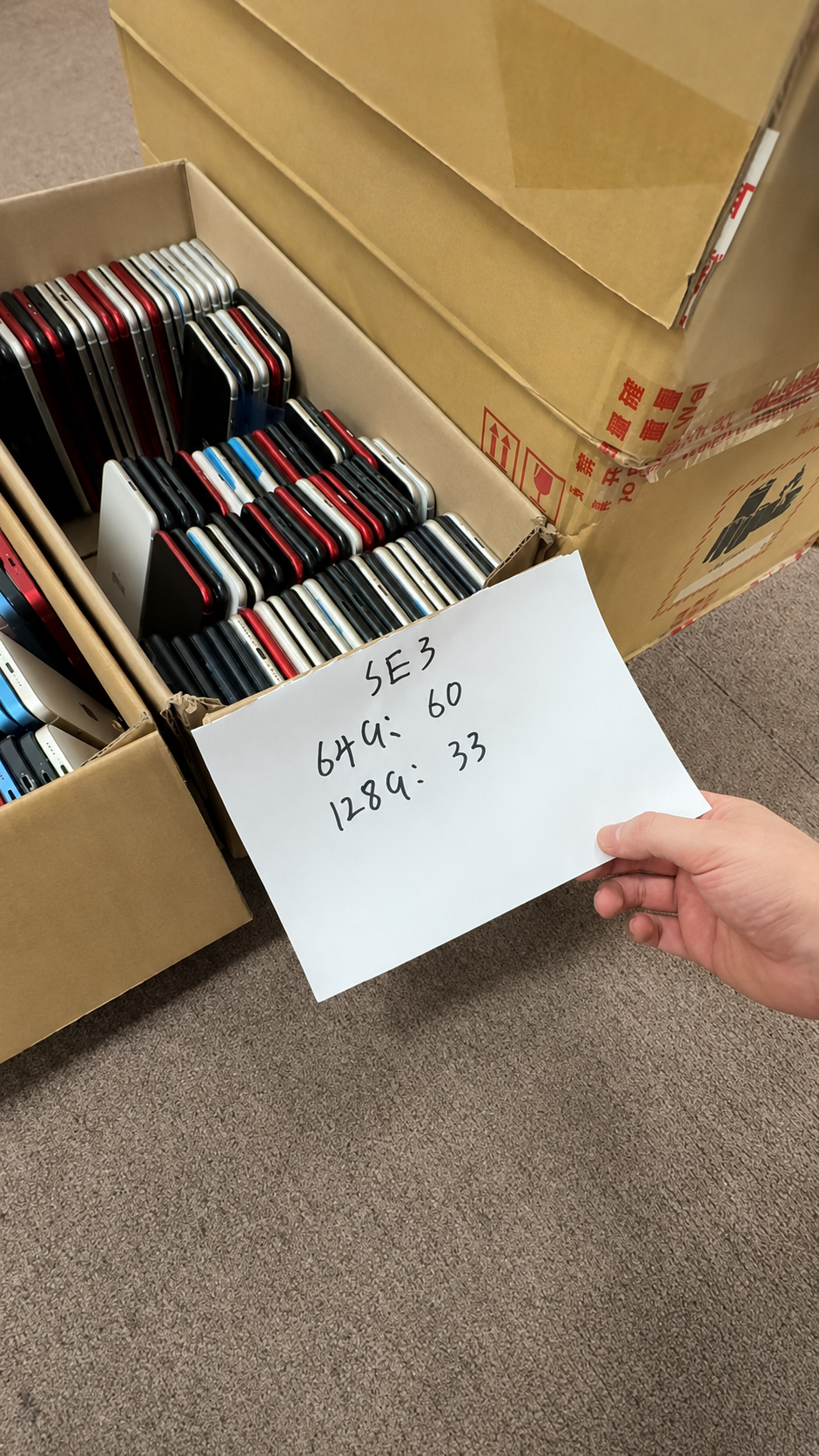
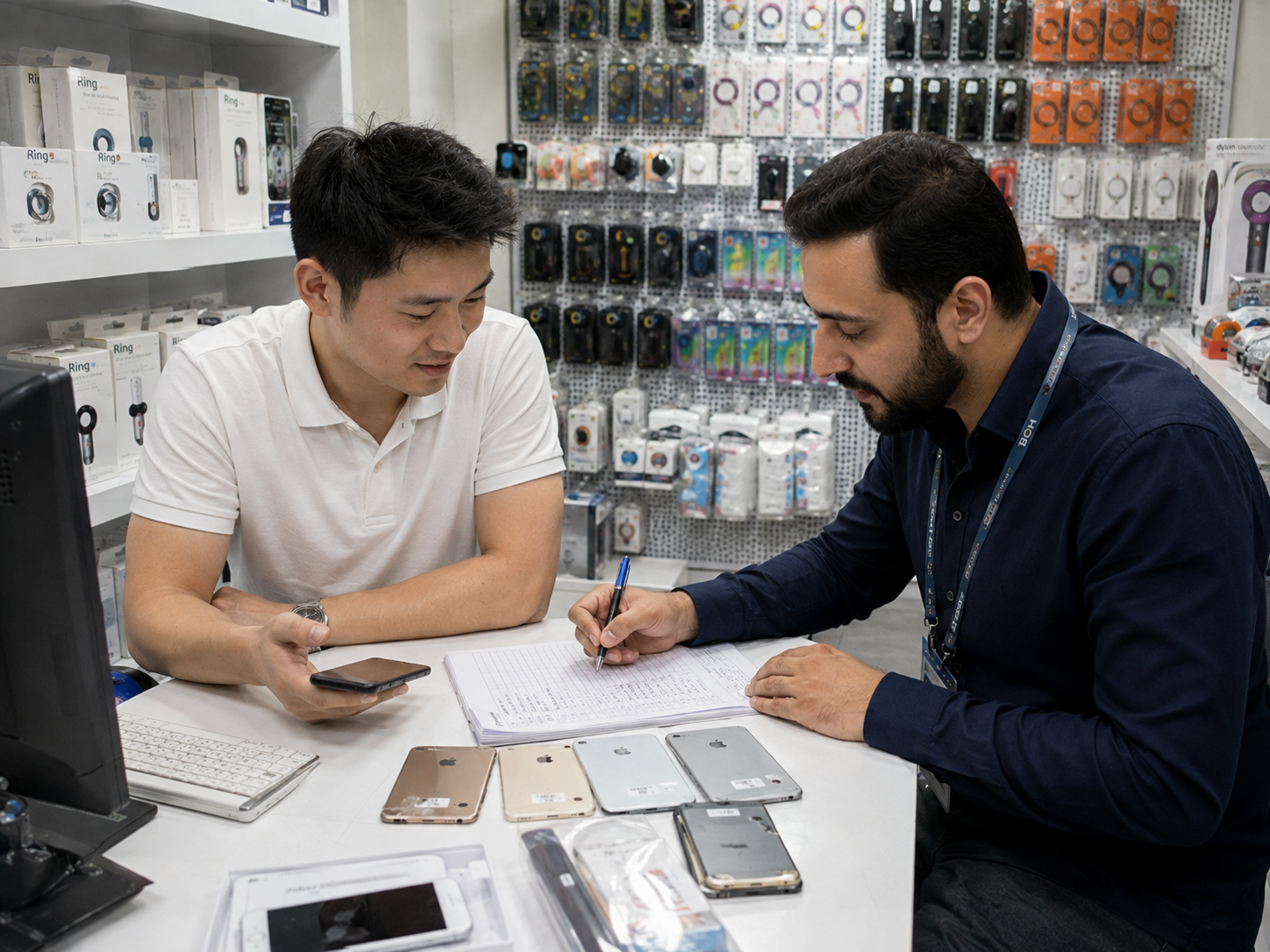
HQB wholesale buyer reviewing a factory-unlocked iPhone batch manifest with Carrier Lock status, IMEI records, regional variants, SIM configuration, battery data, and quality-control notes.

B2B buyers should define a verifiable current standard, not rely only on Factory Unlocked wording. The purchase order should connect carrier status to ownership checks, IMEI traceability, regional fit, and the agreed claim procedure.

Wholesale RequirementExample of a Clear Standard
Carrier statusCarrier Lock shows No SIM restrictions
Activation statusNo prior-owner account or Activation Lock
IMEI traceabilityIMEI matches unit and batch record
Regional/SIM fitModels match destination requirement
Battery and partsDisclosed separately from unlock status
Claim handlingMismatch reported in agreed window
  • Request a written carrier-status policy and traceable batch records.
  • Confirm regional mix before dispatch and sample the delivered units.
  • Keep screenshots, IMEI records, and inspection evidence.

10. Common Factory Unlocked iPhone Myths
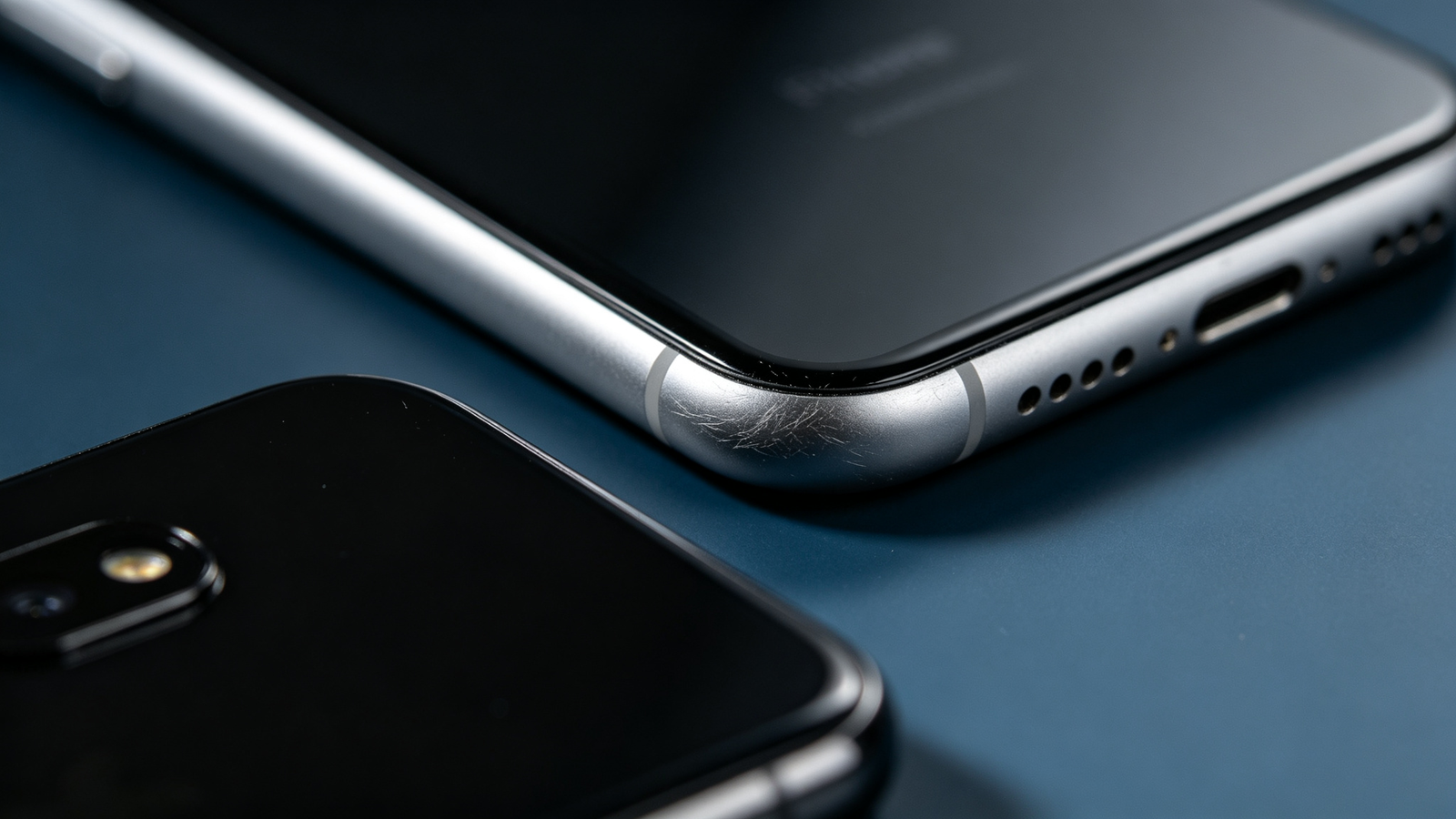
Used iPhone reseller correcting Factory Unlocked myths with carrier-status settings, IMEI records, regional model details, and quality-control documentation.

Market terminology can confuse used and imported-device buyers. Accurate descriptions separate proven current facts from original-sales claims.

Common ClaimAccurate Explanation
Every carrier worldwide worksNo; carrier, bands, SIM type, eSIM, and local service matter.
No Activation LockNo; ownership protection is separate.
IMEI is cleanNo; IMEI status is separate.
Never repairedNo; review Parts and Service History.
Reset proves everything clearNo; check Carrier Lock and setup separately.
Carrier Unlocked is inferiorNot necessarily; verified No SIM restrictions is key.
High grade proves resale readyNo; grade does not prove network, ownership, battery, or function.
  • Use verified carrier-status wording and do not claim Factory Unlocked without evidence.
  • State regional model and SIM/eSIM configuration when relevant.
  • Disclose battery and repair information separately and retain records.
Sourcing workflow

Use a Destination-Specific Factory Unlocked Standard

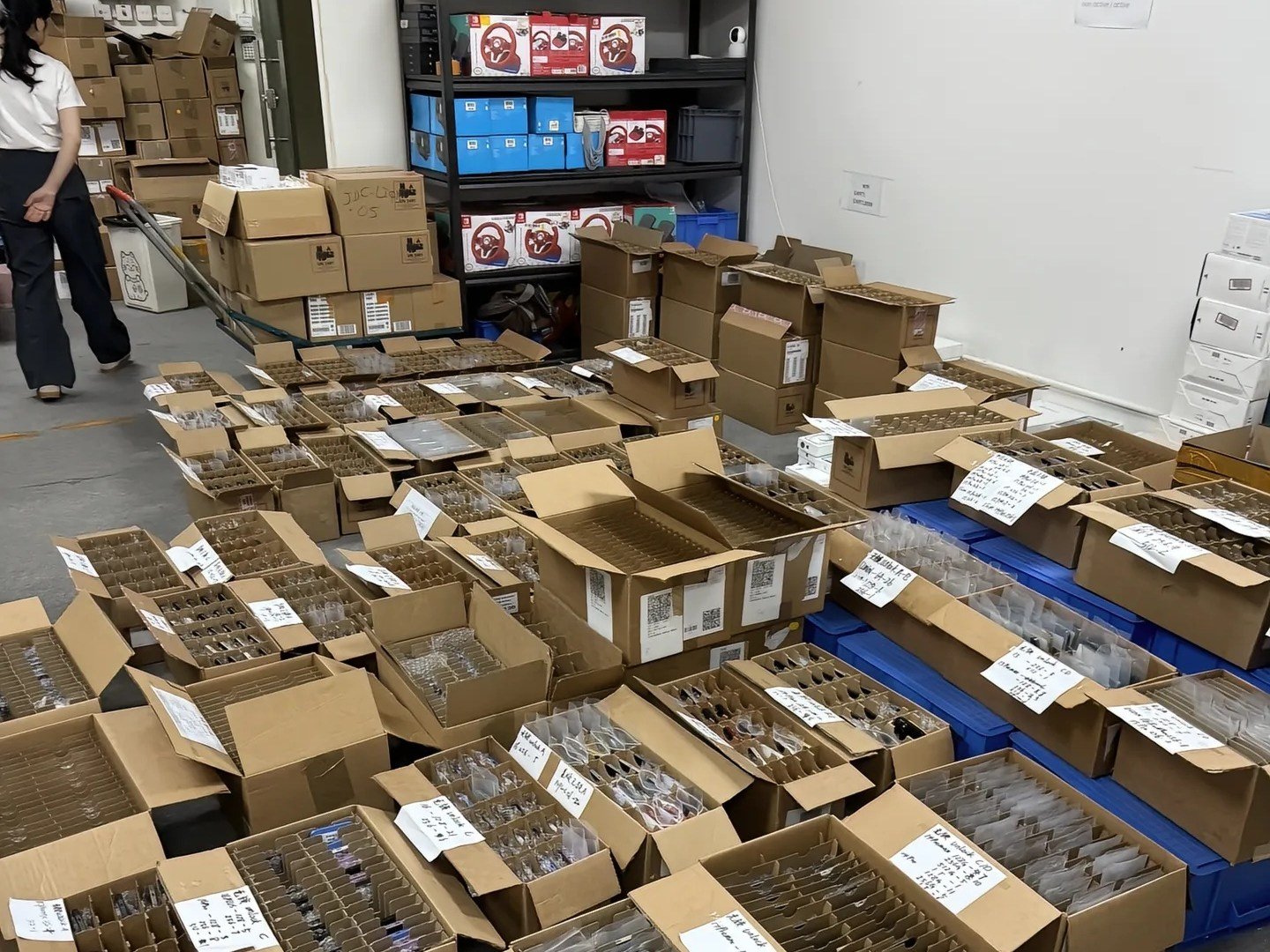
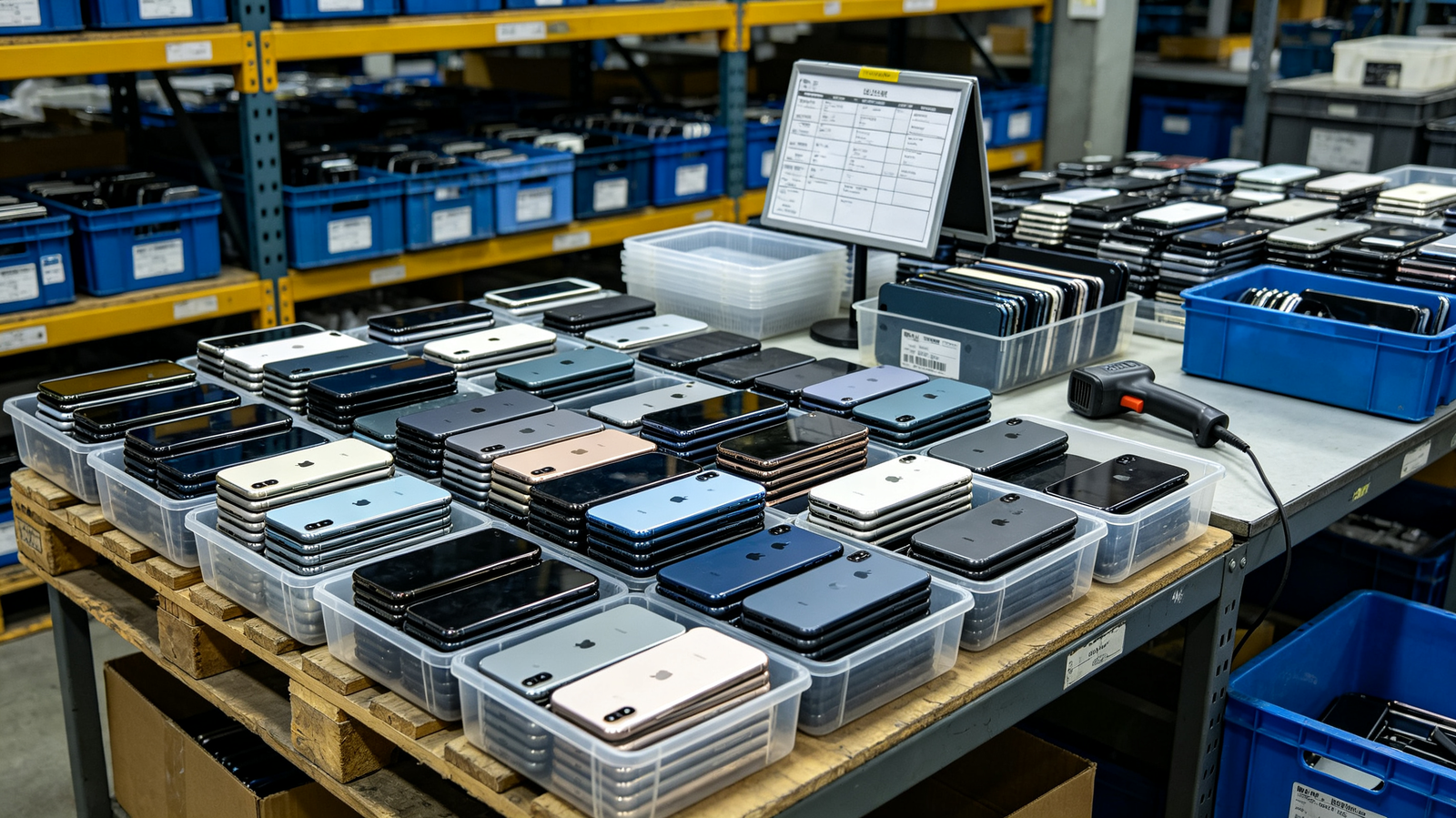
HQB buyer comparing factory-unlocked used iPhone regional variants, carrier-status evidence, SIM configuration, and destination-market requirements in a warehouse sourcing review.

A useful Factory Unlocked requirement is specific enough for a supplier to inspect and a receiving team to verify. It should say what current Carrier Lock result is required, where the stock will be sold, which regional variants are accepted, and whether physical SIM, eSIM, or dual-SIM capability is essential.

This matters because a batch can be accurately described as carrier-unlocked and still be unsuitable for part of the order. A model that meets one market’s eSIM expectation may not match a buyer who needs a physical SIM tray, a particular cellular band, or an established local carrier plan.

Quote stage

State model families, storage, quantity, destination country, required SIM arrangement, carrier-status wording, and whether devices will be exported onward. Ask the supplier to identify uncertainty before a purchase order is finalized.

Pre-shipment stage

Request an agreed unit-level or traceable batch record. It should connect IMEI or another reliable identifier with model, colour, storage, regional variant, condition grade, and applicable carrier-status evidence.

Receiving stage

Sample different cartons and model groups. Recheck Settings > General > About, compare IMEI data, inspect the SIM configuration, and test an intended SIM or eSIM when that is part of the commercial requirement.

Resale stage

Describe facts separately: current carrier status, ownership readiness, regional model, SIM configuration, battery condition, repair information, cosmetic grade, and functional results should not be blended into one “factory unlocked” claim.

Receiving ResultEvidence to KeepPractical Response
No SIM restrictions and correct modelSettings screenshot, IMEI, batch recordContinue ownership and function checks
Unlocked but wrong SIM arrangementModel identifier and receiving noteSeparate for another suitable market
Carrier result unclearScreen photo and unit identifierHold pending verified clarification
IMEI mismatchDevice, manifest, and invoice comparisonEscalate before resale release
Activation Lock or organization concernSetup observation and transaction recordDo not treat as normal stock
Unknown Part or function concernService-history and test notesInvestigate and disclose separately
  • Write regional and SIM needs into the purchase order.
  • Do not promise worldwide carrier, eSIM, 5G, roaming, or country-specific service without confirmation.
  • Keep screenshots and IMEI evidence linked to the device or traceable batch.
  • Separate non-matching devices from approved inventory immediately.
  • Use clear claim terms for carrier, identity, model, and compatibility discrepancies.
B2B buyer reviewing Factory Unlocked iPhone questions with Carrier Lock settings, eSIM information, IMEI records, regional model details, and wholesale stock documents.

FAQ

Frequently Asked Questions About Factory Unlocked iPhones

Practical answers for used-device buyers, resellers, importers, and wholesale teams.

What is a Factory Unlocked iPhone?

It is a market term usually describing an iPhone originally sold without a carrier restriction. For a used device, verify current Carrier Lock status instead of relying on the label alone.

Is Factory Unlocked the same as Carrier Unlocked?

Not exactly. Factory Unlocked describes claimed original sales status; Carrier Unlocked can describe a device officially unlocked later. Both can currently show No SIM restrictions.

How can I verify that an iPhone is currently unlocked?

Open Settings, General, then About. Check Carrier Lock or Network Provider Lock. No SIM restrictions identifies the iPhone as currently unlocked.

What does “No SIM restrictions” mean?

It means Apple identifies the iPhone as carrier-unlocked. It does not prove Activation Lock removal, IMEI status, eSIM support, or compatibility with every provider.

Can a Factory Unlocked iPhone still have Activation Lock?

Yes. Activation Lock is an owner-account protection connected to Find My and is separate from carrier status.

Can a Factory Unlocked iPhone still be blacklisted?

Yes. IMEI status is separate from carrier-unlocked status and must be checked for the destination market.

Can I use a Factory Unlocked iPhone with eSIM?

Only when the exact model supports eSIM and the intended carrier, plan, region, and activation process support it.

Can I use a Factory Unlocked iPhone in another country?

Often, but check regional model, bands, physical SIM or eSIM arrangement, carrier support, roaming, and local service.

Is a Carrier Unlocked iPhone safe to buy used?

It can be, but current carrier status is only one check. Verify ownership, IMEI, battery, parts history, condition, and functions.

What should wholesale buyers require for Factory Unlocked iPhone inventory?

Require No SIM restrictions, ownership clearance, IMEI traceability, regional model information, SIM requirements, quality records, and a clear discrepancy process.

HQB quality-control team approving factory-unlocked used iPhones after verifying No SIM restrictions, IMEI records, regional compatibility, battery condition, and device functionality.

Summary

Verify Current Status, Not Just the Factory Unlocked Label

Factory Unlocked can be a useful description of original sales status, but purchasing decisions should be based on the device’s current verifiable condition.

  • Check Carrier Lock or Network Provider Lock in Settings.
  • Confirm No SIM restrictions for current carrier-unlocked status.
  • Verify Activation Lock is removed through normal setup.
  • Match IMEI with device and commercial records.
  • Confirm regional model, physical SIM, eSIM, and network fit.
  • Review battery, Parts and Service History, and core functionality.
  • Use accurate documentation before resale or distribution.

HQB supports B2B buyers with transparent carrier-status information, practical used iPhone quality-control standards, and responsive sales support. Contact our team for current stock, regional requirements, and factory-unlocked iPhone wholesale sourcing.

Talk to HQB

Source Factory Unlocked iPhones

Send HQB the target models, quantity, destination market, regional variants, SIM or eSIM requirement, and carrier-status standard you need. We will help you review current stock and B2B sourcing options.

HQB: sales@usedphonehqb.com · +8617374267737 · Huaqiangbei, H1091, Manha Commercial Plaza, No. 2022 Huaqiang North Road, Futian District, Shenzhen.

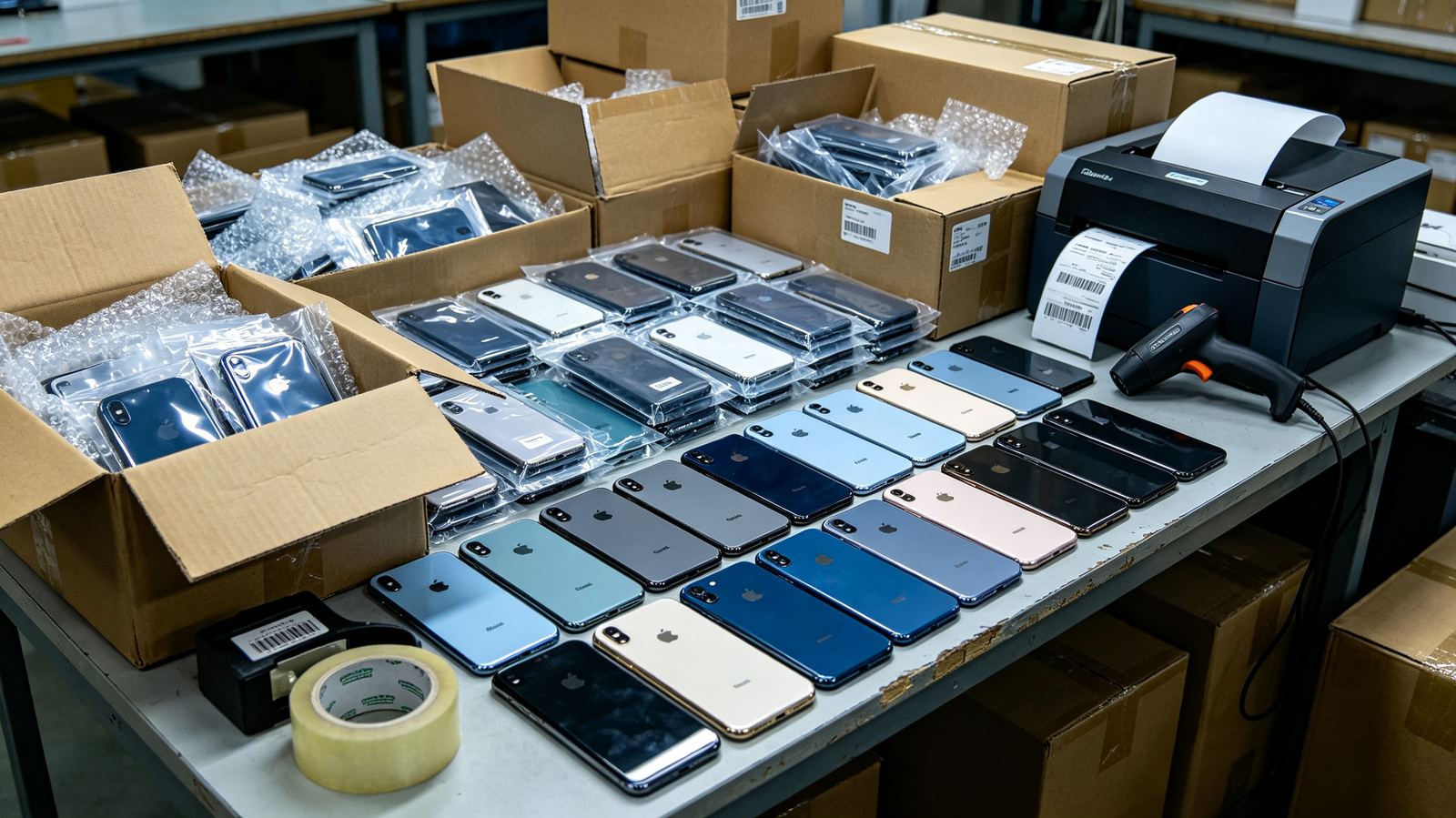
Single warehouse workbench with used iPhones labelled and prepared for a Factory Unlocked sourcing inquiry.

Start a conversation

Tell us what you need

Tell us the iPhone models, quantities, and destination market you are considering. Our team will respond to your request.

  • E-mailsales@usedphonehqb.com
  • Phone+8617374267737
  • WhatsApp+8617374267737