NATIVE APPLE METHOD
How to Check Battery Cycle Count on iPhone 15 and Later
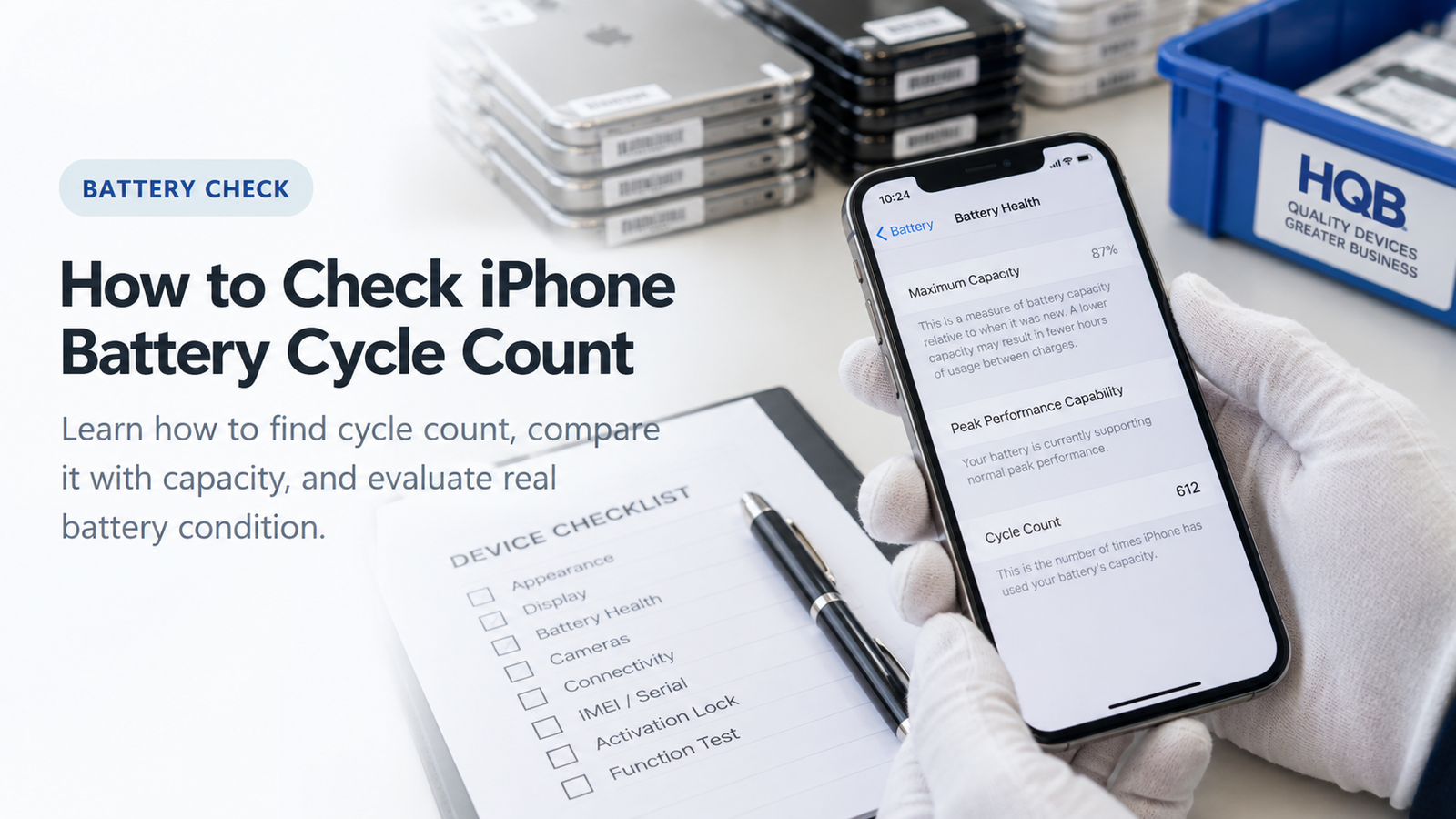
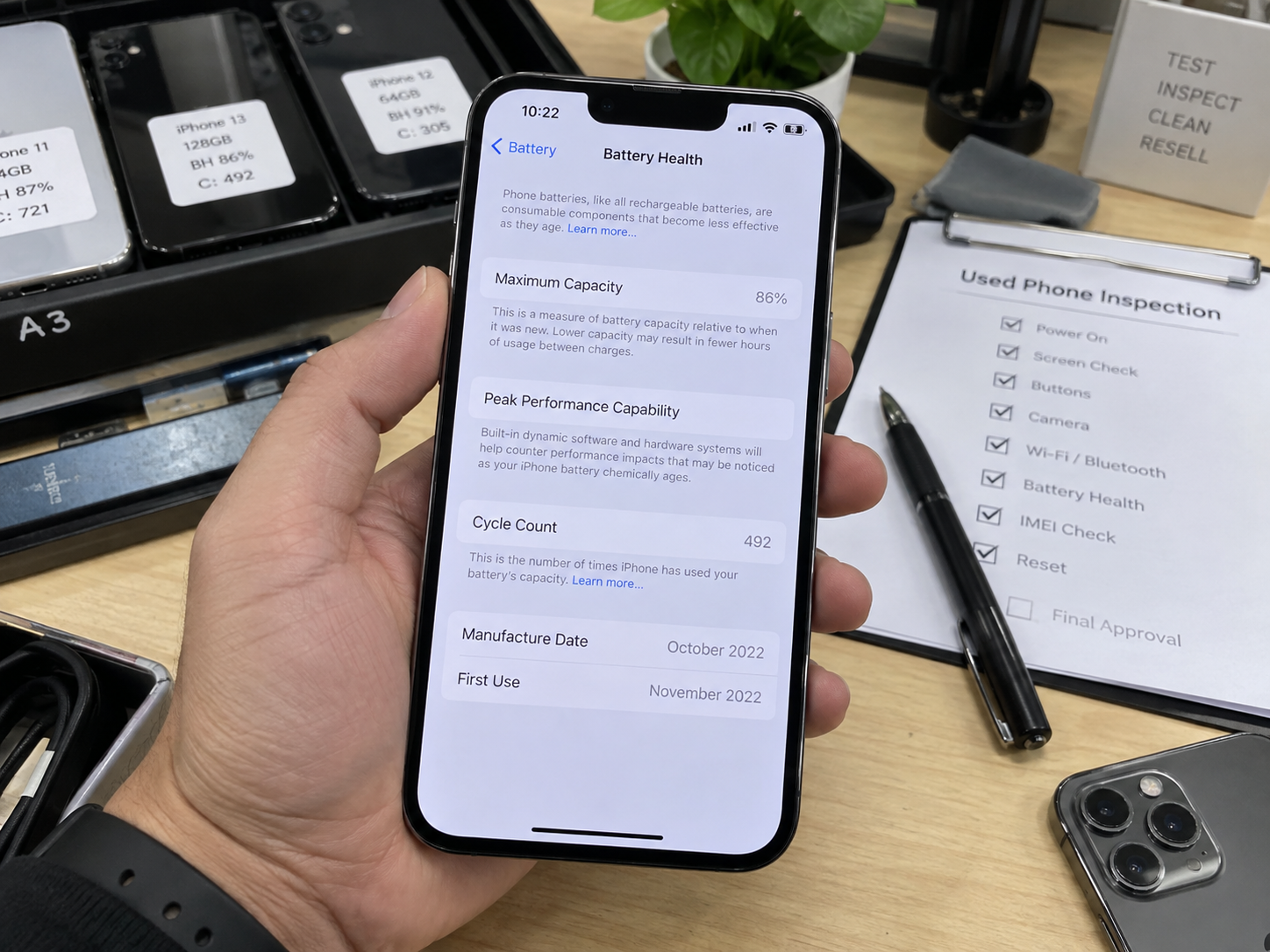
- Open Settings.
- Tap Battery.
- Open Battery Health.
- Find Cycle Count.
- Record the context: Maximum Capacity, Manufacture Date, First Use Date, and any battery-service recommendation.
Apple documents this as the preferred native method for iPhone 15 models and later with iOS 17.4 or later. When inspecting used inventory, take a screenshot or note the values in the unit record so a purchaser can compare the figures later.
SETTINGS PATH
Why Do Some Guides Show a Different Battery Cycle Count Menu?
Early iPhone 15 and iOS 17 material sometimes showed cycle information under Settings → General → About. Apple later integrated relevant battery information into Settings → Battery → Battery Health with iOS 17.4 and later.
Current method
Settings → Battery → Battery Health.
Older online guides
May show Settings → General → About.
Buyer practice
Use the current path first, then document what the inspected phone actually shows.
MODEL ELIGIBILITY
Which iPhones Show Battery Cycle Count in Settings?
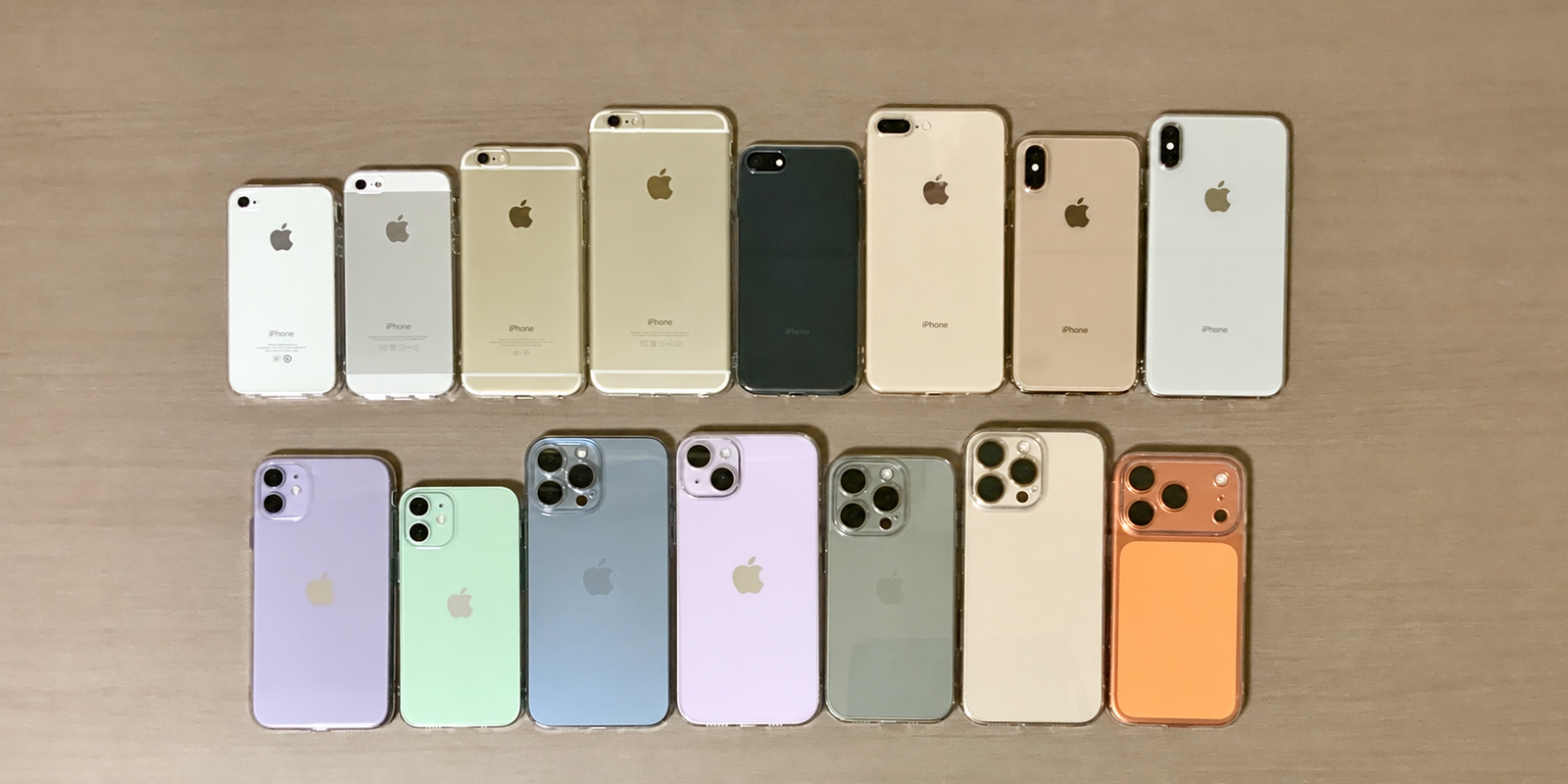
| HQB generation | Native Cycle Count in current Apple Settings |
|---|---|
| iPhone 17 Series | Yes |
| iPhone 16 Series | Yes |
| iPhone 15 Series | Yes |
| iPhone 14 Series | No native Cycle Count field |
| iPhone 13 Series | No native Cycle Count field |
| iPhone 12 Series | No native Cycle Count field |
| iPhone 11 Series | No native Cycle Count field |
| iPhone XS / XS Max / XR / X | No native Cycle Count field |
Installing a newer iOS on an iPhone 14 or older device does not add the same native Cycle Count field. Those phones can still provide Maximum Capacity, Peak Performance Capability, and service information that remain useful in a purchase decision.
OLDER DEVICES
Can You Check Battery Cycle Count on iPhone 14 or Earlier?
Not through Apple’s current native Battery Health Cycle Count field. Search results may suggest Analytics Data, Shortcuts, Mac utilities, Windows utilities, or diagnostic software, and these methods can sometimes expose battery statistics.
What professional buyers should know
- They are not Apple’s native buyer-facing Cycle Count display.
- Available analytics and logs can vary, and their interpretation can be difficult.
- Third-party tools can report values differently; review privacy and permissions before using them.
- Replacement batteries can make any result harder to interpret.
For iPhone 14 and earlier inventory, prioritise Maximum Capacity, Peak Performance Capability, Parts and Service History, replacement status, and functional battery testing. An Analytics workaround is not guaranteed to deliver an accurate value on every device.
CORE COMPARISON
Battery Cycle Count vs Maximum Capacity
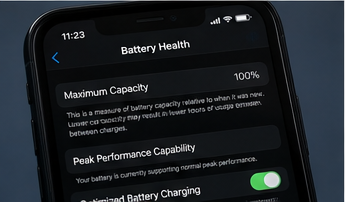
Cycle Count indicates accumulated full-cycle-equivalent usage. Maximum Capacity estimates how much charge the battery can currently hold compared with when it was new. Neither measure replaces the other.
| Metric | What it measures | Should buyers check it? |
|---|---|---|
| Cycle Count | Accumulated full-cycle-equivalent usage | Yes |
| Maximum Capacity | Remaining capacity relative to new | Yes |
| First Use Date | Approximate start of the current battery’s use | Yes |
| Manufacture Date | Battery manufacturing context | Yes |
| Peak Performance Capability | Ability to support performance | Yes |
| Parts History | Replacement and verification information | Yes |
There is no rigid formula such as “300 cycles always equals 90% health.” Battery ageing depends on use, temperature, charging behaviour, storage, and age.
APPLE DESIGN REFERENCE
How Many Battery Cycles Is an iPhone Designed For?
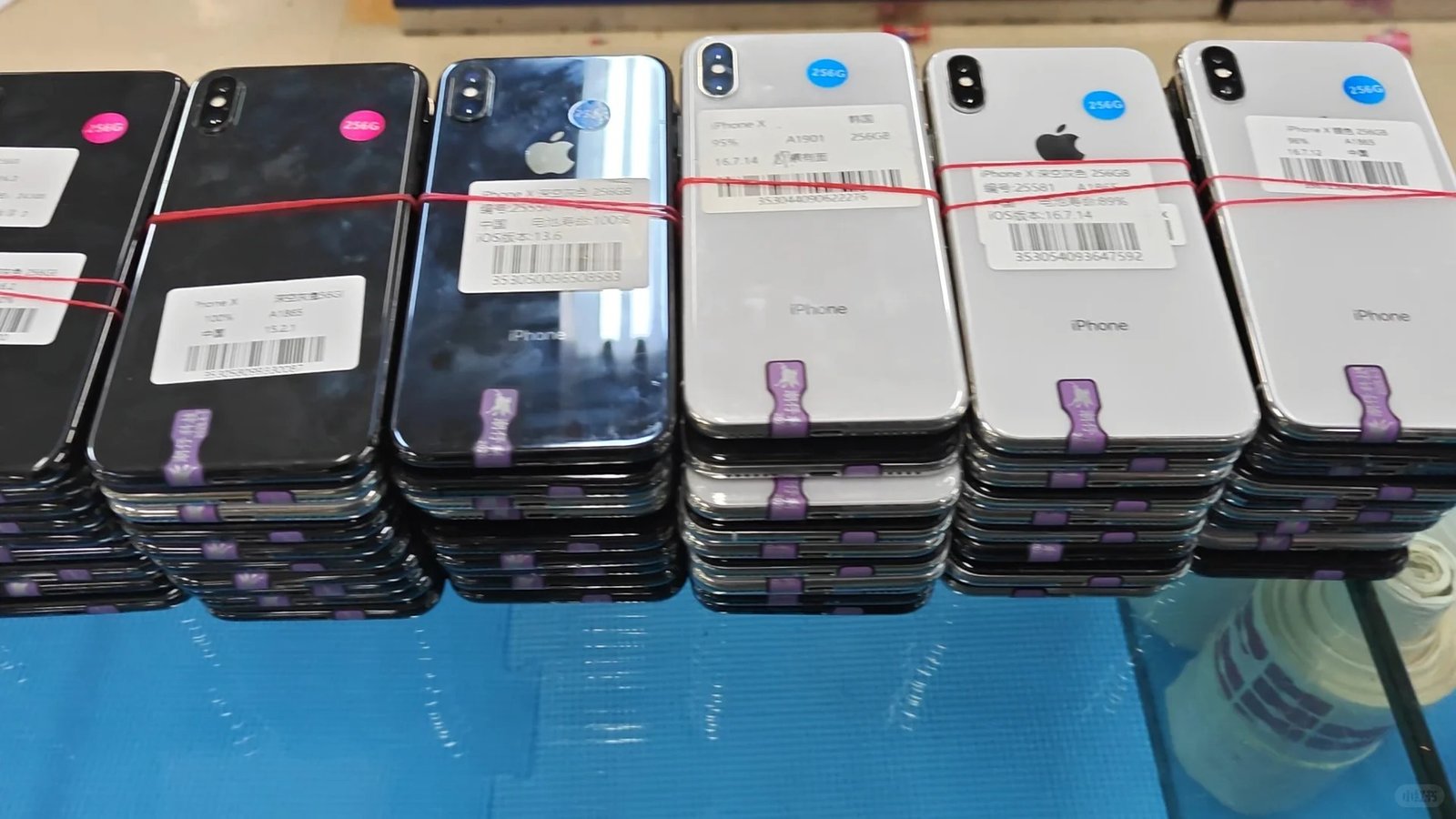
Apple states that iPhone 14 models and earlier are designed to retain approximately 80% of original capacity after 500 complete charge cycles under ideal conditions. For iPhone 15 and later, the design reference is approximately 80% after 1,000 complete charge cycles under ideal conditions.
| Generation | Apple design reference |
|---|---|
| iPhone 15 and later | 80% capacity at 1,000 complete cycles under ideal conditions |
| iPhone 14 and earlier | 80% capacity at 500 complete cycles under ideal conditions |
These figures do not mean an iPhone 14 battery dies at 500 cycles or an iPhone 15 battery must be replaced at 1,000. Actual results vary with use, temperature, charging behaviour, and battery age.
BUYER INTERPRETATION
What Is a Good Cycle Count for a Used iPhone?
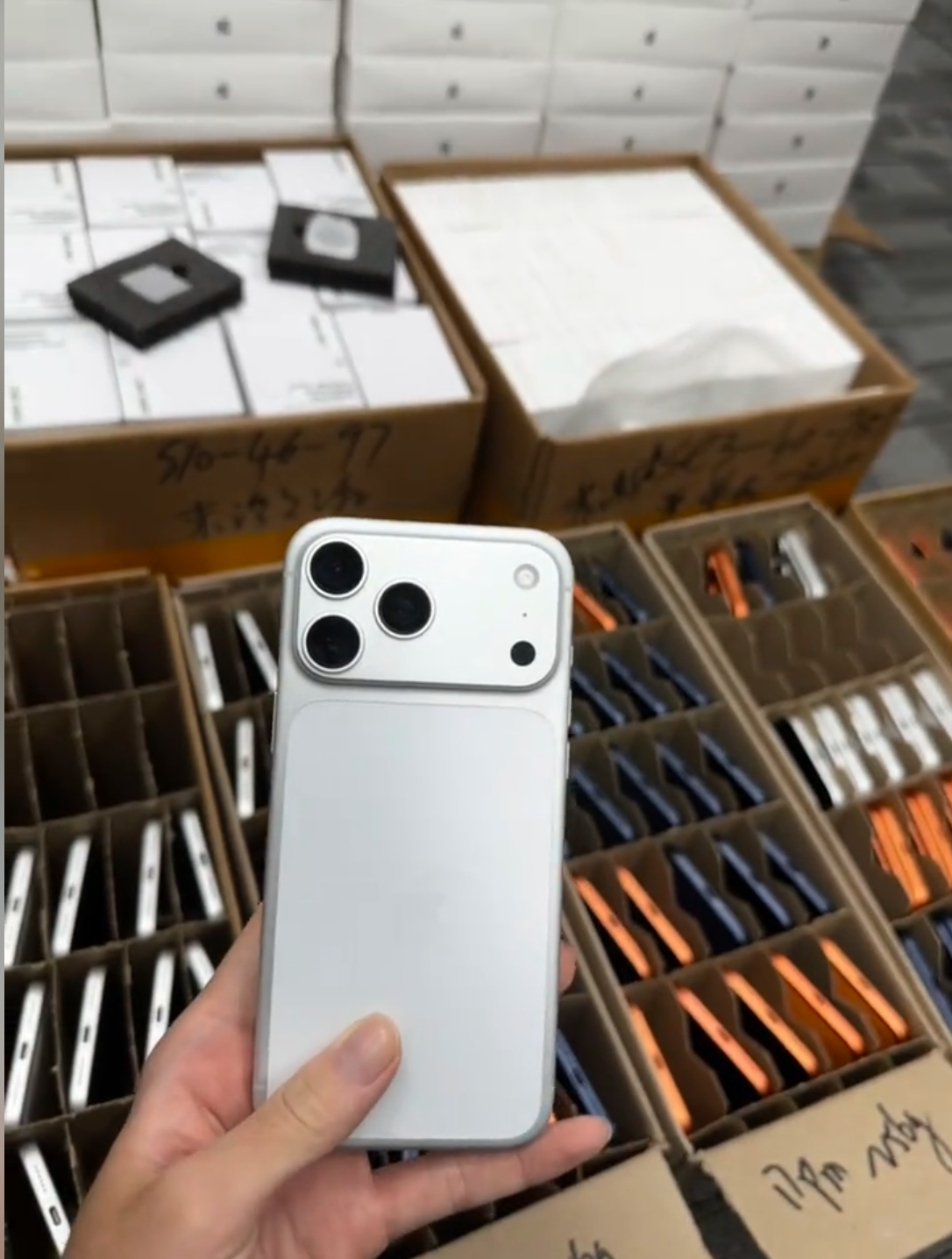
A lower count generally indicates less accumulated battery usage, but a buyer should read it with battery age, Maximum Capacity, model, replacement history, and current behaviour.
| Situation | Buyer interpretation |
|---|---|
| Low cycles + high Maximum Capacity | Generally positive |
| High cycles + high Maximum Capacity | May still perform well; verify usage and condition |
| Low cycles + low Maximum Capacity | Investigate age, heat exposure, replacement, or reporting |
| High cycles + low Maximum Capacity | Greater likelihood of an aged battery |
| Very low cycles on an old phone | Check whether the battery was replaced |
| Cycle Count unavailable | Use other battery and repair checks |
BATTERY HISTORY
A Low Cycle Count Does Not Mean the iPhone Has Barely Been Used
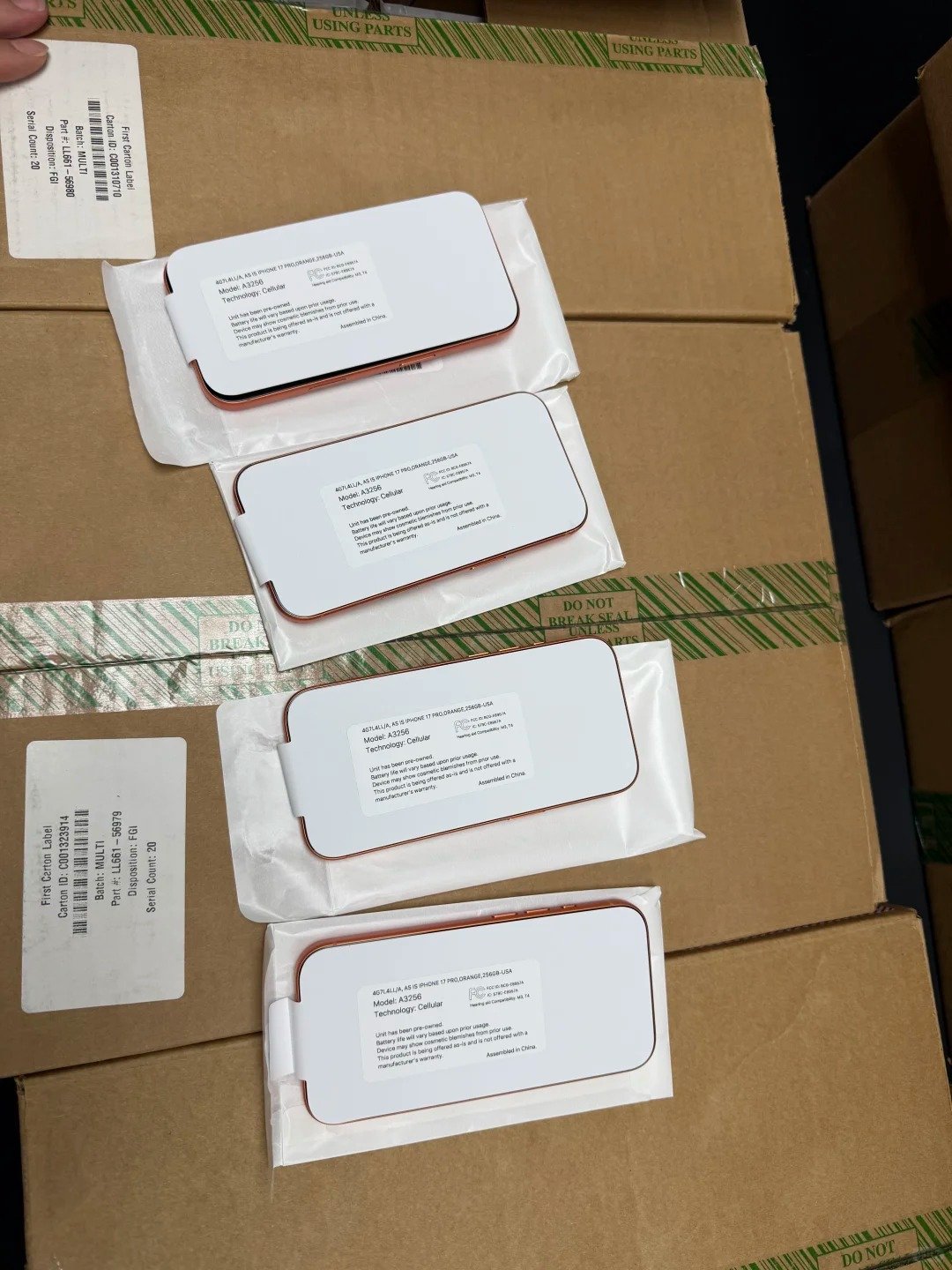
A phone can be several years old and still display a low count if its battery was replaced, if it had repair work, if a previously used battery was installed, or if it spent long periods unused. Cycle Count primarily describes the currently reported battery history.
On supported phones, also open Settings → General → About → Parts and Service History. Compare it with the device age and other battery information before drawing a conclusion.
Ask what changed
- Was the battery replaced?
- Does First Use Date fit the phone’s age?
- Does Parts and Service History support the seller description?
DATE CONTEXT
Why First Use Date and Manufacture Date Matter
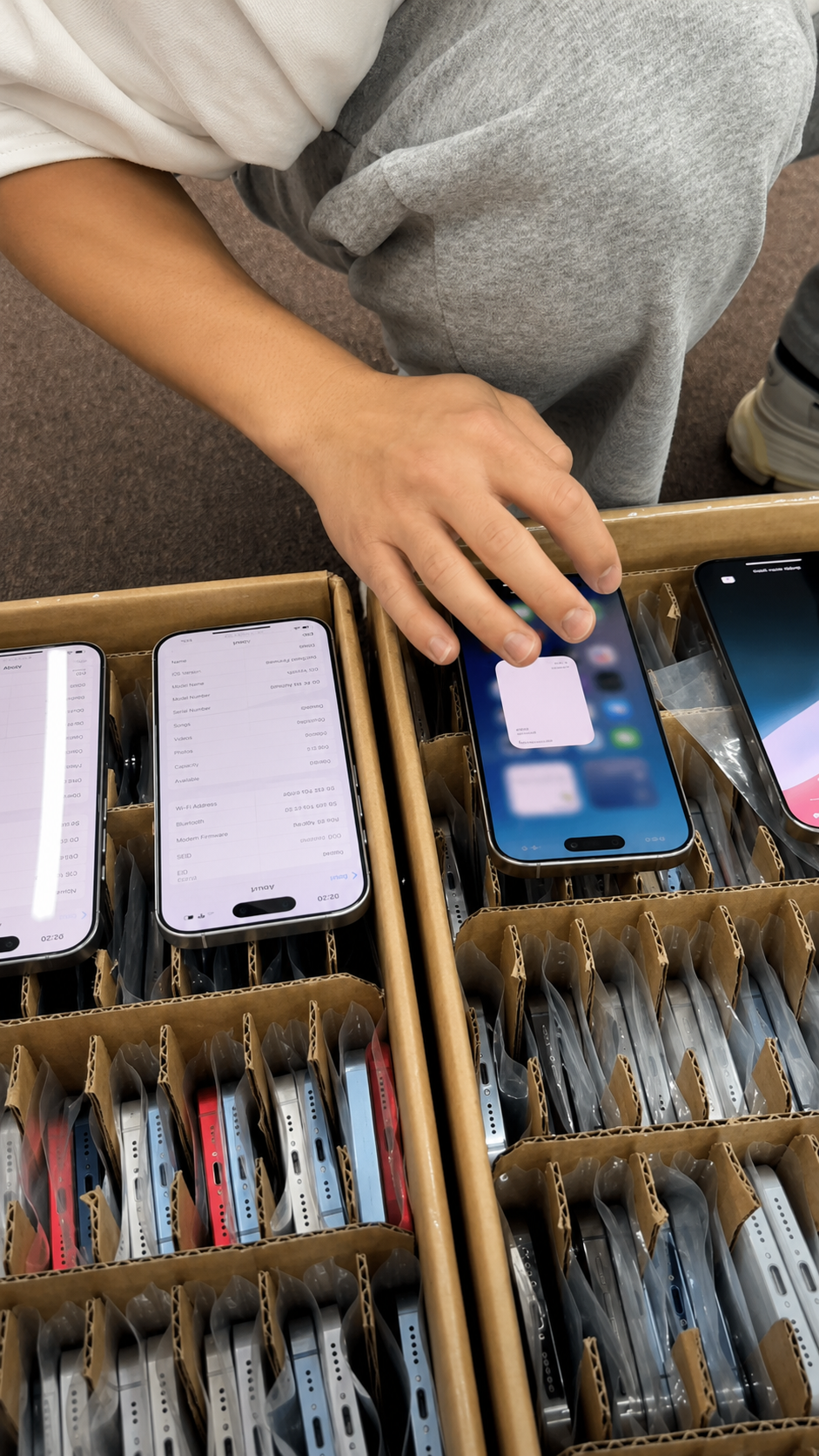
Battery Health on supported iPhone 15 and later models can show First Use Date and Manufacture Date. First Use Date can help explain a low count on an older handset: a three-year-old phone with a battery first used six months ago may have received legitimate battery service.
Manufacture Date adds another data point about the current battery’s approximate age. It cannot diagnose condition on its own: a newer battery can be heavily used or heat-stressed, while an older one can sometimes retain good capacity.
Matching information
Usually increases buyer confidence.
Conflicting information
Deserves further investigation, not an automatic accusation.
Best comparison
Device age, First Use Date, Manufacture Date, Cycle Count, and Parts History.
REPAIR HISTORY
Check Whether the Battery Has Been Replaced
For supported iPhones, go to Settings → General → About → Parts and Service History. Apple can display battery replacement information on iPhone XR, iPhone XS models, and later, subject to model, iOS version, and repair history.
Possible statuses include Genuine, Used, Unknown, and Finish Repair. They should be understood as repair-information signals, not quick labels for “good” or “bad.” Related ownership, IMEI, and cosmetic checks remain separate.
Read each status precisely
- Genuine can describe a recognised Apple component after service.
- Used does not mean fake.
- Unknown can make battery reporting less reliable.
- Finish Repair means the supported repair workflow is incomplete.
PARTS STATUS
What Do Genuine, Used, Unknown, and Finish Repair Mean?
Genuine means the battery information is recognised as a genuine Apple component installed using supported parts and processes. It does not mean the battery is factory-original, unused, at zero cycles, or guaranteed to show 100% Maximum Capacity.
On supported newer iPhones, a genuine Apple battery previously used in another compatible iPhone may show Used. It is not fake, but it has prior history; examine First Use Date, Maximum Capacity, and Cycle Count. Unknown can appear when a battery cannot be verified normally, so reported battery-health information may be inaccurate. Finish Repair can remain after a new Apple battery until Repair Assistant completes the supported workflow.
| Status | Buyer response |
|---|---|
| Genuine | Check condition; do not assume original or new. |
| Used | Inspect prior-use figures and current function. |
| Unknown | Treat health reporting cautiously and investigate. |
| Finish Repair | Clarify the repair and recheck device information. |
INTERPRETING RESULTS
Can Cycle Count and Battery Health Disagree?
Yes. A battery can have a higher count and still report relatively strong Maximum Capacity, or a lower count and report poorer health. Chemical age reflects several factors, including temperature history, charging patterns, depth of discharge, storage conditions, battery age, and actual use.
Low cycles with poor health can also be explained by long-term heat exposure, prolonged storage, damage, an unverified battery, or reporting concerns. The better question is not “How low is the number?” but “Do Cycle Count, Maximum Capacity, age, repair history, and function fit together?”
Never use a rigid cycles-to-health formula
- Low cycle count is not a guarantee of quality.
- High cycle count is not automatically a failed battery.
- Unexpected combinations deserve an evidence-based follow-up.
CAPACITY AND PERFORMANCE
What Does 80% Maximum Capacity Mean?
Maximum Capacity compares the battery’s current estimated capacity with its capacity when new. Apple uses approximately 80% as an important battery design and service reference, but it is not a universal instruction to replace every battery the instant it reaches exactly 80%.
Review the service recommendation, actual runtime, Peak Performance Capability, intended resale grade, and the buyer’s written requirement. In a B2B purchase, battery-health expectations should be agreed in the specification rather than assumed.
Cycle Count
Accumulated use.
Maximum Capacity
Estimated present charge-holding ability.
Peak Performance
Whether the battery can support required power.
FUNCTIONAL CHECK
Cycle Count Does Not Replace a Real Battery Test
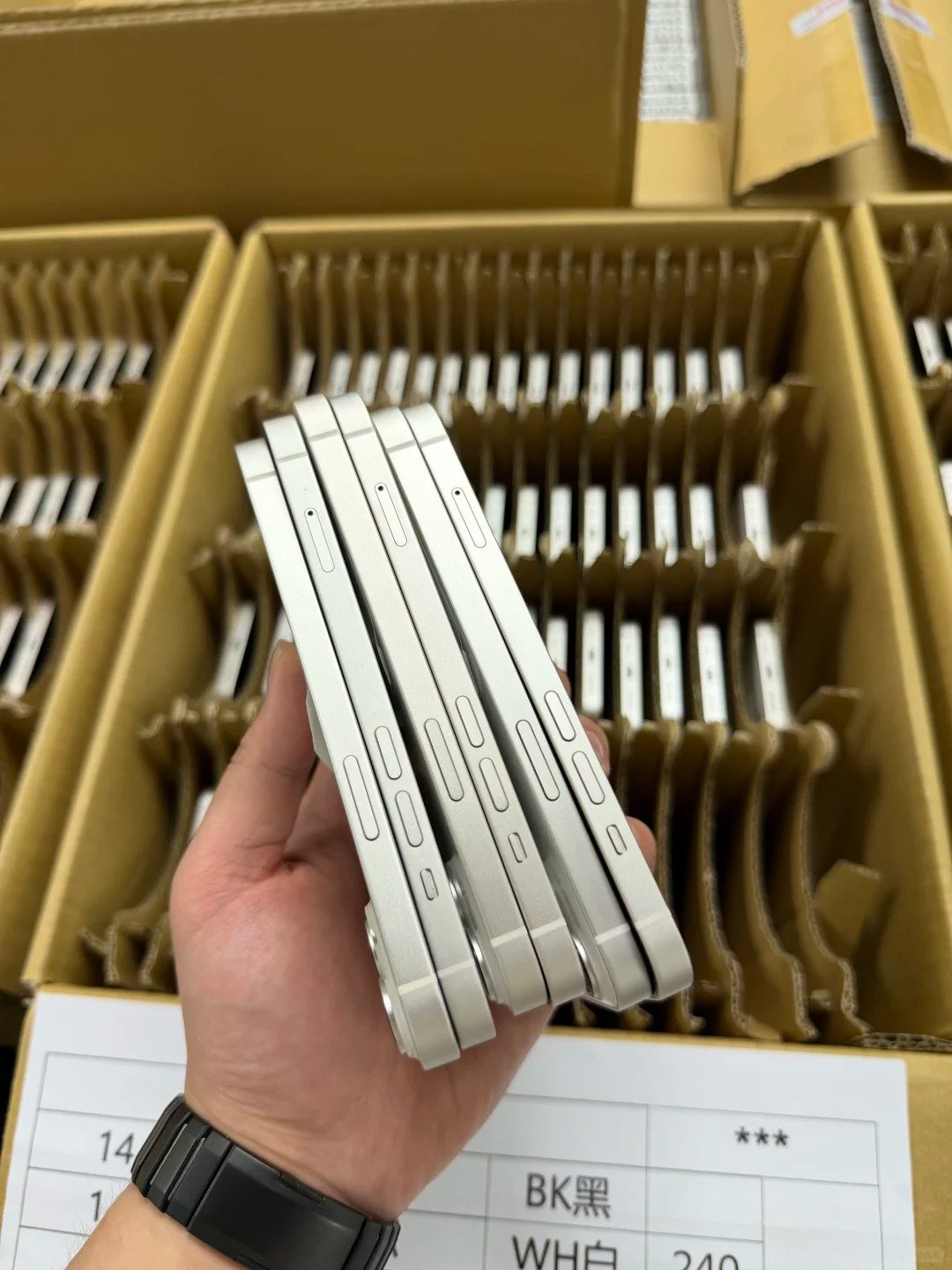
A used iPhone can show reasonable statistics while still requiring functional evaluation. During a short check, use the device for several minutes, open the camera or video, test cellular or Wi-Fi, and watch for abnormal percentage drops, unexpected shutdowns, or unusual overheating.
There is no universal drain percentage that proves a battery passes or fails. Different models, temperatures, applications, brightness settings, and networks consume power differently.
Fast function checks
- Charges normally
- No abrupt percentage drop
- No unexpected shutdown
- No abnormal heat during ordinary use
- Peak Performance Capability has been reviewed
CHARGING MYTHS
Does Charging From 0% to 100% Equal One Cycle?
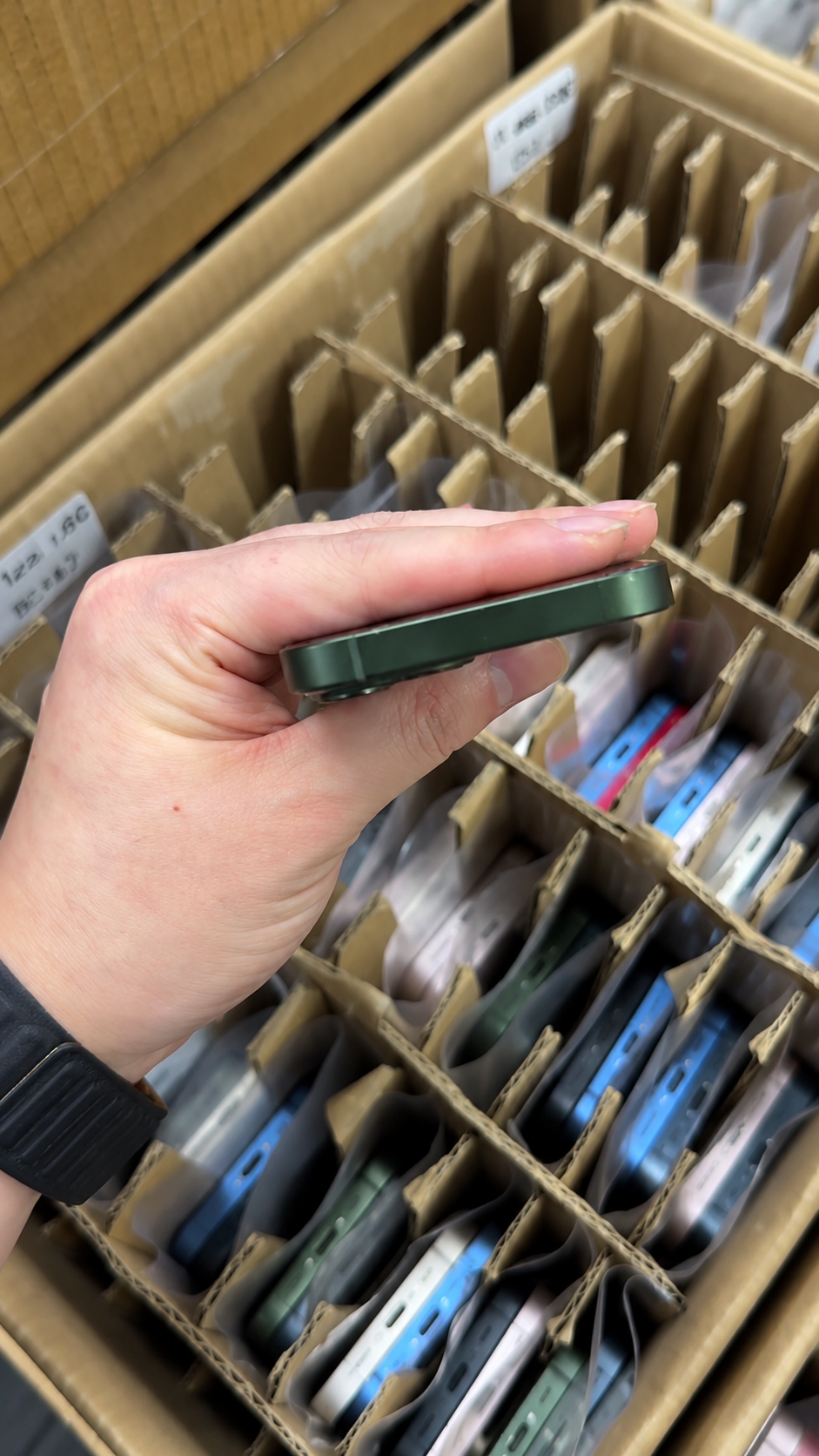
A 0% to 100% recharge after using approximately 100% can correspond to one cycle, but charging behaviour itself does not define the cycle. If a user consumes 60%, recharges, then later consumes 40%, the combined use is approximately one complete cycle.
Charging twice a day
Does not automatically add two cycles.
Charging to 100%
Does not automatically damage a battery or make Cycle Count rise faster.
Battery care
Heat, chemical age, and charging conditions also affect lifespan.
On supported devices, Apple provides options such as Optimized Battery Charging and Charge Limit features where available. They are battery-protection tools, not a replacement for a documented used-device inspection.
FAST INSPECTION
A 2-Minute Battery Check Before Buying a Used iPhone
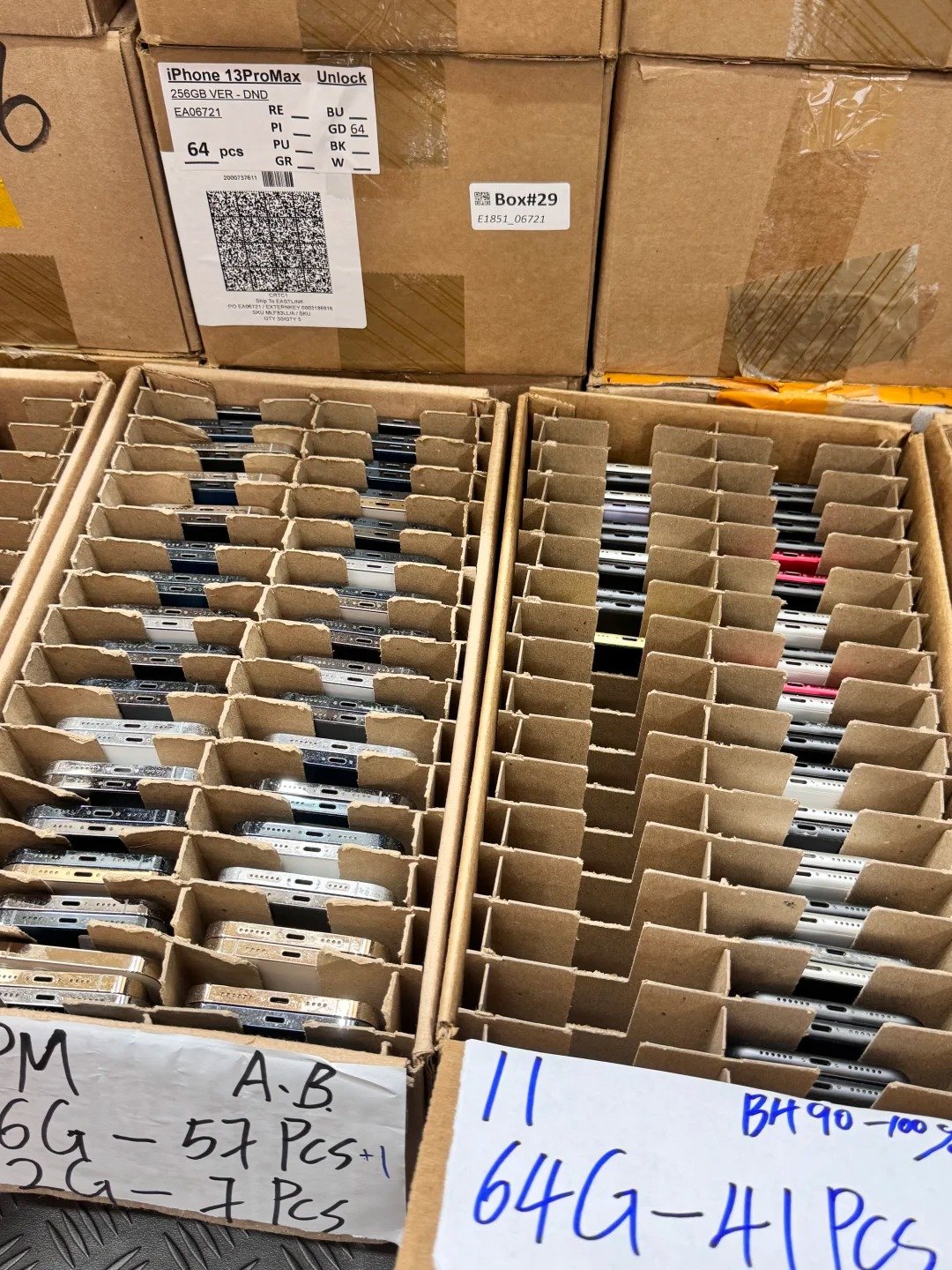
| Time | Action |
|---|---|
| First 30 seconds | Open Battery Health; record Maximum Capacity and Cycle Count where available. |
| Next 30 seconds | Review Peak Performance, service warning, Manufacture Date, and First Use Date where supported. |
| Next 30 seconds | Open Parts and Service History; check Genuine, Used, Unknown, or Finish Repair. |
| Final 30 seconds | Use the device briefly; watch for drops, heat, or shutdowns. |
Never approve a used iPhone battery based on Cycle Count alone.
BUYER FLAGS
Battery Cycle Count Red Flags Before Buying
- Seller refuses to show Battery Health or cannot explain unavailable data.
- Very low cycles on an old phone with no battery-history explanation.
- First Use Date conflicts with seller claims.
- Unknown Battery, unresolved Finish Repair, low Maximum Capacity, unexpected shutdowns, or abnormal heat.
- “Original battery” is advertised while Parts and Service History shows a replacement.
Conversely, a replacement battery, a recognised Genuine status, a Used status on a supported newer phone, moderately high cycles, or capacity below 100% are not automatically bad. The practical test is transparency, present function, and fit for buyer requirements.
COMMERCIAL EVALUATION
Does Battery Cycle Count Affect Used iPhone Value?
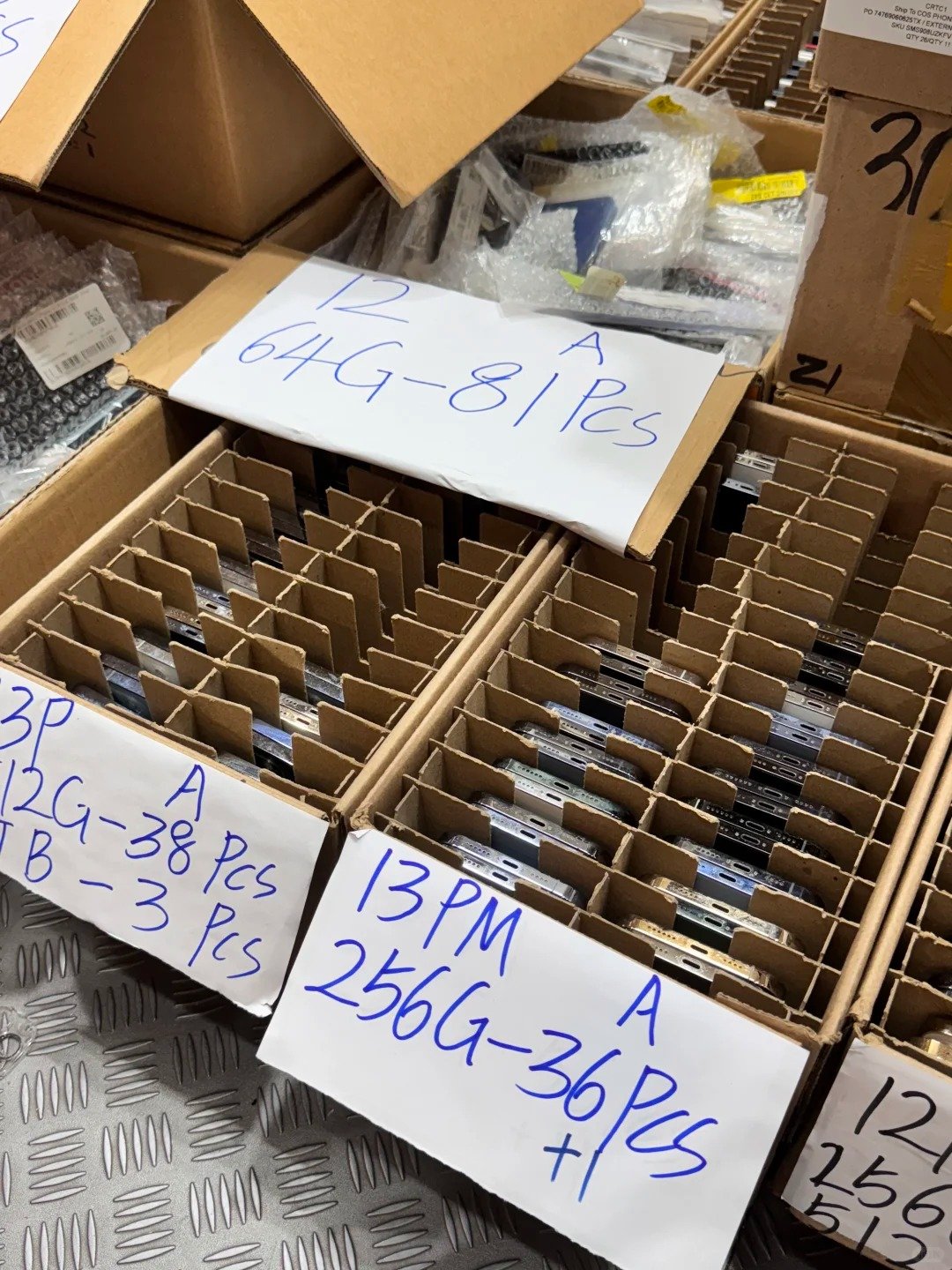
Cycle Count can influence buyer perception, especially for iPhone 15 and later where it is visible in Settings. Lower-use batteries may be easier to position when all other factors are equal, but resale value also depends on Maximum Capacity, model, age, repair history, cosmetic grade, storage, overall function, and destination-market expectations.
Do not use a fixed discount per 100 cycles. Professional buyers should keep battery condition separate from cosmetic grading, then price and disclose each attribute accurately.
| Category | What it describes |
|---|---|
| Cosmetic Grade | Exterior physical condition |
| Maximum Capacity | Current estimated battery capacity |
| Cycle Count | Accumulated battery usage |
| Battery Repair History | Replacement and verification status |
| Functional Grade | Actual device operation |
GENERATION REFERENCE
Battery Cycle Count Across Popular HQB iPhone Generations
| HQB generation | Native Cycle Count | Main battery check |
|---|---|---|
| iPhone 17 Series | Yes | Cycle Count + Maximum Capacity + Parts History |
| iPhone 16 Series | Yes | Cycle Count + Maximum Capacity + Parts History |
| iPhone 15 Series | Yes | Cycle Count + First Use Date + Parts History |
| iPhone 14 Series | No native field | Maximum Capacity + battery history |
| iPhone 13 Series | No native field | Maximum Capacity + battery history |
| iPhone 12 Series | No native field | Maximum Capacity + battery history |
| iPhone 11 Series | No native field | Maximum Capacity + battery history |
| iPhone XS / XR / X | No native field | Battery Health + functional testing |
WHOLESALE APPLICATION
Why Battery Cycle Count Matters in Wholesale iPhone Sourcing
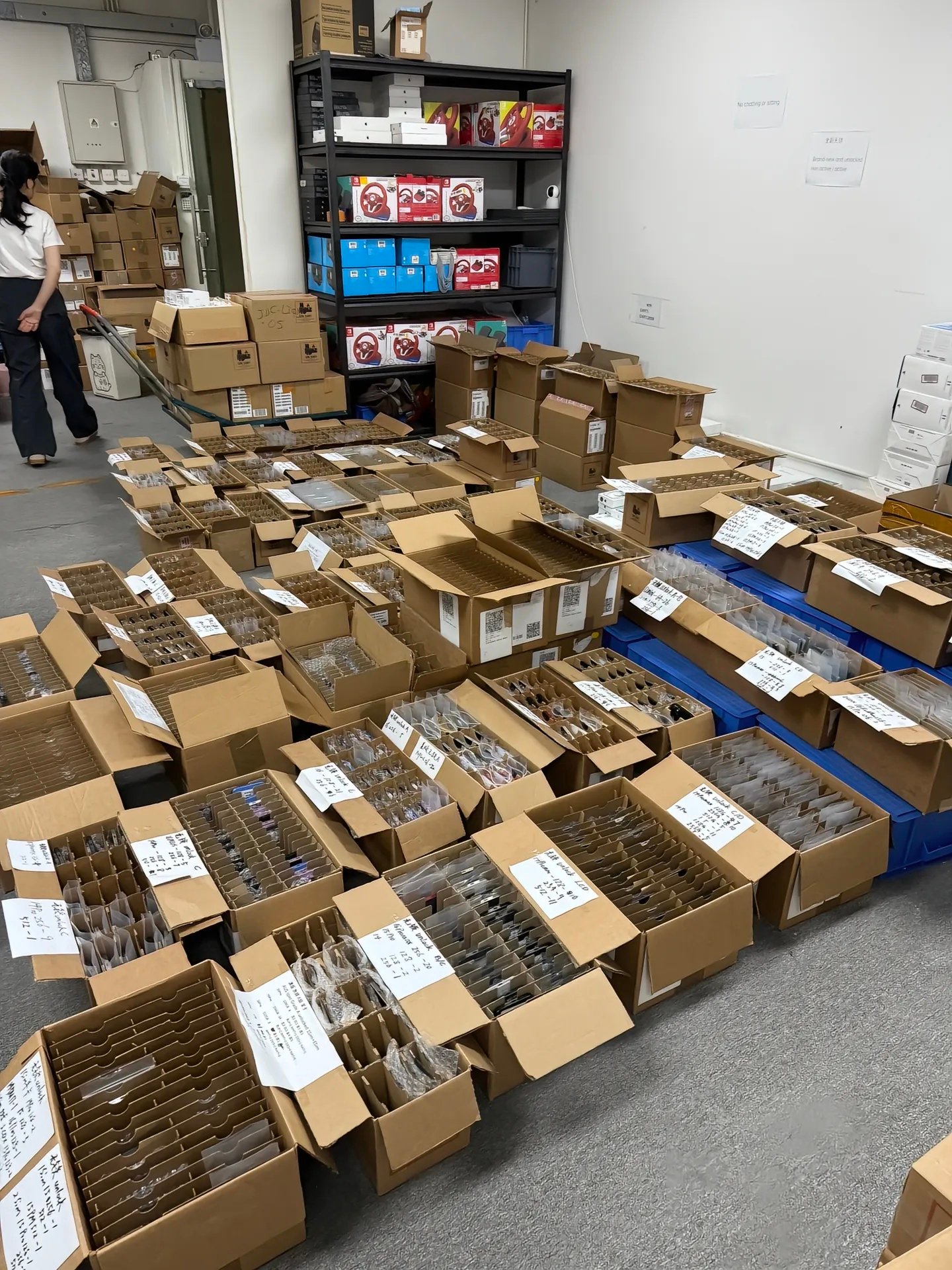
In bulk inventory, inconsistent battery condition can lead to buyer complaints, grading disputes, uneven runtime, returns, replacement cost, and different resale positioning. On iPhone 15 and later, native Cycle Count adds a standardised data point, but it does not replace Maximum Capacity, Parts and Service History, or functionality testing.
iPhone 15 and later lots
Record Cycle Count, Maximum Capacity, First Use Date, battery status, and Parts History.
Older lots
Record Maximum Capacity, Peak Performance, replacement status, and functional result.
Commercial record
Keep model, grade, battery requirement, and buyer market separate.
WHOLESALE CHECKLIST
Used iPhone Battery Inspection Checklist
Battery information
- Maximum Capacity
- Cycle Count where native
- Manufacture and First Use Date where available
- Service recommendation
Battery history
- Parts and Service History
- Genuine / Used / Unknown / Finish Repair recorded
- Seller description matches device information
Function
- Normal charging
- No abrupt shutdowns, rapid drain, or abnormal heat
- Peak Performance reviewed
Commercial information
- Model, grade, and battery requirement
- Replacement history and target market
SUPPLIER QUESTIONS
What to Ask About Batteries Before Buying iPhones in Bulk

- What Maximum Capacity range is included in the lot?
- Is native Cycle Count available for iPhone 15 and newer inventory?
- Are replacement batteries disclosed?
- Are Genuine and Used battery statuses separated where supported?
- Are Unknown Battery units separated?
- Are any devices showing Finish Repair?
- Is Peak Performance Capability checked?
- Are battery requirements separate from cosmetic grade?
- Can buyers request a minimum battery-health requirement?
- Can battery replacement history be specified as part of the order?
Professional buyers can contact HQB with models, quantities, grades, target markets, and battery-condition requirements to discuss available wholesale inventory. This guide does not imply battery pass rates, MOQ, stock levels, warranty periods, or shipping times.