Practical guide
How to Check Parts and Service History on an iPhone
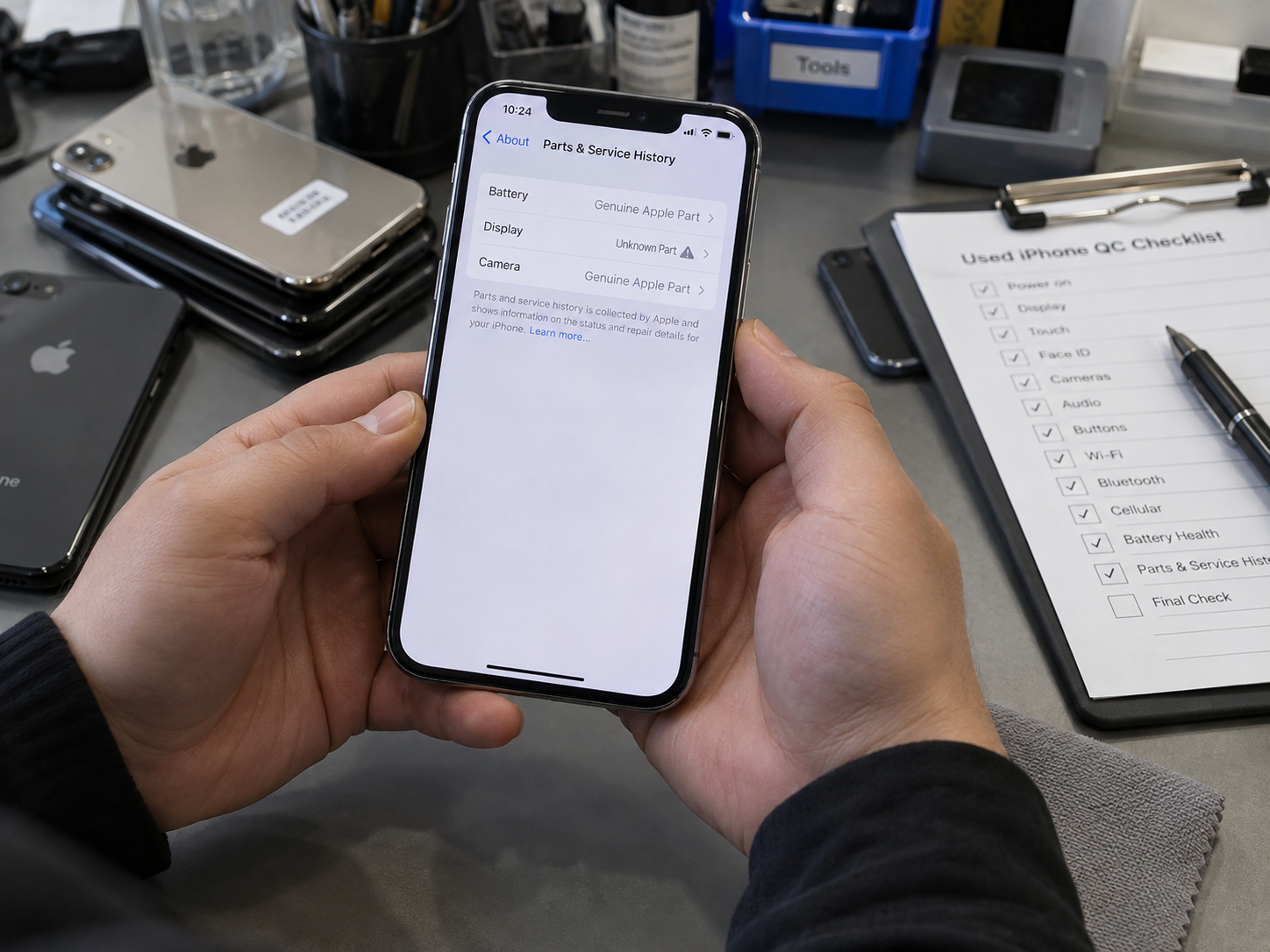
Start on the device itself, with the seller present if the phone is not yet yours. Current Apple guidance places the record in the About screen on iOS 15.2 and later, although what appears still depends on both the model and the repair history.
- Open Settings. Use the installed Settings app.
- Tap General. This is the device-information area.
- Tap About. Confirm the model and iOS version while you are there.
- Scroll to Parts and Service History. It may appear below the serial-number information.
- Review each listed component. Battery, Display, Logic Board, Front Camera and Rear Cameras vary by device.
- Read the status. Note Genuine, Used, Unknown, Unverified or Finish Repair exactly as shown.
- Tap a listed part where available. After completed service and an appropriate internet connection, extra information such as service date may be offered.
Before relying on the result
- Confirm the iPhone model and installed iOS version.
- Know which components that model can report.
- Photograph or record the screen for the receiving file.
- Test the affected component manually.
Which iPhones Show Parts and Service History?
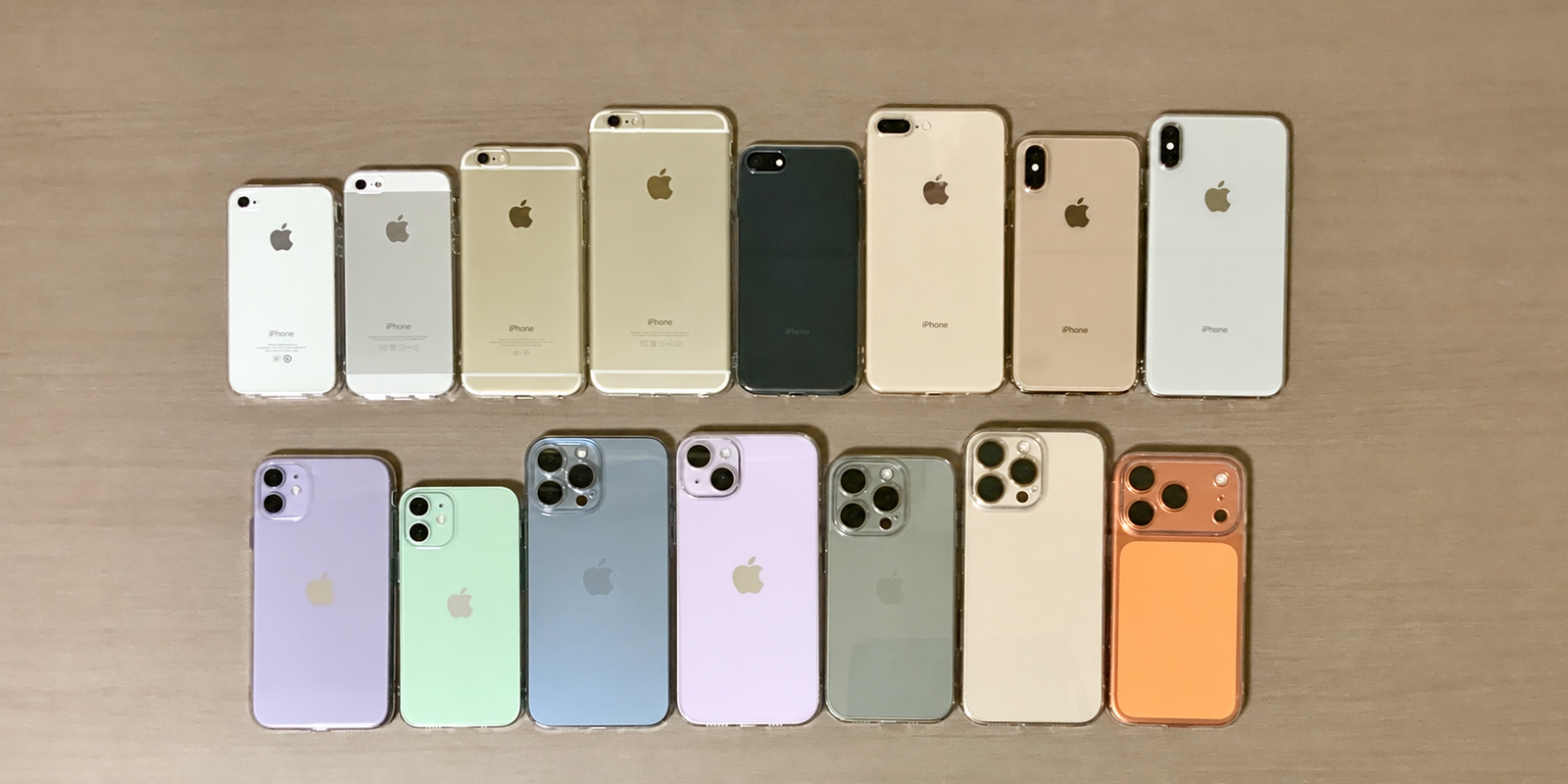
Coverage is model-specific. Apple's current component table gives iPhone 12 models and later the broadest view, while older models report a smaller set of components. A missing category means this built-in feature does not provide that category of history in the same way; it does not mean the part was never repaired.
| iPhone model group | Battery | Display | Logic Board | Front Camera | Rear Cameras |
|---|---|---|---|---|---|
| iPhone 12 models and later | Yes | Yes | Yes | Yes | Yes |
| iPhone 11 models | Yes | Yes | No | No | No |
| iPhone XR | Yes | No | No | No | No |
| iPhone XS | Yes | No | No | No | No |
| iPhone XS Max | Yes | No | No | No | No |
iPhone 17 to iPhone 12
Broad supported-component history. Use it alongside direct testing of every listed repair.
iPhone 11 series
Battery and Display information can be shown; do not infer camera or logic-board history.
XS, XS Max and XR
Primarily Battery history. The iPhone X predates the modern coverage described here.
What Does “Genuine” Mean in Parts and Service History?
Genuine means the listed repair was completed using a genuine Apple part and supported Apple processes. It is a repair-recognition result, not a claim that the phone has never been opened or that it remains factory-original.
Apple explains that genuine components are individually calibrated with device information. That calibration supports expected performance, safety, security, privacy and compatibility across functions such as battery information, display behaviour, camera performance and biometrics.
A Genuine record tells the buyer
- The listed component was serviced or replaced.
- The replacement is recognised appropriately.
- The supported repair process was completed.
It does not tell the buyer
- That the whole phone is factory-original.
- That no other repairs occurred.
- That cosmetics, battery health and every function are perfect.
What Does “Used” Mean in iPhone Parts and Service History?
A Used message means Apple identifies the part as a genuine component that was previously used or installed in another iPhone. It is not a synonym for fake. For supported iPhone 15-and-later devices with appropriate iOS versions, Used identification can apply to supported parts such as a battery, display or camera.
Previous use still matters commercially. The component's age, condition, prior environment and modification history may not match a new component, so a buyer should make a functional test and price decision rather than judging the word alone.
| Status | Genuine Apple component? | Previously used? |
|---|---|---|
| Genuine | Yes | Not indicated as previously used |
| Used | Yes | Yes |
| Unknown | Not reliably verified | Possible |
| Unverified | Special verification issue | Depends on the component |
What Does “Unknown Part” Mean on an iPhone?
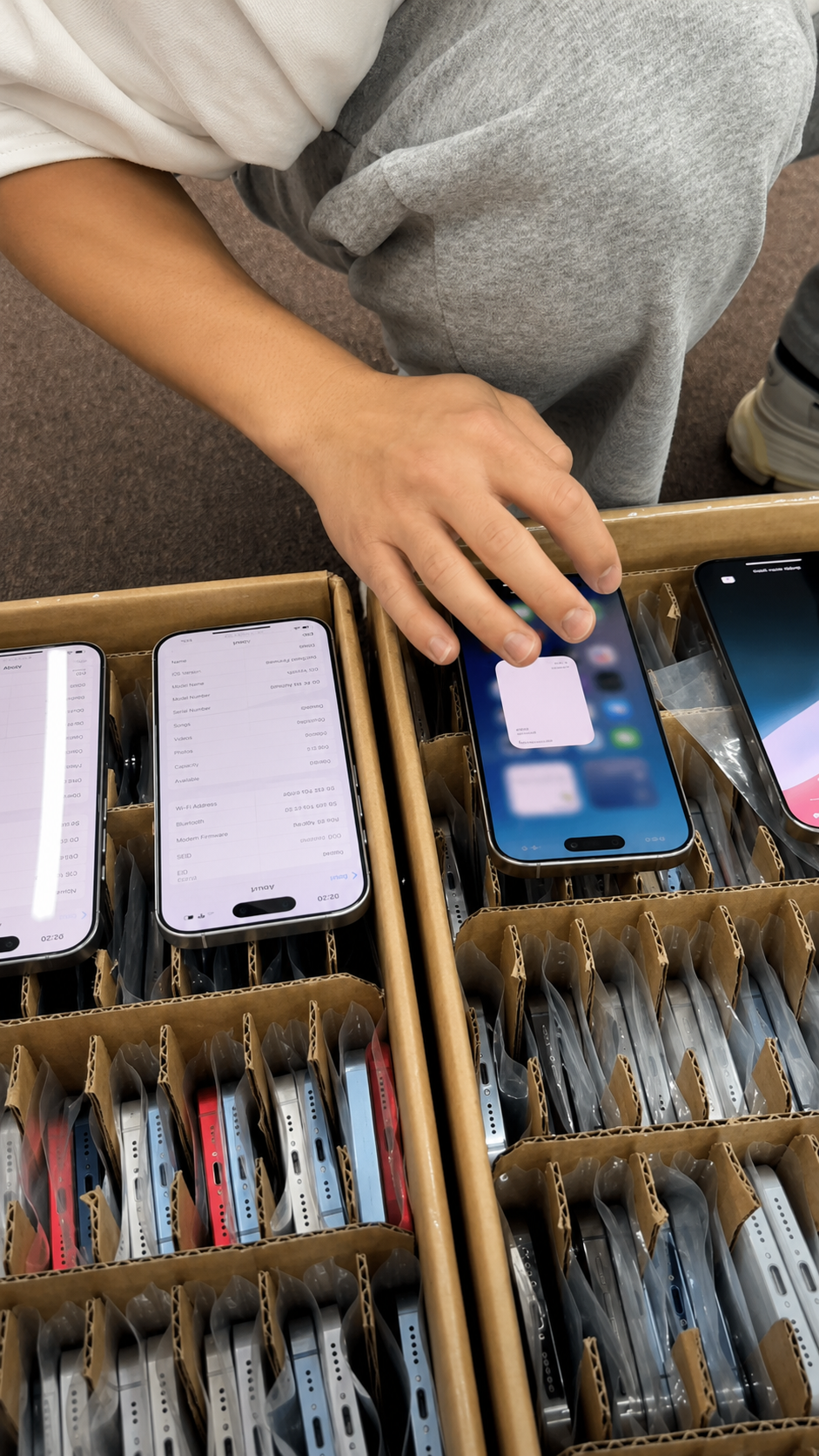
Unknown does not point to one single cause. Apple says this label can appear if a part is nongenuine, is not functioning as expected, has not been properly verified and linked after repair, has been modified, or cannot otherwise be verified.
So, “Unknown Part” does not automatically mean counterfeit and does not automatically prove the component cannot work. It means the system cannot currently verify the component in the expected way. Apple also notes that an Unknown part can affect trade-in value.
If you see Unknown Part
- Identify the affected component.
- Test that component thoroughly.
- Ask for repair documentation and compare it with the listing.
- Check whether a supported repair remains incomplete.
- Record the uncertainty separately from cosmetic grade.
- Decide whether the price and resale requirement reflect the risk.
What Do “Unverified” and “Finish Repair” Mean?
Apple uses Unverified in the current Parts and Service History guidance for a Logic Board that was previously used in another iPhone and cannot be verified normally. This is more consequential than a cosmetic note: Apple says an unverified logic board can affect access to certain features, including Apple Pay.
Unverified Logic Board: buyer response
- Confirm model identity and IMEI information.
- Test cellular, biometric and payment-related behaviour where relevant.
- Request repair documentation.
- Do not advertise the phone as “all original.”
Finish Repair
A genuine component may be installed while its supported repair or calibration is incomplete. The phone can show Finish Repair until it is completed with Repair Assistant.
Until calibration is completed, the replacement may not perform as expected. Apple says Face ID or Touch ID can be unavailable for affected repairs until the process is finished; it does not say Finish Repair means the part is fake.
- Do not ignore the message before resale.
- Ask who performed the repair and whether it can be completed.
- Confirm the device is current, charged and connected as required by the supported process.
- Retest the repaired component after completion.
What If Parts and Service History Does Not Appear?
No visible section can mean there is no supported repair record to display, the model has limited coverage, iOS is too old for the modern feature, or the repaired component sits outside that model's reported categories. On iOS versions earlier than 15.2, Apple says the check is limited to whether a replacement part is identified as Unknown.
Absence is therefore not a certificate of originality. Inspect the display, battery, cameras, Face ID, charging, speakers, microphones, buttons and cellular connectivity directly. A clean About screen and a poor physical or functional result should still stop a buyer.
Does Parts and Service History Show Every Repair?
Not necessarily. Apple says that if the same component has been serviced more than once, only the most recent service information for that component appears. A display replaced twice may show the current or latest replacement, not a chronological lifetime ledger.
Describe it as a transparency and component-verification tool. Do not market an iPhone as “100% original” solely because no supported history is displayed.
Parts and Service History Across Popular Used iPhone Generations
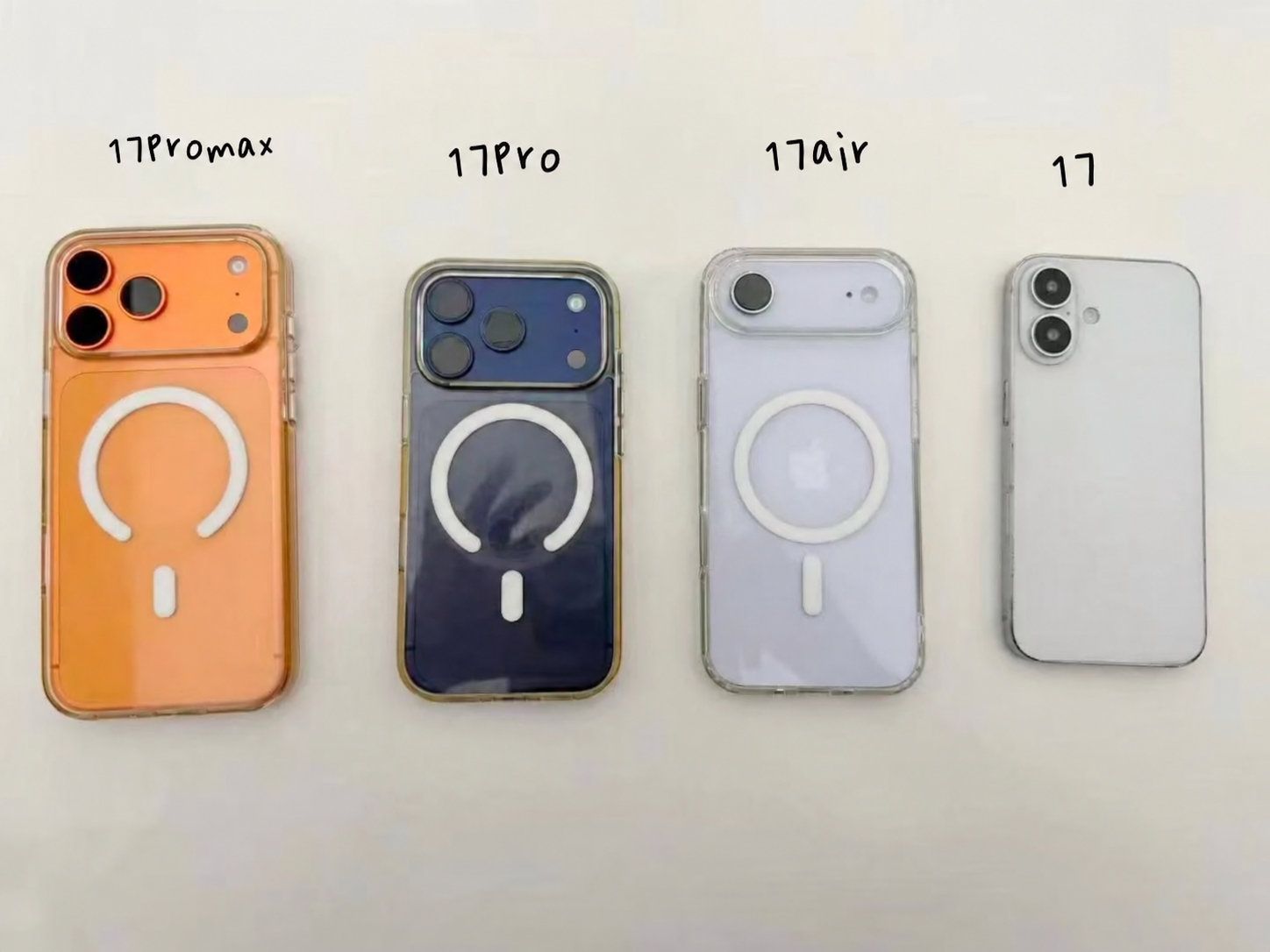
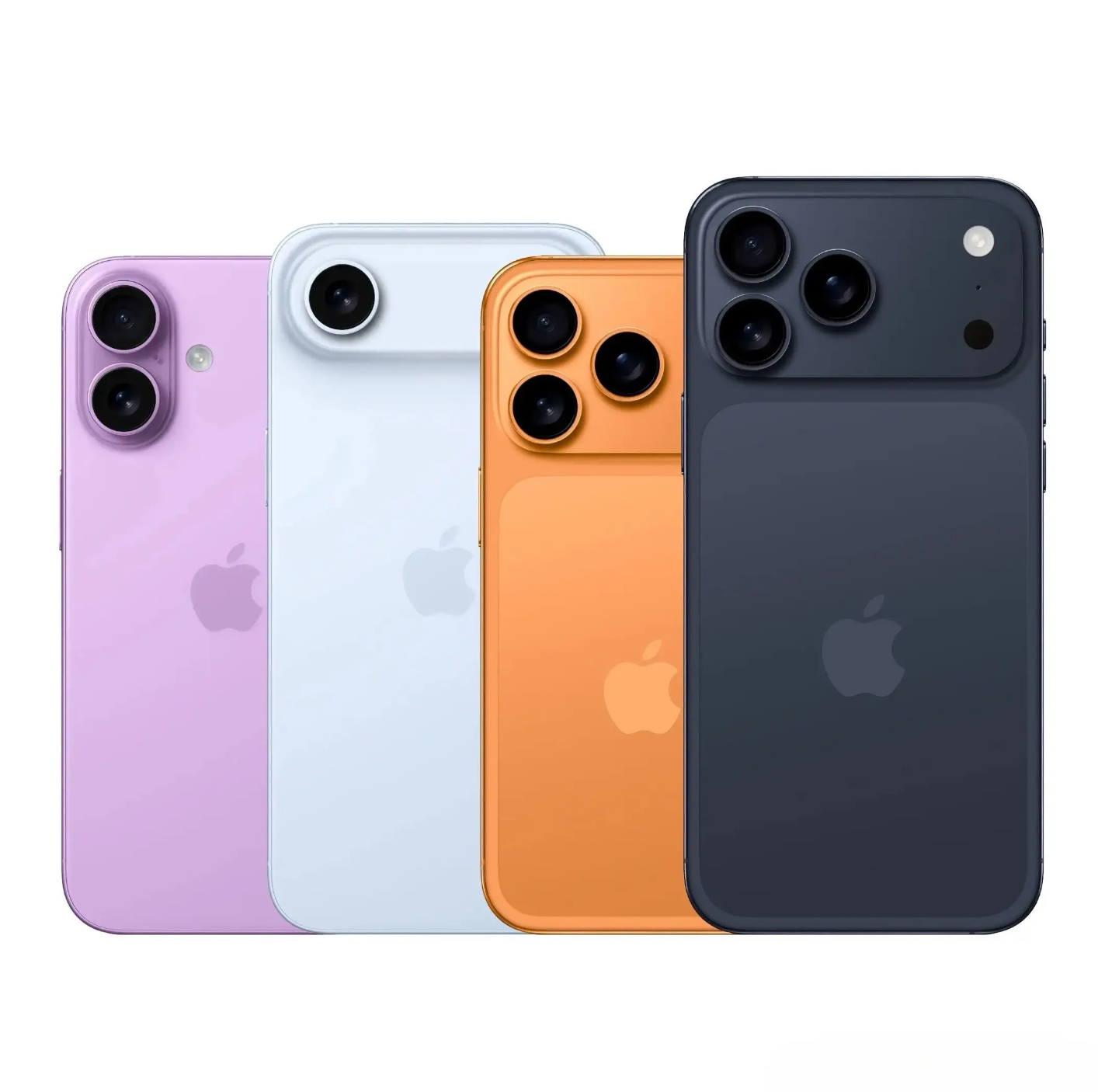
For sourcing discussions, it helps to know the coverage before a lot reaches inspection. HQB's current product range includes iPhone 17, iPhone Air, iPhone 17 Pro and iPhone 17 Pro Max; iPhone 16e through iPhone 16 Pro Max; the iPhone 15, 14, 13 and 12 series; iPhone 11; and the XS generation. The inspection rule does not change: read only the history that the exact model can report.
| HQB generation | Parts History coverage to consider | Receiving focus |
|---|---|---|
| iPhone 17 series | Broad supported-component history | Record all listed components, their status and functional result. |
| iPhone 16 series | Broad supported-component history | Review component history and current repair completion. |
| iPhone 15 series | Broad history plus Used-part identification on supported iOS/components | Separate Used from Unknown and test the part. |
| iPhone 14, 13 and 12 series | Broad supported-component history | Do not assume an undisclosed repair is harmless; verify it. |
| iPhone 11 series | Battery and Display | Use direct camera and biometric tests for the rest. |
| iPhone XS / XS Max / XR | Primarily Battery | Physical and functional inspection carries more weight. |
| iPhone X | Modern component-level coverage does not apply in the same way | Document direct tests and seller disclosure carefully. |
Compatible iPhone SE generations may also have defined battery-history coverage, but the same limitation applies: supported reporting is not a universal account of every part. For older devices, a disciplined visual inspection and repeatable function test become even more important.
Repair History and Cosmetic Grade Are Not the Same Thing
Three different descriptions are often blended together in used-phone listings, and that creates avoidable disputes. Cosmetic grade tells a buyer what is visible; Parts and Service History describes certain supported repair events and component-recognition messages; a functional grade records whether the phone actually works in the inspection window.
A cosmetically excellent phone can have a replaced display or camera. A scratched phone can still show fully recognised components and pass every function test. The useful business practice is to record these as separate facts and let the buyer understand the combination.
| Category | What it describes | Examples |
|---|---|---|
| Cosmetic grade | Visible physical condition | Scratches, dents, frame wear, glass condition. |
| Repair history | Supported component service and verification status | Genuine battery, Used display, Unknown camera, Finish Repair. |
| Functional grade | Live operating result | Touch, cameras, charging, speakers, Face ID, cellular connectivity. |
Check the Battery, Display and Cameras Separately
Repair history answers what Apple can report about a supported replacement. It does not tell a buyer whether the battery currently lasts a full workday, whether a display has uneven touch response, or whether a camera focuses correctly. Pair the record with direct checks.
| Component | History question | Functional follow-up |
|---|---|---|
| Battery | Was it replaced and how is it recognised? | Check Settings → Battery → Battery Health, charging and everyday drain. |
| Display | Is a supported display replacement listed? | Test brightness, touch, colour, dead pixels and True Tone where relevant. |
| Cameras | Are supported camera repairs listed? | Test focus, switching, video, flash and image quality. |
| Front camera / biometrics | Is a supported front-camera repair listed? | Test Face ID separately; a working selfie alone is insufficient. |
Parts History Is Only One Part of a Used iPhone Inspection
Parts and Service History complements other checks; none cancels the others. An iPhone can have recognised components but still be Activation Locked, show no repair warning but have low battery health, look excellent while being carrier locked, or have a clean IMEI and an Unknown display.
| Check | What it helps verify |
|---|---|
| Parts and Service History | Supported repair and component information |
| Battery Health | Current battery condition |
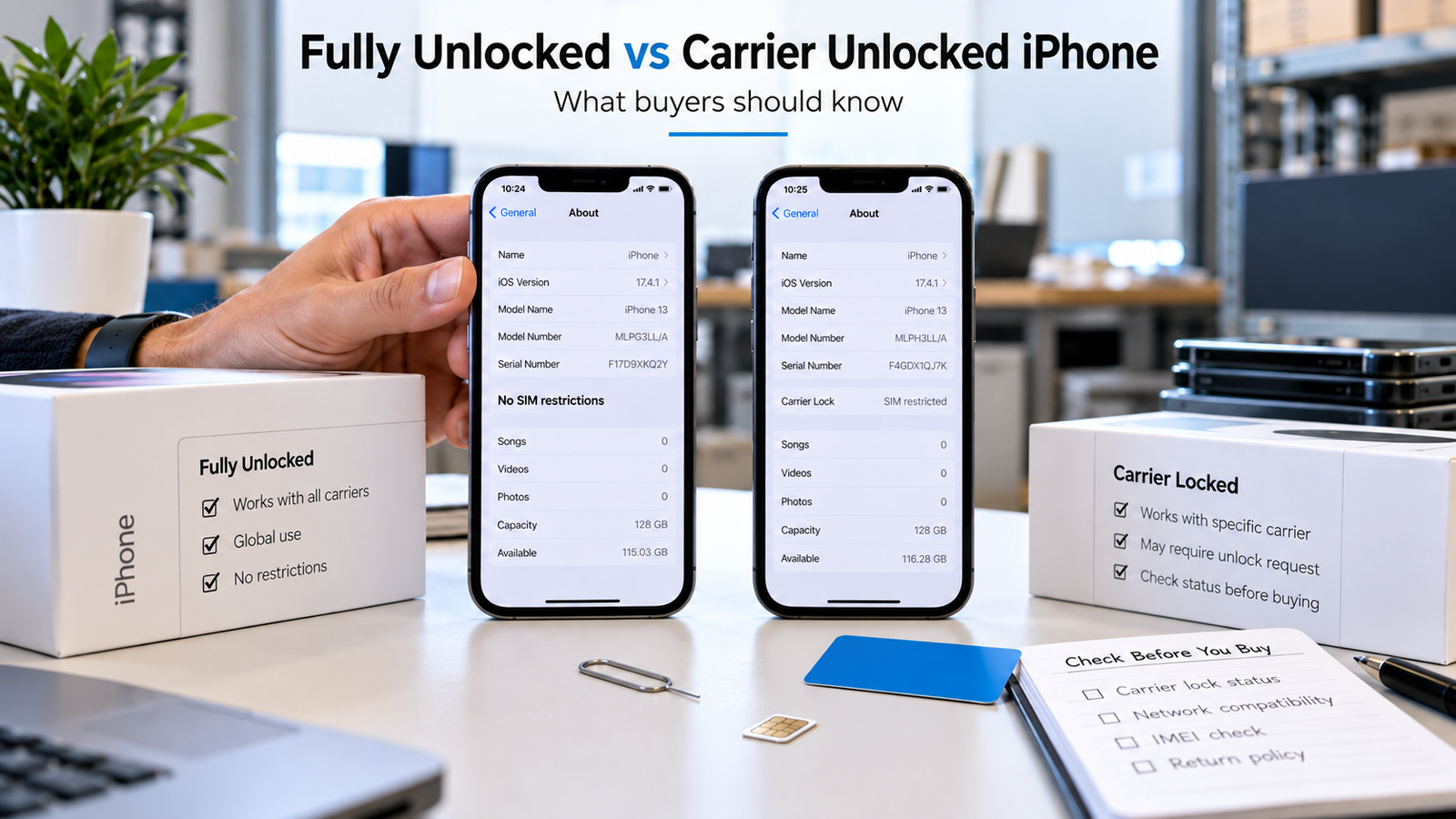
| Carrier Lock | Network restriction |
| IMEI | Device and network status |
| Activation Lock | Previous-owner Apple Account security |
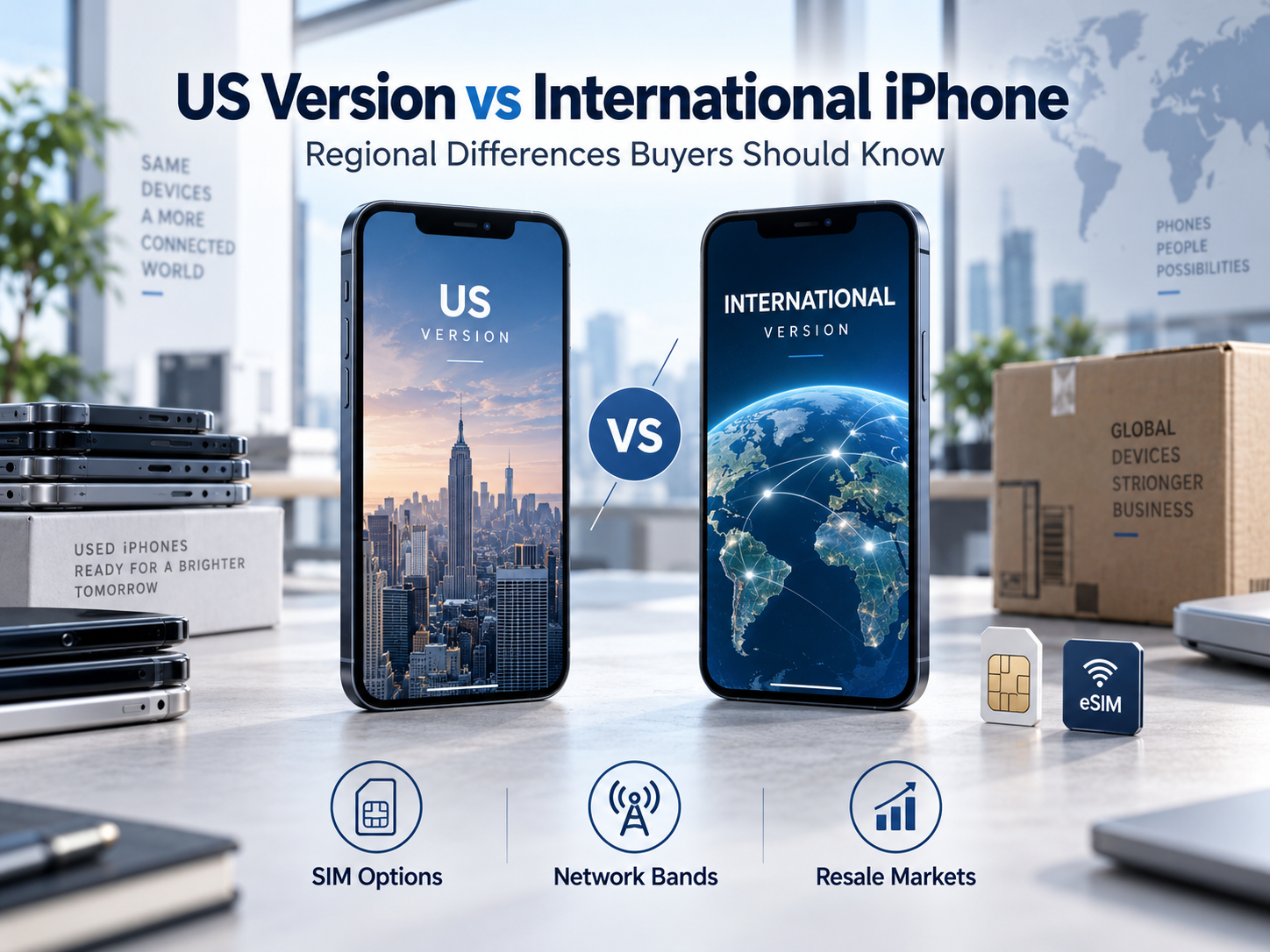
| Model / A-number | Exact model and regional version |
| Functional test | Whether hardware actually works |
| Cosmetic inspection | Physical grade and damage |
Use this record alongside carrier-unlock checks, regional model verification and a complete used iPhone condition inspection.
Can Parts History Prove an iPhone Is “All Original”?
No. Model coverage varies, only supported components are reported, older devices reveal less information, and only the most recent service can appear for a repeatedly serviced component. A repaired iPhone is not automatically a bad iPhone, and a phone with no displayed supported record is not automatically factory-original.
Use precise, verifiable language in procurement and resale files: “No supported replacement-part history displayed at inspection,” “Battery shows Genuine replacement,” “Display shows Used Apple part,” or “Unknown camera status detected.” Transparent wording protects both buyer and seller better than “all original.”
Used iPhone Parts and Repair Checklist
Before purchase
- Check iOS, model and Parts and Service History.
- Record the displayed status.
- Check Battery Health, Activation Lock, Carrier Lock and IMEI where appropriate.
Test repaired components
- Display, battery behaviour, cameras and Face ID.
- Charging, speakers, microphones and cellular service.
- Compare live results with the repair record.
Before resale
- Disclose repair status accurately.
- Do not hide Used or Unknown information.
- Classify cosmetic condition separately from repair history and function.
Why Parts and Service History Matters in Wholesale iPhone Sourcing
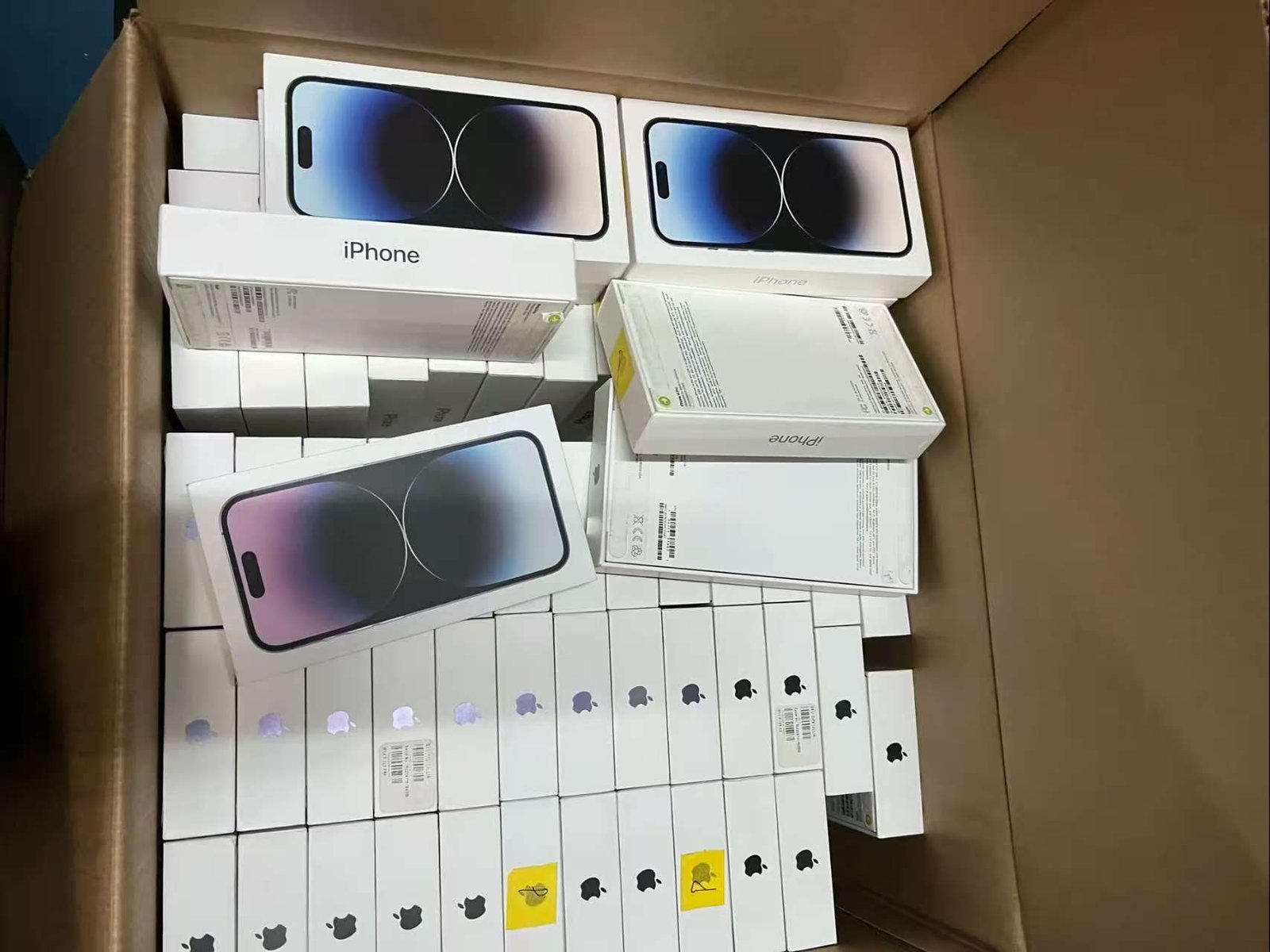
A single replacement part can be manageable for a private buyer. In a mixed wholesale lot, different repair histories can create grading differences, listing inaccuracies, customer disputes, returns and after-sales work if they are not recorded clearly.
For professional sourcing, Parts and Service History can help identify supported battery, display and camera replacements, reused genuine components, unresolved repair status and verification issues. It should complement, not replace, functional testing and lot-level quality control. Use the used iPhone wholesale purchasing guide for the wider supplier, manifest and order-control framework. Buyers can explore available used iPhone models before setting their repair-history requirement. HQB does not make unverified claims about a particular lot's test rate, warranty, quantity or repair profile.
| Commercial category | Keep it separate |
|---|---|
| Cosmetic grade | Scratches, dents, frame and glass condition. |
| Repair history | Supported replacement components and status messages. |
| Functional grade | Actual display, camera, charging, audio and biometric performance. |
What to Ask About Repair History Before Buying iPhones in Bulk
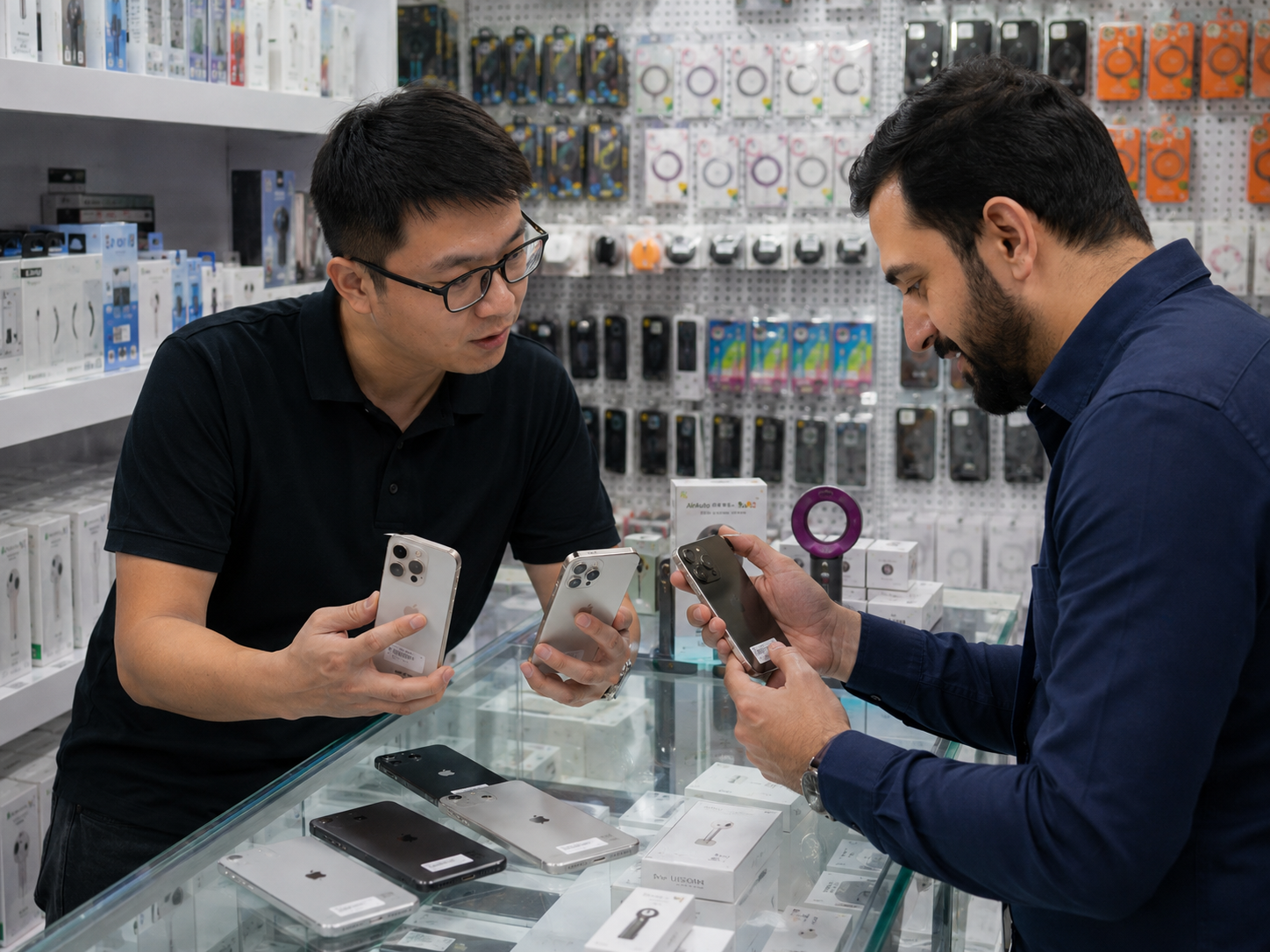
- Do the devices show Parts and Service History where supported?
- Are replaced components separated by status?
- Are any units showing Unknown parts?
- Are any units showing Used Apple parts?
- Are any units showing Finish Repair?
- Are there Unverified Logic Board warnings?
- Is battery condition supplied separately from repair history?
- Is cosmetic grading separate from component history?
- Can repair-history requirements be specified for an order?
- How are mismatched or functionally abnormal units handled?
Professional buyers can contact HQB with models, quantities, grades, target markets and parts-history requirements to discuss available wholesale inventory. Confirm commercial details for the actual order rather than assuming MOQ, defect rate, warranty, volume or delivery terms.