Confirm the iPhone Supports Face ID
Face ID is available on supported iPhone models with the TrueDepth camera system, while some iPhone models use Touch ID instead. Buyers should identify the exact model before beginning a biometric test so the QC record asks for the correct function.
| Device Category | Biometric System to Review | Procurement Action |
|---|---|---|
| iPhone X and Later Face ID-Compatible Models | Face ID | Use authorized Face ID functional review |
| iPhone SE Models | Touch ID | Use the appropriate authorized Touch ID check |
| Devices with Unknown Model Identity | Undetermined | Confirm the model before testing |
| Devices with Screen or Front-Assembly Damage | Face ID may need further review | Document visible condition and test lawfully |
| Devices That Cannot Complete Setup | Unconfirmed | Assign verification or exception status |
- Confirm the exact model name and model identifier where required.
- Confirm the device powers on and the screen and front sensor area are visible.
- Record whether Face ID or Touch ID is the appropriate test.
Start with Device Identity and Authorized Access
Face ID should be tested only after device identity, ownership status and authorized access are confirmed. Do not attempt to bypass account protections, reset a protected device or access a device without permission. If authorized access is not available, record that fact and route the unit for the appropriate review.
| Verification Step | Purpose | Record Required |
|---|---|---|
| IMEI or Serial Number Match | Links unit to manifest | Matched identifier |
| Exact Model Confirmation | Sets correct test scope | Model record |
| Device Ownership or Authorized Business Access | Confirms lawful access | Authorization status |
| Activation Status Review | Identifies normal review eligibility | Observed status |
| Device Management Status Review | Identifies handling constraints | Observed status |
| Setup Access | Allows normal settings review | Access available or unavailable |
| Inspection Authorization | Approves temporary testing | Authorized representative record |
| QC Record Creation | Creates evidence trail | Device-level line item |
Inspect the TrueDepth Camera Area
Visible damage, dirt, misalignment or signs of prior work around the front sensor area should trigger a closer review. A visual check cannot confirm Face ID functionality, but it can identify devices needing further testing or repair assessment.
| Visual Check | What to Look For | Next Step |
|---|---|---|
| Front Glass Condition | Cracks, chips or severe wear | Record and continue functional review |
| Earpiece Area | Obstruction, damage or abnormal fit | Document observation |
| Front Camera Area | Visible marks or obstruction | Test camera separately |
| Sensor Area | Dirt, damage or misalignment | Use normal authorized testing |
| Moisture or Corrosion Signs | Visible residue or corrosion | Route for further review |
| Screen Alignment | Uneven fit or lifting | Document repair concern |
| Housing Damage | Impact around front assembly | Record physical condition |
| Signs of Previous Repair | Adhesive, gaps or unusual fit | Review available history |
- A clean screen does not prove Face ID works.
- A working front camera does not prove Face ID works.
- A device with visible repair signs may require additional review.
- Do not attempt to alter or bypass Face ID hardware or software.
Perform an Authorized Face ID Enrollment Test
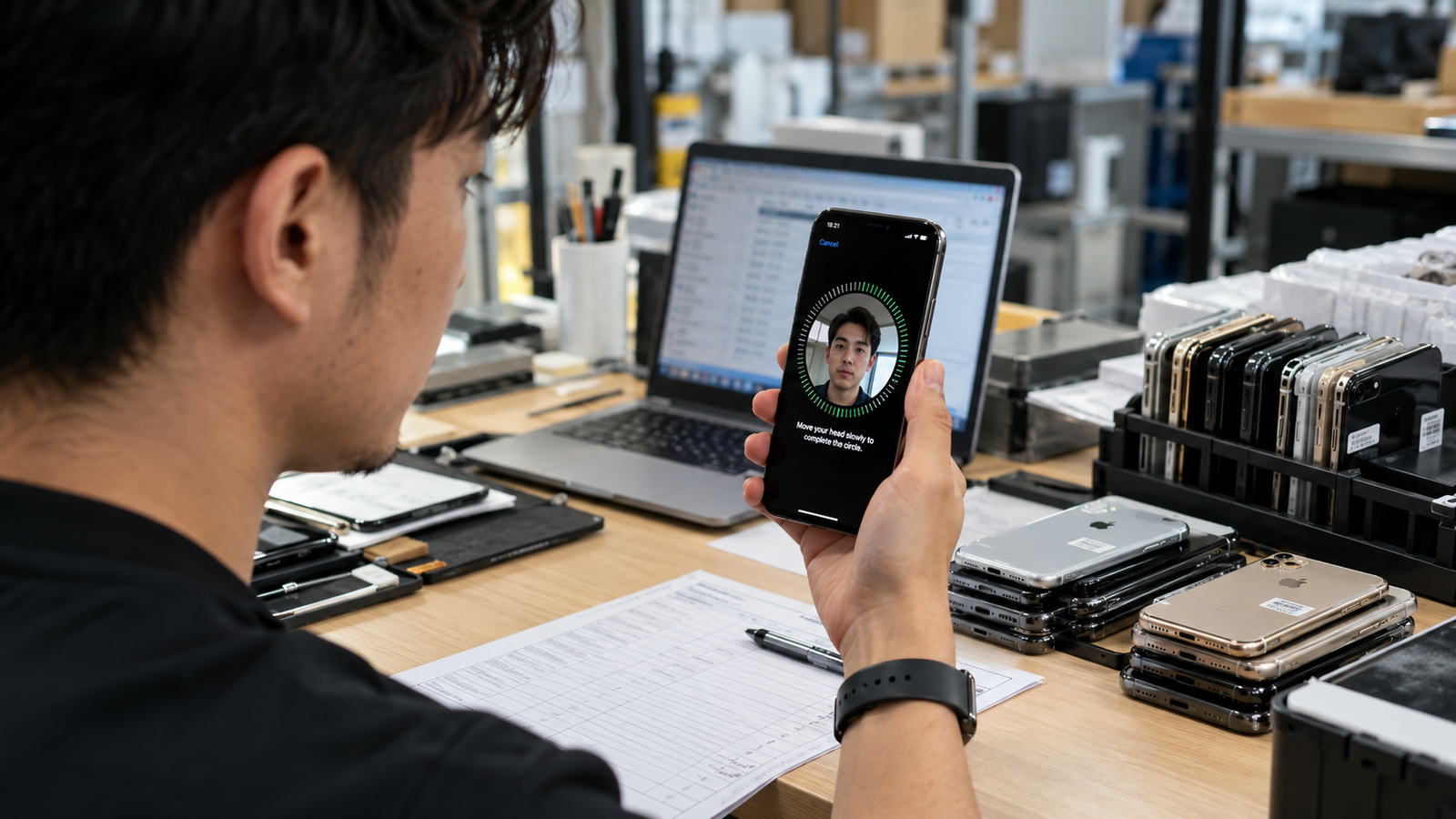
The most meaningful functional check is an authorized attempt to set up Face ID through the iPhone’s normal settings. Keep the process high level, use only legitimate device controls and avoid retaining any biometric data after the review.
Authorized process
- Confirm authorized access to the device.
- Open Settings, then Face ID & Passcode.
- Start the normal Face ID setup process.
- Follow the standard on-screen instructions.
- Confirm whether setup completes normally.
- Record the result against the device identifier.
- Remove temporary Face ID enrollment after the test.
- Continue with an unlock test and broader inspection.
| Enrollment Result | Inventory Meaning | Next Action |
|---|---|---|
| Setup Completes Normally | Direct evidence for next check | Test normal unlock |
| Setup Does Not Start | Unconfirmed functional status | Record and review |
| Setup Stops with a Message | Exception observed | Record message verbatim |
| Setup Cannot Complete | Needs further review | Test related functions separately |
| Authorization Is Unavailable | Testing not permitted | Do not enroll; record status |
| Device Requires Further Review | Not normal resale-ready | Follow internal exception process |
Test Face ID Unlock Function
Completing enrollment alone is not enough. Verify normal unlock behaviour after authorized setup while respecting privacy. Remove temporary biometric enrollment before the device moves to another owner, storage location or sales channel.
| Functional Check | Expected Observation | Record Outcome |
|---|---|---|
| Wake the Device | Normal lock-screen response | Observed result |
| Present the Face to the Device | Normal authorized authentication attempt | Observed result |
| Authentication Response | Normal unlock response | Pass, fail or review |
| Lock Screen Behavior | Expected access behaviour | Observed result |
| Repeated Unlock Attempt | Consistent normal operation | Observed result |
| Low-Light or Normal-Use Environment | Normal-use context where practical | Observed result |
| Haptic or Visual Confirmation Where Enabled | Expected feedback if enabled | Observed result |
| Temporary Enrollment Removal | Enrollment removed after review | Completion recorded |
- Use normal device behaviour only; never use spoofing or bypass attempts.
- Repeat only as needed to confirm consistent operation.
- Record a pass, fail or further-review result by device.
- Remove temporary enrollment before the device changes custody.
Review Face ID Settings Messages

Settings messages and system prompts may indicate that the device requires further evaluation. Record exactly what is displayed without making unsupported conclusions about the cause, repairability or future result.
| Settings Observation | What It Means for QC | Safe Next Step |
|---|---|---|
| Face ID Available | Normal controls are visible | Continue authorized test |
| Face ID Setup Option Available | Enrollment can be attempted with permission | Use normal process |
| Service-Related Message | Exception requires documentation | Record exact message |
| Setup Error | Direct test did not complete | Move to further review |
| Incomplete Enrollment | Result is unconfirmed | Remove temporary data and record |
| Attention-Aware Option Visible | Supporting setting is available | Do not treat as proof |
| Face ID Settings Unavailable | Testing cannot proceed normally | Follow exception process |
| Unexpected Device Behavior | Broader function may need review | Test related functions separately |
Record the observed message verbatim where possible. Do not guess the cause, promise repairability or classify the device as normal resale inventory until the result is reviewed.
Use Attention-Aware Features as Supporting Evidence
Attention-Aware features on Face ID-capable iPhone models use the TrueDepth camera system. They can be a supporting observation, but they do not replace Face ID enrollment and unlock testing.
| Supporting Check | What It Can Indicate | Limitation |
|---|---|---|
| Attention-Aware Features Setting | Supporting setting is visible | Does not confirm Face ID operation |
| Screen-Dimming Behavior | Possible attention-related response | Depends on settings and environment |
| Alert-Volume Behavior | Possible supporting observation | Not a biometric test |
| Front Camera Function | Separate camera result | Does not prove Face ID |
| Face ID Enrollment | Direct setup evidence | Needs unlock confirmation |
| Face ID Unlock | Direct functional evidence | Still record current test context |
Test Related Functions
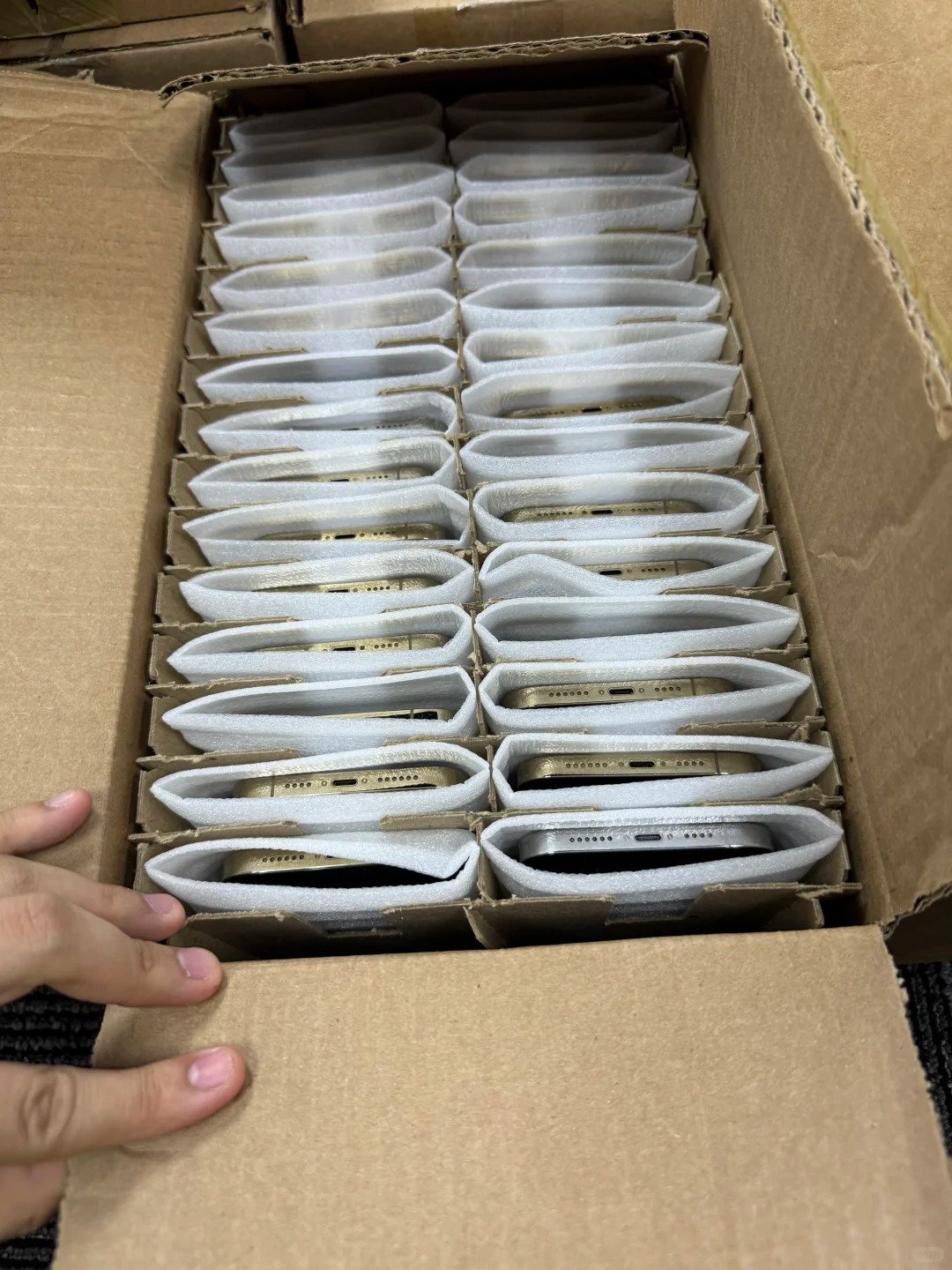
A Face ID exception may appear alongside other front-assembly, display, camera, audio or sensor concerns. Complete the related checks, but do not assume they share a single cause. Separate results make a later repair assessment or disclosure more reliable.
| Related Function | Why It Matters | Inspection Result |
|---|---|---|
| Front Camera | Separate image and video function | Record separately |
| Rear Camera | General camera condition | Record separately |
| Display Brightness | Screen performance context | Record separately |
| Touch Response | Usability across the display | Record separately |
| Earpiece Speaker | Call and audio function | Record separately |
| Proximity Behavior | Front-sensor context | Record separately |
| Ambient Light Response | Display adaptation context | Record separately |
| Microphone | Communication function | Record separately |
| Buttons | Core device control | Record separately |
| Charging Function | Core receiving check | Record separately |
| Wireless Functions | Connectivity check | Record separately |
Short workflow
- Complete Face ID testing.
- Test related front-device functions.
- Record each result separately.
- Identify visible repair signs.
- Sort the device for resale, further review, repair assessment or exception handling.
Review Screen and Repair History
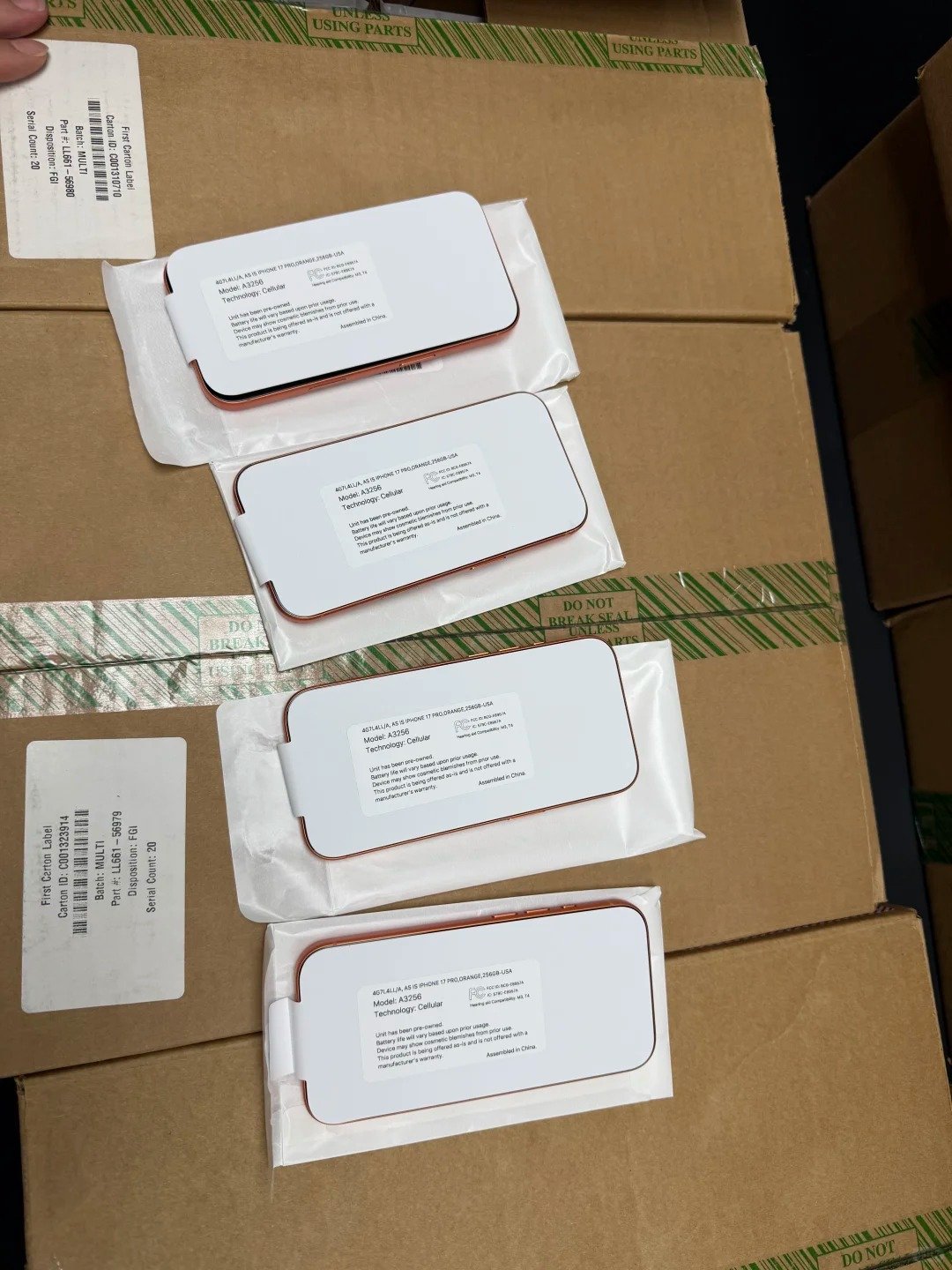
Previous screen or front-assembly repair may be relevant when a device has Face ID concerns. Document available repair history and inspect parts and service information where legitimately available, without attempting to modify device security components.
| Review Point | Buyer Question | Documentation Needed |
|---|---|---|
| Screen Replacement History | Is screen work disclosed? | Available supplier record |
| Front Assembly Condition | Are visible concerns present? | QC observation |
| Parts and Service Information Where Available | What does the device show? | Device-level observation |
| Supplier Repair Disclosure | What work is documented? | Available source record |
| Cosmetic Inspection | What visible wear exists? | Separate cosmetic grade |
| Face ID Setup Result | Did authorized setup complete? | Recorded result |
| Related Functional Test Results | What else was observed? | QC checklist |
| Repair Assessment Requirement | Is further review needed? | Disposition record |
- Ask for available repair history and record observed parts or service information.
- Keep repair history separate from cosmetic grade.
- Re-test after legitimate repair work and update the device record before resale.
- Describe functional status accurately.
Sort Devices by Face ID Outcome
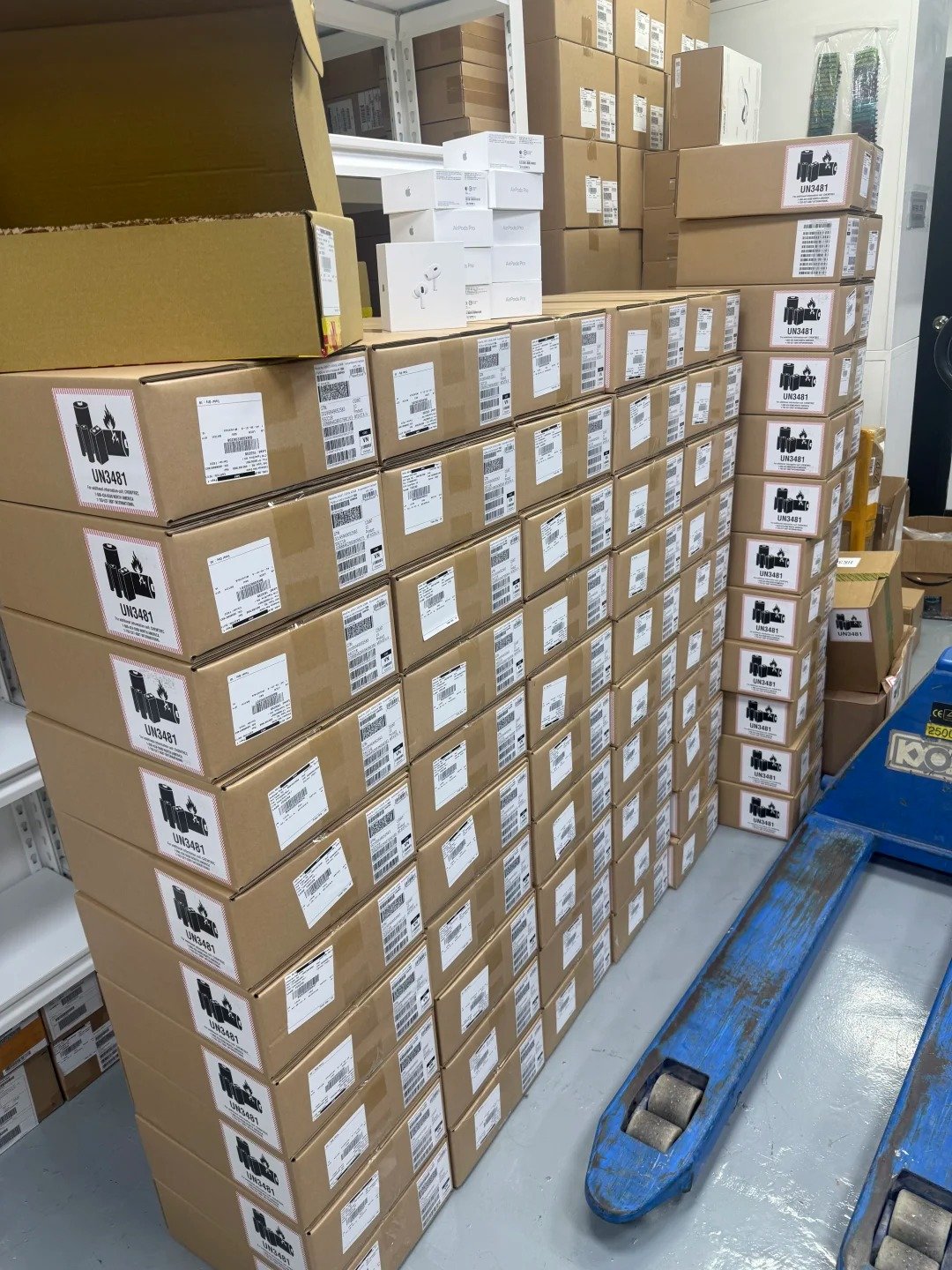
A bulk lot should not be described as Face ID verified if individual exceptions remain. Each unit needs a clear status before pricing, resale, repair evaluation or parts recovery.
| Face ID Outcome | Inventory Status | Next Step |
|---|---|---|
| Authorized Enrollment and Unlock Confirmed | Ready for next QC stage | Remove temporary enrollment and complete record |
| Enrollment Needs Recheck | Verification | Review authorization and retest if permitted |
| Face ID Message or Error Observed | Exception review | Record exact observation |
| Authorization Unavailable | Unverified | Do not enroll; hold for review |
| Related Functional Fault Found | Further review | Document separate results |
| Repair Assessment Required | Repair review | Use qualified assessment process |
| Exception Inventory | Held separately | Follow internal handling |
| Parts or Recovery Review | Non-standard route | Follow internal handling |
Use device-level status labels. Do not use a batch-level Face ID statement to replace individual inspection results.
Include Face ID Status in Cost and Resale Decisions

A Face ID exception can affect repair assessment, fully loaded cost, intended sales channel, customer disclosure and pricing review. It does not justify a promise of repairability or a particular resale result.
| Decision Factor | Why It Matters |
|---|---|
| Face ID Functional Status | Sets documented functional outcome |
| Repair Assessment | May affect exception handling |
| Device Grade | Must remain separate from function |
| Related Function Results | Provide wider device context |
| Intended Sales Channel | Can set disclosure expectations |
| Customer Disclosure | Should match verified records |
| Return or Claim Exposure | Can affect internal planning |
| Fully Loaded Cost | Supports internal price review |
| Final Resale Decision | Should follow verified information |
Repair feasibility, parts handling, customer obligations, channel policies and cost treatment vary by device, business and location. Use verified internal records and qualified service professionals where needed.
Build a Repeatable Face ID QC Workflow

A standardized process improves consistency across technicians and larger inventory volumes. It keeps privacy, authorization and each device record connected to the actual functional result.
Receiving-to-release workflow
- Receive and identify the device.
- Confirm the model supports Face ID.
- Confirm authorized inspection access.
- Inspect the TrueDepth camera area.
- Review Face ID settings.
- Perform authorized enrollment.
- Test normal unlock behaviour.
- Test related functions.
- Remove temporary biometric enrollment.
- Record the result by device.
- Sort the device into the correct inventory status.
- Complete final quality-control review before resale or shipment.
| Stage | Evidence Required | Internal Role |
|---|---|---|
| Receiving | Lot and count record | Receiving team |
| Device Identification | IMEI or serial matched to manifest | QC or receiving team |
| Authorization Review | Legitimate-access status | Authorized reviewer |
| Visual Inspection | TrueDepth-area observation | QC team |
| Face ID Test | Authorized enrollment and unlock result | QC team |
| Related Function Test | Separate function results | QC team |
| Record Review | Complete device-level evidence | QC reviewer |
| Inventory Sorting | Documented status | Inventory team |
| Final Release | Approved final record | Release approver |