Practical testing
How to Check True Tone on a Used iPhone
Ask the seller to unlock the iPhone and reach the Home Screen. A device that cannot be accessed cannot be properly checked for settings, repair history, Activation Lock status or display functions.
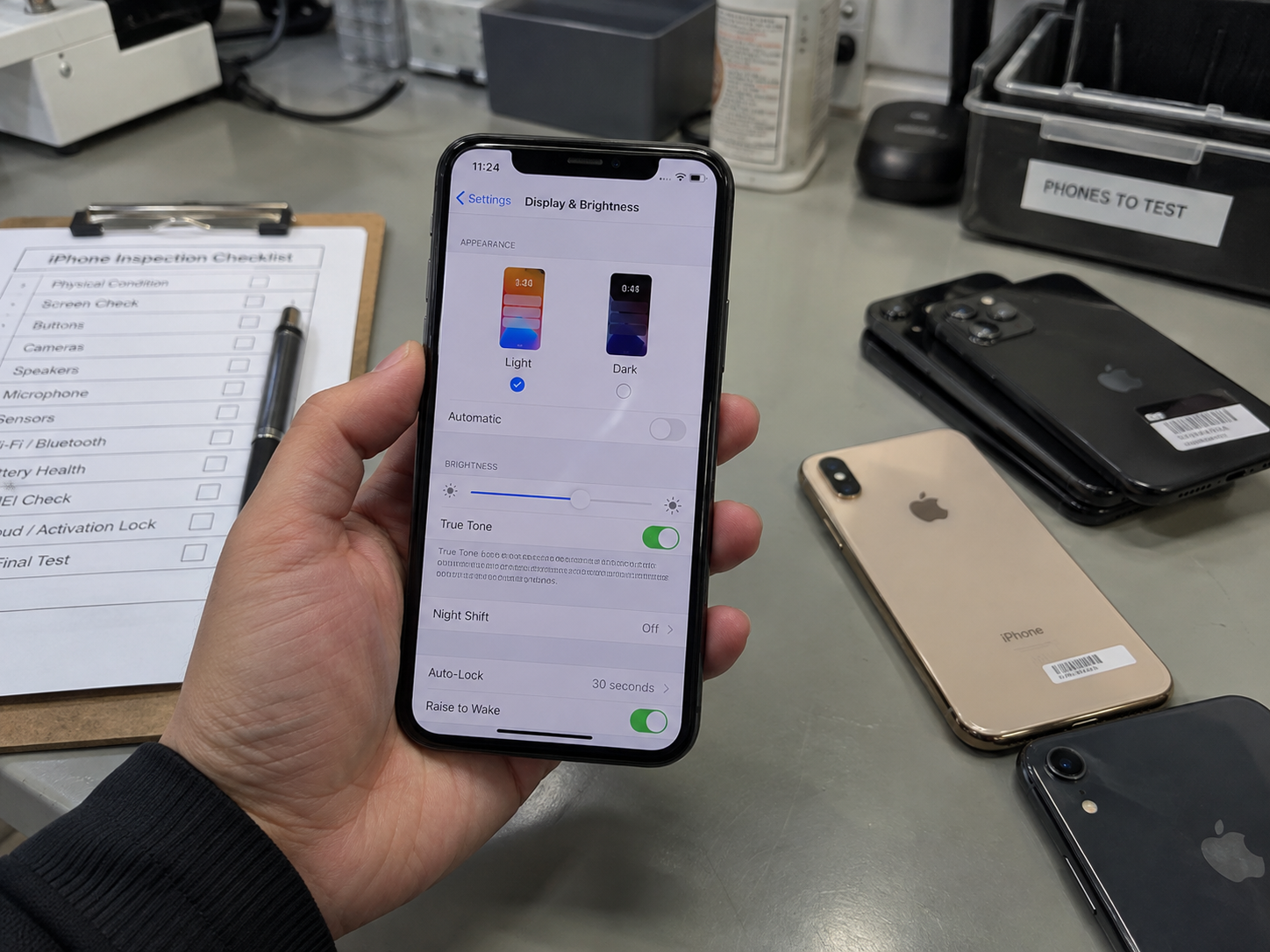
- Open Settings. Go to Settings → Display & Brightness.
- Find True Tone. Look below the brightness controls for the True Tone switch.
- Turn it off, then on. Observe the screen after each change; a small shift is normal.
- Use a neutral screen. Settings, a new white Note or a clean white page makes comparison easier.
- Test in ordinary indoor light. If practical, move between slightly different normal lighting conditions.
Good result
- The True Tone option exists on a supported model.
- The toggle responds normally.
- Colour temperature changes appropriately, even if the change is subtle.
Investigate further
- True Tone is missing on a supported model.
- The toggle behaves abnormally, or the display has an unusual blue or yellow cast.
- Brightness, colour or touch behaviour is inconsistent.
A Second Way to Check True Tone
On Face ID iPhones, swipe down from the top-right corner, press and hold the brightness slider, then look for the True Tone control. Toggle it on and off while a neutral screen is visible.
Checking both Settings and Control Center can confirm that the feature is normally available. The presence of the Control Center button is not, by itself, proof that the display is factory-original.
Use the two routes to verify availability, then move on to display history and physical testing. Repeating the same signal is useful; mistaking it for a complete inspection is not.
What Should Happen When True Tone Is Turned On?
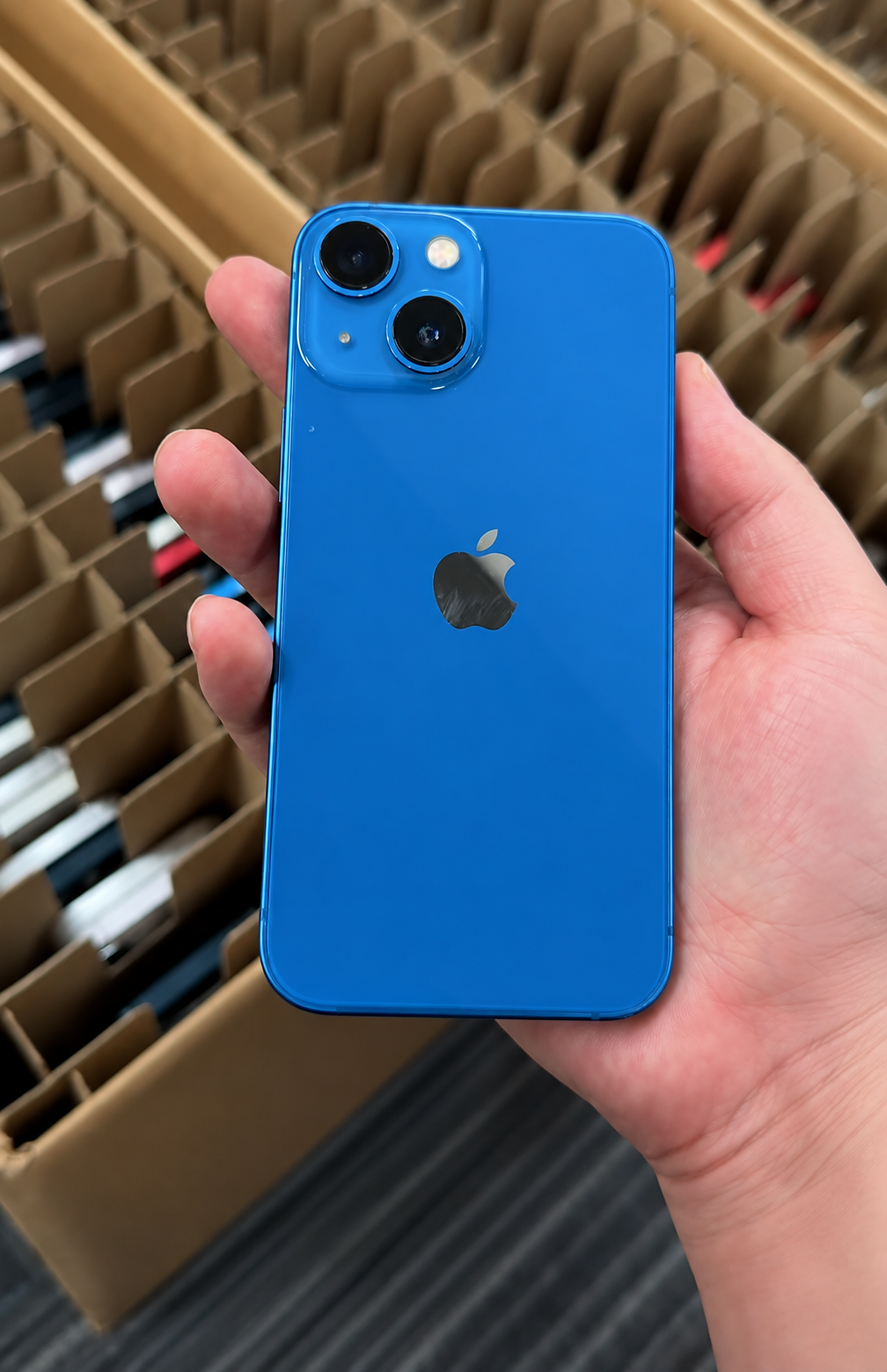
The effect can be modest. True Tone does not simply turn every display dramatically yellow; it adapts white balance and intensity to the ambient environment.
| With True Tone On | With True Tone Off |
|---|---|
| The screen may look slightly warmer or cooler, more natural relative to room lighting, and less harsh under warm light. | Colour and intensity remain more constant when surrounding light changes. |
Do not classify a phone as defective simply because the effect is hard to see. Ambient lighting, the screen content and the observer’s eyes can all make the change subtle.
Which iPhones Have True Tone?
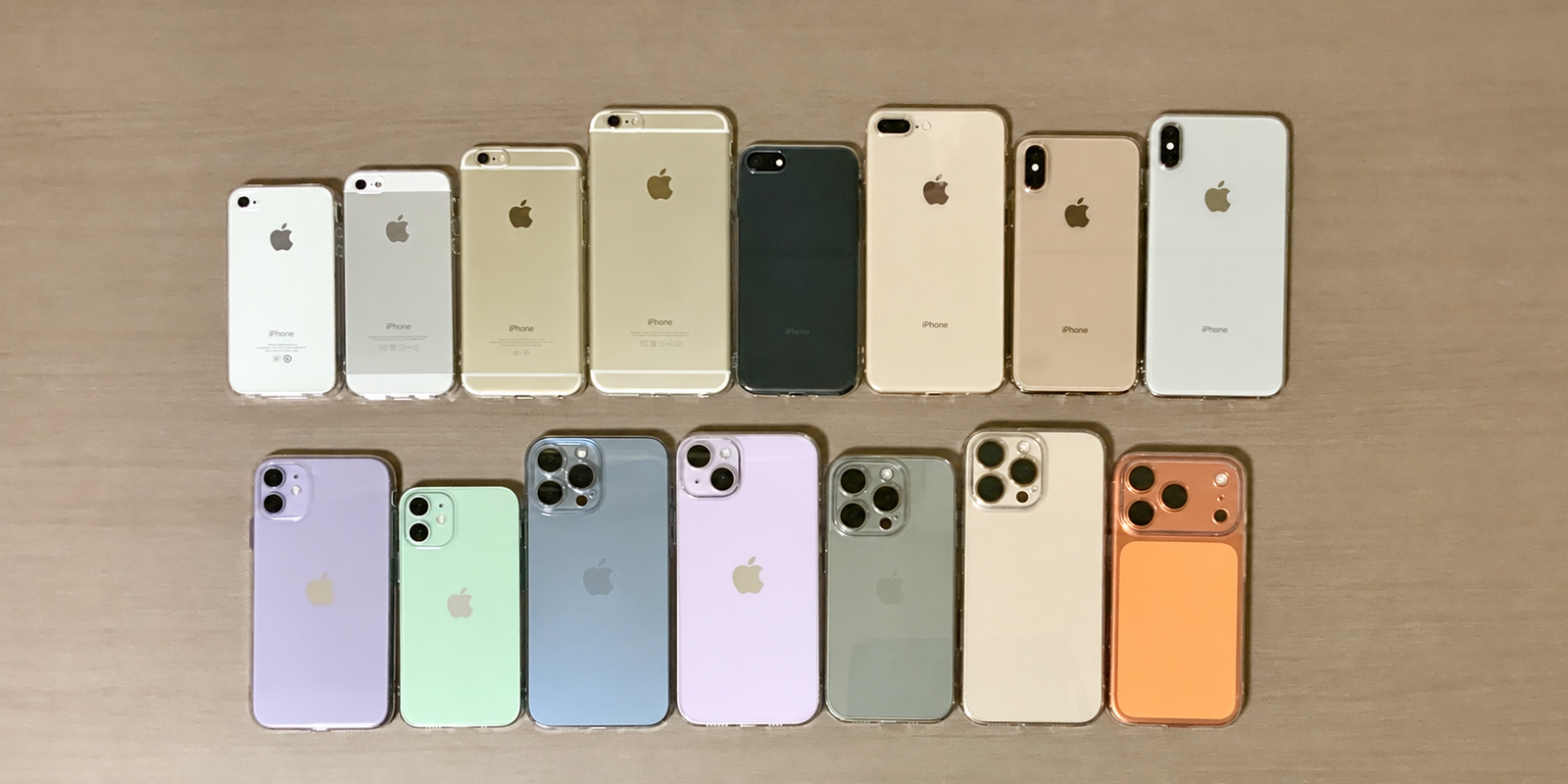
Apple’s current support guidance lists True Tone on iPhone 8 and later. HQB’s active product generations begin with iPhone X, so every current generation in this range supports True Tone.
| HQB Generation | True Tone Support |
|---|---|
| iPhone 17 Series | Yes |
| iPhone 16 Series | Yes |
| iPhone 15 Series | Yes |
| iPhone 14 Series | Yes |
| iPhone 13 Series | Yes |
| iPhone 12 Series | Yes |
| iPhone 11 Series | Yes |
| iPhone XS / XS Max / XR | Yes |
| iPhone X | Yes |
If the option is missing on one of these supported models, investigate further rather than assuming that the model does not support it.
Does Missing True Tone Mean the iPhone Screen Was Replaced?
Not necessarily—but it is a warning sign worth investigating. Apple notes that a non-genuine display may cause True Tone to work incorrectly. A prior display repair, incomplete repair process, calibration problem, software state or a related sensor issue may therefore be relevant.
Before reaching a conclusion, review Parts and Service History, ask for the seller’s repair disclosure, check accessibility settings, inspect display quality and test sensor response. Missing True Tone = investigate; it does not equal automatic proof of a fake display.
Does Working True Tone Mean the Screen Is Original?
No. A working True Tone feature is positive evidence that the function is available and behaving normally. It does not prove that the screen has never been replaced or that every display-related component has its factory history.
| Result | What You Can Safely Conclude |
|---|---|
| True Tone works | The feature is currently functioning. |
| True Tone missing | A display, sensor or repair issue should be investigated. |
| Genuine Display | A genuine Apple display replacement was recorded through supported processes. |
| Used Display | A genuine Apple display was previously used in another supported iPhone. |
| Unknown Display | The display cannot be verified normally. |
| Finish Repair | The supported repair workflow is not complete. |
Do not use True Tone alone to advertise a used iPhone as “100% original.” Combine the feature check with history, disclosure, display quality and functional testing.
Check Whether the Display Has Been Replaced
For supported iPhones, go to Settings → General → About → Parts and Service History. Apple documents display-history coverage for iPhone 11 models and later, excluding the relevant iPhone SE exceptions; availability also depends on the device, iOS version and whether a repair has occurred.
Parts and Service History can show Genuine, Used, Unknown or Finish Repair beside Display. Link this check with a complete used iPhone condition inspection, rather than treating it as a standalone verdict.
Genuine
Apple recognises a genuine replacement display completed using supported parts and processes. It means a replacement occurred; it does not mean factory-original.
Used
On supported iPhone 15-and-later devices with the required software, a genuine Apple display was previously installed in another iPhone.
Unknown
The display may be non-genuine, not function as expected, not be properly verified and linked, modified or otherwise unverifiable.
Finish Repair
A new Apple display has been installed, but the supported Repair Assistant process has not been completed.
What If the Display Shows “Genuine”?
A Genuine status is useful evidence that the phone received a genuine Apple display replacement through supported processes. It is not a statement that the phone still has its factory-fitted display.
What Does “Used” Display Mean?
Used does not mean fake. On supported newer devices, the message identifies a genuine Apple display that was previously installed in another iPhone. Apple notes that prior use or modification can make performance and quality inconsistent, so it is sensible to assess age, wear, buyer perception and resale disclosure.
- Confirm that True Tone works.
- Check normal brightness and consistent touch response.
- Inspect colour uniformity and physical fit.
- Describe the recorded history accurately in any B2B specification or retail listing.
What Does “Unknown” Display Mean?
Unknown does not have one single meaning and should not automatically be translated as counterfeit. Apple says it can appear when a display is not genuine, is not functioning as expected, has not been properly verified and linked after repair, has been modified, or cannot otherwise be verified.
If Display shows Unknown
- Test True Tone, brightness and touch.
- Inspect colour, screen fit and physical condition.
- Ask about repair history and compare it with the seller’s description.
- Consider whether the result fits your resale disclosure and market requirements.
Apple notes that an Unknown part can affect trade-in value. For a professional buyer, the practical point is to record it separately, price it for the appropriate channel and avoid unsupported claims.
What Does “Finish Repair” Mean for the Display?
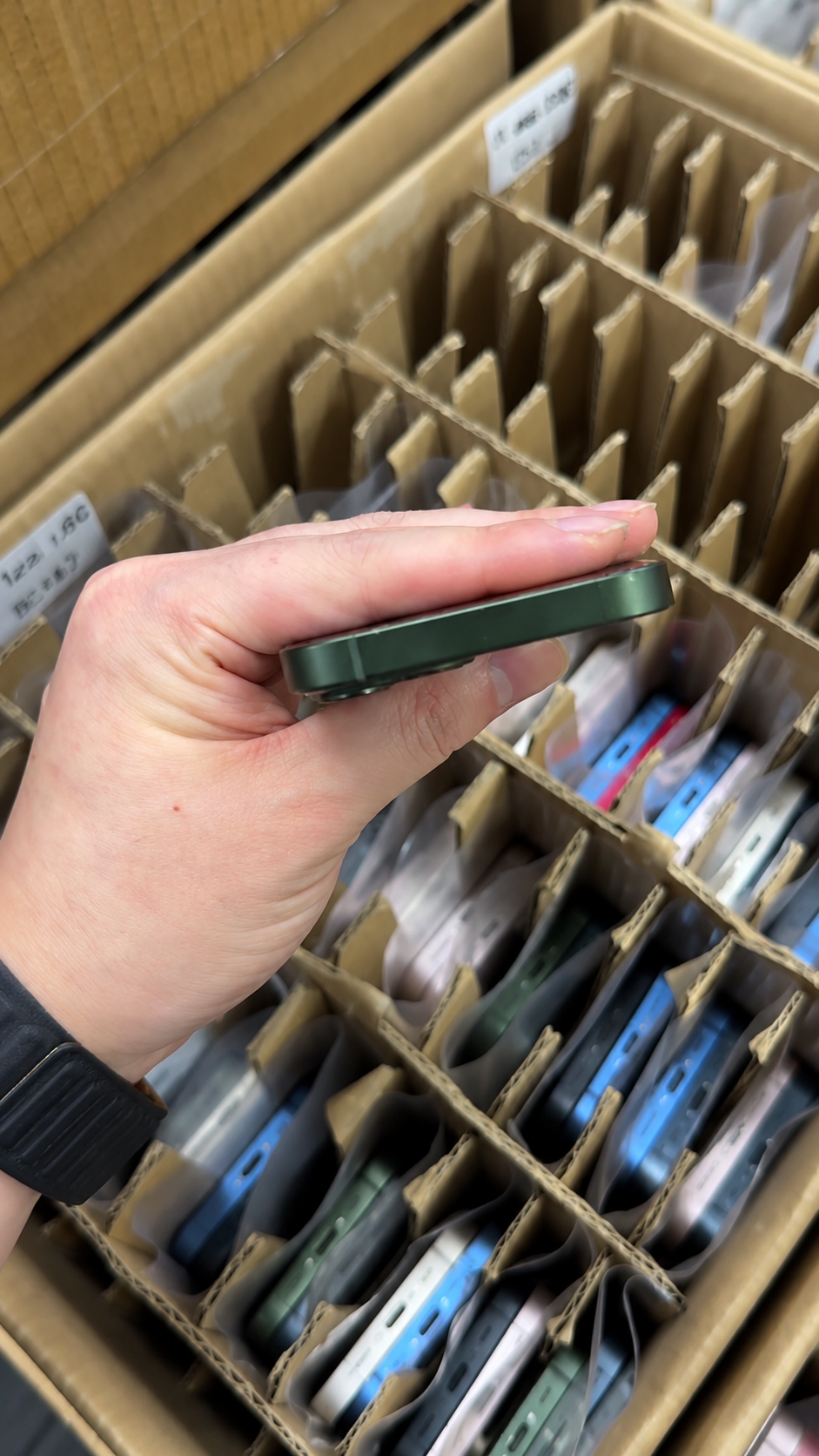
Finish Repair indicates an unresolved repair workflow, not a declaration that the screen is fake. Apple explains that Repair Assistant installs calibration data to finish supported repairs; until completion, the part may not perform as well as a calibrated part.
- Ask who performed the repair and whether they can complete the process.
- Confirm the repair status with the device connected and updated where appropriate.
- Retest True Tone, brightness and touch afterward.
- Recheck Parts and Service History before the unit enters saleable inventory.
True Tone and Night Shift Are Not the Same Feature
Night Shift intentionally shifts display colours warmer on a schedule or manually. True Tone adapts white balance and intensity to ambient light. A warm screen can therefore be a Night Shift setting, not evidence of a faulty True Tone system.
| Feature | Primary purpose | Buyer check |
|---|---|---|
| True Tone | Adapt display appearance to surrounding light. | Toggle it in Display & Brightness or Control Center. |
| Night Shift | Shift colours warmer by schedule or manual control. | Turn it off before judging a persistent warm tint. |
True Tone and Auto-Brightness Are Also Different
True Tone concerns colour adaptation; Auto-Brightness changes display brightness in response to light. They may involve related ambient-light sensing, but they are separate checks and can produce different results.
- Test True Tone: toggle it and observe a neutral screen.
- Test Auto-Brightness: compare response under normal changes in ambient light, while remembering heat and settings can affect brightness.
If both functions behave unusually, investigate ambient-light sensors, display replacement and repair quality more closely.
Check Accessibility Settings Before Assuming the Display Is Faulty
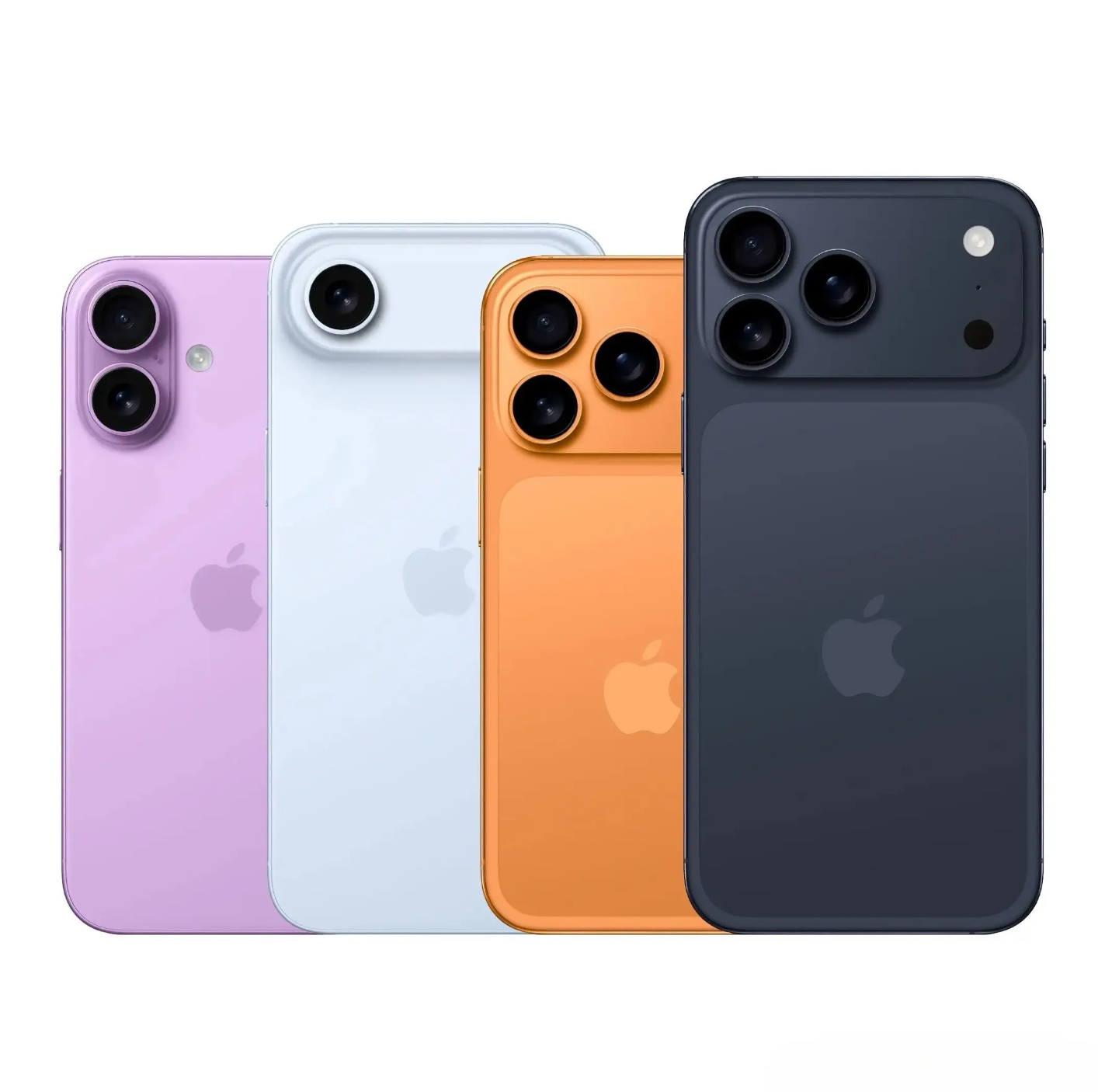
Inverted colours, Grayscale and Increase Contrast can alter the way a screen is perceived or how display options behave. Before labelling a unit as defective, check relevant accessibility settings, restore normal display settings where appropriate, and repeat the True Tone test.
Record settings used during a wholesale inspection. That small discipline prevents an intentional user preference from being entered as a screen defect.
Check Color Accuracy and Uniformity
Open a white page, a grey image and a neutral photo. Look for strong blue or yellow tint, uneven colour, green or pink areas, dark patches or inconsistent brightness. The aim is not laboratory calibration; it is to find resale-relevant abnormalities under repeatable, ordinary conditions.
- Compare the centre with the corners on white and grey backgrounds.
- Lower and raise brightness while watching for blotches or colour shifts.
- Use a known-good reference unit only as a guide, not as a substitute for documented history.
Test Display Brightness
Apple lists lower maximum brightness, uneven brightness and degraded ambient-light performance among potential display issues. Test brightness independently from True Tone.
- Turn off automatic variables where appropriate for the comparison.
- Move the slider from low to high and watch for a smooth response.
- Inspect maximum brightness indoors.
- Look for flicker, dark zones or uneven areas.
- Let a hot phone cool before judging a temporary brightness reduction.
True Tone Can Work While the Screen Still Has Other Problems
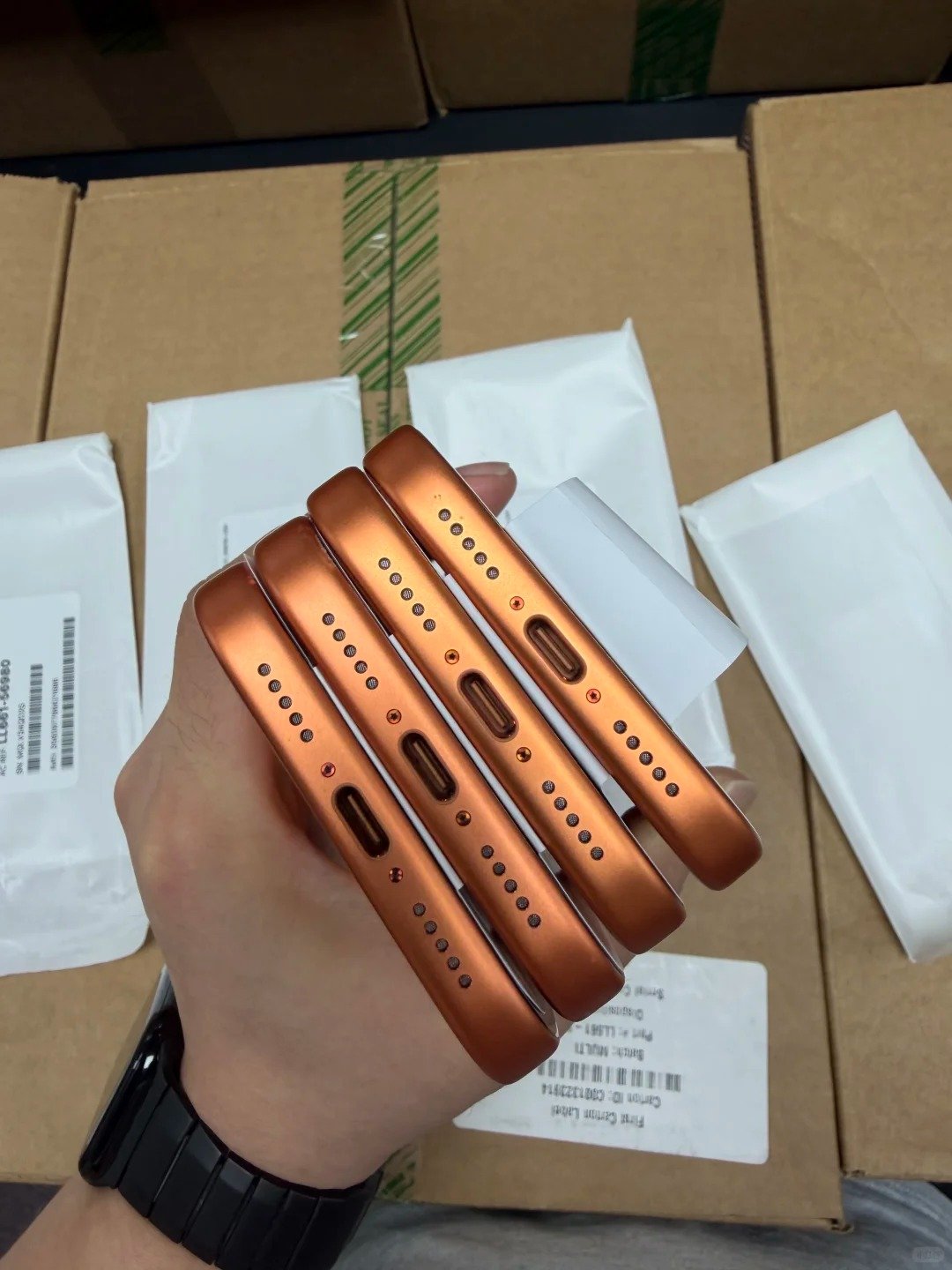
A present True Tone toggle does not test Multi-Touch. Type across the full keyboard, drag an icon around the screen, test edges and corners, scroll slowly, pinch to zoom and observe response during a call where practical.
| Touch symptom | Inspection response |
|---|---|
| Dead zone | Repeat across keyboard, edges and a drawing or drag action. |
| Ghost touch | Observe unexpected input with clean, dry screen and no pressure. |
| Missed input | Compare several areas rather than relying on one tap. |
| Call-related issue | Check normal screen behaviour and proximity response where practical. |
Why True Tone and Face ID Should Be Tested Separately
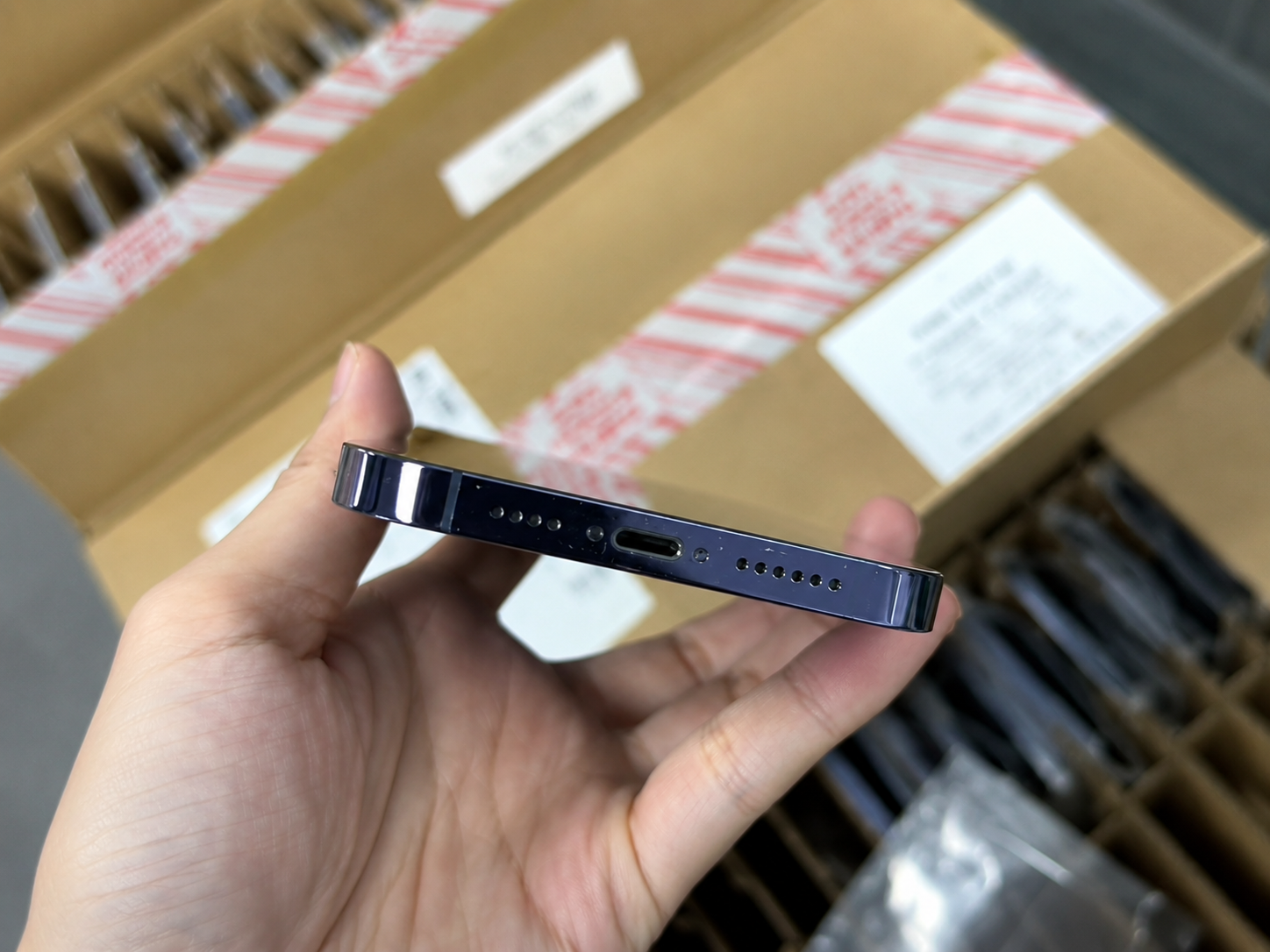
True Tone and Face ID are different features. A working True Tone toggle does not certify Face ID, and a Face ID issue does not by itself identify the cause of a display issue. Test Face ID through normal device settings and use the result alongside the display inspection.
- Test True Tone: availability, toggle response and neutral-screen behaviour.
- Test Face ID: normal enrolment or recognition function, where the seller lawfully permits testing.
For a more complete receiving process, keep biometric findings, display findings and repair-history findings in separate fields.
Inspect the Screen Physically
Inspect the phone under good light with the display on and off. Look for cracked glass, deep scratches, lifted edges, uneven panel fit, gaps between screen and frame, dust around edges, damage near the notch or Dynamic Island, black spots, lines, flicker and persistent-image issues where applicable.
- Check the panel sits evenly in the frame.
- Look for adhesive residue, loose areas and abnormal gaps.
- Record cosmetic grade separately from repair history and functional result.
Quick True Tone Test Before Buying a Used iPhone
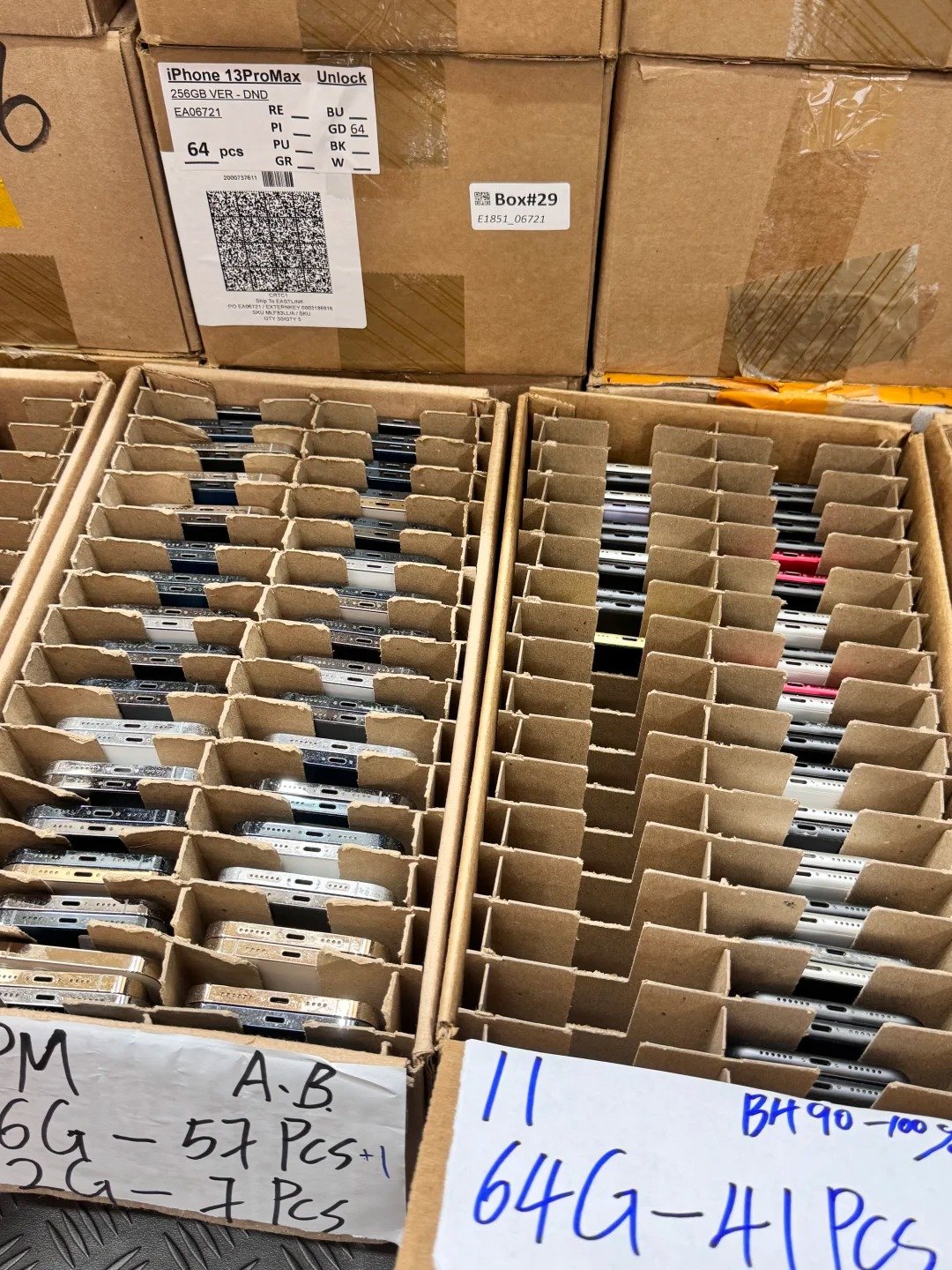
When time is limited, use this two-minute screen. It is a triage tool, not a replacement for a full quality-control process.
First 30 seconds
Open Settings, go to Display & Brightness, locate True Tone and toggle it on and off.
Next 30 seconds
Open a white screen; check colour and brightness for tint or uneven areas.
Next 30 seconds
Test touch across the screen, including edges and the keyboard.
Final 30 seconds
Open Parts and Service History, inspect Display status and compare it with the seller’s description.
True Tone Test Results: Pass, Warning or Investigate?
| Result | Meaning | Next action |
|---|---|---|
| Pass | True Tone is available, looks reasonable, and related checks are normal. | Record the result; continue the complete inspection. |
| Warning | Effect is subtle, settings differ or history needs clarification. | Normalise settings, retest and obtain disclosure. |
| Investigate | Missing toggle, Unknown result, poor touch/brightness or physical concerns. | Quarantine, document and evaluate the unit for the right channel. |
True Tone and Display Red Flags Before Buying
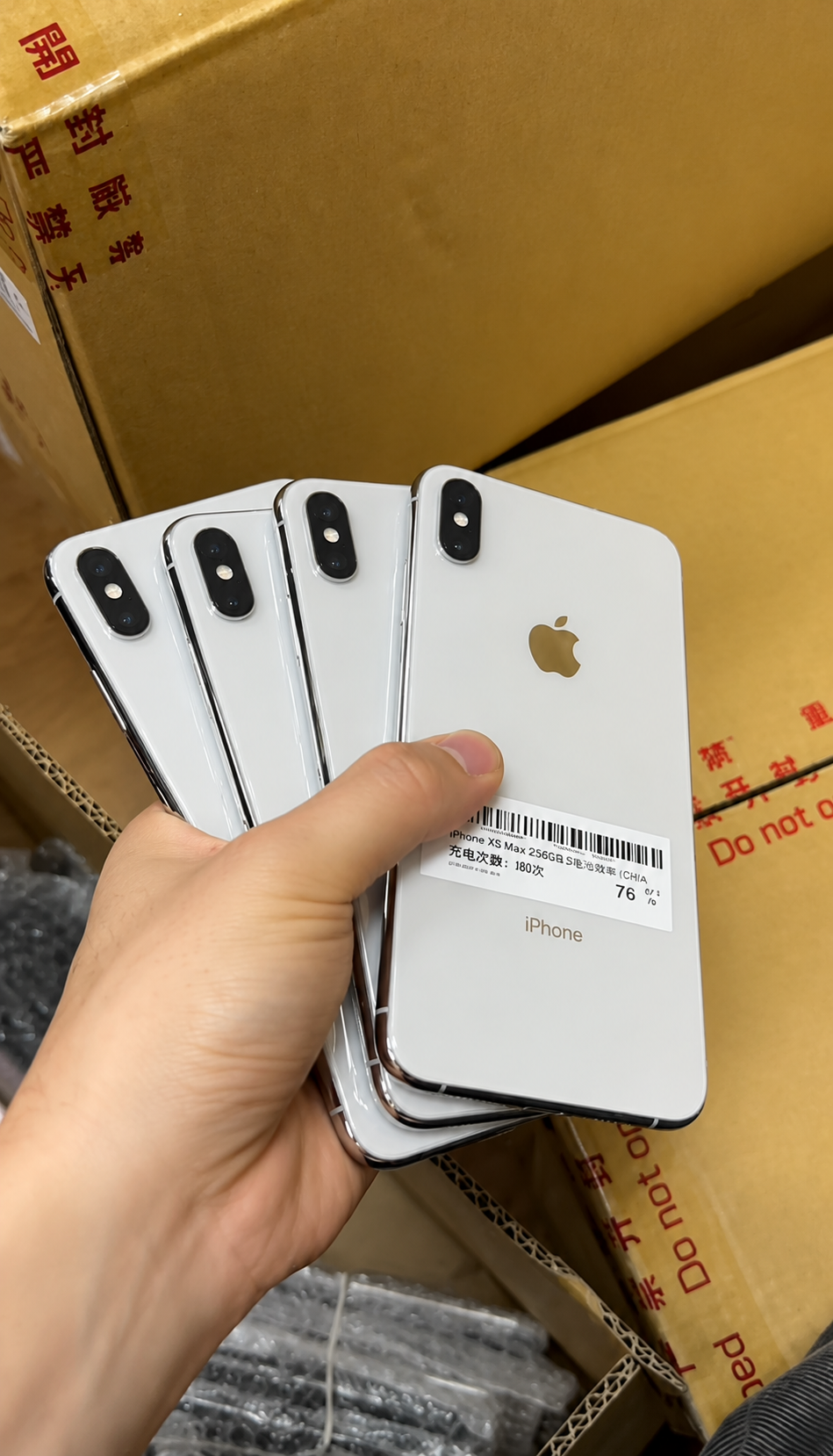
- The seller refuses to open Display & Brightness.
- True Tone is missing without a credible explanation.
- “All original” is claimed while Parts History shows a display replacement.
- Unknown Display or Finish Repair is unexplained.
- Severe colour tint, low or uneven brightness, ghost touch or dead zones are present.
- The display is lifting from the frame, or Face ID also fails after a display-related repair.
A red flag is a prompt to collect evidence and adjust the commercial decision. It is not a reason to invent a diagnosis that the device record does not support.
Normal Situations That Can Be Mistaken for a True Tone Problem
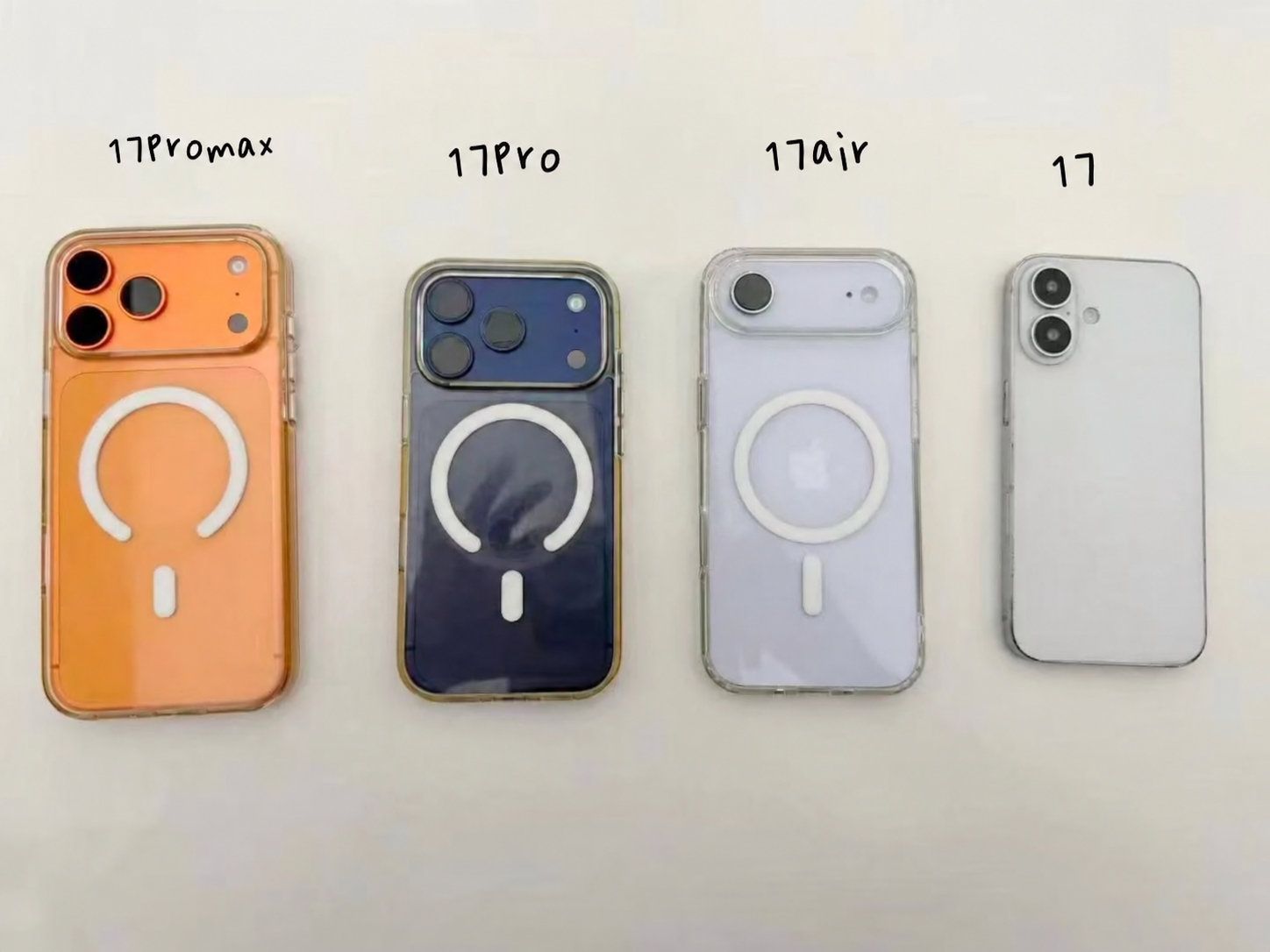
Not every warm, cool or subtle display change is a failure. True Tone may be turned off manually; Night Shift may be active; accessibility settings may change appearance; ambient light may make the effect hard to notice; and a hot iPhone may temporarily reduce brightness.
- Check the toggle before interpreting colour.
- Turn off Night Shift for a neutral comparison.
- Allow the phone to return to normal temperature.
- Test in normal indoor light rather than a very unusual lighting environment.
Does Missing True Tone Affect Used iPhone Value?
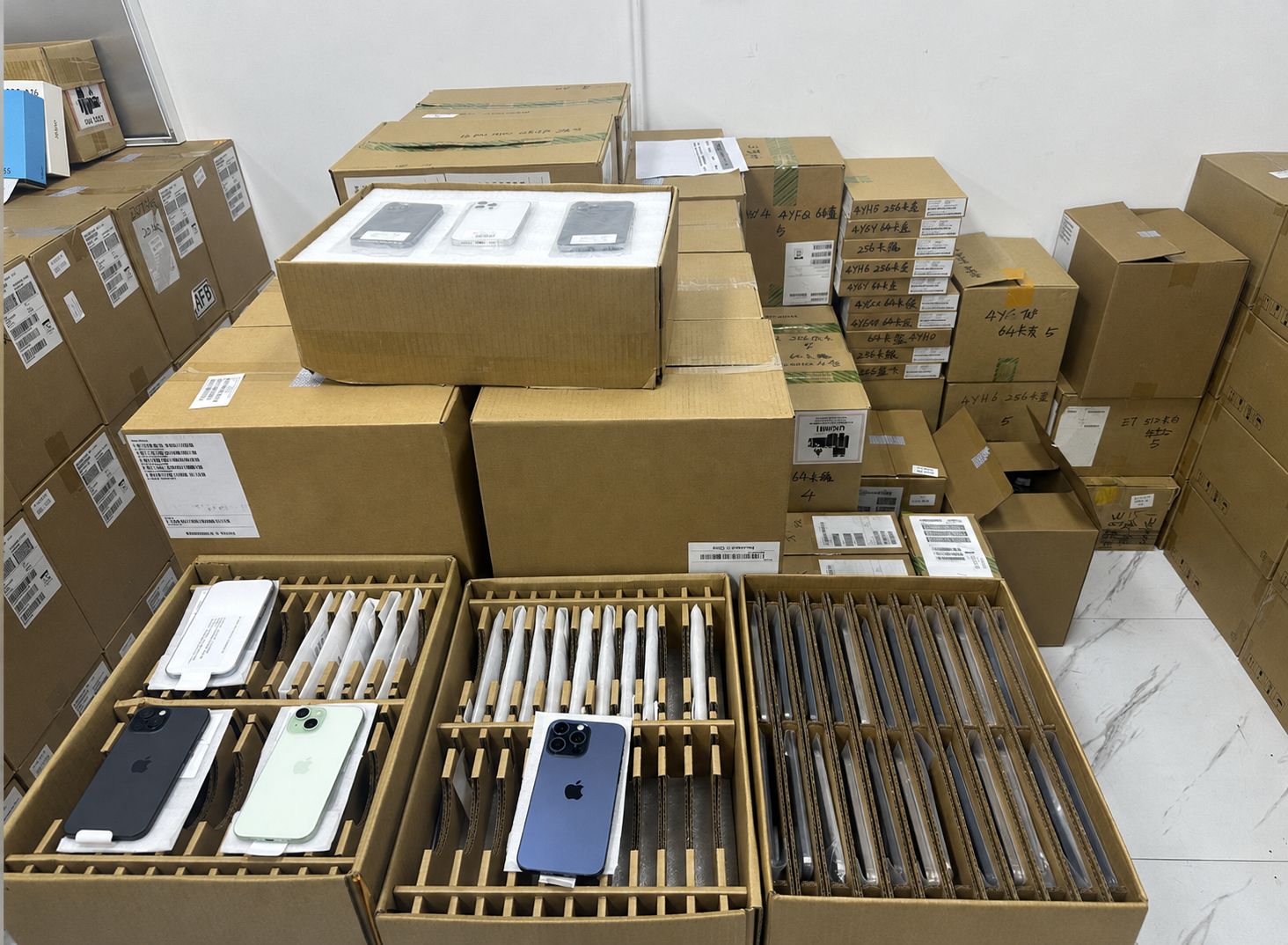
Missing True Tone can affect value because buyers may see it as a display or repair-history risk. The commercial effect depends on display status, current function, screen quality, model, buyer expectations and the requirements of the intended market.
| Lower concern | Higher concern |
|---|---|
| Genuine replacement display, True Tone functioning, excellent touch and brightness, and clear repair disclosure. | Unknown display, missing True Tone, poor brightness, ghost touch or a repair history hidden from the buyer. |
Price and describe units based on documented condition. Never let a cosmetic label erase display history or functional exceptions.
True Tone Status and Cosmetic Grade Are Different
Cosmetic grade describes visible wear. True Tone status describes one display function. A clean Grade A housing can have a display-history question, while a visibly worn device can have a healthy, well-functioning display.
- Record cosmetic appearance.
- Record display repair history.
- Record functional tests separately.
- Route the unit according to the combined evidence and the target sales channel.
True Tone Across Popular HQB iPhone Generations
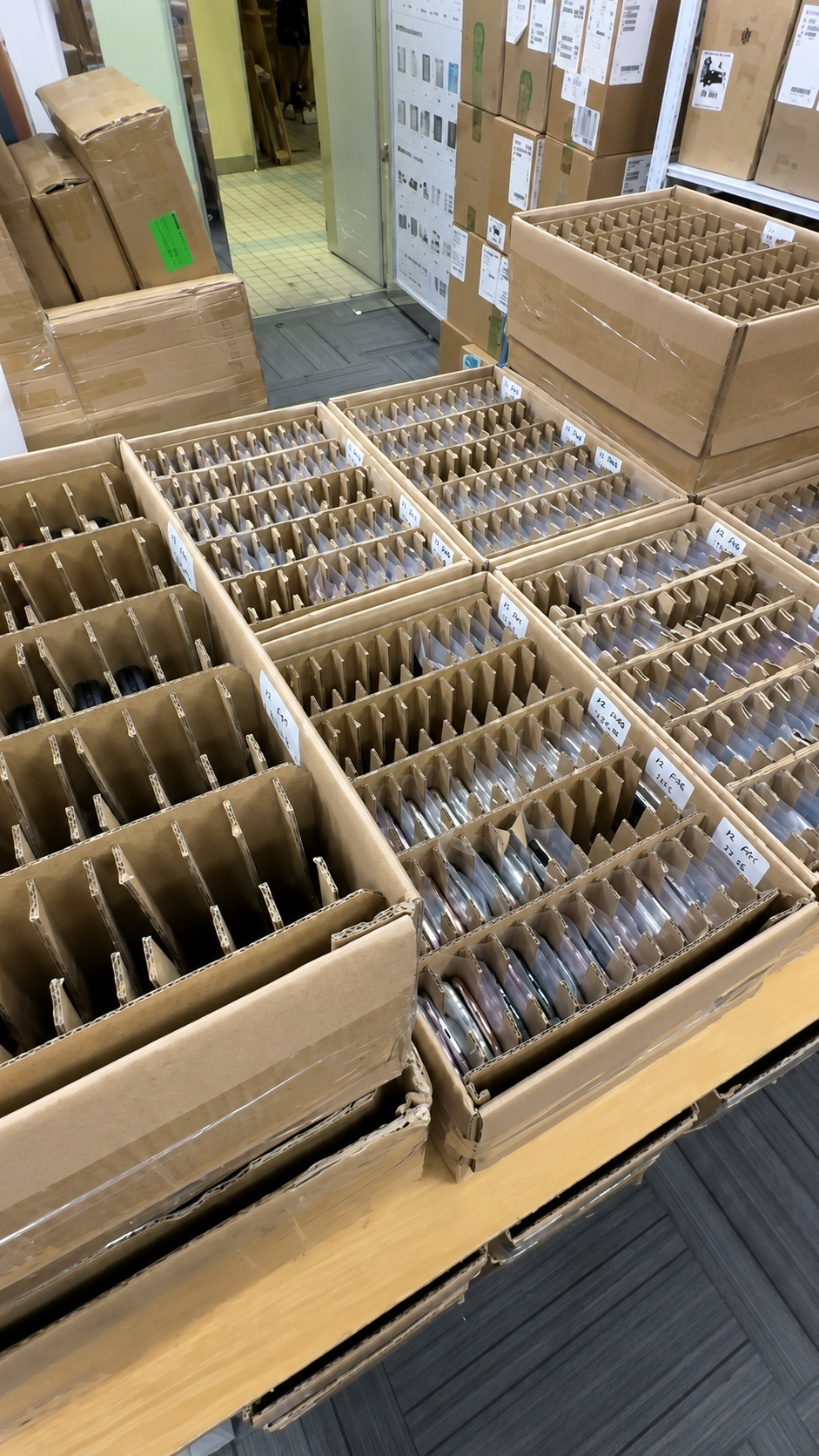
All of these current HQB product families support True Tone. When requesting stock, specify the model, storage, grade, display-history expectation and destination-market needs rather than relying on a generic “original screen” claim.
| Series | Examples |
|---|---|
| iPhone 17 Series | iPhone 17, iPhone Air, iPhone 17 Pro, iPhone 17 Pro Max |
| iPhone 16 Series | iPhone 16e, 16, 16 Plus, 16 Pro, 16 Pro Max |
| iPhone 15–11 Series | Standard, Plus, Pro and Pro Max variants as applicable |
| iPhone X Series | iPhone XS, XS Max, XR and iPhone X |
Why True Tone Matters in Wholesale iPhone Sourcing
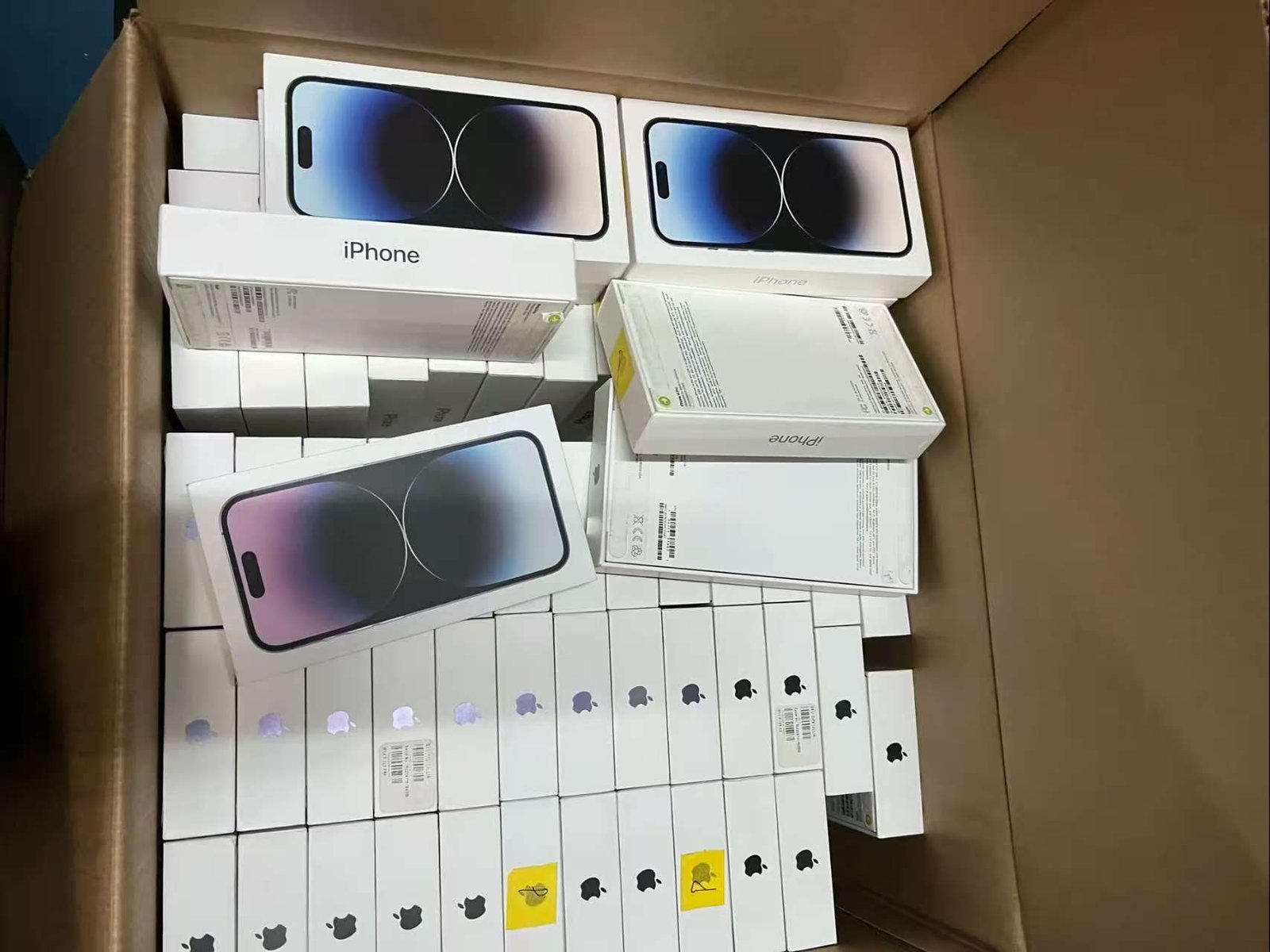
In a bulk lot, unrecorded display differences create grading inconsistencies, buyer complaints, returns and resale disputes. Two phones with the same cosmetic grade can have different display repairs, brightness performance or Parts and Service History.
For wholesale inventory, consider recording
- True Tone available or unavailable.
- Display service-history status.
- Touch pass or fail and brightness pass or fail.
- Colour uniformity and physical display grade.
- Any disclosure required by the target sales channel.
This record does not promise that used stock is identical. It gives purchasing, receiving, quality control and sales one evidence trail for handling exceptions honestly. For broader purchase-order and receiving controls, see the used iPhone wholesale sourcing guide. Buyers comparing model ranges can also explore available used iPhone models before setting display-condition requirements.
Used iPhone Display Inspection Checklist
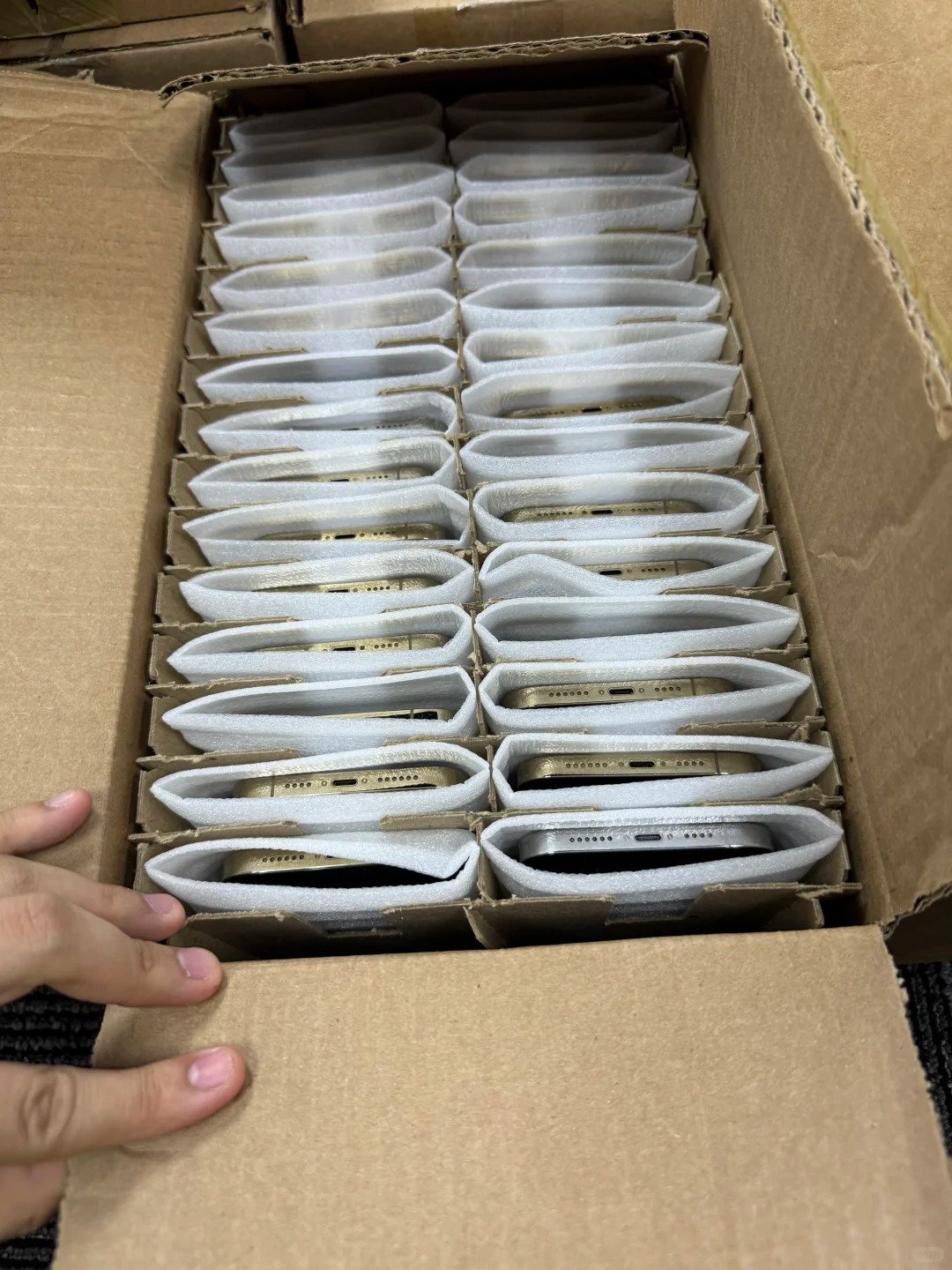
True Tone
Model supports it; toggle is present; toggle responds normally; colour response appears reasonable.
Display function
Touch works across the screen; brightness adjusts normally; colours are consistent; no abnormal lines, dark spots or ghost touch.
Repair history
Parts and Service History reviewed; Genuine, Used, Unknown or Finish Repair result recorded; seller description matches.
Related checks
Face ID and ambient-light behaviour tested; physical screen inspected; cosmetic grade recorded separately.
What to Ask About iPhone Displays Before Buying in Bulk
- Is True Tone checked on supported iPhones?
- Are display replacements disclosed?
- Are Genuine and Used displays identified separately where available?
- Are Unknown Display units separated?
- Are any devices showing Finish Repair?
- Is touch tested separately from True Tone?
- Is brightness checked?
- Is cosmetic grade separated from display-repair status?
- Can buyers specify display-history requirements?
- How are display-related functional exceptions classified?
Share models, quantities, grades, target markets and display-condition requirements with HQB. Avoid assuming specific inspection percentages, defect rates, MOQ, warranty terms or shipping times unless they are agreed for the actual order.